Cold Turkey Blocker is the best web blocking software for individuals who want an unbreakable desktop lock and a one-time $45 payment. For multi-device syncing across phones and laptops, choose Freedom at $39.99/yr, while teams needing network-wide DNS filtering should pick DNSFilter starting at $276/yr.
How we make this list: we compare pricing pages, product documentation and public user reviews, then re-check every price before each update. No product paid for a place. Disclosure.
Cold Turkey Blocker is the only top desktop blocker with a $45 one-time license and task-manager lock protection.
NextDNS offers the lowest paid entry at $19.90/yr for unlimited DNS queries, plus a free tier up to 300,000 queries/mo.
DNSFilter starts at a $23/mo ($276/yr) minimum spend on its Core plan and holds a 4.6/5 rating across 274 G2 reviews.
Freedom syncs blocklists across Windows, Mac, iOS, Android, and Chromebook for $39.99/yr, with a $199 lifetime option.
BrowseControl costs $6/user/mo ($72/user/yr) and holds a 4.7/5 Capterra score across 63 reviews for Windows office filtering.
What to look for in web blocking software
Web blocking software falls into three main architectures: browser extensions, local desktop or mobile agents, and network-level DNS filters. Browser extensions are fast to install, yet anyone can bypass them by opening another browser or disabling the add-on.
Local system blockers like Cold Turkey Blocker and FocusMe install background services that restrict specific URLs, desktop applications, and system settings. Stronger tools add lock modes such as random-text challenges, password gates, or timers that prevent uninstalling during an active block.
Cloud DNS filters like DNSFilter, NextDNS, and Control D block domains before a device even connects to the server. Because they run at the router or operating-system DNS layer, they protect every browser and app on a network without heavy local clients.
Before buying, check three limits on the pricing page: whether the free tier caps session length or rule counts, whether multi-device sync requires a paid tier, and whether business tools enforce a minimum monthly or annual spend.
Cold Turkey Blocker is a desktop website and application blocker for Windows and macOS built to resist tampering during active sessions. Its free tier blocks unlimited websites across major browsers, supports website exceptions, runs timed blocks, and includes a 7-day trial of Pro features.
The trade off is the lack of mobile apps or cloud sync, plus the $45 one-time upgrade required for Pro features like desktop app blocking, weekly schedules, and Frozen Turkey computer lockouts. It suits solo Windows or Mac users who want strict enforcement without a recurring subscription.
What we like
One-time $45 license covers all personal Windows and Mac computers
Blocks uninstall attempts, task manager access, and system clock changes during locks
Free version supports unlimited websites and timed sessions
Watch out for
No iOS, Android, Linux, or Chromebook support
Requires installing browser extensions and enabling incognito access manually
Pro ($45 one-time) adds app blocking, recurring schedules, breaks, and Frozen Turkey mode.Visit getcoldturkey.com
02
Freedom
4.8/5on G2 (7 reviews, checked Nov 2026)
Paid from$39.99/yr
Best for cross-device syncing
PlatformsMac, Windows, iOS, Android, ChromeOS
Blocking layerLocal VPN and desktop agents
Free tierManual sessions up to 2 hours
Lock modesLocked Mode with 1-minute grace
freedom.to
Freedom homepage, captured Nov 2026.
Freedom is a cross-platform website and app blocker that syncs active sessions across unlimited Mac, Windows, iOS, Android, and Chromebook devices. The free plan covers custom blocklists, desktop app blocking, website exceptions on computers, and manual sessions up to two hours.
The trade off is that recurring schedules, sessions longer than two hours, and Locked Mode require Premium at $39.99/yr ($3.33/mo billed annually, or $8.99/mo monthly; the $199 Forever plan was discounted to $99.50 at check). It suits people who switch between phones and computers all day.
What we like
Syncs blocklists across Windows, Mac, iOS, Android, and Chromebook simultaneously
Includes built-in ambient audio tracks alongside website and app blocking
Free plan covers unlimited devices for manual sessions
Watch out for
Free sessions cap at two hours and cannot be locked or scheduled
Uses a local VPN on mobile that can conflict with other VPN apps
Premium ($39.99/yr) unlocks recurring schedules, Locked Mode, and sessions over two hours.Visit freedom.to
03
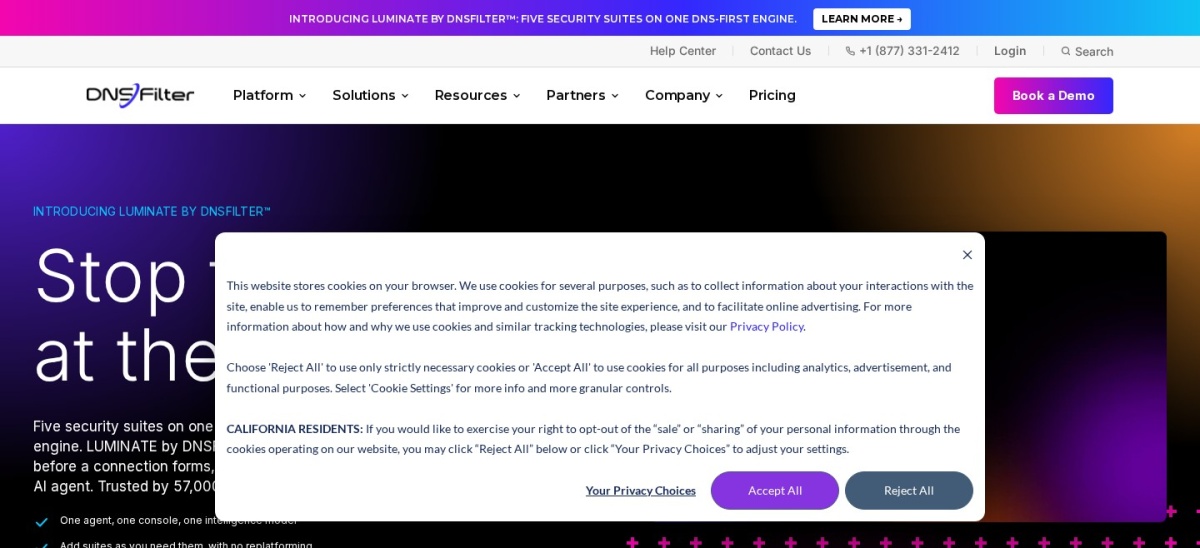
DNSFilter
4.6/5on G2 (274 reviews, checked Nov 2026)
Starts at$23/mo
Best for business DNS filtering
DeploymentRouter, DHCP, firewall, roaming agents
Minimum spend$23/mo ($240/yr annual minimum)
Free tierNo (14-day free trial)
Log retention90-day reports, 9-day query logs
dnsfilter.com
DNSFilter homepage, captured Nov 2026.
DNSFilter is a cloud-based DNS filtering service that blocks malicious domains and unwanted web categories at the network or roaming-agent level. Its Core plan starts at $1/license/mo billed annually ($1.15/mo monthly) with a $23/mo ($240/yr) minimum spend, covering phishing protection, DNS-over-TLS encryption, and Windows or macOS roaming clients.
The trade off is no free tier and extra cost for mobile agents or app-level controls, which move you to Plus at $2.25/license/mo ($62.50/mo minimum). It suits small businesses and IT teams that want fast DNS enforcement without on-premises appliances.
What we like
Deployable at the router level or via lightweight roaming agents
Real-time AI domain categorization blocks newly registered phishing sites
Includes per-user policies and 90-day report retention on Core
Watch out for
No free plan, and Core enforces a $23/mo minimum spend
iOS, Android, and Chrome roaming clients require the Plus tier
Plus ($2.25/license/mo, $62.50/mo min) adds AppAware app blocking, mobile agents, and Entra ID sync.Visit dnsfilter.com
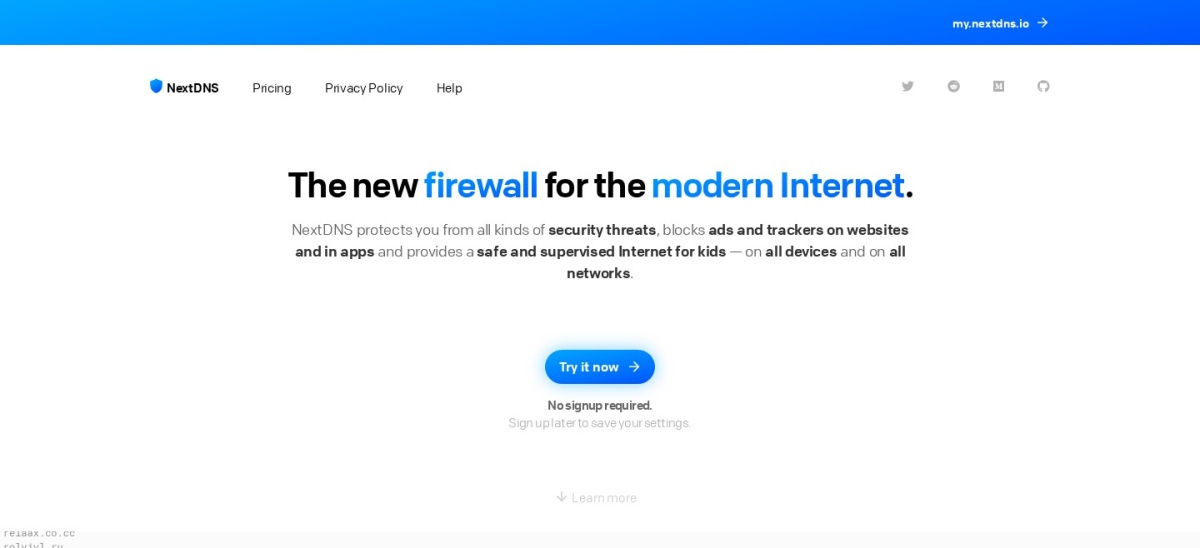
NextDNS is a cloud DNS resolver that blocks websites, ad trackers, malware domains, and major social or gaming services across unlimited devices. Its free tier includes every security, parental control, and denylist feature up to 300,000 DNS queries per month.
The trade off is that heavy household browsing easily passes 300,000 monthly queries, requiring the Pro personal plan at $19.90/yr ($1.99/mo), while support stays community-only below the $199/yr Business tier. It suits privacy-minded individuals and families wanting low-cost DNS filtering.
What we like
Free plan unlocks all filtering, scheduling, and analytics features up to 300,000 queries/mo
Personal Pro plan costs just $19.90/yr for unlimited queries and devices
Supports DNS-over-HTTPS, DNS-over-TLS, and router-wide profiles
Watch out for
No password lock to stop an admin user from changing DNS settings on their own device
Personal plans rely on community forums rather than direct email support
Pro ($19.90/yr) removes the 300,000 monthly query cap; Business ($199/yr) adds email support.Visit nextdns.io
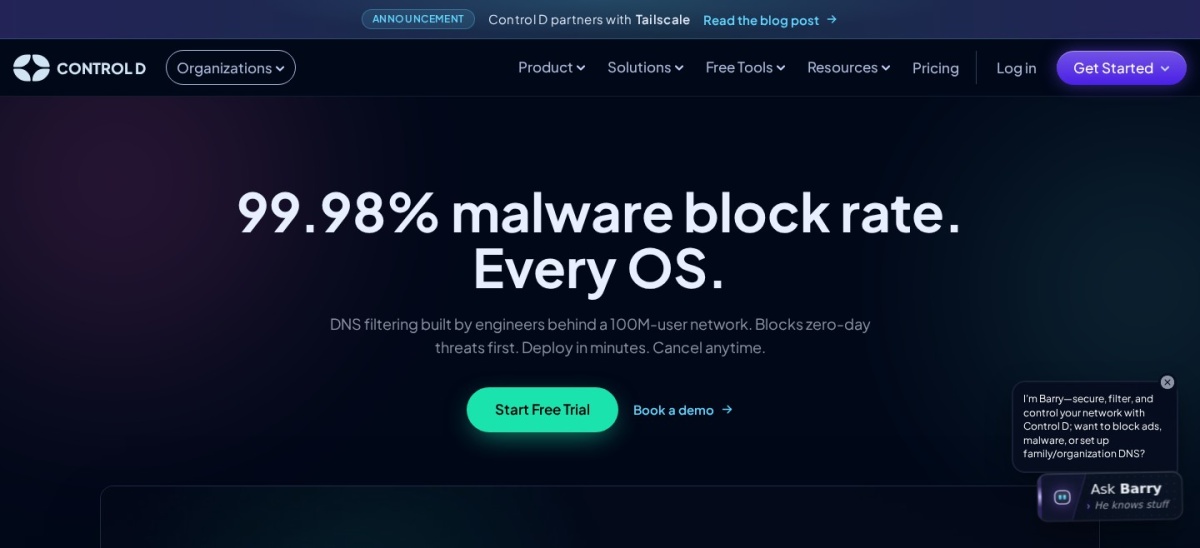
Control D is a customizable DNS filtering service that lets you block domains, content categories, and more than 1,000 specific web services from a central dashboard. Personal Some Control plans cost $30/yr ($3/mo) and include scheduled rules, malware blocking, and query analytics after a 14-day free trial.
The trade off is having no ongoing free account tier and paying double—$60/yr ($6/mo)—for Full Control if you want proxy traffic redirection. It suits individuals and small teams ($2/endpoint/mo) that want granular per-device DNS schedules.
What we like
One-click blocking for over 1,000 individual services plus custom domain rules
Supports per-device profiles and time-based schedules from one dashboard
Flat $2/endpoint/mo SMB pricing with 30-day query log retention
Watch out for
No permanent free tier beyond basic public DNS resolvers
Traffic redirection requires upgrading to the $60/yr Full Control plan
Full Control ($60/yr) adds proxy traffic redirection across 100+ locations; SMB is $2/endpoint/mo.Visit controld.com
06
FocusMe
4.9/5on Trustpilot (859 reviews, checked Nov 2026)
Starts at$119.40/yr
Best for daily time quotas
PlatformsWindows, Mac, Linux, iOS, Android
Free tierNo (14-day free trial, no card)
Monthly price$17.95/mo ($119.40/yr annual)
Lock modesPassword, random characters, timer
focusme.com
FocusMe homepage, captured Nov 2026.
FocusMe is a cross-platform website and application blocker built around flexible time quotas, launch limits, and enforced Pomodoro breaks across Windows, Mac, Linux, Android, and iOS. Every plan starts with a 14-day free trial without a credit card and covers up to five desktop devices plus mobile apps.
The trade off is its higher regular subscription price of $119.40/yr ($9.95/mo billed annually, $17.95/mo monthly, or $449 one-time; seasonal sales occasionally discount annual plans) and no free desktop tier. It suits heavy desktop users who want daily time allowances rather than all-or-nothing blocks.
What we like
Supports daily time limits, max app launches per day, and forced screen breaks
Covers Windows, macOS, Linux, iOS, and Android under one license
Backed by a 60-day money-back guarantee and 30% student discount
Watch out for
No free desktop tier after the 14-day trial ends
Dense rule builder takes longer to configure than simpler blockers
All paid tiers ($119.40/yr regular) include Enforced Mode, AI Coach, and 5 desktop seats.Visit focusme.com
07
BrowseControl
4.7/5on Capterra (63 reviews, checked Nov 2026)
Starts at$6/mo
Best for Windows office PCs
PlatformsWindows endpoints (cloud or on-prem)
Per-seat price$6/user/mo ($72/user/yr)
Free tierNo (14-day trial up to 10 PCs)
ControlsURLs, categories, apps, AI tools
currentware.com
BrowseControl homepage, captured Nov 2026.
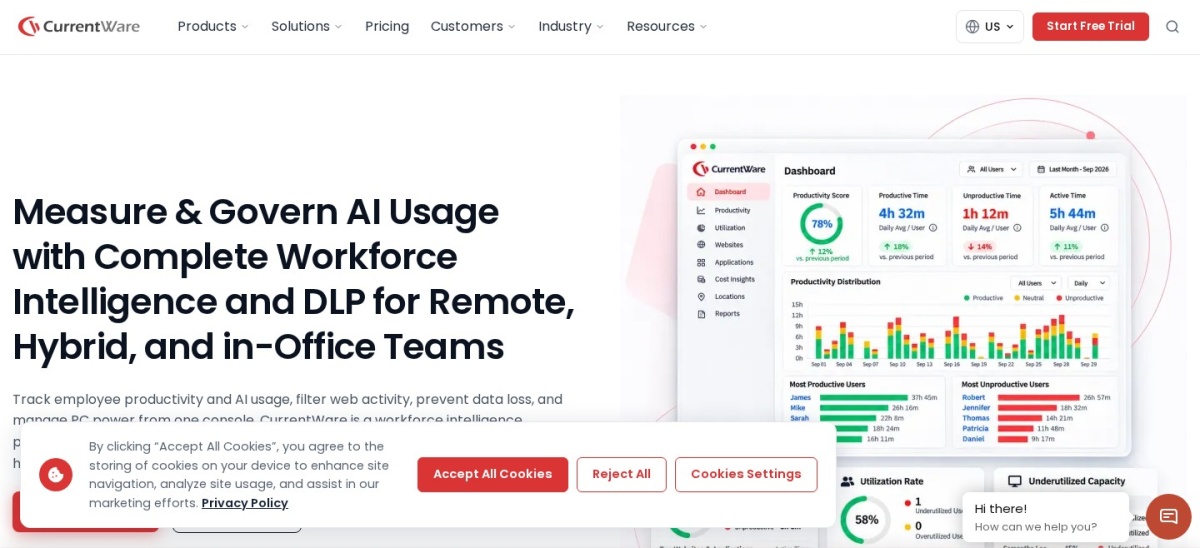
BrowseControl is CurrentWare's endpoint web filtering module that blocks websites by URL, domain, IP address, or content category on managed Windows PCs. At $6/user/mo ($72/user/yr), it also blocks desktop executables, sets internet schedules, and includes controls to block or allowlist generative AI tools.
The trade off is that CurrentWare enforces a $1,440/yr minimum contract across annual accounts, and employee activity reports require upgrading to the $20/user/mo CurrentWare Suite. It suits small and mid-sized offices managing company-owned Windows computers.
What we like
Combines URL, category, IP, and desktop application blocking in one console
Includes dedicated policy controls for blocking unapproved AI tools
Available as cloud-hosted SaaS or self-hosted on-premises software
Watch out for
Annual billing carries a $1,440/yr minimum contract threshold
Endpoint filtering focuses on Windows PCs rather than mobile fleets
CurrentWare Suite ($20/user/mo) adds BrowseReporter web tracking, USB blocking, and power controls.Visit currentware.com
08
Qustodio
3.8/5on Trustpilot (730 reviews, checked Nov 2026)
Paid from$72.94/yr
Best for household web filtering
PlatformsWindows, Mac, iOS, Android, Chromebook
Free tier1 device with basic web filtering
Basic paid$72.94/yr regular for 5 devices
Complete paid$104.95/yr for unlimited family devices
qustodio.com
Qustodio homepage, captured Nov 2026.
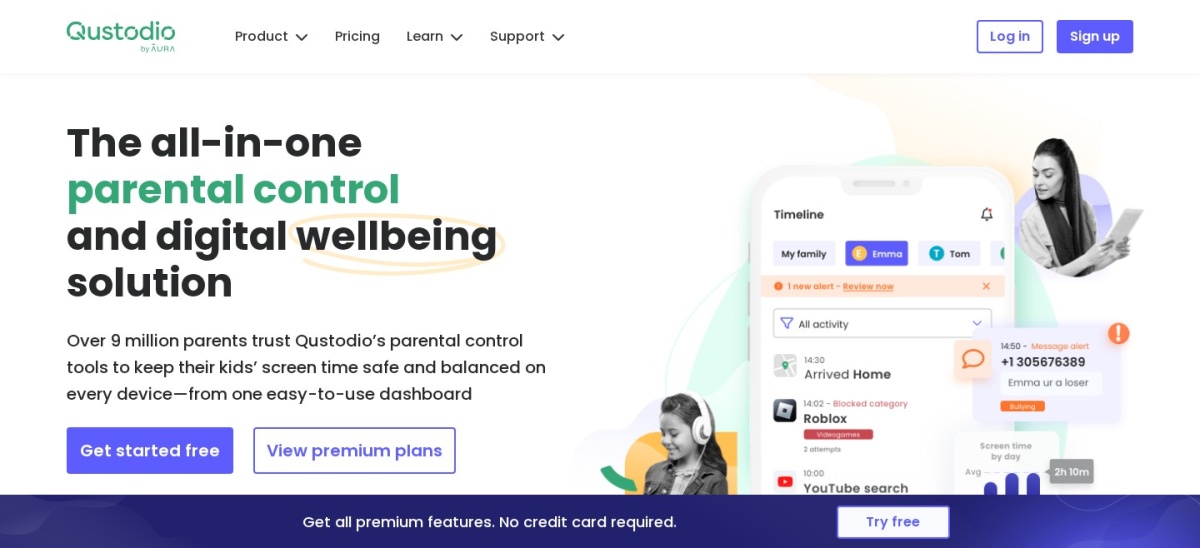
Qustodio is a family web filtering and screen-time control platform used by over 8 million households across Windows, Mac, iOS, Android, and Chromebook. Its free plan covers one device with basic website category filtering and daily time limits.
The trade off is that multi-device coverage, game and app blocking, and custom routines require Basic at $72.94/yr regular (often discounted to $59.95/yr) for up to five devices. It suits parents managing mixed-OS family devices from one parent dashboard.
What we like
Covers Windows, macOS, iOS, Android, Chromebook, and Kindle under one account
Combines web category blocking with screen-free schedules and instant internet pause
Free plan lets families test filtering on a single device indefinitely
Watch out for
Basic plan caps coverage at 5 devices and charges $12.99 extra for Care Plus phone support
No monthly billing option on household plans
Complete ($104.95/yr) unlocks unlimited family devices, social/search alerts, and Care Plus support.Visit qustodio.com
DNS filtering vs. endpoint blocking: which stops bypasses?
DNS filters such as DNSFilter, NextDNS, and Control D intercept domain lookups before a browser connects. They require no heavy desktop agent when set on a router, making them practical for covering guest Wi-Fi, smart TVs, and multiple home or office devices at once.
However, a tech-savvy user on an unmanaged laptop can bypass router DNS by switching to a mobile hotspot or enabling a third-party encrypted DNS provider in browser settings. Endpoint blockers like Cold Turkey Blocker, FocusMe, and BrowseControl close that gap by locking browser settings, blocking local executables, and preventing uninstallation.
How we chose
We built this list by comparing three distinct web-blocking categories: hard-locked desktop blockers, cross-device focus apps, and cloud DNS filters. Every product had to publish transparent pricing and hold an active public review profile.
All regular plan prices, free-tier limits, and review scores were checked directly against official vendor pricing pages and Trustpilot, G2, or Capterra listings on 22 Nov 2026. Where vendors display promotional discounts, we list the standard regular price and note the active offer.
We excluded browser-only extensions with no paid tier or system enforcement, discontinued tools, and enterprise gateways such as Cisco Umbrella and Barracuda that hide list pricing behind custom sales quotes. No vendor paid for a place, and we do not claim testing for this list.
How to choose web blocking software
Match the blocking layer to the devices you manage and how hard the lock needs to be.
Pick your device scope first. Choose Cold Turkey Blocker if you only work on Windows or Mac, Freedom or FocusMe if distractions follow you onto iOS and Android, and NextDNS or DNSFilter if you want router-level coverage.
Decide how strict the lock must be. If you tend to disable blockers mid-session, prioritize tools with tamper-resistant locks like Cold Turkey's random-text and restart locks or Freedom's Locked Mode over soft reminders.
Check free-tier caps before committing. Free plans vary sharply: Cold Turkey gives unlimited timed website blocks, NextDNS caps usage at 300,000 DNS queries per month, and Freedom limits manual sessions to two hours.
Compare multi-year total cost. A $45 one-time Cold Turkey Pro license costs less over two years than any annual subscription, while per-user business tools like BrowseControl and DNSFilter enforce monthly or annual minimums.
FAQ
What is the best web blocking software overall?
Cold Turkey Blocker is the best web blocking software for individual desktop users because its $45 one-time Pro license includes tamper-resistant locks, app blocking, and schedules without recurring fees. For phone and laptop syncing, Freedom ($39.99/yr) is the stronger cross-device choice.
Is there a completely free web blocker that actually works?
Yes. Cold Turkey Blocker's free tier blocks unlimited websites on Windows and Mac with timed locks, and NextDNS's free plan filters ads, malware, and custom domains across unlimited devices up to 300,000 DNS queries per month.
How do you prevent someone from bypassing a website blocker?
Use a system-level blocker or network DNS filter rather than a standalone browser extension. Cold Turkey Blocker blocks task manager and uninstaller access during locked timers, while router-level DNS filtering blocks sites across every browser and app on the network.
What is the best web blocking software for small businesses?
DNSFilter is best for cloud DNS filtering across remote and office staff starting at $23/mo ($276/yr minimum), while CurrentWare's BrowseControl ($6/user/mo, $1,440/yr minimum) suits offices that need Windows endpoint URL, application, and AI-tool blocking.
Can web blocking software block specific apps as well as websites?
Yes. Cold Turkey Blocker Pro, Freedom, FocusMe, BrowseControl, and Qustodio all block desktop or mobile applications alongside website URLs, whereas pure DNS filters like NextDNS and Control D block web domains and app server endpoints.
SaaS SEO and WordPress specialist with about 8 years of experience. Rakib compares WordPress plugins, themes, hosting and software using public pricing, documentation and user reviews. See how we rank.