Hoxhunt is the best phishing simulation platform for most teams, rated 4.8 out of 5 from more than 3,700 G2 reviews, with adaptive simulations across email, Teams, SMS, voice and QR codes. Choose KnowBe4 for the broadest template library, or NINJIO if short video episodes will get your staff to actually watch.
How we make this list: we compare pricing pages, product documentation and public user reviews, then re-check every price before each update. No product paid for a place. Disclosure.
Hoxhunt leads on G2 with 4.8 out of 5 from more than 3,700 reviews, and it is the only tool here that simulates deepfake video and voice callbacks.
KnowBe4 has the broadest library, with 1,000+ templates in its Advanced plan and training in 47+ languages.
Seven of the nine tools publish no prices at all, so expect a quote per employee for Hoxhunt, NINJIO, Infosec IQ, Proofpoint, Phished, Cofense and Mimecast.
Only KnowBe4 and Microsoft Defender publish list prices: from $2.40 per user a month and $5 per user a month.
Cofense PhishMe and Mimecast have the thinnest public ratings here, 5 and 36 G2 reviews, so ask both vendors for customer references before you sign.
Microsoft Defender is the cheapest route only if you already pay for Defender for Office 365 Plan 2 or Microsoft 365 E5.
What a phishing simulation platform should do
A phishing simulation platform sends safe fake attacks to your staff, measures who clicks, reports or ignores them, and trains the people who slip up. The best ones run as a continuous program, not a once-a-year test.
Realism matters most. Attackers now use QR codes, callback numbers, SMS and AI-written lures, so a tool that only sends plain email tests leaves your team unprepared for the attacks that actually reach them.
Adaptive difficulty is the next thing to check. A fixed template schedule bores your strongest people and overwhelms your weakest, while a tool that adjusts to each person keeps the training useful.
Reporting is where simulations pay off. Track reporting rates alongside click rates, and check that employee reports reach your security team instead of sitting in a dashboard. Our guide on what malware is explains what those reports are trying to stop.
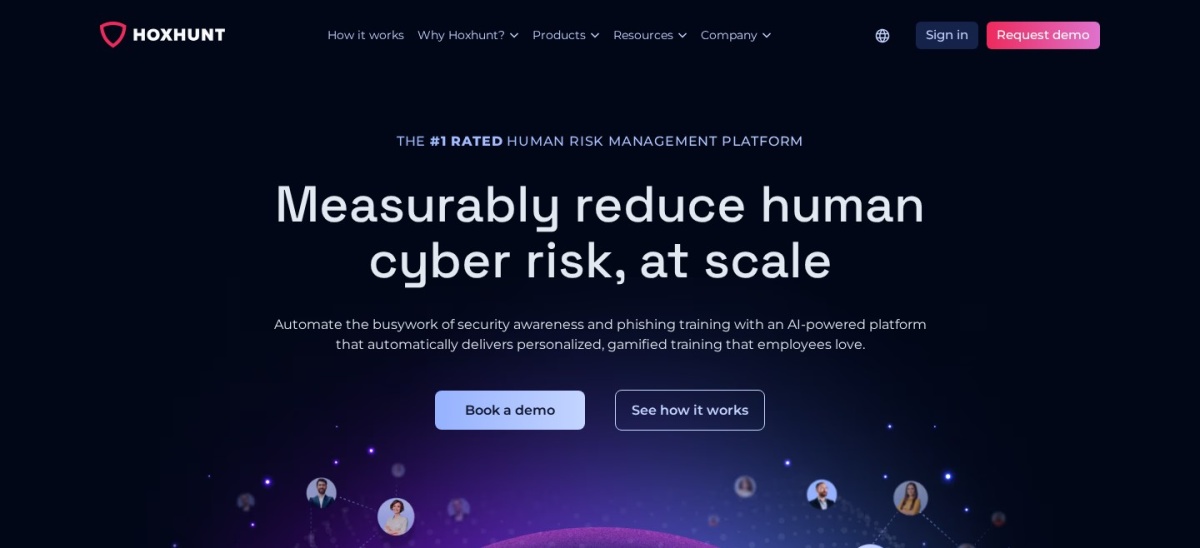
Hoxhunt is an adaptive phishing simulation platform that personalizes each test to the employee who receives it. Simulations run across email, Microsoft Teams, SMS, callback voice, QR codes and deepfake video, and every employee report feeds a human risk dashboard for the security team.
The trade off is price. Hoxhunt publishes no list prices and quotes per employee after a scoping call, so small teams should get a quote early. It suits enterprises that want measurable behavior change rather than a once-a-year compliance exercise.
What we like
Highest G2 rating in this list, 4.8 from 3,700+ reviews
Widest channel coverage, including Teams, voice and deepfakes
Gamified micro-training with instant feedback after a click
Watch out for
No published prices, quote only
Smaller market footprint than KnowBe4
More reports to triage as reporting rates rise
Paid plans add incident response automation and content toolsVisit hoxhunt.com
02
KnowBe4
4.6/5on G2 (2,429 reviews, checked Nov 2026)
Starts at$2.40/user/mo
Best for large template libraries
Phishing typesEmail, QR, callback, vishing
Training languages47+
Template library1,000+ in Advanced plan
Paid planFoundation, from $2.40/user/mo
knowbe4.com
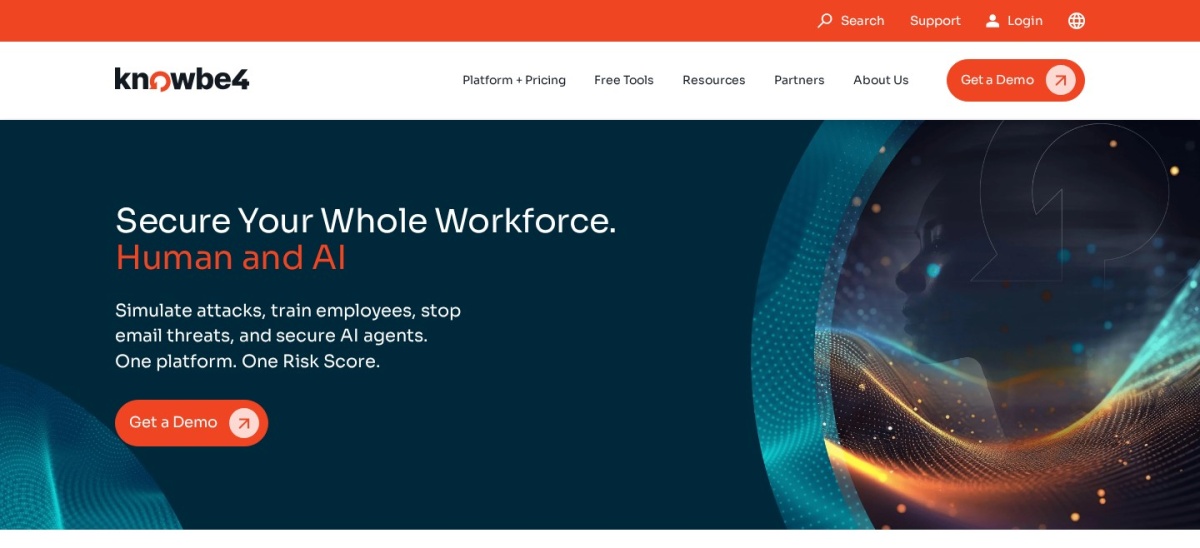
KnowBe4 homepage, captured Nov 2026.
KnowBe4 is the longest-established platform in this list, pairing phishing simulations with a large training library. The Advanced plan holds 1,000+ templates, training runs in 47+ languages, and the Phish Alert Button lets staff report suspicious mail in one click.
The trade off is complexity. The deep feature set can feel cluttered, and new admins need time to learn it. It suits teams that want broad compliance coverage and a vendor with a long track record.
NINJIO is a security awareness platform built around short, story-driven video episodes produced each month. It builds a behavioral profile for each user and targets training and simulated phishing at the emotional triggers that profile shows.
The trade off is simulation depth. The monthly episodic cadence can feel slow if you want continuous, per-user phishing tests. It suits teams whose staff ignore long courses but will watch a short video.
Infosec IQ is a security awareness platform with 2,000+ phishing templates and 3,000+ role-based training resources. Failed simulations trigger in-the-moment training, and the PhishNotify button lets staff report suspicious mail from their inbox.
The trade off is the admin experience. Reviewers praise the content but report a sluggish admin interface and multi-click workflows. It suits mid-market teams that want a deep content library delivered through their own LMS.
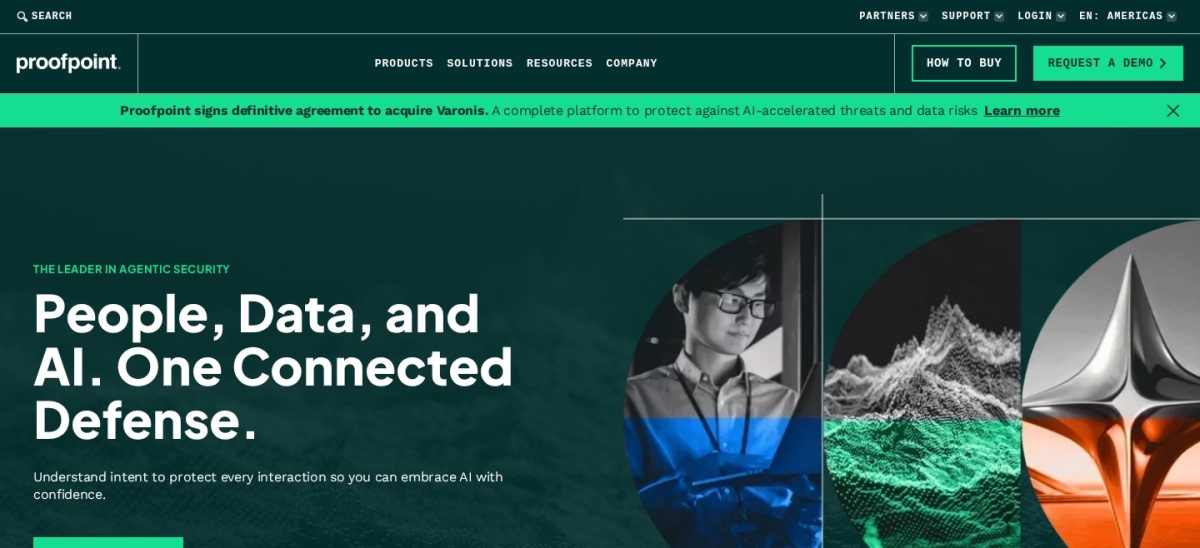
Proofpoint ZenGuide is the security awareness product from Proofpoint, pairing phishing simulations with training assigned automatically by each user's risk level, role and behavior. It also covers compliance training, which makes it a single vendor for regulated teams.
The trade off is setup effort. Reviewers report more admin configuration than simpler tools, and training can feel compliance-driven rather than engaging. It suits organizations already standardized on Proofpoint email security.
What we like
Auto-enrollment by risk level saves admin time
Strong compliance coverage for regulated industries
Phished is a phishing simulation platform built for mid-market companies and managed service providers. Its AI tailors simulations to each user's behavior, and a click triggers a short nanolearning lesson that explains what went wrong.
The trade off is scale. It has fewer large-enterprise references than older vendors, so big rollouts need a pilot first. It suits mid-market teams and MSPs that want low-touch, ongoing simulations.
What we like
Fast setup with low admin overhead
AI-tailored simulations that rotate automatically
Built for MSPs with multi-tenant delivery
Watch out for
No published prices, quote only
Smaller template library than older vendors
Fewer enterprise-scale case studies
Paid plans add the Phished Academy and threat alertsVisit phished.io
07
Microsoft Defender
4.5/5on G2 (298 reviews, checked Nov 2026)
Starts at$5/user/mo
Best if you already pay for Defender
Simulation payloadsLink, attachment, QR code
Included inDefender for Office 365 Plan 2
TrainingBasic teachable-moment links
Paid planPlan 2, $5/user/mo
microsoft.com
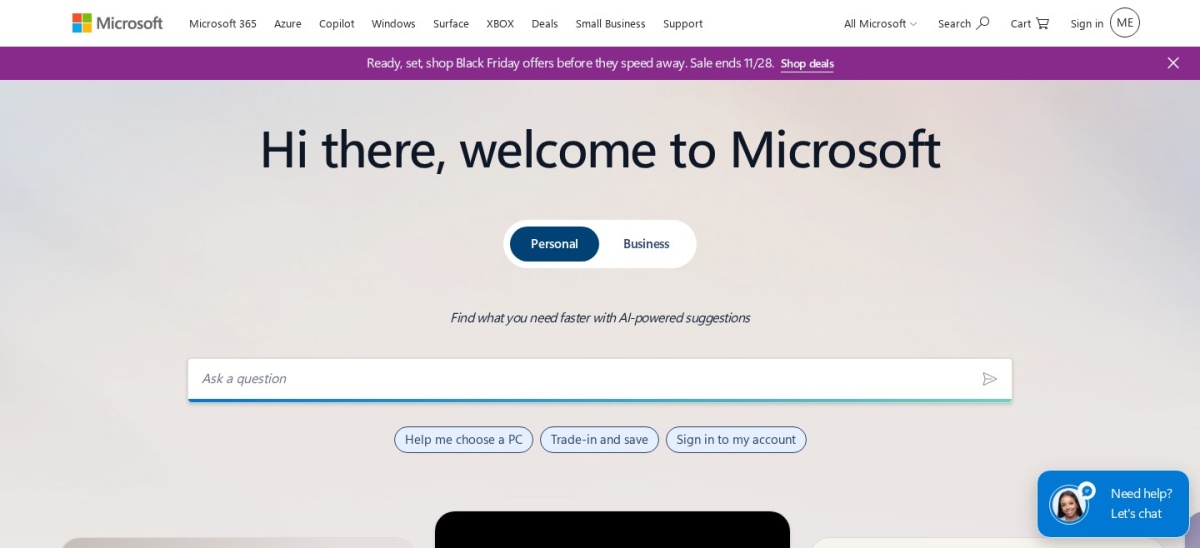
Microsoft Defender homepage, captured Nov 2026.
Microsoft Defender is the attack simulation training built into Defender for Office 365 Plan 2 and Microsoft 365 E5. It sends email simulations with link, attachment and QR code payloads, and results correlate with the Defender security data you already hold.
The trade off is depth. Training is basic teachable-moment links rather than a full awareness library, and the G2 rating covers Defender for Office 365 as a whole, not simulation alone. It suits tenants already licensed for Plan 2 or E5 that need basic in-house tests.
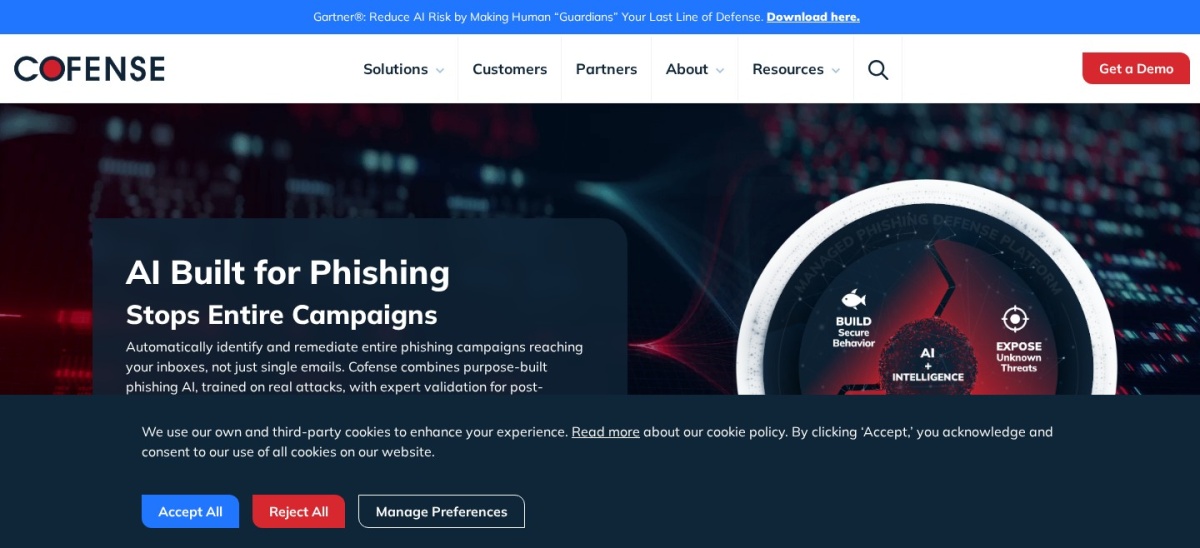
Cofense PhishMe is the training and simulation platform from Cofense, built around report-phish workflows. Staff reports feed SOC triage, and simulations cover email, SMS, voice and QR codes with role-based campaigns admins build by hand.
The trade off is evidence. Its G2 rating rests on only 5 reviews, so there is little public data to judge it by. It suits teams with a SOC that has time to act on employee reports.
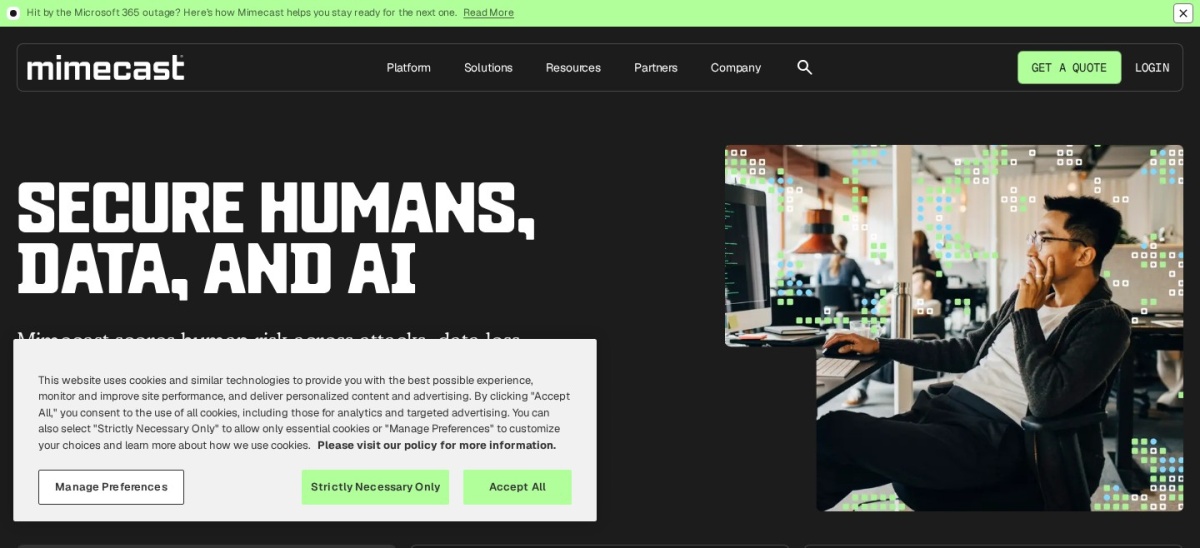
Mimecast Awareness Training homepage, captured Nov 2026.
Mimecast Awareness Training pairs short scenario video lessons with practical email phishing tests. It has 200+ modules in 27 languages and is most often chosen by teams already running Mimecast email security.
The trade off is rating depth. Its G2 score of 4.1 rests on only 36 reviews, the lowest rating in this list. It suits existing Mimecast customers who want awareness training in the same stack.
Only KnowBe4 and Microsoft Defender publish list prices in this list. The other seven quote per employee, with lower rates at higher seat counts.
Get quotes for the same headcount and contract length from at least three vendors, and ask what is included: some plans charge extra for compliance modules, managed services or API access.
Ask each vendor to put the per-user annual total in writing, including any implementation fee, before you compare. A low per-seat quote can hide a large onboarding charge.
How we chose
We started from the platforms ranked in G2's security awareness training category and a September 2026 comparison of nine phishing simulation tools, then kept the nine with a real simulation product and a public rating.
Prices come from each vendor's pricing page and public list prices, checked on 25 November 2026. Ratings and review counts come from G2 on the same day. Where a vendor shows no prices, the list shows Custom and says so in the text.
We left out tools with no public rating and free self-hosted simulators, which need a server of your own. No vendor paid for a place, and we do not claim to have used these tools ourselves.
How to choose a phishing simulation platform
Start with the attacks your staff actually receive, then match the tool to your team size and admin time.
List the channels your staff face. Email is the baseline, but QR codes, SMS, Teams messages and callback voice are now common. Pick a tool that covers the channels your team actually sees.
Check whether difficulty adapts per person. Fixed template schedules bore strong users and overwhelm weak ones. Adaptive tools keep the training useful for everyone.
Count the admin hours per week. Hand-built campaigns and triage queues need staff time. If your team is small, favor tools with automation or a managed option.
Get quotes for the same headcount. Most tools quote per employee, so compare the annual total for your exact seat count and contract length, including implementation fees.
FAQ
What is the best phishing simulation platform?
Hoxhunt is the best pick for most teams. It is rated 4.8 out of 5 from more than 3,700 G2 reviews, and it simulates email, Teams, SMS, voice, QR codes and deepfake attacks with difficulty that adapts to each employee.
How much do phishing simulation platforms cost?
Most are quote-only and priced per employee, with lower rates at higher seat counts. The two published prices here are KnowBe4 from $2.40 per user a month and Microsoft Defender for Office 365 Plan 2 at $5 per user a month.
What is the difference between phishing simulation and security awareness training?
Phishing simulation sends safe fake attacks and measures who clicks or reports them. Awareness training teaches staff how to spot attacks. Most platforms in this list do both, with simulations driving the training.
Do phishing simulations work for small teams?
Yes, but quote-only enterprise tools can be expensive at low seat counts. Phished and Microsoft Defender suit smaller teams, and KnowBe4 has a 25-seat minimum, so check minimums before you shortlist.
Should I punish staff who click simulated phishing emails?
No. Instant feedback and a short lesson at the moment of the click build better habits than punishment, which teaches staff to hide mistakes. Use repeat clicks to target extra training, not blame.
Can I run phishing simulations without buying a platform?
Yes, with a free self-hosted tool such as Gophish, but you need your own server and you must handle delivery, reporting and training yourself. Paid platforms add templates, automation and reporting for that work.
SaaS SEO and WordPress specialist with about 8 years of experience. Rakib compares WordPress plugins, themes, hosting and software using public pricing, documentation and user reviews. See how we rank.