Freshdesk is the best tool to automate customer support for most businesses, starting at $19 per agent monthly with an initial allowance of 500 AI sessions. Choose Zendesk for rule-based ticket routing or Help Scout for automated email workflows and customer self-service.
How we make this list: we compare pricing pages, product documentation and public user reviews, then re-check every price before each update. No product paid for a place. Disclosure.
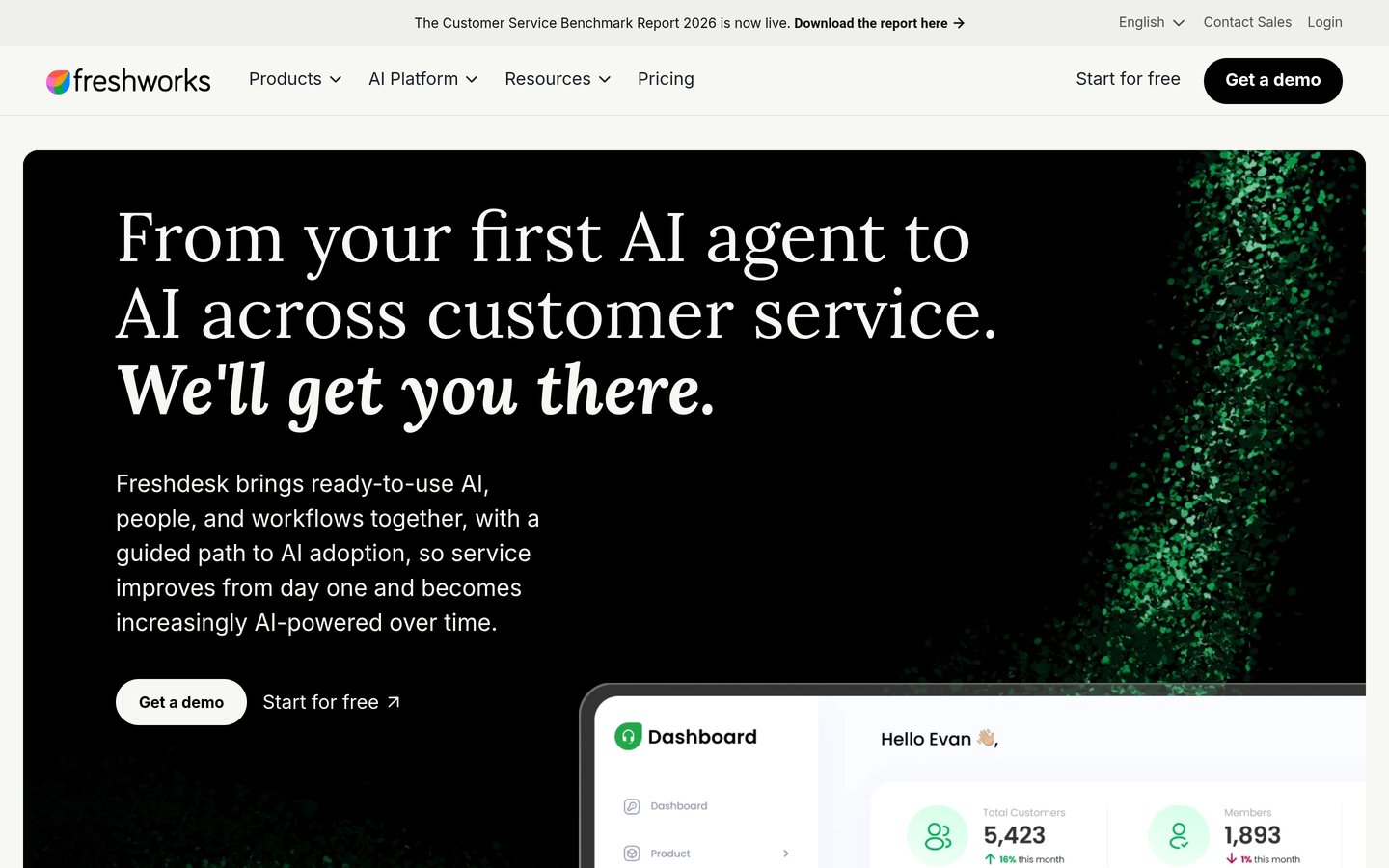
Freshdesk starts at $19 per agent monthly and includes an initial allowance of 500 Freddy AI Agent sessions.
Zendesk offers automated ticket routing and triggers from $19 per agent monthly.
Help Scout provides a free plan for up to 5 users, with basic workflows on its $25 paid plan.
Front includes up to 10 automation rules on its $25 Starter plan.
Gorgias starts at $10 monthly, but basic ticket automation requires its $60 Basic plan.
Fin charges $0.99 per AI outcome, making support volume an important budgeting consideration.
What are the best ways to automate customer support?
Customer support automation reduces repetitive work through ticket routing, automated responses, self-service resources and AI agents. The goal is to resolve routine requests quickly while preserving human assistance for complicated problems.
Start with predictable tasks such as categorizing incoming tickets, sending acknowledgments and answering frequently asked questions. These processes are easier to automate than complaints requiring judgment or sensitive account changes.
AI agents can answer questions using approved documentation, while rule-based workflows follow predetermined conditions. Combining both approaches helps businesses control how requests are handled.
Compare subscription prices, conversation allowances, AI usage charges and integration requirements. A low starting price does not necessarily mean the automation features your business needs are included.
Freshdesk is a help desk platform that combines ticket management, customer portals and AI-assisted support. Its Growth plan includes an initial allowance of 500 Freddy AI Agent sessions, alongside reporting and tools for managing incoming customer requests.
The trade off is additional AI spending after the initial allowance, with extra sessions priced at $49 per 100 sessions on top of the $19 monthly agent subscription billed annually. It suits businesses automating email support without immediately purchasing advanced enterprise features.
What we like
AI agent access on the entry plan
Centralized ticket management
Customer self-service portal
Published AI session pricing
Watch out for
Initial AI allowance does not renew
Intelligent routing requires Pro
Pro adds intelligent routing, custom reporting and multilingual support.Visit freshworks.com
02
Zendesk
4.3/5on G2 (7,131 reviews, checked Nov 2026)
Starts at$19/agent/mo
Best for automating ticket routing and escalation
Entry planSupport Team
Ticket routingIncluded
AI agentsSuite Team and above
BillingAnnual
zendesk.com
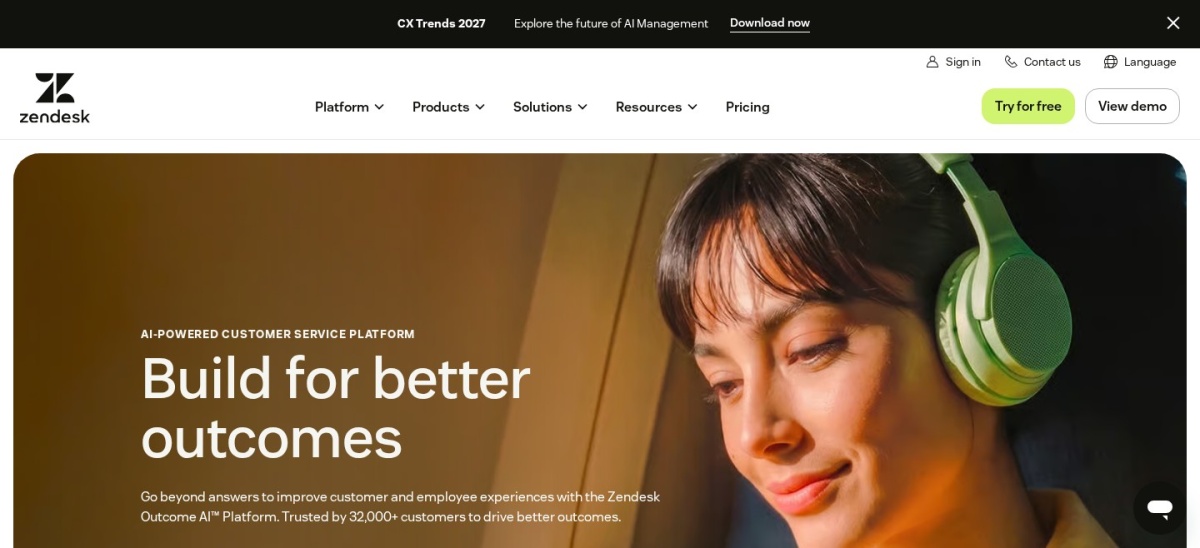
Zendesk homepage, captured Nov 2026.
Zendesk is a customer service platform for automating ticket assignment, repetitive responses and escalation processes. Its $19 Support Team subscription includes configurable triggers, ticket routing, prepared responses and reporting dashboards.
The trade off is that customer-facing AI agents and broader communication channels require Suite Team at $55 per agent monthly, compared with the $19 entry subscription. It suits established support departments that need consistent rules for processing incoming requests.
What we like
Configurable ticket triggers
Automated ticket assignment
Reusable customer responses
Established integration ecosystem
Watch out for
AI agents require a higher subscription
Configuration can become complex
Suite Team adds AI agents, knowledge management, messaging and phone support.Visit zendesk.com
03
Help Scout
4.4/5on G2 (445 reviews, checked Nov 2026)
Paid from$25/user/mo
Best for automating customer support emails
Entry planStandard
Free usersUp to 5
Free contacts25 monthly
BillingAnnual
helpscout.com
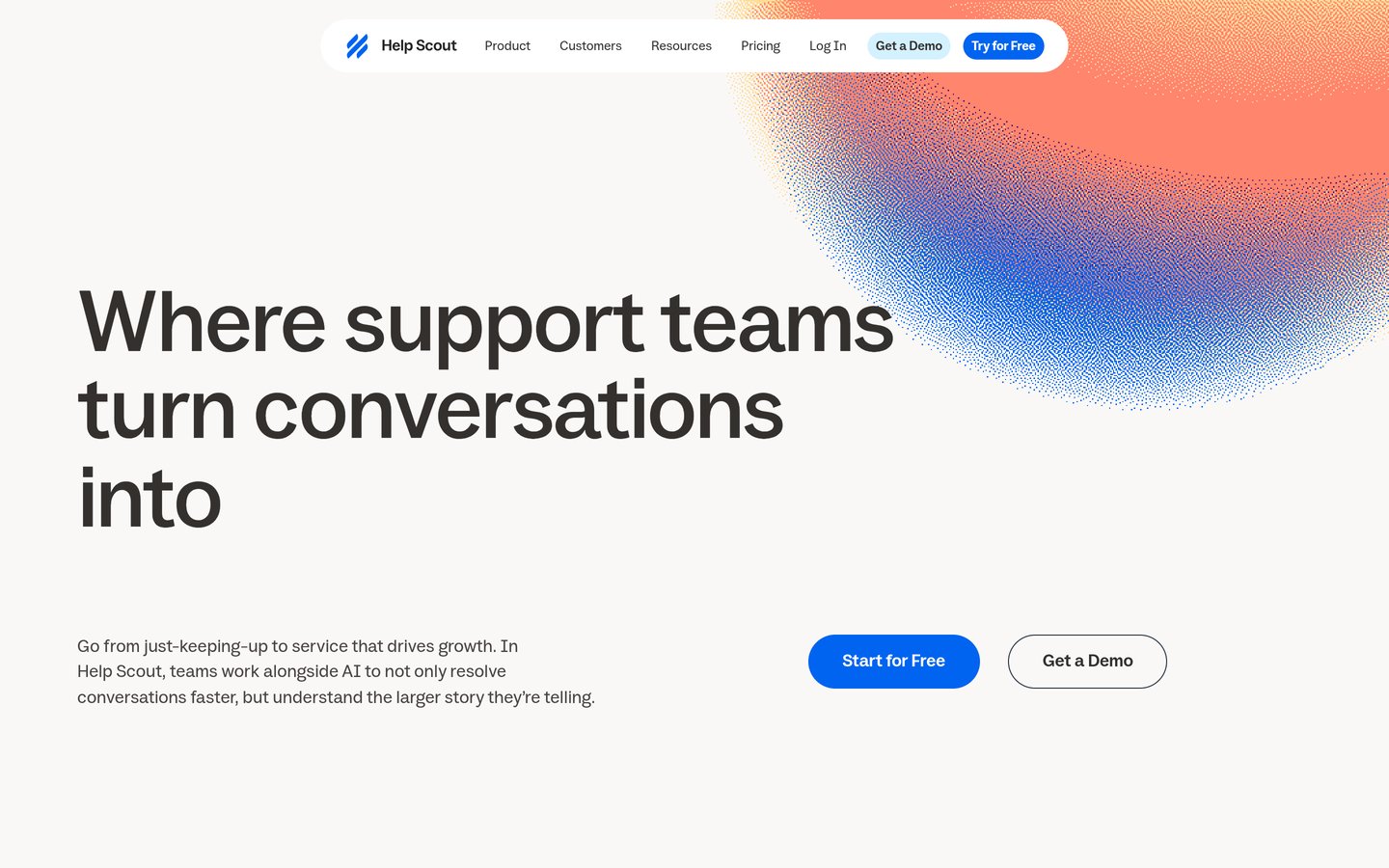
Help Scout homepage, captured Nov 2026.
Help Scout is a customer communication platform built around collaborative inboxes and self-service documentation. Its free plan accommodates up to 5 users and 25 monthly contacts, while Standard introduces basic workflows, additional communication channels and AI assistance.
The trade off is that more sophisticated workflows and round-robin assignment require Plus at $45 per user monthly, rather than Standard at $25 when billed annually. It suits smaller support departments that want to automate email handling without complicated administration.
What we like
Accessible free subscription
Automated email workflows
Integrated knowledge management
Collaborative customer inboxes
Watch out for
Low free contact allowance
Advanced workflows require Plus
Standard adds basic workflows, additional inboxes and AI-assisted communication.Visit helpscout.com
04
Front
4.7/5on G2 (2,557 reviews, checked Nov 2026)
Starts at$25/seat/mo
Best for automating cross-team support workflows
Entry planStarter
Automation rulesUp to 10
Starter seatsUp to 10
BillingAnnual
front.com
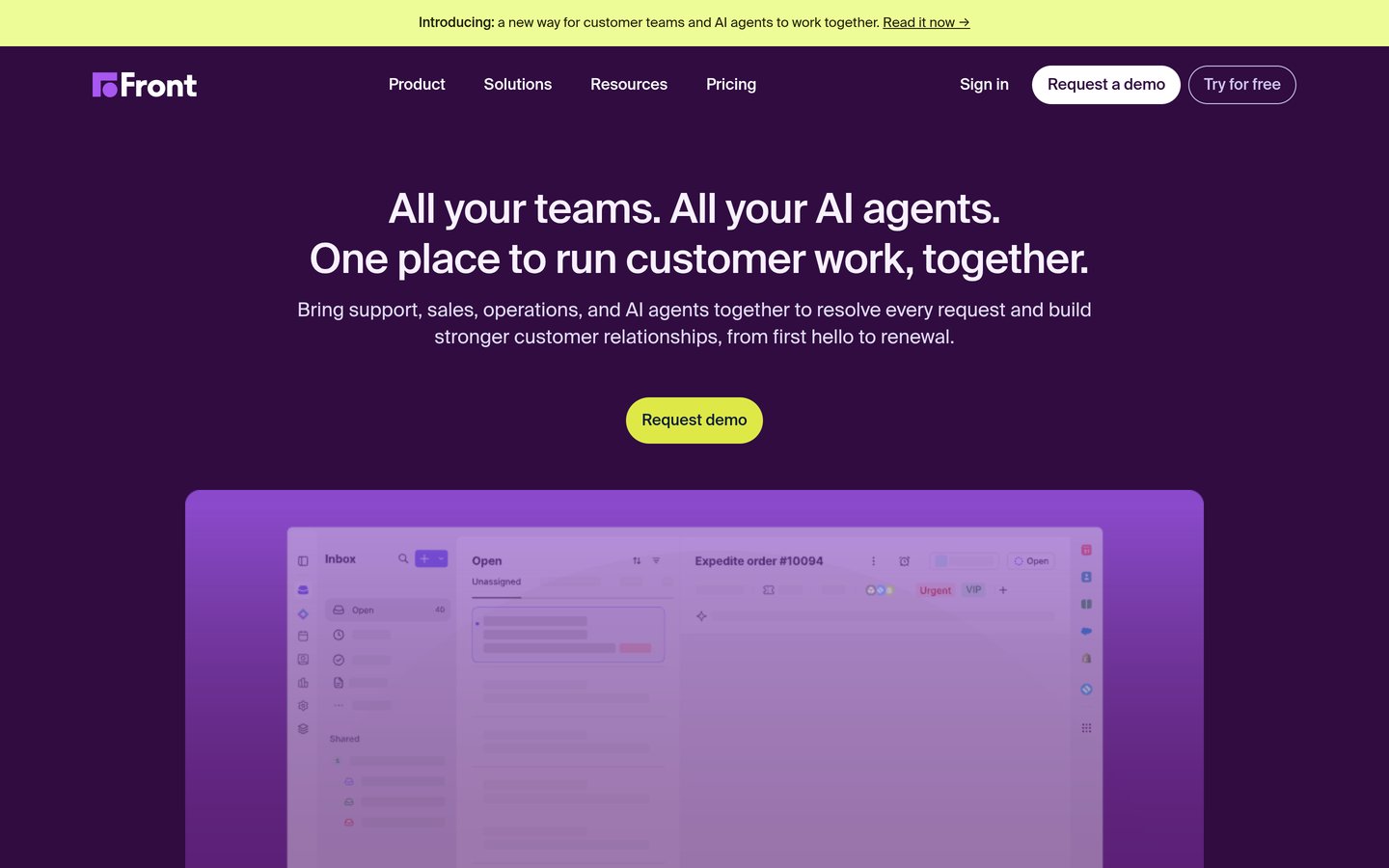
Front homepage, captured Nov 2026.
Front is a customer operations platform that connects team communication, ticket ownership and workflow automation. Its Starter subscription supports up to 10 seats and 10 automation rules, helping teams assign requests and coordinate customer follow-ups.
The trade off is that Starter supports a single channel type at $25 per seat monthly, while Professional costs $65 and supports multiple communication channels. It suits B2B businesses where customer requests frequently involve several departments.
What we like
Clear ownership of customer conversations
Entry-level workflow automation
Internal collaboration tools
Public knowledge base
Watch out for
Starter limits communication channels
Advanced AI features increase costs
Professional adds broader channel coverage, macros and additional automation rules.Visit front.com
05
Intercom
4.5/5on G2 (3,986 reviews, checked Nov 2026)
Starts at$29/seat/mo
Best for automating support with AI agents
Entry planEssential
AI agentFin
AI outcome fee$0.99
Workflow builderAdvanced plan
intercom.com
Intercom homepage, captured Nov 2026.
Intercom is a conversational support platform that combines customer messaging with its Fin AI agent. Essential includes access to Fin, ticket management and a public help center, with AI outcomes charged at $0.99 each.
The trade off is usage-based AI charges alongside the regular $29 monthly seat price, although eligible new customers may receive a $19 introductory rate. It suits software businesses with documented customer questions and predictable support demand.
What we like
Automated conversational support
AI answers grounded in support content
Human escalation options
Published AI outcome pricing
Watch out for
AI usage charges increase total spending
Advanced workflow builder requires an upgrade
Essential includes Fin access, while Advanced adds configurable workflow automation.Visit intercom.com
06
Gorgias
4.6/5on G2 (582 reviews, checked Nov 2026)
Starts at$10/mo
Best for automating ecommerce customer support
Entry planStarter
Starter tickets50 monthly
Basic automation plan$60/mo
Primary marketEcommerce
gorgias.com
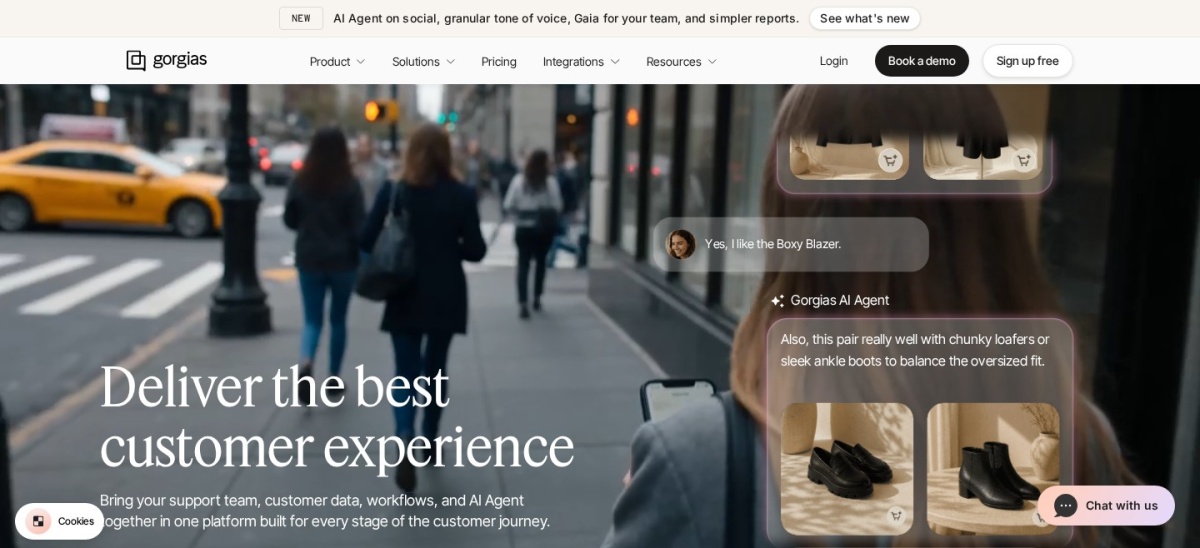
Gorgias homepage, captured Nov 2026.
Gorgias is an ecommerce support platform that connects customer conversations with shopping and order information. Its Starter plan accommodates 50 billable tickets monthly, while Basic introduces automated ticket categorization, assignment and customer self-service.
The trade off is that the $10 Starter subscription excludes automation, which begins with Basic at $60 monthly for 300 billable tickets. It suits online stores looking to reduce repetitive shipping, order status and product-related inquiries.
What we like
Ecommerce-focused integrations
Customer order information within conversations
Automated tagging on Basic
Ticket-based subscription structure
Watch out for
Starter excludes automation features
Seasonal ticket spikes can increase spending
Basic adds automated rules, website chat and customer self-service.Visit gorgias.com
07
LiveChat
4.4/5on G2 (832 reviews, checked Nov 2026)
Starts at$19/user/mo
Best for automating website chat support
Starting price$19/user/mo
Website chatAvailable
AI automationAvailable by plan
Chat analyticsAvailable
livechat.com
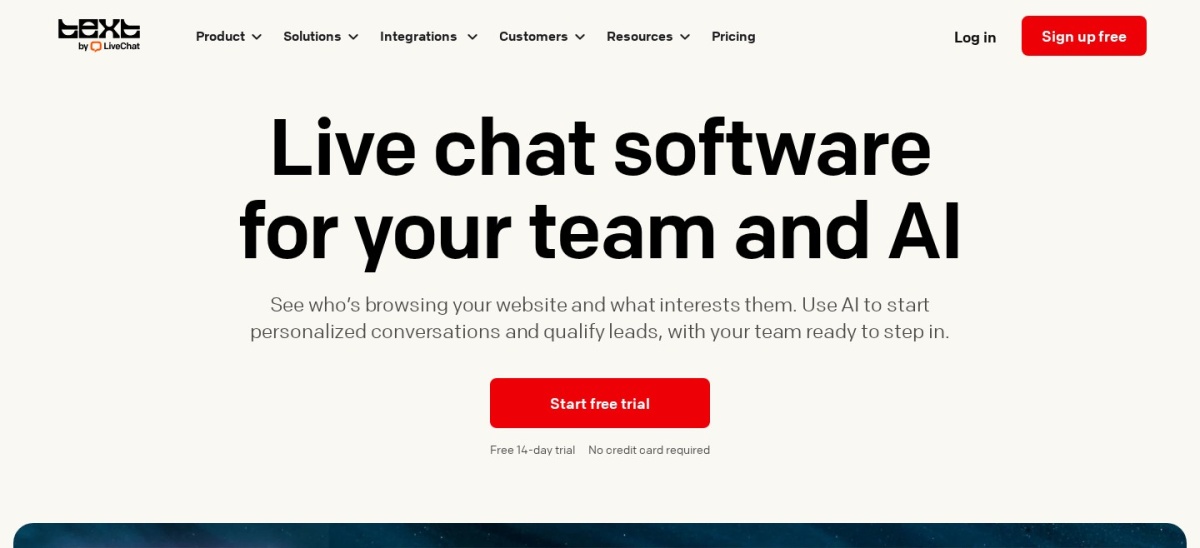
LiveChat homepage, captured Nov 2026.
LiveChat is a website communication platform that helps businesses respond to customer questions and engage website visitors. Its published subscriptions start at $19 per user monthly, with chat management, proactive communication and automation capabilities available across its product offerings.
The trade off is that advanced automation and AI capabilities may require additional subscription features beyond the $19 starting price. It suits businesses that receive most customer inquiries through their websites and want to reduce repetitive chat handling.
What we like
Website-focused customer communication
Proactive visitor engagement
Conversation management tools
Customer communication analytics
Watch out for
Advanced automation may cost extra
Less suitable for email-only support teams
Higher subscriptions provide additional automation and reporting capabilities.Visit livechat.com
Practical customer support automation strategies
Automate ticket routing: Assign incoming requests according to topic, urgency, language or customer account. Escalate sensitive requests to appropriately trained staff.
Build a self-service knowledge base: Publish answers to recurring questions and maintain accurate documentation. Connect these resources to customer-facing AI agents.
Automate routine responses: Send acknowledgments, status updates and reminders using approved templates. Keep personalized responses available for unusual circumstances.
Connect business applications: Integrate customer support software with CRM systems, order management platforms and billing tools to reduce manual information retrieval.
Preserve human escalation: Allow customers to request an agent when automation fails. Monitor reopened tickets, customer satisfaction and incorrect AI responses.
How we chose
We shortlisted established customer support platforms offering ticket automation, AI assistance, self-service documentation or configurable workflows. Rankings prioritize practical automation capabilities, pricing transparency and suitability for different business requirements.
Official vendor pricing pages and G2 ratings were checked on 25 Nov 2026. Annualized prices represent the cheapest confirmed regular subscription before additional seats, AI consumption and optional services. Intercom's review figures come from the G2 Fin listing, which includes the Intercom community.
We excluded products without sufficiently established review histories or confirmable subscription prices. The comparison distinguishes entry-level subscriptions from higher plans required for automation. No vendor paid for a place, and we do not claim testing for this list.
How to choose customer support automation tools
Identify your most repetitive customer support tasks before comparing software subscriptions and automation capabilities.
Identify repetitive support requests. Review incoming conversations to find common questions, routine status checks and predictable administrative tasks suitable for automation.
Choose the appropriate automation method. Use rule-based workflows for predictable processes and AI agents for conversational questions supported by reliable documentation.
Calculate complete subscription costs. Include agent seats, AI outcomes, conversation limits, additional integrations and subscription upgrades when estimating annual expenses.
Establish human escalation and monitoring. Define when automation must transfer requests to staff and regularly review customer satisfaction, answer accuracy and reopened tickets.
FAQ
What is the best way to automate customer support?
Start by automating repetitive questions, ticket categorization and assignment through a dedicated help desk. Freshdesk combines these customer service requirements with AI assistance and self-service resources, making it a practical starting point.
Can AI completely automate customer support?
AI can resolve many routine customer questions, but complete automation is rarely appropriate. Complicated complaints, sensitive account changes, unusual refund requests and uncertain answers should remain eligible for human review.
How much does customer support automation software cost?
Freshdesk and Zendesk start at $19 per agent monthly, while Front starts at $25 per seat monthly. Actual spending depends on team size, subscription features, conversation volumes and additional AI usage charges.
What customer support tasks should be automated first?
Prioritize repetitive tasks with predictable answers, including ticket acknowledgment, order status inquiries, password reset instructions, ticket categorization and appointment reminders. These workflows generally require less judgment than complex complaints or account disputes.
Is there free customer support automation software?
Help Scout offers a free subscription for up to 5 users and 25 monthly contacts. However, basic automated workflows require its paid Standard subscription, so businesses should distinguish free help desk access from free automation.
What is the best customer support automation tool for ecommerce?
Gorgias is a suitable choice for online stores because it connects customer conversations with ecommerce information. Its $60 monthly Basic subscription introduces automated ticket tagging and routing alongside customer self-service capabilities.
How do you measure customer support automation success?
Monitor automated resolution rates, customer satisfaction, response times, reopened conversations and escalation rates. Compare these metrics with previous support performance to determine whether automation improves customer experience rather than simply reducing human interaction.
SaaS SEO and WordPress specialist with about 8 years of experience. Rakib compares WordPress plugins, themes, hosting and software using public pricing, documentation and user reviews. See how we rank.