Proxmox VE is the best virtualization software overall for most server and homelab setups, combining KVM virtual machines and LXC containers with a free open-source base and optional subscriptions starting at €120 per CPU socket per year. For running Windows on a Mac, Parallels Desktop starts at $99.99 per year, while VMware Workstation Pro offers free desktop virtualization.
How we make this list: we compare pricing pages, product documentation and public user reviews, then re-check every price before each update. No product paid for a place. Disclosure.
Proxmox VE holds a 4.6/5 rating across 39 G2 reviews and starts at €120/year per CPU socket for Community support.
Parallels Desktop lists at $99.99/year regular price for Standard (with a 50% sale to $49.99/year shown on the product page).
VMware Workstation Pro is free for commercial, educational, and personal use and holds 4.5/5 across 140 G2 reviews.
Oracle VirtualBox is free under GPLv3 for its base package and holds 4.5/5 across 295 G2 reviews.
Red Hat Enterprise Linux lists KVM virtualization support starting at $383.90/year for self-support and holds 4.6/5 across 975 G2 reviews.
How do you choose the best virtualization software?
Desktop hypervisors and bare-metal server hypervisors solve different problems. A desktop tool runs virtual machines alongside your everyday operating system on a laptop or workstation, while a server hypervisor manages clusters, storage, and live migrations on dedicated hosts.
Free software no longer automatically locks out commercial teams. VMware Workstation Pro is free for commercial, educational, and personal use, and Proxmox VE runs at full feature scope under AGPLv3 without requiring a paid subscription.
Licensing models can surprise buyers after deployment. Some platforms charge per physical CPU socket, others charge per core or per annual user seat, and several enterprise tiers require a sales quote rather than a fixed public price.
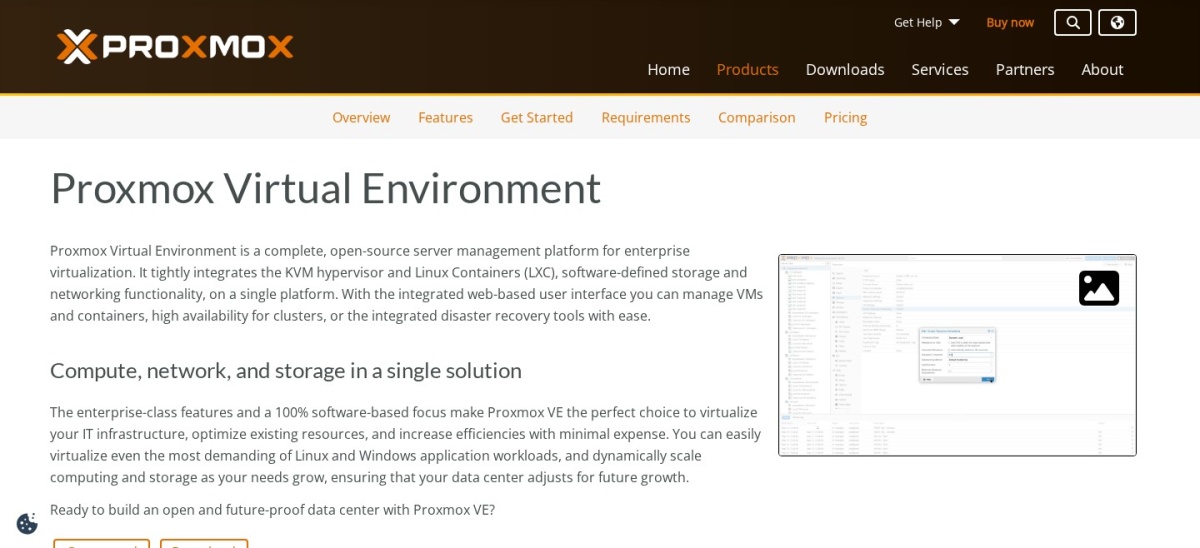
Proxmox VE is an open-source server virtualization platform that combines KVM virtual machines and LXC containers in one web interface. The software is free under AGPLv3 with no feature limits, and paid subscriptions start at €120 per CPU socket per year (about $137 at mid-2026 reference rates).
The trade off is that the €120 Community subscription does not include ticket-based vendor support, and advanced clustering or Ceph storage takes time to configure. It suits IT teams and homelab builders running dedicated Linux servers.
What we like
Full feature set available for free under AGPLv3
Supports both KVM virtual machines and LXC containers
Built-in clustering, live migration, and backup support
Predictable pricing per occupied physical CPU socket
Watch out for
Steeper learning curve for beginners and complex storage setups
Lowest paid tier lacks direct support tickets
Requires dedicated server hardware rather than running inside a desktop OS
Paid subscriptions add Enterprise repository access and support tiers up to €1,100/year per socket.Visit proxmox.com
02
Parallels Desktop
4.3/5on G2 (59 reviews, checked Nov 2026)
Starts at$99.99/yr
Best for running Windows on a Mac
Host OSmacOS (Apple Silicon & Intel)
Free tier14-day trial only
Regular entry price$99.99/yr (Standard)
G2 rating4.3/5 (59 reviews)
parallels.com
Parallels Desktop homepage, captured Nov 2026.
Parallels Desktop is a desktop virtualization app for Mac that runs Windows, Linux, and macOS virtual machines alongside Mac apps. It offers a 14-day free trial and lists Standard Edition at $99.99/year regular price (the product page also showed a 50% sale at $49.99/year).
The trade off is that there is no permanent free plan and annual subscription renewals apply to Standard ($99.99/year) and Pro ($119.99/year) regular tiers. It suits Mac users who want tight integration and quick setup for Windows apps.
What we like
Coherence mode runs Windows apps directly alongside macOS windows
Quick setup on Apple Silicon and Intel Macs with a 14-day trial
Supports developer integrations like CLI tools and VS Code in Pro
Watch out for
No permanent free tier after the 14-day trial
Recurring annual cost compared to free desktop hypervisors
Windows license is separate
Pro and Business editions add higher vCPU/vRAM limits, developer tools, and centralized deployment.Visit parallels.com
03
VMware Workstation Pro
4.5/5on G2 (140 reviews, checked Nov 2026)
PriceFree
Best free desktop hypervisor for Windows and Linux
Host OSWindows and Linux
PricingFree for all users
Key toolsSnapshots, clones, vctl
G2 rating4.5/5 (140 reviews)
vmware.com
VMware Workstation Pro homepage, captured Nov 2026.
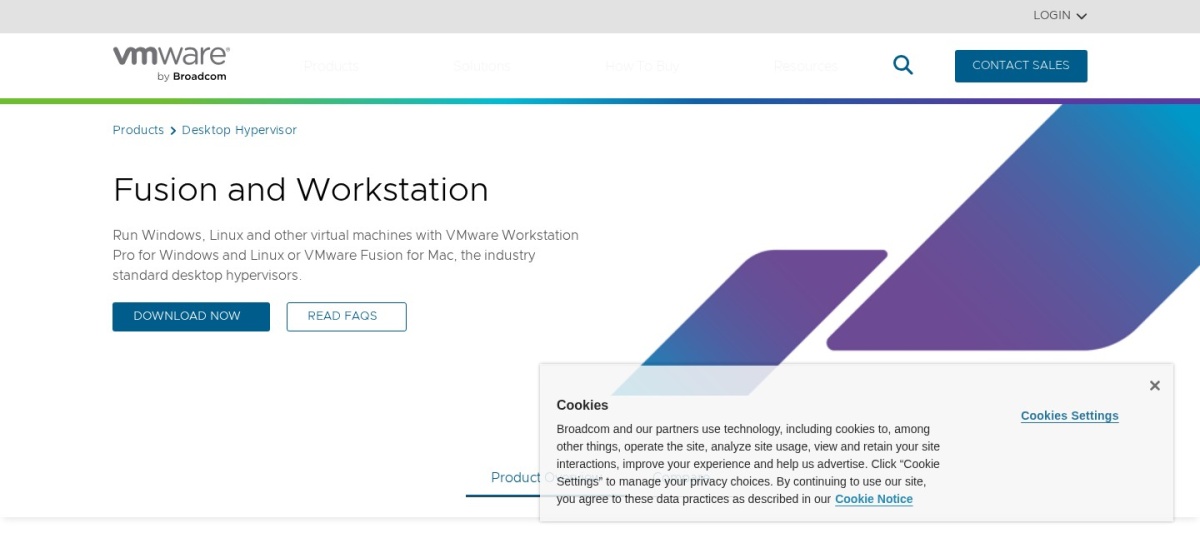
VMware Workstation Pro is a desktop hypervisor for Windows and Linux PCs used to build isolated test labs, run multiple operating systems, and manage local containers. It is free for commercial, educational, and personal use with no license fee.
The trade off is that it does not run natively on macOS and can consume substantial host RAM and CPU when running several VMs at once. It suits developers, sysadmins, and security analysts building local labs on Windows or Linux.
What we like
Free for commercial, educational, and personal use
Fast snapshots, clones, and flexible virtual networking
Supports local containers and vSphere/ESXi workflows
Watch out for
No native macOS host version
Can be heavy on memory and CPU with multiple active VMs
Account and download portal steps can feel involved
Available at no cost across commercial, educational, and personal use without a paid upgrade tier.Visit vmware.com
04
Oracle VM VirtualBox
4.5/5on G2 (295 reviews, checked Nov 2026)
PriceFree
Best cross-platform free desktop hypervisor
Host OSWindows, macOS, Linux, Solaris
Base licenseGPLv3 (free)
Extension PackPUEL free; commercial license separate
G2 rating4.5/5 (295 reviews)
virtualbox.org
Oracle VM VirtualBox homepage, captured Nov 2026.
Oracle VM VirtualBox is a cross-platform desktop hypervisor that runs virtual machines on Windows, macOS, Linux, and Solaris. Its base platform packages are free under GPLv3, while the Extension Pack is free for personal and educational use.
The trade off is that commercial use of the Extension Pack requires a separate Oracle license, and graphics performance lags behind specialized tools. It suits developers and students who want one free VM tool across mixed desktop operating systems.
What we like
Runs across Windows, macOS, Linux, and Solaris hosts
Base package is free under GPLv3 with broad guest OS support
Simple snapshot and virtual disk workflows for testing
Watch out for
Commercial use of the Extension Pack requires paid Oracle licensing
3D/graphics performance is weaker than dedicated desktop tools
Interface feels dated compared to newer desktop apps
Base packages are free under GPLv3; separate commercial licensing applies only if using the Extension Pack commercially.Visit virtualbox.org
05
Red Hat Enterprise Linux
4.6/5on G2 (975 reviews, checked Nov 2026)
Starts at$383.90/yr
Best for enterprise Linux workloads with KVM
VirtualizationKVM built into RHEL
Entry paid tierSelf-support from $383.90/yr
LifecycleLong-term enterprise support
G2 rating4.6/5 (975 reviews)
redhat.com
Red Hat Enterprise Linux homepage, captured Nov 2026.
Red Hat Enterprise Linux is a commercial Linux server platform that includes KVM virtualization alongside enterprise security and lifecycle support. Entry self-support subscriptions start at $383.90/year.
The trade off is an ongoing annual subscription cost that grows with server count and higher support tiers, plus a Linux-centric administration model. It suits organizations standardizing on Red Hat Linux for production servers and virtualized workloads.
What we like
Strong G2 rating of 4.6/5 across 975 reviews
Includes KVM virtualization inside a supported enterprise Linux OS
Long lifecycle support, security hardening, and thorough documentation
Watch out for
Recurring annual subscription cost per system
Higher support tiers cost more than self-support
Best suited to teams comfortable with Linux administration
Higher subscription tiers add standard or premium Red Hat support response times and management tooling.Visit redhat.com
06
VMware vSphere
4.5/5on G2 (789 reviews, checked Nov 2026)
PricingQuote (custom pricing)
Best for large data center clusters
DeploymentOn-prem & hybrid data centers
Core featuresvMotion, HA, DRS
PricingCustom quote via Broadcom
G2 rating4.5/5 (789 reviews)
broadcom.com
VMware vSphere homepage, captured Nov 2026.
VMware vSphere is an enterprise server virtualization platform for consolidating workloads, running live migrations with vMotion, and maintaining high availability across data center hosts. It holds a 4.5/5 rating across 789 G2 reviews.
The trade off is custom quote-based licensing through Broadcom and notable cost and licensing complexity for smaller teams. It suits established enterprise data centers with dedicated virtualization operations.
What we like
Mature live migration (vMotion), high availability, and resource scheduling
High adoption with 4.5/5 across 789 G2 reviews
Centralized management for multi-host server infrastructure
Watch out for
No fixed public entry price; requires a sales quote
Licensing and renewals are frequently cited as costly by reviewers
Overkill for small offices, single hosts, or desktop VMs
Enterprise bundles and support terms are scoped via Broadcom sales quotes.Visit broadcom.com
07
Nutanix Cloud Infrastructure
4.5/5on G2 (339 reviews, checked Nov 2026)
PricingQuote (custom pricing)
Best for hyperconverged infrastructure (HCI)
ArchitectureHyperconverged (compute + storage)
HypervisorAHV (plus supported alternatives)
PricingCustom quote (CPU-core licensed)
G2 rating4.5/5 (339 reviews)
nutanix.com
Nutanix Cloud Infrastructure homepage, captured Nov 2026.
Nutanix Cloud Infrastructure combines software-defined storage, networking, and virtualization—including the Nutanix AHV hypervisor—into a unified hyperconverged platform. It holds a 4.5/5 rating across 339 G2 reviews.
The trade off is custom quote pricing licensed by capacity and a noticeable resource footprint for cluster management and storage services. It suits mid-market and enterprise teams wanting integrated compute and storage management.
What we like
Combines compute virtualization and software-defined storage in one stack
Centralized management through Prism with 4.5/5 across 339 G2 reviews
Supports hybrid cloud and multi-cluster operations
Watch out for
Pricing is quote-based rather than published upfront
Controller and storage overhead uses extra host memory and CPU
Renewal costs can be high for smaller deployments
Licensing is quoted based on cluster capacity and subscription terms.Visit nutanix.com
Desktop hypervisors vs. bare-metal server platforms
Desktop hypervisors like VMware Workstation Pro, Oracle VirtualBox, and Parallels Desktop run inside a host operating system so you can test software, run a second OS, or use Windows apps on a Mac.
Server platforms like Proxmox VE, Red Hat Enterprise Linux, VMware vSphere, and Nutanix Cloud Infrastructure are built for dedicated hosts, clusters, shared storage, and continuous uptime.
How we chose
We selected established virtualization platforms across desktop, Mac, and server categories using current virtualization guides and G2 review listings.
All prices, ratings, and review counts were checked on 29 Nov 2026 from vendor pages, current guides, and G2 listings.
We excluded unmaintained tools and products without a confirmed price or public rating on our checked pages. No vendor paid for a place, and we do not claim testing for this list.
How to pick the right virtualization platform
Follow these four steps before deploying virtual machines.
Match the tool to desktop or server hardware. Pick a desktop hypervisor for local testing on a PC or Mac, or a server platform for dedicated hosts and clusters.
Check host OS and processor compatibility. Confirm whether your machine uses x86 or Apple Silicon and whether your target guest OS is supported.
Compare licensing against real growth. Check whether pricing is free, per CPU socket, per core, or quote-based before committing production workloads.
Plan backups and snapshots early. Verify snapshot, clone, and backup workflows so you can roll back failed updates or recover VMs quickly.
FAQ
What is the best virtualization software in 2026?
Proxmox VE is the best overall pick for server and homelab virtualization with its free open-source base and 4.6/5 G2 rating, while VMware Workstation Pro is a top free choice for desktop VMs on Windows and Linux.
What is the best virtualization software for running Windows on a Mac?
Parallels Desktop is built specifically for macOS and offers tight integration with Windows, starting at $99.99/year regular price for Standard (with a 14-day trial).
Is there good free virtualization software?
Yes. VMware Workstation Pro is free for commercial, educational, and personal use, Oracle VirtualBox offers a free GPLv3 base package, and Proxmox VE is free under AGPLv3.
How does Proxmox VE compare to Parallels Desktop?
Proxmox VE is a server hypervisor for dedicated Linux hosts with a free AGPLv3 base and €120/year per-socket Community tiers, whereas Parallels Desktop is a Mac desktop app starting at $99.99/year regular price.
What should beginners or small teams choose?
Small teams and beginners running local VMs on a PC can start with VMware Workstation Pro or Oracle VirtualBox, while teams running a dedicated home or office server can start with Proxmox VE.
SaaS SEO and WordPress specialist with about 8 years of experience. Rakib compares WordPress plugins, themes, hosting and software using public pricing, documentation and user reviews. See how we rank.