Python is the best MATLAB alternative for most people: it is free, rated 4.8 out of 5 on G2 from 275 reviews, and NumPy plus SciPy cover most matrix and numerical work. GNU Octave is the closest drop-in for existing MATLAB code, and Scilab adds a free modelling tool.
How we make this list: we compare pricing pages, product documentation and public user reviews, then re-check every price before each update. No product paid for a place. Disclosure.
Python is free, rated 4.8/5 on G2 from 275 reviews, and NumPy and SciPy cover most of what MATLAB does for numerical work.
GNU Octave runs much MATLAB code unchanged, so it is the fastest switch for existing scripts.
Scilab is free and includes Xcos, a block-diagram modeller in the style of Simulink.
Six of the nine tools are free. The only paid picks are Anaconda Starter at $15 a month, Maple at $305 a year and Mathematica at $1,520 a year.
MATLAB's standard licence costs $940 a year, so every free pick on this list saves the full licence fee.
How do you choose the best MATLAB alternative?
The cheapest switch is the one that runs your existing code. GNU Octave reads most MATLAB scripts as they are, while Python needs its code rewritten around NumPy and SciPy.
Free tools cover most numerical work. Python, Octave, Scilab, Jupyter, Anaconda, RStudio and SageMath all cost nothing to download, and MATLAB's standard licence costs $940 a year, so the free picks here save the whole fee before you write a line of code.
Symbolic maths is the dividing line. Maple and Mathematica solve equations symbolically, while the free numerical tools mostly work with numbers; SageMath is the free exception, with a Python-based algebra system.
Match the tool to the job, not the brand. A statistics job fits RStudio, a control-systems job fits Scilab with Xcos, and a new data project fits Python with its libraries.
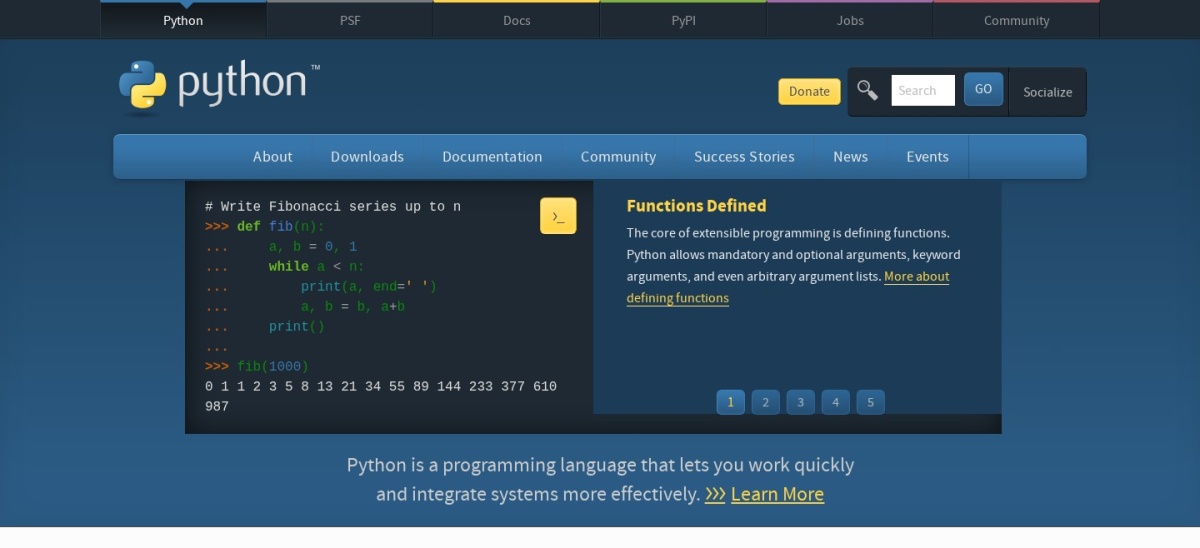
Python is a free, general-purpose language with the largest maths ecosystem of any MATLAB alternative. NumPy handles matrices, SciPy adds statistics and signal processing, and Matplotlib covers 2D and 3D plots, so most numerical work moves across with new code.
The trade off is that Python is not MATLAB. Existing .m scripts need rewriting, and setting up the maths libraries takes more steps than installing one product. It suits new projects, data work and machine learning, where its libraries are strongest.
What we like
Free, with no licence or seat limit
Largest library collection: NumPy, SciPy, pandas
Rated 4.8/5 on G2 from 275 reviews
Strong for data science and machine learning
Watch out for
MATLAB scripts must be rewritten
Setting up libraries takes more steps than one installer
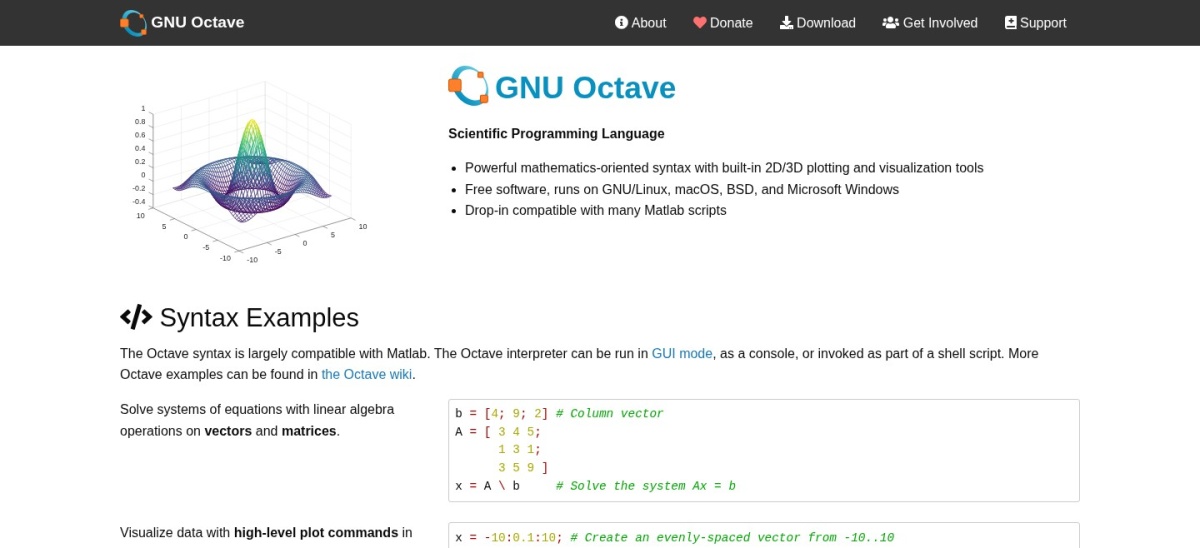
GNU Octave is a free language built to match MATLAB. It runs most MATLAB scripts with little or no editing, includes matrix maths, signal processing and built-in 2D and 3D plotting, and works on Windows, macOS and Linux.
The trade off is polish. Octave has fewer toolboxes than MATLAB, its interface is plainer, and some newer MATLAB functions have no equal. It suits students and engineers who need their existing MATLAB scripts to keep running without a licence.
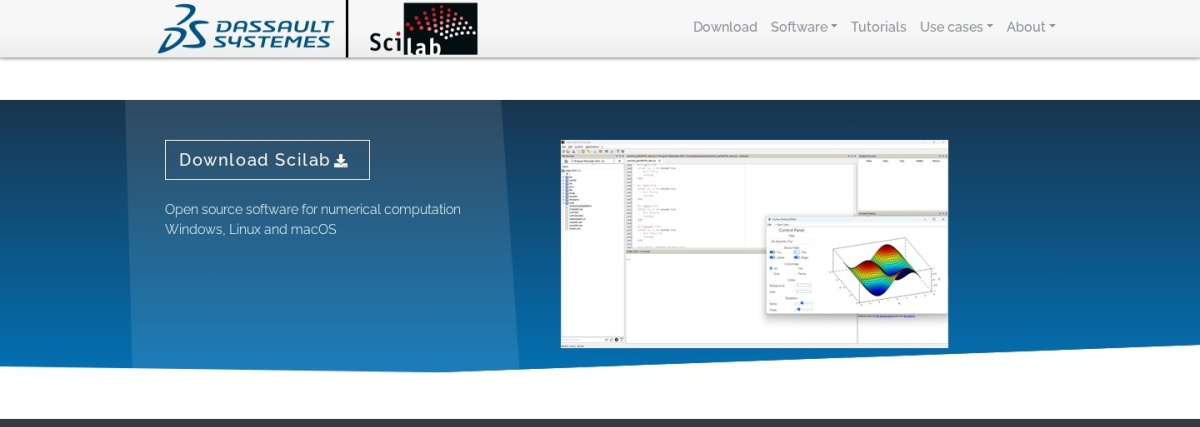
Scilab is free, open-source software for numerical computation, built for engineering and scientific work. It covers matrix maths, statistics and signal processing, and its Xcos tool builds block-diagram models in the style of Simulink.
The trade off is community size. Scilab has fewer users and libraries than Python, and its syntax differs from MATLAB, so scripts need porting. It suits engineers who want a free, complete environment with modelling built in.
Jupyter Notebook is a free, web-based notebook where code, results, plots and notes live in one document. It runs Python, R and Julia through kernels, so a MATLAB user can move to Python without giving up the live, step-by-step style of working.
The trade off is that Jupyter is a front end, not a maths library. It needs Python and its libraries installed underneath, and large notebooks can get slow. It suits teaching, reports and shared analysis where the workings must stay visible.
Anaconda is a distribution that installs Python with the main data libraries in one step. It bundles Jupyter, Spyder, NumPy, pandas and scikit-learn, and its environment manager keeps each project's packages separate, which removes most setup friction for new Python users.
The trade off is weight. Anaconda installs a large package set and can feel heavy on older machines, and team features need the $15-a-month Starter plan. It suits beginners and teams who want Python working in minutes instead of an afternoon of setup.
RStudio is the free desktop IDE for R, the statistics language. It adds a console, script editor, plots and package manager in one window, and it runs Python code too, so a MATLAB user moving to statistics gets a familiar, single-screen workspace.
The trade off is scope. R is built for statistics, not general engineering maths, and the paid Workbench is needed for team publishing and scheduling. It suits analysts and researchers whose work is mostly statistics, plots and reports.
What we like
Free desktop IDE for R
Strong statistics and plotting tools
Rated 4.5/5 on G2 from 570 reviews
Watch out for
R is narrow outside statistics
Team publishing needs paid Workbench
Workbench adds team publishing and admin controlsVisit posit.co
07
SageMath
4.3/5on G2 (10 reviews, checked Nov 2026)
PriceFree
Best free pick for symbolic maths
LanguagePython-based
SymbolicAlgebra and calculus
IncludesNumPy, SciPy, Maxima
Paid planNone, free
sagemath.org
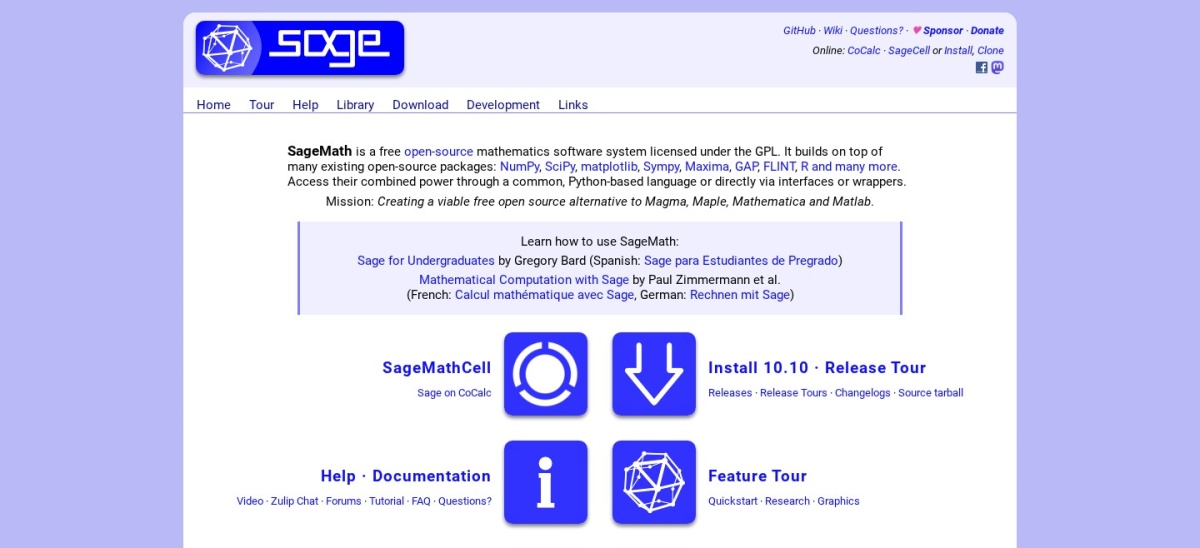
SageMath homepage, captured Nov 2026.
SageMath is a free, open-source maths system built on Python. It pulls together NumPy, SciPy, SymPy and Maxima in one environment, so it covers numerical work, symbolic algebra, calculus and plotting without a licence fee.
The trade off is setup. SageMath is a large download, its install can be fiddly on some systems, and only 10 G2 reviews back its 4.3 rating. It suits researchers and students who need symbolic maths without paying for Maple or Mathematica.
Maple is math software that pairs a strong symbolic engine with a document interface where maths, text and plots sit together. The Personal Edition costs $305 a year and covers the full engine, 2D and 3D plotting, and clickable maths for engineering and teaching.
The trade off is price and scope. The $305 Personal Edition is for personal use only, and Maple has a smaller community than Python, so answers can be harder to find. It suits engineers and teachers who need symbolic maths in polished documents.
Wolfram Mathematica is a technical computing system built on the Wolfram Language. It covers symbolic maths, numerical work, statistics and publication-quality plots, with a large library of built-in functions and data, and a free trial to start.
The trade off is cost. Standard Cloud costs $1,520 a year, the highest price on this list, and its language is unlike MATLAB or Python, so switching takes time. It suits researchers who need the deepest symbolic and knowledge-based toolkit.
What we like
Deepest symbolic and technical toolkit here
Huge built-in function and data library
Rated 4.1/5 on G2 from 86 reviews
Watch out for
Most expensive pick at $1,520 a year
Wolfram Language takes time to learn
Standard Cloud is $1,520 a year; desktop licences cost moreVisit wolfram.com
Free vs paid: what you give up
Free picks give up polished support and bundled toolboxes. Python and Octave rely on community packages, so a missing toolbox means finding and checking a library yourself.
Paid tools buy one vendor to call. Maple at $305 a year and Mathematica at $1,520 a year include support, documentation and a single installer, which matters when a deadline is close.
Anaconda sits between the two. Its free edition bundles Python with the main data libraries, and Starter at $15 a month adds secure package hosting for teams.
How we chose
We started from the tools most often named as MATLAB replacements in G2 reviews and documentation, then kept the nine with a public rating and a live homepage.
Prices come from each vendor's pricing page, checked on 29 November 2026. Ratings and review counts come from G2 on the same day. Where a vendor shows a sale, the list shows the regular price.
We left out tools with no public rating, including Julia, whose SourceForge page shows no rating. No vendor paid for a place, and we do not claim to have used these tools ourselves.
How to choose a MATLAB alternative
Start with the code you already have, then check the maths you actually do.
Check whether your MATLAB code must keep running. If it must, start with GNU Octave, which runs most MATLAB scripts unchanged. If you are starting fresh, Python gives you the widest library choice.
List the toolboxes you rely on. Signal processing, control systems and statistics each map to different libraries. Scilab covers control work with Xcos, while Python covers statistics with pandas and scikit-learn.
Decide if you need symbolic maths. Solving equations by hand-style algebra needs Maple, Mathematica or SageMath. Pure number work is fine in Python, Octave or Scilab.
Try the free pick first. Install one free tool and run a real task from your work before paying. Only Maple and Mathematica need a licence, so the trial costs nothing but time.
FAQ
What is the best MATLAB alternative in 2026?
Python is the best MATLAB alternative for most people. It is free, rated 4.8 out of 5 on G2 from 275 reviews, and NumPy, SciPy and Matplotlib cover matrix maths, statistics and plotting.
Is there a free alternative to MATLAB?
Yes. Python, GNU Octave, Scilab, Jupyter, Anaconda, RStudio and SageMath are all free to download and use, so seven of the nine tools on this list cost nothing.
Which MATLAB alternative runs MATLAB code without changes?
GNU Octave is the closest match. Its language is largely compatible with MATLAB, so most scripts run with little or no editing, though some toolboxes have no Octave equal.
What is the cheapest paid MATLAB alternative?
Anaconda Starter is the cheapest paid pick here at $15 a month, or $180 a year. Maple Personal Edition costs $305 a year, and Mathematica Standard Cloud costs $1,520 a year.
Python vs GNU Octave: which is better as a MATLAB alternative?
Python is better for new projects, data work and machine learning, with the largest library collection and a 4.8/5 G2 rating. GNU Octave is better when you must keep running existing MATLAB scripts unchanged.
Which MATLAB alternative is best for beginners?
Jupyter Notebook is the easiest starting point. It runs Python in a browser notebook with code, results and notes in one place, and it is free with a 4.6/5 G2 rating from 256 reviews.
SaaS SEO and WordPress specialist with about 8 years of experience. Rakib compares WordPress plugins, themes, hosting and software using public pricing, documentation and user reviews. See how we rank.