Airmeet is the best virtual event platform for interactive online events, with plans starting at $167 per month billed annually and a 4.6/5 G2 rating. Choose ClickMeeting for affordable paid webinars or Crowdcast for creator-led workshops, online summits and community events.
How we make this list: we compare pricing pages, product documentation and public user reviews, then re-check every price before each update. No product paid for a place. Disclosure.
Airmeet starts at $167/mo billed annually and supports an initial capacity of 100 attendees.
ClickMeeting costs $39/mo billed annually, including 5 breakout rooms on its Essential plan.
Crowdcast starts at $49/mo with 10 streaming hours per month and multi-session events.
Whova has a 4.8/5 G2 rating from 1,927 reviews and specializes in attendee engagement.
vFairs earns 4.7/5 from 1,795 G2 reviews and offers custom packages for conferences and exhibitions.
What to look for in a virtual event platform
Virtual event platforms combine video broadcasting, registration, attendee engagement and reporting. Unlike ordinary meeting software, they help organizers manage structured events with speakers, sponsors and scheduled sessions.
Look for interactive features such as breakout rooms, live polls, moderated questions and networking spaces. These become particularly important when attendees expect more than a presentation.
Pricing depends on attendance limits, streaming hours, organizer accounts and event complexity. Entry-level webinar subscriptions may not include parallel conference tracks or exhibition booths.
Check recording access, ticketing fees, accessibility and CRM integrations before purchasing. Enterprise platforms may require separate contracts for event production and additional services.
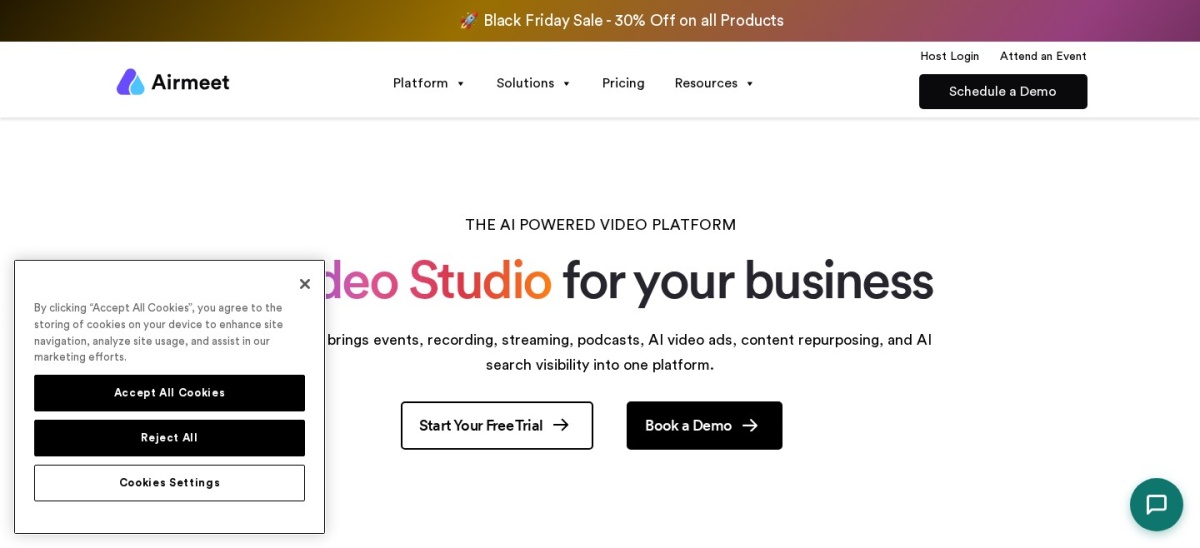
Airmeet is a virtual event and webinar platform with audience interaction, networking and registration tools. Its Premium Webinars plan starts at $167 per month billed annually, supporting 100 attendees and two team members.
The trade off is that multi-track conferences and exhibition experiences require a custom Events package. Monthly billing for Premium Webinars starts at $199. It suits marketing teams and communities that prioritize audience participation.
What we like
Interactive networking features
Live and prerecorded broadcasts
Registration and CRM integrations
Ticketing and sponsorship options
Watch out for
Full conference packages require custom quotes
Advanced configurations take time to learn
Events packages add parallel sessions and customized reception areas.Visit airmeet.com
02
ClickMeeting
4.2/5on G2 (280 reviews, checked Nov 2026)
Starts at$39/mo
Best for affordable paid virtual events
Entry planEssential
Starting capacity50 attendees
Breakout rooms5
BillingAnnual
clickmeeting.com
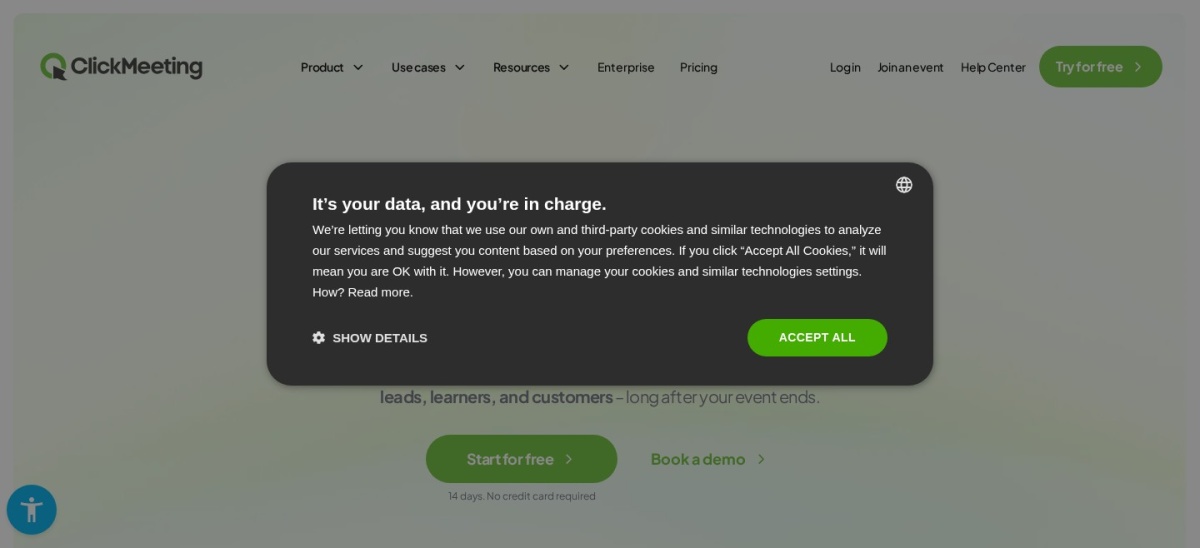
ClickMeeting homepage, captured Nov 2026.
ClickMeeting is a browser-based platform for online presentations, training and paid virtual events. Its Essential plan starts at $39 per month billed annually, including two presenters, five breakout rooms and ticketing capabilities.
The trade off is limited recording storage and fewer presenters on the entry subscription. Essential costs $49 with monthly billing, while automated events require an upgrade. It suits educators and small businesses selling access to online sessions.
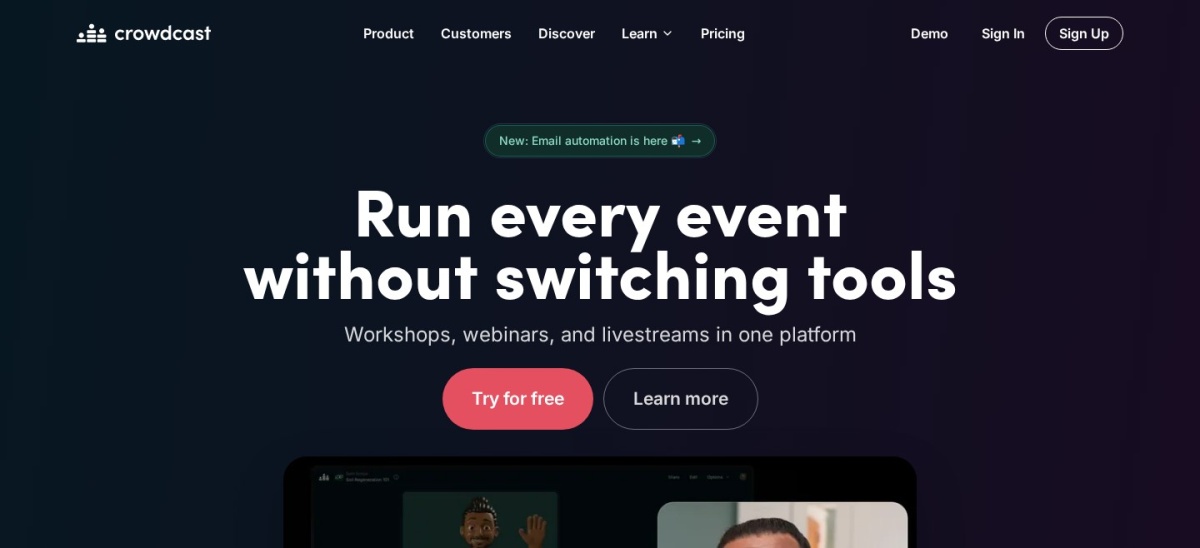
Crowdcast is a live video platform for workshops, interviews, summits and community events. Its $49 monthly Lite subscription includes multi-session events, 10 streaming hours per month, recording and audience analytics.
The trade off is that the $49 plan limits individual sessions to two hours and charges a 5% transaction fee on paid events. It suits creators who want an accessible broadcasting environment without extensive conference infrastructure.
What we like
Multi-session event support
Integrated payment processing
Live interaction and audience analytics
External broadcasting software support
Watch out for
Transaction fees on paid events
Limited monthly streaming allowance
Pro adds longer sessions, live captions and multistreaming.Visit crowdcast.io
04
vFairs
4.7/5on G2 (1,795 reviews, checked Nov 2026)
PricingCustom pricing
Best for virtual exhibitions and trade shows
Event formatsVirtual and hybrid
Exhibitor managementYes
RegistrationIncluded in selected packages
Pricing modelCustom quote
vfairs.com
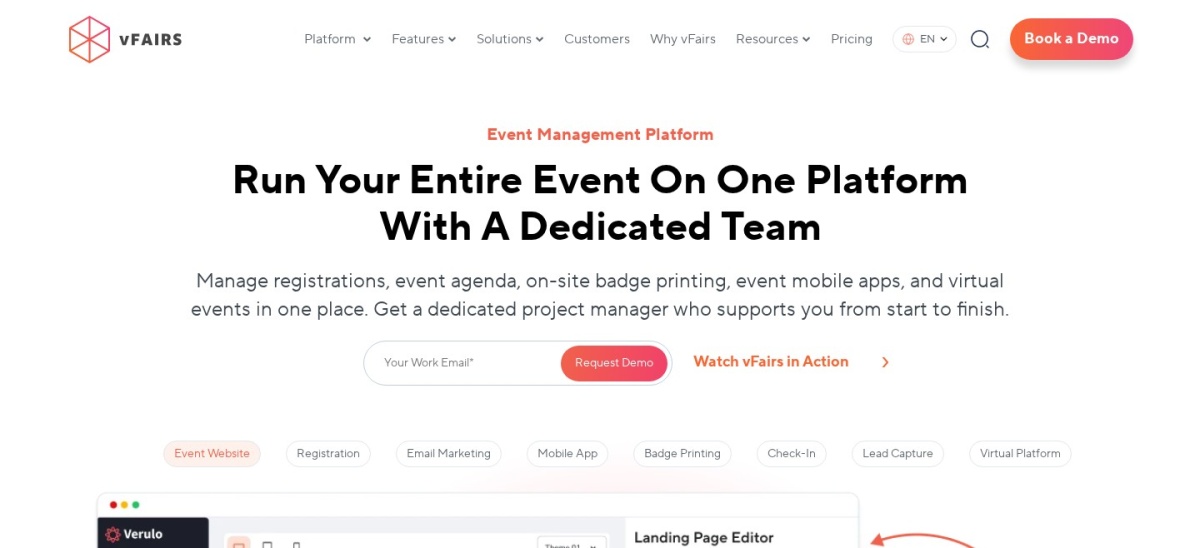
vFairs homepage, captured Nov 2026.
vFairs is an event management platform for conferences, exhibitions, summits and job fairs. Its configurable packages combine registration, branded event websites, sponsor management and attendee engagement, with a 4.7/5 rating from 1,795 G2 reviews.
The trade off is custom pricing based on event requirements rather than a standard subscription. Larger exhibitions can also require additional preparation. It suits organizers managing sponsor-heavy conferences and virtual trade shows.
What we like
Dedicated exhibitor management
Customizable event environments
Integrated registration and ticketing
Event planning support
Watch out for
No public starting price
Complex exhibitions require preparation
Custom packages cover event production, exhibitor tools and reporting.Visit vfairs.com
05
Whova
4.8/5on G2 (1,927 reviews, checked Nov 2026)
PricingCustom pricing
Best for attendee networking and engagement
Attendee networkingYes
Event agendaYes
Sponsor managementYes
Pricing modelCustom quote
whova.com
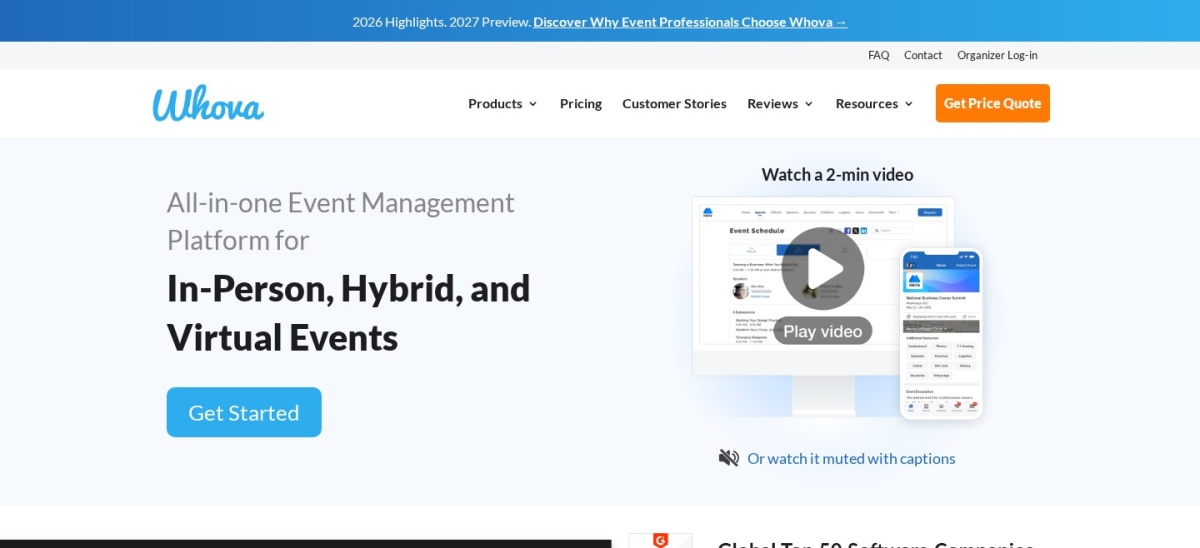
Whova homepage, captured Nov 2026.
Whova is an event management platform centered on attendee interaction, conference schedules and organizer workflows. The platform has supported more than 50,000 events and offers registration, networking and sponsor management capabilities.
The trade off is custom pricing that requires organizers to submit their event details. The attendee interface can also feel busy when many features are enabled. It suits professional associations and conferences where networking is a primary objective.
What we like
Community and attendee networking tools
Centralized event schedules
Sponsor and exhibitor management
High public user rating
Watch out for
Pricing requires a sales inquiry
Attendee notifications can become excessive
Paid packages combine event administration and attendee engagement tools.Visit whova.com
06
BigMarker
4.7/5on G2 (444 reviews, checked Nov 2026)
PricingCustom pricing
Best for branded marketing events
Entry planBasic
Live attendeesUp to 1,000
Host licenses1
Pricing modelCustom quote
bigmarker.com
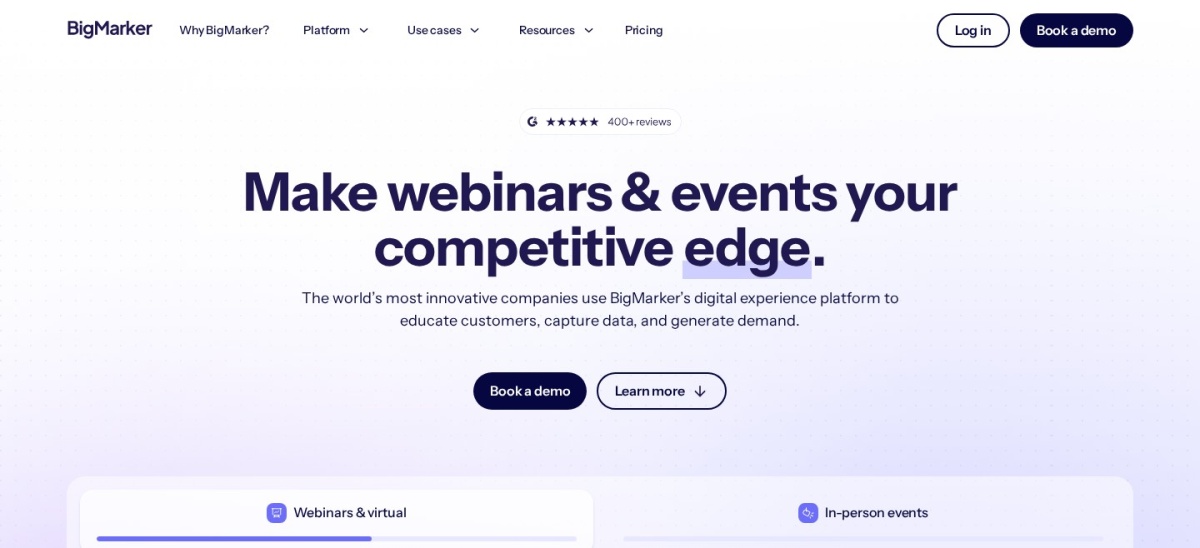
BigMarker homepage, captured Nov 2026.
BigMarker is a webinar and virtual event platform that combines broadcasting with marketing features. Its Basic package supports up to 1,000 live attendees, one host license, interactive polls and recorded presentations.
The trade off is custom pricing even for the Basic package, making direct budget comparisons difficult. Advanced event configurations may also require training. It suits marketing teams that need branded online events and lead-generation workflows.
Cvent is an enterprise event management platform covering registration, marketing, attendee engagement and reporting. Its Professional package includes 15 user logins, with organizers selecting the event modules appropriate for their requirements.
The trade off is custom pricing and a modular licensing structure that can complicate budgeting. Smaller teams may find its extensive administration features unnecessary. It suits organizations coordinating recurring conferences across multiple departments.
What we like
Centralized event administration
Configurable registration workflows
Sponsor and exhibitor capabilities
Enterprise reporting and integrations
Watch out for
Custom licensing requires detailed evaluation
Greater administrative complexity
Enterprise adds API access, budget management and additional administrative controls.Visit cvent.com
How much do virtual event platforms cost?
Among platforms with published prices, annualized entry costs range from $468 for ClickMeeting to $2,004 for Airmeet. Crowdcast costs $588 when its standard monthly rate is extended across a year.
These entry prices are not equivalent to full conference packages. Parallel sessions, exhibition booths, additional production support and larger audiences may require separate upgrades.
Custom-priced platforms are represented by zero in the structured annual pricing field because they require individual quotes. This does not mean their subscriptions are free.
How we chose
We selected established virtual event platforms supporting online presentations, conferences, workshops or exhibitions. Our comparison considers event formats, registration, audience participation, networking and organizer controls.
Official pricing pages and G2 ratings were checked on 27 Nov 2026. Standard annual billing rates were used where available, while monthly subscriptions were annualized at their published regular rates. Custom-priced packages appear below the publicly priced options.
We excluded ordinary video meeting applications without dedicated event capabilities and products lacking sufficient public review evidence. Entry-level webinar prices are distinguished from full conference packages. No vendor paid for a place, and we do not claim testing for this list.
How to choose the best virtual event platform
Compare platforms against your expected audience, event schedule, engagement requirements and available budget before committing to a subscription.
Define your event format. Determine whether you need presentations, interactive workshops, parallel conference sessions or virtual exhibition booths.
Calculate your expected attendance. Check simultaneous attendee limits, organizer accounts, streaming hours and session duration restrictions.
Prioritize attendee participation. Choose networking, moderated questions, breakout rooms and sponsor interactions based on your event objectives.
Compare the complete event cost. Include subscriptions, ticket transaction fees, additional capacity, production assistance and any required conference modules.
FAQ
What is the best virtual event platform?
Airmeet is our top pick for interactive virtual events because it combines audience engagement, networking and registration. Its Premium Webinars subscription starts at $167 per month billed annually, with separate custom packages for larger conferences.
What is the cheapest virtual event platform?
ClickMeeting has the lowest verified annualized entry price in this comparison at $468. Its Essential subscription includes browser-based presentations, paid registration and breakout rooms, although larger audiences and automated events require higher packages.
What is the difference between webinar software and virtual event software?
Webinar software generally focuses on presentations and audience interaction within individual sessions. Virtual event platforms can additionally manage conference agendas, simultaneous presentations, attendee networking, sponsor visibility and exhibition experiences across an entire event.
Can virtual event platforms sell tickets?
Yes. Platforms such as ClickMeeting and Crowdcast support paid event access. Before selecting a provider, compare transaction charges, payment processor fees, registration customization and refund handling to understand how much ticket revenue you will retain.
Which virtual event platform is best for trade shows?
vFairs is a suitable choice for virtual trade shows because it provides exhibitor management, registration and branded event environments. Whova is another option when attendee networking and conference schedules matter more than customized exhibition experiences.
SaaS SEO and WordPress specialist with about 8 years of experience. Rakib compares WordPress plugins, themes, hosting and software using public pricing, documentation and user reviews. See how we rank.