Tekla Structures is the best structural detailing software for most fabrication teams, with constructible steel, concrete and timber models rated 4.5 out of 5 on G2. Pick SDS/2 for automated steel connection design, or Advance Steel at $2,600 a year if your team already works in AutoCAD.
How we make this list: we compare pricing pages, product documentation and public user reviews, then re-check every price before each update. No product paid for a place. Disclosure.
Tekla Structures is the top pick for fabrication-ready detailing, rated 4.5 out of 5 on G2, but it is quote-only.
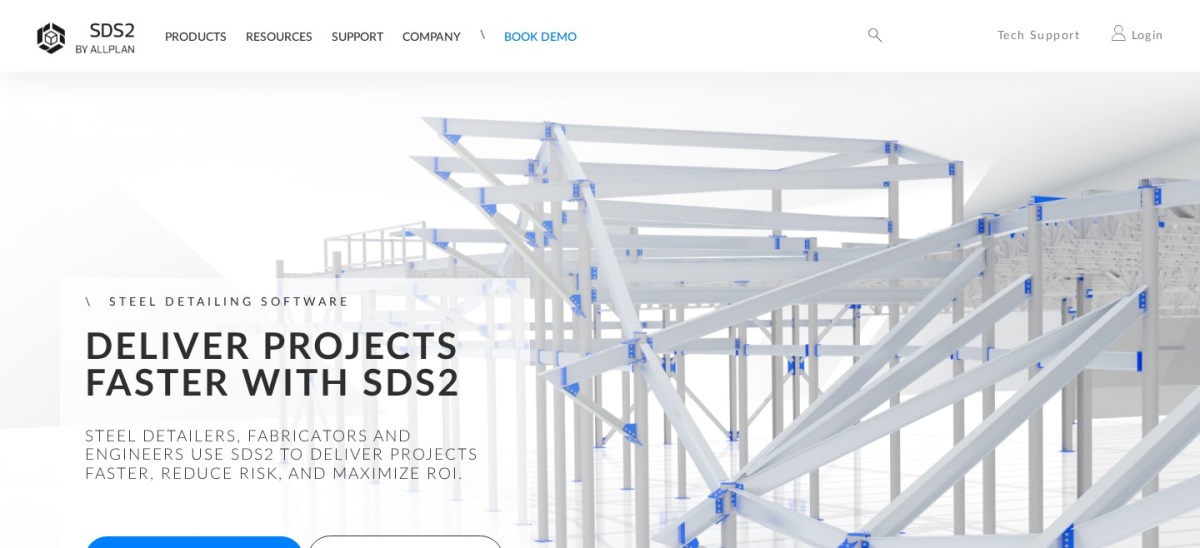
SDS/2 leads on automated steel connection design, though its 3.3 rating rests on only 8 G2 reviews.
Advance Steel is the cheapest named price for AutoCAD teams at $2,600 a year, with a 30-day trial.
Revit is the BIM standard at $3,005 a year, but it is a general modeller, not a fabrication specialist.
IDEA StatiCa's 5.0 rating comes from just 2 reviews, so treat it as a specialist pick for checked connections, not a crowd verdict.
What structural detailing software should cover
Structural detailing turns an engineer's design into shop drawings, bills of material and machine data. The model must carry every bolt, weld and plate, because the shop builds from it.
Steel detailing and concrete detailing are different jobs. Steel tools automate connections and CNC output, while concrete tools schedule rebar and precast elements.
Prices in this list run from $1,680 to $3,290 a year where vendors publish them. Three of the seven tools are quote-only, so budget time for sales calls as well as licences.
Ratings are thin in this niche. Only Revit has more than 100 reviews, so read the review counts beside each score before trusting it.
Tekla Structures is Trimble's BIM tool for structural steel, concrete and precast work, built to take a model through to fabrication. It produces shop drawings, reports and CNC data from the same model, and paid seats include Trimble Connect and Model Sharing for team work. It is rated 4.5 out of 5 on G2 from 64 reviews.
The trade off is price and setup. Trimble publishes no price, so the figure comes from a sales quote, and the Carbon, Graphite and Diamond tiers take study before you buy. It suits steel and precast teams that detail for fabrication every day.
SDS/2 is a steel detailing platform from ALLPLAN that designs connections instead of only drawing them. It builds a 3D steel model, applies connection rules, and produces shop and erection drawings with bills of material. Its workflows follow AISC practice, which suits US steel detailers and fabricators.
The trade off is the review record and scope. It is rated 3.3 out of 5 on G2 from only 8 reviews, and it covers steel where Tekla also covers concrete and timber. It suits steel-only shops that want connection design to drive throughput.
What we like
Automated connection design
Purpose-built for steel detailers
Shop and erection drawings from the model
Watch out for
Only 8 G2 reviews, lowest rating here
Steel only, no concrete scope
Quote-only pricing
Ask for a quote; training is available by the hourVisit sds2.com
03
Autodesk Advance Steel
3.9/5on G2 (23 reviews, checked Nov 2026)
Starts at$2,600/yr
Best for AutoCAD-based steel detailing
Entry price$2,600/yr or $217/mo
PlatformBuilt on AutoCAD
Free planNo, 30-day trial
OutputShop drawings, CNC data
autodesk.com
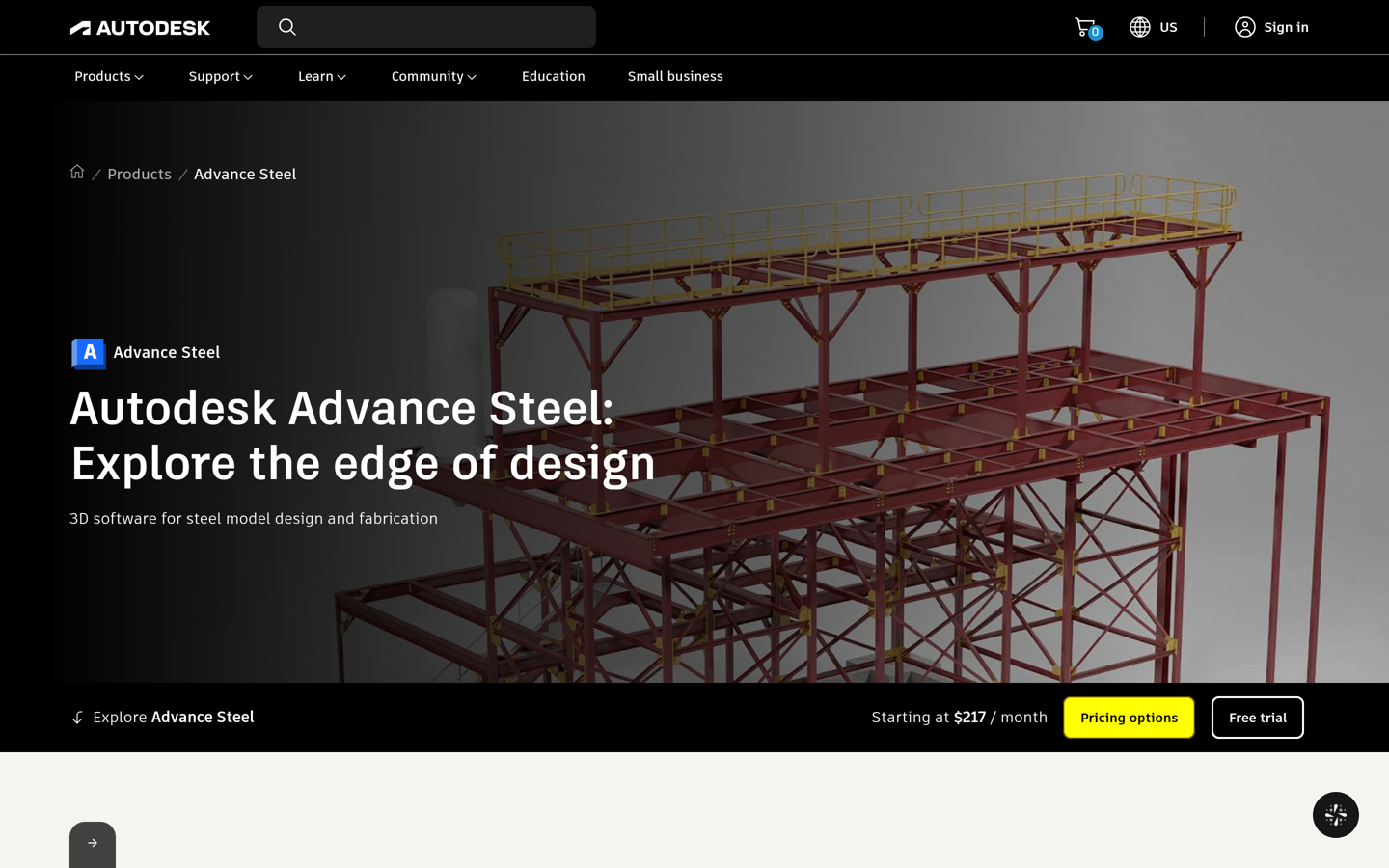
Autodesk Advance Steel homepage, captured Nov 2026.
Autodesk Advance Steel is a 3D steel detailing tool that runs on the AutoCAD platform teams already know. It models members, connections, stairs and railings, then generates shop drawings, erection plans and CNC data. It costs $2,600 a year, or $217 a month, and it is rated 3.9 out of 5 on G2 from 23 reviews.
The trade off is depth. Complex constructible BIM workflows hit limits that Tekla and SDS/2 do not, and the price sits on top of the AutoCAD licence underneath it. It suits AutoCAD shops moving from 2D drafting to 3D steel detailing.
What we like
Familiar AutoCAD environment
Automatic shop and erection drawings
Parametric connections and stairs wizards
30-day free trial
Watch out for
Less deep than Tekla for complex BIM
Needs an AutoCAD licence underneath
Reviewers report crashes on large models
The AEC Collection bundles it with Revit for $3,675 a yearVisit autodesk.com
04
Autodesk Revit
4.6/5on G2 (1,256 reviews, checked Nov 2026)
Starts at$3,005/yr
Best BIM platform for structural documentation
Entry price$3,005/yr or $380/mo
PlatformWindows only
Free planNo, 30-day trial
CollectionAEC Collection $3,675/yr
autodesk.com
Autodesk Revit homepage, captured Nov 2026.
Autodesk Revit is a BIM platform for architecture, structure and MEP in one model. Structural teams use it to model framing, floors and foundations, then produce plans, sections and schedules from the same data. It costs $3,005 a year and is rated 4.6 out of 5 on G2 from 1,256 reviews.
The trade off is that Revit is a general BIM tool, not a detailing specialist. It lacks the fabrication-level connection tools of Tekla or SDS/2, and it runs on Windows only. It suits firms whose consultants already exchange native Revit files.
What we like
Industry-standard BIM, consultants already use it
One model drives plans, sections and schedules
Worksharing for multi-discipline teams
Largest review base here
Watch out for
No fabrication-level connection design
Windows only
$3,005 a year is a firm-sized price
The AEC Collection adds AutoCAD and Advance Steel for $3,675 a yearVisit autodesk.com
05
ALLPLAN
4.4/5on G2 (26 reviews, checked Nov 2026)
Starts at$1,680/yr
Best for concrete and rebar detailing
Entry priceBasic $1,680/yr
Rebar editionProfessional $3,588/yr
Free planNo, 14-day trial
FocusRebar and precast
allplan.com
ALLPLAN homepage, captured Nov 2026.
ALLPLAN is a BIM platform from Nemetschek with deep tools for reinforcement and precast detailing. It models rebar, produces bar schedules and quantity take-offs, and covers bridges and buried structures as well as buildings. Basic costs $1,680 a year, and it is rated 4.4 out of 5 on G2 from 26 reviews.
The trade off is the edition ladder. Basic lacks the rebar tools, so detailers need Professional at $3,588 a year, and support is thinnest outside its European home markets. It suits rebar detailers and precast producers who model in 3D.
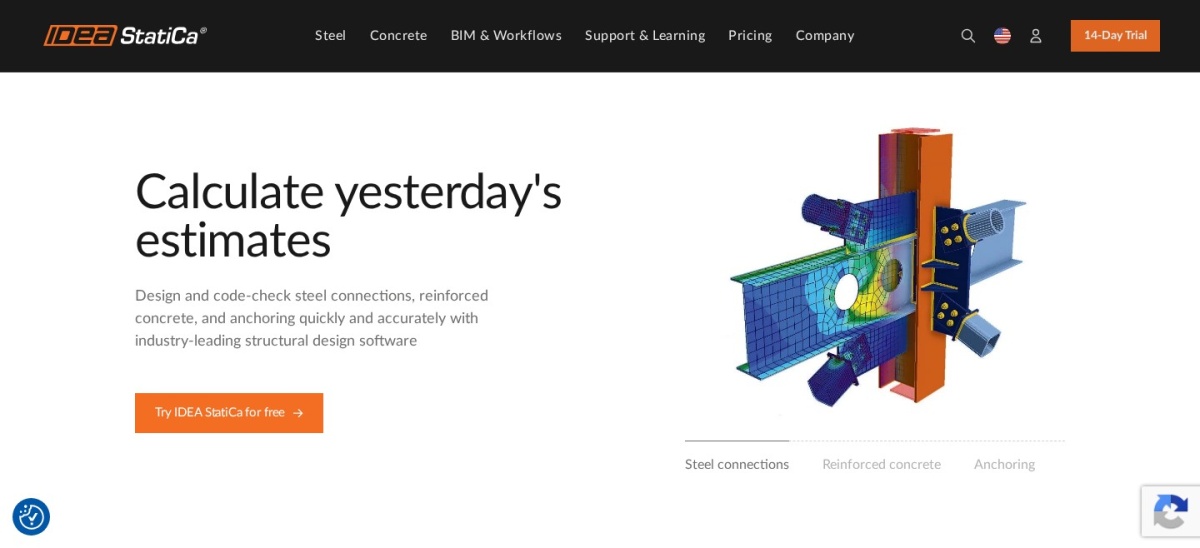
IDEA StatiCa is a structural design tool for steel connections, concrete details and anchoring. It models a joint, runs code checks on welds, bolts and plates, and reports utilisation for each part. The Steel plan costs $3,290 a year, and it is rated 5.0 out of 5 on G2 from 2 reviews.
The trade off is the thin review record. Two G2 reviews cannot support a 5.0 rating with confidence, and the price is per seat with no free plan beyond the Viewer. It suits engineers who must sign off non-standard connections with a checked calculation.
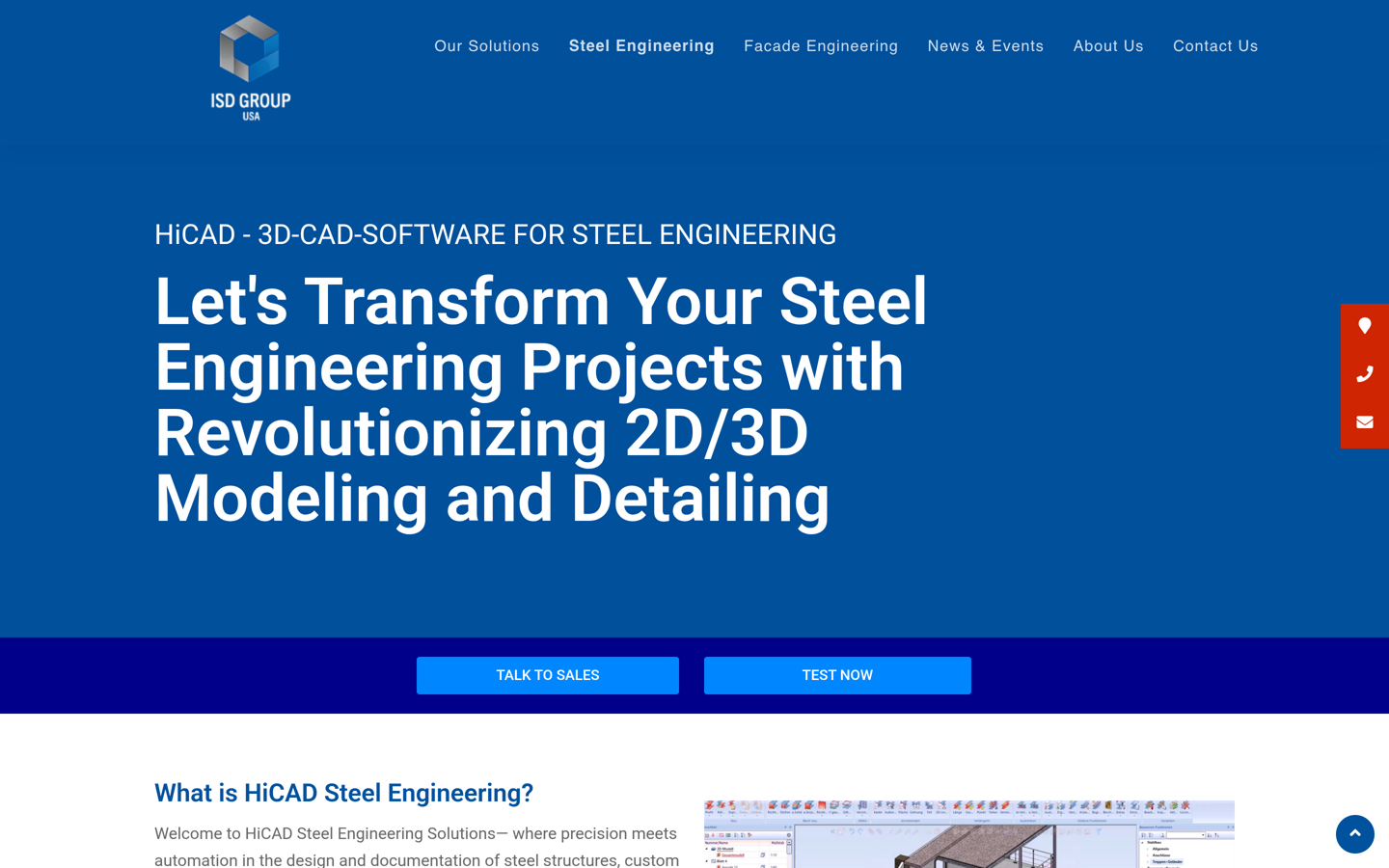
HiCAD is a 2D/3D CAD platform from ISD Group built for steel engineering, plant design and sheet metal. It keeps 2D and 3D in one model, automates connections and shop drawings, and produces bills of material. It is rated 3.0 out of 5 on G2 from 4 reviews.
The trade off is reach and price clarity. ISD publishes no price, so the figure comes from a quote, and support is strongest in German-speaking markets. It suits European steel fabricators that want precise fabrication output.
Three tools here publish no price: Tekla Structures, SDS/2 and HiCAD. Get the quote in writing, with the tier or edition named, before you budget.
Ask what the quote covers. Training, template setup and support are often separate, and SDS/2 lists instructor-led training at $175 an hour.
Ask about the trial too. Tekla, Advance Steel, Revit and ALLPLAN all offer trials, so run a real job through the trial before you sign.
Compare the collection price as well. The AEC Collection at $3,675 a year adds AutoCAD and Advance Steel to Revit for $670 more than Revit alone.
How we chose
We started from the steel and concrete detailing tools that appear most often in current roundups and vendor lists, then kept the seven with a published rating on G2.
Prices come from each vendor's pricing page, checked on 26 November 2026. Ratings come from G2 on the same day. Where a vendor publishes no price, the list says quote-only instead of guessing a figure.
We left out tools with no public rating, including ProStructures, ProSteel, Parabuild, bocad and GRAITEC Steel. No vendor paid for a place, and we do not claim to have used these tools ourselves.
How to choose structural detailing software
Start with the material you detail most, then match the tool to your shop's platform.
Name the material first. Steel shops need connection automation and CNC output, while concrete work needs rebar scheduling and precast tools. The material picks the shortlist.
Check what your team already runs. Advance Steel fits AutoCAD shops, Tekla fits mixed steel and concrete teams, and ALLPLAN fits rebar detailers. A tool that matches your platform is cheaper to adopt.
Get every quote in writing. Three tools here are quote-only, so ask for the tier, the seat count and what training costs before you compare prices.
Run a real job through the trial. Trials run 14 to 30 days. Detail a job you have already built and compare the shop drawings with the ones you shipped.
FAQ
What is the best structural detailing software?
Tekla Structures is the best pick for most fabrication teams. It models steel, concrete and timber to fabrication level, produces shop drawings and CNC data, and is rated 4.5 out of 5 on G2 from 64 reviews.
How much does structural detailing software cost?
Published prices here run from $1,680 a year for ALLPLAN Basic to $3,290 a year for IDEA StatiCa Steel. Revit costs $3,005 a year and Advance Steel $2,600 a year, while Tekla, SDS/2 and HiCAD are quote-only.
Is there free structural detailing software?
No tool in this list has a free plan. Tekla, Advance Steel and Revit offer 30-day trials, ALLPLAN and IDEA StatiCa offer 14-day trials, and IDEA StatiCa includes a free Viewer for sharing results.
What is the difference between Tekla Structures and SDS/2?
Tekla covers steel, concrete and timber in one model with full fabrication output, while SDS/2 focuses on steel and automated connection design. SDS/2 suits US steel-only shops; Tekla suits mixed-material teams.
Can Revit do structural detailing?
Revit can model structure and produce documentation, and it is the BIM standard most consultants use. It lacks the fabrication-level connection design of Tekla or SDS/2, so detailers usually pair it with a specialist tool.
Why do some tools have so few reviews?
Structural detailing is a small, specialist market with long sales cycles, so review counts stay low. IDEA StatiCa has 2 G2 reviews and HiCAD has 4, which is why this list shows the count beside every rating.
SaaS SEO and WordPress specialist with about 8 years of experience. Rakib compares WordPress plugins, themes, hosting and software using public pricing, documentation and user reviews. See how we rank.