Alma is the best student management software for most K-12 schools, rated 4.6 out of 5 across 455 Capterra reviews with support rated 4.7. Pick Gradelink for small private schools at $121 a month, or Classe365 for published per-student pricing from $100 a month.
How we make this list: we compare pricing pages, product documentation and public user reviews, then re-check every price before each update. No product paid for a place. Disclosure.
Alma is the top pick: 4.6 out of 5 on Capterra across 455 reviews, with support at 4.7 and more than 6 million students served.
Gradelink is the best-rated value pick at 4.7 out of 5 across 735 reviews, from $121 a month for up to 50 students.
Classe365 publishes its prices: $100 a month for up to 100 students, with each add-on module at $75 a month.
Six of the nine tools publish no price at all, so expect a sales quote from Alma, Veracross, Blackbaud, FACTS, Classter and Infinite Campus.
QuickSchools is the cheapest way in at $0.99 per student a month, and Classter is the only tool here with a free edition.
What to look for in student management software
A student management system, often called an SIS, holds the records a school runs on: enrollment, attendance, grades, schedules, health notes and family contacts. When those records live in one place, office staff stop retyping the same details into separate tools.
The first split in this market is price transparency. Three tools in this list publish prices, while six quote per school, so a shortlist should always include at least one published-price option for comparison.
Parent and student portals matter as much as the gradebook. Families expect to see grades, attendance and bills without calling the office, and teachers need attendance and grading that works from a phone.
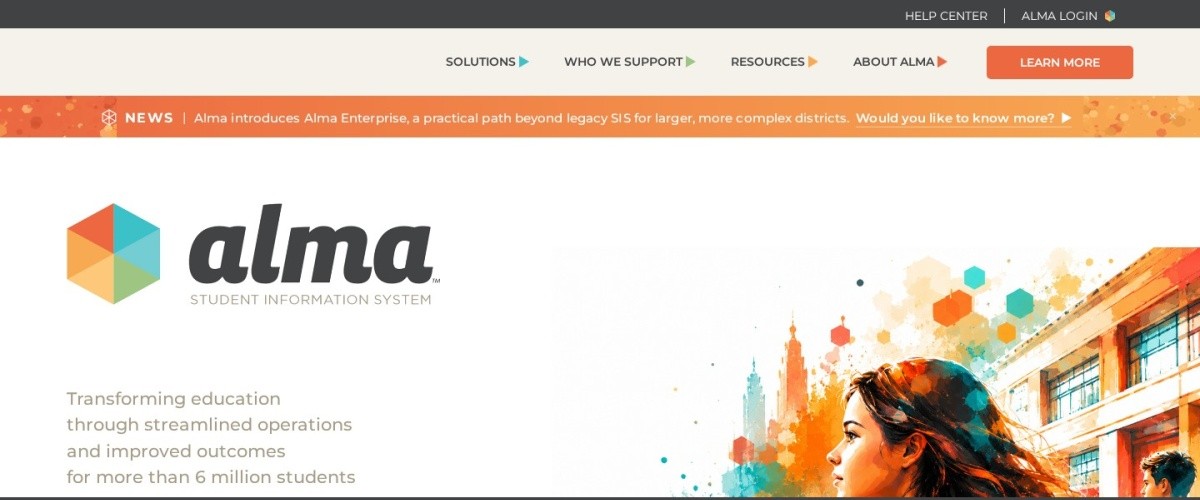
Alma is a cloud student information system built for K-12 schools, covering admissions, scheduling, attendance, gradebook, report cards, health records and discipline in one place. It serves more than 6 million students, and reviewers rate its customer support 4.7 out of 5 on Capterra. Parent, student and teacher portals come with role-based access, and it connects with Google Classroom and Canvas.
The trade off is price. Alma publishes no price list, so every school needs a sales quote, and larger districts may need the newer Alma Enterprise tier. It suits K-12 schools and districts that want one system for records, grading and family communication with strong support behind it.
What we like
Support rated 4.7 out of 5 on Capterra
Covers admissions through transcripts in one system
Parent, student and teacher portals included
Connects with Google Classroom and Canvas
Watch out for
No published pricing; quotes only
Master scheduling relies on a third-party tool
Every plan is a custom quote; ask for per-student pricingVisit getalma.com
02
Gradelink
4.7/5on Capterra (735 reviews, checked Nov 2026)
Starts at$121/mo
Best for small private schools
Starting price$121/mo, up to 50 students
Free trialYes
Support rating4.9/5 on Capterra
Positive reviews97% on Capterra
gradelink.com
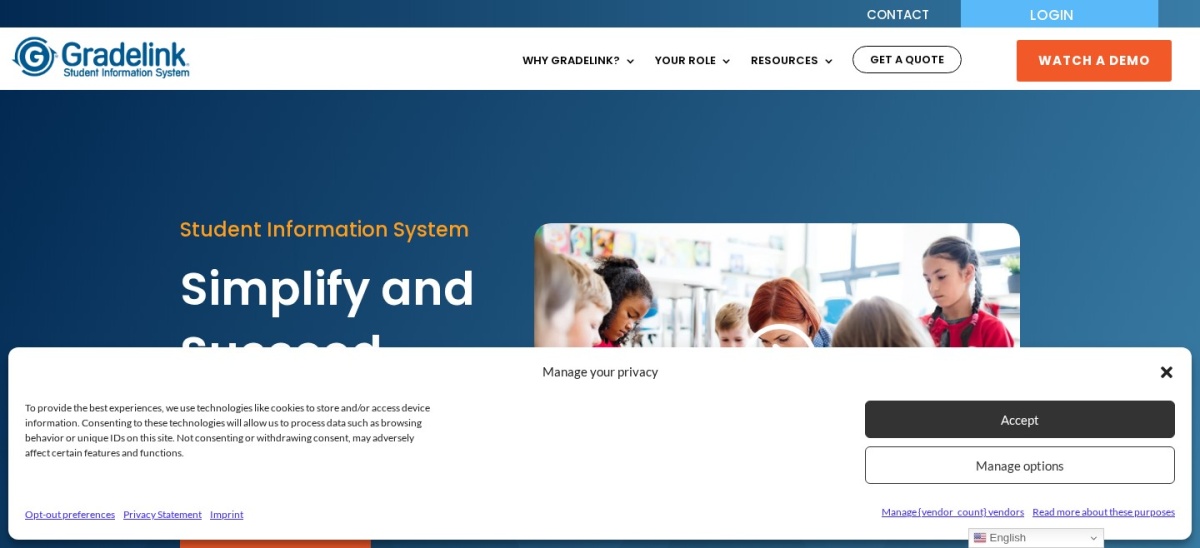
Gradelink homepage, captured Nov 2026.
Gradelink is a student information system aimed at small private and charter schools, with attendance, gradebook, report cards, lesson plans, billing and parent messaging in one login. Plans start at $121 a month for up to 50 students, with training and phone support included. Reviewers give it 4.7 out of 5 across 735 Capterra reviews, with support at 4.9.
The trade off is reporting. Reviewers call the built-in reports limited and hard to customise, and the interface looks dated next to newer tools. It suits small schools that want a low monthly bill, fast answers from support and a short learning curve.
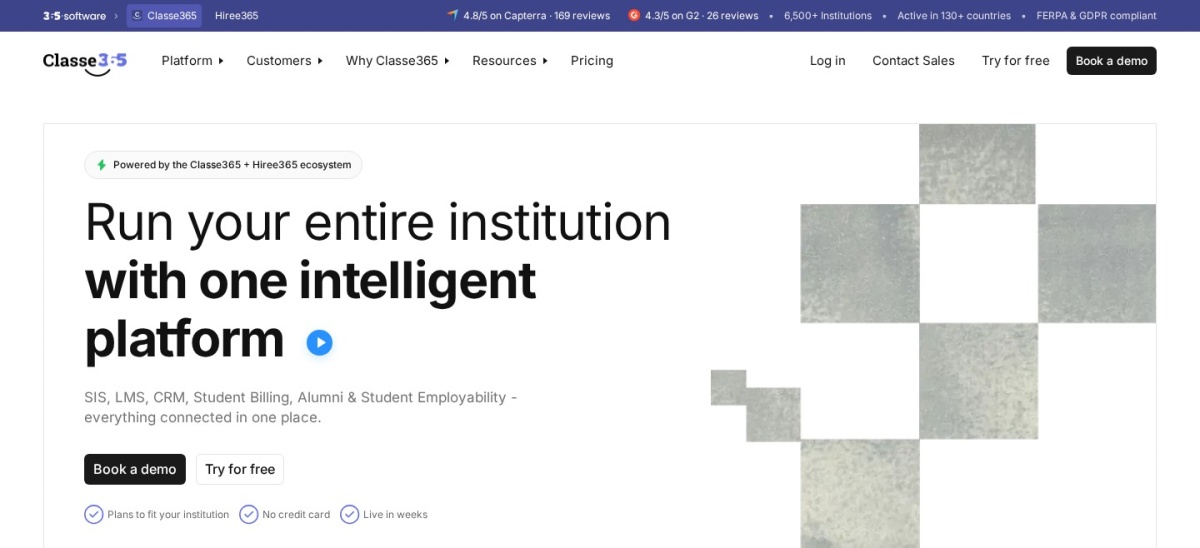
Classe365 is a cloud platform that combines a student information system with a learning management system, admissions CRM, fee billing and finance. Core starts at $100 a month for up to 100 active students, with unlimited teachers, parents and staff. It is rated 4.8 out of 5 across 169 Capterra reviews and is used by more than 6,500 institutions in 130 countries.
The trade off is module pricing. Each add-on, such as the LMS, admissions CRM or degree audit, costs $75 a month, so a full setup costs far more than the $100 base. It suits schools and colleges that want one platform with a public price list and room to add modules later.
Veracross is a student information system built for independent private schools, holding admissions, academics, billing and advancement data in one database called Veracross 360. Reviewers rate it 4.3 out of 5 on G2, with quality of support at 8.5 out of 10. It is aimed at schools that want a single record for each student from enquiry to graduation.
The trade off is cost and setup. Pricing is quoted per school, reviewers note a learning curve, and G2 gives ease of setup 6.7 out of 10. It suits independent schools that can invest in implementation and want strong support once they are live.
What we like
One database across admissions, academics and billing
Blackbaud SIS is the records core of Blackbaud's school platform, covering enrollment, applications, contracts, class placement, grades and report cards. It sits beside Blackbaud's learning, tuition and fundraising tools, so schools can keep student, family and payment data in one place. Reviewers rate it 4.2 out of 5 on G2.
The trade off is implementation time. G2 reviewers report about 7 months to implement, and pulling custom reports takes practice. It suits schools already using Blackbaud tools, or larger private schools that want one vendor across the whole school.
What we like
One vendor for SIS, learning, tuition and fundraising
FACTS SIS connects admissions, academics, finance and family communication in one system, with tuition management and billing beside the gradebook. Reviewers rate it 4.1 out of 5 across 120 G2 reviews, and customer support is its most mentioned strength. Implementation averages about 2 months, per G2.
The trade off is price clarity. FACTS publishes no price list, and some reviewers say the cost runs high even while the features justify it. It suits private schools that want student records and tuition billing from the same vendor.
Classter is an all-in-one student information and learning management system for schools, colleges and academies, covering admissions, timetables, grades, fees and parent messages. It is the only tool in this list with a free edition, which suits small schools and nonprofits getting organised. Paid plans are modular, so schools pay only for the modules they use.
The trade off is that the free edition is basic, and reviewers say training is almost essential, which adds cost. Paid pricing is quoted per school. It suits small institutions that want to start free and add modules as they grow.
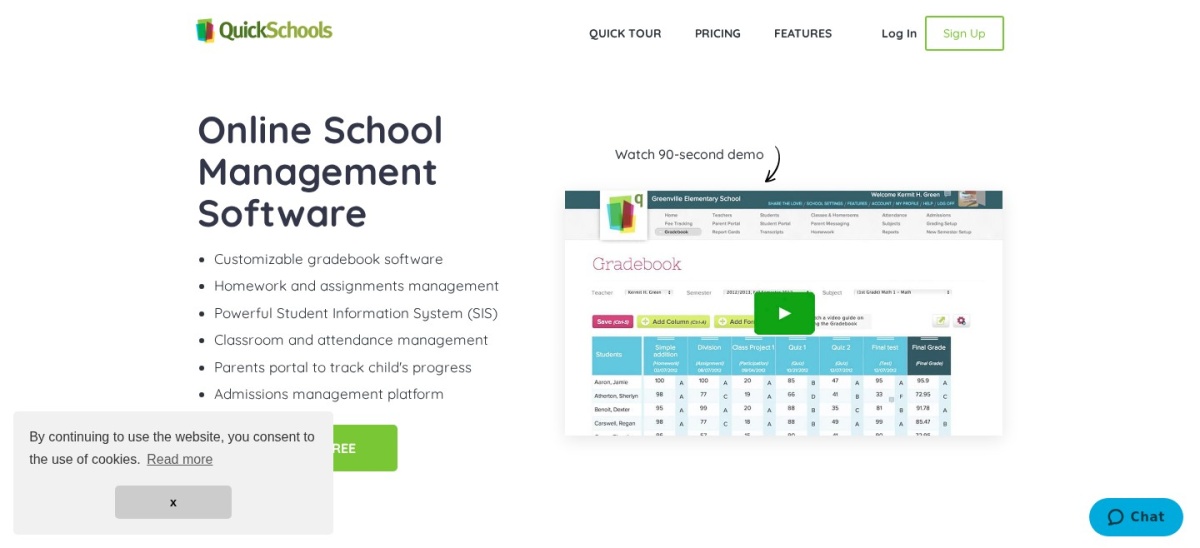
QuickSchools is a small-school management platform with a customisable gradebook, attendance, homework, admissions and parent portals. Its Gaia plan costs $0.99 per student a month, the lowest entry price in this list, with Apollo at $1.49 and Athena at $2.99. Reviewers rate it 4.5 out of 5 across 93 G2 reviews, with support at 9.6 out of 10.
The trade off is scope. QuickSchools fits small schools best, and larger schools may outgrow its reporting and integrations. It suits small private schools that want a low per-student bill and fast, friendly support.
What we like
Lowest entry price in this list
Support rated 9.6 out of 10 on G2
Per-student billing scales with enrollment
Free trial available
Watch out for
Built for small schools; large schools may outgrow it
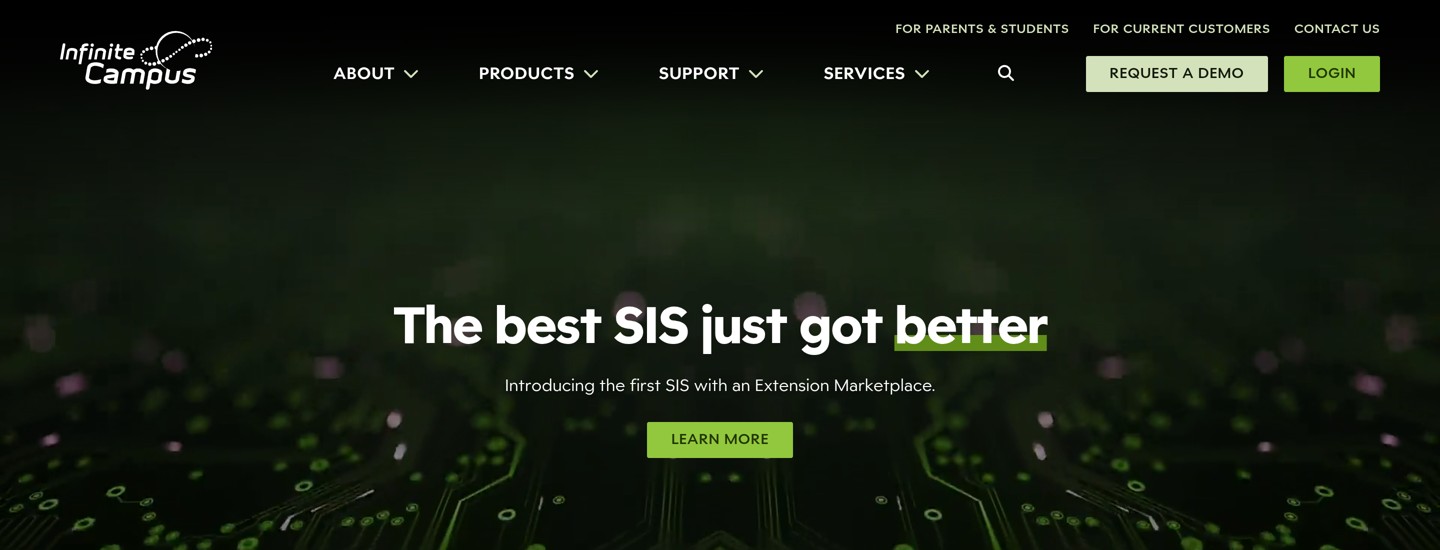
Infinite Campus is a district-scale student information system with grades, attendance, scheduling, reporting and parent and student portals. It calls itself the first SIS with an Extension Marketplace for add-on apps. Reviewers rate it 3.7 out of 5 across 203 G2 reviews, the lowest score in this list.
The trade off is usability. G2 gives ease of setup 5.4 out of 10, and reviewers describe a steep learning curve and awkward navigation. It suits large districts that need one system across many schools and can invest in training.
Six tools in this list publish no price. Expect the quote to depend on student numbers, modules and implementation.
Ask every vendor for the same three numbers: the annual subscription, the one-off implementation fee and the cost of training. G2 reviewers report about 7 months to implement Blackbaud and about 2 months for FACTS and QuickSchools.
Published prices help here. Gradelink lists $121 a month for up to 50 students, Classe365 lists $100 a month for up to 100, and QuickSchools lists $0.99 per student a month. Use those as the yardstick when a quote lands.
How we chose
We started from the student information systems with the most reviews on G2 and Capterra, then kept nine established tools that cover K-12, private schools and districts.
Prices come from each vendor's pricing page or vendor-provided listings on G2 and Capterra, checked on 26 November 2026. Ratings and review counts come from G2 or Capterra on the same day. Where a vendor shows a sale, the list shows the regular price.
We left out tools with no public rating, including several newer school apps. No vendor paid for a place, and we do not claim to have used these tools ourselves.
How to choose student management software
Start with your enrollment size, then match the pricing model to it.
Count your students first. Per-student pricing suits small schools, while flat tiers suit larger ones. Gradelink charges by student bands and Classe365 by active-student brackets.
List the jobs the SIS must do. Attendance, gradebook and report cards are standard, but tuition billing, admissions and a parent portal are not in every plan. Check each one before the demo.
Ask for the full first-year cost. Six tools in this list quote only, so get the subscription, implementation and training in writing. Compare the total with a published price such as Gradelink at $121 a month.
Trial it with real office staff. Give the registrar and two teachers a trial account and ask them to take attendance, enter grades and pull a report. If they struggle, the tool will cost more in training later.
FAQ
What is the best student management software?
Alma is the best pick for most K-12 schools, rated 4.6 out of 5 across 455 Capterra reviews, with support rated 4.7 out of 5. It covers admissions, scheduling, attendance, grading and family portals in one system, and serves more than 6 million students.
How much does student management software cost?
Published prices in this list run from $0.99 per student a month for QuickSchools to $121 a month for Gradelink and $100 a month for Classe365. Six of the nine tools publish no price, so expect a custom quote based on student numbers and modules.
Is there free student management software?
Classter is the only tool in this list with a free edition, aimed at small schools and nonprofits with basic needs. Gradelink, Classe365 and QuickSchools offer free trials instead, so you can test the full product before paying.
What is the difference between an SIS and school management software?
A student information system is the record of each student: enrollment, attendance, grades and schedules. School management software is the wider term and can also cover billing, admissions, transport and fundraising, which some tools here bundle in.
Do these tools work for higher education?
Most tools here are built for K-12 schools, though Classter and Classe365 also serve colleges and academies. Large universities usually need a higher-education SIS instead, with degree audit and financial aid features these tools do not focus on.
Which student management software is easiest to set up?
QuickSchools and FACTS both average about 2 months to implement, according to G2 reviewers. Gradelink is also known for a short learning curve and included training. Blackbaud takes longest in this list, at about 7 months.
SaaS SEO and WordPress specialist with about 8 years of experience. Rakib compares WordPress plugins, themes, hosting and software using public pricing, documentation and user reviews. See how we rank.