Postman leads among the best tools for integration testing, with a 4.6/5 G2 rating from 1,804 reviews and paid plans starting at $9 per month. Choose Cypress for browser-to-backend integration testing or Sauce Labs for validating connected applications across cloud-hosted browsers and devices.
How we make this list: we compare pricing pages, product documentation and public user reviews, then re-check every price before each update. No product paid for a place. Disclosure.
Postman starts at $9 per month with annual billing and has 1,804 G2 reviews.
Cypress Cloud provides 500 monthly test results and access for 10 users on its free plan.
Sauce Labs starts at $39 per month with annual billing and includes unlimited users.
SoapUI Open Source supports REST and SOAP integration testing and has a 4.4/5 G2 rating from 142 reviews.
Apache JMeter provides free functional and performance testing, rated 4.3/5 across 157 G2 reviews.
Selenium WebDriver provides free browser automation and holds a 4.5/5 rating from 101 G2 reviews.
How do you choose the best tools for integration testing?
Integration testing verifies that separate software components communicate correctly. Unlike unit testing, which isolates individual functions, integration testing examines interactions between APIs, databases, application modules and external dependencies.
API testing is particularly important for distributed applications. A service may work correctly in isolation but fail when another service sends an unexpected payload, uses outdated authentication credentials or receives an incompatible response.
Browser-based integration testing checks whether application interfaces interact correctly with backend services. These tests can validate authentication, form submissions, data persistence and other workflows that depend on communication between application layers.
Performance testing reveals integration failures that functional checks may miss. Connected systems can behave correctly under normal conditions but experience delays, connection failures or inconsistent responses when traffic increases.
The right testing tool depends on the integration boundary. API clients suit service communication, browser frameworks suit frontend-to-backend interactions, and performance tools suit connected systems operating under concurrent demand.
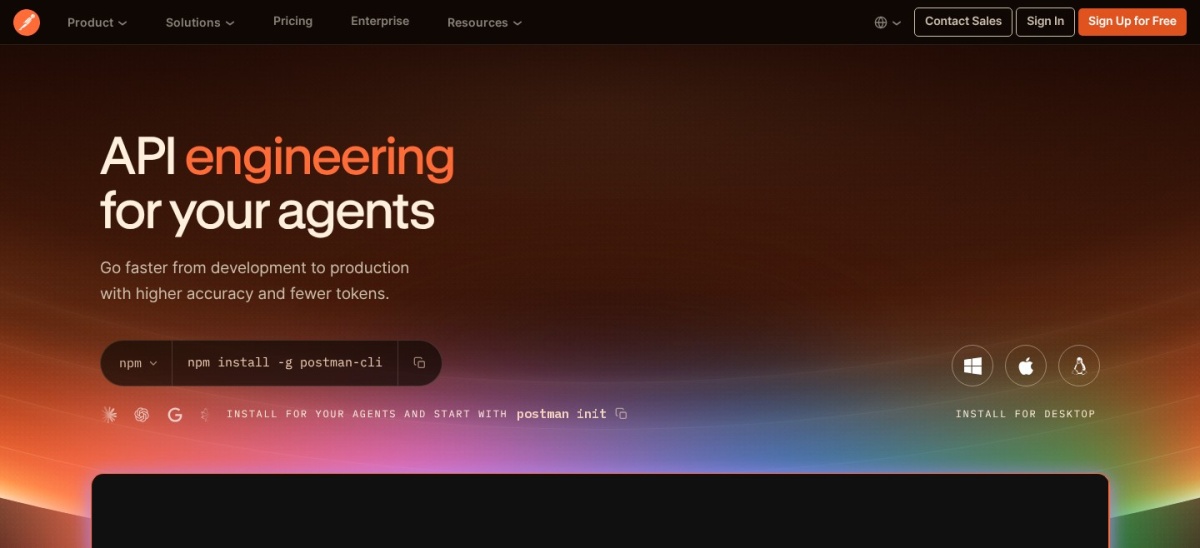
Postman is an API development and testing platform that helps engineers validate communication between connected services. Its free subscription includes API requests, mock servers, collection execution and Git functionality. The Solo subscription starts at $9 per month with annual billing and adds data-driven testing with exports.
The trade off is that Solo primarily serves individual developers, while shared team collaboration requires Team at $19 per user per month with annual billing. Postman also does not replace browser automation or database-specific testing frameworks. It suits developers who need repeatable API integration checks without maintaining an extensive custom testing infrastructure.
What we like
Organizes related API requests into reusable collections
Supports assertions and chained requests
Mock servers help isolate external dependencies
Free subscription for individual developers
Large independent review sample
Watch out for
Shared collaboration requires a higher subscription
Not a dedicated browser automation framework
Advanced monitoring requirements may increase costs
Solo adds data-driven testing, exports and expanded API monitoring.Visit postman.com
02
Cypress
4.7/5on G2 (107 reviews, checked Nov 2026)
Paid from$799/yr
Best for frontend-to-backend integration testing
Local test runnerOpen source, MIT license
Free cloud allowance500 test results/mo
Free cloud users10
Paid planTeam, $799/yr
cypress.io
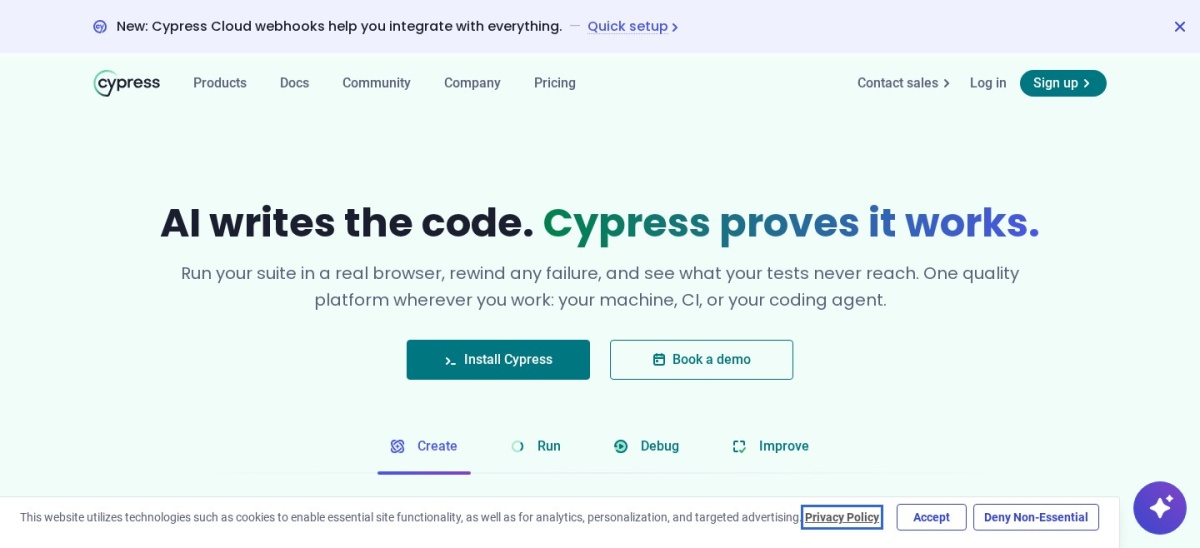
Cypress homepage, captured Nov 2026.
Cypress is a browser testing framework that helps developers examine interactions between web interfaces and backend services. Its open-source application supports local execution, network interception and API request validation. The free Cypress Cloud subscription includes 500 recorded monthly test results and access for 10 users.
The trade off is that Cypress Cloud Team costs $799 per year, although local execution remains free. The paid service adds failure analysis, collaboration features and a larger recorded-test allowance rather than unlocking the underlying browser runner. It suits JavaScript development teams that need detailed visibility into application integration failures.
What we like
Free local browser test execution
Network requests can be intercepted and inspected
Useful for validating frontend-to-backend interactions
Visual debugging supports failure investigation
Cloud service provides centralized test history
Watch out for
Requires familiarity with JavaScript-based testing
Cloud expenses increase with recorded test volume
Not designed for native mobile application testing
Cloud Team adds flaky-test analysis, webhooks and Jira integration.Visit cypress.io
03
Sauce Labs
4.4/5on G2 (200 reviews, checked Nov 2026)
Starts at$39/mo
Best for cloud-based application integration testing
Entry subscriptionLive Testing
User allowanceUnlimited
Testing environmentsVirtual and real devices
Regular monthly billing$49/mo
saucelabs.com
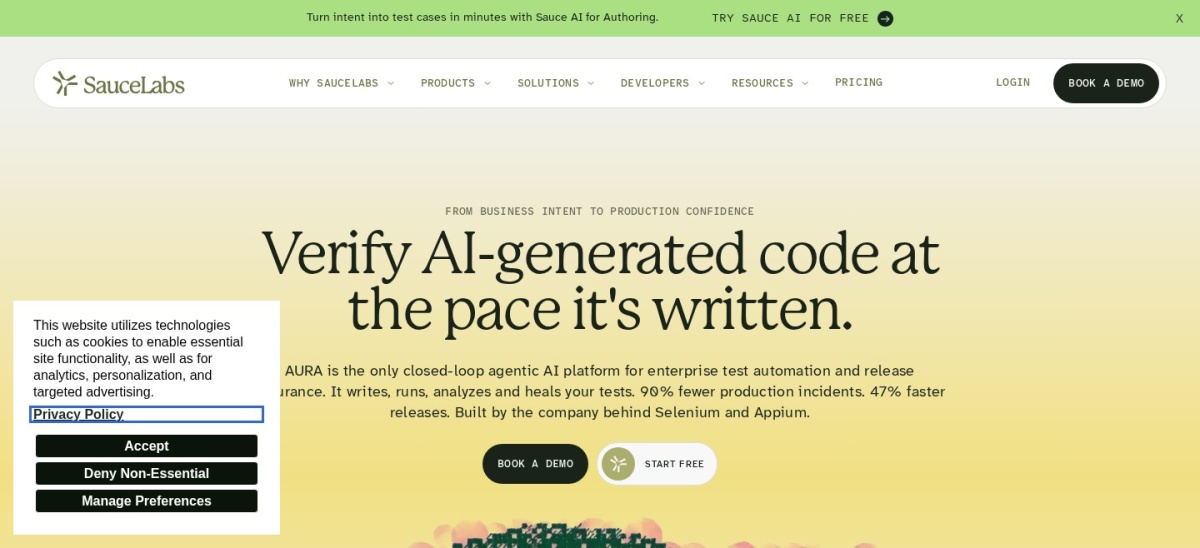
Sauce Labs homepage, captured Nov 2026.
Sauce Labs is a cloud testing platform that provides browser and device environments for validating connected applications. Its Live Testing subscription starts at $39 per month with annual billing and includes unlimited users, debugging information and secure local tunneling. Development teams can investigate integration problems without maintaining their own collection of physical testing devices.
The trade off is that the $39 starting subscription is intended for live testing rather than representing the complete cost of automated cloud execution. Monthly billing costs $49, and automated testing requirements may need another subscription. It suits quality assurance teams investigating application compatibility and integration failures across different environments.
What we like
Access to cloud-hosted testing environments
Unlimited users on published subscriptions
Secure connectivity to private test environments
Device logs support failure investigation
Reduces the need to maintain physical testing hardware
Watch out for
Entry subscription focuses on live testing
Automated execution may require a higher plan
Depends on external cloud infrastructure
Paid subscriptions provide cloud testing environments, debugging and execution capabilities according to the selected tier.Visit saucelabs.com
04
SoapUI
4.4/5on G2 (142 reviews, checked Nov 2026)
PriceFree
Best for SOAP and REST service integration testing
API protocolsSOAP and REST
Service definitionsWSDL
Testing approachFunctional API testing
LicenseOpen source
soapui.org
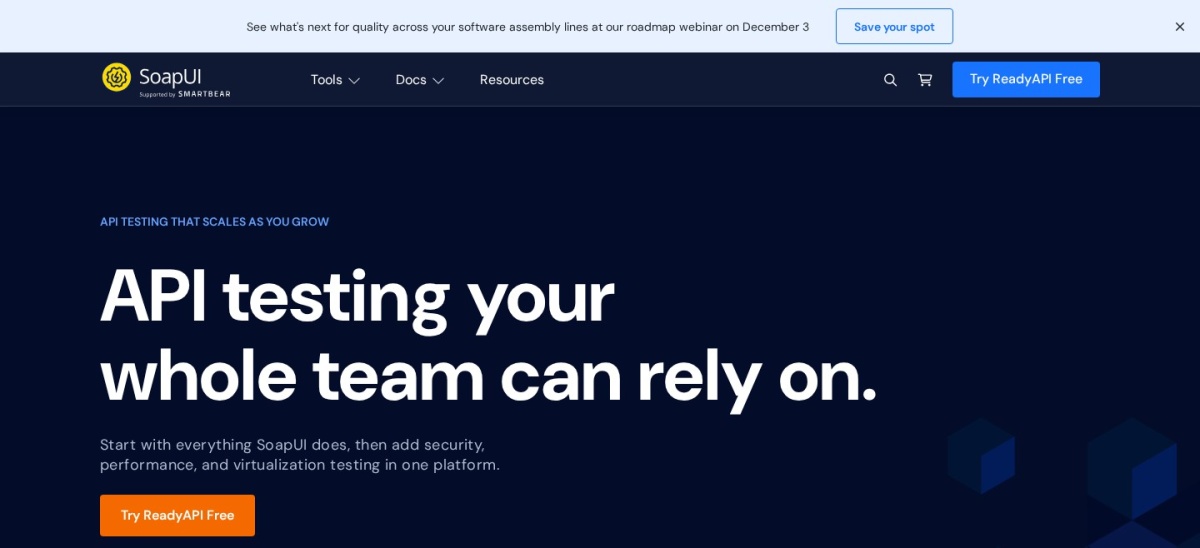
SoapUI homepage, captured Nov 2026.
SoapUI is an open-source API testing application designed for validating web service interactions. Developers can construct functional test suites, inspect responses, transfer properties between requests and simulate dependencies. Its support for SOAP and WSDL makes it particularly relevant for organizations maintaining established enterprise web services alongside newer REST applications.
The trade off is that the free edition has fewer advanced testing and collaboration capabilities than SmartBear's separate commercial ReadyAPI product. Complex scenarios may require scripting and additional configuration, although SoapUI itself has no paid subscription. It suits developers maintaining SOAP-based integrations or mixed web service environments.
What we like
Free open-source application
Dedicated SOAP and WSDL support
Supports REST service testing
Can organize multi-request functional scenarios
Service mocking helps isolate unavailable dependencies
Watch out for
Interface may take time to learn
Advanced commercial testing capabilities belong to ReadyAPI
Complex scenarios can require scripting
SoapUI Open Source is free; ReadyAPI is a separate commercial testing product.Visit soapui.org
05
Apache JMeter
4.3/5on G2 (157 reviews, checked Nov 2026)
PriceFree
Best for performance testing connected services
Application typeJava-based testing application
Testing focusFunctional behavior and performance
ExecutionLocal and distributed
LicenseOpen source
jmeter.apache.org
Apache JMeter homepage, captured Nov 2026.
Apache JMeter is an open-source Java application for examining functional behavior and measuring system performance. Its test plans can generate requests against connected applications and evaluate how services respond under different workloads. Developers can use it to identify communication bottlenecks that do not appear during isolated functional testing.
The trade off is that JMeter requires careful workload configuration and interpretation of results, even though the software has no subscription cost. It does not operate as a full graphical browser and therefore cannot replace browser-based interface testing. It suits engineering teams validating the reliability of integrated applications under concurrent demand.
What we like
No software licensing costs
Supports functional and performance testing
Distributed execution capabilities
Configurable requests and response checks
Useful for identifying service communication bottlenecks
Watch out for
Requires technical knowledge to design meaningful workloads
Does not render web interfaces like a browser
Large test runs require suitable computing resources
The complete open-source application is available without a paid subscription.Visit jmeter.apache.org
06
Selenium
4.5/5on G2 (101 reviews, checked Nov 2026)
PriceFree
Best for custom browser integration test frameworks
Automation interfaceWebDriver
Browser supportChrome, Firefox, Edge and Safari
Programming languagesJava, Python, C#, JavaScript and others
LicenseOpen source
selenium.dev
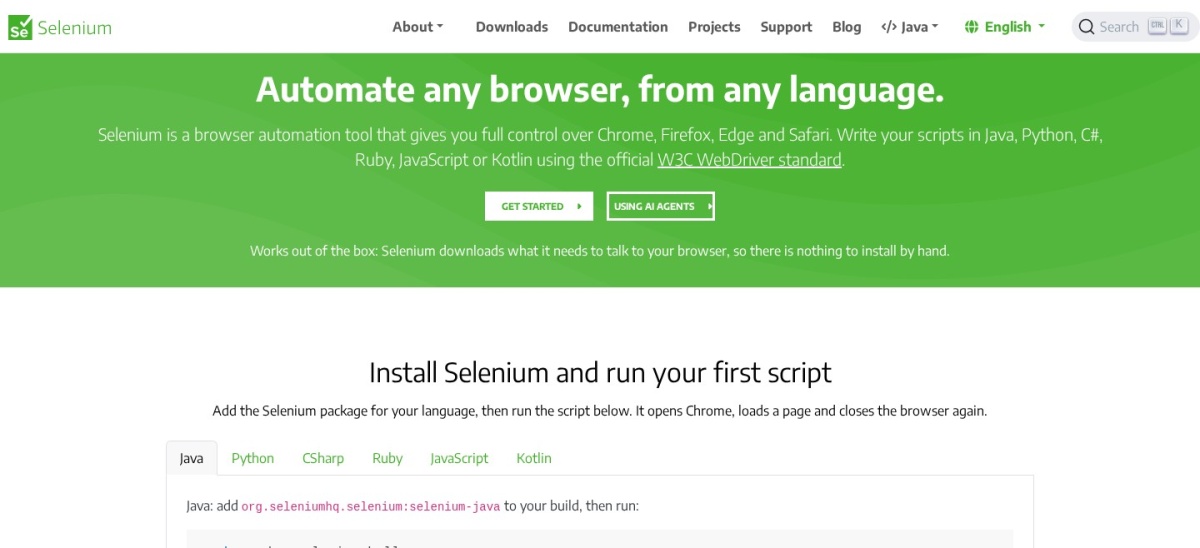
Selenium homepage, captured Nov 2026.
Selenium is an open-source browser automation project that helps developers construct application tests using WebDriver. It supports major desktop browsers and multiple programming languages, including Java and Python. Engineers can combine browser actions with database checks and API requests through their existing test frameworks to validate integrated application behavior.
The trade off is that Selenium provides browser automation rather than a complete managed testing service, despite having no software subscription cost. Teams must organize assertions, test data, reporting and execution infrastructure themselves or through complementary products. It suits developers building custom integration suites around established programming languages.
What we like
Free open-source browser automation
Supports multiple programming languages
Compatible with major desktop browsers
Can integrate with existing test frameworks
Flexible control over test execution infrastructure
Watch out for
Requires programming knowledge
Test reporting typically needs complementary tooling
Browser and infrastructure maintenance remain team responsibilities
Selenium has no paid subscription; external execution and reporting services may charge separately.Visit selenium.dev
07
Playwright
4.8/5on G2 (15 reviews, checked Nov 2026)
PriceFree
Best for modern cross-browser integration scenarios
Browser enginesChromium, Firefox and WebKit
Failure investigationTest tracing
Test executionParallel execution
LicenseOpen source
playwright.dev
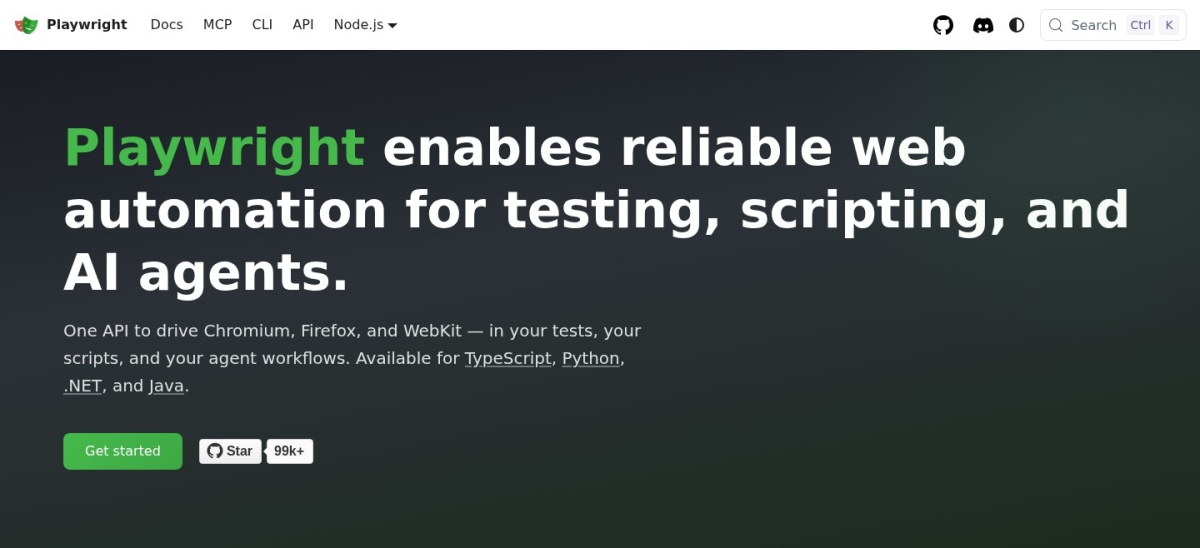
Playwright homepage, captured Nov 2026.
Playwright is an open-source automation framework for testing modern web applications across Chromium, Firefox and WebKit. Its test runner combines browser interactions, assertions, isolated browser contexts and tracing. The project has more than 99,000 GitHub stars, indicating substantial developer adoption despite its relatively small G2 review sample.
The trade off is that Playwright requires engineers to create and maintain test code, even though the framework itself has no paid subscription. Cloud execution infrastructure and reporting services may introduce separate expenses. It suits development teams that want to validate browser interactions and API behavior within a code-first testing environment.
What we like
Free open-source test framework
Supports major browser engines
Isolated browser contexts reduce state leakage between tests
Hosted execution infrastructure may introduce additional expenses
The open-source framework includes browser automation, assertions, tracing and parallel execution.Visit playwright.dev
What is the difference between integration testing and end-to-end testing?
Integration testing concentrates on interactions between selected components. A test might verify that an authentication service issues a valid token and that another service accepts that token when processing an authorized request.
End-to-end testing examines a complete user or business workflow. An online ordering test could validate product selection, checkout, payment confirmation and order creation together rather than examining a particular service boundary.
The same tool can support different testing levels. Cypress and Playwright can validate selected frontend-to-backend interactions or execute broader user journeys, depending on which components the test includes.
A balanced testing strategy uses narrower integration tests for predictable feedback and broader end-to-end tests for important business workflows. This reduces reliance on expensive, difficult-to-diagnose full-system scenarios.
Do developers need paid integration testing software?
Paid software is not necessary for every integration testing workflow. SoapUI, Apache JMeter, Selenium and Playwright provide open-source testing capabilities without subscription charges. Developers can execute these tools locally or through existing continuous integration infrastructure.
Commercial subscriptions become useful when teams need shared workspaces, centralized execution histories, expanded monitoring or hosted testing environments. Postman starts at $108 annually, while Cypress Cloud Team has a published annual price of $799.
Infrastructure expenses remain relevant even when a framework is free. Test environments, databases, execution machines and external service dependencies may create operating costs that do not appear in the software price ladder.
The price comparison uses regular entry subscriptions and the actual published annual total where available. Sauce Labs' starting price represents live testing, not its automated execution plans. The open-source frameworks have no direct subscription charges.
How we chose
We shortlisted established API testing applications, browser automation frameworks and performance testing tools that can validate interactions between connected software components. The ranking prioritizes practical integration coverage, repeatable execution, debugging capabilities, public pricing and developer adoption.
We opened official pricing or open-source project pages and G2 review profiles on 29 Nov 2026. Commercial prices represent publicly displayed regular entry subscriptions. Cypress uses its explicitly published $799 annual charge rather than multiplying its rounded monthly equivalent. Playwright is an exception to the approximate minimum review requirement because its official homepage documents more than 99,000 GitHub stars.
We excluded BrowserStack because its pricing pages could not be retrieved, Insomnia because its independent review profile could not be confirmed, and Katalon and TestComplete because numerical prices were unavailable on their opened official pricing pages. No vendor paid for a place, and we do not claim testing for this list.
How to choose an integration testing tool for your application
Identify the components your application connects, then select testing tools that can validate those interactions within your development and deployment workflow.
Identify the integration boundaries that need coverage. List external APIs, internal services, databases, authentication providers and browser interfaces. Prioritize interactions that affect important business processes or have previously introduced application failures.
Choose tools that match your application architecture. Use Postman or SoapUI for service-level API interactions, Cypress or Playwright for browser-to-backend scenarios, and Apache JMeter for performance problems involving connected services. Combine complementary tools when the application has several integration boundaries.
Check compatibility with your continuous integration pipeline. Confirm that tests can run automatically after code changes and produce clear failure information. Evaluate execution dependencies, environment configuration, secret management and the ability to reproduce failures locally.
Calculate the full testing and maintenance expense. Compare subscription charges with cloud execution, computing resources, test environment maintenance and engineering time. A free framework may be suitable for experienced developers, while managed services can reduce infrastructure responsibilities.
FAQ
What are the best tools for integration testing in 2026?
Postman is the best starting point for API integration testing, with a 4.6/5 G2 rating and paid subscriptions starting at $9 per month. Cypress suits browser-to-backend testing, while Sauce Labs provides cloud environments for investigating application integration problems.
What is the best free tool for integration testing?
Postman's free subscription is a good starting point for API integration testing. SoapUI is particularly suitable for SOAP services, while Playwright and Selenium provide free browser automation. Apache JMeter is another option when connected services need performance and functional validation.
How much do integration testing tools cost?
Integration testing tools range from free open-source frameworks to commercial subscriptions. Postman starts at $108 per year, Sauce Labs Live Testing starts at $468 annually, and Cypress Cloud Team costs $799 annually. Hosted automation, additional usage and infrastructure can increase these expenses.
Is Postman or Cypress better for integration testing?
Postman is better for validating communication between APIs directly, while Cypress is better for examining how web interfaces interact with backend services. Both support repeatable integration scenarios, but their execution models and primary testing boundaries differ significantly.
Which integration testing tool is best for beginners?
Postman is a suitable beginner option because developers can construct API requests, inspect responses and organize related checks through a graphical interface. SoapUI is another option for teams working with SOAP services, although its configuration may require more initial learning.
Can Selenium be used for integration testing?
Selenium can support integration testing when the integration boundary includes a web browser. Developers can combine browser interactions with backend assertions through complementary libraries and test frameworks. Selenium alone is not a specialized tool for testing direct API or database communication.
Is integration testing the same as API testing?
Integration testing is broader than API testing. API testing examines service interfaces and can validate integrations between services, while integration testing also includes database communication, application modules, messaging systems and other interactions between connected software components.
Can integration testing be automated in a CI/CD pipeline?
Integration testing can be automated through continuous integration and delivery pipelines using command-line runners, test frameworks and configured execution environments. Teams should prepare predictable test data, manage credentials securely and capture sufficient diagnostic information to investigate failures.
SaaS SEO and WordPress specialist with about 8 years of experience. Rakib compares WordPress plugins, themes, hosting and software using public pricing, documentation and user reviews. See how we rank.