Best Telemarketing Software in 2026: 7 Tools Compared
WLWPLegible EditorsLast verified 22 Nov 2026How we rank12 min read
★ Short answer
JustCall is our top telemarketing software pick, combining calling, CRM integrations and sales automation, with paid plans starting at $29 per user monthly on annual billing. CloudTalk suits teams requiring flexible call-center workflows, while CallHippo offers a lower-cost entry point at $18 per user monthly.
How we make this list: we compare pricing pages, product documentation and public user reviews, then re-check every price before each update. No product paid for a place. Disclosure.
JustCall Team starts at $29 per user monthly with annual billing and a minimum of 2 licenses; Pro adds a power dialer for $49.
CloudTalk Starter starts at $25 per user monthly with annual billing, while power dialing can be added for $15 per user monthly.
CallHippo Starter costs $18 per user monthly, with 1,000 calling minutes and 100 text messages; Professional starts at $30.
Aircall Essentials costs $30 per license monthly with annual billing and requires 3 licenses; Professional adds a power dialer for $50.
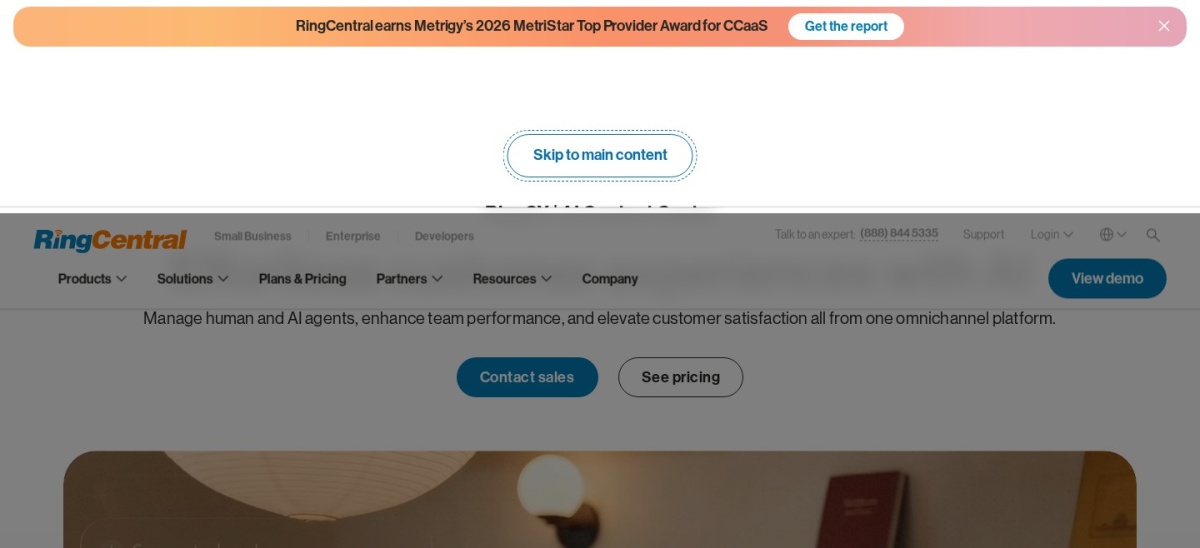
RingCX Standard costs $65 per user monthly with annual billing, supporting voice and more than 20 digital channels.
PhoneBurner Standard costs $140 per user monthly with annual billing, while Dialpad Support Essentials starts at $89.
What to look for in telemarketing software
Telemarketing software helps sales and outreach teams manage outbound calls, customer records, follow-ups and campaign performance. The right platform reduces repetitive dialing tasks while keeping conversations and customer information organized.
Start with dialing capabilities. Click-to-call is useful for smaller teams, while power, progressive and predictive dialers support higher calling volumes. These modes differ in how calls are initiated and connected to available agents.
Next, evaluate CRM integration and contact management. Automatic call logging, activity notes and follow-up tasks make it easier for agents to continue conversations without updating several systems manually.
Call recording, monitoring and reporting are useful for coaching. Look for call outcomes, agent activity, connection rates and campaign dashboards, but distinguish basic reporting from advanced conversation intelligence.
Finally, examine calling costs and compliance controls. Subscription fees may exclude phone numbers, international calling, advanced dialers and usage charges. Businesses must also follow applicable calling-consent, do-not-call, privacy and call-recording requirements.
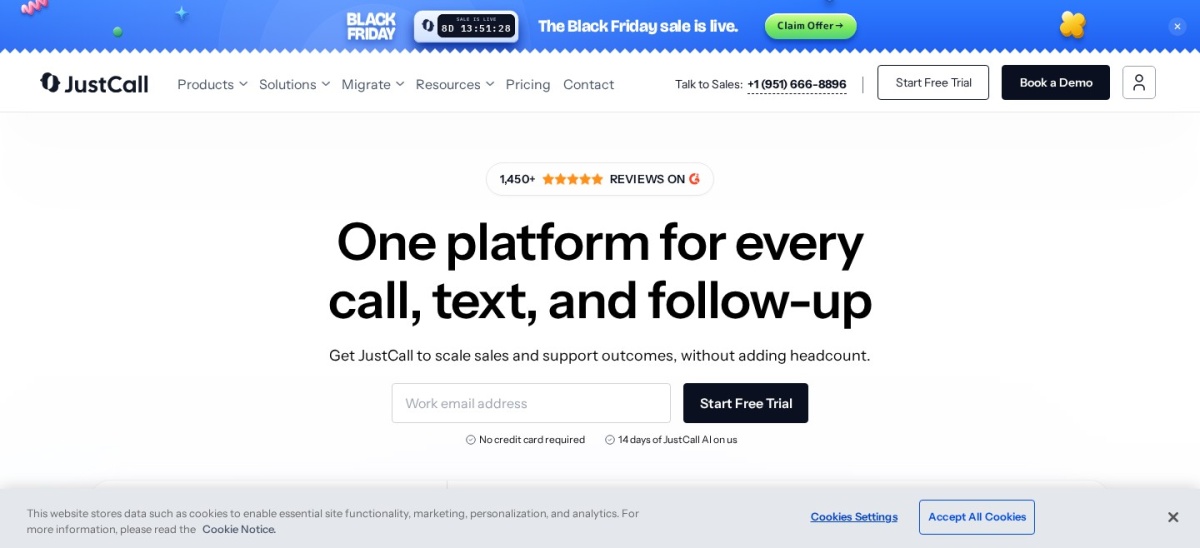
JustCall is a cloud calling and sales communication platform combining business phone numbers, SMS, call tracking and CRM integrations. Team starts at $29 per user monthly with annual billing and a 2-license minimum, while Pro costs $49 and adds power dialing and more advanced sales communication capabilities.
The trade off is that Team does not include the core power-dialing functionality many telemarketing campaigns require. Pro costs $588 per user annually before additional calling charges, and predictive dialing belongs to the quote-based SalesPro product. It suits sales teams wanting calling, messaging and CRM activity in one workspace.
What we like
CRM integrations and automatic call logging
Power dialing available in Pro
Calling and business messaging in one platform
Call recording and reporting capabilities
Large public customer-review base
Watch out for
Power dialing requires Pro
Minimum 2-license commitment
Predictive dialing requires SalesPro
Additional call and messaging charges may apply
Pro adds power dialing and expanded sales tools; SalesPro introduces advanced outbound dialing.Visit justcall.io
02
CloudTalk
4.4/5on G2 (2,039 reviews, checked Nov 2026)
Starts at$25/mo
Best for outbound call-center teams
Starting planStarter
Annual-billing rate$25/user/mo
Power dialer add-on$15/user/mo
Expert plan$49/user/mo
cloudtalk.io
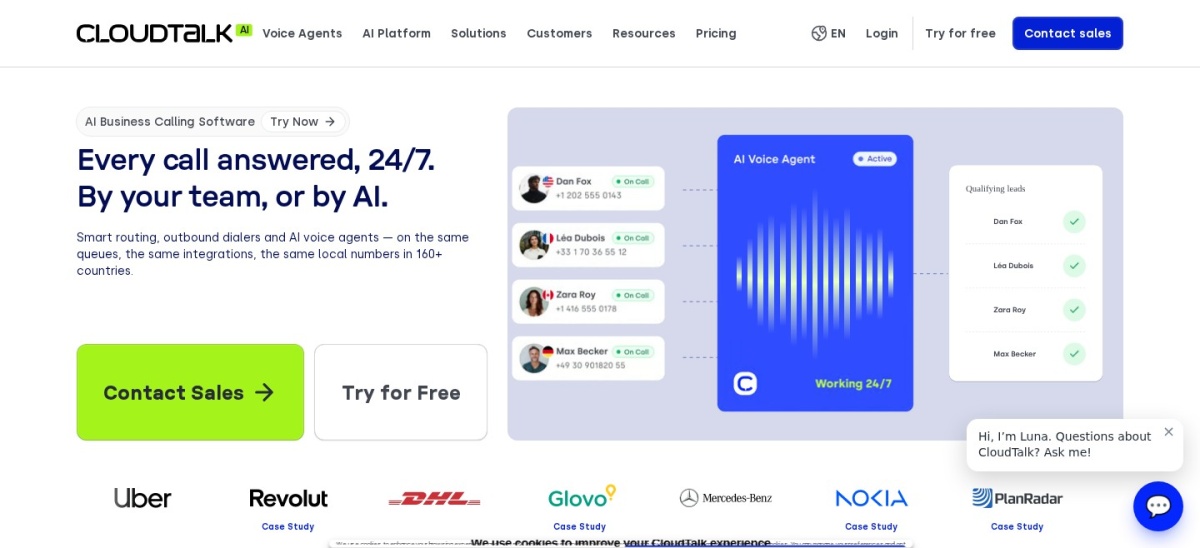
CloudTalk homepage, captured Nov 2026.
CloudTalk is cloud call-center software for managing outbound campaigns, business calling, CRM activity and team performance. Starter begins at $25 per user monthly with annual billing, while Essential costs $29 and Expert costs $49. Its Power Dialer is available as an add-on or through higher-level functionality.
The trade off is that the $25 entry subscription does not provide the complete outbound dialing toolkit. Adding Power Dialer increases the starting configuration to approximately $40 per user monthly, while advanced parallel dialing costs more. It suits growing sales teams needing flexible calling and campaign operations.
What we like
Outbound calling and call-center workflows
Power and parallel dialer options
CRM integrations and activity synchronization
Call reporting and team monitoring
Flexible subscription levels
Watch out for
Advanced dialers increase subscription costs
Calling allowances and fair-use conditions apply
Expert requires at least 3 licenses
Some users report connection and integration issues
Essential expands call-center tools; Expert includes Power Dialer and more advanced capabilities.Visit cloudtalk.io
03
CallHippo
4.4/5on G2 (417 reviews, checked Nov 2026)
Starts at$18/mo
Best affordable telemarketing phone system
Starting planStarter
Published starting rate$18/user/mo
Included calling minutes1,000
Included SMS100
callhippo.com
CallHippo homepage, captured Nov 2026.
CallHippo is a cloud business phone and outbound communication platform offering calling, messaging, call logs and integrations. Starter is listed at $18 per user monthly and includes 1,000 calling minutes, 100 text messages, basic analytics and access to desktop and mobile applications.
The trade off is that Professional at $30 per user monthly is needed for call recording, advanced reporting and broader CRM connections. Specialized parallel and predictive dialing require checking the relevant product and subscription. It suits smaller outbound teams seeking affordable calling before adding advanced campaign tools.
What we like
Low published starting subscription
Calling and business messaging
Call analytics and activity logs
Integrations with business applications
Advanced dialing products available
Watch out for
Starter has limited calling allowances
Advanced reporting requires Professional
High-volume dialing is subject to usage restrictions
Specialized dialing products can add costs
Professional adds call recording, expanded analytics, CRM integrations and additional calling allowances.Visit callhippo.com
04
Aircall
4.4/5on G2 (1,696 reviews, checked Nov 2026)
Starts at$30/mo
Best for CRM-connected calling workflows
Starting planEssentials
Annual-billing rate$30/license/mo
Minimum licenses3
Power dialerProfessional, $50/license/mo
aircall.io
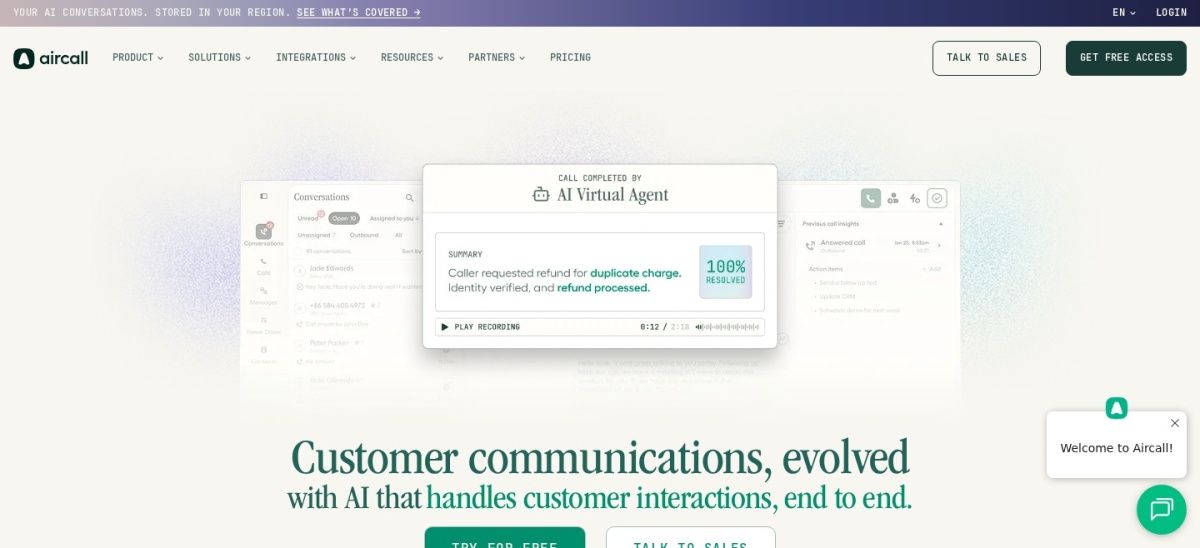
Aircall homepage, captured Nov 2026.
Aircall is a cloud phone and customer communication platform connecting calls, recordings, messaging and CRM workflows. Essentials costs $30 per license monthly with annual billing and includes call recording, basic analytics, call routing and access to more than 250 integrations, with a 3-license minimum.
The trade off is that the power dialer and advanced analytics require Professional at $50 per license monthly, while additional phone numbers and specialist analytics cost extra. The minimum Essentials subscription is $1,080 annually. It suits sales teams prioritizing CRM-connected communication and shared call visibility.
What we like
Extensive CRM and business integrations
Call recording and basic analytics
Power dialer available in Professional
Shared calling and messaging workspace
Suitable for sales and support collaboration
Watch out for
Minimum 3-license purchase
Power dialer requires Professional
Additional numbers cost extra
Advanced analytics are separate from Essentials
Professional adds power dialing, advanced analytics, smart routing and expanded conversation intelligence.Visit aircall.io
05
RingCX
4.4/5on G2 (138 reviews, checked Nov 2026)
Starts at$65/mo
Best for multichannel contact centers
Starting planStandard
Annual-billing rate$65/user/mo
Digital channels20+
Professional plan$95/user/mo
ringcentral.com
RingCX homepage, captured Nov 2026.
RingCX is an AI-enabled contact-center platform supporting voice communications, digital channels, intelligent routing and agent performance management. Standard costs $65 per user monthly with annual billing and includes voice, more than 20 digital channels, automatic call distribution, IVR and agent screen recording.
The trade off is that RingCX is a broader contact-center platform rather than a lightweight standalone telemarketing dialer. Professional costs $95 per user monthly and adds AI quality management and agent assistance. It suits established sales and contact-center teams managing outbound calls alongside other customer communication channels.
What we like
Voice and digital channels in one platform
Automatic call distribution and IVR
Contact-center reporting and supervision
AI quality management upgrades
Suitable for blended calling operations
Watch out for
Higher entry price than small-team dialers
Additional AI functions can require upgrades
More complex than a basic sales calling tool
Advanced workforce features require Elite
Professional adds AI quality management and agent assistance; Elite adds workforce management and analytics.Visit ringcentral.com
06
PhoneBurner
4.8/5on G2 (294 reviews, checked Nov 2026)
Starts at$140/mo
Best for dedicated outbound sales dialing
Starting planStandard
Annual-billing rate$140/user/mo
Monthly-billing rate$165/user/mo
Professional plan$165/user/mo annually
phoneburner.com
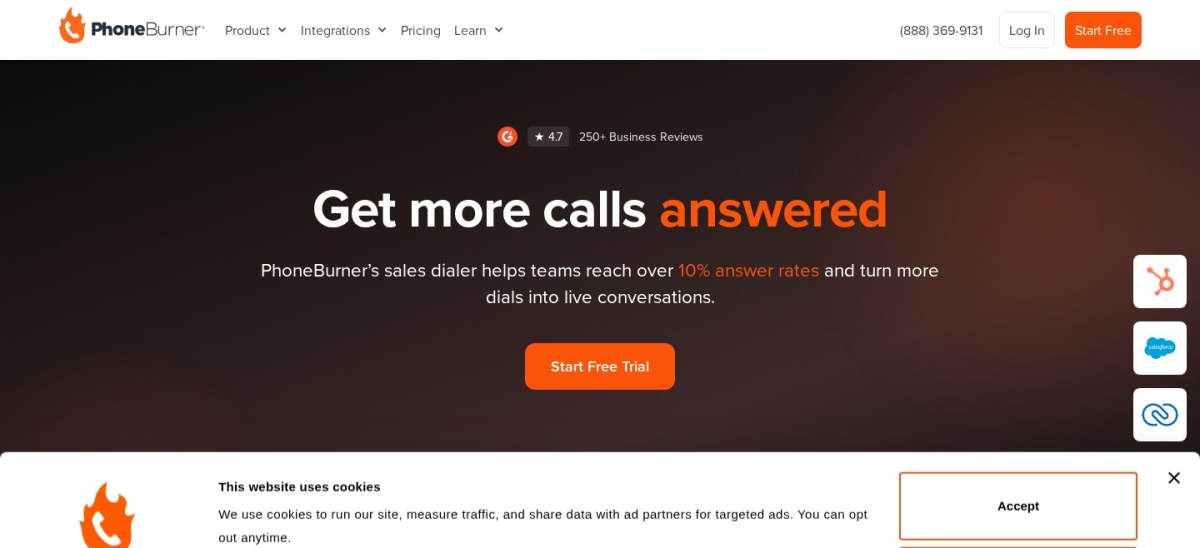
PhoneBurner homepage, captured Nov 2026.
PhoneBurner is outbound sales dialing software designed around calling efficiency, lead follow-up and CRM activity. Standard costs $140 per user monthly with annual billing and includes unlimited calling, a sales dialer, workflow automation and call analytics, along with tools for managing prospect activity.
The trade off is the considerably higher starting cost than general business phone systems, with Standard totaling $1,680 annually per user. Professional costs $165 per user monthly with annual billing and adds team-focused capabilities. It suits outbound teams that prioritize structured calling sessions and follow-up workflows.
What we like
Dedicated sales dialing workflow
Unlimited calling in the Standard subscription
CRM and lead management capabilities
Workflow automation and call analytics
High G2 customer rating
Watch out for
Expensive starting subscription
Advanced team features require Professional
Not a complete marketing automation platform
Additional services may affect total costs
Professional adds team-oriented calling tools, softphone dialing and additional conversation features.Visit phoneburner.com
07
Dialpad
4.4/5on G2 (713 reviews, checked Nov 2026)
Starts at$89/mo
Best for AI-assisted contact-center calling
ProductDialpad Support
Starting planEssentials
Published rate$89/user/mo
Advanced plan$119/user/mo
dialpad.com
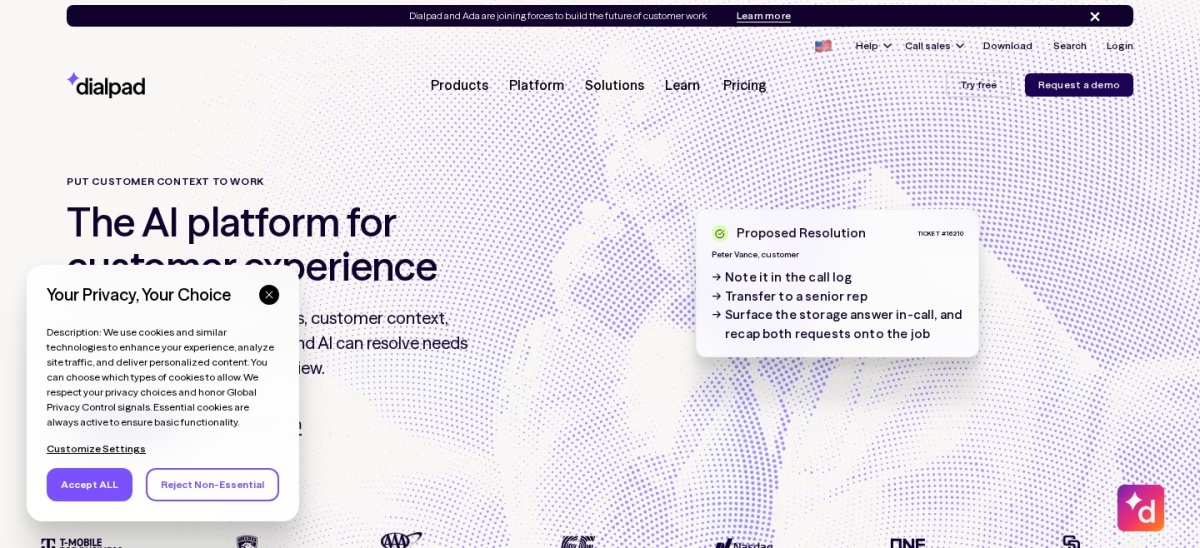
Dialpad homepage, captured Nov 2026.
Dialpad is an AI-enabled communications platform offering contact-center calling, automated transcripts, routing and performance analytics. Dialpad Support Essentials lists $89 per user monthly and includes a power dialer, call transcripts, conversation recaps, screen recording and local-presence dialing capabilities.
The trade off is that Essentials costs $1,068 annually per user at the published monthly rate, while advanced coaching and quality management require the $119 Advanced plan. It suits contact centers combining outbound campaigns with agent supervision, training and customer service operations.
What we like
Power dialer included in Essentials
AI call transcripts and conversation summaries
Local-presence dialing and voicemail drop
Call monitoring and analytics
Advanced agent coaching options
Watch out for
Higher entry cost than basic sales dialers
Advanced quality management requires an upgrade
Broader contact-center interface may need training
Power, progressive and predictive dialers explained
A power dialer automatically moves through a contact list, usually placing the next call when an agent becomes available. It reduces manual dialing while allowing the salesperson to handle conversations individually.
A progressive dialer typically initiates calls according to agent availability and campaign rules. It is useful when teams want structured dialing without placing more simultaneous calls than agents can handle.
A predictive dialer estimates agent availability and may place multiple calls before an agent becomes free. It can increase dialing throughput but introduces abandoned-call risks and additional compliance requirements.
A parallel dialer can attempt several numbers simultaneously and connect answered calls according to its routing logic. Teams should examine call abandonment, consent and connection quality rather than treating higher dialing volume as automatically better.
For smaller sales teams, power dialing is often a practical starting point. Larger campaigns may benefit from more advanced dialing modes when they have adequate supervision, compliance controls and call-volume requirements.
What telemarketing software really costs
Telemarketing software is commonly priced per user or agent. Entry subscriptions may include calling, messaging and basic reports but exclude automated dialing, advanced analytics or AI-assisted coaching.
JustCall Team starts at $29 per user monthly, while Pro with power dialing costs $49. Aircall follows a similar structure, charging $30 for Essentials and $50 for Professional, which adds a power dialer.
Dedicated dialing platforms can cost more. PhoneBurner Standard costs $140 per user monthly with annual billing, reflecting its focus on outbound calling and prospect follow-up.
Additional costs may include phone numbers, international minutes, SMS, call recording storage, analytics modules and CRM integrations. Annual billing commitments and minimum seats should also be included in comparisons.
Before buying, estimate the actual number of agents, expected calling volume and required dialing features. Comparing the complete annual cost provides a more useful picture than comparing entry prices alone.
How we chose
We shortlisted established business calling, outbound sales and contact-center platforms with documented telemarketing functionality. The comparison emphasizes dialing features, customer record integration, call analytics, campaign administration and public user feedback rather than general-purpose phone service alone.
The editorial comparison date is 22 Nov 2026. Official vendor pricing pages and G2 review listings were consulted on 24 Nov 2026. Published rates use standard subscription prices and identified billing terms rather than temporary promotional offers. Annual equivalents are calculated per user or license, with minimum-seat commitments noted separately.
We excluded products with insufficient review evidence, unavailable official pricing or no meaningful outbound calling functionality. We distinguished basic phone subscriptions from higher plans that include power or predictive dialing, and did not treat a trial as a permanent free plan. No vendor paid for a place, and we do not claim testing for this list.
How to choose the right telemarketing software
Identify your calling volume and sales workflow before comparing dialing features, integrations and subscription costs.
Define your outbound calling workflow. Estimate how many calls agents make and whether campaigns involve lead qualification, appointments or customer follow-ups. Choose click-to-call, power dialing or advanced automated dialing according to actual operating needs.
Check CRM and lead management integrations. Confirm that calls, notes and outcomes can synchronize with your customer records. Review supported CRM connections, follow-up automation and whether specific integrations require higher subscription tiers.
Evaluate reporting and compliance controls. Look for call activity dashboards, recordings, agent performance information and contact suppression options. Verify that the system supports your applicable consent, do-not-call, privacy and call-recording obligations.
Calculate the total cost per agent. Include software licenses, minimum-seat requirements, calling minutes, phone numbers, dialing add-ons and analytics features. Compare annual commitments with monthly subscriptions before selecting a plan.
FAQ
What is the best telemarketing software in 2026?
JustCall is our overall choice for outbound sales teams because it connects calling, messaging and CRM activity, with power dialing available in Pro. CloudTalk is a strong alternative for call-center workflows, while CallHippo offers an affordable entry-level business phone subscription.
How much does telemarketing software cost?
Prices vary by dialing capability and agent requirements. CallHippo Starter is listed at $18 per user monthly, JustCall Team starts at $29 with annual billing, and PhoneBurner Standard costs $140 per user monthly with annual billing. Advanced dialers and additional calling charges can raise the total.
Is there free telemarketing software?
Several vendors offer free trials, but these are not permanent free telemarketing subscriptions. CallHippo advertises an introductory Basic offer that requires upgrading after the free period. Businesses should confirm ongoing licensing, calling and phone-number charges before starting a campaign.
What is the difference between a power dialer and a predictive dialer?
A power dialer generally places calls sequentially as agents become available. A predictive dialer uses pacing calculations to initiate calls before agents are free. Predictive dialing can increase throughput but may produce abandoned calls and requires stronger operational controls.
Which telemarketing software integrates with CRM systems?
JustCall, CloudTalk, Aircall, CallHippo and PhoneBurner provide CRM integration capabilities. Supported systems and features differ by subscription. Check whether the connection supports automatic logging, customer records, activity notes and follow-up automation rather than only click-to-call.
Can telemarketing software record sales calls?
Yes. Many platforms support call recording for training, quality monitoring and recordkeeping. JustCall, Aircall and several other products offer recording capabilities, although availability depends on the plan. Businesses must follow applicable consent and privacy requirements before recording conversations.
Which telemarketing software is best for small businesses?
CallHippo and JustCall are worth considering for small outbound teams because they offer relatively accessible starting subscriptions. CloudTalk is another option for businesses expecting more structured call-center operations. Compare minimum licenses, dialing upgrades and actual calling costs before deciding.
Does telemarketing software automatically call leads?
Some platforms include power, progressive, predictive or parallel dialing that automatically initiates outbound calls. However, not every entry plan includes these features. Automated calling also requires attention to consent, contact suppression, calling hours and applicable telemarketing regulations.
Can telemarketing software improve sales conversion rates?
Telemarketing software can help teams make calls consistently, track outcomes and follow up with prospects. It may improve operational efficiency, but it cannot guarantee better conversion rates. Results also depend on lead quality, customer interest, agent training and campaign practices.