Otter.ai is the best software for transcribing interviews for most users, offering 300 monthly transcription minutes on its free plan alongside automatic speaker identification. Choose Descript if you need to edit interview recordings through their transcripts or Notta for multilingual interviews and frequent file uploads.
How we make this list: we compare pricing pages, product documentation and public user reviews, then re-check every price before each update. No product paid for a place. Disclosure.
Otter.ai includes 300 free monthly transcription minutes, with regular annual subscription pricing starting at $8.33 per month.
Descript Hobbyist includes 10 monthly media hours for $16 per month with annual billing.
Notta Pro includes 1,800 transcription minutes and 100 file uploads each month.
HappyScribe supports over 150 languages and dialects, with paid subscriptions starting at $8.50 per month.
Rev offers human transcription with a vendor-guaranteed accuracy rate of 99% or higher.
Fireflies.ai Pro includes 8,000 minutes of storage per seat for $10 per month with annual billing.
What to look for in interview transcription software
Interview transcription software converts recorded conversations into searchable text. Journalists, researchers, recruiters and podcast producers can use these transcripts to find quotes, review answers and prepare reports.
Automatic speaker identification is especially useful when an interviewer speaks with multiple participants. Look for editable speaker names, timestamps and synchronized audio playback so you can correct mistakes without searching through the entire recording.
Check the difference between live recording allowances and uploaded file limits. A subscription with generous recording minutes may still restrict the number or duration of imported interviews.
Confidential interviews require additional care. Review recording consent, data retention, access permissions and the vendor's policies before uploading sensitive conversations.
The 7 best software tools for transcribing interviews
01
Otter.ai
4.4/5on G2 (556 reviews, checked Nov 2026)
Paid from$8.33/mo
Best for live interview transcription
Free allowance300 minutes/month
Pro recording allowance1,200 minutes/month
Pro file imports10/month
Paid planPro, annual billing
otter.ai
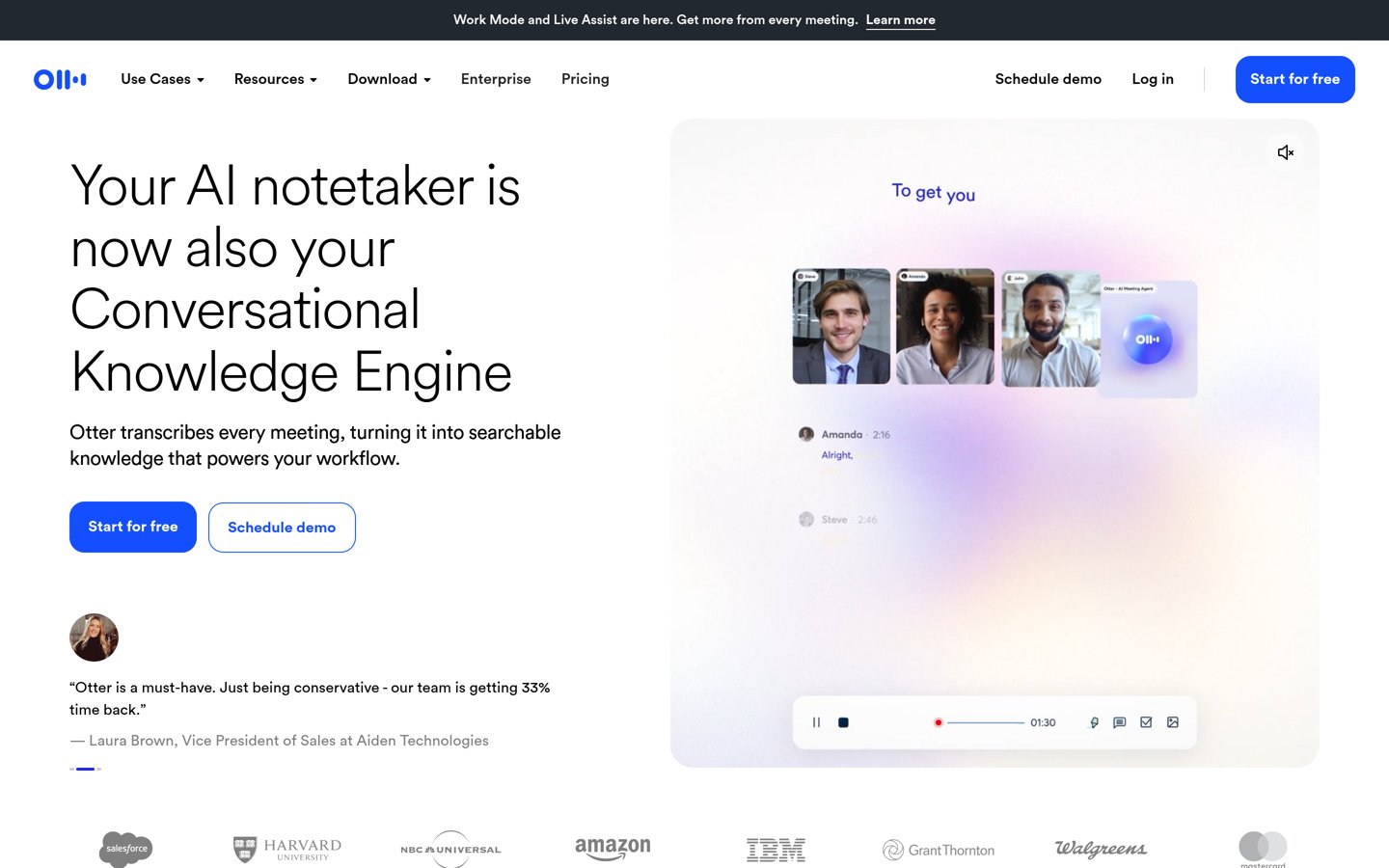
Otter.ai homepage, captured Nov 2026.
Otter.ai is an AI transcription platform for recording interviews and turning conversations into searchable notes. Its Basic plan provides 300 monthly transcription minutes, automatic speaker identification and three lifetime audio or video imports.
The trade off is that frequent file uploads require Pro, regularly priced at $8.33 per user per month with annual billing. Temporary promotional discounts may reduce the initial cost. It suits journalists, recruiters and researchers who regularly conduct live interviews.
What we like
Live transcription during conversations
Automatic speaker identification
Searchable interview history
Free monthly recording allowance
Watch out for
Limited file imports on Basic
Pro recordings limited to 90 minutes each
Speaker labels may require correction
Pro adds more recording minutes, imports and advanced exports.Visit otter.ai
02
Descript
4.6/5on G2 (941 reviews, checked Nov 2026)
Paid from$16/mo
Best for editing recorded interviews
Free media allowance1 hour/month
Hobbyist media allowance10 hours/month
Video export1080p on Hobbyist
Paid planHobbyist, annual billing
descript.com
Descript homepage, captured Nov 2026.
Descript is an audio and video editor that generates transcripts and lets users edit recordings through text. Its free plan includes one monthly media hour, while Hobbyist adds 10 media hours, noise reduction and tools for removing filler words.
The trade off is that Hobbyist costs $16 per person per month with annual billing, and longer production schedules can exhaust the included media allowance. It suits podcast producers, documentary editors and creators who need transcripts and finished interview recordings.
What we like
Edit recordings by changing transcript text
Background noise reduction
Audio and video production tools
Watermark-free paid video exports
Watch out for
Limited monthly media processing
More editing features than basic transcription users need
Additional AI functions consume credits
Hobbyist adds more media processing and watermark-free exports.Visit descript.com
03
Notta
4.2/5on G2 (442 reviews, checked Nov 2026)
Paid from$8.17/mo
Best for multilingual interview transcription
Free allowance120 minutes/month
Pro allowance1,800 minutes/month
Maximum Pro recording5 hours
Paid planPro, annual billing
notta.ai
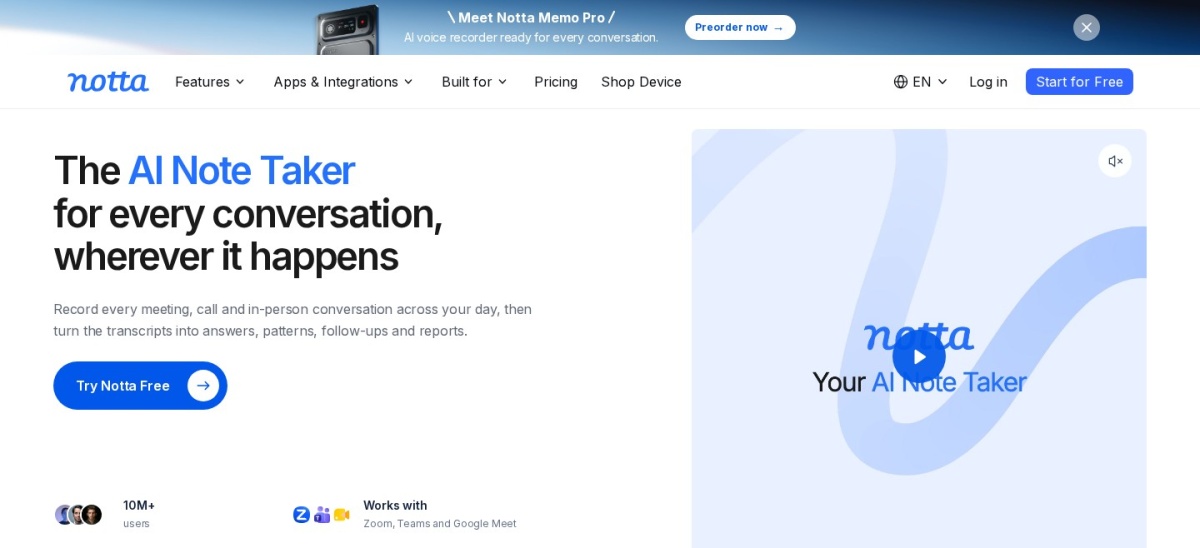
Notta homepage, captured Nov 2026.
Notta is a transcription application for live conversations, recorded interviews and multilingual content. Its free tier includes 120 monthly minutes, while Pro expands the allowance to 1,800 minutes and 100 monthly file uploads.
The trade off is that free recordings are restricted to three minutes each, making Pro necessary for most full-length interviews. Pro costs $8.17 per month with annual billing. It suits researchers and professionals who work with interviews in different languages.
What we like
Generous paid transcription allowance
Supports uploaded audio and video
Transcript translation
Custom vocabulary on Pro
Watch out for
Very short free recording limit
Unused monthly minutes do not carry over
Bilingual transcription features may cost extra
Pro adds longer recordings, transcript exports and translation.Visit notta.ai
04
HappyScribe
4.6/5on G2 (123 reviews, checked Nov 2026)
Paid from$8.50/mo
Best for multilingual media interviews
Language support150+ languages and dialects
Basic file allowance1,440 minutes/year
Human proofreadingFrom $2/minute
Paid planBasic, annual billing
happyscribe.com
HappyScribe homepage, captured Nov 2026.
HappyScribe is an interview transcription and subtitling platform with automated speech recognition and optional human proofreading. Its free plan supports recordings lasting up to 45 minutes and includes a small allowance for uploaded media.
The trade off is that Basic costs $8.50 per month with annual billing, and extra uploaded-file processing costs $0.20 per minute. It suits journalists and media producers who need editable transcripts, subtitles and multilingual content.
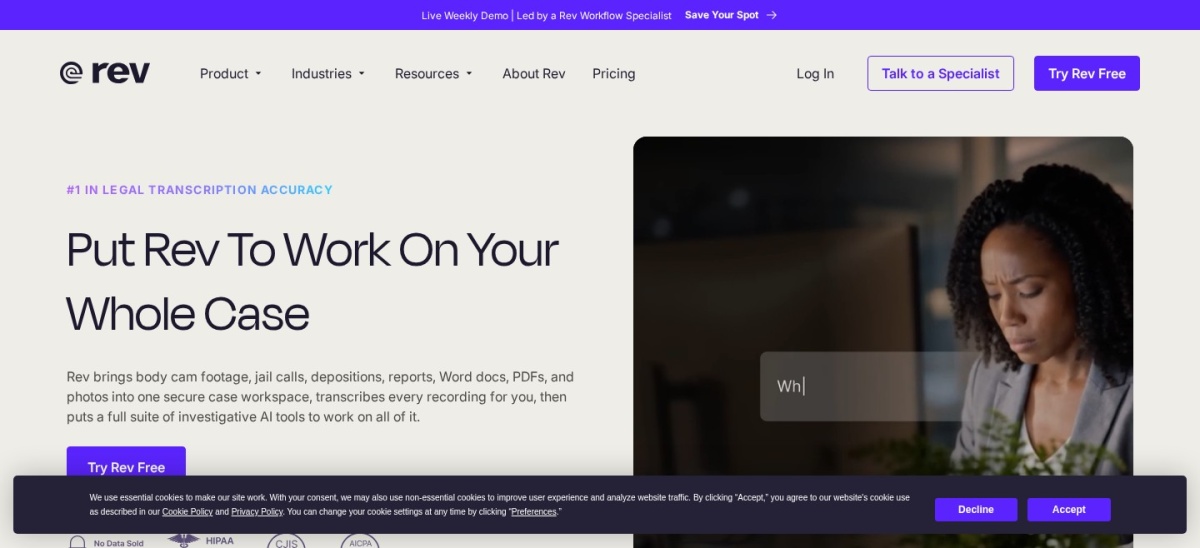
Human transcription99%+ vendor-guaranteed accuracy
Paid planEssentials, annual billing
rev.com
Rev homepage, captured Nov 2026.
Rev is a transcription platform offering automated speech recognition and professionally verified transcripts. Its free plan includes 45 monthly AI transcription and captioning minutes, while Essentials provides 5,000 monthly minutes per user and support for English and Spanish transcription.
The trade off is that Essentials costs $25.49 per seat per month with annual billing, and human transcription remains a separate paid service. It suits journalists, legal professionals and researchers who need additional verification for important interview quotations.
What we like
Human-verified transcription available
Large paid AI transcription allowance
Transcript editing and clipping
Mobile interview recording
Watch out for
Human services add substantial costs
Limited free transcription allowance
Broader language coverage requires Pro
Essentials adds more AI minutes and discounted human services.Visit rev.com
06
Sonix
4.7/5on G2 (26 reviews, checked Nov 2026)
Starts at$25/mo
Best for analyzing recorded interviews
Free trial30 minutes
Core transcription allowance5 hours/month
Language support54+ languages
Paid planCore, monthly billing
sonix.ai
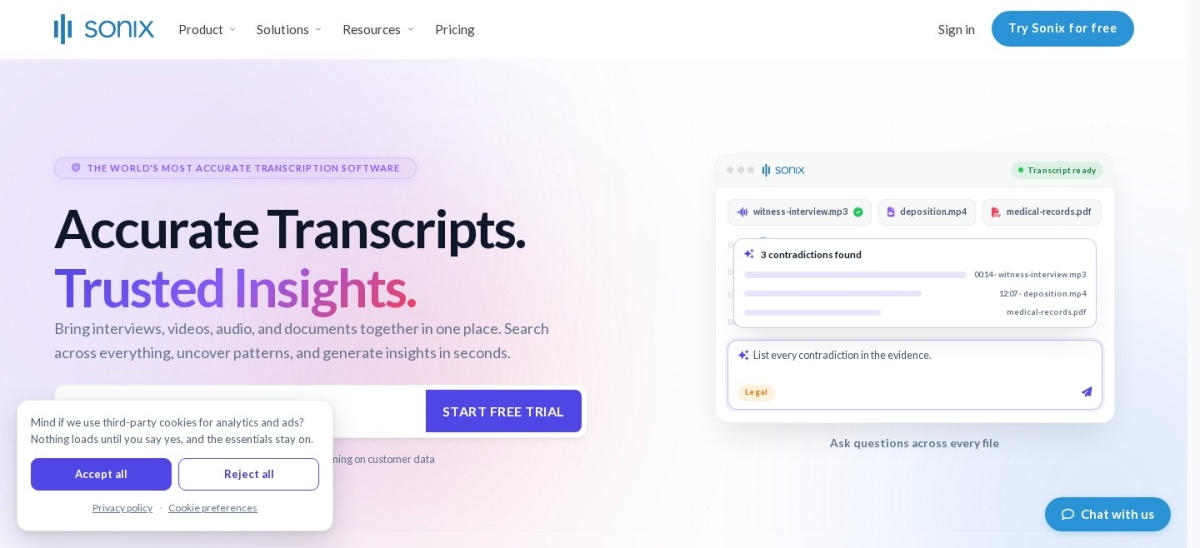
Sonix homepage, captured Nov 2026.
Sonix is an automated transcription platform for converting recorded interviews into searchable documents. Its Core subscription includes five monthly hours of transcription and translation, five hours of AI workspace processing and 25 GB of storage.
The trade off is that Core costs $25 per month, with extra transcription hours priced at $10 each. Occasional users can also purchase transcription at $10 per audio hour without a subscription. It suits researchers who need to organize, review and extract interview quotations.
What we like
Editable speaker labels and timestamps
Browser-based transcript editor
Search across interview transcripts
Pay-as-you-go purchasing available
Watch out for
No permanent free plan
Additional transcription hours cost extra
Smaller public review sample
Core adds recurring transcription hours and AI workspace access.Visit sonix.ai
07
Fireflies.ai
4.7/5on G2 (756 reviews, checked Nov 2026)
Paid from$10/mo
Best for collaborative remote interviews
Free storage400 minutes/team
Pro storage8,000 minutes/seat
Language support100+ languages
Paid planPro, annual billing
fireflies.ai
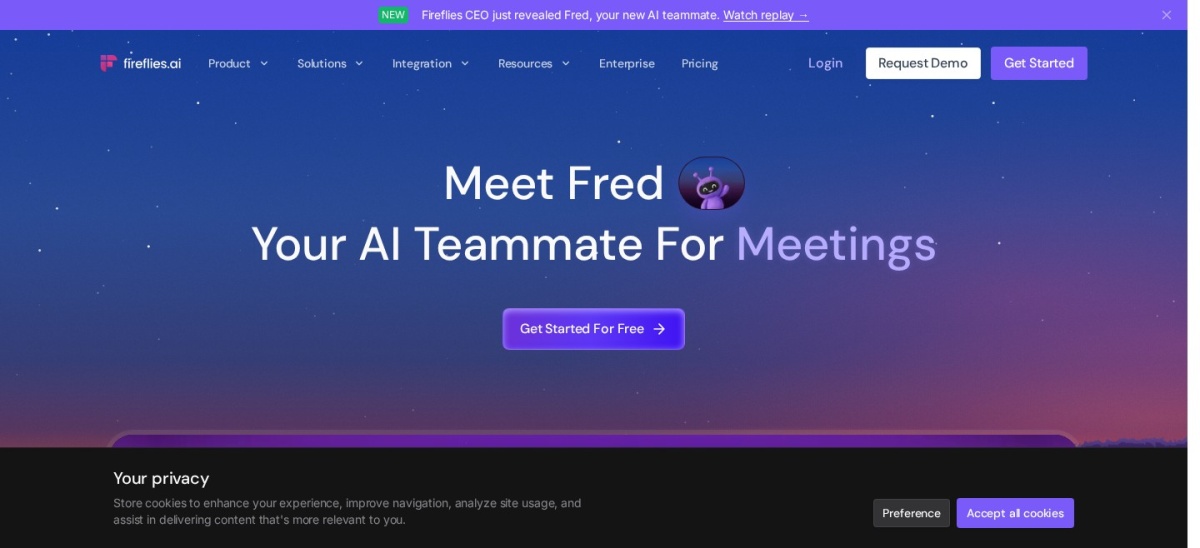
Fireflies.ai homepage, captured Nov 2026.
Fireflies.ai is an AI meeting assistant that records, transcribes and summarizes online interviews. Its free plan includes transcription subject to usage conditions, audio and video uploads, conversation search and 400 minutes of team storage.
The trade off is that downloading transcripts and recordings requires Pro, which costs $10 per seat per month with annual billing. It suits recruitment teams, consultants and research departments conducting interviews through online meeting platforms.
What we like
Automatic online interview recording
Searchable conversations
AI-generated interview summaries
Integrations with popular meeting platforms
Watch out for
Transcript downloads require a paid plan
Limited free storage
Some AI features have separate usage credits
Pro adds transcript downloads, more storage and expanded summaries.Visit fireflies.ai
AI vs. human transcription for interviews
AI transcription works well for generating searchable drafts from clear recordings. It reduces manual typing and makes it easier to locate relevant answers, but users should verify important quotations against the original audio.
Human transcription is worth considering when interviews contain overlapping speech, unfamiliar terminology or challenging recording conditions. Rev and HappyScribe offer human services alongside their automated tools.
For academic research, preserve the original recording and maintain a clear correction process. Avoid relying on AI-generated summaries alone when exact wording or participant intent matters.
How we chose
We compared established transcription platforms that support interview recording, uploaded media or transcript editing. We prioritized speaker identification, searchable text, export options, language coverage and subscription value.
Pricing and G2 ratings were checked on 27 Nov 2026 using official pricing pages and public product reviews. Annual subscription rates are used where available, while monthly subscriptions are annualized. Sonix is compared using its entry recurring subscription rather than variable hourly spending. The requested publication and verification metadata retain their specified dates.
We excluded products without accessible pricing, sufficient public reviews or relevant interview transcription features. Temporary promotional discounts were excluded from the price ladder. No vendor paid for a place, and we do not claim testing for this list.
How to choose the best interview transcription software
Compare your recording workflow, monthly transcription volume and accuracy requirements before committing to a subscription.
Identify how you conduct interviews. Choose live recording software for conversations that happen in person or online. Select an upload-focused platform if you already record interviews using a separate device.
Calculate your transcription volume. Estimate how much audio you process each month. Compare recording limits, uploaded-file allowances, storage restrictions and additional usage charges.
Check transcript editing and exports. Look for editable speaker labels, timestamps and synchronized playback. Confirm that the software exports documents or subtitle files compatible with your research and production workflow.
Review accuracy and privacy requirements. Consider human verification for important quotations. Check the vendor's data handling policies, obtain recording consent and confirm that sensitive interviews can be stored appropriately.
FAQ
What is the best software for transcribing interviews?
Otter.ai is our top pick for live interviews because it combines automatic transcription, speaker identification and searchable notes. Descript is better for editing recorded interviews, while Notta offers a generous paid transcription allowance.
Is there free software for transcribing interviews?
Yes. Otter.ai, Notta, Descript, HappyScribe, Rev and Fireflies.ai offer free plans. Otter.ai provides 300 monthly transcription minutes, although its free file import and individual recording limits may restrict longer interview workflows.
Can AI accurately transcribe interviews with multiple speakers?
Many transcription platforms automatically distinguish speakers and assign labels to their statements. However, overlapping speech, background noise and similar voices can cause identification errors. Review speaker labels and important quotations before publishing or analyzing transcripts.
What is the best transcription software for research interviews?
Sonix is suitable for researchers who need searchable recordings, timestamps and editable transcripts. Notta works well for multilingual research, while Rev offers human verification for interviews where transcription errors could affect research findings.
How much does interview transcription software cost?
Regular entry subscriptions in this comparison start at $8.17 per month for Notta with annual billing. Sonix also offers transcription at $10 per audio hour, while professionally verified human transcripts generally involve separate usage charges.
Can transcription software convert interviews into subtitles?
Yes. Descript, HappyScribe and Sonix support subtitle workflows alongside interview transcription. These platforms help editors turn spoken conversations into timed text for videos, although subtitle timing and wording should be reviewed before publication.
Is AI transcription suitable for confidential interviews?
It depends on the provider's security practices and your confidentiality obligations. Review data retention, model training policies, access permissions and deletion options. Obtain appropriate consent and avoid uploading sensitive recordings to unapproved services.
SaaS SEO and WordPress specialist with about 8 years of experience. Rakib compares WordPress plugins, themes, hosting and software using public pricing, documentation and user reviews. See how we rank.