Ableton Live is the best producing software for most people, with a 4.7/5 G2 rating from 159 reviews and a $99 one-time Intro licence. FL Studio suits beat-makers at the same $99 entry price, while Logic Pro gives Mac owners a complete studio for $199.99.
How we make this list: we compare pricing pages, product documentation and public user reviews, then re-check every price before each update. No product paid for a place. Disclosure.
Ableton Live leads at 4.7/5 on G2 from 159 reviews, with Intro at $99 one-time.
FL Studio matches Ableton on entry price at $99 and adds lifetime free updates.
Logic Pro is the best Mac value: a full studio for $199.99 with no subscription.
REAPER is the cheapest full DAW here at $60, with no track limits.
GarageBand and Audacity cost nothing; Pro Tools Intro is free too.
Paid plans run from $60 to $399 one-time, except Pro Tools Artist at $99 a year.
What producing software is, and what to look for
Producing software means a digital audio workstation, or DAW: the app where you record, arrange, edit and mix music. Every tool here is a DAW except Audacity, which is a free audio editor that pairs well with one.
Most producers pick by workflow, not by sound quality. A finished track sounds the same from any of these tools; what differs is how fast you can get ideas down, and whether the app fits your genre.
Price models split three ways. Ableton Live, FL Studio, Logic Pro, REAPER, Cubase and Bitwig Studio sell one-time licences, Pro Tools charges yearly, and GarageBand and Audacity are free. Our guide on adding a podcast to WordPress covers recording spoken audio if your setup also serves a show.
Check your platform before you buy. Logic Pro and GarageBand run only on Mac, while REAPER, Bitwig Studio and Audacity also run on Linux.
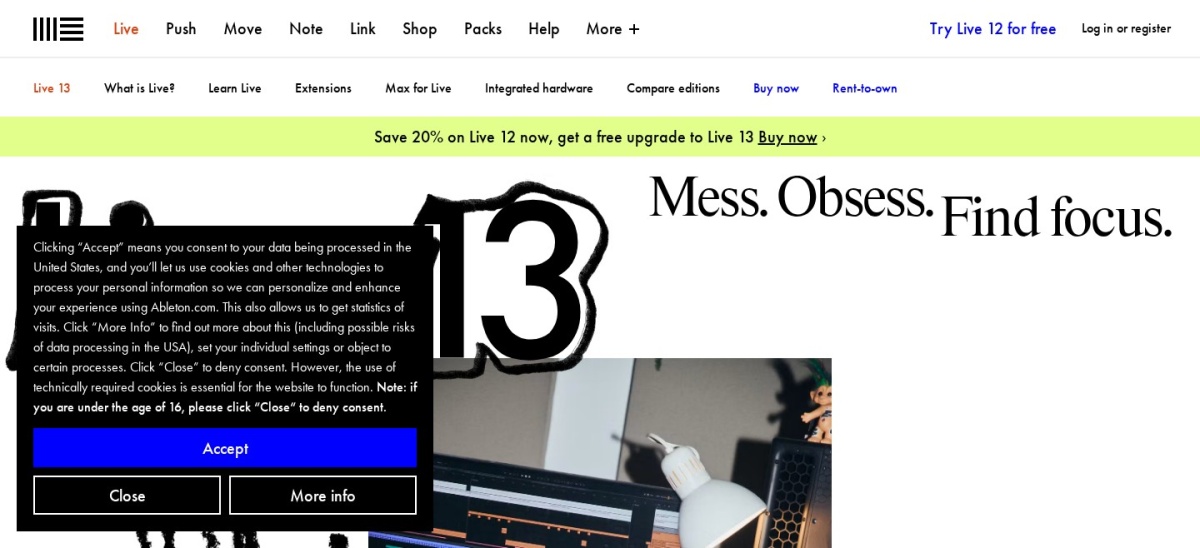
Ableton Live is a digital audio workstation built around two views: the linear Arrangement View for finishing songs and the Session View for launching clips and loops live. Intro costs $99 as a one-time licence, includes 16 tracks and 8 instruments, and a free trial is available.
The trade off is the price jump. Unlimited tracks start with Standard at $349, and Suite costs $749, so Intro can feel tight once projects grow. It suits electronic producers and performers who build tracks from loops and play them live.
What we like
Session View for live performance
One-time licences, no subscription
Strong sound design tools, including Meld and Roar
Watch out for
Intro caps at 16 tracks
Suite is costly at $749
Arrangement View takes time to learn
Standard adds unlimited tracks; Suite adds Max for LiveVisit ableton.com
02
FL Studio
4.6/5on G2 (103 reviews, checked Nov 2026)
Starts at$99/yr
Best for beat-making
Entry editionFruity, $99 one-time
Audio recordingProducer edition and up
Instruments in Fruity81
UpdatesFree for life
image-line.com
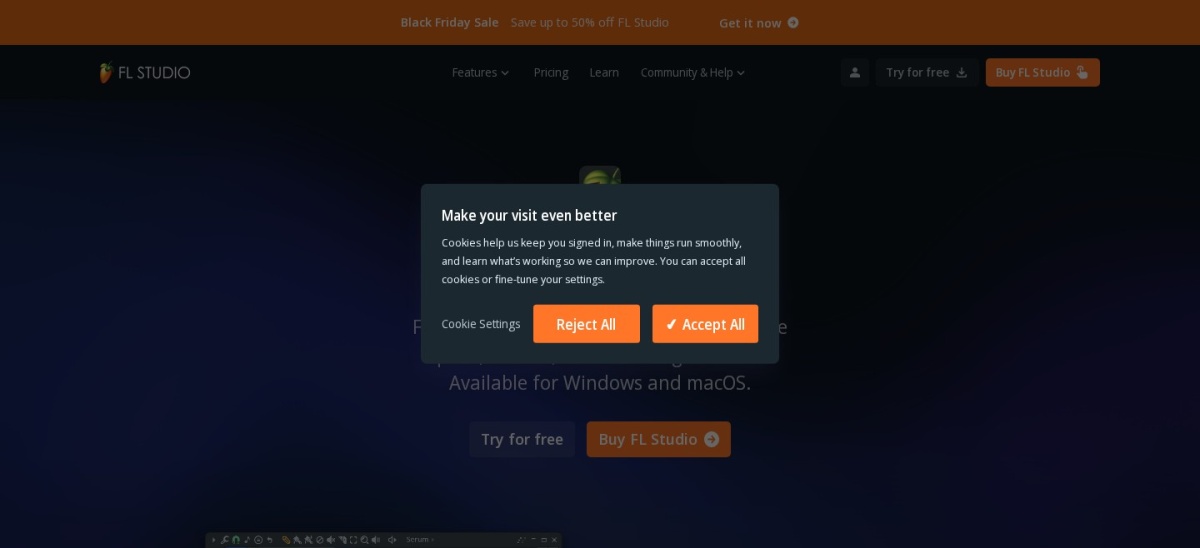
FL Studio homepage, captured Nov 2026.
FL Studio is a pattern-based workstation for composing, arranging, recording and mixing music on Windows and macOS. Fruity Edition costs $99 as a one-time purchase, includes 81 instruments and effects, and every edition gets lifetime free updates.
The trade off is audio recording. Fruity Edition has no audio recording and limits playlists to 8 audio clips, so vocal recording needs Producer Edition at $199. It suits beat-makers and hip-hop producers who work mainly with patterns and the piano roll.
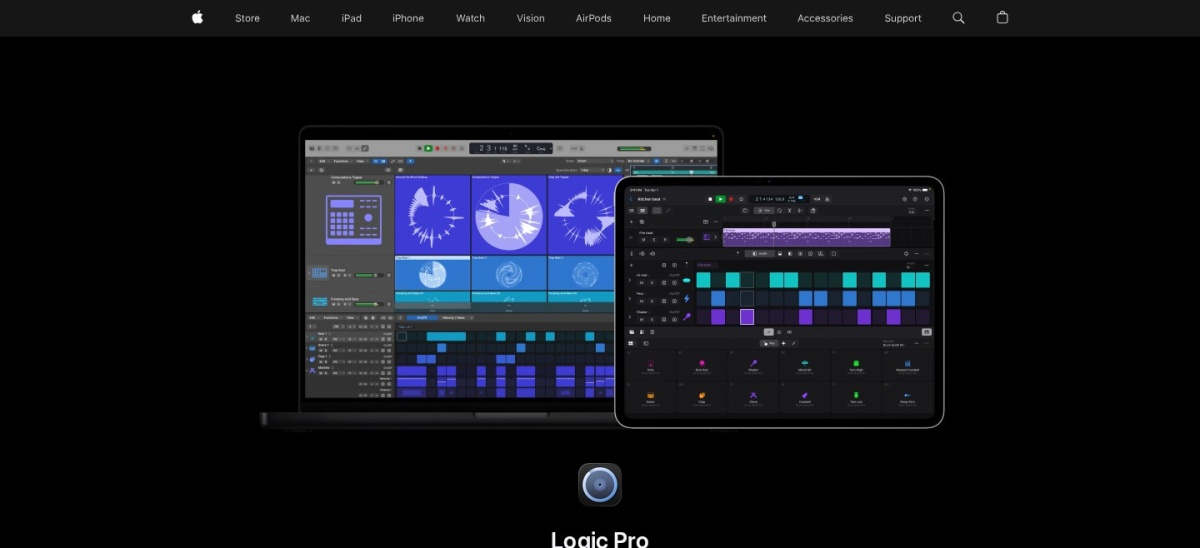
Logic Pro is Apple's professional workstation for Mac, with recording, MIDI editing, mixing and mastering in one app. It costs $199.99 as a one-time Mac App Store purchase and includes Alchemy, Stem Splitter, ChromaGlow and a large sound library.
The trade off is platform. Logic Pro runs only on Mac, so Windows producers cannot use it, and the iPad version is a separate subscription. It suits Mac owners who want a complete studio without a subscription.
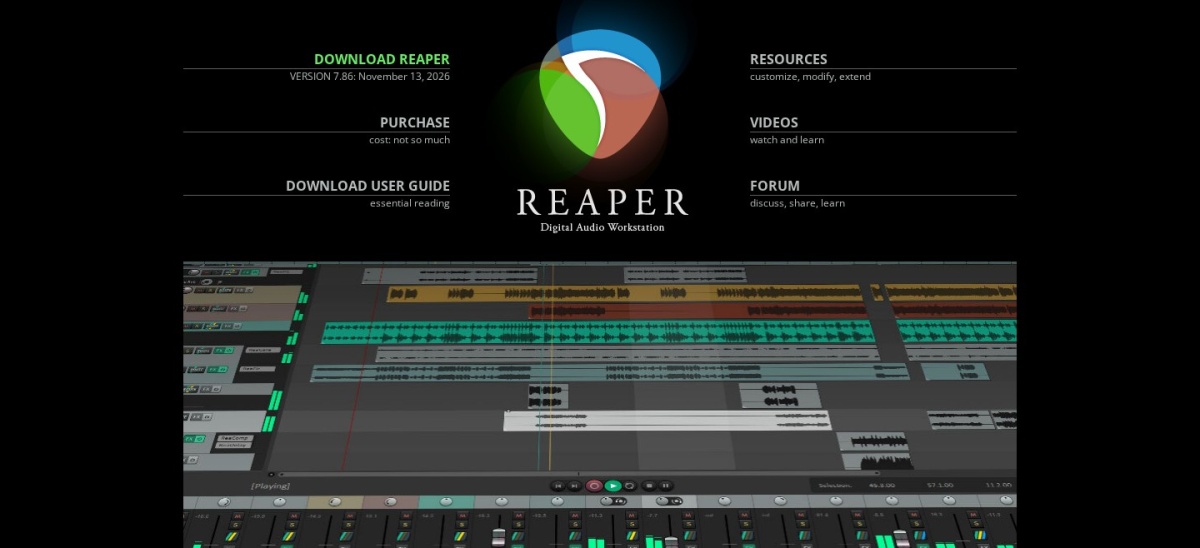
REAPER is a complete digital audio workstation from Cockos for recording, editing, mixing and mastering on Windows, macOS and Linux. The discounted licence costs $60 one-time, covers the full feature set with no track limits, and every user gets a 60-day full evaluation.
The trade off is polish. The interface is dense and takes setup time, and REAPER ships no virtual instruments, so producers need their own sound library. It suits budget-conscious producers and engineers who want a full DAW without a subscription.
What we like
Cheapest full DAW in this list
No track or plugin limits
Light and fast on modest computers
Watch out for
No bundled virtual instruments
Dense interface needs setup time
Commercial licence costs $225 for larger businessesVisit reaper.fm
05
Cubase
4.3/5on G2 (65 reviews, checked Nov 2026)
Starts at$99.99/yr
Best for composing and scoring
Entry editionElements 16, $99.99
Audio tracks in Elements64
MIDI tracks in Elements128
Top editionPro 16, $599.99
steinberg.net
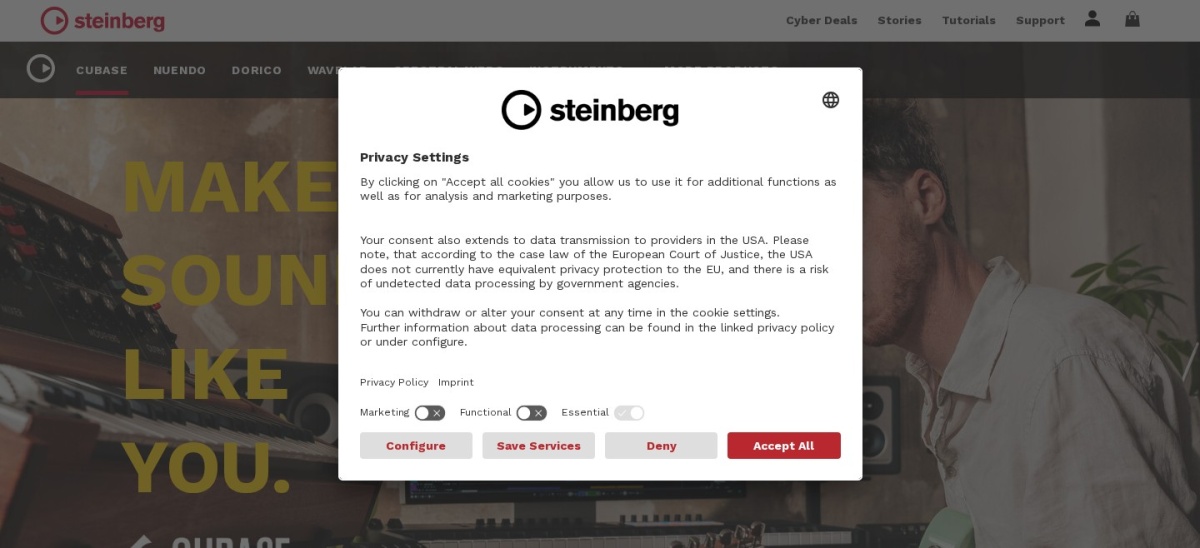
Cubase homepage, captured Nov 2026.
Cubase is Steinberg's workstation for composition, recording, editing, mixing and mastering on Windows and macOS. Elements 16 costs $99.99 as a one-time purchase, with 64 audio tracks, 128 MIDI tracks, 7 instruments and 45 effects.
The trade off is cost at the top. The score editor, VariAudio vocal tuning and Dolby Atmos mixing sit in higher editions, with Pro 16 at $599.99. It suits composers and producers who score to picture or work with large orchestral templates.
Pro Tools is Avid's workstation for recording, editing and mixing, and the standard session format in professional studios. Intro is free with 8 audio and 8 MIDI tracks, and Artist costs $99 a year with 32 audio tracks and 110+ plugins.
The trade off is the subscription. Paid tiers are yearly subscriptions, and Studio at $299 a year and Ultimate at $599 a year add up over time. It suits producers who exchange sessions with commercial studios or work in post-production.
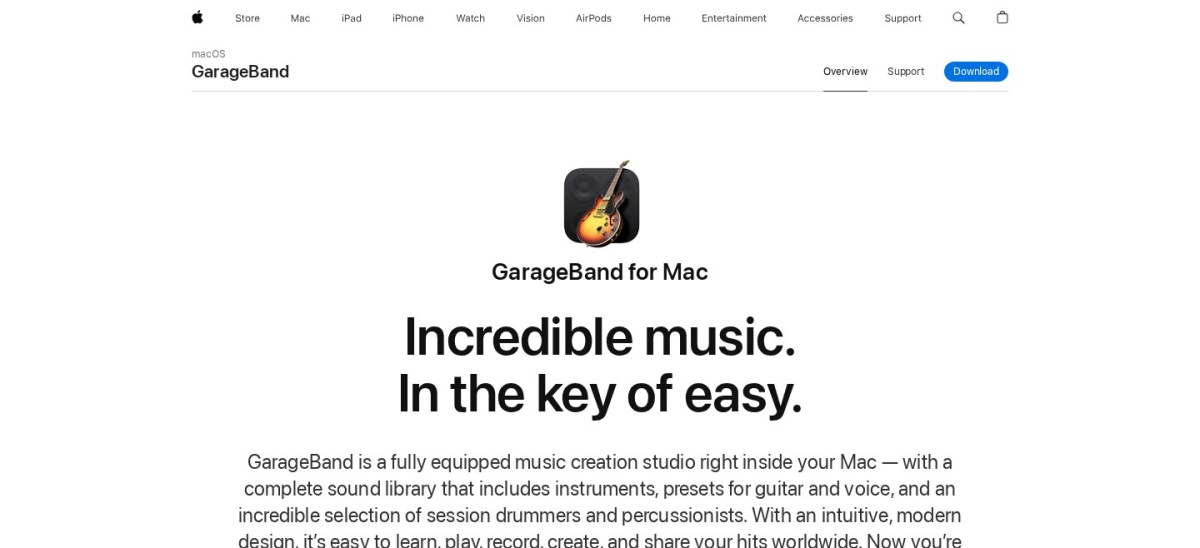
GarageBand is Apple's free workstation for Mac and iOS, with recording, Live Loops, Drummer tracks and a library of loops and instruments. It is free on Apple devices and projects open directly in Logic Pro when producers outgrow it.
The trade off is depth. Mixing, editing and plugin options are limited next to paid DAWs, and there is no Windows version. It suits beginners on a Mac who want to start producing without paying anything.
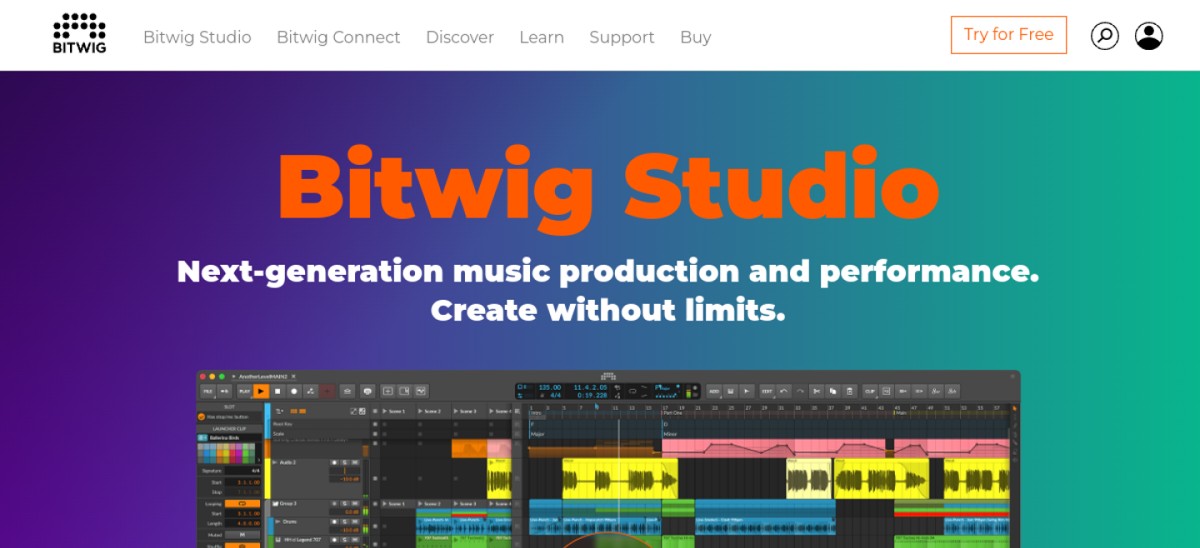
Bitwig Studio is a cross-platform workstation that pairs a linear arranger with a clip launcher and a deep modulation system. Essentials costs $99 as a one-time licence, every edition allows unlimited tracks, and the full Studio edition adds The Grid for building synths and effects.
The trade off is the learning curve. Modulation and The Grid take time to learn, and the bundled instrument library is thin next to Live Suite or Logic Pro. It suits sound designers and Linux users who want modular patching inside their DAW.
Audacity is a free, open-source audio editor for multitrack recording and editing on Windows, macOS and Linux. It records and edits audio with effects and plugin support, and it costs nothing with no paid tiers.
The trade off is scope. Audacity is an audio editor, not a full DAW: it has no virtual instruments or MIDI sequencing, so it cannot carry a full beat-making workflow alone. It suits producers who need free recording and editing beside a DAW.
One-time licence vs subscription: what the price buys
Six of the nine tools sell one-time licences, so you pay once and keep the version you bought. FL Studio goes further with lifetime free updates, and REAPER licences cover updates through version 8.99.
Pro Tools is the only subscription in this list. Artist costs $99 a year, and stopping payment ends access to the paid tiers, though the free Intro tier stays.
Logic Pro sits in both camps. The Mac app costs $199.99 once, or it comes with Apple Creator Studio at $12.99 a month.
How we chose
We started from the DAWs that appear most often in 2026 round-ups and on G2, then kept nine with a published user rating and a current release.
Prices come from each vendor's pricing page, checked on 26 November 2026. Ratings and review counts come from G2 on the same day, except Bitwig Studio, which uses Capterra. Where a vendor shows a sale, the list shows the regular price.
We left out tools with no public rating, including Studio One, whose homepage captures failed with bot-check pages in a sibling list. No vendor paid for a place, and we do not claim to have used these tools ourselves.
How to choose producing software
Start with your platform and genre, then let price narrow the shortlist.
Match the app to your platform. Logic Pro and GarageBand run only on Mac. If you use Windows, start with Ableton Live, FL Studio or REAPER instead.
Pick a workflow that fits your music. Ableton Live and Bitwig Studio suit loop-based electronic music, FL Studio suits pattern-based beats, and Cubase suits composing with notation.
Start free or cheap, then upgrade. GarageBand, Audacity and Pro Tools Intro cost nothing. Try one first, and only pay when you hit a limit that matters.
Check the full cost, not the entry price. Intro editions cap tracks and instruments. FL Studio Producer at $199 and Ableton Standard at $349 are the realistic prices for full songs.
FAQ
What is the best producing software for beginners?
GarageBand is the best free start if you own a Mac, because it costs nothing and opens in Logic Pro later. On Windows, FL Studio Fruity Edition at $99 is the easiest paid start, with a pattern workflow and lifetime free updates. REAPER at $60 is the cheapest full DAW.
Is Ableton Live better than FL Studio?
It depends on genre. Ableton Live suits electronic producers and live performers with its Session View, while FL Studio suits beat-makers with its pattern sequencer and piano roll. Both start at $99 one-time, and both hold G2 ratings above 4.5 out of 5.
What producing software do professionals use?
Pro Tools is the standard in commercial studios because its session format opens everywhere. Ableton Live, Logic Pro and Cubase are also common in professional work, and many producers pair a paid DAW with free Audacity for editing.
Can I produce music for free?
Yes. GarageBand is free on Mac and iOS, Audacity is free on Windows, Mac and Linux, and Pro Tools Intro is free with 8 audio tracks. Free tools cover recording and basic mixing, but full composing features usually need a paid DAW.
Is a one-time licence better than a subscription?
A one-time licence costs less over time if you keep the same version for years. FL Studio adds lifetime free updates, and REAPER covers updates through version 8.99. Pro Tools Artist is the only subscription here, at $99 a year.
Does Logic Pro work on Windows?
No. Logic Pro runs only on Mac, and the iPad version is a separate subscription through Apple Creator Studio. Windows producers should look at Ableton Live, FL Studio, Cubase or REAPER instead, all of which run on Windows and macOS.
SaaS SEO and WordPress specialist with about 8 years of experience. Rakib compares WordPress plugins, themes, hosting and software using public pricing, documentation and user reviews. See how we rank.