Happy Scribe is the best subtitle translation software overall, combining AI translation across 80+ languages with optional human review starting at $17/mo regular ($8.50/mo billed annually). Choose Maestra for 125+ languages with built-in voice dubbing, or Sonix for pay-as-you-go billing at $10/hr with no monthly commitment.
How we make this list: we compare pricing pages, product documentation and public user reviews, then re-check every price before each update. No product paid for a place. Disclosure.
Happy Scribe offers the lowest annual entry price among subscription tools at $8.50/mo ($17/mo monthly) for 120 AI minutes/mo across 80+ translation languages.
Sonix is the only tool here with a true no-subscription pay-as-you-go tier at $10/hr prorated to the second across 54+ languages.
Maestra covers 125+ languages and bundles AI voiceover, cloning, and lip-sync alongside subtitle translation from $39/mo billed annually.
VEED and Kapwing pair 60+ to 125+ language subtitle translation with full browser video timelines starting at $25/mo and $24/mo billed monthly.
Rev pairs 37+ language AI transcription on its $59.99/mo Pro plan ($47.99/mo annual) with human-translated global subtitles at $6.49/min.
What makes subtitle translation software worth paying for
Raw machine translation breaks subtitle timing. Translated sentences in Spanish, German, or French often run 20 to 30 percent longer than English source lines, pushing text past safe character-per-line limits and overlapping scene cuts.
Dedicated subtitle translation platforms preserve timecodes during translation, let you edit side-by-side in a browser timeline, and export clean SRT, VTT, or ASS files alongside burned-in MP4 renders.
Pricing splits into two models: monthly minute pools that reset each billing cycle, and pay-as-you-go credits billed by source media length. Solo creators publishing a few clips a month usually overspend on high-tier subscriptions when a low-minute starter plan or hourly rate covers their workload.
Happy Scribe is a browser-based transcription and subtitling platform with AI translation in 80+ languages and human proofreading in 60+ languages. Its free tier includes 10 one-time AI minutes with SRT and watermarked MP4 exports, while the Basic plan ($17/mo regular, or $8.50/mo billed annually) includes 120 AI minutes per month and watermark-free video exports.
The trade off is that Basic limits exports to TXT, SRT, PDF, and DOCX; broadcast formats like VTT, STL, and FCPXML require the Pro plan ($29/mo regular, $19/mo annual). It suits creators and teams wanting fast AI translations with an on-demand human review option.
What we like
Lowest annual entry cost at $102/yr ($8.50/mo) with all 1,440 minutes granted upfront
Optional human proofreading from $2.00/min inside the same editor
Custom glossaries and style guides preserve brand names across languages
Direct imports from YouTube, Google Drive, Vimeo, and Dropbox
Watch out for
Free plan grants only 10 one-time minutes rather than a monthly allowance
VTT and broadcast subtitle formats require upgrading to the Pro plan
Basic ($17/mo regular, $8.50/mo annual) adds 120 AI minutes/mo and watermark-free exports.Visit happyscribe.com
02
Maestra
4.8/5on G2 (22 reviews, checked Nov 2026)
Starts at$39/mo
Best for 125+ languages and AI voice dubbing
Languages supported125+
Basic subtitle quota180 translated min/mo
Pay-as-you-go rate$12 per 60 credits
Extra featuresAI voiceover & cloning
maestra.ai
Maestra homepage, captured Nov 2026.
Maestra is a cloud localization suite that handles automated transcription, subtitle translation, and AI voice dubbing across 125+ languages. A free trial lets you test the editor, and paid subtitle subscriptions start with Basic at $39/mo billed annually (saving $117/yr over monthly billing) for 360 caption minutes or 180 translated subtitle minutes per month.
The trade off is a higher entry price than caption-only editors, and DeepL translation plus translation glossaries sit on the $159/mo Business tier. It suits educators, course creators, and media teams localizing videos into non-European languages or adding dubbed audio tracks.
What we like
Broad 125+ language coverage including low-resource Asian and regional languages
Combines subtitle translation, AI voiceover, voice cloning, and lip-sync in one workspace
Pay-as-you-go credits start at $12 per 60 credits for occasional projects
Watch out for
No permanent free tier beyond the initial trial
DeepL translation engine and glossaries require the $159/mo Business plan
Basic ($39/mo billed annually) includes 180 translated subtitle minutes/mo and custom dictionaries.Visit maestra.ai
03
Sonix
4.7/5on G2 (26 reviews, checked Nov 2026)
Starts at$10/hr
Best for pay-as-you-go billing without subscriptions
Languages supported54+
Pay-as-you-go rate$10/hr (prorated/sec)
Core subscription$25/mo (5 hrs/mo)
Free trial30 minutes free
sonix.ai
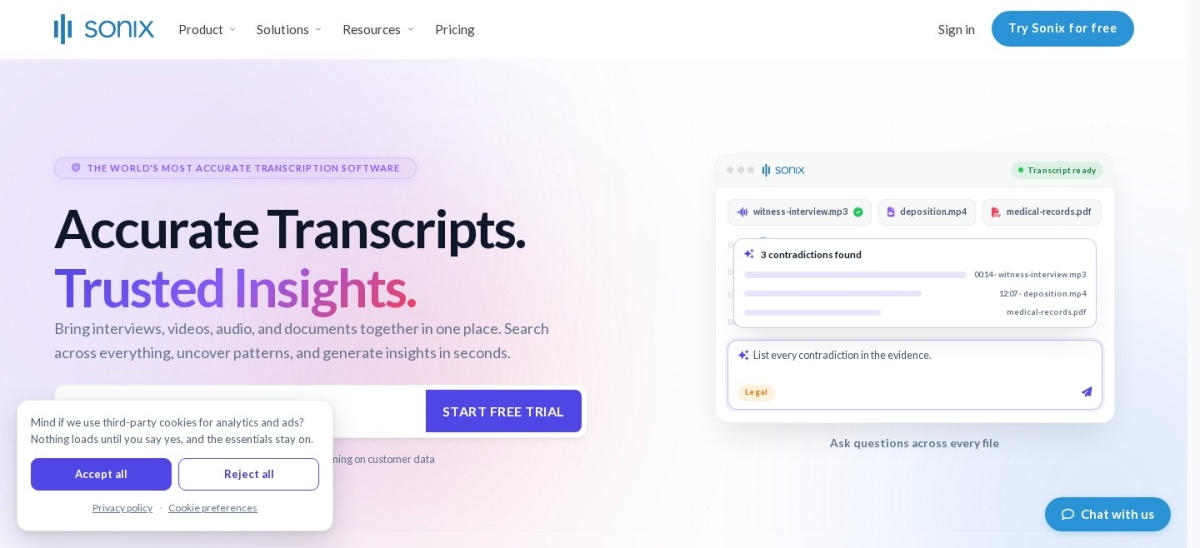
Sonix homepage, captured Nov 2026.
Sonix is an automated transcription and subtitle translation platform supporting 54+ languages with side-by-side transcript comparison and line-length presets. New accounts get a 30-minute free trial without a credit card, and the Pay As You Go plan charges $10/hr prorated to the second with zero monthly fee, while Core starts at $25/mo ($275/yr) for 5 hours.
The trade off is that Sonix focuses on transcript accuracy and clean SRT or VTT exports rather than stylized social animations or voice dubbing. It suits podcasters, researchers, and agencies with irregular workloads who want predictable per-hour billing.
What we like
True $10/hr pay-as-you-go pricing prorated to the second with no recurring fee
Side-by-side bilingual editor with controls for characters per line and reading speed
SOC 2 Type II compliance and multi-track speaker labeling
Watch out for
Covers 54+ languages, fewer than Maestra or Happy Scribe
No built-in video timeline editor for animated social captions
Pay As You Go ($10/hr) unlocks full 54+ language transcription, translation, and subtitle exports.Visit sonix.ai
04
VEED
4.2/5on Trustpilot (3,900 reviews, checked Nov 2026)
Paid from$25/mo
Best for all-in-one browser video editing
Languages supported125+
Free plan export720p with watermark
Annual Creator cost$147/yr per user
Export formatsSRT, VTT, TXT, MP4
veed.io
VEED homepage, captured Nov 2026.
VEED is a browser-based video editor that combines multi-track timeline editing with automatic subtitle generation and translation across 125+ languages. Its free tier allows ongoing use with 720p watermarked exports, while the paid Creator plan costs $25/mo per user billed monthly (or $147/yr per user on annual billing) for watermark-free exports and higher limits.
The trade off is per-seat billing and monthly AI credit allowances that reset at renewal without rolling over. It suits solo marketers and content teams who want to cut footage, translate captions, and render finished social videos in one browser tab.
What we like
Full browser video editor with templates, audio cleanup, and 125+ subtitle languages
Exports both standalone SRT/VTT files and styled burned-in MP4 videos
Large review base of 3,900+ Trustpilot reviews with a 4.2/5 score
Watch out for
Paid plans charge per workspace seat, raising costs for multi-editor teams
AI credits reset monthly and do not roll over
Creator ($25/mo monthly, $147/yr annual) removes watermarks and unlocks full subtitle translation.Visit veed.io
05
Kapwing
2.4/5on Trustpilot (1,000 reviews, checked Nov 2026)
Paid from$24/mo
Best for collaborative browser subtitling
Translation languages60+
Pro translation quotaUp to 500 min/mo
Export length cap120 min (4 min Free)
Export formatsSRT, VTT, TXT, MP4
kapwing.com
Kapwing homepage, captured Nov 2026.
Kapwing is a collaborative browser video editor with AI auto-subtitling and subtitle translation into 60+ languages. Its free plan gives 10 lifetime credits with 720p watermarked exports up to 4 minutes, while the Pro plan ($24/mo per member regular, or $16/mo billed annually) includes 1,000 monthly credits, up to 500 translated subtitle minutes, and 120-minute watermark-free exports.
The trade off is a low 2.4/5 Trustpilot score driven by strict no-refund policies and per-member seat pricing on team workspaces. It suits solo creators and small marketing teams who want real-time browser collaboration alongside SRT and VTT downloads.
What we like
Generous 500 translated subtitle minutes per month on the entry Pro plan
Supports 120-minute video exports and 200 GB cloud storage on Pro
Includes Brand Kits, custom fonts, and real-time multi-user commenting
Watch out for
Per-member pricing multiplies the bill for teams
Free projects expire after 3 days and exports cap at 4 minutes
Pro ($24/mo regular, $16/mo annual) unlocks 500 translated subtitle minutes/mo and watermark-free 1080p/4K exports.Visit kapwing.com
06
Submagic
4.5/5on Trustpilot (865 reviews, checked Nov 2026)
Paid from$19/mo
Best for animated short-form social captions
Caption styles37 animated presets
Free signup credits15 one-time credits
Starter annual cost$228/yr ($19/mo)
Credit cost3 credits per upload
submagic.co
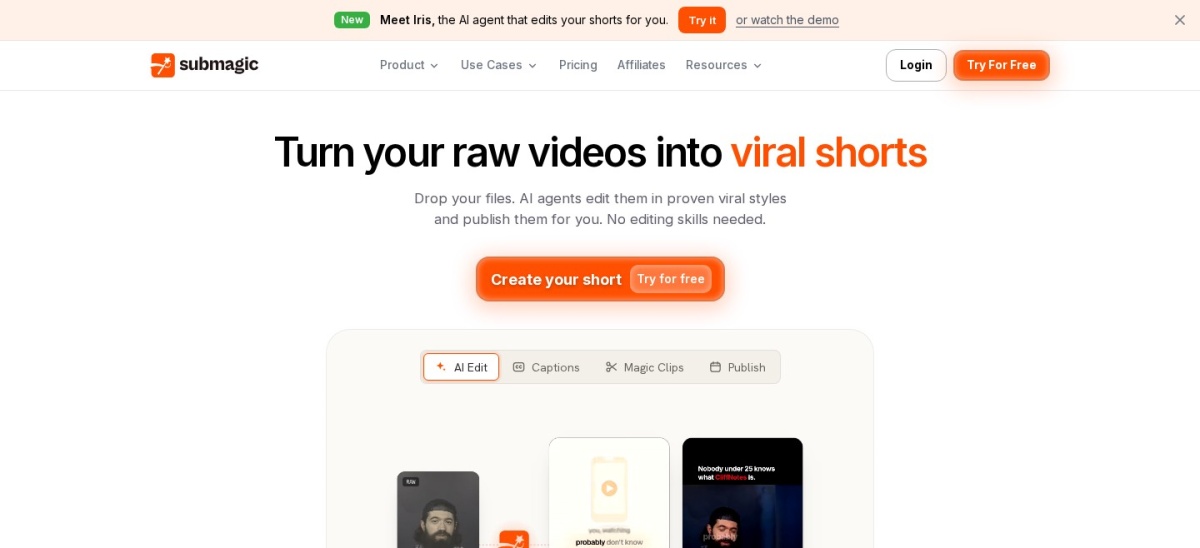
Submagic homepage, captured Nov 2026.
Submagic is a short-form video captioning tool built around animated, word-by-word social styles, B-roll inserts, and multilingual caption translation. New users receive 15 one-time free credits (enough for 5 watermarked uploads at 3 credits per video), while paid Starter plans start at $228/yr ($19/mo billed annually) with 120 monthly credits.
The trade off is that Submagic is tailored for vertical clips under a few minutes rather than long-form documentaries or broadcast STL workflows. It suits TikTok, Reels, and YouTube Shorts creators who want styled, translated captions without manual keyframing.
What we like
37 dynamic word-by-word caption templates with automatic emojis and highlights
Strong 4.5/5 Trustpilot rating across 865 reviews and 4.6/5 on G2
Price-lock guarantee while your subscription stays active
Watch out for
Credit pool depletes faster when stacking AI B-roll and Magic Clips
Not built for long-form video timelines or broadcast subtitle formats
Best for compliance and human-translated subtitles
AI languages (Pro)37+ languages
Human global subtitlesFrom $6.49/min (17 languages)
Pro monthly minutes10,000 AI min/user/mo
Free plan quota45 AI min/mo (English)
rev.com
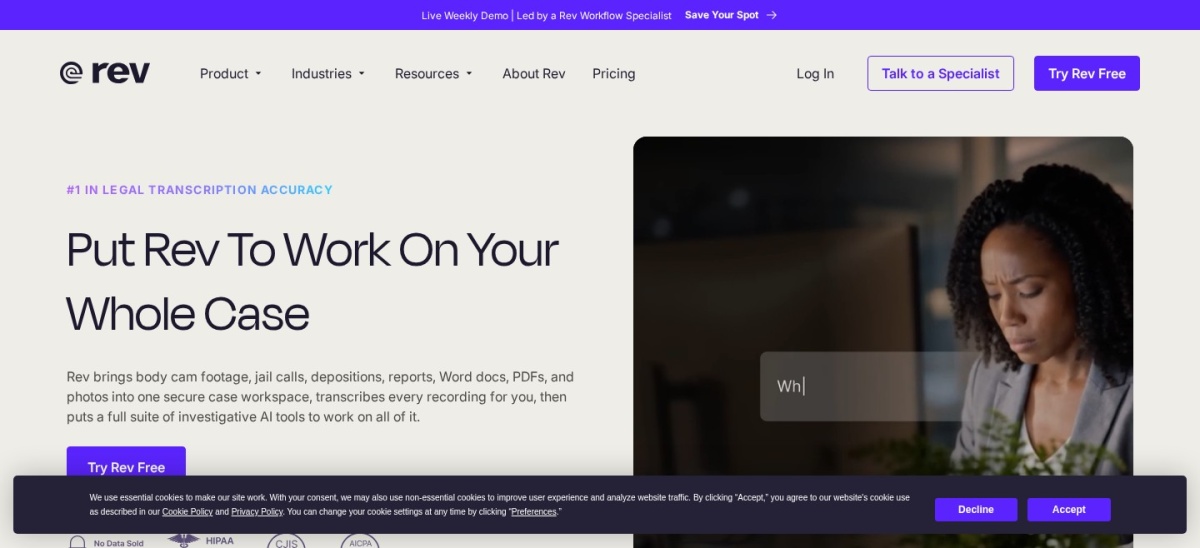
Rev homepage, captured Nov 2026.
Rev combines AI transcription and captioning with on-demand human localization for legal, broadcast, and educational teams. Its free tier includes 45 English AI minutes per month, Essentials ($29.99/mo per seat, $25.49/mo annual) covers English and Spanish, and Pro ($59.99/mo per seat, $47.99/mo annual) unlocks 37+ languages with 10,000 AI minutes per user.
The trade off is high cost for multilingual work: AI translation across 37+ languages sits on the $59.99/mo Pro tier, and human-translated global subtitles cost $6.49 to $15.99 per audio minute. It suits organizations that need 99%+ human accuracy or strict compliance records.
What we like
Human-translated subtitles by fluent speakers in 17 languages with 48-hour turnaround
Massive 10,000 monthly AI minutes per seat on the Pro subscription
Strong 4.7/5 rating across 647 verified G2 reviews
Watch out for
Multilingual AI support requires the $59.99/mo Pro plan rather than Essentials
Human global subtitles start at $6.49/min, expensive for long videos
Pro ($59.99/mo regular, $47.99/mo annual) unlocks 37+ languages, 10,000 AI min/mo, and 15% off human services.Visit rev.com
When a free desktop editor makes more sense
If you already have an SRT file and want zero recurring fees, Subtitle Edit (open source under the MIT license, updated in November 2026 at v5.4.0 / v5.5.0-beta) runs locally on Windows, macOS, and Linux. It supports 300+ subtitle formats and connects to local Whisper models or your own translation API keys without uploading media to a third-party cloud.
The catch is setup time and single-user operation: you manage local model downloads or external API keys yourself, and there is no shared browser workspace for team reviews.
How we chose
We evaluated browser-based and hybrid subtitle platforms that generate, translate, and export timed caption files (SRT, VTT, or burned-in MP4) for creators, educators, and production teams.
All regular monthly and annual prices, minute quotas, language counts, and public review scores from G2 and Trustpilot were verified on 22 Nov 2026 directly from vendor pricing pages and public review profiles.
We excluded tools without transparent public pricing, discontinued desktop utilities, and single-language caption generators that cannot translate into target languages. No vendor paid for a place, and we do not claim testing for this list.
How to choose subtitle translation software
Match your monthly video volume, target languages, and export workflow before picking a subscription tier.
Check whether your target languages are supported for translation, not just transcription. Many tools transcribe 100+ spoken languages but translate into a smaller subset—Happy Scribe transcribes 150+ languages and translates 80+, while Rev's Essentials plan stops at English and Spanish.
Compare monthly minute pools against pay-as-you-go rates. If you translate under 2.5 hours a month, Sonix at $10/hr costs less than a $25/mo subscription whose unused minutes expire at month-end.
Verify required export formats before subscribing. Social creators only need SRT or burned-in MP4, whereas broadcast and NLE editors need VTT, STL, or FCPXML—formats Happy Scribe reserves for its Pro tier.
Decide if you need human review or AI voice dubbing. Use Happy Scribe or Rev when legal or brand sensitivity requires human proofreading, or pick Maestra if you want translated subtitles paired with AI voice cloning.
FAQ
Which subtitle translation software has the best free plan?
Rev offers 45 free AI minutes every month for English transcription, while VEED provides ongoing 720p watermarked exports. For testing multilingual translation without recurring fees, Sonix includes a 30-minute free trial with no credit card required.
What is the cheapest paid subtitle translator in 2026?
Happy Scribe's Basic plan costs $8.50/mo when billed annually ($102/yr, or $17/mo billed monthly) for 120 AI minutes per month. For occasional single videos, Sonix charges $10/hr pay-as-you-go prorated to the second with no subscription.
Which tool supports the most languages for subtitle translation?
Maestra and VEED both support 125+ languages across transcription and translation. Happy Scribe follows with 150+ transcription languages and 80+ AI translation languages, plus human translation in 60+ languages.
Can I export SRT and VTT files separately from the video?
Yes. Happy Scribe, Maestra, Sonix, VEED, Kapwing, and Rev all export standalone SRT files. Check plan tiers for VTT—Happy Scribe requires its Pro plan ($29/mo regular) for VTT, STL, and XML exports.
When should I pay for human subtitle translation instead of AI?
Choose human review for legal recordings, medical training, paid ads, or idioms where an AI mistranslation damages credibility. Happy Scribe offers human proofreading from $2.00/min, and Rev offers human-translated subtitles from $6.49/min.
SaaS SEO and WordPress specialist with about 8 years of experience. Rakib compares WordPress plugins, themes, hosting and software using public pricing, documentation and user reviews. See how we rank.