Figma is the best software for designing websites for most teams. It combines interface design, prototyping and developer handoff in one browser tool, while Webflow is the better pick if you want to publish the site you design without code.
How we make this list: we compare pricing pages, product documentation and public user reviews, then re-check every price before each update. No product paid for a place. Disclosure.
Figma leads for team design work, with the strongest collaboration and handoff features in this list.
Webflow and Framer let you publish the site you design, so the design tool is also the builder.
Wix and Squarespace are the fastest route to a live site, with hosting and templates included.
Sketch is Mac-only and Canva is the simplest option, so both suit narrower jobs than Figma.
Paid plans start at $10 a month and climb to $19, and five of the nine tools have a free plan.
What website design software covers
Website design software splits into two kinds. Figma, Sketch and Canva are design tools that produce files for developers, while Webflow, Framer, Wix and Squarespace publish the site themselves.
Collaboration is the biggest difference. Figma lets several people edit the same file at once with comments and version history, while Sketch and Pinegrow are mostly single-designer tools.
Pricing is mostly per editor or per site. Figma and Sketch charge per editor, Webflow and Framer charge per site, and Wix and Squarespace charge per site with hosting included.
A free plan is common but limited. Figma, Webflow, Framer, Wix and Canva all have free tiers, while Squarespace, Sketch and Duda offer trials instead.
Figma is a browser-based design tool for interfaces, websites and apps, built for teams from the start. The Professional plan costs $16 per editor a month billed yearly, with unlimited files, shared libraries and advanced prototyping. Several people can edit the same file at once, leave comments and hand designs to developers with measurements and code.
The trade off is that Figma does not publish websites on its own. Figma Sites is in beta on paid seats, but most teams still export designs to Webflow, Framer or a developer. It also needs an internet connection, since the main app runs in the browser. It suits teams who design together and hand off to developers.
Webflow is a visual website builder that turns designs into clean, hosted websites without code. The Basic site plan costs $15 a month billed yearly and includes a custom domain, 300 pages and hosting, while Premium at $25 adds the CMS. Its AI site builder can generate a multi-page site from a prompt.
The trade off is the learning curve. Webflow gives you control over layout, styling and interactions, but that control takes time to learn, and the CMS sits on the pricier Premium plan. It suits designers who want to publish production sites without a developer.
Framer is a design-led website builder with AI agents that create and edit pages, sections and copy on the canvas. The Basic plan costs $10 a month billed yearly per site and includes 1,000 AI credits a month, while Pro at $30 adds more CMS items and bandwidth. It publishes fast, animated sites with hosting included.
The trade off is the thin review base. G2 rates Framer 4.5 out of 5, but from around 150 reviews, so the score is weaker evidence than Figma or Webflow. Its pricing page also renders no prices in text, so the $10 figure rests on third-party checks. It suits designers who want a beautiful site live fast.
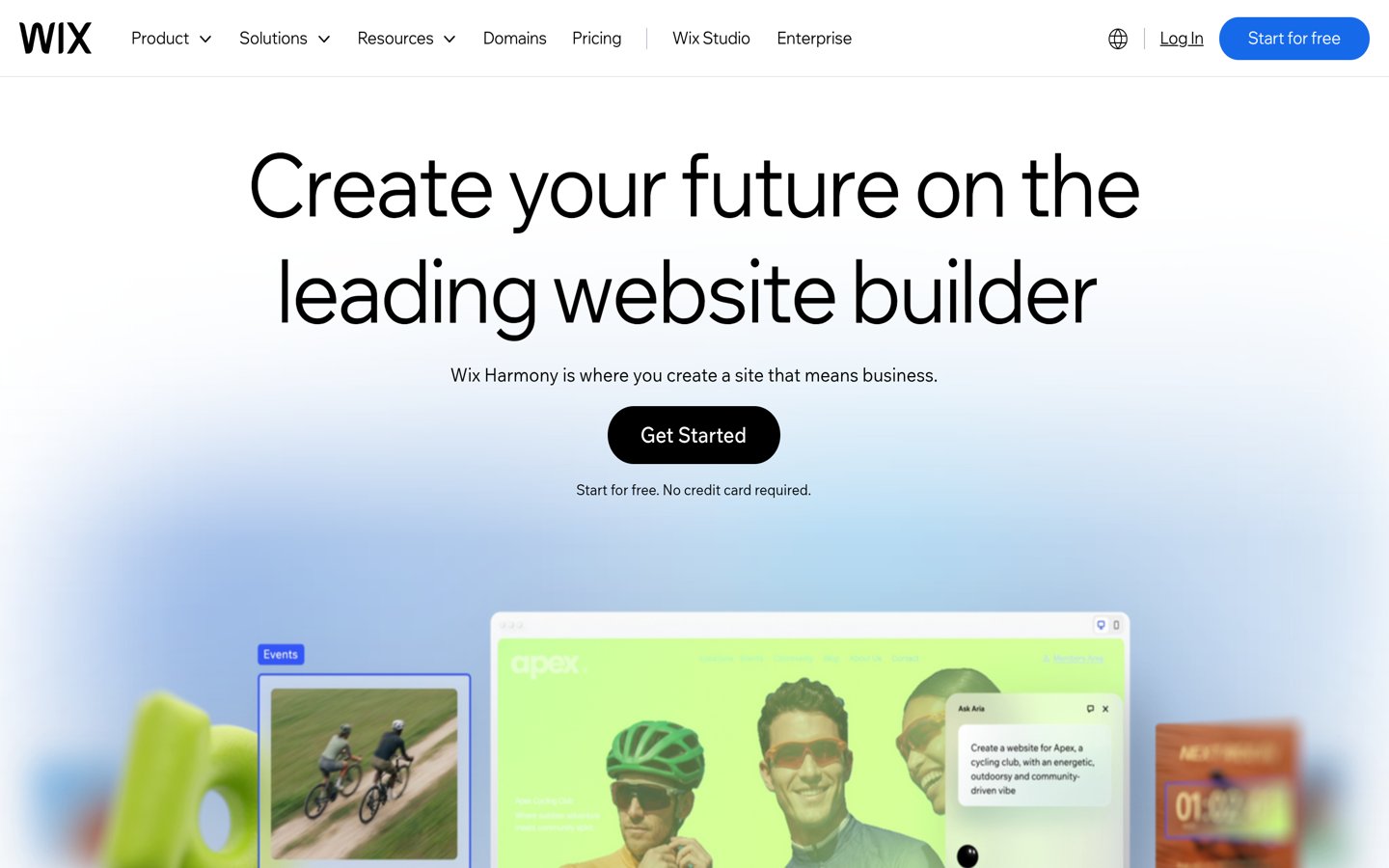
Wix is a website builder that gets a site live fast, with hosting, templates and an AI agent in one plan. The Light plan costs $17 a month billed yearly and includes a custom domain, while the Aria AI agent builds and edits pages from plain language. It suits owners who want a site up today without learning a design tool.
The trade off is design control. Wix templates are polished but harder to customise deeply than Figma or Webflow, and moving a site away from Wix is difficult. It suits small businesses and portfolios that value speed over fine control.
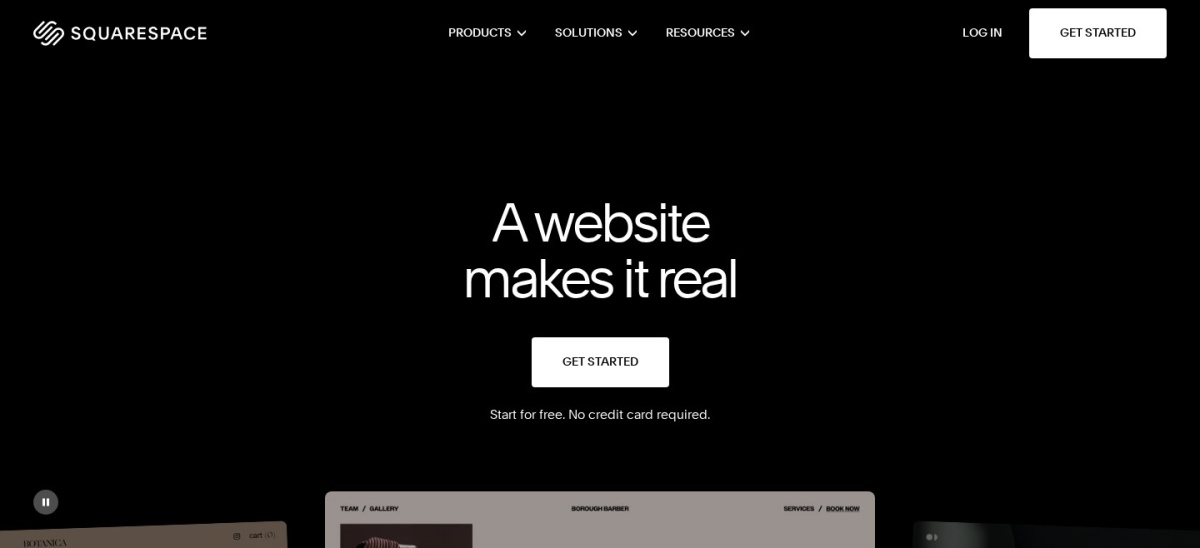
Squarespace is a website builder known for polished templates and a clean editor. The Basic plan costs $19 a month billed yearly, with Blueprint AI designing a site from a few answers and an AI writer for copy. Older articles still quote the legacy Personal plan at $16 a month, which Squarespace no longer sells.
The trade off is that there is no free plan, only a 14-day trial, and the template system limits deep customisation. It also costs more than Wix for similar sites. It suits portfolios, photographers and small shops that want a beautiful site with little setup.
Sketch is a Mac-only design tool for interfaces and websites, and the app that defined modern UI design. The Standard plan costs $12 per editor a month billed yearly, with shared libraries, prototyping and developer handoff. A one-time Mac licence at $120 is still sold for designers who prefer to own the app.
The trade off is the Mac limit. Sketch runs only on macOS, so mixed-platform teams cannot use it, and its plugin ecosystem is smaller than it once was. It suits Mac-based designers who want a focused, offline-capable design tool.
Canva is a simple design tool for graphics, social posts and one-page websites, with the largest template library in this list. Pro costs $144 a year, or $12 a month billed yearly, and adds brand kits, background removal and more storage. The free plan covers most casual design work.
The trade off is depth. Canva is not a professional interface tool: it lacks Figma's prototyping and developer handoff, and its websites are simple one-page sites. It suits marketers and owners who need good-looking pages fast.
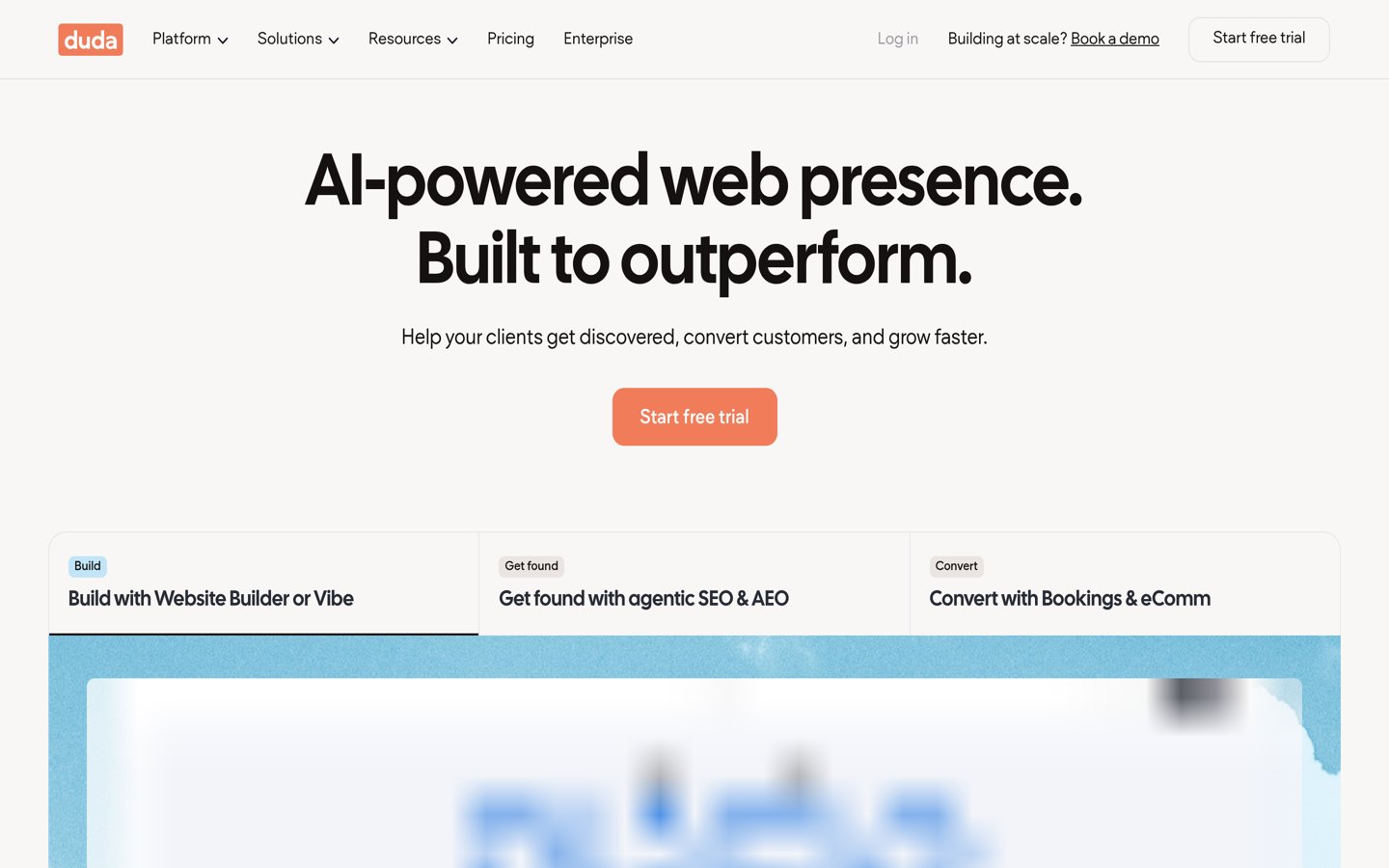
Duda is a website builder made for agencies that build many client sites, with team tools and white labelling. The Basic plan costs $19 a month billed yearly, with hosting, templates and client management included. One October 2026 report said Basic would rise to $25 a month, but Duda's own listings still showed $19 in mid-November.
The trade off is the audience. Duda is built for agencies, so solo owners pay for team features they may not use, and there is no free plan. It suits agencies and freelancers who manage several client sites at once.
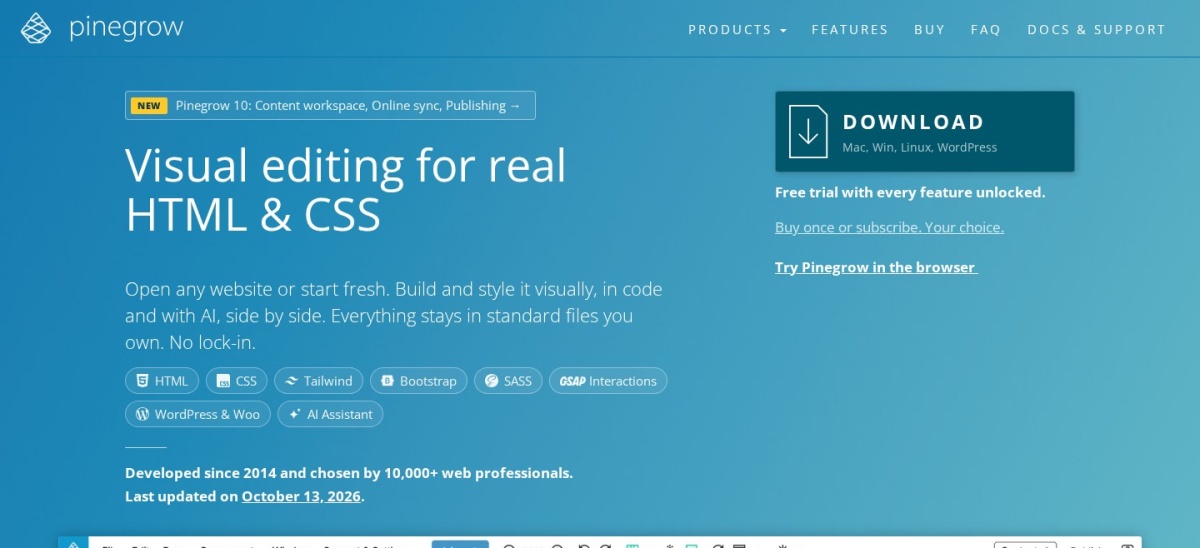
Pinegrow is a visual editor for designers who work directly with HTML and CSS, instead of a closed builder. The Web Editor costs $99 a year at the regular price, though a 50 percent sale cut it to $49.50 when checked. It runs on Mac, Windows and Linux, and exports standard code you own.
The trade off is the tiny review base. G2 rates Pinegrow 4.3 out of 5 from only 36 reviews, and the tool suits developers more than pure designers. It suits people who want visual editing without giving up the code.
A design tool like Figma or Sketch produces files. You design the pages, then a developer or a builder turns them into a live site.
A website builder like Webflow or Wix publishes the site itself. You design on the canvas and the live site is the result, with hosting included.
Builders are faster for a live site, but design tools give finer control and a cleaner handoff to developers.
If you work in a team with developers, start with Figma. If you work alone and want a live site, start with Webflow or Framer.
How we chose
We started from the best-known website design tools with a G2 profile, then kept the nine with a verifiable rating and a published price.
Prices are the regular prices from each vendor's pricing page, checked on 26 November 2026. Figma at $16 and Webflow at $15 were confirmed on the official pages today; Framer's page renders no prices, so its $10 figure is second-hand.
Ratings come from G2, checked on 26 November 2026. Framer and Pinegrow have small review bases, so we treated their scores as weaker evidence. No vendor paid for a place, and we do not claim hands-on testing for this list.
How to choose website design software
Start with whether you need to publish the site, then check who else will edit it.
Decide if you need to publish. Figma and Sketch design files for developers, while Webflow, Framer, Wix and Squarespace publish the site themselves.
Count your editors. Figma and Sketch charge per editor, so a big team costs more, while builders charge per site no matter how many editors.
Check the free plan. Figma, Webflow, Framer, Wix and Canva have free tiers, while Squarespace, Sketch and Duda offer trials only.
Try the tool on a real page. Build one landing page before paying, and check the export or publish step works the way your team needs.
FAQ
What is the best software for designing websites?
Figma is the best pick for most teams. It combines interface design, prototyping and developer handoff in one browser tool, and it is rated 4.7 out of 5 on G2 from more than 1,500 reviews.
Can I design and publish a website with one tool?
Yes. Webflow, Framer, Wix, Squarespace and Duda all publish the site you design, with hosting included. Figma and Sketch design files only, so you still need a builder or a developer to publish.
Is Figma free?
Yes, Figma has a free Starter plan with unlimited drafts, templates and basic collaboration. The Professional plan costs $16 per editor a month billed yearly and adds unlimited files, shared libraries and advanced prototyping.
What is the cheapest website design software?
Framer is the cheapest paid plan at $10 a month billed yearly per site, followed by Sketch at $12 per editor a month. Pinegrow costs $99 a year, and Canva Pro costs $144 a year.
Is Sketch only for Mac?
Yes. Sketch runs only on macOS, so Windows and Linux designers cannot use it. Figma, Canva and Pinegrow all work across platforms, and Webflow and Framer run in the browser.
Do I need to know code to design a website?
No. Wix, Squarespace, Canva and Framer all let you design a site without code, and Webflow needs no code for most sites. Pinegrow is the exception, since it is built for people who edit HTML and CSS directly.
SaaS SEO and WordPress specialist with about 8 years of experience. Rakib compares WordPress plugins, themes, hosting and software using public pricing, documentation and user reviews. See how we rank.