Best Free WordPress Portfolio Templates in 2026: 7 Tools Compared
WLWPLegible EditorsLast verified 22 Nov 2026How we rank12 min read
★ Short answer
Astra is the best free WordPress portfolio template option overall, with more than 1 million active installations and ready-made starter designs for creative websites. Blocksy offers flexible portfolio layouts with a highly rated free theme, while Inspiro is better suited to photographers and video creators who want fullscreen visual presentations.
How we make this list: we compare pricing pages, product documentation and public user reviews, then re-check every price before each update. No product paid for a place. Disclosure.
Astra leads for versatility, with 1 million+ active installations, a 4.9/5 rating from 6,559 reviews, and a $69 annual entry upgrade (Astra Pro add-on).
Blocksy has 300,000+ active installations and a 5/5 rating from 874 reviews; its Personal upgrade costs $69 per year.
Inspiro offers 20+ starter sites in its free theme, with a visual portfolio focus and Premium starting at $69 per year.
Zakra includes 40+ free starter designs, holds a 4.9/5 rating from 600 reviews, and offers Pro for $69 annually.
Perfect Portfolio is a dedicated creative portfolio theme with 1,000+ active installations and a $59 paid version.
Twenty Twenty-Five includes 16 style variations and has no separate commercial upgrade.
What makes a good free WordPress portfolio template?
A portfolio website should make your work easy to explore. Visitors need clear project thumbnails, readable case studies, simple navigation, and an obvious way to contact you. A good WordPress portfolio template provides these foundations without requiring extensive custom development.
The most useful free themes offer responsive layouts, typography controls, featured images, and compatibility with the WordPress block editor or a page builder. Dedicated portfolio themes may also include gallery layouts, fullscreen headers, or project-specific presentation options.
Pay attention to the difference between a free theme and a free starter template. A theme can be free while certain demo designs, portfolio layouts, or import tools are restricted to a paid plan. Check the exact design before committing to it.
Performance matters for image-heavy portfolios. Choose sensible image dimensions, compressed media, and restrained animations. The theme provides the foundation, but the size and quality of your uploaded images also affect loading speed and visitor experience.
Astra is a multipurpose WordPress theme with more than 1 million active installations and a 4.9/5 rating from 6,559 reviews. Its free version supports responsive portfolio pages, flexible typography, full-width layouts, and starter designs through the Starter Templates plugin, with compatibility for the block editor and Elementor.
The trade off is that premium starter designs and advanced layout controls require an upgrade, with the Astra Pro add-on regularly priced at $69 per year and the Astra Pro + AI bundle at $149 per year. It suits freelancers, agencies, and designers who want a flexible portfolio that can later expand into a larger website.
What we like
Large collection of starter website designs
Works with the block editor and major page builders
Flexible typography, colors, and page layouts
Extensive documentation and community resources
Can accommodate portfolios, blogs, and online stores
Astra Pro + AI adds premium design controls, enhanced headers, and additional starter resources.Visit wpastra.com
02
Blocksy
5/5on WordPress.org (874 reviews, checked Nov 2026)
Paid from$69/yr
Best for modern portfolio customization
EditorWordPress block editor
Layout optionsGrid and full-width layouts
Active installs300K+
Paid planPersonal, 1 site
creativethemes.com
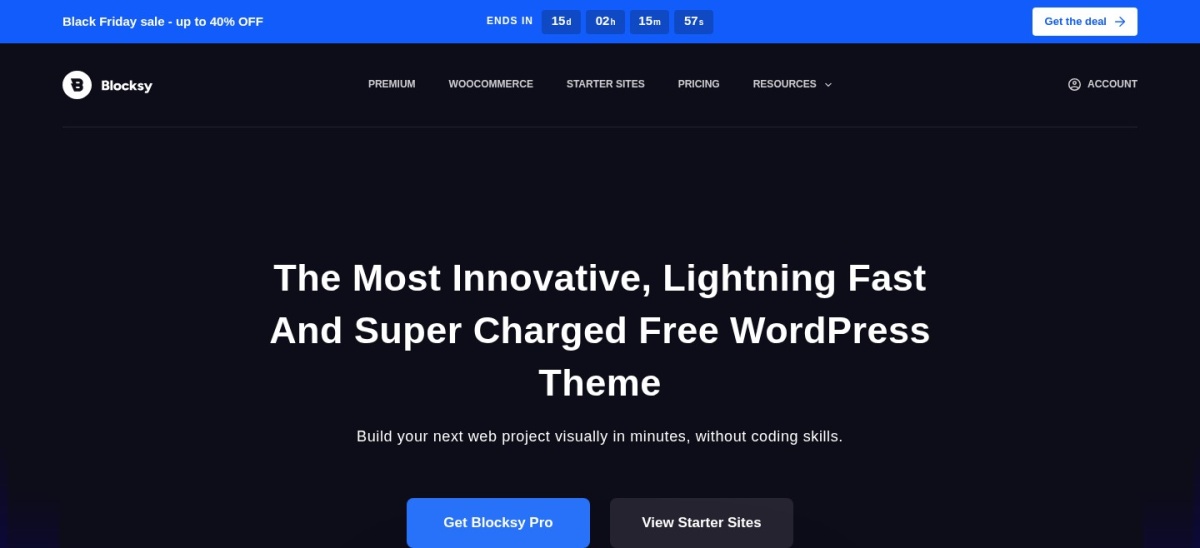
Blocksy homepage, captured Nov 2026.
Blocksy is a modern WordPress theme with 300,000+ active installations and a 5/5 rating from 874 reviews. Its free version includes a visual header and footer builder, responsive layout settings, global color controls, and block editor compatibility, making it suitable for design portfolios and project galleries.
The trade off is that advanced content hooks, additional starter sites, conditional headers, and premium extensions require Personal at the regular $69 annual price, currently discounted to $42. It suits designers and creative businesses that want extensive visual customization without depending entirely on a paid page builder.
What we like
Extensive free customization controls
Flexible header and footer building
Responsive grid and content layouts
High WordPress.org user rating
Compatible with the WordPress block editor
Watch out for
Some starter sites are Pro-only
Advanced conditional layouts require Pro
Detailed customization can take time to configure
Personal adds premium starter sites, content extensions, conditional layouts, and advanced design controls.Visit creativethemes.com
03
Inspiro
4.7/5on WordPress.org (127 reviews, checked Nov 2026)
Paid from$69/yr
Best for photography and video portfolios
Free starter sites20+
Visual featuresFullscreen video backgrounds
Active installs60K+
Paid planInspiro Premium, unlimited sites
wpzoom.com
Inspiro homepage, captured Nov 2026.
Inspiro is a visual WordPress portfolio theme from WPZOOM, with 60,000+ active installations and a 4.7/5 rating from 127 reviews. Its free version offers more than 20 starter sites for Elementor and the block editor, plus fullscreen video backgrounds, responsive layouts, and creative-focused presentation options.
The trade off is that the dedicated portfolio module, advanced project presentations, premium Elementor features, and the larger collection of 60+ starter sites require Inspiro Premium at $69 per year. It suits photographers, videographers, filmmakers, and studios whose work benefits from large imagery and motion.
What we like
Designed around photography and visual portfolios
Supports fullscreen video backgrounds
Free starter sites for Elementor and the block editor
Premium includes a dedicated portfolio module
Paid license covers unlimited websites
Watch out for
Advanced portfolio management requires Premium
Video-heavy pages need careful media optimization
Some specialized showcase layouts are premium-only
Premium adds 60+ starter sites, portfolio modules, advanced video features, and Elementor enhancements.Visit wpzoom.com
04
Zakra
4.9/5on WordPress.org (600 reviews, checked Nov 2026)
Paid from$69/yr
Best for ready-made portfolio starter sites
Free starter sites40+
EditorsGutenberg, Elementor, Brizy, BlockArt
Active installs30K+
Paid planZakra Pro, 3 sites
zakratheme.com
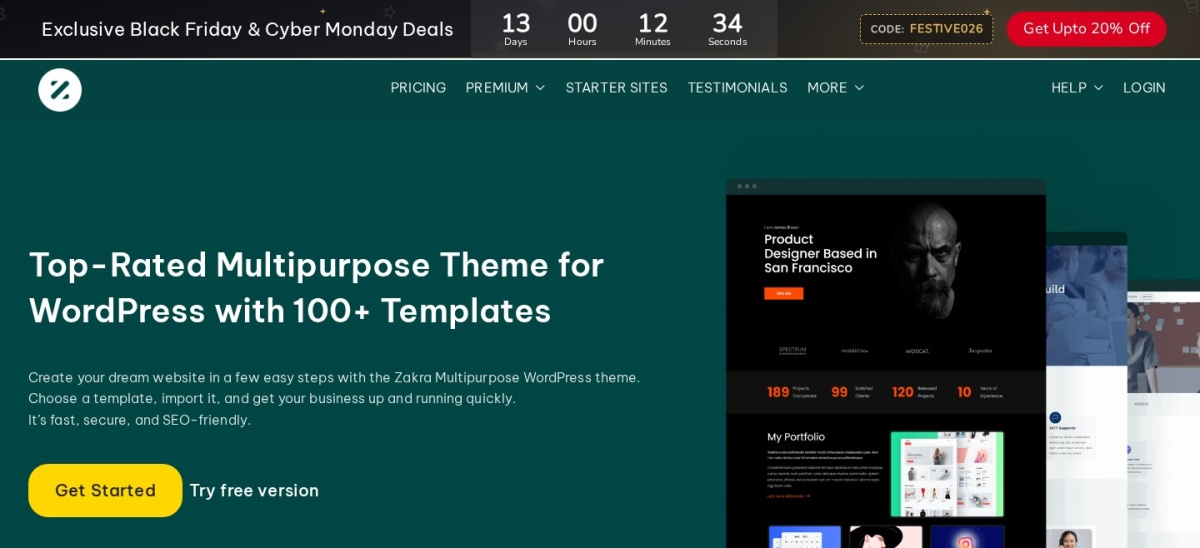
Zakra homepage, captured Nov 2026.
Zakra is a flexible WordPress theme with 30,000+ active installations and a 4.9/5 rating from 600 reviews. Its free version provides more than 40 starter demos covering portfolios and other website types, with responsive layouts and compatibility with Gutenberg, Elementor, Brizy, and BlockArt.
The trade off is that additional premium starter templates, advanced header styling, layout controls, and dedicated support require Zakra Pro at $69 per year for up to 3 websites. It suits freelancers and small creative businesses that prefer starting from a complete design rather than assembling each page individually.
What we like
Wide variety of free starter designs
Compatible with several popular editors
Responsive and customizable layouts
Strong public user rating
Paid entry license supports multiple sites
Watch out for
Some portfolio designs require Pro
Advanced typography and layout controls are paid
Starter imports may introduce additional plugins
Pro adds premium templates, expanded layout controls, and priority support.Visit zakratheme.com
05
Perfect Portfolio
4.9/5on WordPress.org (28 reviews, checked Nov 2026)
Paid from$59/yr
Best dedicated free portfolio theme
Theme focusPortfolio and case studies
DesignCreative showcase layouts
Active installs1K+
Paid planPerfect Portfolio Pro
rarathemes.com
Perfect Portfolio homepage, captured Nov 2026.
Perfect Portfolio is a dedicated WordPress portfolio theme from Rara Themes, with 1,000+ active installations and a 4.9/5 rating from 28 reviews. Its free version provides responsive portfolio-oriented layouts, featured images, a blog section, and customization options for freelancers, photographers, designers, and creative agencies.
The trade off is that additional portfolio layouts, filtering options, and broader presentation controls require Perfect Portfolio Pro, listed at $59 with a separate $149 lifetime option. It suits creative professionals who want a portfolio-focused theme instead of adapting a general business design.
What we like
Designed specifically for displaying creative work
Free portfolio-friendly page layouts
Supports blogging alongside project showcases
Responsive design with customization options
Paid version includes additional portfolio features
Watch out for
Smaller user base than multipurpose themes
Advanced portfolio filtering requires Pro
Fewer general-purpose starter designs
Pro adds expanded portfolio layouts, filtering features, and customization controls.Visit rarathemes.com
06
GeneratePress
4.9/5on WordPress.org (1,428 reviews, checked Nov 2026)
Paid from$99/yr
Best lightweight base for custom portfolios
EditorWordPress block editor
Theme footprintUnder 10 KB gzipped
Active installs500K+
Paid planGeneratePress One, 1 site
generatepress.com
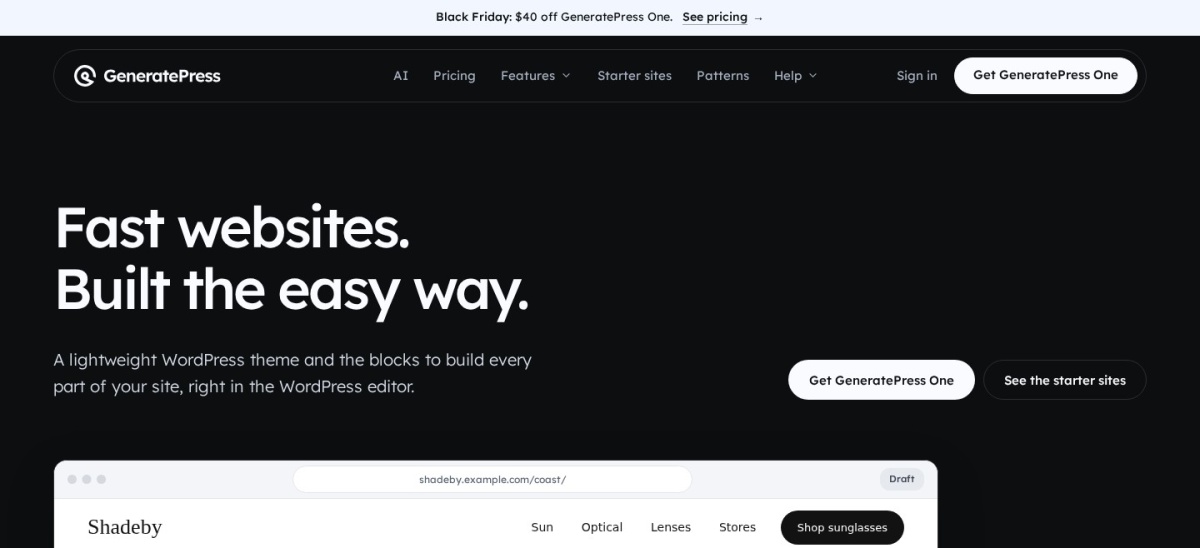
GeneratePress homepage, captured Nov 2026.
GeneratePress is a lightweight WordPress theme with 500,000+ active installations and a 4.9/5 rating from 1,428 reviews. Its free version adds less than 10 KB of gzipped theme files and supports responsive layouts, typography controls, full-width pages, and compatibility with the block editor and major page builders.
The trade off is that advanced templates, visual site building, premium blocks, and the starter site library require GeneratePress One, regularly priced at $99 per year for one site, with a promotional first-year price of $59. It suits developers and designers comfortable building a customized portfolio from a minimal foundation.
What we like
Small core theme footprint
Clean foundation for custom portfolio layouts
Works with the block editor and page builders
Large established user community
Premium includes dynamic content tools
Watch out for
Free version provides fewer ready-made portfolio designs
Advanced site-building features require the paid plan
More manual design work than dedicated portfolio themes
GeneratePress One adds GP Premium, GenerateBlocks Pro, starter sites, and dynamic site-building tools.Visit generatepress.com
07
Twenty Twenty-Five
4/5on WordPress.org (14 reviews, checked Nov 2026)
PriceFree
Best completely free block-based portfolio
Theme typeFull site editing
Style variations16
Active installs1M+
Paid planNone
wordpress.org
Twenty Twenty-Five homepage, captured Nov 2026.
Twenty Twenty-Five is a community-maintained WordPress block theme with more than 1 million active installations and a 4/5 rating from 14 reviews. It includes 16 style variations, block patterns, full site editing, and layouts suitable for image-heavy pages, making it a flexible foundation for simple portfolios.
The trade off is that it does not provide the specialized portfolio management tools or packaged creative demos found in commercial themes, although there is no paid upgrade. It suits creators who prefer native WordPress editing and want full control without a theme subscription.
What we like
Completely free with no commercial upgrade
Full site editing with native WordPress blocks
Includes 16 style variations
Maintained as a community WordPress theme
No required premium theme extensions
Watch out for
No dedicated portfolio project management module
Requires manual setup for specialized gallery layouts
Smaller public rating sample than several competitors
No paid plan; all theme styles, templates, and patterns are available for free.Visit wordpress.org
Which portfolio layout works best for your work?
A grid portfolio displays projects as consistent thumbnail cards. It is useful for graphic designers, web designers, and freelancers who want visitors to compare projects quickly.
A fullscreen visual portfolio gives individual images or videos more prominence. Photographers, filmmakers, and creative studios often benefit from this approach, particularly when image quality is central to the work.
A case study portfolio combines visuals with project goals, process explanations, and outcomes. This format works well for UX designers, developers, marketers, and agencies whose services require context beyond a finished image.
Astra, Blocksy, and Zakra work well for flexible portfolio structures. Inspiro emphasizes visual presentations, while Perfect Portfolio focuses on showcasing creative projects. Twenty Twenty-Five provides a free block-based starting point for custom layouts.
When is a premium portfolio theme worth paying for?
A free theme is often sufficient for a personal portfolio with a homepage, project gallery, biography, and contact page. If you can create the presentation you need using native blocks and free templates, a premium license may add little immediate value.
Paid upgrades become more useful when you need dedicated project modules, advanced filtering, conditional layouts, premium starter sites, or specialized video controls. These features can reduce setup work for larger creative portfolios.
Compare the recurring license cost with the actual features you need. Astra, Blocksy, Zakra, and Inspiro all have $69 annual entry plans. Perfect Portfolio offers a $59 paid version and a separate lifetime option.
Before purchasing, confirm whether imported demo designs depend on additional plugins. Also check how existing portfolio content will behave if you change themes or stop renewing the premium license.
How we chose
We selected established free WordPress themes from the official WordPress.org theme directory and compared them using their theme descriptions, official documentation, starter template libraries, and vendor feature pages. We prioritized current maintenance, portfolio suitability, responsive layouts, customization, and editor compatibility.
WordPress.org ratings, review counts, active installations, update dates, and official pricing were checked on 22 Nov 2026. Paid prices represent regular entry-level rates rather than temporary Black Friday or first-year discounts. Themes with no commercial upgrade are identified as free.
We excluded themes without recent maintenance, closed listings, and commercial options whose pricing could not be confirmed from accessible official pages. We also avoided ranking themes by promotional speed claims. No vendor paid for a place, and we do not claim testing for this list.
How to choose a free WordPress portfolio template
Identify the work you want to showcase and choose a template that makes it easy to present projects clearly.
Choose a layout that fits your work. Use image grids for visual projects, fullscreen layouts for photography and video, or detailed case study pages for professional services. Prioritize a structure visitors can understand without complicated navigation.
Check what the free version includes. Open the exact starter template you want and confirm it is available without payment. Look for included homepage sections, project layouts, responsive controls, and any plugins required for importing the design.
Match the theme to your preferred editor. Choose themes with native block editor support if you want to avoid additional page builders. If you already use Elementor or another builder, verify that the theme supports its layouts and customization features.
Plan for updates and future changes. Compare the regular annual price before upgrading. Consider whether you may later add case studies, a blog, client inquiries, or an online shop, and choose a theme that can accommodate that growth.
FAQ
What is the best free WordPress portfolio template?
Astra is our overall recommendation because it combines a large starter template ecosystem, flexible customization, and compatibility with popular editors. It has more than 1 million active installations and a 4.9/5 WordPress.org rating. Blocksy is another strong choice for modern design controls.
Can I build a portfolio website for free with WordPress?
Yes. Free themes such as Astra, Blocksy, Inspiro, Zakra, and Twenty Twenty-Five can be used without purchasing a theme license. You can create project pages, image galleries, and contact sections using WordPress blocks or free compatible plugins. Hosting and a domain may still involve separate costs.
Which free WordPress portfolio theme is best for photographers?
Inspiro is particularly suitable for photographers because its design emphasizes large imagery and fullscreen visual sections. Its free version supports video backgrounds and starter designs for creative websites. Astra and Blocksy are alternatives if you want more general-purpose layout customization.
Which WordPress portfolio theme works with Elementor?
Astra, Blocksy, Inspiro, Zakra, and GeneratePress support Elementor-based workflows. Inspiro also offers starter sites designed for Elementor, while Astra and Zakra provide broader multipurpose template collections. Check whether the specific demo requires the free Elementor plugin or additional paid features.
Are free WordPress portfolio themes mobile-friendly?
The themes in this comparison provide responsive layouts intended to adjust across different screen sizes. However, the final result depends on your uploaded images, custom blocks, menus, and page builder settings. Preview individual project pages on mobile before publishing, especially if you use large galleries.
Is a free WordPress portfolio theme good for SEO?
Yes, a free theme can provide a suitable foundation for SEO when it uses clear page structures, responsive layouts, and appropriate markup. Search visibility also depends on your written content, image optimization, internal links, and site performance. A premium theme is not required simply to make portfolio pages indexable.
What is the difference between a portfolio theme and a portfolio plugin?
A portfolio theme controls the website's overall appearance, including navigation, typography, and page layouts. A portfolio plugin adds functionality such as project galleries, filtering, or dedicated portfolio content types. Using a plugin for project management can make changing themes easier later.
Do I need Elementor Pro for a WordPress portfolio?
No. You can create a portfolio using native WordPress blocks, a free theme, and standard media galleries. Elementor's free version also supports many layout tasks. Elementor Pro may be useful for specialized templates or dynamic content, but it is not necessary for every portfolio.
Which portfolio theme has no paid upgrade?
Twenty Twenty-Five is a free community WordPress theme without a separate commercial upgrade. It includes 16 style variations and supports full site editing. This makes it a useful option for creators who want native WordPress design tools without paying for premium theme features.