Oxygen Builder Alternatives in 2026: 7 Best Tools Compared
WLWPLegible EditorsLast verified 22 Nov 2026How we rank12 min read
★ Short answer
Brizy is our top Oxygen Builder alternative for visual website building, offering a free editor and a Personal plan at $69 per year. Beaver Builder is better suited to client projects, while GenerateBlocks offers a WordPress-native approach with 200,000+ active installations and lightweight layout controls.
How we make this list: we compare pricing pages, product documentation and public user reviews, then re-check every price before each update. No product paid for a place. Disclosure.
Brizy is the top visual alternative, with a free editor and a regular Personal plan at $69/year for one website.
Beaver Builder offers front-end editing and a $89/year Starter plan that includes its theme and Beaver Themer.
GenerateBlocks has 200,000+ active installations and a 4.9/5 WordPress.org rating, making it a strong block-based option.
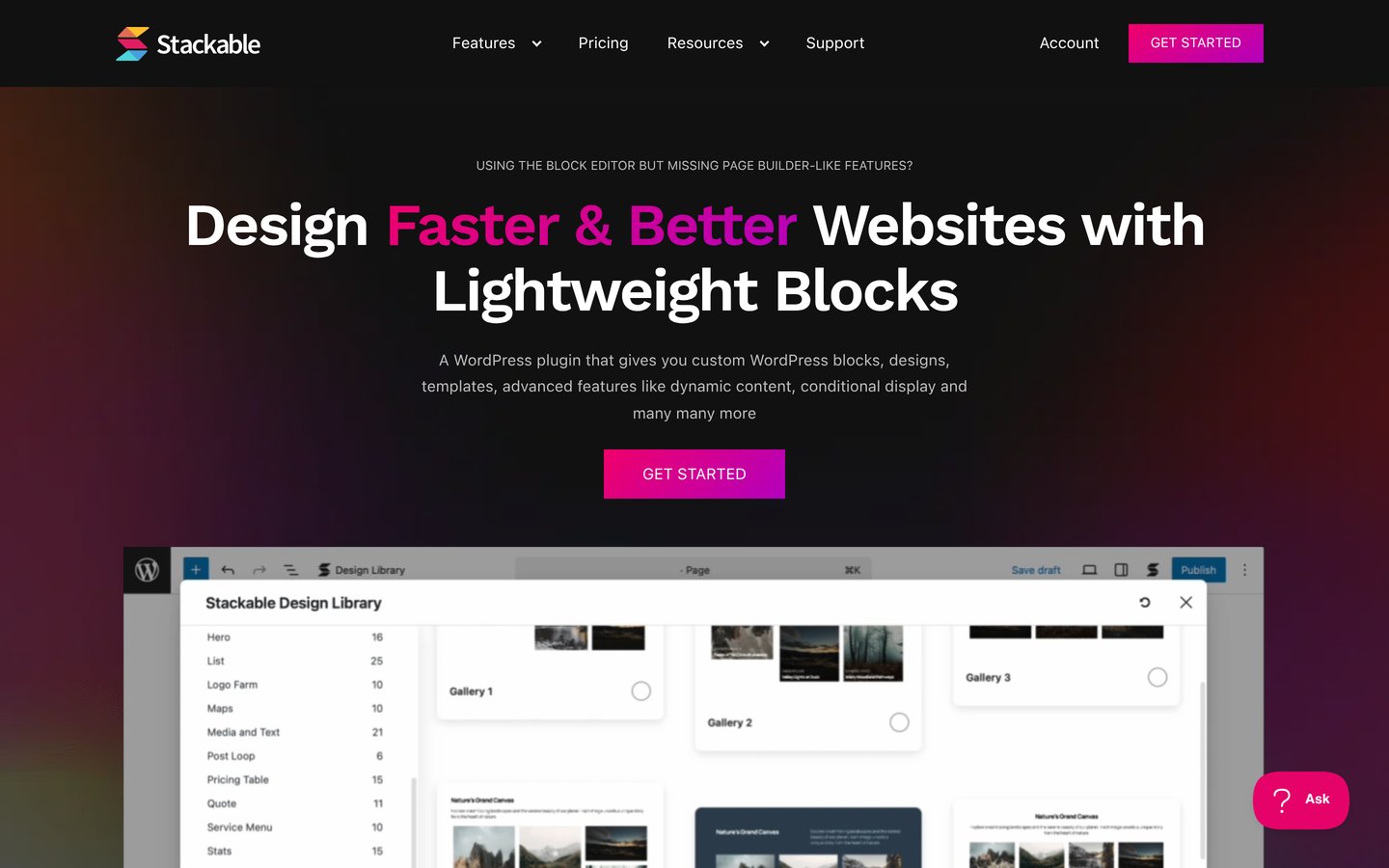
Stackable Premium costs $49/year for one site and adds 375 design patterns and 40 full-page templates.
Spectra Blocks supports native WordPress editing, with Spectra Pro regularly priced at $69/year for up to three websites.
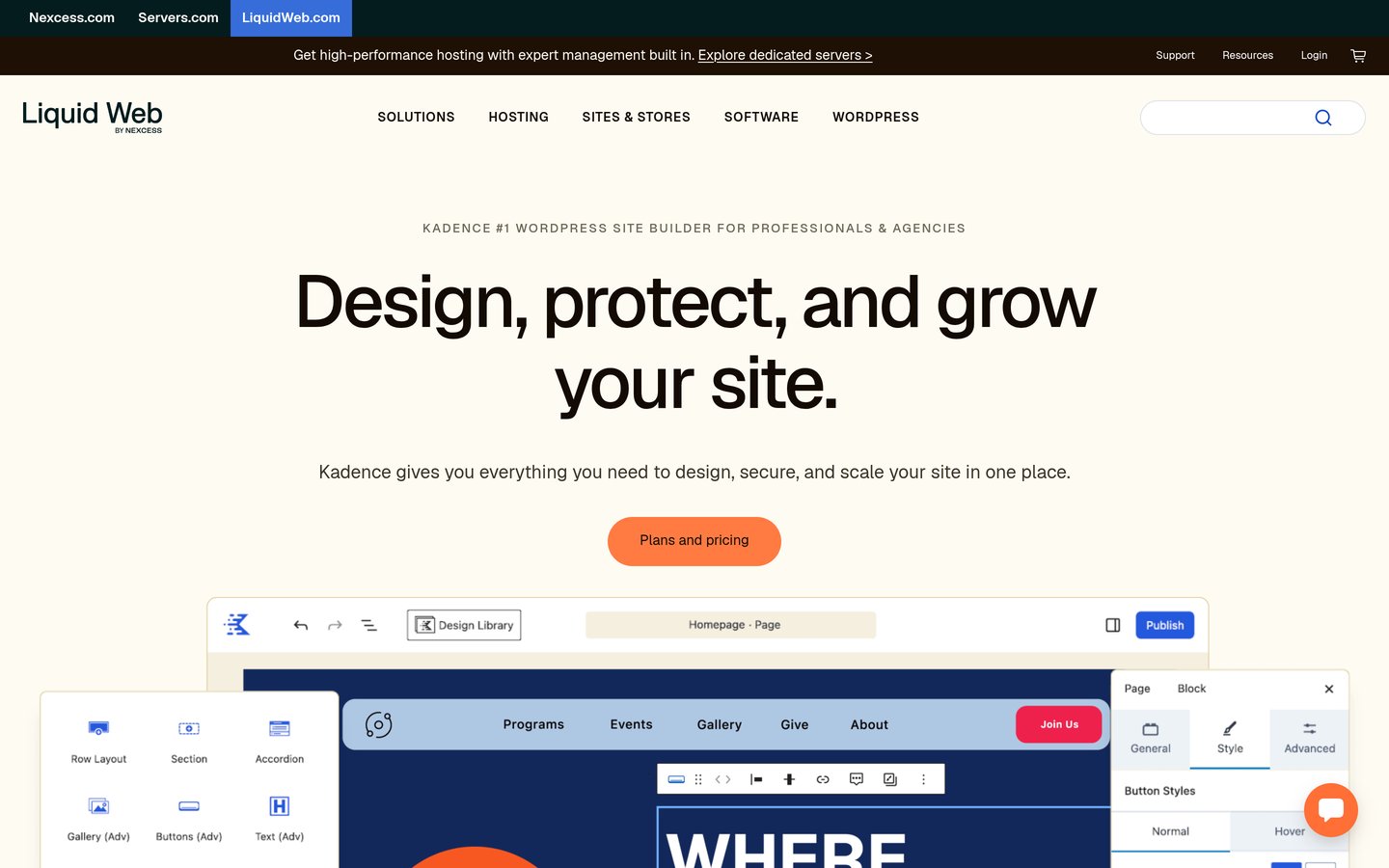
Kadence Blocks has 600,000+ active installations, but its current paid bundle starts at $350/year.
What to look for in an Oxygen Builder alternative
Oxygen Builder appeals to developers who want detailed control over WordPress layouts, templates and dynamic content. The right replacement depends on whether you need similar visual controls or would rather build directly in WordPress.
Start by comparing the editing model. Brizy and Beaver Builder provide visual editing interfaces. GenerateBlocks, Stackable, Spectra Blocks and Kadence Blocks extend the native WordPress block editor.
Check theme building separately from page editing. A plugin that creates attractive landing pages may not include archive templates, custom headers, WooCommerce templates or dynamic content controls in its entry plan.
Also consider content portability. Moving away from Oxygen generally requires rebuilding layouts because builder-specific structures do not automatically convert into another builder's editable components.
Finally, compare regular renewal prices rather than promotional checkout prices. Free versions can cover basic designs, but template libraries, dynamic content and advanced design features often require paid licenses.
4.7/5on WordPress.org (972 reviews, checked Nov 2026)
Paid from$69/yr
Best for visual website building
EditorVisual drag and drop
Free versionBasic elements and templates
Theme builderPro
Paid planPersonal, 1 website
brizy.io
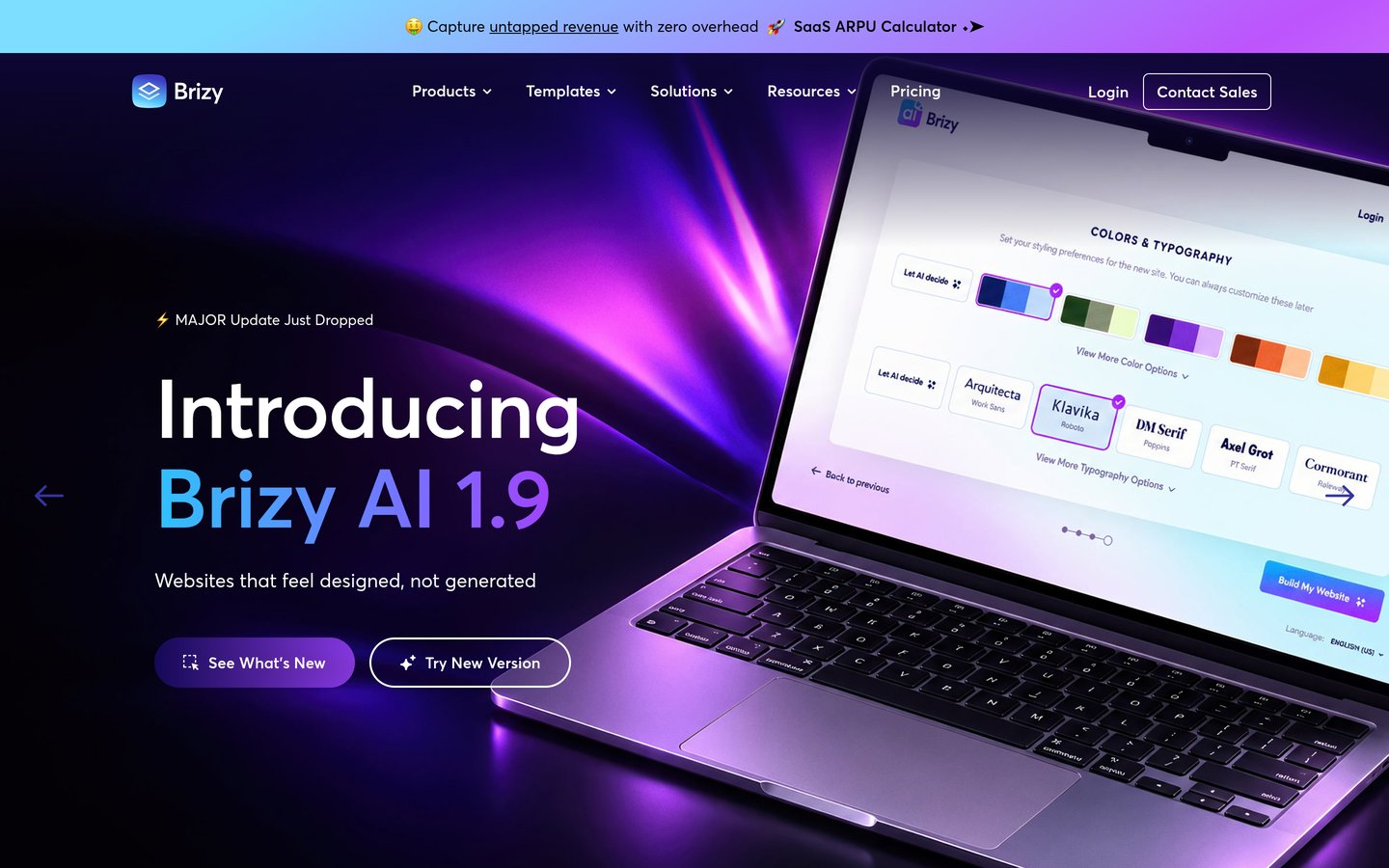
Brizy homepage, captured Nov 2026.
Brizy is a visual WordPress page builder with 60,000+ active installations and a 4.7/5 rating from 972 reviews. Its free plugin includes drag-and-drop editing, basic design elements and starter templates, making it suitable for building pages without writing CSS.
The trade off is that theme building, premium designs and WooCommerce controls require Pro, regularly priced at $69/year for one website. It suits Oxygen users who prefer a more approachable visual editor and do not need extensive developer-oriented controls.
What we like
Visual editing interface with contextual controls
Free plugin supports basic page layouts
Pro adds theme and WooCommerce building
Marketing and popup features in paid plans
Watch out for
Advanced site-building tools require Pro
Less developer-oriented than Oxygen
Layouts remain dependent on Brizy components
Pro adds theme building, popups, WooCommerce tools and premium designs.Visit brizy.io
02
Beaver Builder
4.7/5on WordPress.org (394 reviews, checked Nov 2026)
Paid from$89/yr
Best for agencies and client websites
EditorFront-end drag and drop
Free versionBeaver Builder Lite
Theme buildingIncluded in Starter
Paid planStarter, 1 site
wpbeaverbuilder.com
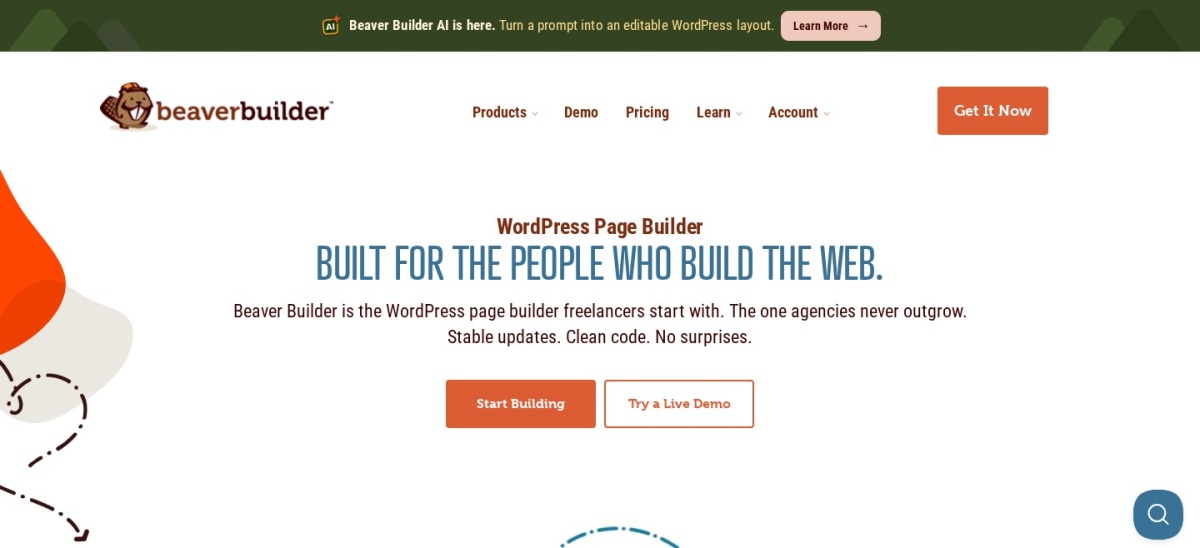
Beaver Builder homepage, captured Nov 2026.
Beaver Builder is a front-end WordPress page builder with 100,000+ active installations and a 4.7/5 rating. Its free Lite version provides visual page editing, while the paid Starter plan includes the page builder plugin, Beaver Builder Theme, Beaver Themer and WooCommerce support.
The trade off is that Lite offers fewer building features, and the Starter license costs $89/year for one site. It suits agencies and freelancers seeking a familiar editing workflow with tools for creating and maintaining client websites.
What we like
Established WordPress builder with a long development history
4.9/5on WordPress.org (122 reviews, checked Nov 2026)
Paid from$99/yr
Best for lightweight WordPress layouts
EditorWordPress block editor
Core blocksContainer, Grid, Text, Button
Theme compatibilityWorks with any theme
Paid planGeneratePress One, 1 site
generatepress.com
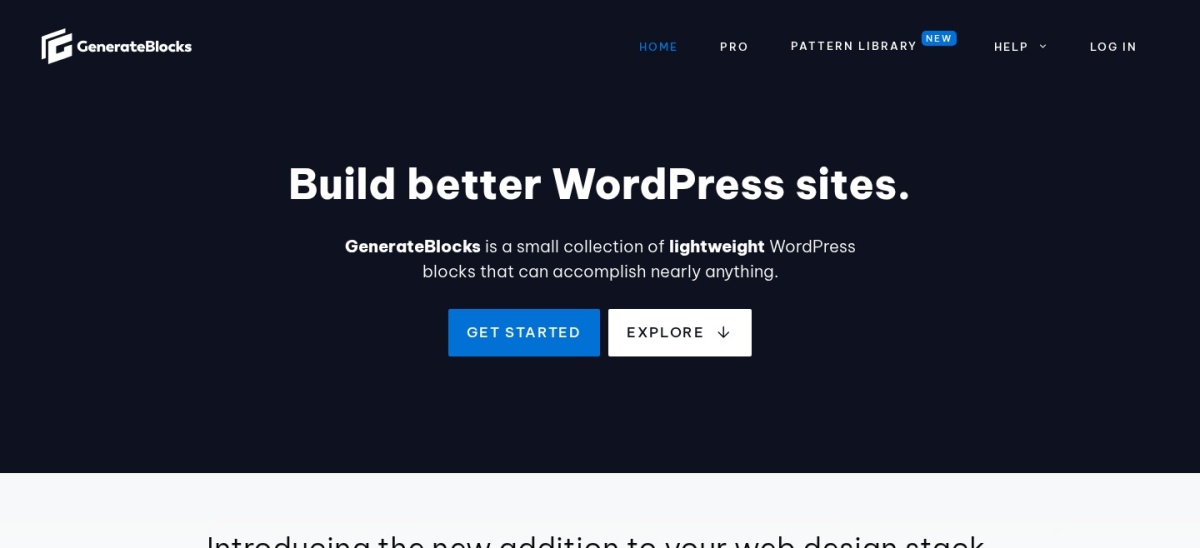
GenerateBlocks homepage, captured Nov 2026.
GenerateBlocks is a WordPress block-based design toolkit with 200,000+ active installations and a 4.9/5 rating from 122 reviews. Its free version provides containers, grids, text, buttons, images and query layouts, allowing users to create responsive pages without a separate visual builder.
The trade off is that advanced site-building features require the GeneratePress One subscription, regularly priced at $99/year for one site. It suits Oxygen users who prioritize clean HTML output, reusable layouts and working within the WordPress editor.
Stackable is a WordPress block collection with 100,000+ active installations and a 4.9/5 rating from 522 reviews. Its free version includes page-building blocks, a global design system and a design library, helping users construct custom layouts inside Gutenberg.
The trade off is that dynamic content, conditional display, expanded global styles and premium templates require the $49/year Premium plan. It suits Oxygen users who want detailed design controls within the block editor at a relatively low annual cost.
What we like
Affordable annual Premium subscription
Global colors, typography and spacing controls
Premium includes 375 design patterns
Dynamic content and conditional display in Premium
Watch out for
Uses Gutenberg rather than a separate visual editor
4.7/5on WordPress.org (55 reviews, checked Nov 2026)
Paid from$69/yr
Best for AI-assisted block editing
EditorNative WordPress blocks
Free featuresBlock layouts and design controls
AI supportZip AI integration
Paid planSpectra Pro, up to 3 sites
wpspectra.com
Spectra Blocks homepage, captured Nov 2026.
Spectra Blocks is a newer Gutenberg-based builder from Brainstorm Force, with 70,000+ active installations and a 4.7/5 rating from 55 reviews. It supports native WordPress layouts and connects with Zip AI for generating page drafts and sections that remain editable as blocks.
The trade off is that premium design features require Spectra Pro, regularly priced at $69/year for up to three websites, while some AI functions involve separate services. It suits Oxygen users who want to adopt native WordPress editing with optional AI assistance.
What we like
Uses modern WordPress block APIs
AI-generated drafts can be edited as blocks
Free version supports native page layouts
Pro license covers up to three websites
Watch out for
Newer plugin with a shorter review history
AI features involve an additional integration
Does not reproduce Oxygen's editing workflow
Spectra Pro adds premium design controls and extended site-building features.Visit wpspectra.com
06
SeedProd
4.9/5on WordPress.org (4,699 reviews, checked Nov 2026)
Paid from$79/yr
Best for landing pages and campaigns
EditorDrag-and-drop page builder
Free featuresComing soon and maintenance pages
Basic templates50 Pro templates
Paid planBasic, 1 site
seedprod.com
SeedProd homepage, captured Nov 2026.
SeedProd is a WordPress website and landing page builder with 600,000+ active installations and a 4.9/5 rating from 4,699 reviews. Its free version supports coming-soon and maintenance pages, while the Basic paid plan includes 50 Pro templates and more than 90 Pro page blocks.
The trade off is that Basic costs $79/year at its regular rate and is focused on landing pages rather than full-site theme replacement. It suits Oxygen users primarily creating promotional pages, launch screens, signup pages and marketing campaigns.
What we like
Large WordPress.org user and review base
Free coming-soon and maintenance features
Basic includes premium landing page templates
Built-in subscriber management in the paid plan
Watch out for
Basic is not the complete theme-building package
Advanced WooCommerce layouts require higher plans
Less suited to developer-focused dynamic templates
Basic adds premium templates, Pro blocks, subscriber management and access controls.Visit seedprod.com
07
Kadence Blocks
4.8/5on WordPress.org (337 reviews, checked Nov 2026)
Paid from$350/yr
Best for integrated theme and block design
EditorWordPress block editor
Free featuresLayout and content blocks
Paid bundleKadence plus related software
Paid plan1 site, $350/year
kadencewp.com
Kadence Blocks homepage, captured Nov 2026.
Kadence Blocks is a Gutenberg design toolkit with 600,000+ active installations and a 4.8/5 rating from 337 reviews. Its free version includes layout blocks, advanced buttons, accordions and other content elements that support custom page creation inside WordPress.
The trade off is the current paid offering: Kadence pricing redirects to Liquid Web, where the entry bundle costs $350/year for one site and includes additional products. It suits businesses that want a broader WordPress software package rather than an inexpensive standalone builder.
What we like
Established Gutenberg toolkit with frequent updates
Free blocks cover many common layouts
Works with the WordPress block editor
Paid package includes additional WordPress products
Watch out for
Current bundle is expensive for a single builder
Standalone paid purchasing is unavailable on the current pricing page
Less appropriate for buyers who only need layout blocks
The paid bundle adds Kadence's full feature set alongside LearnDash, Give and The Events Calendar.Visit kadencewp.com
Visual builders vs WordPress block editors
Oxygen uses a dedicated editing environment with detailed design controls. Brizy and Beaver Builder follow a similar broad approach by providing visual interfaces for creating and modifying pages.
GenerateBlocks, Stackable, Spectra Blocks and Kadence Blocks take a different route. They extend Gutenberg instead of replacing the standard WordPress editing experience.
The distinction matters when planning migrations and future maintenance. Visual builders offer specialized editing controls, while block-based tools keep more of the authoring process inside WordPress.
Neither approach guarantees better performance. Theme choices, plugins, hosting, image sizes and frontend assets still affect how quickly the finished website loads.
What happens when you migrate away from Oxygen?
Switching builders is more involved than installing a replacement plugin. Pages designed with Oxygen may need to be recreated because other builders do not automatically understand Oxygen's layout structures.
Export reusable assets where possible, including images, copy, design tokens and custom CSS. Inventory headers, footers, archive templates, custom fields and WooCommerce pages before rebuilding.
Create the replacement site in a staging environment and compare critical layouts before switching production traffic. Pay particular attention to navigation, responsive behavior, forms, dynamic content and important landing pages.
How we chose
We selected established WordPress builders and block-editing plugins that address common reasons for replacing Oxygen: easier visual editing, native WordPress integration, theme design, dynamic layouts and simpler maintenance. The shortlist includes both dedicated visual builders and block-based alternatives.
We checked WordPress.org ratings, review totals, active installations and update information on 22 Nov 2026. We also opened official vendor pricing pages, comparing regular paid prices rather than introductory discounts, including redirected pricing pages and expanded software bundles.
We excluded products whose current regular pricing could not be reliably confirmed, plugins without sufficient public adoption and options that did not meet the maintenance requirements. No vendor paid for a place, and we do not claim direct product testing for this list.
How to choose the right Oxygen Builder replacement
Identify the parts of Oxygen you depend on before choosing a replacement. Then compare each builder against your actual website requirements rather than relying on feature counts alone.
**Choose your preferred editing workflow.** Pick Brizy or Beaver Builder for a dedicated visual experience. Choose GenerateBlocks, Stackable, Spectra Blocks or Kadence Blocks if you prefer editing layouts directly in Gutenberg.
**Check full-site design requirements.** List the templates your website needs, including headers, footers, archives, custom post types and WooCommerce pages. Confirm that the paid tier includes those capabilities before purchasing.
**Compare regular prices and license coverage.** Consider how many websites you manage and whether each license includes theme building, dynamic content, support and updates. Avoid using promotional first-year prices when estimating recurring costs.
**Plan your content migration.** Inventory Oxygen layouts and reusable design components. Rebuild representative pages on a staging site and verify responsive layouts, forms, navigation and dynamic templates before making a full transition.
FAQ
What is the best alternative to Oxygen Builder?
Brizy is our top pick for users who want visual editing without Oxygen's more developer-oriented workflow. Its free version covers basic page creation, and its Personal plan is regularly priced at $69/year. Beaver Builder is another strong choice for agencies managing client websites.
Is there a free alternative to Oxygen Builder?
Yes. Brizy, Beaver Builder Lite, GenerateBlocks, Stackable, Spectra Blocks and Kadence Blocks offer free versions. Their capabilities vary considerably, so check whether your project needs complete theme templates, dynamic content or WooCommerce design tools before choosing a free option.
Which Oxygen Builder alternative is best for performance?
GenerateBlocks is a strong option for developers who prefer native WordPress blocks and focused layout components. Its frontend output uses static HTML and CSS for many layouts. Actual website speed still depends on your theme, hosting, media assets and other installed plugins.
Is Beaver Builder easier to use than Oxygen?
Beaver Builder emphasizes front-end drag-and-drop editing and is generally more approachable for routine page editing. Oxygen offers detailed layout and development controls that can demand more familiarity with CSS and WordPress structure. The better fit depends on whether visual convenience or granular customization matters more.
Can I replace Oxygen Builder without rebuilding my website?
Usually not completely. Oxygen layouts use builder-specific structures that another plugin cannot automatically recreate as editable native components. You can reuse text, images and some custom code, but important page templates and design elements typically require rebuilding.
Which alternative is best for agencies?
Beaver Builder is well suited to agencies because it provides front-end editing, a companion theme and Beaver Themer in its paid offering. Its Starter plan covers one site at $89/year, while higher plans support additional installations and agency-oriented features.
Are Gutenberg builders better than Oxygen?
Gutenberg-based builders are preferable when you want to work within WordPress's native editor and reuse standard blocks. Oxygen may be more suitable for developers who need its specific visual controls. Neither approach is automatically better for every design, performance requirement or maintenance workflow.
Why does Kadence Blocks cost more than some other alternatives?
The free Kadence Blocks plugin remains available, but the current commercial offering bundles Kadence with LearnDash, Give and The Events Calendar. The entry bundle costs $350/year for one site. That package can make sense for broader software needs but may be excessive for basic layouts.