Best Free WordPress Builders in 2026: 7 Tools Compared
WLWPLegible EditorsLast verified 22 Nov 2026How we rank12 min read
★ Short answer
Elementor is the best free WordPress builder for most beginners, with more than 10 million active installations and a visual drag-and-drop editor. SiteOrigin is a better fit for low-cost upgrades, often discounted from its $60 regular yearly price, while Spectra suits sites that prefer building directly inside the WordPress block editor.
How we make this list: we compare pricing pages, product documentation and public user reviews, then re-check every price before each update. No product paid for a place. Disclosure.
Elementor leads for visual editing, with 10M+ active installations and a free drag-and-drop page builder.
SiteOrigin Premium lists at $60/year regular, often discounted, covering 45 premium addons.
Spectra has 1M+ active installations, and its Pro upgrade renews at $69/year.
GenerateBlocks has a 4.9/5 WordPress.org rating and 200K+ active installations; its paid bundle costs $99/year.
SeedProd has 600K+ active installations and a regular Basic price of $79/year for landing page creation.
All 7 builders offer free versions, but full-site design, advanced marketing tools, and premium templates may require payment.
What to look for in a free WordPress builder
A free WordPress builder should help you create attractive, responsive pages without writing code. The main choice is between a separate visual editor and tools that extend WordPress's built-in block editor.
Visual builders such as Elementor, Brizy, and Beaver Builder let you arrange content directly on a page preview. Block-based builders such as Spectra and GenerateBlocks keep the editing workflow closer to WordPress itself.
Look carefully at what stays free. Some plugins provide layouts, buttons, images, and basic styling at no cost but reserve theme templates, forms, dynamic content, or advanced design controls for paid plans.
Consider performance and long-term maintenance. Page builders can add extra markup and styling, while block-based alternatives often work with standard WordPress content. Actual performance still depends on your theme, plugins, hosting, and page design.
Finally, compare regular renewal prices instead of introductory promotions. A low first-year price matters less if the builder costs substantially more to maintain.
4.5/5on WordPress.org (7,328 reviews, checked Nov 2026)
Paid from$60/yr
Best for beginners who want visual editing
EditorVisual drag-and-drop
Free widgetsText, images, grids, buttons and more
Responsive editingDesktop, tablet and mobile
Paid planEssential, 1 site
elementor.com
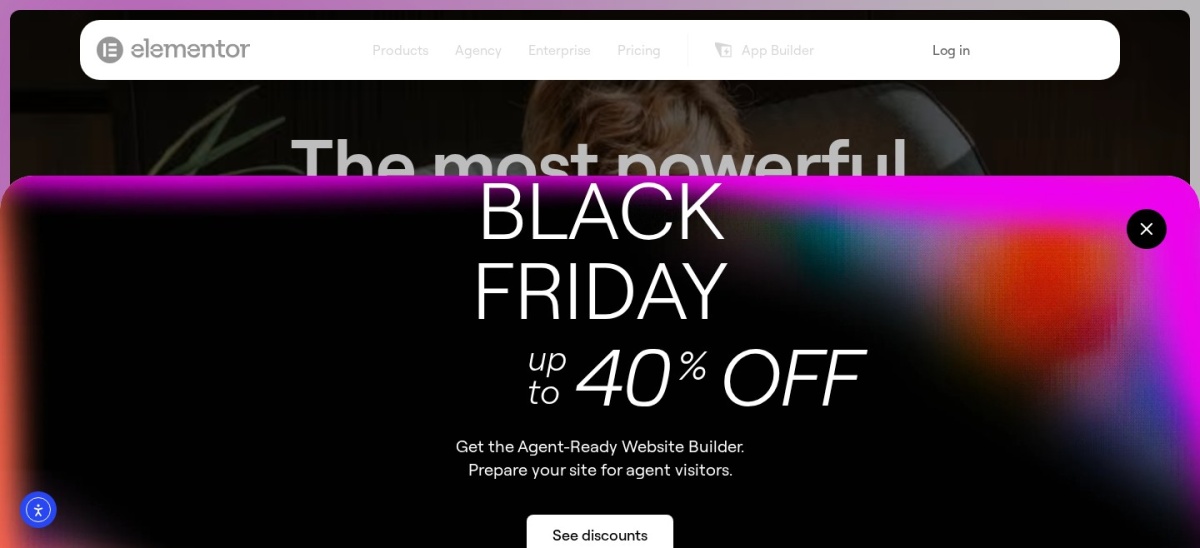
Elementor homepage, captured Nov 2026.
Elementor is a visual WordPress page builder with more than 10 million active installations. Its free editor includes containers, grids, headings, images, buttons, galleries, testimonials, and responsive design controls. You can arrange page elements visually without editing theme files or writing CSS.
The trade off is that advanced site templates, dynamic content controls, and additional widgets require Elementor Pro, starting with Essential at $60/year. The cheapest plan also excludes some eCommerce and marketing features. It suits beginners, freelancers, and businesses that prefer direct visual editing.
4.8/5on WordPress.org (1,005 reviews, checked Nov 2026)
Paid from$60/yr
Best for affordable page building
EditorRow-and-widget layout builder
Free layoutsResponsive rows and columns
Premium addons45 across supported products
Paid planPersonal, 1 site
siteorigin.com
SiteOrigin homepage, captured Nov 2026.
SiteOrigin is a WordPress page builder with more than 400,000 active installations. Its free plugin creates responsive page layouts using rows, columns, and widgets, with support for the WordPress block editor. The companion Widgets Bundle can extend available design elements.
The trade off is an editing experience that feels more traditional than modern front-end builders. SiteOrigin Premium regularly costs $60/year for one site and adds 45 premium addons across its supported products. It suits budget-conscious site owners who prioritize straightforward layouts and affordable upgrades.
What we like
Free responsive row-and-column layouts
Works alongside the WordPress block editor
Low-cost Premium upgrade, often discounted
Premium covers Page Builder and companion products
4.7/5on WordPress.org (1,873 reviews, checked Nov 2026)
Paid from$69/yr
Best for building with WordPress blocks
EditorWordPress block editor
Free buildingCustom blocks and layouts
Premium licenseUp to 3 websites
Paid planSpectra Pro
wpspectra.com
Spectra homepage, captured Nov 2026.
Spectra is a Gutenberg-based WordPress builder with more than 1 million active installations for its established free plugin, now named Spectra Legacy. It extends the block editor with additional layout and design elements, allowing users to create pages without switching to a separate visual editing interface.
The trade off is that advanced design features and premium controls require Spectra Pro, which renews at $69/year after the currently advertised discount. The vendor also maintains a newer Spectra Blocks plugin, so new users should check the available versions. It suits businesses that prefer the native WordPress editor.
What we like
Works within the WordPress block editor
Large established free-plugin user base
Supports responsive content layouts
Premium license covers up to 3 websites
Compatible with Gutenberg-focused workflows
Watch out for
Some advanced features require Pro
Legacy and newer plugin versions can confuse buyers
Block-editor workflows differ from dedicated visual editors
Spectra Pro adds premium design features and advanced block controls.Visit wpspectra.com
04
Brizy
4.7/5on WordPress.org (972 reviews, checked Nov 2026)
Paid from$60/yr
Best for simple visual page creation
EditorVisual drag-and-drop
Free templatesBasic design templates
Free elementsBasic editing components
Paid planPersonal, 1 website
brizy.io
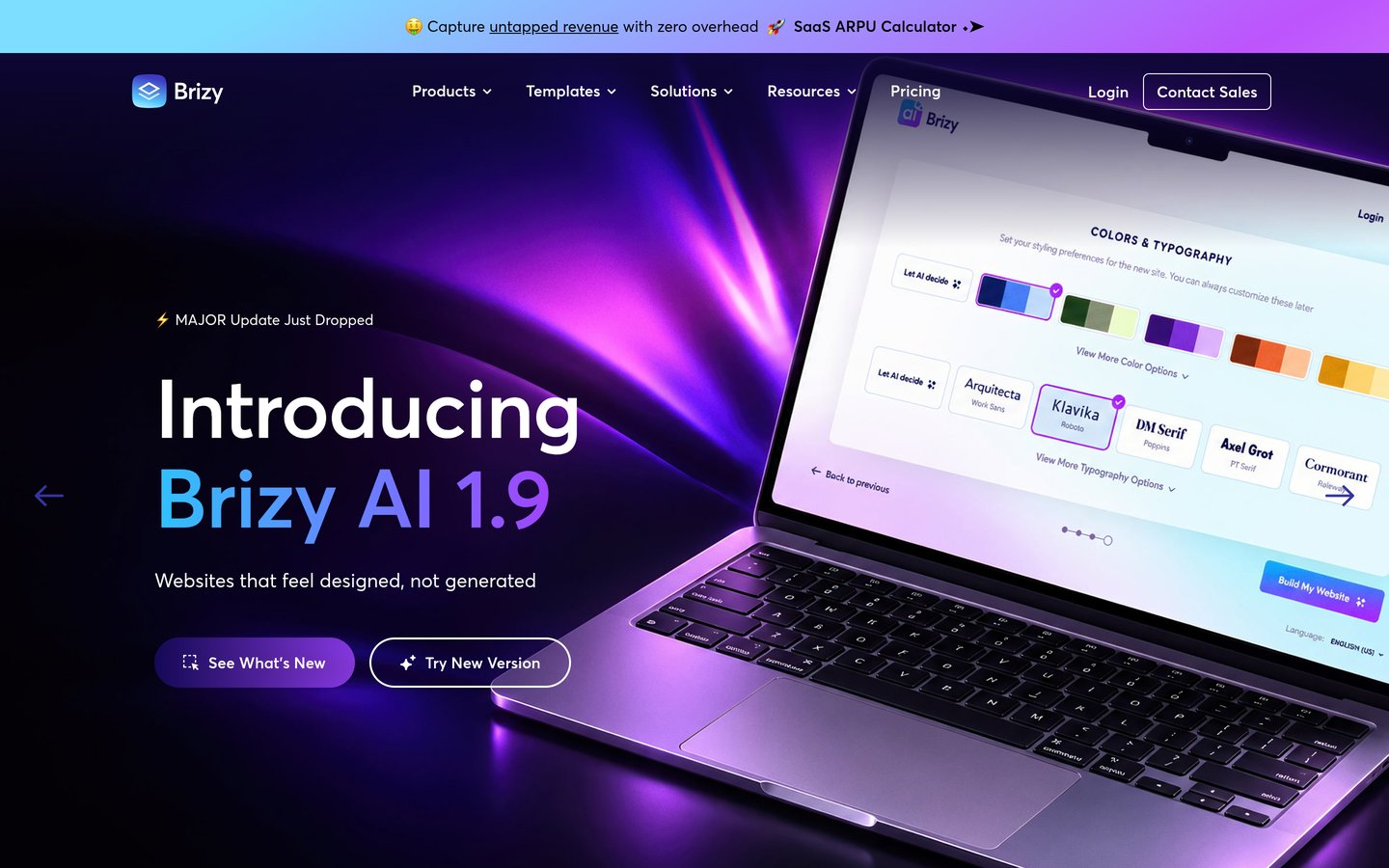
Brizy homepage, captured Nov 2026.
Brizy is a visual WordPress page builder with more than 60,000 active installations. Its free version includes basic page elements, non-premium design templates, and drag-and-drop editing. The interface emphasizes direct manipulation of page content instead of complicated settings panels.
The trade off is that premium designs, Theme Builder, popup creation, and additional marketing features require Brizy Pro. The Personal plan lists at $60/year for one website, with a separate promotional discount currently advertised. It suits beginners and small businesses that want a straightforward visual editor.
What we like
Simple visual editing workflow
Free basic templates and page elements
Responsive design options
Paid plan includes Theme Builder
Suitable for uncomplicated business websites
Watch out for
Free template selection is limited
Advanced marketing features require Pro
Smaller plugin user base than Elementor
Personal adds premium designs, Theme Builder, popups, and marketing features.Visit brizy.io
05
SeedProd
4.9/5on WordPress.org (4,699 reviews, checked Nov 2026)
Paid from$79/yr
Best for landing pages and coming-soon pages
EditorDrag-and-drop page builder
Free page typesComing soon and maintenance
Basic premium templates50
Paid planBasic, 1 site
seedprod.com
SeedProd homepage, captured Nov 2026.
SeedProd is a WordPress landing page builder with more than 600,000 active installations. Its free plugin provides drag-and-drop page creation, coming-soon pages, maintenance screens, and landing page features. It is particularly useful when a website needs a temporary launch page or a focused promotional page.
The trade off is that the Basic plan, regularly $79/year, focuses on landing pages rather than complete theme customization. It includes 50 Pro templates and access to premium page blocks, while broader website-building capabilities require higher plans. It suits marketers and website owners creating focused campaigns.
4.9/5on WordPress.org (122 reviews, checked Nov 2026)
Paid from$99/yr
Best for flexible block-based layouts
EditorWordPress block editor
Free capabilitiesLayouts, styling and dynamic tags
Premium bundleGeneratePress One
Paid plan1 site
generatepress.com
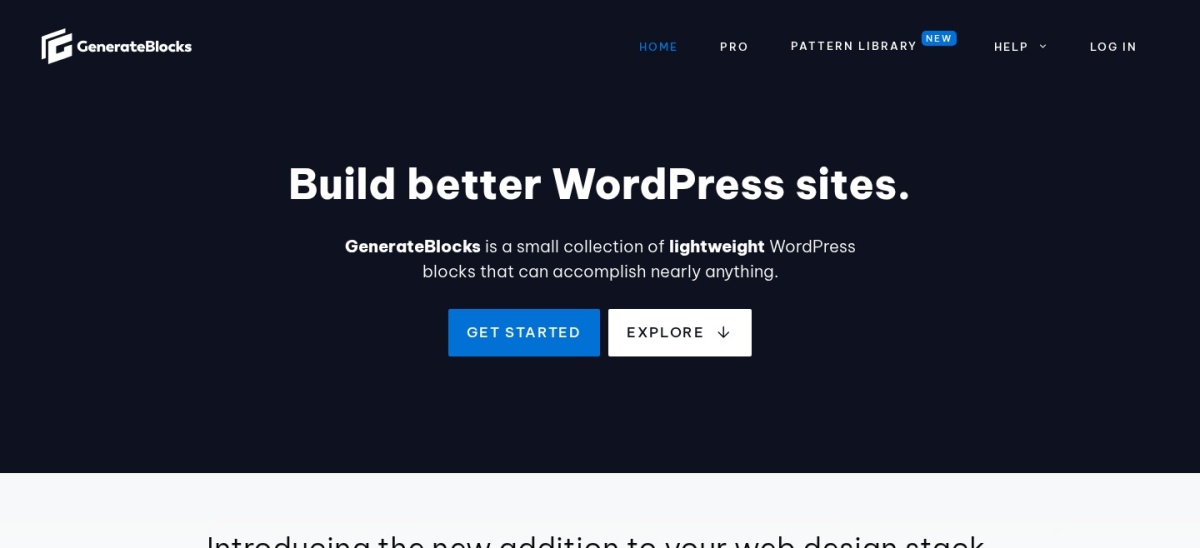
GenerateBlocks homepage, captured Nov 2026.
GenerateBlocks is a WordPress block-based layout builder with more than 200,000 active installations. Its free version provides layout blocks, styling controls, dynamic tags, and responsive design options. The plugin focuses on creating layouts with WordPress's native editing workflow rather than introducing an entirely separate editor.
The trade off is that advanced reusable design systems and premium site-building features require GeneratePress One, regularly $99/year for one site. A lower first-year promotional price is currently available. It suits developers, performance-conscious site owners, and users comfortable with Gutenberg.
What we like
Works directly in Gutenberg
Focused set of layout-building tools
Dynamic tags available in the free plugin
Premium bundle includes GenerateBlocks Pro
Static HTML and CSS output for frontend layouts
Watch out for
Less immediately visual than front-end editors
Advanced design management requires payment
Premium is bundled with other GeneratePress products
GeneratePress One adds GenerateBlocks Pro, GP Premium, GenerateCloud, and support.Visit generatepress.com
07
Beaver Builder
4.7/5on WordPress.org (394 reviews, checked Nov 2026)
Paid from$89/yr
Best for traditional front-end page editing
EditorFront-end drag-and-drop
Free layout toolsRows, columns and basic modules
Premium license1 site
Paid planStarter
wpbeaverbuilder.com
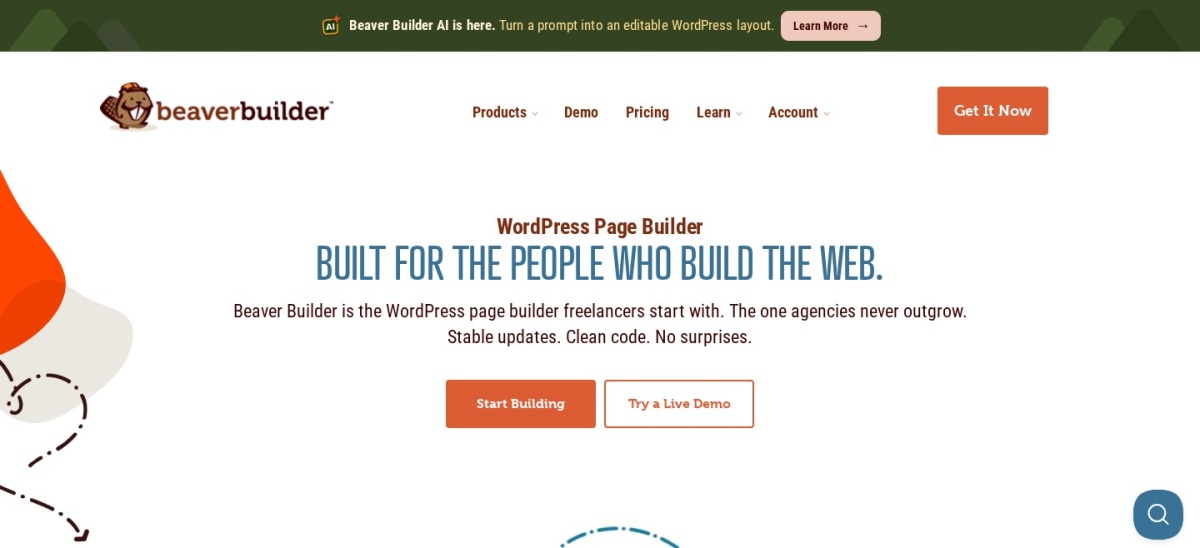
Beaver Builder homepage, captured Nov 2026.
Beaver Builder is a front-end WordPress page builder with more than 100,000 active installations. The free Lite version lets users create responsive layouts with basic editing modules, rows, and columns. You can customize page content through a visual interface while retaining your existing WordPress theme.
The trade off is that the free version has fewer modules and design features than its paid edition. The Starter plan costs $89/year for one site and includes the page builder, Beaver Builder Theme, and Beaver Themer. It suits freelancers and businesses that prefer an established front-end editing workflow.
What we like
Front-end visual page editing
Responsive layout controls
Compatible with many WordPress themes
Established development history
Starter bundles theme-building tools
Watch out for
Free version has limited modules
Premium upgrade costs more than several alternatives
A free builder is usually sufficient for a personal blog, portfolio, informational business website, or simple landing page. Most of the tools here can create responsive layouts without requiring an immediate subscription.
Paid plans become more useful when you need to customize headers, footers, archive templates, or dynamic content. Advanced forms, marketing integrations, reusable designs, and client-site licenses can also justify upgrading.
Before paying, identify the specific feature missing from your free version. A premium subscription may not be necessary if your theme and existing WordPress blocks already provide the design controls you need.
Visual page builders vs Gutenberg-based builders
Visual page builders use an editing interface where you arrange content directly on a page preview. Elementor, Brizy, and Beaver Builder fit this category. They are appealing to users who prefer seeing design changes while working.
Gutenberg-based builders extend WordPress's native block editor. Spectra and GenerateBlocks fit this category, offering additional layout and styling controls without replacing the core editing workflow.
Neither approach automatically guarantees faster pages or better search rankings. The final result depends on generated markup, assets, caching, hosting, and the complexity of your design. Choose the editing workflow you can maintain consistently.
How we chose
We selected established WordPress page builders and Gutenberg extensions with meaningful active-installation counts or public review histories. The comparison covers free editing features, layout flexibility, theme compatibility, upgrade paths, and common limitations.
Pricing pages and WordPress.org plugin listings were reviewed on 22 Nov 2026. Ratings, review totals, and active installations come from public plugin listings. Paid prices use regular annual rates rather than promotional offers wherever the vendor identifies the standard price.
We excluded products with unconfirmed regular prices, insufficient public review evidence, or uncertain maintenance status. We also excluded standalone hosted website builders that do not provide a suitable WordPress plugin. No vendor paid for a place, and we do not claim direct product testing for this list.
How to choose the right free WordPress builder
Start with the kind of website you want to create, then compare how each builder handles editing, free features, performance, and future upgrades.
**Choose your preferred editing style.** Use Elementor, Brizy, or Beaver Builder if you prefer arranging content visually. Choose Spectra or GenerateBlocks if you want to stay inside the native WordPress block editor.
**Check which essential features are free.** Look for responsive layouts, buttons, images, columns, and reusable sections. Confirm whether forms, theme templates, dynamic content, or custom styling require a paid subscription.
**Consider speed and compatibility.** Review the builder's output, theme compatibility, and plugin requirements. A builder with more features may add unnecessary assets, while a simpler block-based setup may be easier to maintain.
**Compare regular upgrade costs.** Check renewal pricing and site-license limits rather than relying on introductory discounts. Identify whether the cheapest paid tier includes the particular advanced feature you need.
FAQ
What is the best free WordPress page builder in 2026?
Elementor is the best overall choice for most beginners because its free version includes visual drag-and-drop editing, responsive controls, and a broad collection of page elements. It also has more than 10 million active installations. SiteOrigin and Spectra are strong alternatives for different editing preferences.
Can I build an entire WordPress website for free?
Yes. WordPress provides a built-in block editor, and free builders can help you create pages, layouts, and website content. You may still need hosting and a domain. Some builders also reserve advanced header, footer, and theme-template customization for paid plans.
Is Elementor free forever?
Elementor offers a free WordPress plugin without a mandatory subscription for its basic page-building features. You can create and edit layouts using the included widgets. Advanced theme customization, additional widgets, and some marketing features require a paid Elementor Pro plan.
Which free WordPress builder is best for beginners?
Elementor and Brizy are good starting points for people who prefer visual editing. Elementor has a larger plugin community and more public learning resources, while Brizy emphasizes a straightforward interface. The better choice depends on how comfortable you feel with each editor.
Are Gutenberg builders better than Elementor?
Gutenberg-based builders such as Spectra and GenerateBlocks work within WordPress's native editor. They can be attractive for maintaining simpler editing workflows. Elementor provides a separate visual interface with extensive design controls. Neither approach is automatically better for every website.
Which free WordPress builder is best for landing pages?
SeedProd is particularly suitable for landing pages, coming-soon screens, and maintenance pages. Elementor and Brizy are also suitable for landing page layouts. Choose SeedProd for a campaign-focused workflow or a broader visual builder if you need different types of pages.
Do WordPress page builders slow down websites?
They can affect performance depending on the generated markup, stylesheets, scripts, and design elements. Complex animations, large images, and unnecessary widgets may increase loading time. Hosting quality, caching, image optimization, and careful page design matter regardless of the builder.
What happens if I stop paying for a page builder?
The result depends on the vendor and license. Existing content may remain available, but premium updates, support, and access to paid features can change when a subscription expires. Review the vendor's cancellation and license terms before building important pages around premium-only components.
Which free WordPress builder has the cheapest premium upgrade?
SiteOrigin and Elementor both list $60/year regular for one site, and SiteOrigin Premium is often discounted to $29. Its Premium plan includes 45 addons across supported SiteOrigin products. Other builders may provide different features, so compare functionality rather than selecting solely by price.