Best WordPress Themes for Blogging in 2026: 8 Tools Compared
WLWPLegible EditorsLast verified 22 Nov 2026How we rank11 min read
★ Short answer
Astra leads our list for blogging with 1M+ active installs and a 4.9/5 rating across 6,559 reviews. For zero-cost block editing pick Twenty Twenty-Five, while Blocksy delivers the strongest free header and archive controls.
How we make this list: we compare pricing pages, product documentation and public user reviews, then re-check every price before each update. No product paid for a place. Disclosure.
Astra holds 1M+ active installs and 6,559 WordPress.org reviews at 4.9/5, with Astra Pro starting at $69/yr regular.
Twenty Twenty-Five runs on 1M+ sites completely free with 16 style variations and 70+ block patterns.
GeneratePress powers 500,000+ sites at 4.9/5 across 1,428 reviews, with GeneratePress One priced at $99/yr regular.
Blocksy earns a 5/5 rating across 874 reviews on 300,000+ sites, with Personal Pro priced at $69/yr regular.
Kadence serves 500,000+ active installs at 4.9/5, though its paid Liquid Web bundle starts at $350/yr regular.
What makes a WordPress theme good for blogging
A blogging theme lives or dies by typography, archive layouts, and page speed. Readers spend minutes scanning long articles, so comfortable line lengths, clear heading contrast, and clean mobile spacing matter more than flashy homepage sliders.
Performance directly affects search visibility and bounce rates. Themes that load lean CSS and avoid mandatory page-builder plugins keep Core Web Vitals green without heavy caching workarounds.
Upgrade pricing also deserves close scrutiny before you commit. Many WordPress themes advertise first-year introductory discounts that jump sharply on renewal, while a few bundle unrelated plugins that push entry plans past $250/yr.
4.9/5on WordPress.org (6,559 reviews, checked Nov 2026)
Paid from$69/yr
Best overall for flexible blog layouts
Active installs1M+ on WordPress.org
WordPress.org rating4.9/5 (6,559 reviews)
Free versionYes, core theme
Cheapest paid plan$69/yr regular (Astra Pro)
wpastra.com
Astra homepage, captured Nov 2026.
Astra is a lightweight multipurpose WordPress theme with 1M+ active installations and 6,559 reviews averaging 4.9 out of 5 stars. Its free version includes blog archive controls, custom colors, typography settings, and compatibility with both the block editor and major page builders.
The trade off is that grid layouts, infinite scroll, and advanced header builders sit behind Astra Pro at $69/yr regular ($59/yr during promotional sales, or $149/yr regular for the Astra Pro + AI bundle). It suits bloggers who want a proven theme that scales into courses or e-commerce later.
What we like
1M+ active installs with frequent updates and wide plugin compatibility
4.9/5 rating backed by 6,559 WordPress.org user reviews
Separate addon-only Pro tier avoids paying for AI tools you do not need
Watch out for
Default blog typography requires tuning in the Customizer
Multi-column blog grids and sticky headers require Astra Pro
Astra Pro adds custom layouts, sticky headers, and advanced blog grids.Visit wpastra.com
02
GeneratePress
4.9/5on WordPress.org (1,428 reviews, checked Nov 2026)
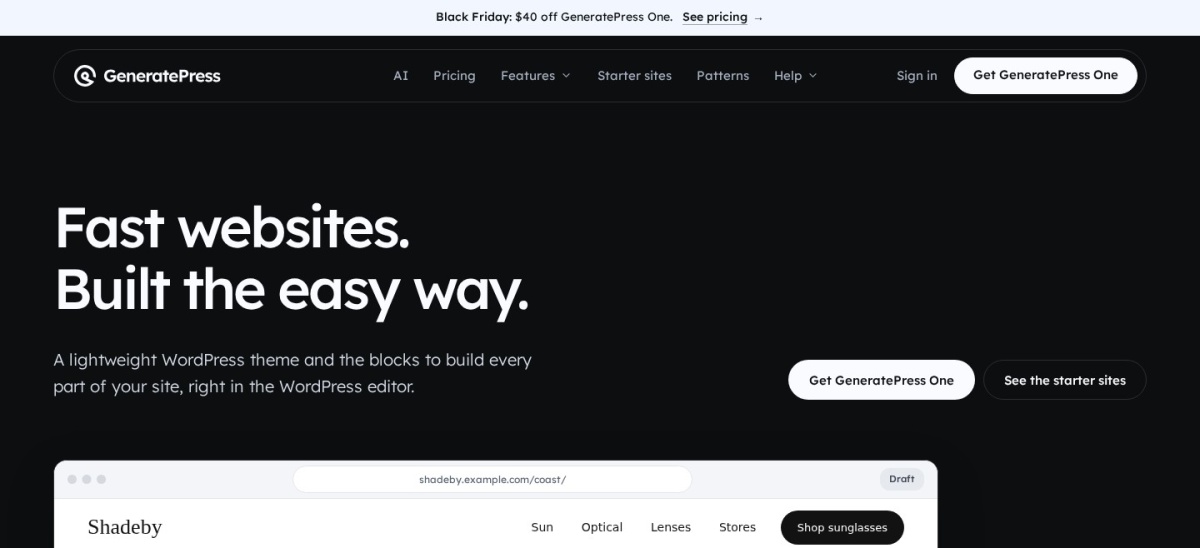
GeneratePress is a performance-focused WordPress theme running on 500,000+ websites with a 4.9 out of 5 rating from 1,428 reviews. The free theme ships 60+ color controls, dynamic typography, five navigation locations, and five sidebar layouts without bloated scripts.
The trade off is that GeneratePress retired standalone theme tiers in favor of GeneratePress One at $99/yr regular for one site ($59 first year during Black Friday sales). It suits speed-obsessed writers who prefer clean block editing over heavy visual builders.
What we like
Minimal code footprint keeps page loads fast out of the box
GeneratePress One bundles GP Premium, GenerateBlocks Pro, and GenerateCloud
Strong track record across 500,000+ active installations
Watch out for
Out-of-the-box design looks plain until styled
Entry paid tier rose to $99/yr regular after standalone GP Premium ended
GeneratePress One unlocks Theme Builder, starter sites, and GenerateBlocks Pro.Visit generatepress.com
03
Blocksy
5/5on WordPress.org (874 reviews, checked Nov 2026)
Paid from$69/yr
Best free customization and header builder
Active installs300,000+ on WordPress.org
WordPress.org rating5/5 (874 reviews)
Free versionYes, core theme
Cheapest paid plan$69/yr regular (Personal)
creativethemes.com
Blocksy homepage, captured Nov 2026.
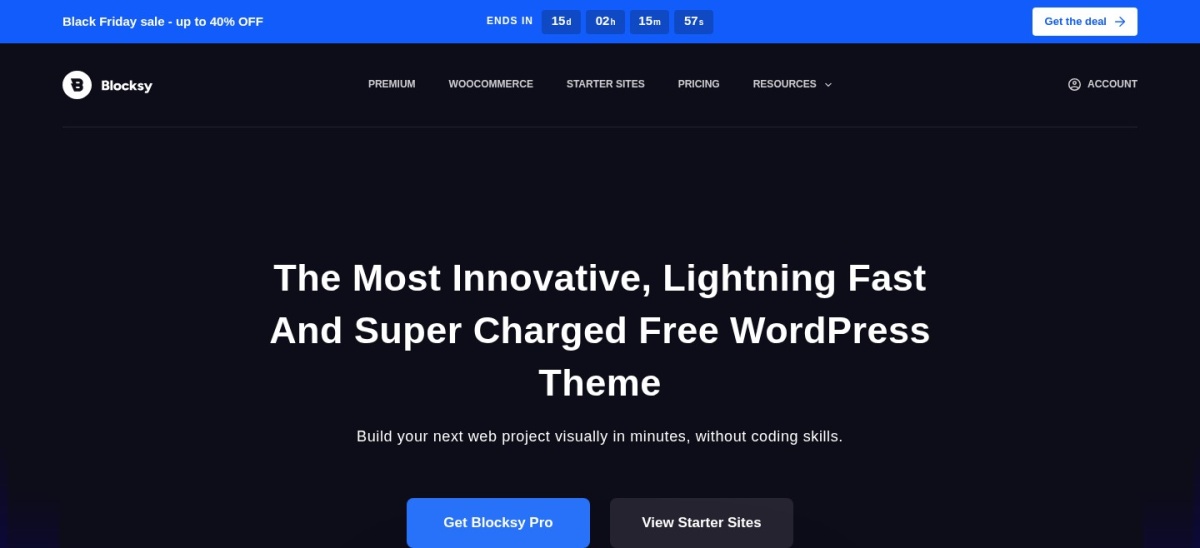
Blocksy is a modern block-ready WordPress theme with 300,000+ active installs and a 5 out of 5 rating across 874 reviews. Even the free edition includes a drag-and-drop header and footer builder, multiple archive grid styles, and dark-mode color palettes.
The trade off is a dense Customizer panel that takes time to explore, plus paid locks on read-time progress bars, related posts sliders, and custom code hooks in Blocksy Pro Personal at $69/yr regular ($42/yr during 40% off sales). It suits bloggers wanting deep design control without paying upfront.
What we like
5/5 average rating across 874 WordPress.org reviews
Generous free header, footer, and blog archive layout options
Active release cadence with native block editor patterns
Watch out for
Many Customizer toggles can overwhelm first-time bloggers
Read-time indicator and related posts slider require Pro
Blocksy Pro adds read-time bars, related post sliders, and conditional sidebars.Visit creativethemes.com
04
Twenty Twenty-Five
4/5on WordPress.org (14 reviews, checked Nov 2026)
PriceFree
Best completely free Full Site Editing blog theme
Active installs1M+ on WordPress.org
WordPress.org rating4/5 (14 reviews)
Free version100% free core theme
Cheapest paid planNone (completely free)
wordpress.org
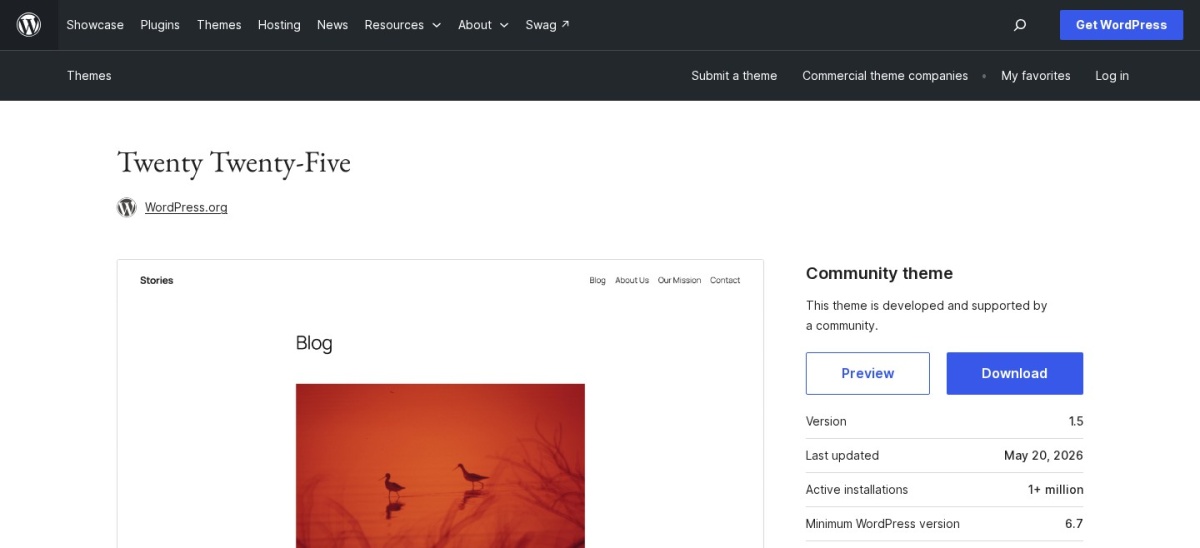
Twenty Twenty-Five homepage, captured Nov 2026.
Twenty Twenty-Five is the official community WordPress block theme running on 1M+ websites with zero paid upsells. It ships 16 built-in style variations, international typography pairings, and more than 70 block patterns covering text-heavy essays, photo blogs, and newsletter sign-ups.
The trade off is that full-site editing relies entirely on the WordPress Site Editor rather than a classic Customizer, which earns a 4 out of 5 rating across 14 reviews from users adjusting to block workflows. It suits writers who want a zero-cost, future-proof native theme.
What we like
Completely free with no pro tier, license keys, or renewal fees
Includes 16 style variations and dedicated photo and text blog templates
Maintained directly by the WordPress community on 1M+ sites
Watch out for
Requires learning the WordPress Site Editor instead of the Customizer
Fewer specialized marketing widgets than commercial themes
No paid version exists; all 16 styles and 70+ patterns are free.Visit wordpress.org
05
OceanWP
4.9/5on WordPress.org (5,721 reviews, checked Nov 2026)
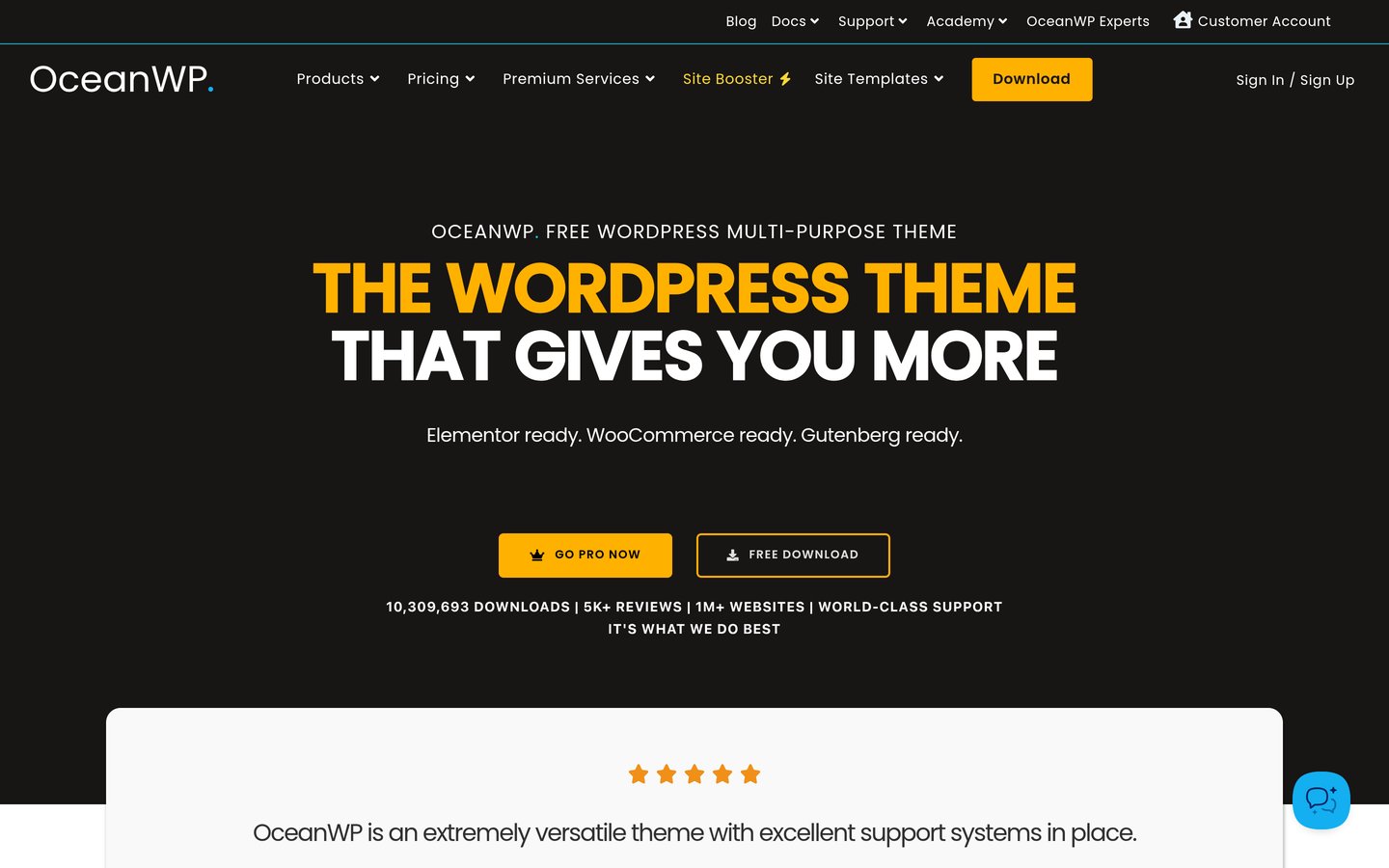
OceanWP is a customizable WordPress theme active on 400,000+ sites with 5,721 reviews averaging 4.9 out of 5 stars. Its free theme exposes granular per-post layout settings, multiple blog entry styles, and tight compatibility with Elementor and Beaver Builder.
The trade off is a heavier Customizer interface and an entry OceanWP Pro Bundle Personal plan priced at $99/yr regular for 3 sites ($69 first year during promotions). It suits bloggers using Elementor who want detailed control over individual post headers and sidebars.
What we like
4.9/5 rating across 5,721 WordPress.org reviews
Entry Personal license covers up to 3 websites instead of 1
Deep per-page and per-post Customizer overrides in the free theme
Watch out for
No single-site tier lowers the regular $99/yr entry price
Interface feels busier than newer block-first themes
OceanWP Pro Bundle adds 14 premium extensions and 201 full site templates.Visit oceanwp.org
06
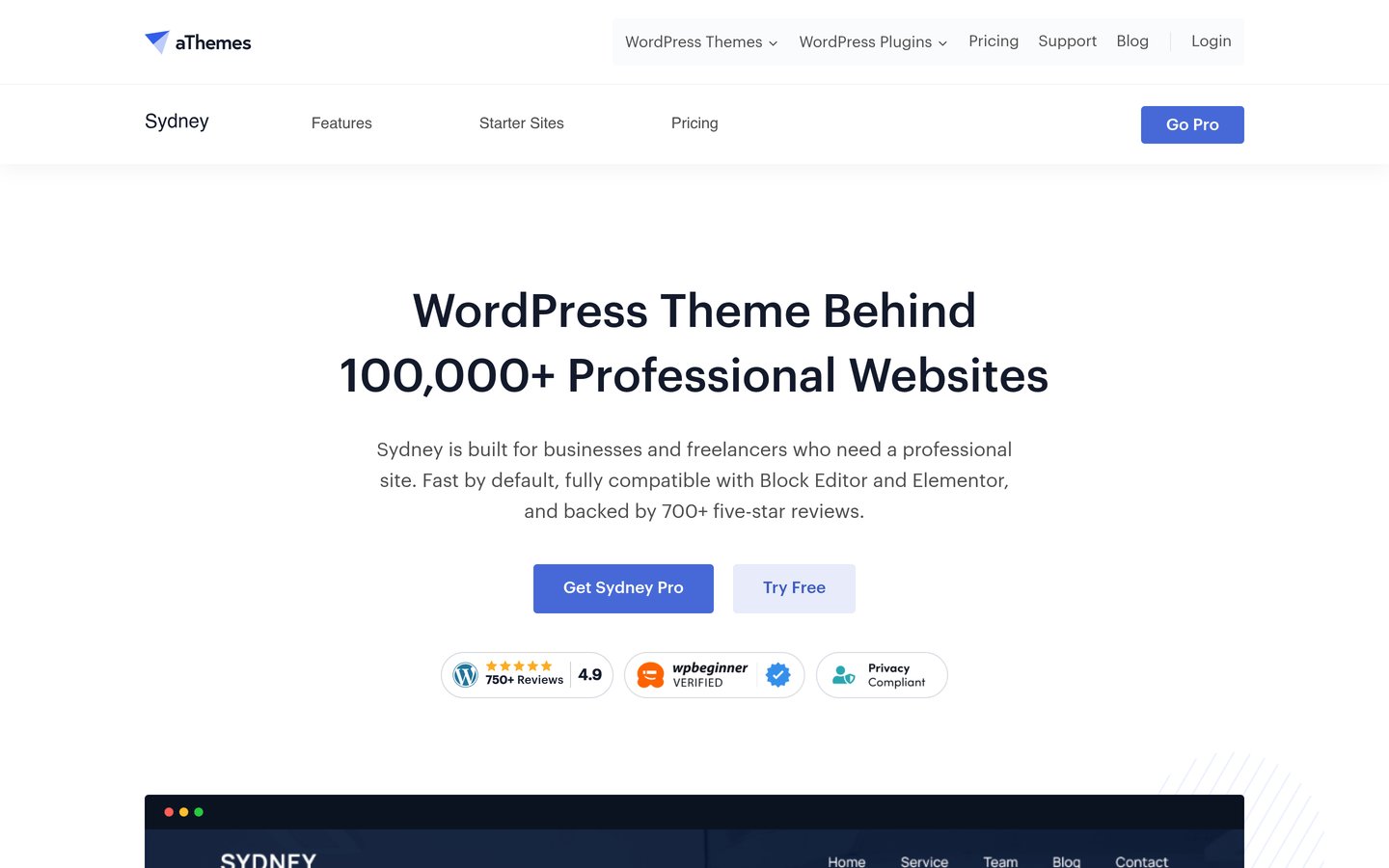
Sydney
4.9/5on WordPress.org (795 reviews, checked Nov 2026)
Paid from$99/yr
Best for freelance writers and personal brands
Active installs80,000+ on WordPress.org
WordPress.org rating4.9/5 (795 reviews)
Free versionYes, core theme
Cheapest paid plan$99/yr regular (Personal)
athemes.com
Sydney homepage, captured Nov 2026.
Sydney is a clean WordPress theme by aThemes with 80,000+ active installs and a 4.9 out of 5 rating across 795 reviews. The free theme provides block editor patterns, Google Fonts controls, multiple blog archive layouts, and ready-made starter demos.
The trade off is that its Extended Blog Module—adding reading progress bars, estimated reading time, and post sharing—requires Sydney Pro Personal at $99/yr regular ($69/yr on sale). It suits freelance writers and consultants pairing a blog with service pages.
What we like
Dedicated Extended Blog Module with reading progress and post sharing
4.9/5 rating across 795 reviews with active November 2026 updates
Works cleanly with both the native Block Editor and Elementor
Watch out for
Reading time and progress bar features are locked in Sydney Pro
Smaller install base (80,000+) than Astra or GeneratePress
Sydney Pro unlocks 7 blog layouts, reading progress bars, and template builder.Visit athemes.com
07
Neve
4.7/5on WordPress.org (1,284 reviews, checked Nov 2026)
Paid from$139/yr
Best for mobile-first blogs with unlimited sites
Active installs200,000+ on WordPress.org
WordPress.org rating4.7/5 (1,284 reviews)
Free versionYes, core theme
Cheapest paid plan$139/yr regular (Personal)
themeisle.com
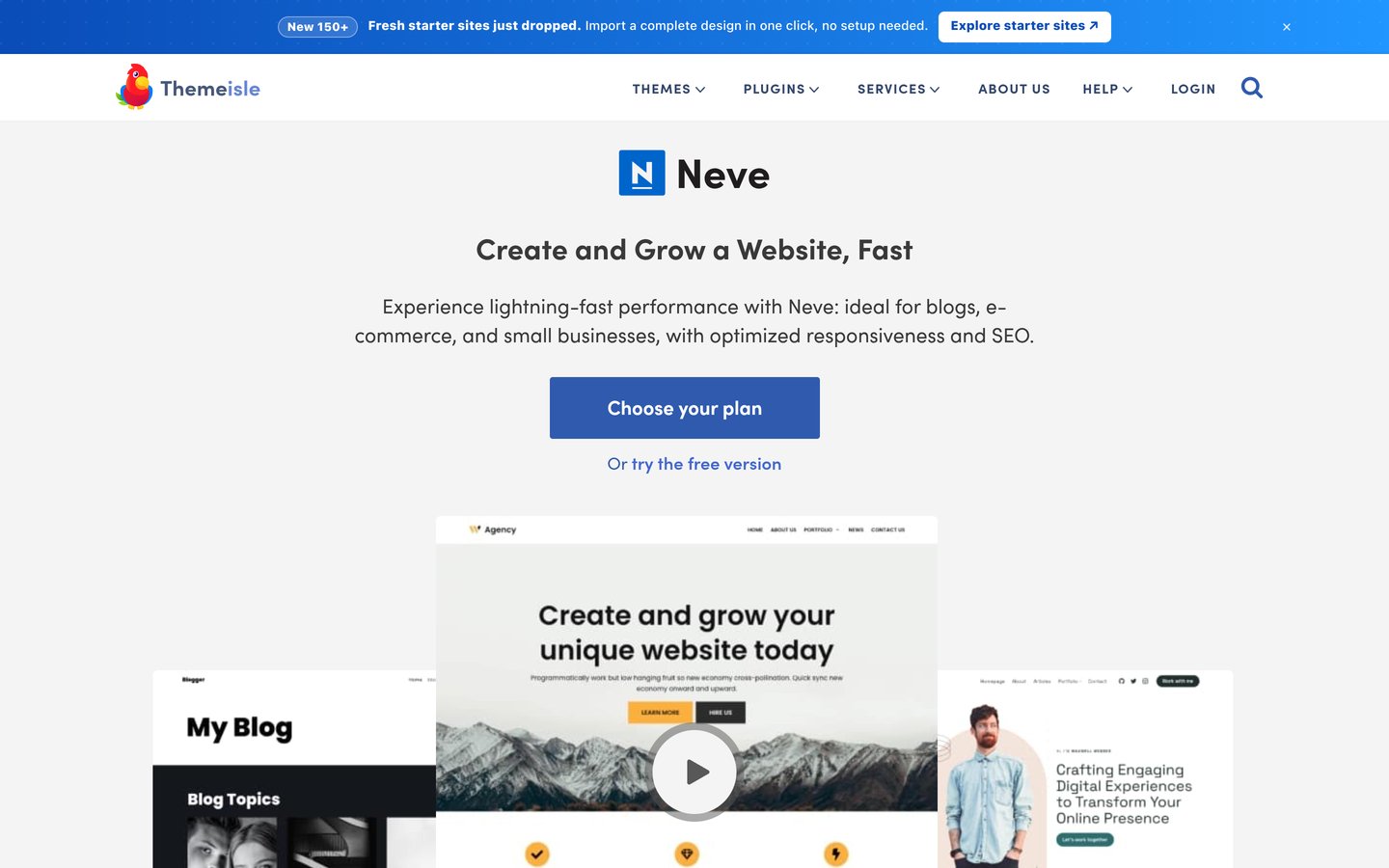
Neve homepage, captured Nov 2026.
Neve is a mobile-first WordPress theme by Themeisle active on 200,000+ sites with 1,284 reviews averaging 4.7 out of 5 stars. Its free theme includes global color palettes, a drag-and-drop header builder, and grid or list blog layouts.
The trade off is a steep renewal jump on Neve Pro Personal, which lists at $139/yr regular after a $69 first-year introductory rate, though it covers unlimited websites. It suits bloggers managing multiple niche sites who want mobile-first speed.
What we like
Every Neve Pro tier supports unlimited websites
Mobile-first architecture keeps smartphone reading fast
Includes local font loading and performance module in Pro
Watch out for
Regular renewal rate doubles from $69 to $139/yr
Many starter templates require upgrading to the $350/yr Business tier
Neve Pro Personal adds extended blog layouts, content restriction, and unlimited sites.Visit themeisle.com
08
Kadence
4.9/5on WordPress.org (458 reviews, checked Nov 2026)
Paid from$350/yr
Best for design-forward blogs with course bundles
Active installs500,000+ on WordPress.org
WordPress.org rating4.9/5 (458 reviews)
Free versionYes, core theme
Cheapest paid plan$350/yr regular (Kadence Pro)
liquidweb.com
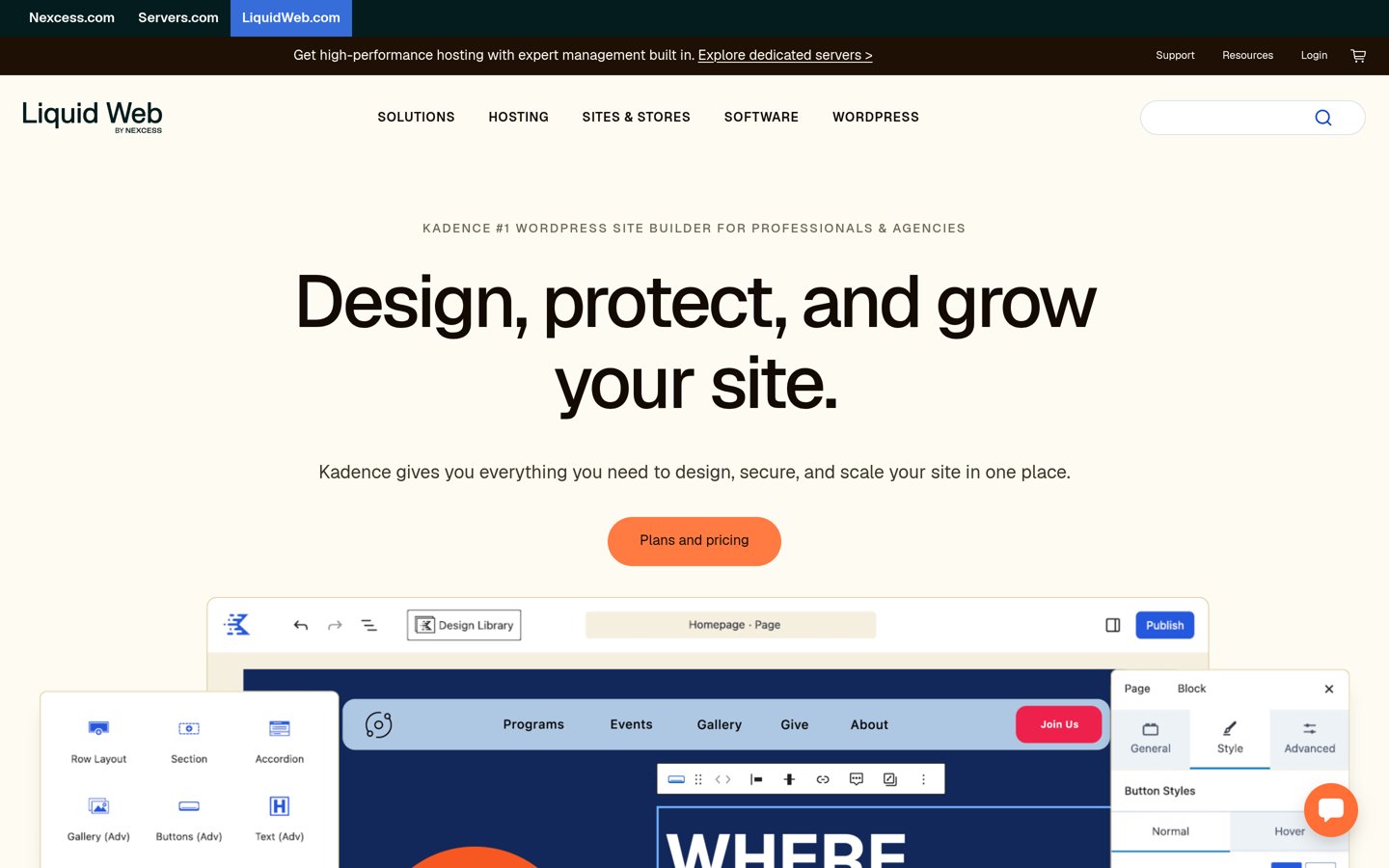
Kadence homepage, captured Nov 2026.
Kadence is a block-friendly WordPress theme with 500,000+ active installs and a 4.9 out of 5 rating across 458 reviews. Its free version delivers global font and color palettes, a header and footer builder, and clean single-post layout presets.
The trade off is pricing under Liquid Web, where the standalone theme tier is gone and Kadence Pro starts at $350/yr regular bundled with Kadence Blocks, Security, Backups, and Shop Kit. It suits bloggers planning paid courses or memberships who can use the full suite.
What we like
Polished default typography and color palettes in the free theme
500,000+ active installs with active November 2026 updates
Pro bundle includes Kadence Blocks, backups, security, and membership tools
Watch out for
Cheapest paid plan is $350/yr regular with no standalone theme option
Overpriced if you only want extra blog header elements
Kadence Pro bundles Kadence Blocks, custom fonts, mega menus, and site security.Visit liquidweb.com
Do bloggers actually need a paid theme upgrade?
Every theme on this list runs a complete, mobile-friendly blog on its free WordPress.org release. You get responsive post templates, custom colors, Google Fonts, comment styling, and widget areas without spending a dollar.
Upgrading mainly buys editorial polish and time-saving layouts: multi-column magazine grids, estimated reading time bars, related-post carousels, sticky headers, and custom hook placements for newsletter forms. Start on the free theme and pay only when a specific layout limit slows down publishing.
How we chose
We selected eight widely adopted, actively maintained WordPress themes suited to editorial publishing, personal blogs, and content-driven sites. Each candidate needed a public WordPress.org listing updated within the past 12 months and a verifiable official pricing page.
All active installation counts, star ratings, review totals, and regular annual prices were checked directly on WordPress.org and vendor pricing pages on 22 Nov 2026. Where vendors display introductory first-year discounts or holiday sales, we ranked by the regular annual renewal price.
We excluded themes that had not been updated in the past year, niche one-page business themes poorly suited to multi-post archives, and tools without transparent public pricing. No vendor paid for a place, and we do not claim practical testing for this list.
How to pick the right WordPress blogging theme
Follow four practical checks before installing a theme on your blog.
Check single-post readability first. Preview a long article demo on mobile and desktop to verify font size, line height, paragraph spacing, and how code blocks or blockquotes render.
Decide between Classic Customizer and Full Site Editing. Pick Twenty Twenty-Five if you want native WordPress Site Editor templates, or choose Astra, GeneratePress, or Blocksy if you prefer familiar Customizer panels.
Compare regular renewal prices, not promo banners. Check what a theme costs in year two before committing—some entry plans renew at $69/yr while others jump to $139/yr or $350/yr.
Avoid mandatory page-builder lock-in. Stick with themes that let you write posts in the native WordPress block editor so switching themes later never leaves broken shortcodes behind.
FAQ
What is the best free WordPress theme for blogging?
Twenty Twenty-Five is the best 100% free option with zero paid upsells, offering 16 style variations and 70+ patterns. If you prefer traditional Customizer controls, Blocksy and Astra both include generous free blog layouts.
Is Astra or GeneratePress better for a blog?
Astra is better if you want hundreds of starter templates and a $69/yr regular Pro upgrade. GeneratePress is better if you prioritize the leanest possible code and want GenerateBlocks Pro included in its $99/yr regular plan.
Why is Kadence listed at $350/yr?
Following its integration under Liquid Web, Kadence discontinued its standalone low-cost theme tier. The entry Kadence Pro plan now costs $350/yr regular and bundles Kadence Blocks, Security, Backups, and Shop Kit.
Do I need Elementor to use these blogging themes?
No. All eight themes work natively with the built-in WordPress block editor, which produces cleaner markup and faster page loads for text-heavy blog posts than third-party page builders.
What happens to my blog if I stop renewing a paid theme?
Your website continues working with your existing posts and settings intact. Stopping a renewal simply ends access to new theme updates, cloud template libraries, and vendor support tickets.