Best Divi Alternatives (Free and Paid) in 2026: 9 Tools Compared
WLWPLegible EditorsLast verified 22 Nov 2026How we rank13 min read
★ Short answer
Elementor is the best Divi alternative for most sites, with a free builder, 10 million installs and a 4.5 out of 5 rating. Pick Astra or GeneratePress for a lighter theme-first switch, and Bricks or Breakdance if you want a faster builder with cleaner code.
How we make this list: we compare pricing pages, product documentation and public user reviews, then re-check every price before each update. No product paid for a place. Disclosure.
Elementor is the biggest switch from Divi: 10 million installs, a 4.5 out of 5 rating and a free builder, with Pro from $60 a year.
Astra, GeneratePress, Blocksy and Kadence are themes first: free on WordPress.org, with paid plans from $69 to $350 a year.
Divi costs $89 a year for unlimited sites, so per-site plans only save money if you run one or two sites.
Breakdance and Brizy both have free plans. Bricks is the only tool here with no free version for live sites.
Paid plans run from $60 to $350 a year. Bricks also sells a $599 lifetime licence for unlimited sites.
What to look for in a Divi alternative
Divi is a theme and a page builder in one package, at $89 a year for unlimited sites or $249 once for life. Switching means deciding which half to replace: the theme that controls headers, footers and site-wide style, or the builder that designs each page.
Themes such as Astra, GeneratePress, Blocksy and Kadence give you the site-wide controls first and pair with a builder, while builders such as Elementor, Beaver Builder, Breakdance and Brizy design pages and work with almost any theme. Our guide on themes vs plugins explains where one ends and the other begins.
Free plans are worth real attention here. Eight of the nine tools have a useful free version, and the price ladder below shows the cheapest paid plan for each, so you can see what paying actually adds.
Watch the site count, not just the headline price. Divi covers unlimited sites for $89 a year, so a $60 single-site plan is cheaper for one site but costs more once you build for clients. Our guide on how much a premium theme costs breaks down the same maths for themes.
4.5/5on WordPress.org (7,328 reviews, checked Nov 2026)
Paid from$60/yr
Best Divi alternative overall
Free versionYes, drag-and-drop builder
Theme BuilderPro only
Popup BuilderPro, not Essential
Paid planEssential, $60/yr
elementor.com
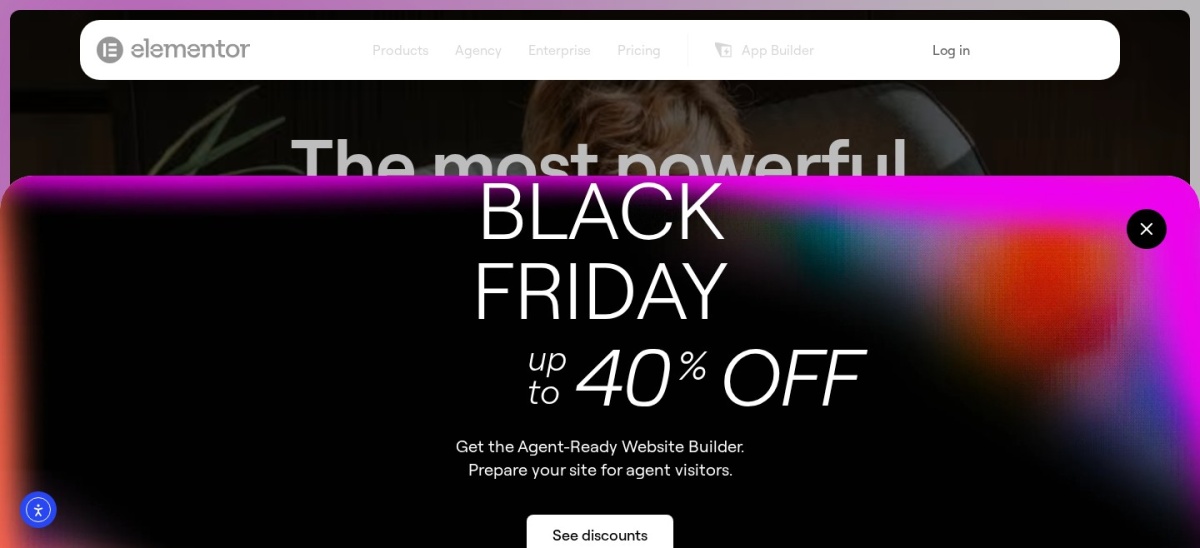
Elementor homepage, captured Nov 2026.
Elementor is the most-installed page builder on WordPress.org, with more than 10 million active installs and a 4.5 out of 5 rating from 7,328 reviews. The free version covers drag-and-drop design with containers, responsive controls and a template library, and it works with most themes, including Astra and GeneratePress.
The trade off is that the cheapest paid plan is limited. Essential costs $60 a year for one site and adds the Theme Builder, but popups, custom CSS and WooCommerce features need a higher plan. It suits anyone who wants a visual builder without leaving WordPress behind.
What we like
Largest user base, so help and templates are easy to find
Free version covers real page design, not just a demo
Works with most themes, including the themes in this list
Watch out for
Essential leaves out popups and WooCommerce features
4.9/5on WordPress.org (6,559 reviews, checked Nov 2026)
Paid from$69/yr
Best lightweight theme switch
Free themeYes, on WordPress.org
Starter templatesFree and premium sets
Header builderPro only
Paid planAstra Pro, $69/yr
wpastra.com
Astra homepage, captured Nov 2026.
Astra is a lightweight theme with more than 1 million active installs and a 4.9 out of 5 rating from 6,559 reviews. The free theme includes starter templates, WooCommerce support and customizer controls for layouts, colours and typography, and it pairs with Elementor, Beaver Builder and the block editor.
The trade off is that the useful extras are paid. Astra Pro costs $69 a year for three sites after a $59 first year, and adds the premium header and footer builder, advanced typography and a WooCommerce performance booster. It suits blogs and business sites that want a fast theme first.
What we like
Highest-rated theme in this list on WordPress.org
Free version is genuinely usable for a full site
Works with every major page builder
Watch out for
Header and footer builder is paid only
Premium starter templates need a paid plan
Pro adds header builder, typography and WooCommerce toolsVisit wpastra.com
03
GeneratePress
4.9/5on WordPress.org (1,428 reviews, checked Nov 2026)
Paid from$99/yr
Best for speed-first sites
Free themeYes, on WordPress.org
Page weightUnder 10kb, per vendor
Block toolsGenerateBlocks Pro in One
Paid planGeneratePress One, $99/yr
generatepress.com
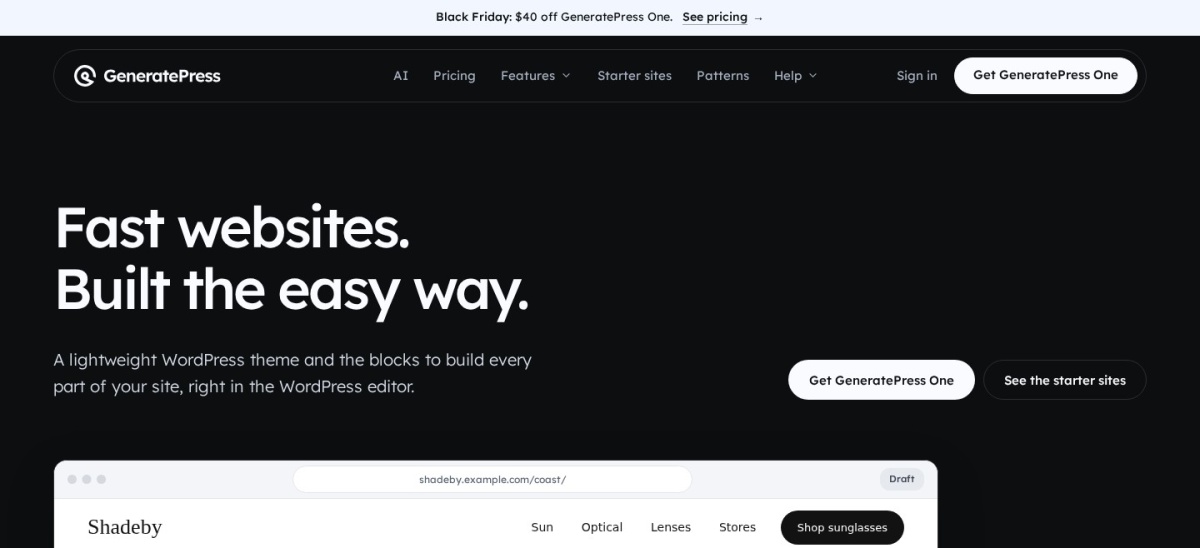
GeneratePress homepage, captured Nov 2026.
GeneratePress is a fast, lightweight theme with more than 500,000 active installs and a 4.9 out of 5 rating from 1,428 reviews. The free theme adds less than 10kb to a page, according to the vendor, and works with the block editor, GenerateBlocks and most page builders.
The trade off is that the premium tools now come as one bundle. GeneratePress One costs $99 a year for one site and includes GP Premium, GenerateBlocks Pro, GenerateCloud and GeneratePress AI, with no cheaper theme-only plan. It suits sites built in the block editor that want speed first.
What we like
Smallest footprint of any theme in this list
One plan covers the theme, blocks and AI tools
30-day refund on first purchase
Watch out for
No theme-only plan; the bundle is the only way in
No drag-and-drop header builder, only block Elements
4.9/5on WordPress.org (458 reviews, checked Nov 2026)
Paid from$350/yr
Best block-editor theme switch
Free themeYes, on WordPress.org
Block builderKadence Blocks, free and Pro
Bundled toolsLearnDash, Give, Events
Paid planKadence plan, $350/yr
kadencewp.com
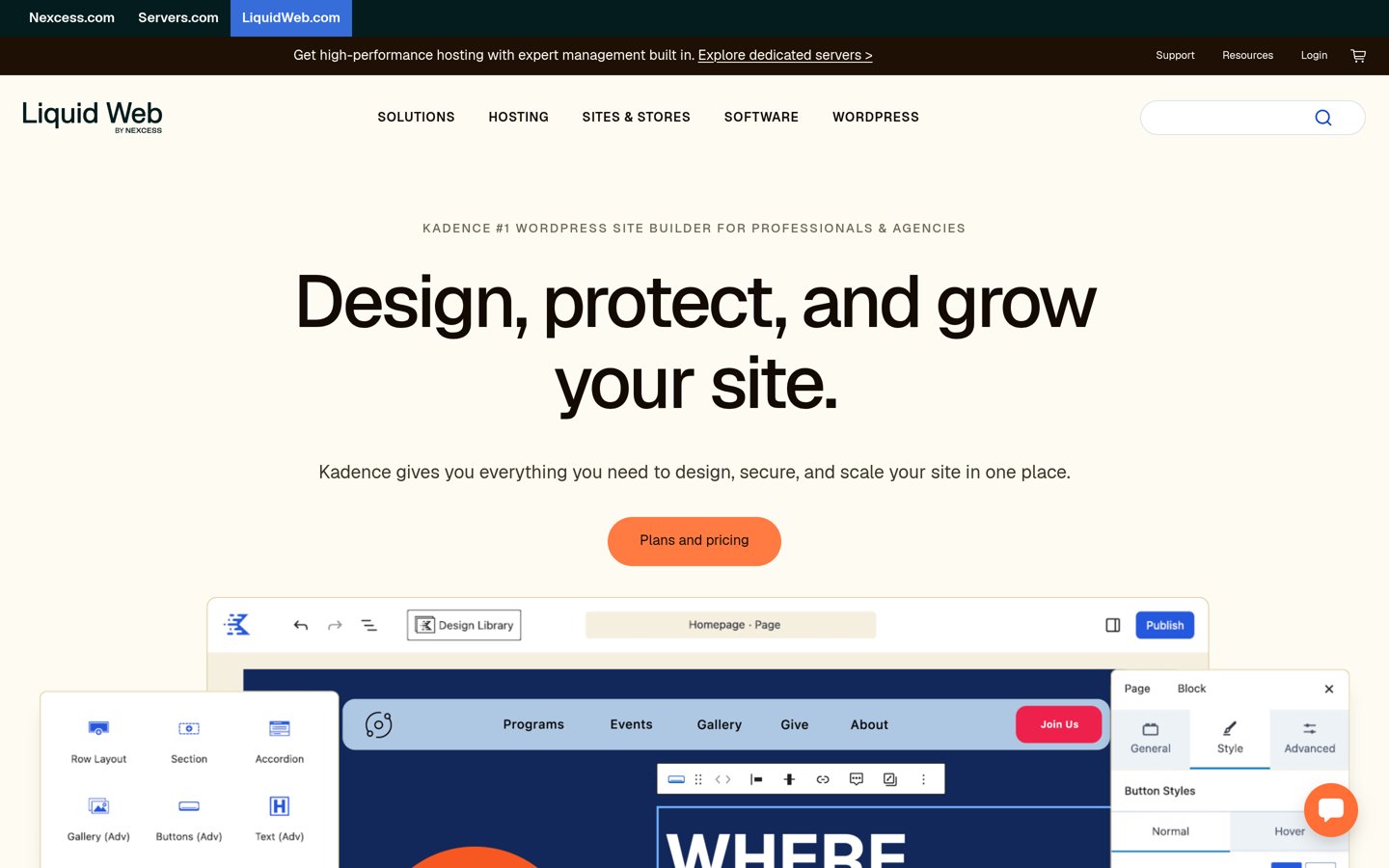
Kadence homepage, captured Nov 2026.
Kadence is a theme and block toolkit with more than 500,000 active installs and a 4.9 out of 5 rating from 458 reviews. The free theme includes the header and footer builder, starter templates and Kadence Blocks for drag-and-drop layouts in the block editor.
The trade off is the price jump. The paid plan costs $350 a year for one site and bundles Kadence with LearnDash, Give and The Events Calendar, so you pay for four tools even if you only want the theme. It suits creators who will use the extra tools.
What we like
Strong free theme with header and footer builder
Built for the block editor, no separate builder to learn
Paid plan adds courses, donations and events tools
Watch out for
Most expensive paid plan in this list
No cheaper theme-only plan since the 2026 restructure
5/5on WordPress.org (874 reviews, checked Nov 2026)
Paid from$69/yr
Best free theme for Gutenberg
Free themeYes, on WordPress.org
Header builderYes, drag-and-drop
WooCommerceYes, free and Pro
Paid planPersonal, $69/yr
creativethemes.com
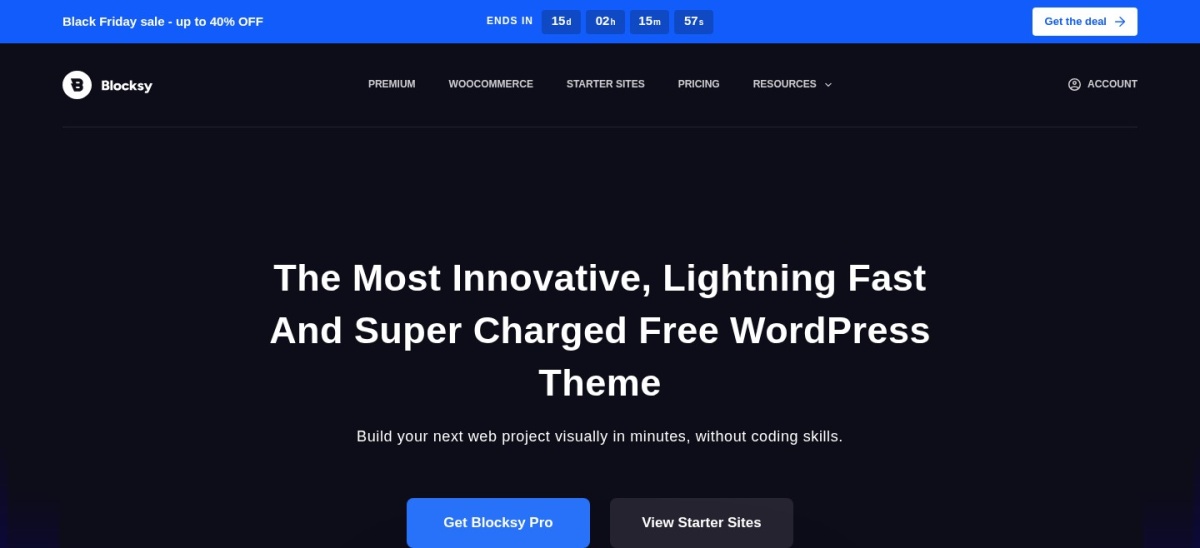
Blocksy homepage, captured Nov 2026.
Blocksy is a free theme built for the block editor, with more than 300,000 active installs and a 5.0 out of 5 rating from 874 reviews. The free version includes a drag-and-drop header builder, WooCommerce support, Google Fonts and a dark mode switch.
The trade off is that the deeper tools are paid. Personal costs $69 a year for one site after a $42 first year, and adds the Shop Extra and Post Types Extra extensions, white label and all pro starter sites. It suits Gutenberg users who want a modern free theme.
4.7/5on WordPress.org (394 reviews, checked Nov 2026)
Paid from$89/yr
Best for stable client sites
Free versionYes, Lite on WordPress.org
Theme includedYes, on paid plans
Template builderBeaver Themer, paid
Paid planStarter, $89/yr
wpbeaverbuilder.com
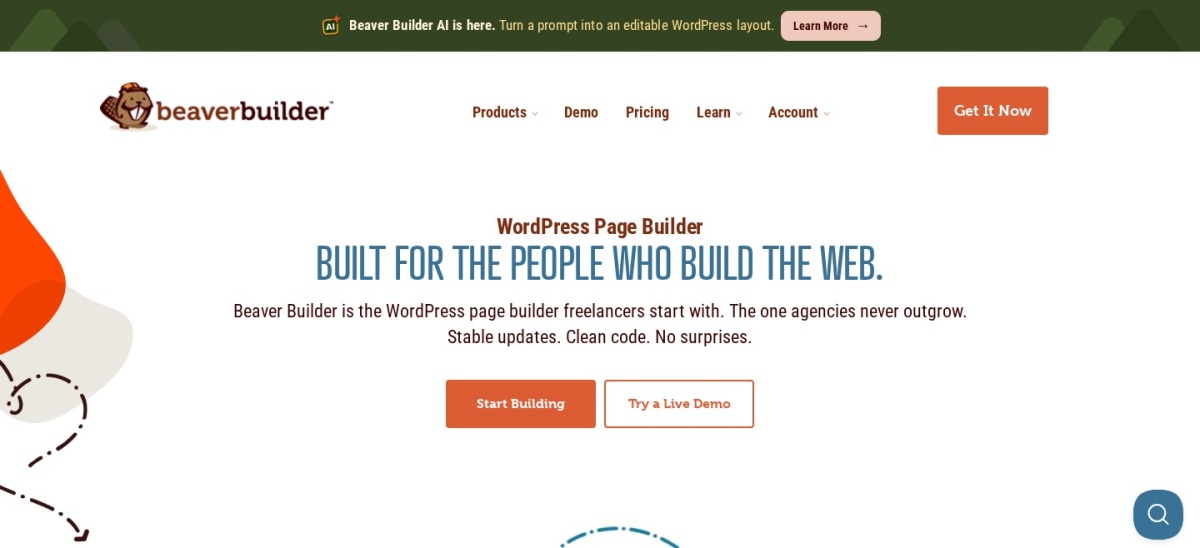
Beaver Builder homepage, captured Nov 2026.
Beaver Builder is a drag-and-drop page builder with more than 100,000 active installs and a 4.7 out of 5 rating from 394 reviews. The free Lite version covers front-end editing with rows, columns and modules, and the paid plans add the Beaver Builder theme and Beaver Themer.
The trade off is the per-site licence. Starter costs $89 a year for one site and includes the builder, theme and Themer, while agencies pay $299 a year for 50 sites. It suits freelancers who hand finished sites to clients and want few surprises.
What we like
Stable since 2014, with clean code output
Theme and Themer included in every paid plan
30-day money-back guarantee on all plans
Watch out for
Smallest review count of the WordPress.org builders here
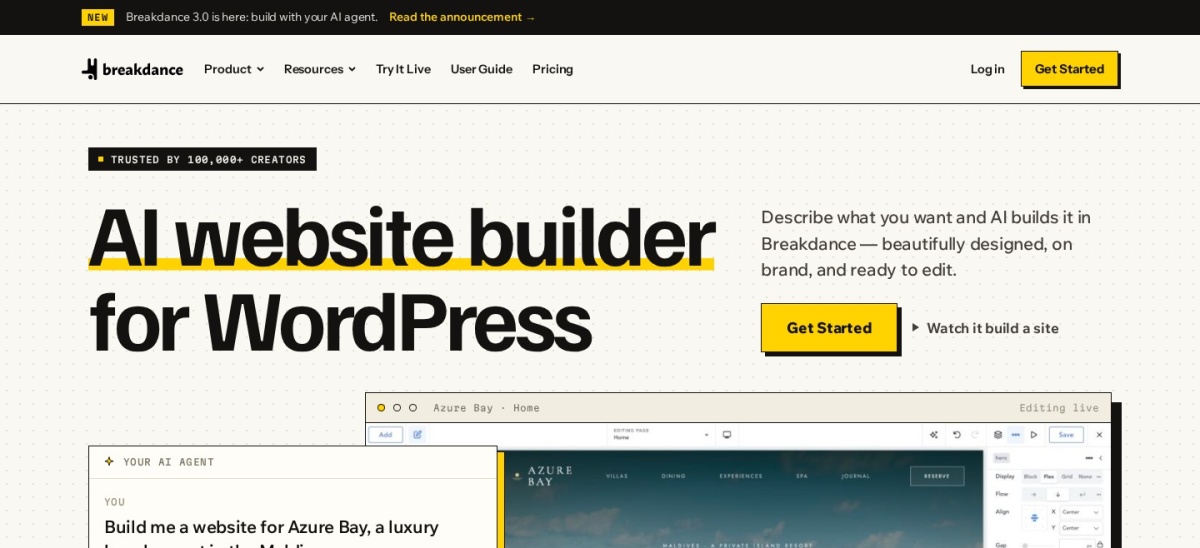
Breakdance is a visual builder that replaces your theme, with a free plan and a 4.4 out of 5 Trustpilot rating from 67 reviews. The free version includes 80 elements, a basic form builder, popup builder and WooCommerce integration, and it works on unlimited websites.
The trade off is the single-site Pro price. Pro costs $99.99 a year for one site and adds 145 elements, the full design library, full WooCommerce and dynamic data, with the price locked at renewal. It suits builders who want a fast, all-in-one replacement for Divi.
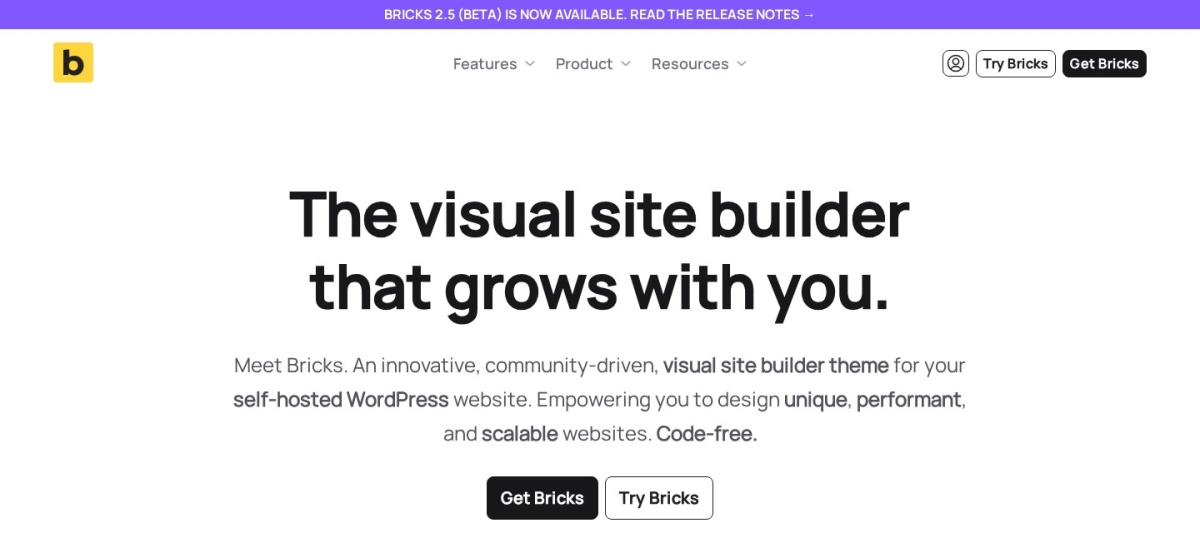
Bricks is a premium theme with a visual builder, rated 4.0 out of 5 from 6 Trustpilot reviews. Every plan includes the full feature set: 149 elements, a query loop builder, menu and popup builders and a WooCommerce builder, with no free version for live sites.
The trade off is that you pay before you build. Starter costs $79 a year for one site, with a $599 lifetime licence for unlimited sites, and you can try the builder free in an online playground first. It suits developers who want clean code and full control.
What we like
Full feature set on every plan, no tiered features
Lifetime licence covers unlimited sites for $599 once
60-day money-back guarantee
Watch out for
No free version for live sites
Only 6 Trustpilot reviews, so public feedback is thin
4.7/5on WordPress.org (972 reviews, checked Nov 2026)
Paid from$69/yr
Best for beginners on a budget
Free versionYes, on WordPress.org
Free elements36, plus 500+ blocks
Theme BuilderPro only
Paid planPersonal, $69/yr
brizy.io
Brizy homepage, captured Nov 2026.
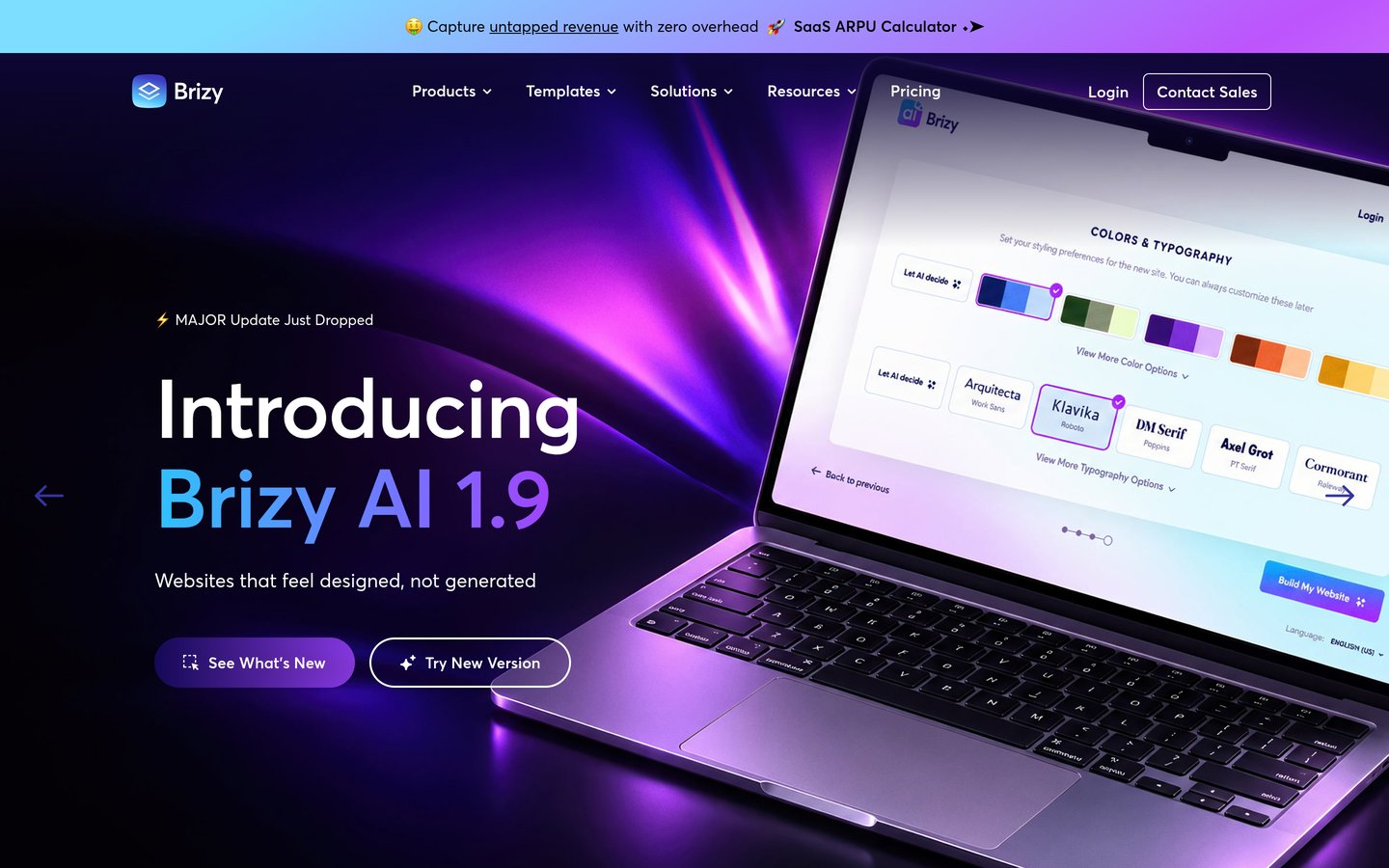
Brizy is a drag-and-drop builder with more than 60,000 active installs and a 4.7 out of 5 rating from 972 reviews. The free plugin includes 36 elements, more than 500 blocks and a basic form, with inline editing and a mobile view.
The trade off is the small user base. Personal costs $69 a year for one site and adds the theme builder, pop-up builder, WooCommerce builder and AI builder, but help and tutorials are thinner than for Elementor. It suits beginners who want the simplest editor.
What we like
Simplest editor in this list, with inline editing
Pro includes the theme builder at the cheapest tier
Sites keep working if you stop paying
Watch out for
Smallest user base of the builders here
Cloud version is a separate product with monthly pricing
Pro adds theme builder, popups and WooCommerce builderVisit brizy.io
Free vs paid: what you give up
Free versions cover the core job well. Elementor, Breakdance and Brizy all let you design real pages without paying, and the four free themes cover full sites.
Paid plans mostly add site-wide control and limits. You get header and footer builders, template builders, popups and WooCommerce tools, plus more sites per licence.
Bricks is the exception: there is no free version at all, so the $79 a year is the entry price, not an upgrade. Try it in the free online playground first.
For a site that earns money, one paid plan often costs less than the time lost rebuilding pages the free version cannot style.
Switching from Divi: what to check first
Divi layouts do not transfer to another builder. Budget time to rebuild your key pages, and keep Divi active until the new pages are ready.
Pick the theme first if you switch to a builder. Elementor, Beaver Builder and Brizy all need a theme underneath, and Astra, GeneratePress and Blocksy are the lightest picks here.
Check your Divi-only features before you move. Bloom popups, Monarch sharing and Divi Cloud assets stay with Divi, so list what you use and find a replacement for each one.
How we chose
We started from the builders and themes most often named as Divi replacements, then kept the nine with a live free or paid product and a public rating or install count.
Prices come from each vendor's pricing page, checked on 22 November 2026. Ratings and install counts come from WordPress.org on the same day, except Bricks and Breakdance, which are not on WordPress.org and are rated on Trustpilot. Where a vendor shows a sale, the list shows the regular price.
We left out builders with no public price or no current product page. No vendor paid for a place, and we do not claim hands-on testing for this list.
How to choose a Divi alternative
Start with whether you want a theme, a builder, or both, then check the free version before you pay.
Decide theme first or builder first. A theme such as Astra or GeneratePress suits a fresh build in the block editor. A builder such as Elementor or Breakdance suits a visual redesign on your current theme.
Count your sites before you compare prices. Divi covers unlimited sites for $89 a year. A $60 single-site plan is cheaper for one site, but Bricks lifetime or Divi itself wins once you build for clients.
Try the free version on a staging copy. Every tool here except Bricks has a free version. Rebuild one real page first, so you learn the editor before you pay or move the live site.
Check the renewal price, not the first year. Astra renews at $69, Blocksy at $69 and Breakdance locks your first price. Budget for year two, not the sale price.
FAQ
What is the best Divi alternative?
Elementor is the best Divi alternative for most sites. It has more than 10 million active installs, a 4.5 out of 5 rating and a free builder, with Pro from $60 a year for one site.
Is there a free Divi alternative?
Yes. Elementor, Breakdance and Brizy all have free builders, and Astra, GeneratePress, Blocksy and Kadence are free themes. Bricks is the only tool in this list with no free version.
What is the cheapest Divi alternative?
Elementor Essential is the cheapest paid plan here at $60 a year for one site. Astra Pro, Blocksy Personal and Brizy Personal all cost $69 a year, while Divi itself is $89 a year for unlimited sites.
Can I switch from Divi without rebuilding my site?
No. Divi layouts are stored in Divi's own format and do not transfer to another builder. You need to rebuild pages in the new tool, so keep Divi active until the new pages are ready.
Which Divi alternative is best for speed?
GeneratePress is the lightest pick here: the vendor says the free theme adds less than 10kb to a page. Astra and Blocksy are also light themes, while Bricks and Breakdance are the fastest builders.
Do I need a theme as well as a builder?
Builders such as Elementor, Beaver Builder and Brizy need a theme underneath, and a light one such as Astra or GeneratePress works best. Bricks, Breakdance and Kadence replace the theme themselves.