Best Free WordPress Templates in 2026: 7 Tools Compared
WLWPLegible EditorsLast verified 22 Nov 2026How we test13 min read
★ Short answer
Astra is our top free WordPress template choice, with 1M+ active installations, a 4.9/5 WordPress.org rating and support for starter website designs. Blocksy is a strong alternative for block-editor customization and WooCommerce sites, while GeneratePress suits publishers who prefer a lightweight theme with fewer design extras.
How we make this list: we compare pricing pages, product documentation and public user reviews, then re-check every price before each update. No product paid for a place. Disclosure.
Astra has 1M+ active installations and a 4.9/5 rating from 6,559 reviews. Its cheapest paid upgrade, the Astra Pro addon, lists at $69/year.
Blocksy has 300,000+ active installations and a 5/5 rating from 874 reviews. Personal costs $69/year at the regular rate.
GeneratePress has 500,000+ active installations and a 4.9/5 rating. GeneratePress One costs $99/year for one site.
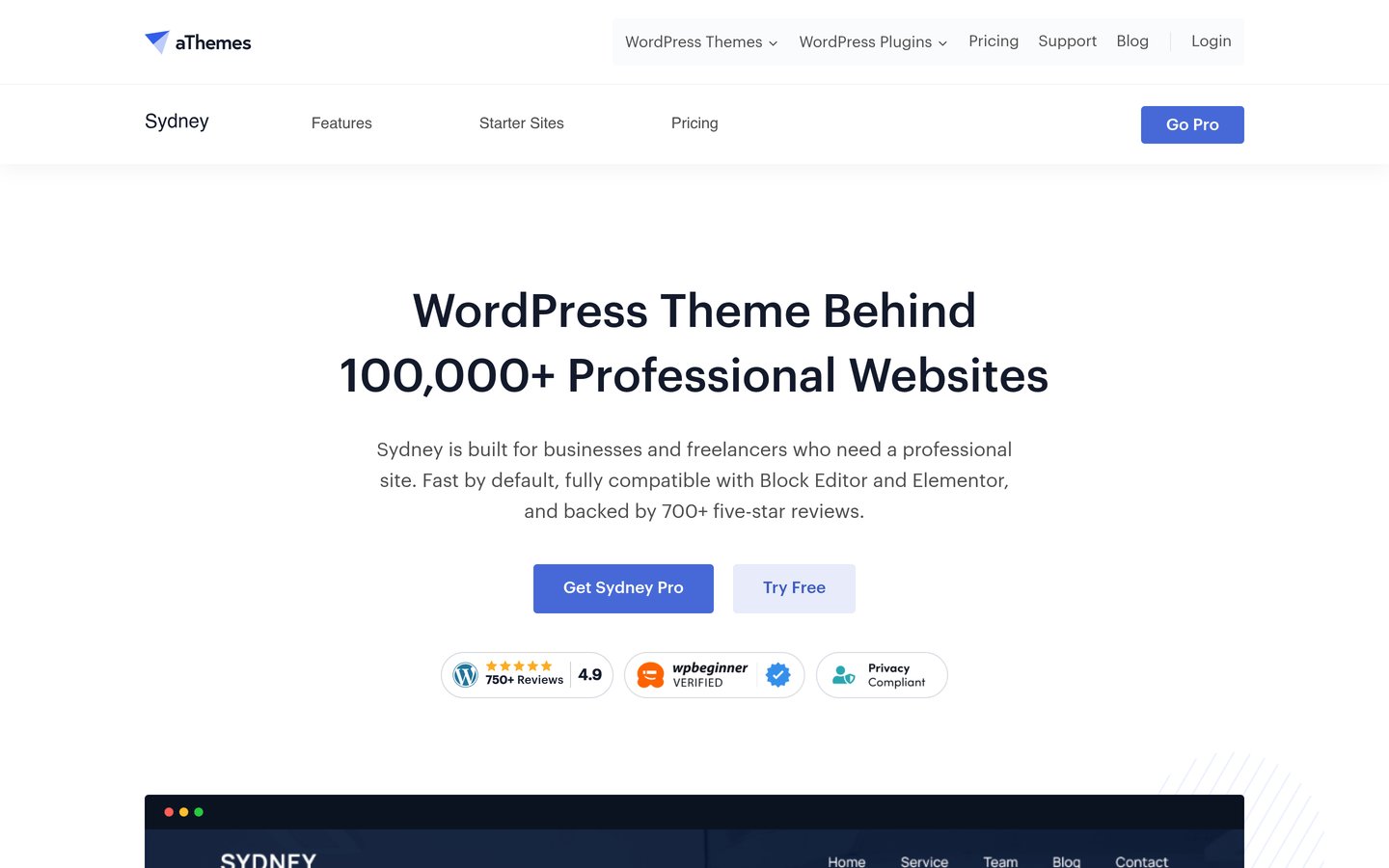
Sydney has 80,000+ active installations and a 4.9/5 rating. Personal normally costs $99/year before discounts.
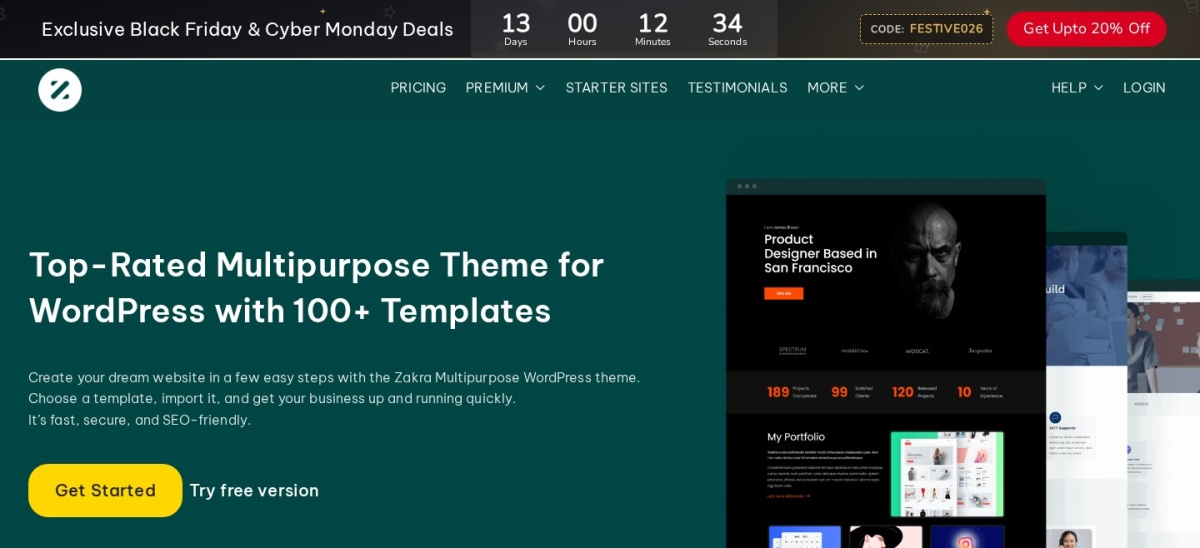
Zakra includes 40+ free starter demos and has a 4.9/5 rating from 600 reviews. Pro starts at $69/year.
Neve has 200,000+ active installations, while ColorMag has 40,000+. Both offer free themes with paid upgrades.
What makes a good free WordPress template?
A WordPress theme controls your website's overall design, including typography, colors, page layouts, headers and navigation. A starter template is a ready-made website design that can be imported and customized. Many popular themes provide both free starter templates and additional paid designs.
Choose a template based on your website's purpose. A personal blog needs readable typography and useful article layouts. A business website benefits from service pages, contact sections and clear navigation. An online store needs appropriate WooCommerce product and checkout layouts.
Check the editing experience before importing a design. Some templates use the native WordPress block editor, while others depend on Elementor or additional plugins. Choose a system you are comfortable maintaining because imported content and layouts may be harder to transfer later.
Free does not always mean every advertised demo is included. Theme developers commonly divide their starter libraries into free and premium designs. Advanced headers, custom layouts, WooCommerce tools and additional templates may require an annual subscription.
Finally, review maintenance, active installations, public ratings and compatibility. A theme with recent updates and clear documentation is generally a safer starting point than an abandoned design, regardless of how attractive its preview looks.
4.9/5on WordPress.org (6,559 reviews, checked Nov 2026)
Paid from$69/yr
Best overall for free WordPress starter templates
Main purposeMultipurpose websites
Active installs1M+
Editor supportBlocks and page builders
Paid planAstra Pro addon, $69/yr
wpastra.com
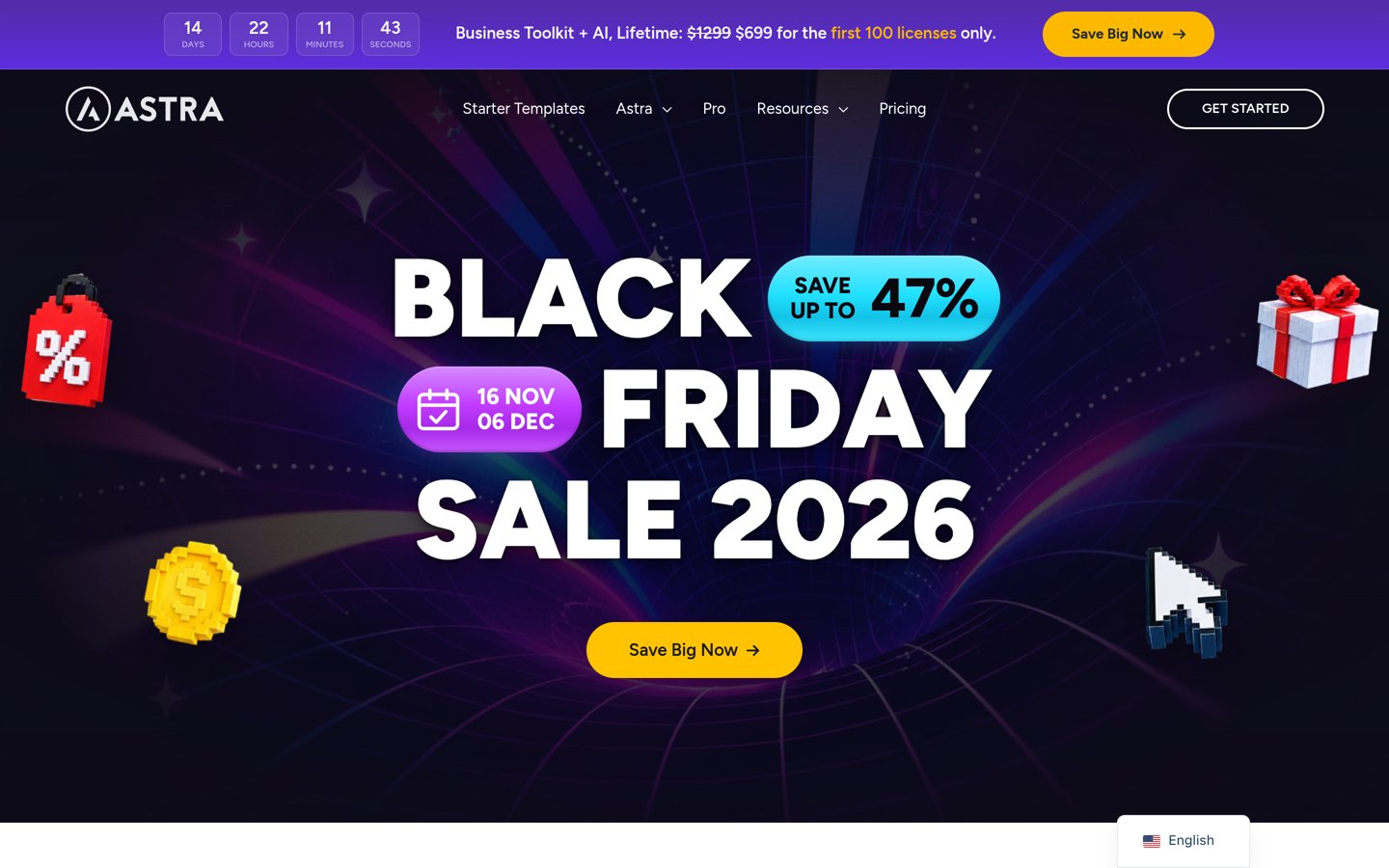
Astra homepage, captured Nov 2026.
Astra is a multipurpose WordPress theme with more than 1 million active installations and a 4.9/5 rating from 6,559 reviews. Its free version provides customizable layouts, typography and header controls, with starter website designs available through its companion tools. It supports the WordPress block editor and popular page builders.
The trade off is that premium starter templates and advanced design features require paid upgrades. The Astra Pro addon lists at $69 a year (on sale at $59 this week), while the larger Astra Pro + AI plan costs more. It suits beginners, bloggers, business owners and designers who want a broad selection of website layouts.
What we like
Established theme with more than 1 million active installations
Free starter website designs
Works with the block editor and popular page builders
Useful customization controls without coding
Rated 4.9/5 from 6,559 WordPress.org reviews
Watch out for
Some starter templates require premium access
Advanced customization features need a paid upgrade
Imported demos may require additional plugins
Full-site imports can replace existing design settings
Astra Pro adds advanced customization, premium design features and additional website-building tools.Visit wpastra.com
02
Blocksy
5/5on WordPress.org (874 reviews, checked Nov 2026)
Paid from$69/yr
Best for modern block-editor websites
Main purposeModern multipurpose websites
Active installs300,000+
Editor supportWordPress block editor
Paid planPersonal, $69/yr
creativethemes.com
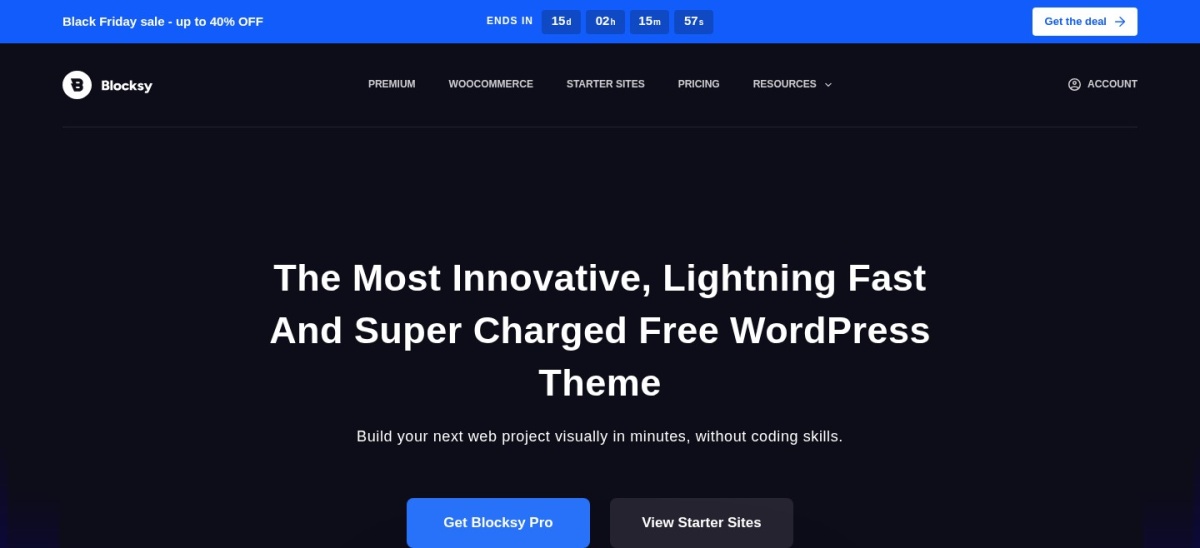
Blocksy homepage, captured Nov 2026.
Blocksy is a WordPress theme with 300,000+ active installations and a 5/5 rating from 874 reviews. The free theme supports the block editor, customizable headers, responsive layouts and WooCommerce. Its starter site library helps users begin with prepared designs instead of building every page from scratch.
The trade off is that premium starter sites and advanced extensions require Blocksy Pro. The Personal plan costs $69 yearly at the regular rate, although the official pricing page currently advertises a discounted $42 first-year price. It suits business websites, blogs and stores that need flexible design controls.
What we like
5/5 WordPress.org rating from 874 reviews
Free starter website designs
Customizable header and footer layouts
WooCommerce support
Works well with the native block editor
Watch out for
Premium starter sites require Pro
Advanced extensions are restricted to paid plans
Extensive customization settings may take time to learn
Personal adds Pro starter sites, premium extensions and updates for one website.Visit creativethemes.com
03
GeneratePress
4.9/5on WordPress.org (1,428 reviews, checked Nov 2026)
Paid from$99/yr
Best for lightweight blogs and content websites
Main purposeLightweight website design
Active installs500,000+
Free theme sizeUnder 10 KB gzipped
Paid planGeneratePress One, $99/yr
generatepress.com
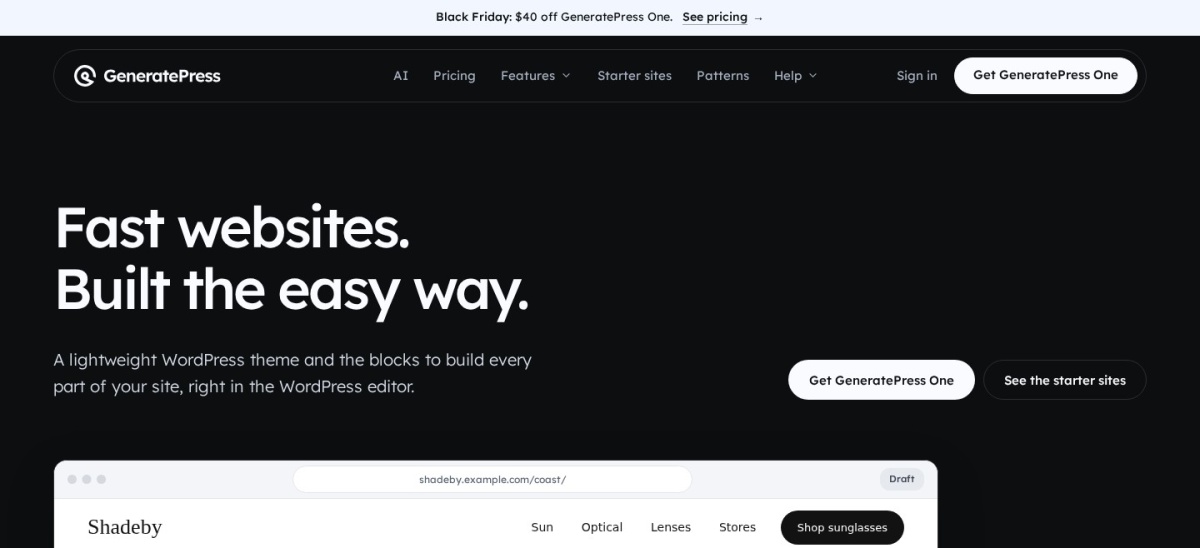
GeneratePress homepage, captured Nov 2026.
GeneratePress is a lightweight WordPress theme with 500,000+ active installations and a 4.9/5 rating from 1,428 reviews. The developer states that a fresh theme installation adds less than 10 KB of gzipped page weight. The free version includes responsive layouts, basic customization and compatibility with the WordPress block editor.
The trade off is that the broader site library, advanced layout controls and bundled building tools require GeneratePress One. Its regular single-site price is $99 yearly, with a $59 first-year promotional offer currently advertised. It suits bloggers, publishers and developers who prefer a simple foundation over highly decorated templates.
What we like
Lightweight theme architecture
500,000+ active installations
Compatible with the WordPress block editor
Works with popular page builders
4.9/5 WordPress.org rating
Watch out for
Free version has fewer ready-made design options
Full premium site-building features require a subscription
Minimal default styling may need more customization
GeneratePress One includes GP Premium, GenerateBlocks Pro, GenerateCloud and additional site-building tools.Visit generatepress.com
04
Sydney
4.9/5on WordPress.org (795 reviews, checked Nov 2026)
Paid from$99/yr
Best for small-business and portfolio websites
Main purposeBusiness and portfolio sites
Active installs80,000+
Editor supportElementor and blocks
Paid planPersonal, $99/yr
athemes.com
Sydney homepage, captured Nov 2026.
Sydney is a WordPress business theme with 80,000+ active installations and a 4.9/5 rating from 795 reviews. Its free version includes typography and color settings, layout controls, header images, navigation options and block patterns. It supports Elementor and the native WordPress block editor for creating business and portfolio pages.
The trade off is that advanced layouts and premium design features require Sydney Pro. Personal normally costs $99 annually, although the official pricing page currently displays a $69 promotional price. It suits consultants, agencies, service businesses and portfolio owners who want a professional-looking website without building a custom theme.
What we like
Suitable for business and portfolio websites
Supports Elementor and the block editor
Customizable typography and layouts
Free block patterns and design controls
4.9/5 rating from 795 reviews
Watch out for
Advanced design features require Sydney Pro
Some starter designs may depend on Elementor
Business-focused layouts may require more adaptation for other website types
Sydney Pro adds advanced layout controls, premium design features and additional customization options.Visit athemes.com
05
Zakra
4.9/5on WordPress.org (600 reviews, checked Nov 2026)
Paid from$69/yr
Best for varied free starter website designs
Free starter demos40+
Active installs30,000+
Editor supportBlocks and page builders
Paid planZakra Pro, $69/yr
zakratheme.com
Zakra homepage, captured Nov 2026.
Zakra is a multipurpose WordPress theme with 30,000+ active installations and a 4.9/5 rating from 600 reviews. The developer advertises more than 40 free starter demos covering blogs, business websites, portfolios and stores. It supports the WordPress block editor and page builders including Elementor and Brizy.
The trade off is that premium templates and more advanced customization controls require Zakra Pro, starting at $69 yearly for use on up to 3 websites. It suits site owners who want to browse niche-specific layouts before choosing a design and who may need a paid upgrade later.
What we like
40+ advertised free starter demos
Designs for blogs, business sites and stores
Supports multiple page builders
4.9/5 WordPress.org rating
Pro plan covers up to 3 websites
Watch out for
Some starter sites use additional plugins
Premium templates require a paid license
Different demo builders can create inconsistent editing experiences
Zakra Pro adds premium starter templates, advanced theme features, updates and priority support.Visit zakratheme.com
06
Neve
4.7/5on WordPress.org (1,284 reviews, checked Nov 2026)
Paid from$139/yr
Best for adaptable blogs and business templates
Main purposeBlogs, business sites and stores
Active installs200,000+
Editor supportBlocks and page builders
Paid planPersonal, $139/yr regular
themeisle.com
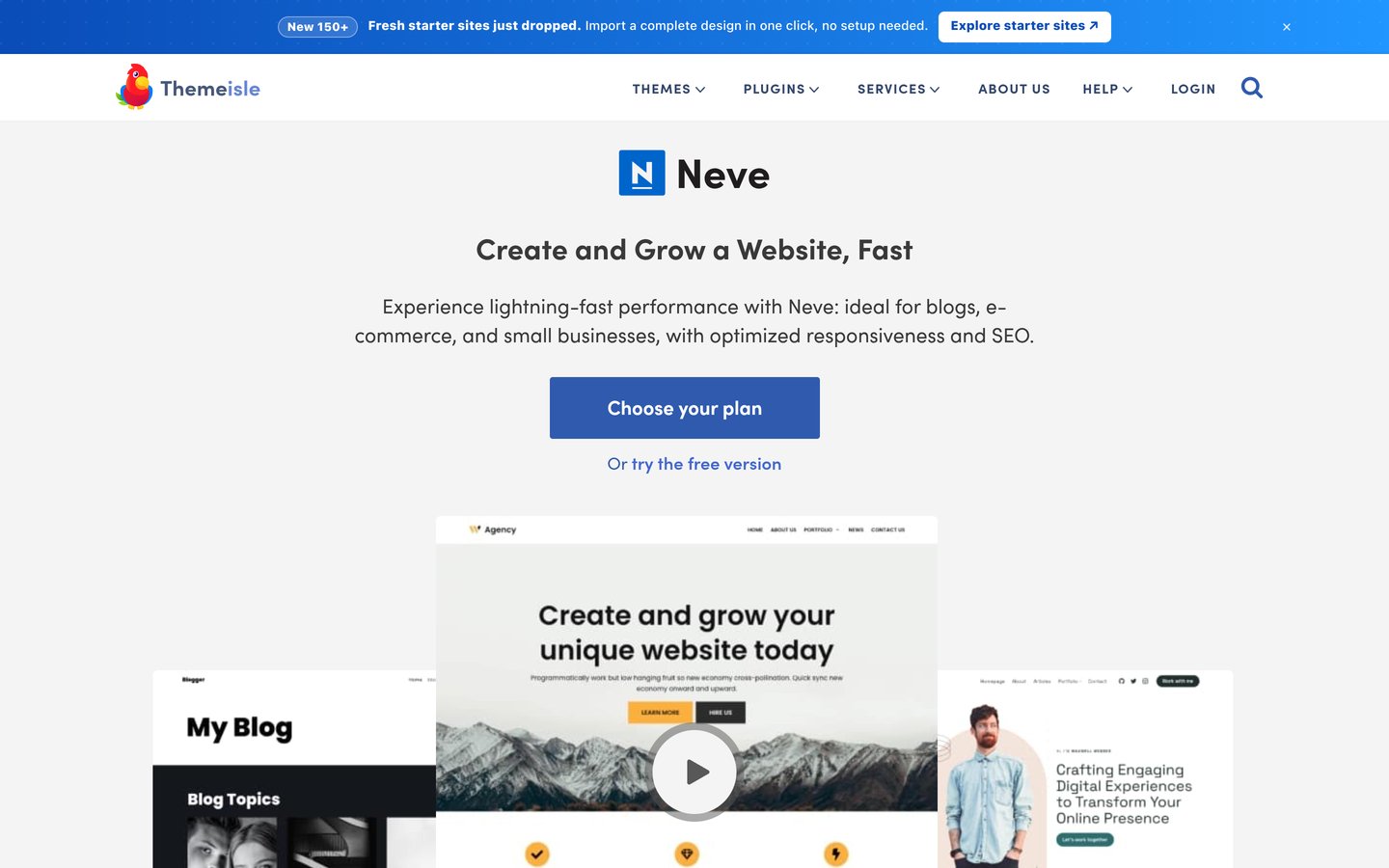
Neve homepage, captured Nov 2026.
Neve is a multipurpose WordPress theme developed by Themeisle, with 200,000+ active installations and a 4.7/5 rating from 1,284 reviews. The free version provides responsive layouts, theme customization and compatibility with the block editor and popular page builders. Its starter site system helps users import prepared designs.
The trade off is that extended header controls, custom layouts and premium functionality require Neve Pro. Personal has a regular annual price of $139, while the official pricing page currently advertises $69 for introductory access. It suits business owners, bloggers and creators who want a flexible theme with optional premium features.
What we like
200,000+ active WordPress installations
Compatible with major page builders
Free starter website designs
Responsive layout and customization features
Premium plans support unlimited sites
Watch out for
Advanced header and layout controls require Pro
Regular renewal price is higher than several alternatives
Some premium starter templates require the Business plan
Personal adds extended headers, blog settings, custom layouts and premium support; Business adds premium starter sites.Visit themeisle.com
07
ColorMag
4.9/5on WordPress.org (1,568 reviews, checked Nov 2026)
Paid from$69/yr
Best for news, magazines and content-heavy blogs
Main purposeNews and magazine websites
Active installs40,000+
Starter demos30+ advertised
Paid planSingle Theme, $69/yr regular
themegrill.com
ColorMag homepage, captured Nov 2026.
ColorMag is a WordPress news and magazine theme with 40,000+ active installations and a 4.9/5 rating from 1,568 reviews. It offers more than 30 advertised starter demos for different publishing niches, supports the block editor and provides magazine-oriented layout options. Its design focuses on organizing posts, categories and featured content.
The trade off is that advanced customization and premium layouts require ColorMag Pro. ThemeGrill lists the regular Single Theme plan at $69 yearly, while a discounted $56 price is currently advertised. It suits news websites, online magazines and content publishers who need structured article-heavy layouts.
What we like
Magazine-specific layouts and design controls
30+ advertised starter demos
40,000+ active installations
Compatible with the WordPress block editor
4.9/5 rating from 1,568 reviews
Watch out for
Less suitable for minimalist portfolio websites
Premium layouts and advanced controls require payment
Complex magazine homepages may need additional configuration
ColorMag Pro adds advanced headers, additional blog layouts, typography options and more customization controls.Visit themegrill.com
WordPress themes vs starter templates: what is the difference?
A WordPress theme defines the overall appearance and basic layout structure of a website. It controls global elements such as headers, typography, menus, content widths and archive layouts.
A starter template is a prepared design that works with a particular theme or page-building system. It may include a homepage, service pages, sample content, navigation and additional styling.
Astra, Blocksy, Zakra and Neve provide free themes with starter design options. GeneratePress focuses on a lightweight foundation, with a broader site-building and template system available through its paid offering.
Before importing a template, confirm that it uses your preferred editor and that the required plugins are acceptable. Importing a demo into an existing website can replace settings or introduce placeholder content.
Free vs premium WordPress templates: when should you upgrade?
Free themes are sufficient for many blogs, personal portfolios and small-business websites. They commonly provide responsive layouts, basic typography controls and access to selected starter templates.
Premium upgrades become relevant when you need advanced headers, custom layouts, conditional display rules, extended WooCommerce styling or additional starter designs.
Regular annual upgrade prices in this comparison start at $69 for Blocksy, Zakra and ColorMag. GeneratePress One and Sydney Personal cost $99 yearly, while Neve Personal costs $139 and the Astra Pro addon lists at $69.
A paid theme does not automatically improve search rankings or page speed. Choose an upgrade for a feature you need, and consider the ongoing subscription before committing to premium templates.
How we chose
We shortlisted established free WordPress themes from the official WordPress.org theme directory, prioritizing products that provide starter designs, useful layout controls or a practical foundation for building websites. The selection covers general-purpose websites, blogs, businesses, stores and online magazines.
We opened WordPress.org theme listings and official vendor pricing pages on 22 Nov 2026. Ratings, review counts, active installations and update dates came from WordPress.org. Prices reflect regular annual paid rates rather than temporary discounts. We distinguished free theme features from premium starter templates and subscription-based upgrades.
We excluded themes without recent maintenance activity, products with insufficient public adoption and commercial themes whose regular upgrade prices could not be confirmed on accessible official pages. We also excluded standalone template marketplaces because this comparison focuses on installable free WordPress themes. No vendor paid for a place, and we do not claim hands-on testing for this list.
How to choose the best free WordPress template
Choose a design that matches your website's purpose, supports your preferred editor and provides enough customization without unnecessary paid extensions.
Match the template to your website's purpose. Start with the type of site you are building. Astra and Zakra offer multipurpose designs, Sydney focuses on business layouts, and ColorMag specializes in publishing. A template that already resembles your intended layout usually needs fewer changes.
Confirm which designs are actually free. Preview the starter library and check whether your preferred design is free or premium. Some templates need Elementor, companion block plugins or additional tools. Review these requirements before importing demo content.
Check performance and editing compatibility. Choose a theme compatible with your preferred WordPress editor. Consider how it handles responsive layouts, headers, typography and WooCommerce when relevant. Avoid adding a large collection of extensions for features you will not use.
Review maintenance, ratings and upgrade pricing. Check the latest theme update, active installation count and WordPress.org reviews. Compare regular annual prices instead of promotional offers. Also check whether a paid license covers your required websites and includes future updates and support.
FAQ
What is the best free WordPress template in 2026?
Astra is our top overall choice because it offers flexible theme customization, free starter designs and compatibility with popular editors. It has more than 1 million active installations and a 4.9/5 WordPress.org rating. Blocksy is another strong option for modern designs, while GeneratePress suits lightweight websites.
Are free WordPress templates really free?
Yes. Themes available through the official WordPress.org directory can be installed and used without purchasing a license. However, developers may charge for premium starter templates, advanced design controls or dedicated support. Check whether the particular demo you want is included in the free version.
What is the difference between a WordPress theme and a template?
A theme provides the global design framework for a website, including headers, typography, navigation and layout settings. A template provides a predefined design for a page or complete website. Starter templates usually work with a specific theme and may require additional plugins for their layouts.
Which free WordPress theme is best for beginners?
Astra, Blocksy and Zakra are useful starting points because they offer customizable layouts and starter designs. Astra supports several popular page builders, while Blocksy works closely with the native block editor. Choose the one whose free starter designs most closely match your website.
Which free WordPress template is best for blogging?
GeneratePress is a good option for simple, content-focused blogs because of its lightweight foundation. Astra and Neve provide more flexible visual customization, while ColorMag is designed for news and magazine-style publishing. The right choice depends on whether your blog needs minimal pages or complex article grids.
Which free WordPress templates work with Elementor?
Astra, Sydney, Zakra and Neve support Elementor. Some starter designs are specifically built for Elementor, while others use the native WordPress block editor. Check the requirements of the individual template before importing it because different designs may use different editing systems.
Can I use free WordPress templates for an online store?
Yes. Astra, Blocksy, Neve and Zakra support WooCommerce. Their free versions can provide a foundation for product listings and store layouts. Advanced product presentation, checkout customization and certain premium starter designs may require upgrades or additional plugins.
Will changing my WordPress template delete my content?
Changing a theme normally preserves WordPress posts, pages and uploaded media. However, menus, widget areas, custom layouts and design settings may change. Imported templates can also add sample content or replace appearance settings. Create a backup before changing themes or importing a complete starter website.
Do premium WordPress templates improve SEO?
Premium templates do not automatically improve search rankings. Search performance depends on content, technical implementation, mobile usability, site speed and other factors. A well-maintained free theme can work effectively for SEO. Upgrade when premium features solve a design or functionality requirement, not because of an assumed ranking benefit.