FileZilla is the best SFTP software for most people. It is free, runs on Windows, Mac and Linux, covers SFTP, FTPS and FTP, and holds a 4.5/5 G2 rating from 770 reviews. Pick WinSCP for Windows-only work and Files.com when a team needs hosted SFTP with automation.
How we make this list: we compare pricing pages, product documentation and public user reviews, then re-check every price before each update. No product paid for a place. Disclosure.
FileZilla is free on every desktop system and the only client here with a free server edition too.
WinSCP is the highest-rated free client at 4.6/5 on G2, but it runs on Windows only.
Transmit costs $45 once and is Mac-only; the Mac App Store version costs $24.99 a year instead.
SmartFTP is the Windows pro pick at $79.99 a year, with scheduling and automation built in.
Hosted SFTP starts at $199 a month for Files.com, while self-hosted servers start at $43.80 a month for Titan.
What SFTP software actually covers
SFTP moves files over an encrypted SSH connection, so logins and file contents stay private in transit. A client connects to a server, a server accepts those connections, and hosted tools run the server for you.
Most people need a client. Pick one that speaks SFTP, not plain FTP, so nothing travels without encryption. Our guide on what FTP is in WordPress explains the protocols in plain terms.
Servers and hosted transfer are a different buy. They suit teams that receive files from clients or partners, need audit logs, or must meet compliance rules.
Price ranges from free to thousands a year. Free clients cover the daily work for most people, while paid tools add scheduling, automation, cloud storage, and support.
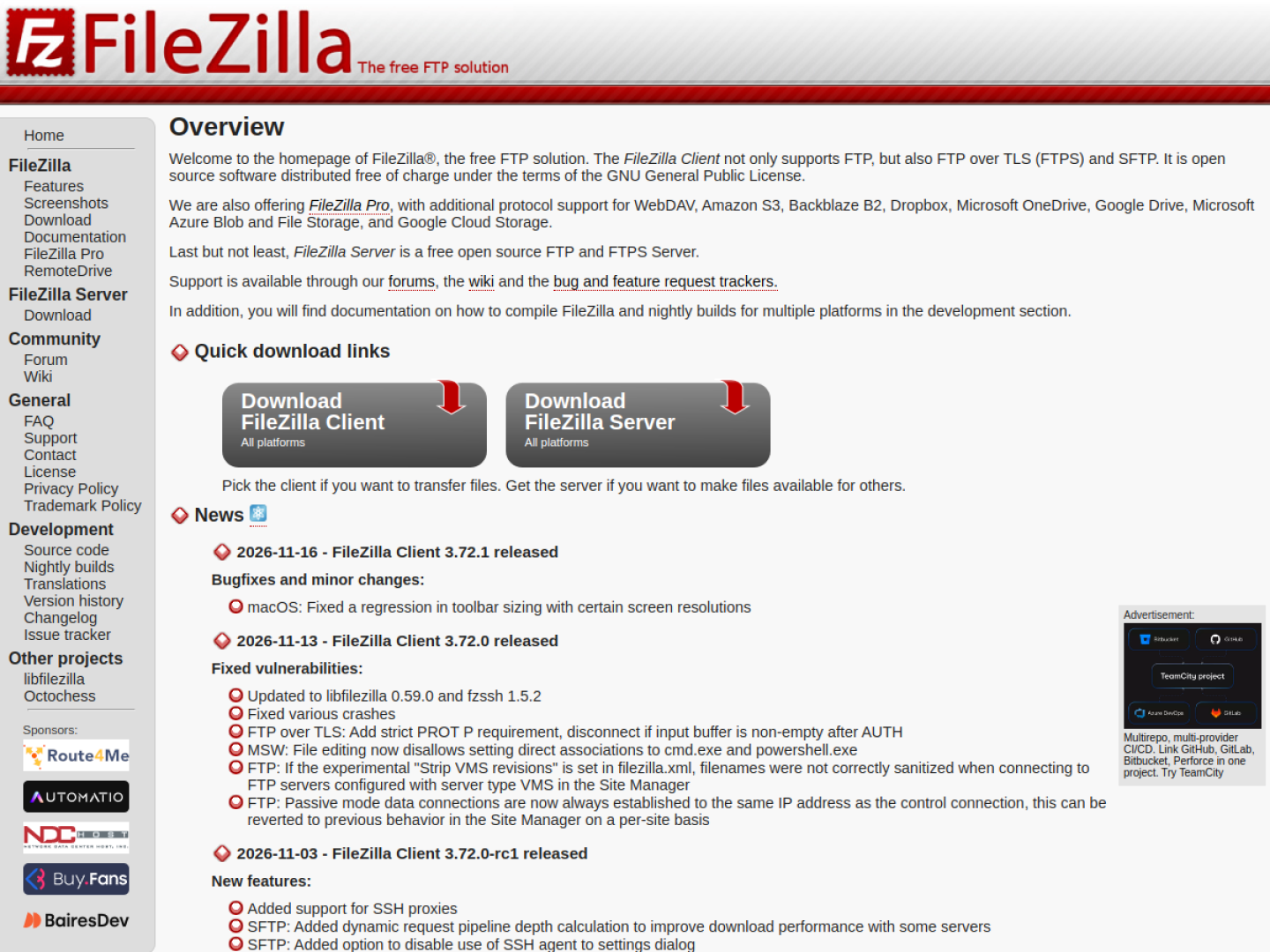
FileZilla is a free, open-source SFTP client for Windows, Mac and Linux, with support for SFTP, FTPS and FTP. It has a two-pane layout, a site manager for saved connections, and a transfer queue with speed limits. The same project also ships FileZilla Server, a free FTP and FTPS server.
The trade off is the plain interface and the paid extras. WebDAV and cloud storage such as Amazon S3, Dropbox and Google Drive need FileZilla Pro, which costs $12.99 a year on the Mac App Store. It suits anyone who wants a free SFTP client on any desktop.
What we like
Free on Windows, Mac and Linux
Largest review base in this list at 770 G2 reviews
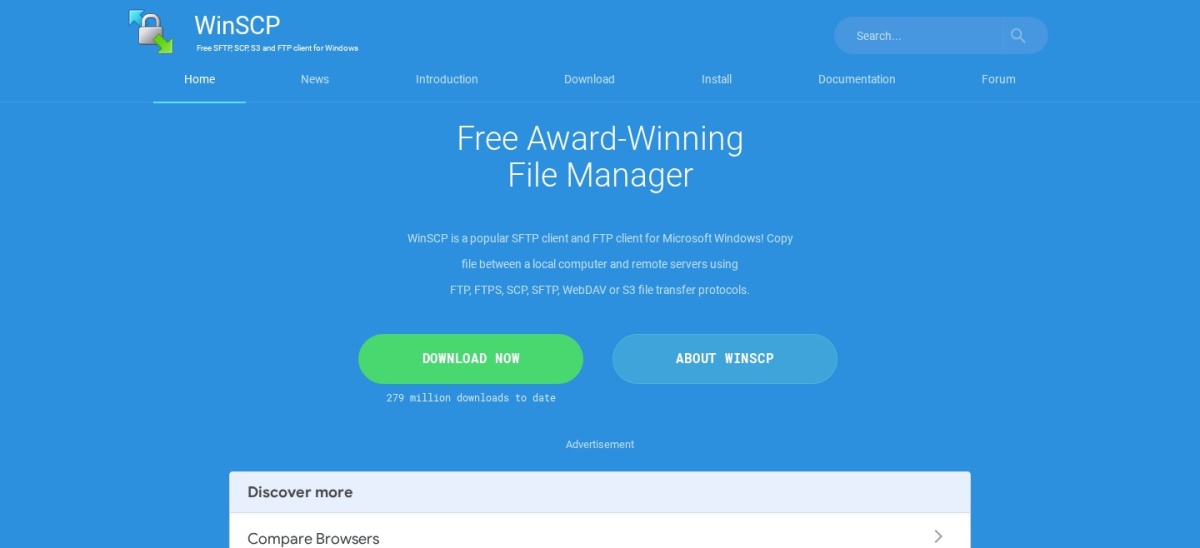
WinSCP is a free, open-source file manager for Windows that moves files over SFTP, SCP, FTP, FTPS, WebDAV and Amazon S3. It offers a Commander or Explorer style interface, a built-in text editor, and scripting for scheduled transfers. Its homepage reports 279 million downloads to date.
The trade off is platform. WinSCP runs on Windows only, so Mac and Linux users need another client. There is no paid plan and no cloud sync of saved sites. It suits Windows users who want a free client with scripting and a familiar Explorer-style view.
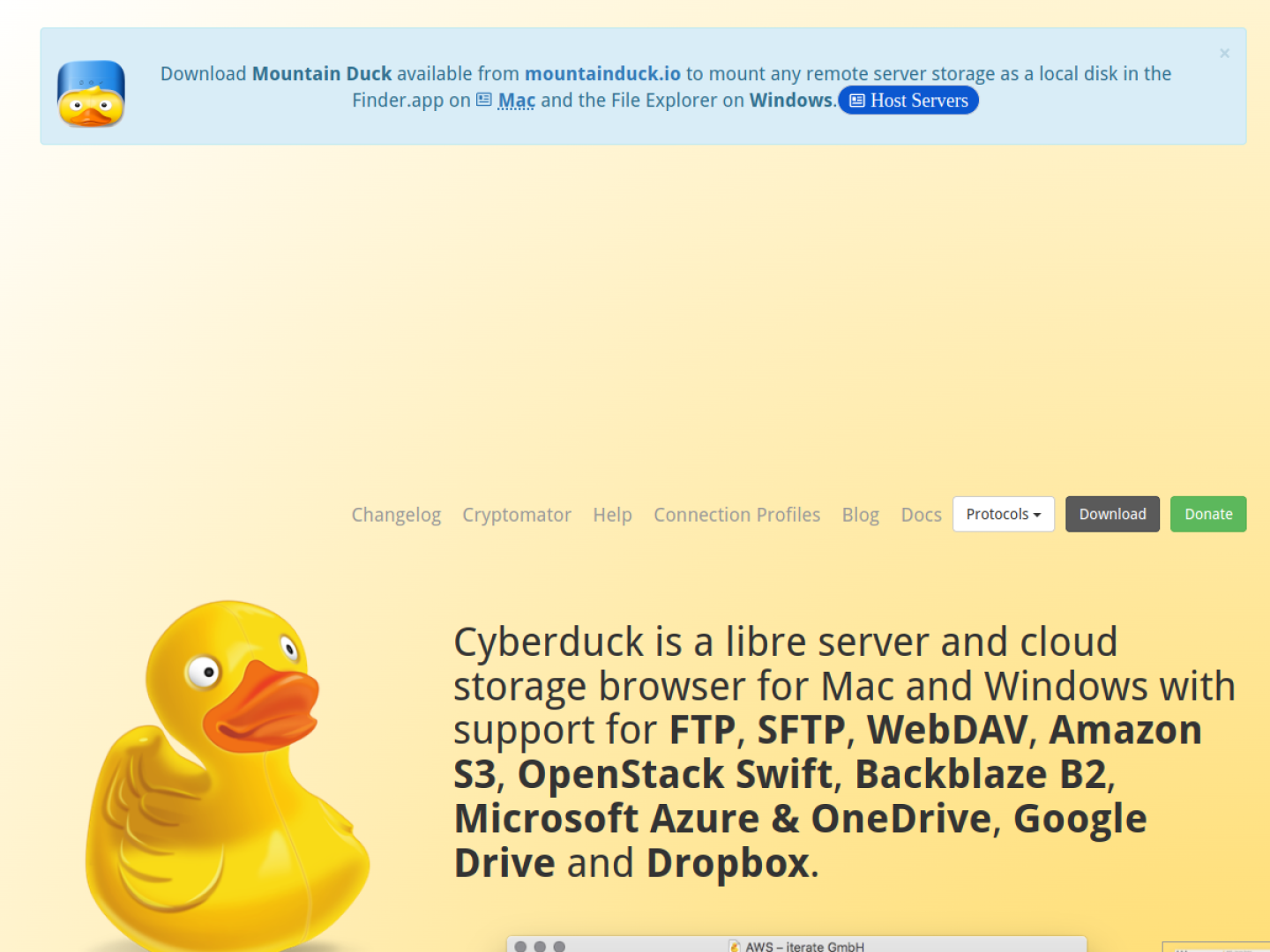
Cyberduck is a free file browser for Mac and Windows that connects to SFTP, FTP, WebDAV, Amazon S3, Backblaze B2, Azure, OneDrive, Google Drive and Dropbox. It shows remote files in a Finder-style window, supports drag-and-drop uploads, and can open files in an external editor.
The trade off is the donation prompt. Cyberduck is free, but it asks for a donation on launch unless you buy a $10 registration key. It has fewer automation features than WinSCP or SmartFTP. It suits Mac users who want one free app for servers and cloud storage.
Transmit is a Mac file transfer app from Panic that covers SFTP, FTP, WebDAV, Amazon S3, Backblaze B2, Dropbox, Google Drive and OneDrive. It has a two-pane window, fast parallel transfers, folder sync, and Panic Sync to keep server details the same on every Mac.
The trade off is price and platform. Transmit costs $45 once when bought direct from Panic, after a 7-day trial, and it runs on Mac only. The Mac App Store version costs $24.99 a year instead. It suits Mac users who move files daily and want a polished native app.
What we like
One-time $45 licence when bought direct
Fast parallel transfers and folder sync
Panic Sync keeps servers in step across Macs
Clean native Mac interface
Watch out for
Mac only, no Windows version
App Store version is a yearly subscription
Smallest review base in this list
Direct licence is $45 once; App Store is $24.99 a yearVisit panic.com
05
SmartFTP
4/5on G2 (21 reviews, checked Nov 2026)
Starts at$79.99/yr
Best SFTP client for Windows professionals
PlatformsWindows only
ProtocolsSFTP, FTPS, FTP, WebDAV
SchedulingYes, built in
Paid planProfessional, $79.99/yr
smartftp.com
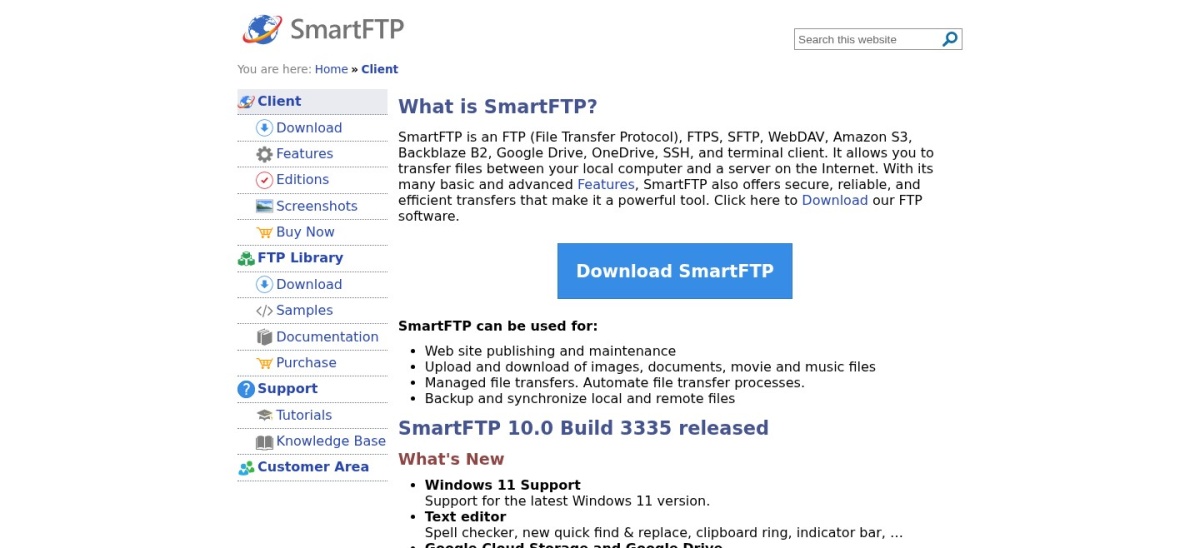
SmartFTP homepage, captured Nov 2026.
SmartFTP is a professional Windows client for SFTP, FTPS, FTP, WebDAV, Amazon S3, Backblaze B2, Google Drive and OneDrive. It adds scheduling, file synchronization, a transfer queue, detailed logs and an integrated editor to the usual drag-and-drop transfers. A 30-day evaluation runs as the Enterprise edition.
The trade off is cost and platform. The Professional subscription costs $79.99 a user a year, and SmartFTP runs on Windows only. It suits administrators and developers who schedule transfers, need detailed logs, or manage many servers.
What we like
Scheduling and synchronization built in
Detailed transfer logs for troubleshooting
Wide protocol and cloud storage support
30-day evaluation with no limits
Watch out for
Windows only, no Mac version
Interface feels busy for casual use
No free plan, only a trial
Higher edition adds OneDrive and a terminal client for $119.99 a yearVisit smartftp.com
06
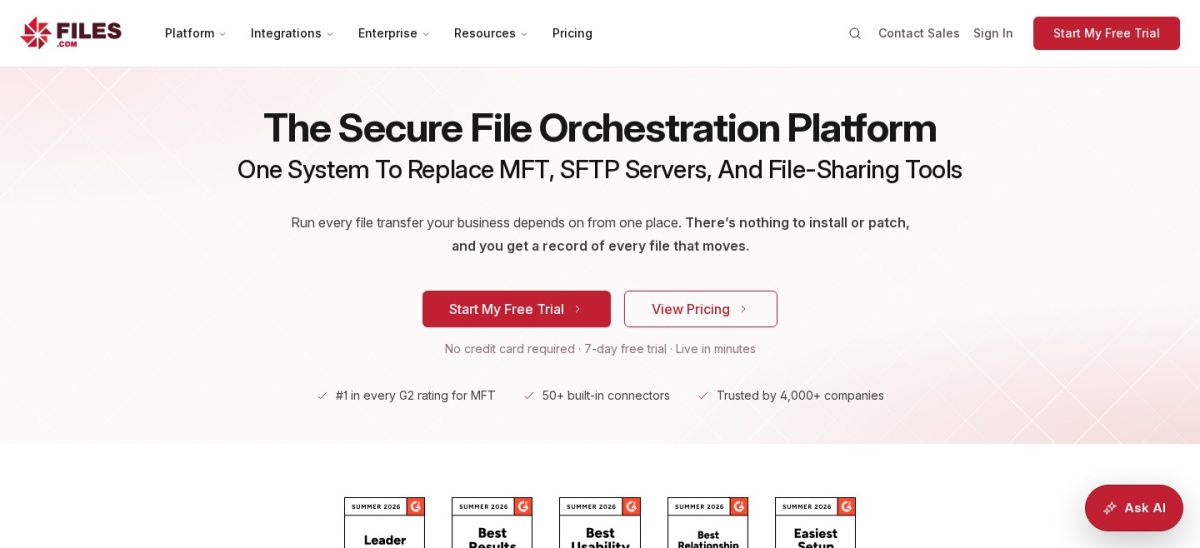
Files.com
4.6/5on G2 (301 reviews, checked Nov 2026)
Starts at$199/mo
Best hosted SFTP for teams
DeploymentHosted, no server to run
ProtocolsSFTP, FTP, WebDAV
AutomationYes, no-code flows
Free trial7 days
files.com
Files.com homepage, captured Nov 2026.
Files.com is a hosted SFTP and managed file transfer platform that runs the server for you. It offers SFTP, FTP and WebDAV endpoints, granular permissions, audit logs, and automation flows that move files between systems without scripts. A 7-day trial needs no card.
The trade off is price. Starter costs $199 a month, or $2,099 a year when billed yearly, and extra users and storage cost more on top. It suits teams that want managed SFTP, permissions and automation without running a server.
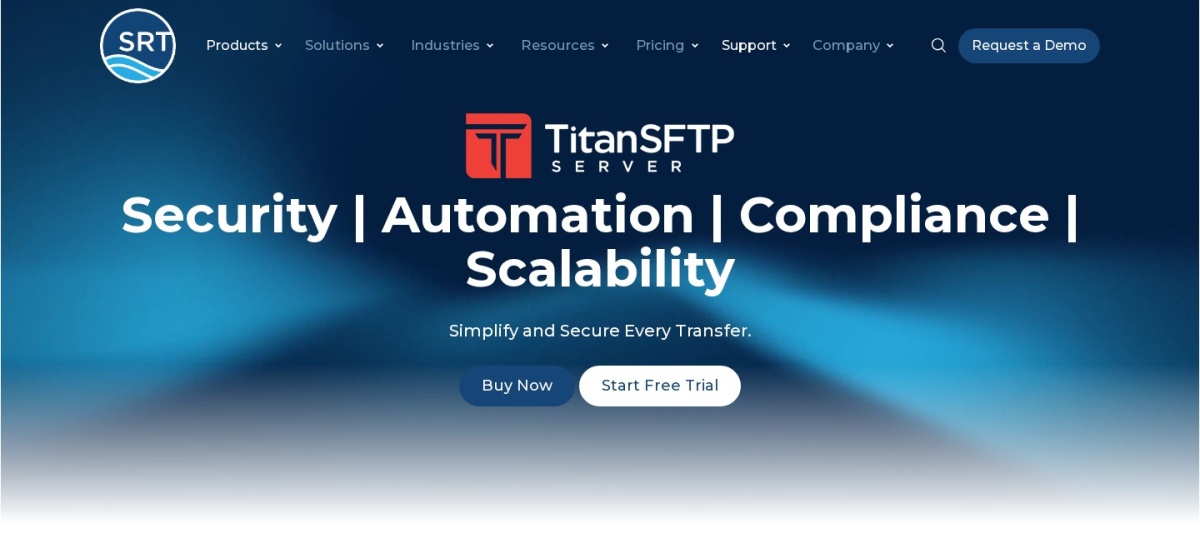
Titan SFTP Server is a file transfer server from South River Technologies that supports SFTP, FTPS and HTTPS, with a web interface for users and files. It includes Active Directory and LDAP login, event automation, and controls aimed at regulated work such as HIPAA, PCI and SOX. A cloud plan starts at $43.80 a month.
The trade off is that the vendor publishes no price on its own site, so the cloud figure comes from G2 vendor-supplied pricing. The on-premises licence costs $1,499.95 once. It suits teams that need a plain, dependable SFTP server without a full managed transfer platform.
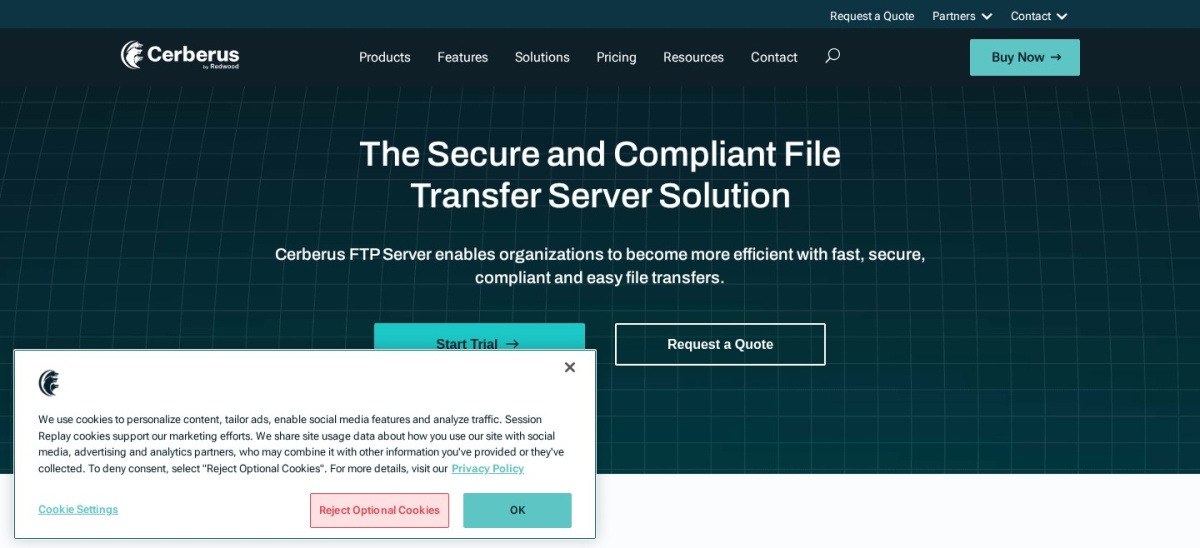
Cerberus FTP Server is a secure file transfer server for Windows that supports SFTP, FTPS, FTP and HTTPS, with unlimited user accounts and connections. It adds Active Directory and LDAP login, IP auto-banning, audit logs and FIPS 140-3 support in recent releases. A 25-day free trial needs no card.
The trade off is price. Professional costs $1,599 a licence a year, and Enterprise rises to $3,499 a year. It suits teams in finance, health care or government that need a supported, compliant SFTP server on Windows.
Serv-U MFT Server is SolarWinds' managed file transfer server for small and mid-sized teams that want secure transfers without an integration project. It supports SFTP, FTPS and HTTP/S, with web and mobile clients so business users can upload and download without an FTP client. Ad hoc sharing and event-based automation cover everyday partner exchanges.
The trade off is cost and evidence. It starts at $335 per server a month billed annually, and its 4.5/5 G2 rating rests on only 4 reviews, so treat it as a weak signal. It suits Windows-centered teams that want dependable, supported transfers with a gentle learning curve.
A client is enough when you upload files to someone else's server, such as a web host. FileZilla, WinSCP, Cyberduck, Transmit and SmartFTP are all clients.
A server is for when other people send files to you. Titan and Cerberus run on your own Windows host, while Files.com and Serv-U cover the managed route.
If you only move files for a website, start with a free client and your host's file manager. Our guide on getting FTP access to WordPress shows the setup for a typical site.
How we chose
We started from the most-used SFTP clients, servers and hosted transfer tools with public ratings on G2, then kept those with a clear price or a free plan.
Prices come from each vendor's pricing page, checked on 26 November 2026. Ratings and review counts come from G2 on the same day. Where a vendor shows a sale, the list shows the regular price.
We left out tools with no public rating and no verifiable price. No vendor paid for a place, and we do not claim to have used these tools ourselves.
How to choose SFTP software
Start with the job, then match the tool to the machine you use every day.
Decide client, server or hosted transfer. Most people need a client. Pick a server or hosted platform only when others send files to you.
Check your operating system first. WinSCP and SmartFTP are Windows only, Transmit is Mac only, and FileZilla and Cyberduck run on both.
Insist on SFTP, not plain FTP. Plain FTP sends logins and files without encryption. Every tool in this list supports SFTP.
Try the free option before paying. FileZilla, WinSCP and Cyberduck cover most daily work for free. Pay only for scheduling, automation or managed hosting.
FAQ
What is the best SFTP software?
FileZilla is the best SFTP software for most people. It is free, runs on Windows, Mac and Linux, covers SFTP, FTPS and FTP, and is rated 4.5 out of 5 from 770 G2 reviews.
Is SFTP software free?
Yes, for most daily work. FileZilla, WinSCP and Cyberduck are all free, and Cyberduck only charges $10 once for a registration key. Paid clients start at $45 once for Transmit.
What is the difference between an SFTP client and an SFTP server?
A client connects to a server to upload or download files, while a server accepts those connections and stores the files. FileZilla and WinSCP are clients; Titan and Cerberus are servers.
Is SFTP secure?
Yes. SFTP runs over SSH, so logins and files travel encrypted. Plain FTP is not secure, because it sends both without encryption, so use SFTP or FTPS instead.
What is the best SFTP software for Mac?
Cyberduck is the best free SFTP software for Mac, with support for SFTP and cloud storage. Transmit is the best paid Mac option at $45 once, with a faster interface and folder sync.
What is the best SFTP software for business file transfers?
Files.com is the best hosted option for teams, with managed SFTP, permissions and automation from $199 a month. Serv-U suits smaller teams that want clear per-server pricing from $335 a month.
SaaS SEO and WordPress specialist with about 8 years of experience. Rakib compares WordPress plugins, themes, hosting and software using public pricing, documentation and user reviews. See how we rank.