Zapier leads this roundup for broad app coverage, holding a 4.5 out of 5 rating across 2,172 G2 reviews. Make fits visual multi-branch scenarios starting at $9 per month billed annually, while Calendly suits meeting scheduling and booking workflows.
How we make this list: we compare pricing pages, product documentation and public user reviews, then re-check every price before each update. No product paid for a place. Disclosure.
#2 Runner-up
Make
Visual scenario builder with routers and error handlers
Zapier holds a 4.5/5 score from 2,172 G2 reviews and offers a free tier with 100 tasks per month.
Make starts at $9/month billed annually ($10.59/month monthly) with 10,000 monthly credits on Core.
WP Fusion Lite carries 5,000+ active WordPress installs and paid plans start at $297/year.
Calendly holds a 4.7/5 G2 rating with 2,682 reviews, while Salesforce integration requires the Teams tier at $16/seat/month annually.
CRM Perks Gravity Forms Salesforce add-on has 1,000+ active installs and starts at $89/year.
miniOrange Object Data Sync for Salesforce holds a 4.9/5 WordPress.org rating across 23 reviews.
What to look for in a Salesforce integration
Selecting the right Salesforce integration depends on where your customer data originates and whether you need one-way lead capture or two-way record updates. Form plugins and workflow tools handle lead creation well, while sync connectors focus on keeping contacts, orders, or user profiles aligned across systems.
Check how a tool counts usage before committing to a paid tier. Automation platforms meter tasks or module operations, whereas WordPress plugins typically charge per site or license tier while still requiring a Salesforce edition with API access.
Review object support and duplicate handling early in your evaluation. Teams capturing leads, cases, contacts, or store orders often need field mapping, conditional routing, and matching rules so existing records update cleanly instead of creating duplicates.
Confirm whether required capabilities sit behind higher tiers on the vendor side as well. Even when an integration is free or low-cost to connect, features like Salesforce syncing or team routing may require an upgraded plan on the connected app.
Zapier is a no-code workflow automation platform that connects Salesforce with over 9,000 apps, offering a free plan with 100 tasks per month and two-step workflows. It suits teams that want fast trigger-and-action connections without writing code or maintaining custom webhooks.
The trade off is that paid plans start at $19.99 per month billed annually ($29.99 monthly) for 750 tasks, and multi-step automations can consume task allowances quickly. It suits small and mid-sized teams prioritizing breadth of supported apps.
What we like
Large catalog of over 9,000 supported apps
Free plan available for basic testing and two-step workflows
Straightforward setup for non-technical team members
Watch out for
Per-task pricing can climb on high-volume or multi-step flows
Free plan limits workflows to two steps
Paid plans unlock multi-step workflows, higher monthly task tiers, and team features.Visit zapier.com
02
Make
4.6/5on G2 (514 reviews, checked Nov 2026)
Paid from$9/mo
Best for visual branching workflows
Free tier1,000 credits/mo
Core plan$9/mo annual
Monthly billing$10.59/mo
Base allowance10,000 credits/mo
make.com
Make homepage, captured Nov 2026.
Make is a visual automation builder that connects Salesforce with 3,000+ apps using routers, iterators, and error-handling modules, with a free plan providing 1,000 monthly credits. It gives operations teams a clear canvas to inspect data moving across complex branches.
The trade off is that Core starts at $9 per month billed annually ($10.59 monthly) for 10,000 credits, and every module run counts toward your quota. It suits teams building structured, multi-path automations.
What we like
Visual canvas makes branching logic and data mapping easy to trace
Low entry pricing at $9 per month billed annually for 10,000 credits
Supports routers, filters, and error-handling modules
Watch out for
Credit usage per module can add up in large or polling scenarios
Free plan restricts active scenarios and run intervals
Core removes free-tier scenario limits, shortens run intervals, and adds 10,000 monthly credits.Visit make.com
03
Calendly
4.7/5on G2 (2,682 reviews, checked Nov 2026)
Paid from$16/mo
Best for meeting booking and round-robin routing
Free tier1 event type
Salesforce tierTeams at $16/seat/mo
Standard tier$10/seat/mo annual
G2 rating4.7/5 (2,682 reviews)
calendly.com
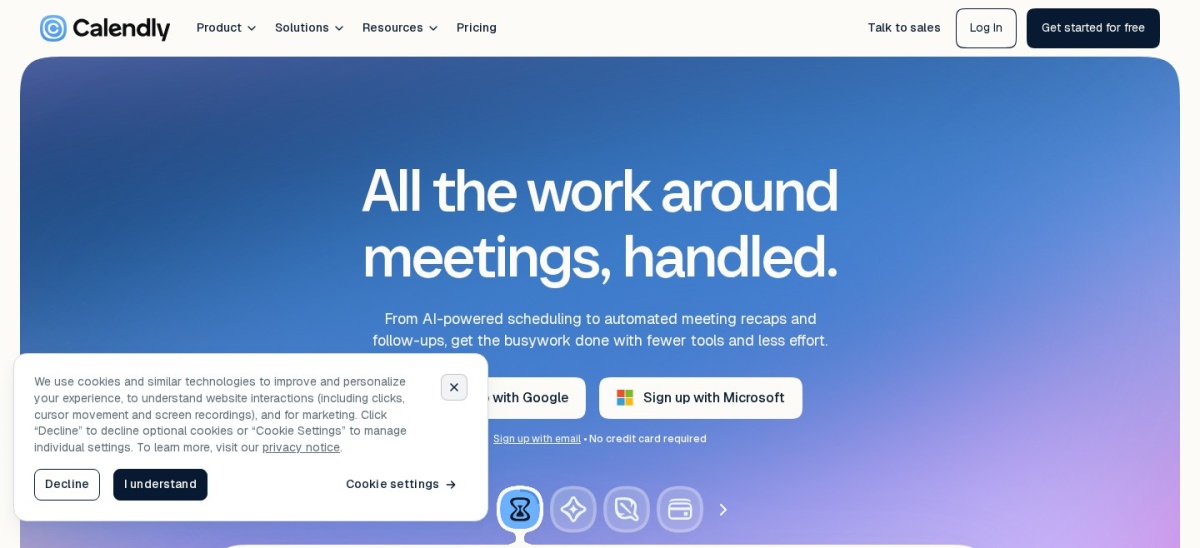
Calendly homepage, captured Nov 2026.
Calendly is a scheduling platform with a free plan for one event type and one connected calendar, paired with paid seat plans for broader booking workflows. It helps sales and customer-facing teams schedule meetings without back-and-forth emails.
The trade off is that Salesforce integration requires the Teams plan at $16 per seat per month billed annually ($20 monthly), rather than the lower Standard tier. It suits teams that already rely on Calendly for booking and round-robin scheduling.
What we like
Strong 4.7 out of 5 rating across 2,682 G2 reviews
Supports round-robin scheduling and team routing on Teams
Free plan available for basic one-on-one scheduling
Watch out for
Salesforce integration is gated behind the Teams tier rather than Standard
Per-seat pricing scales as you add team members
Teams adds Salesforce sync, round-robin scheduling, and team admin controls.Visit calendly.com
04
WP Fusion
5/5on WordPress.org (69 reviews, checked Nov 2026)
Paid from$297/yr
Best for WordPress user and plugin data sync
Active installs5,000+ (Lite)
WP rating5/5 (69 reviews)
Free versionWP Fusion Lite
Paid starts at$297/yr
wpfusion.com
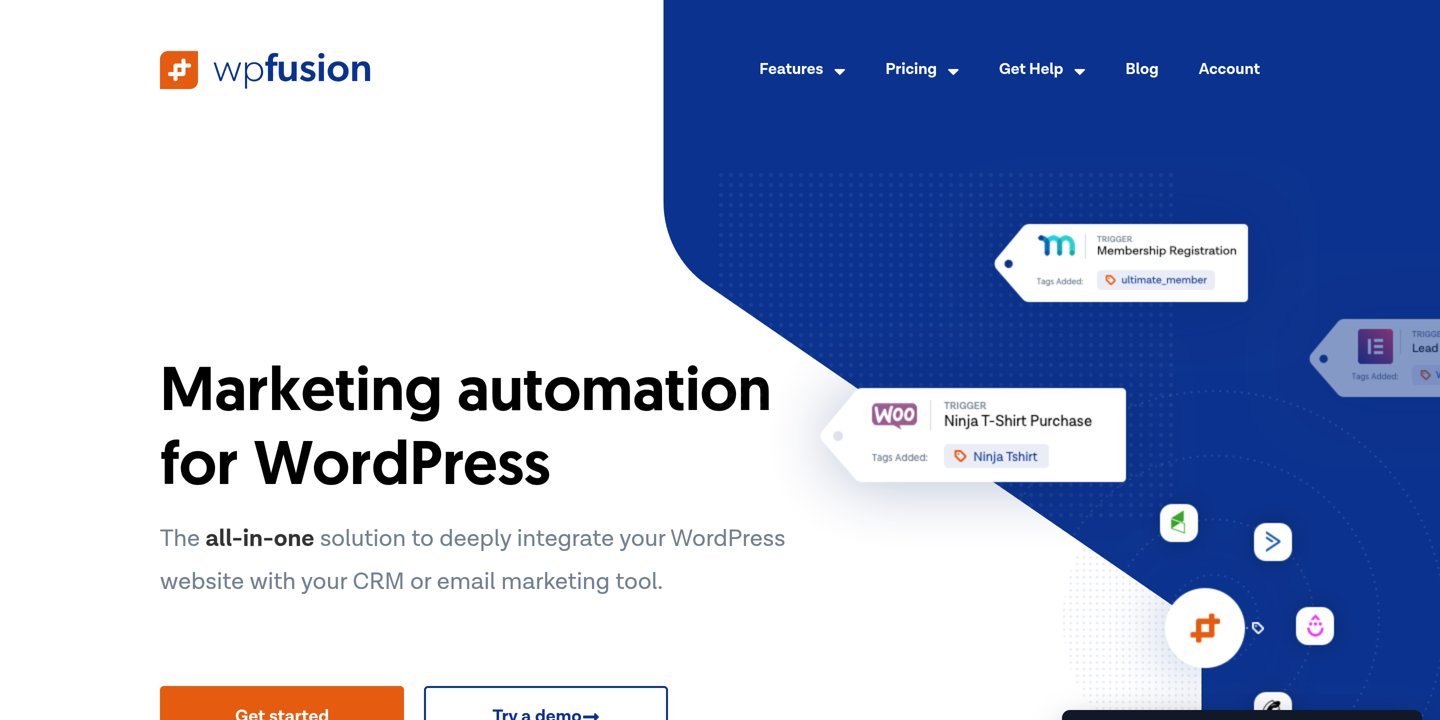
WP Fusion homepage, captured Nov 2026.
WP Fusion connects WordPress sites with Salesforce and other CRMs, with WP Fusion Lite carrying 5,000+ active installations and a 5 out of 5 WordPress.org rating across 69 reviews. The Lite plugin syncs registered WordPress users and supports tag-based content restrictions.
The trade off is that paid plans start at $297 per year to unlock broader plugin integrations, orders, and deeper sync rules. It suits WordPress sites tying user accounts and plugin actions to CRM records.
What we like
5,000+ active installs and a 5 out of 5 rating on WordPress.org
Free Lite version available for basic user sync
Connects WordPress user profiles and tag rules with CRM data
Watch out for
Paid plan needed for wider plugin integrations and advanced sync
Annual license cost is higher than single-form connectors
Paid licenses expand support to WooCommerce, form plugins, memberships, and full sync features.Visit wpfusion.com
05
CRM Perks Gravity Forms Salesforce
4.9/5on WordPress.org (139 reviews, checked Nov 2026)
Paid from$89/yr
Best for sending Gravity Forms leads to Salesforce
Active installs1,000+
WP rating4.9/5 (139 reviews)
Free versionAvailable on WP.org
Paid starts at$89/yr
crmperks.com
CRM Perks Gravity Forms Salesforce homepage, captured Nov 2026.
CRM Perks Gravity Forms Salesforce is a WordPress plugin with 1,000+ active installations and a 4.9 out of 5 rating across 139 WordPress.org reviews. It sends Gravity Forms submissions to Salesforce objects with OAuth connection support, field mapping, and entry logs.
The trade off is that the Basic paid plan starts at $89 per year and extra add-ons or higher site limits cost more. It suits WordPress sites already using Gravity Forms for lead capture.
What we like
1,000+ active installs and 139 reviews on WordPress.org
Budget-friendly entry paid plan at $89 per year
Includes feed filtering and submission logs
Watch out for
Requires Gravity Forms on the WordPress site
Advanced add-ons and multi-site tiers raise total cost
Paid tiers add custom field support, extra add-ons, and multi-site license coverage.Visit crmperks.com
06
Integration for Salesforce and Contact Form 7
5/5on WordPress.org (61 reviews, checked Nov 2026)
Paid from$89/yr
Best for multi-form WordPress lead capture
Active installs1,000+
WP rating5/5 (61 reviews)
Free versionAvailable on WP.org
Paid starts at$89/yr
crmperks.com
Integration for Salesforce and Contact Form 7 homepage, captured Nov 2026.
Integration for Salesforce and Contact Form 7, WPForms, Elementor, Formidable, Ninja Forms is a WordPress plugin with 1,000+ active installations and a 5 out of 5 rating across 61 WordPress.org reviews. It maps form fields to Salesforce objects and logs submission statuses.
The trade off is that paid plans start at $89 per year and require an active Salesforce org with API access. It suits sites capturing leads across Contact Form 7 or supported WordPress form builders.
What we like
5 out of 5 rating across 61 WordPress.org reviews
Supports Contact Form 7 alongside several other WordPress form tools
Includes submission logs and field mapping
Watch out for
Paid license required for expanded pro features and multi-site use
Focused on form-to-CRM capture rather than broad app orchestration
Paid plans add custom field mapping, additional object options, and higher site allowances.Visit crmperks.com
07
Object Data Sync for Salesforce
4.9/5on WordPress.org (23 reviews, checked Nov 2026)
Paid from$349/yr
Best for WordPress and WooCommerce object syncing
Active installs100+
WP rating4.9/5 (23 reviews)
Free versionAvailable on WP.org
WooCommerce tier$349/yr
miniorange.com
Object Data Sync for Salesforce homepage, captured Nov 2026.
Object Data Sync for Salesforce by miniOrange holds a 4.9 out of 5 rating across 23 WordPress.org reviews and supports mapping WordPress data and forms to Salesforce objects. It is built for syncing records, custom fields, and lookups between WordPress and Salesforce.
The trade off is that miniOrange's WooCommerce Salesforce integration list price starts at $349 per year per instance, and configuration takes more setup than basic form webhooks. It suits stores and sites syncing structured objects.
What we like
4.9 out of 5 rating across 23 WordPress.org reviews
Supports object mapping, custom fields, and secondary key lookups
Covers WordPress records, forms, and WooCommerce workflows
Watch out for
Higher annual pricing starting at $349 per year on WooCommerce plans
More configuration steps required than lightweight form plugins
Paid plans add bidirectional sync options, custom post types, and WooCommerce order syncing.Visit miniorange.com
Sync tools vs. automation tools
Automation platforms like Zapier and Make excel at moving event data between apps when a form is submitted, a calendar event is booked, or a notification needs to be sent. They are flexible across dozens of business tools, though usage-based billing requires watching task or credit volume.
WordPress and CRM-specific plugins like WP Fusion, CRM Perks plugins, and miniOrange focus on native object mapping, user records, or store orders. They keep setup closer to your website or CRM rules, provided your Salesforce edition supports API connections.
How we chose
We built this list from established Salesforce integration tools across general workflow automation, scheduling, and WordPress-to-Salesforce plugins using public directory listings and vendor documentation.
All ratings, review counts, active install figures, and regular entry prices were checked on 22 Nov 2026 from WordPress.org, G2, and official vendor pages.
We excluded unmaintained or closed plugins, tools lacking confirmed pricing details, and connectors without public review traction.
No vendor paid for a place, and we do not claim testing for this list.
How to choose a Salesforce integration
Follow four practical checks before picking a tool:
Map your primary data flow first. Decide whether you only need incoming leads from forms or ongoing record updates across contacts, orders, and team calendars.
Check Salesforce edition and API requirements. Verify that your Salesforce plan supports the API or OAuth connection method required by your chosen integration.
Estimate monthly volume and seat counts. Compare per-task or per-credit automation quotas against per-seat or per-site license pricing based on your real traffic.
Test duplicate rules and error logging. Confirm how the tool handles existing records, failed syncs, and field validation so sales data stays clean.
FAQ
What is the best overall Salesforce integration for connecting multiple apps?
Zapier is a strong starting point for connecting Salesforce with thousands of other apps using simple trigger-and-action workflows. It offers a free tier with 100 tasks per month and holds a 4.5 out of 5 rating across 2,172 G2 reviews.
Which Salesforce integration has a lower entry price for branching workflows?
Make offers a visual workflow builder with routers and error handlers, starting at $9 per month billed annually ($10.59 monthly) for 10,000 credits on Core. It also includes a free tier with 1,000 monthly credits for initial testing.
Do I need a paid plan to connect Calendly with Salesforce?
Yes, Calendly's free plan covers one event type and one calendar, while Salesforce integration is included on the Teams plan starting at $16 per seat per month billed annually. Standard starts at $10 per seat per month annually without Salesforce sync.
Which WordPress plugins work well for sending form leads to Salesforce?
CRM Perks offers Gravity Forms Salesforce and Integration for Salesforce and Contact Form 7, WPForms, Elementor, Formidable, Ninja Forms, both starting at $89 per year on paid tiers. Each has 1,000+ active installs and strong WordPress.org ratings.
When should I pick a dedicated sync plugin over a general automation tool?
Choose a dedicated sync tool like WP Fusion or miniOrange Object Data Sync for Salesforce when you want closer object mapping, user sync, or store order alignment inside WordPress. General automation tools fit better when connecting many unrelated cloud apps.
Does a WordPress plugin replace a Salesforce subscription?
No, WordPress integration plugins connect your site to an existing Salesforce organization and typically require API access on your Salesforce plan. You still need active Salesforce user licenses and proper permissions to write or sync records.
SaaS SEO and WordPress specialist with about 8 years of experience. Rakib compares WordPress plugins, themes, hosting and software using public pricing, documentation and user reviews. See how we rank.