PandaDoc is the best proposal automation tool for most sales teams, rated 4.7 out of 5 on G2 from 3,868 reviews, with proposals, e-signatures and payments in one place from $9 per user a month. Pick Proposify for agency-grade branded proposals or Qwilr for the most polished interactive pages.
How we make this list: we compare pricing pages, product documentation and public user reviews, then re-check every price before each update. No product paid for a place. Disclosure.
PandaDoc is the top pick: proposals, e-signatures and payments in one tool, rated 4.7/5 on G2 from 3,868 reviews.
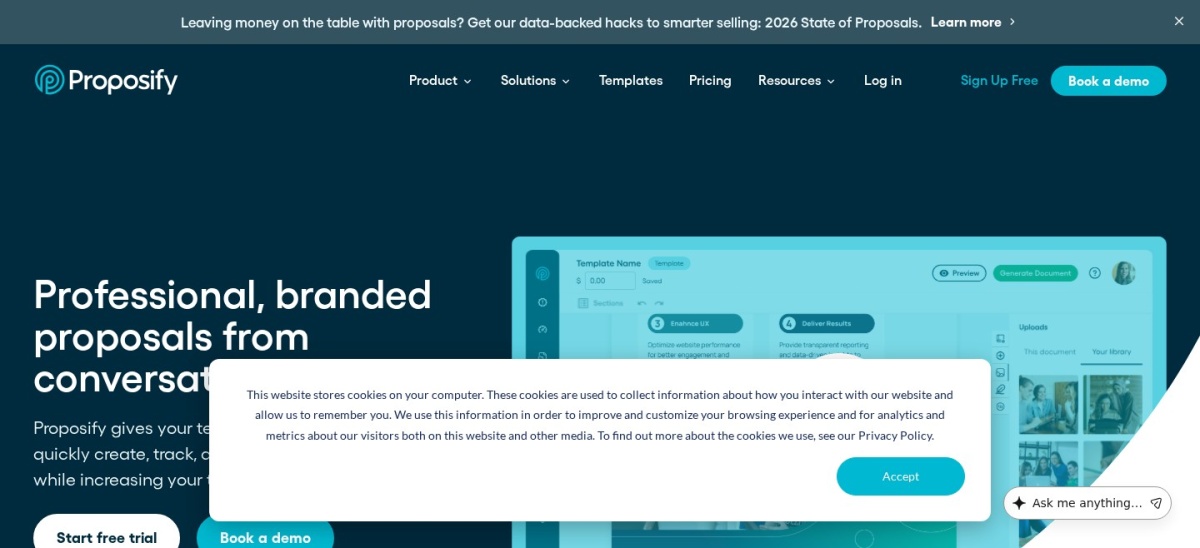
Proposify is the best dedicated proposal builder for agencies, with section-level tracking at $39 per user a month.
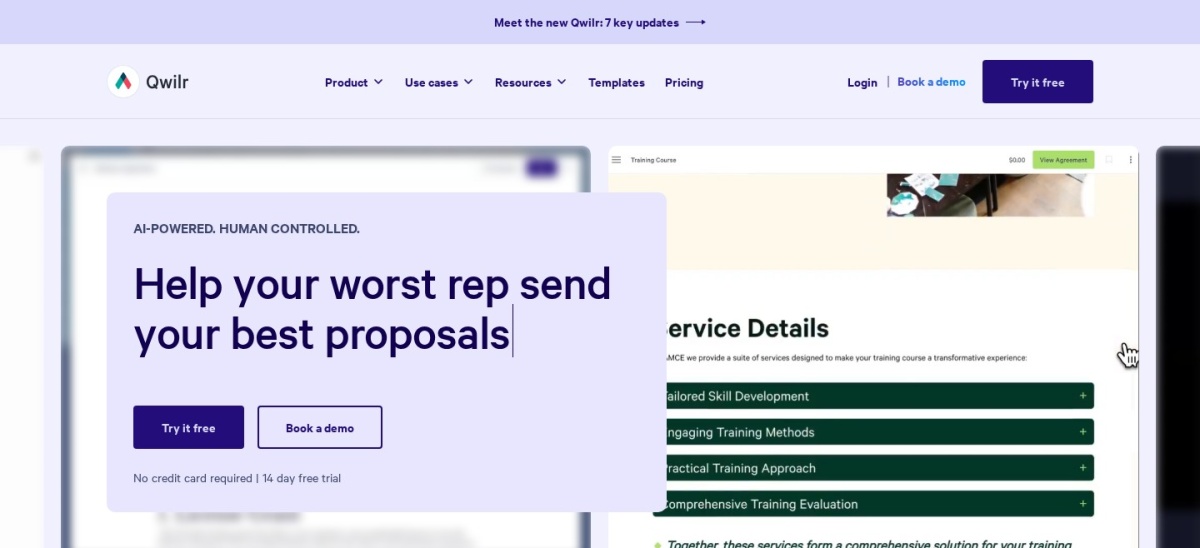
Qwilr makes the most polished proposals, turning them into interactive web pages at $35 per user a month.
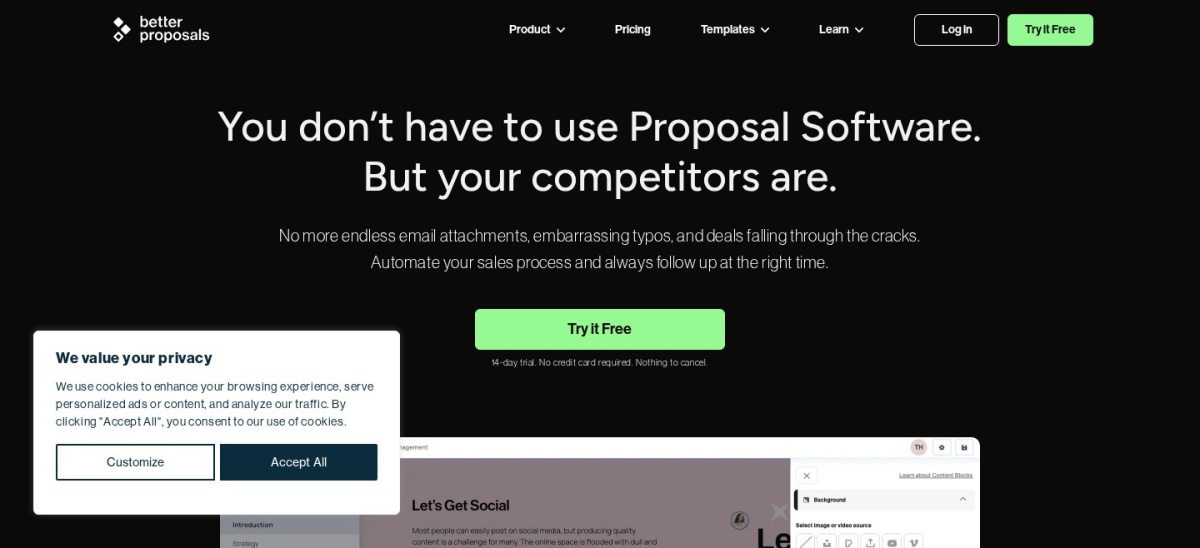
Better Proposals is the cheapest real proposal tool here at $13 per user a month, with payment collection built in.
DocuSign only signs documents, so pair it with a proposal builder if you need both.
What proposal automation should cover
A proposal automation tool builds a proposal from a template, fills in client and price details, sends it as a tracked link and collects the signature and payment. The best tools remove the copy-and-paste work between a quote, a document and a signature request.
Look for templates first. A strong content library and reusable pricing tables matter more than design extras, because most proposals reuse the same sections with small changes.
Tracking is the feature that pays for the tool. Knowing when a client opens a proposal and which pages they read tells you when to follow up. Our guide on how to quote in WordPress covers the basics of putting a price in front of a client.
Price is usually per user per month, so a team of five pays five times the listed rate. Check the cheapest plan that includes e-signatures and CRM integration before you compare headline prices.
PandaDoc is a document automation platform that covers proposals, quotes, contracts, e-signatures and payments in one place. Its free eSign plan covers 5 documents a month, and the paid Launch plan starts at $9 per user a month for 60 documents a year. Templates, a content library and document tracking are included on paid plans.
The trade off is that the features most sales teams need sit on higher plans. CRM integrations, approval workflows and custom branding need the Business plan at $49 per user a month, so the $9 entry price rises fast for a team. It suits small teams that want proposals and signatures in one tool.
What we like
Proposals, contracts, signatures and payments in one tool
Free eSign plan for very low volume senders
Highest review count in this list, with 3,868 G2 reviews
Strong template and content library
Watch out for
CRM integrations need the $49 Business plan
Launch plan caps documents at 60 a year
Support quality is a common complaint in recent reviews
Proposify is proposal software built around branded templates, a shared content library and tracking that shows which sections a client reads. The Build plan costs $39 per user a month billed yearly and includes unlimited documents and signatures, e-signatures, document analytics and Stripe payments. A 14-day free trial is available.
The trade off is price and editing. The old $19 Basic tier still shown on some review sites no longer matches the current Build plan, and reviewers note the editor can feel rigid for complex layouts. It suits agencies and sales teams that send branded proposals every week.
What we like
Section-level tracking shows what clients actually read
Qwilr is a proposal tool that turns proposals into interactive web pages instead of static PDFs, with pricing tables, videos and e-signatures built in. The Business plan costs $35 per user a month billed yearly and includes e-signatures, page analytics, QwilrPay payments and HubSpot integration. A 14-day free trial is available.
The trade off is that branding extras cost much more. Custom fonts, a custom domain and Salesforce integration need the Enterprise plan at $59 per user a month with a 10-user minimum. It suits sales teams that want polished, interactive proposals and can live with the Business plan limits.
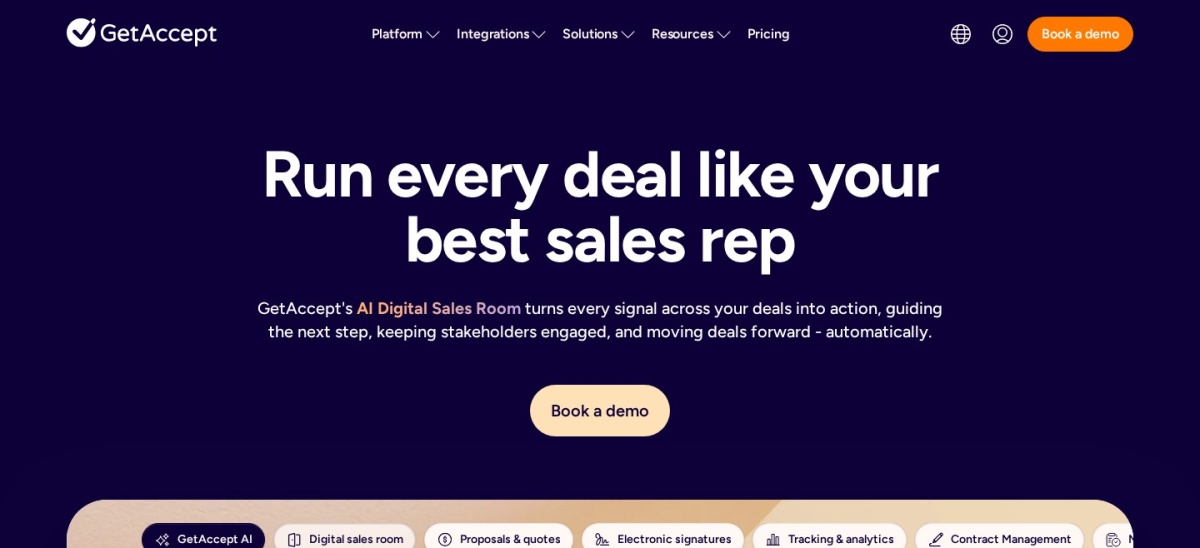
GetAccept is a digital sales room where proposals, quotes, documents and e-signatures sit in one shared space for each deal. The eSign plan costs $25 per user a month and covers unlimited e-signatures, templates, automated reminders and contract management. The Professional plan adds deal rooms and CRM integrations at $49 per user a month.
The trade off is the step up to full proposal automation. Deal rooms, mutual action plans and CRM integrations need Professional, which also has a 5-user minimum, so a small team pays at least $245 a month. It suits mid-market sales teams that sell inside HubSpot or Salesforce.
What we like
Deal rooms keep everything for one deal in one place
Better Proposals is a simple proposal tool for freelancers and small teams, with more than 250 templates, digital signatures and payment collection in one flow. The Starter plan costs $13 per user a month billed yearly for one seat and 10 sends a month. Premium at $21 adds unlimited seats, 50 sends and CRM integrations.
The trade off is scale. Starter covers a single user, so a team of five needs Premium, and the template library is smaller than the big platforms. It suits freelancers and small agencies that want fast, low-cost proposals with payment built in.
What we like
Lowest price for a full proposal tool in this list
DocuSign is an e-signature platform rather than a full proposal builder, and it is the best-known name for getting agreements signed. The Personal plan costs $10 per user a month billed yearly and covers 5 envelopes a month with templates and reminders. It is rated 4.5 out of 5 on G2 from 2,923 reviews.
The trade off is that DocuSign does not build proposals. You create the proposal elsewhere and send it here for signature, and team features such as shared templates sit on higher plans. It suits teams that already have a proposal tool and need trusted signing.
Proposable is a straightforward proposal tool with templates, e-signatures and analytics that show how long a client spends on each page. The Solo plan costs $19 per user a month and includes unlimited proposals, e-signatures and integrations with HubSpot and Salesforce. A free trial is available.
The trade off is that Proposable has seen few updates in recent years, and some reviewers report reliability problems and a dated interface. Its G2 rating of 4.2 out of 5 from 74 reviews is the second lowest here. It suits small teams that want a simple, low-cost proposal tool.
Bidsketch is a proposal tool for freelancers and small firms, built around reusable templates that pull in client details and pricing. The Freelancer plan costs $23 a month and includes unlimited proposals, e-signatures and view tracking. The Studio plan at $47 a month adds team features.
The trade off is its rating. Bidsketch is rated 3.6 out of 5 on G2 from only 11 reviews, the lowest in this list, and reviewers describe a dated interface and limited integrations. It suits solo sellers who want cheap, template-driven proposals and little else.
Proposal automation vs e-signatures: what you actually need
Proposal automation covers the whole flow: build, send, track, sign and collect payment. E-signature tools only cover the signing step.
If you already build proposals in another tool, an e-signature tool such as DocuSign may be enough. If you start from a blank page each time, pick a full proposal tool.
Most teams end up with one of each: a proposal builder for the document and a signing tool for the agreement. PandaDoc and GetAccept combine both, which is why they sit at the top of this list.
How we chose
We started from the proposal tools with the most reviews on G2 and Capterra, then kept those with published pricing and a clear proposal feature set.
Prices come from each vendor's pricing page and G2 pricing data, checked on 25 November 2026. Ratings and review counts come from G2 on the same day. Where a vendor shows a sale, the list shows the regular price.
We left out tools with no public price, such as DealHub, and tools built only for RFP responses. No vendor paid for a place, and we do not claim to have used these tools ourselves.
How to choose a proposal automation tool
Match the tool to how many proposals you send and who signs them.
Count your proposals per month. A tool with a send limit, such as Better Proposals Starter at 10 a month, is fine for a freelancer but not for a busy sales team.
Check e-signatures are included. Some cheap plans only build documents. Make sure the plan you pick collects legally binding signatures without a second tool.
Check the CRM integration. If you sell from HubSpot or Salesforce, the integration is often on a higher plan, so price the plan you actually need.
Trial it with a real proposal. Send a test proposal to a colleague, check the tracking alerts and the signing flow, then decide before you pay for a year.
FAQ
What is the best proposal automation tool?
PandaDoc is the best pick for most teams. It covers proposals, quotes, contracts, e-signatures and payments in one tool, it is rated 4.7 out of 5 on G2 from 3,868 reviews, and paid plans start at $9 per user a month.
What is the cheapest proposal automation tool?
Better Proposals is the cheapest full proposal tool in this list at $13 per user a month billed yearly. DocuSign Personal is cheaper at $10 a month, but it only handles signatures and does not build proposals. PandaDoc Launch at $9 a month is also cheap, but it caps documents at 60 a year.
Do proposal tools include e-signatures?
Most do, but not on every plan. PandaDoc, Proposify, Qwilr, GetAccept, Better Proposals, Proposable and Bidsketch all include e-signatures on paid plans. DocuSign is a signing-only tool, so it needs a separate proposal builder if you want both in one flow.
What is the difference between proposal automation and CPQ?
Proposal automation builds and sends the proposal document and collects the signature. CPQ adds product rules, pricing logic and approval workflows for complex quotes, and usually costs far more. Small teams rarely need CPQ, while larger sales teams with complex pricing often do.
Can I track when a client opens my proposal?
Yes, most tools in this list track opens and page views. Proposify shows which sections a client reads, Qwilr tracks time per page, and PandaDoc and GetAccept send alerts when a document is opened. Tracking is usually included on paid plans, not on free trials.
Is there a free proposal automation tool?
PandaDoc has a free eSign plan, but it only covers 5 documents a month and does not include proposal templates. The other tools here offer free trials of 14 days instead of a free plan. If you send only a few proposals a year, the free PandaDoc plan may be enough.
SaaS SEO and WordPress specialist with about 8 years of experience. Rakib compares WordPress plugins, themes, hosting and software using public pricing, documentation and user reviews. See how we rank.