Zoho CRM is the best sales force automation software for most businesses, offering workflow automation and paid plans starting at $14 per user monthly with annual billing. Pipedrive is better for visual pipeline management, while Salesforce Sales Cloud suits organizations with complex sales processes and customization requirements.
How we make this list: we compare pricing pages, product documentation and public user reviews, then re-check every price before each update. No product paid for a place. Disclosure.
Zoho CRM offers a free plan for 3 users and paid subscriptions from $168 per user annually.
Pipedrive starts at $14 per seat monthly, with automated follow-ups available on its $39 Growth plan.
Salesforce Sales Cloud has a 4.4/5 G2 rating from 27,596 reviews.
Close earns a 4.7/5 G2 rating from 2,172 reviews and starts at $9 monthly with annual billing.
Salesmate Basic includes 5,000 monthly automation credits per user.
Copper Basic supports 2,500 contacts and costs $276 per seat annually.
What to look for in sales force automation software
Sales force automation software reduces administrative work across the sales cycle. It helps representatives manage leads, record interactions, schedule follow-ups and move opportunities through their pipelines.
Look for workflow automation that responds to changes in deal stages, contact properties and sales activities. Automated reminders and task assignments help representatives follow up consistently.
Sales forecasting and reporting help managers identify stalled opportunities, monitor representative performance and estimate future revenue.
Check which automation features the entry-level subscription includes. Several CRM platforms reserve email sequences, advanced routing and custom workflows for more expensive plans.
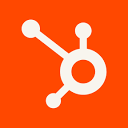
Zoho CRM is a customizable sales platform that combines lead management, opportunity tracking and workflow automation. Its free edition supports 3 users, while Standard adds forecasting, multiple pipelines and email integrations.
The trade off is the learning curve involved in configuring customized sales processes. Standard costs $14 per user monthly with annual billing, while Professional costs $23. It suits businesses that want affordable automation with room to expand.
What we like
Free subscription for small sales teams
Flexible workflow configuration
Affordable paid subscriptions
Integration with other Zoho applications
Watch out for
Advanced customization requires training
Complex process automation requires higher plans
Standard adds forecasting, email integration and multiple pipelines.Visit zoho.com
02
Pipedrive
4.3/5on G2 (5,132 reviews, checked Nov 2026)
Starts at$14/mo
Best for visual sales pipeline management
Pipeline managementVisual deal stages
Workflow automationGrowth and above
Free trial14 days
Paid planLite, $14/seat/mo annually
pipedrive.com
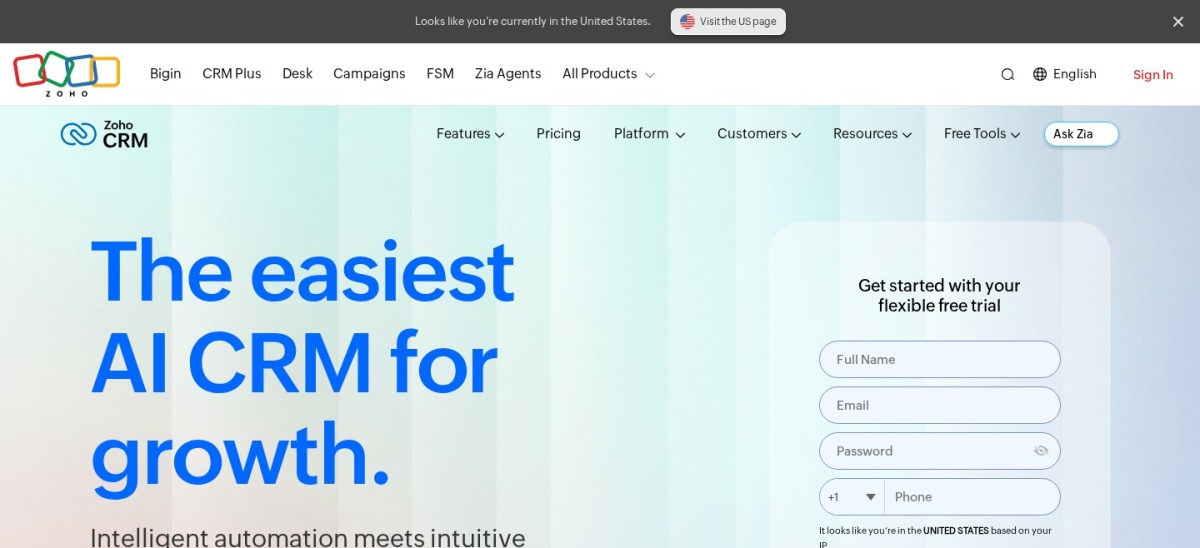
Pipedrive homepage, captured Nov 2026.
Pipedrive is a sales-focused CRM designed around visual opportunity management and activity tracking. Its Lite subscription includes contact management, calendars, reporting and access to more than 500 integrations.
The trade off is that Lite lacks the advanced automation available on Growth. Lite costs $14 per seat monthly with annual billing, while Growth costs $39. It suits small and midsize sales teams that prioritize clear pipelines.
What we like
Clear visual representation of opportunities
Activity-focused sales management
Extensive integration marketplace
Automated nurturing on higher subscriptions
Watch out for
No permanent free plan
Workflow automation requires Growth or higher
Growth adds email synchronization, sequences and workflow automation.Visit pipedrive.com
03
Salesforce Sales Cloud
4.4/5on G2 (27,596 reviews, checked Nov 2026)
Paid from$25/mo
Best for complex enterprise sales processes
Lead managementIncluded
Sales automationSales flows and routing
CustomizationExtensive
Paid planStarter Suite, $25/user/mo
salesforce.com
Salesforce Sales Cloud homepage, captured Nov 2026.
Salesforce Sales Cloud is a sales management platform for automating customer acquisition and opportunity management. Starter Suite costs $25 per user monthly and includes lead routing, predefined sales flows and customer records.
The trade off is the cost of advanced customization and administration. Pro Suite costs $100 per user monthly with annual billing and adds greater process flexibility. It suits growing organizations that require detailed control over sales operations.
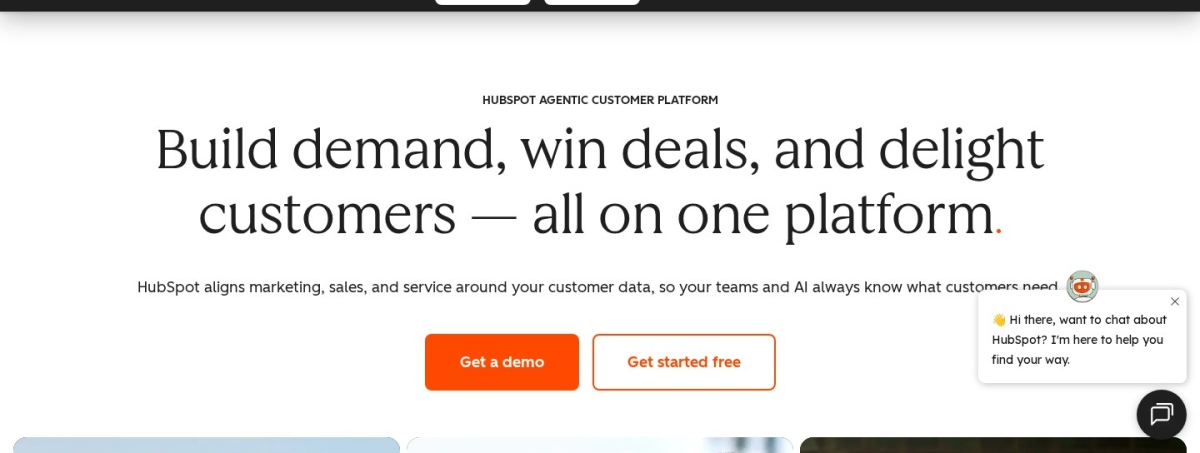
HubSpot Sales Hub is a sales engagement platform built around a shared CRM database. Its free tools cover basic customer and deal management, while Starter expands sales functionality at a regular price of $20 per seat monthly.
The trade off is the cost of upgrading for more sophisticated workflows and sales sequences. Starter may be advertised at $7 monthly for eligible new customers, but its regular listed price is $20. It suits teams that coordinate inbound marketing and sales.
What we like
Free CRM for getting started
Connected marketing and sales records
Email engagement tracking
Accessible interface for new representatives
Watch out for
Advanced automation requires higher subscriptions
Costs increase when adding paid products and seats
Starter expands sales tools, while Professional adds advanced automation.Visit hubspot.com
05
Close
4.7/5on G2 (2,172 reviews, checked Nov 2026)
Starts at$9/mo
Best for outbound calling and prospecting
Built-in callingAvailable
Solo lead limit10,000 leads
Automated workflowsGrowth and above
Paid planSolo, $9/mo annually
close.com
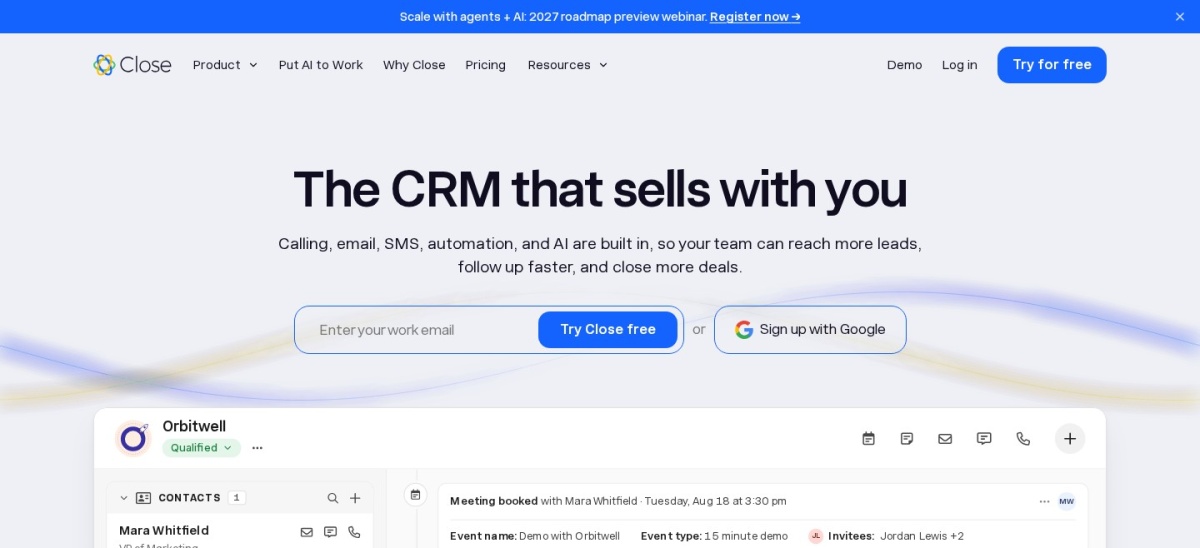
Close homepage, captured Nov 2026.
Close is a sales CRM that combines calling, email, text messaging and opportunity management. Its Solo subscription supports an individual representative, up to 10,000 leads and 500 monthly AI credits.
The trade off is that team collaboration requires Essentials, while advanced workflows require Growth. Solo costs $9 monthly with annual billing, and Growth costs $99 per user monthly on the same billing cycle. It suits outbound sales teams that depend on frequent conversations.
What we like
Integrated calling and messaging
Automatic communication logging
Affordable individual subscription
Dedicated outbound sales workflows
Watch out for
Calling and messaging incur usage charges
Solo supports only an individual representative
Advanced workflow automation requires Growth
Growth adds automated follow-ups, power dialing and workflow reporting.Visit close.com
06
Salesmate
4.7/5on G2 (122 reviews, checked Nov 2026)
Starts at$23/mo
Best for multichannel workflow automation
Automation allowance5,000 credits/user/month
Email synchronizationIncluded in Basic
Sales sequencesPro and above
Paid planBasic, $23/user/mo annually
salesmate.io
Salesmate homepage, captured Nov 2026.
Salesmate is a customer management platform with sales automation, communication tools and visual pipelines. Basic includes email synchronization, meeting scheduling, web forms and 5,000 monthly Smart Flow automation credits per user.
The trade off is that automation consumption depends on credit allowances, and sales sequences require Pro. Basic costs $23 per user monthly with annual billing, while Pro costs $39. It suits teams that want connected outreach and workflow management.
What we like
Automation included in Basic
Integrated email tracking
Custom sales fields and dashboards
Multiple communication channels
Watch out for
Automation credits require monitoring
Sales sequences require Pro
Smaller G2 review base than major competitors
Pro adds sequences, quoting, custom dashboards and larger automation allowances.Visit salesmate.io
07
Copper
4.5/5on G2 (1,158 reviews, checked Nov 2026)
Starts at$23/mo
Best for Google Workspace sales teams
Contact limit2,500 on Basic
Task automationIncluded
Workflow automationProfessional and above
Paid planBasic, $23/seat/mo annually
copper.com
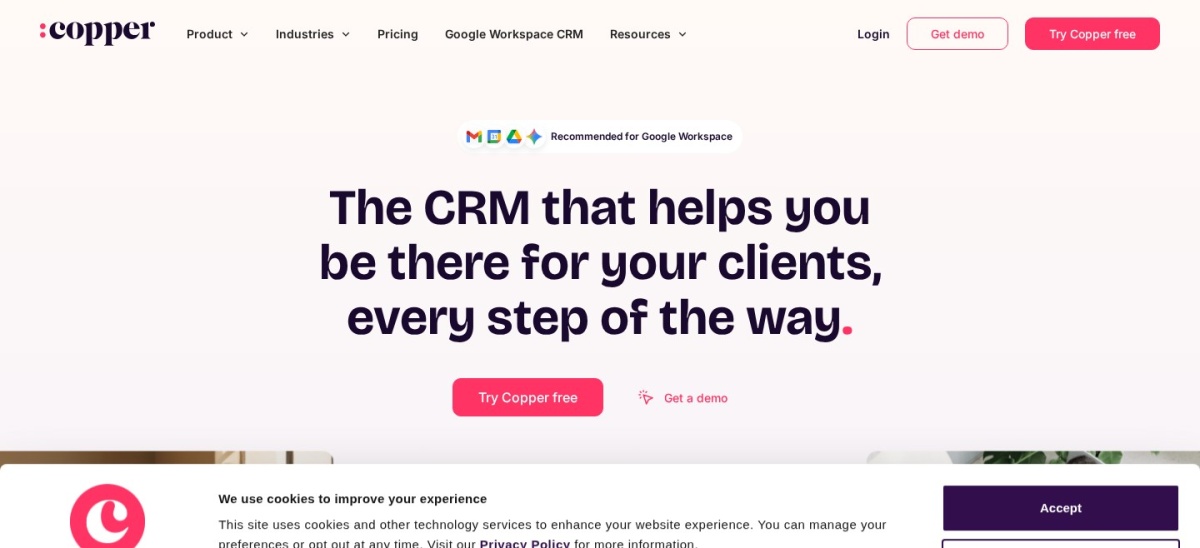
Copper homepage, captured Nov 2026.
Copper is a relationship management platform designed for businesses using Google Workspace. Its Basic subscription includes pipelines, task automation, project management and storage for 2,500 contacts.
The trade off is that more sophisticated workflow automation and reporting require Professional. Basic costs $23 per seat monthly with annual billing or $29 with monthly billing. It suits agencies, consultancies and service businesses that manage relationships through Gmail.
What we like
Close integration with Google Workspace
Task automation on Basic
Connected sales and project pipelines
Contact enrichment capabilities
Watch out for
Entry subscription has a contact limit
Advanced workflows require Professional
Less suitable for teams outside Google Workspace
Professional adds workflow automation, bulk email and enhanced reporting.Visit copper.com
What is the difference between sales force automation and CRM?
Customer relationship management software stores customer records and supports interactions throughout the customer lifecycle. Sales force automation focuses specifically on reducing repetitive activities performed by sales representatives and managers.
Modern CRM platforms frequently include sales force automation features such as lead assignment, follow-up reminders, activity logging and opportunity forecasting. Businesses can often use a single platform instead of purchasing separate applications.
How much does sales force automation software cost?
The entry subscriptions in this comparison range from $108 annually for Close Solo to $300 per user annually for Salesforce Starter Suite. These figures represent the cheapest regular paid subscriptions rather than equivalent automation packages.
Budget separately for workflow upgrades, telephone usage, additional contacts, integrations and implementation. A lower subscription price does not necessarily produce a lower total cost when your team requires advanced automation.
How we chose
We selected established CRM and sales engagement platforms that support opportunity management, repetitive task automation, sales activity tracking and structured follow-up processes. Rankings prioritize automation capabilities, subscription costs, usability and suitability for different sales teams.
We checked official subscription prices, feature descriptions and G2 ratings on 25 Nov 2026. Annual costs use regular published entry prices, excluding temporary promotions and optional usage charges.
We excluded standalone contact databases, email marketing platforms without meaningful sales management capabilities and products without suitable pricing evidence. Freshsales was excluded because its pricing page redirected to the vendor homepage. No vendor paid for a place, and we do not claim testing for this list.
How to choose the best sales force automation software
Identify the sales activities your representatives repeat most frequently before comparing subscriptions and automation features.
Map your existing sales process. Document lead acquisition, qualification, opportunity management and follow-up activities. Identify administrative tasks that automation could replace without reducing communication quality.
Check the required automation tier. Confirm whether your preferred subscription includes workflow triggers, lead assignment and automated sequences. Entry plans often provide pipeline management without complete process automation.
Calculate your total subscription cost. Multiply the required subscription price by the number of representatives and include implementation, integrations, calling charges and any automation usage limits.
Evaluate integrations and reporting. Check compatibility with your email provider, calendar, marketing applications and reporting systems. Make sure managers can access the performance metrics needed for forecasting.
FAQ
What is the best sales force automation software?
Zoho CRM is our top overall pick because it balances affordable subscriptions with customizable workflows and sales management. Pipedrive is preferable for visual opportunity tracking, while Salesforce Sales Cloud supports more complicated organizational processes.
What is sales force automation software used for?
Sales force automation software manages repetitive activities such as lead distribution, follow-up scheduling, activity recording and pipeline updates. It reduces administrative work and helps sales managers monitor opportunities, representative productivity and expected revenue.
Is there free sales force automation software?
Yes. Zoho CRM provides a free subscription for up to 3 users, while HubSpot offers free CRM and basic sales functionality. Advanced sequences, forecasting and extensive workflow automation generally require a paid subscription.
Which sales force automation software is best for small businesses?
Zoho CRM offers an affordable starting point for small businesses that need configurable automation. Pipedrive is another suitable option for teams prioritizing visual pipelines, while Close provides integrated communication tools for outbound representatives.
Can sales force automation software improve sales forecasting?
Yes. Sales automation platforms collect opportunity values, expected closing dates and deal-stage information to help estimate future revenue. Accurate forecasts still depend on representatives maintaining reliable records and managers reviewing pipeline assumptions regularly.
Does sales force automation software replace sales representatives?
No. It primarily reduces repetitive administrative tasks and supports consistent customer follow-ups. Representatives remain responsible for understanding customer requirements, negotiating agreements, building relationships and making decisions that require judgment or personal communication.
SaaS SEO and WordPress specialist with about 8 years of experience. Rakib compares WordPress plugins, themes, hosting and software using public pricing, documentation and user reviews. See how we rank.