Best Reviewed PDF Splitter Tool in 2026: 9 Tools Compared
WLWPLegible EditorsLast verified 23 Nov 2026How we rank12 min read
★ Short answer
iLovePDF is the best reviewed PDF splitter for most people, rated 4.9 out of 5 on Trustpilot from more than 14,000 reviews, with a free plan and Premium at $60 a year. Pick Smallpdf for the simplest visual splitter or Sejda if you want an offline desktop app.
How we make this list: we compare pricing pages, product documentation and public user reviews, then re-check every price before each update. No product paid for a place. Disclosure.
iLovePDF leads the ratings at 4.9 out of 5 on Trustpilot from more than 14,000 reviews, and its free plan splits files up to 100 MB.
Smallpdf is the simplest splitter to use, with a visual page picker, but its free plan is capped and Pro costs $120 a year.
Sejda is the only pick with a desktop app that splits files offline, and its annual plan costs $63 a year.
PDF24 Tools and PDFsam Basic split for free with no paid plan needed, and both offer a Windows desktop app.
Adobe Acrobat is the priciest pick at $179.88 a year, and splitting is only one part of its full editor.
What to look for in a PDF splitter
Splitting a PDF sounds simple, but the tools differ in how they cut. Some only take page ranges, while others split every N pages, by bookmarks, by file size or at visual cut points.
Free limits matter more than the feature list. Most free plans cap file size, tasks per day or pages per hour, and those caps decide whether the free plan works for you.
Privacy is the other split. Browser tools upload your file to a server and delete it later, while desktop apps such as Sejda Desktop, PDFsam Basic and PDF24 Creator split on your own computer.
Price ranges from free to $179.88 a year here. Our guide on how to add a PDF to WordPress covers what happens to the file after you split it.
4.9/5on Trustpilot (14,233 reviews, checked Nov 2026)
Paid from$60/yr
Best PDF splitter overall
Free splitYes, 100 MB files
Split modesRanges, every page
File size cap4 GB on Premium
Paid planPremium, $60/yr
ilovepdf.com
iLovePDF homepage, captured Nov 2026.
iLovePDF is a browser PDF toolkit with a Split PDF tool that cuts a file by page ranges or into single pages. The free plan handles one file up to 100 MB per task, and Premium lifts the cap to 4 GB, adds batch processing, desktop and mobile apps, and 2,000 AI credits a month.
The trade off is the free plan's task limits, which run out fast if you split files every day. Premium costs $5 a month billed annually, or $60 a year, which is the cheapest paid plan in this list. It suits people who split PDFs often and want one account that covers every PDF job.
Smallpdf is a browser PDF suite of more than 30 tools, and its Split PDF tool uses a visual page picker to select, rearrange and extract pages. The free plan covers a small number of tasks a day, while Pro removes the caps and adds batch processing, OCR, strong compression and desktop and mobile apps.
The trade off is price. Pro costs $15 a month, or $10 a month billed annually at $120 a year, which is twice the price of iLovePDF Premium. It suits first-time users who value a clean interface and want splitting plus editing, signing and compression in one place.
Sejda is an online PDF editor whose splitter cuts by page ranges, every N pages, bookmarks, size or text, more split modes than any other tool here. The free tier needs no account and covers files up to 50 MB or 200 pages, with up to 3 tasks an hour, and the desktop app splits files on your own computer.
The trade off is the free tier's hourly cap, which suits occasional jobs but not a full day of splitting. The annual plan costs $63 a year and adds the desktop app, unlimited documents, OCR up to 100 pages and files up to 500 MB. It suits people who split private files and want them to stay off a server.
What we like
Most split modes in this list
Desktop app keeps files off a server
Free tier needs no account
Week Pass covers a one-off project for $5
Watch out for
Free tier caps tasks per hour
Smallest review count in this list
Annual plan adds the desktop app and 500 MB filesVisit sejda.com
04
Adobe Acrobat
4.5/5on G2 (5,715 reviews, checked Nov 2026)
Starts at$14.99/mo
Best for splitting inside a full editor
Free splitNo, trial only
Split modesRanges, size, bookmarks
Desktop appYes, Win and Mac
Paid planAcrobat Studio, $14.99/mo
adobe.com
Adobe Acrobat homepage, captured Nov 2026.
Adobe Acrobat is a full PDF editor, and its Organize Pages tool splits a file by page ranges, file size or top-level bookmarks. It also edits text and images, converts files, fills forms and collects signatures, so splitting is one job inside a much larger toolkit.
The trade off is price. Acrobat Studio costs $14.99 a month, or $179.88 a year, which is three times the price of iLovePDF Premium, and there is no free plan, only a trial. It suits people who already pay for Acrobat and want splitting beside editing and signing.
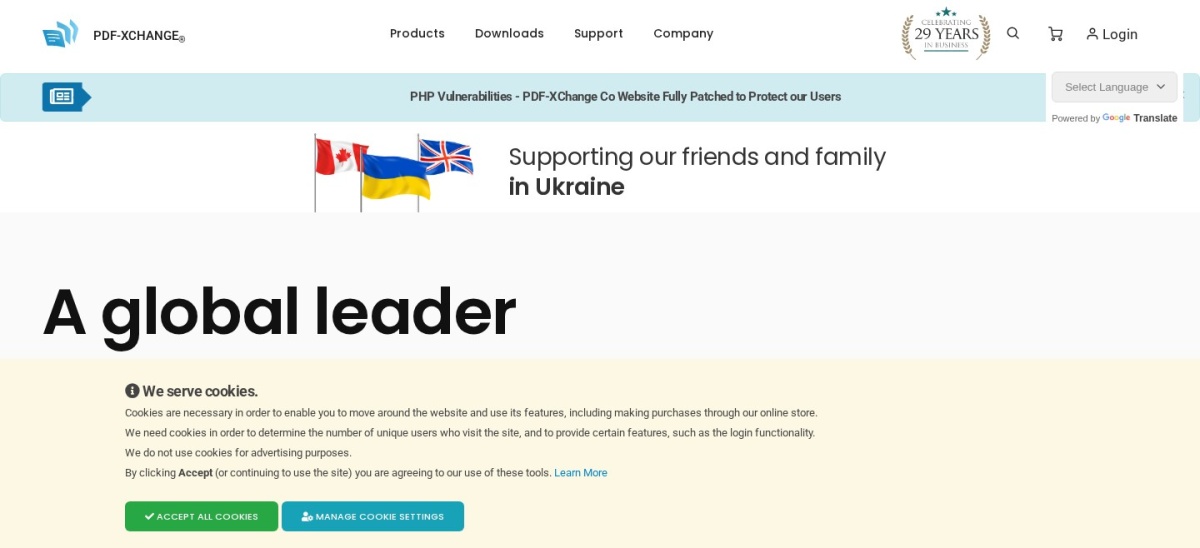
PDF-XChange Editor is a Windows PDF editor with a free version that covers reading, commenting and most everyday edits, including splitting and extracting pages. The paid licence costs $62 as a one-time purchase, with a year of updates, and there is no monthly subscription to keep paying.
The trade off is platform. PDF-XChange Editor runs on Windows only, so Mac and Linux users need another pick, and advanced tools such as enhanced OCR and document comparison need the paid licence. It suits Windows users who want a one-off payment instead of a yearly bill.
4.6/5on Trustpilot (322 reviews, checked Nov 2026)
Paid from$77/yr
Best for splitting without signing up
Free splitYes, up to 50 MB
Split modesRanges, every page
No accountYes for guests
Paid planStarter, $77/yr
pdf2go.com
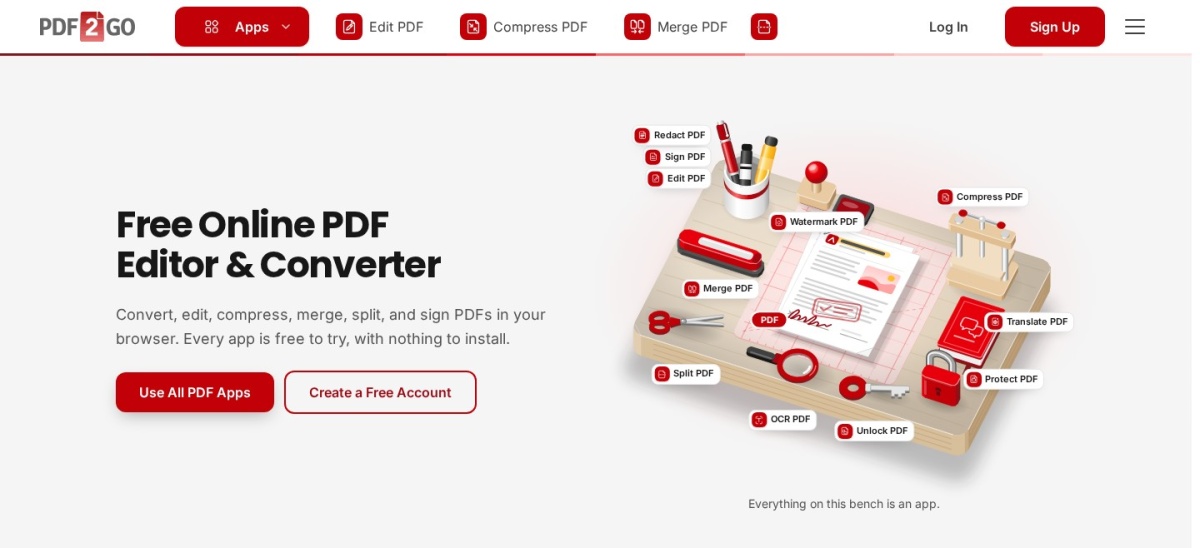
PDF2go homepage, captured Nov 2026.
PDF2go is a set of about 50 browser PDF tools, and its Split PDF tool cuts by ranges or into single pages with no account and no sign-up. Free guests can split files up to 50 MB, and Starter adds 64 GB files, batch processing, a priority queue, no ads and AI tools.
The trade off is the free plan's queue. Guests wait in a standard queue with ads, and heavy use needs Starter at $8 a month or $77 a year. It suits occasional splitters who want to start in seconds and pay only if the job becomes regular.
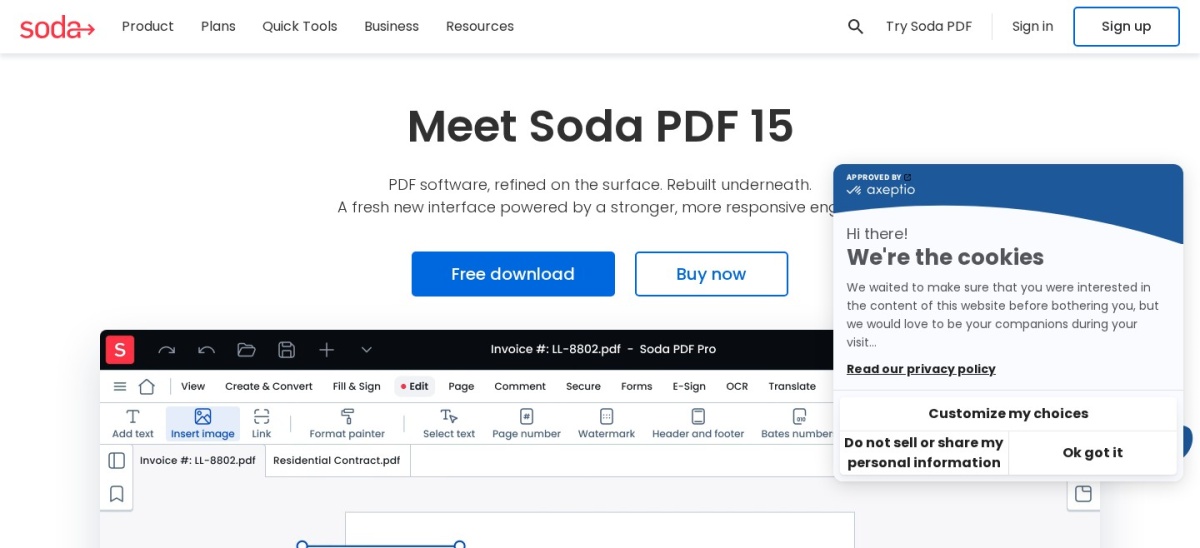
Soda PDF is a subscription PDF editor from Avanquest that pairs a Windows desktop app with Soda PDF Online in the browser. Its splitter cuts by ranges and extracts pages, and Pro adds editing, OCR, e-signatures and layout-preserving translation in the same plan.
The trade off is the first-year price. Pro costs $89 for the first year, then renews at $129 a year, so the bill rises after year one. It suits Windows users who want one subscription for desktop and online PDF work and do not mind the renewal step-up.
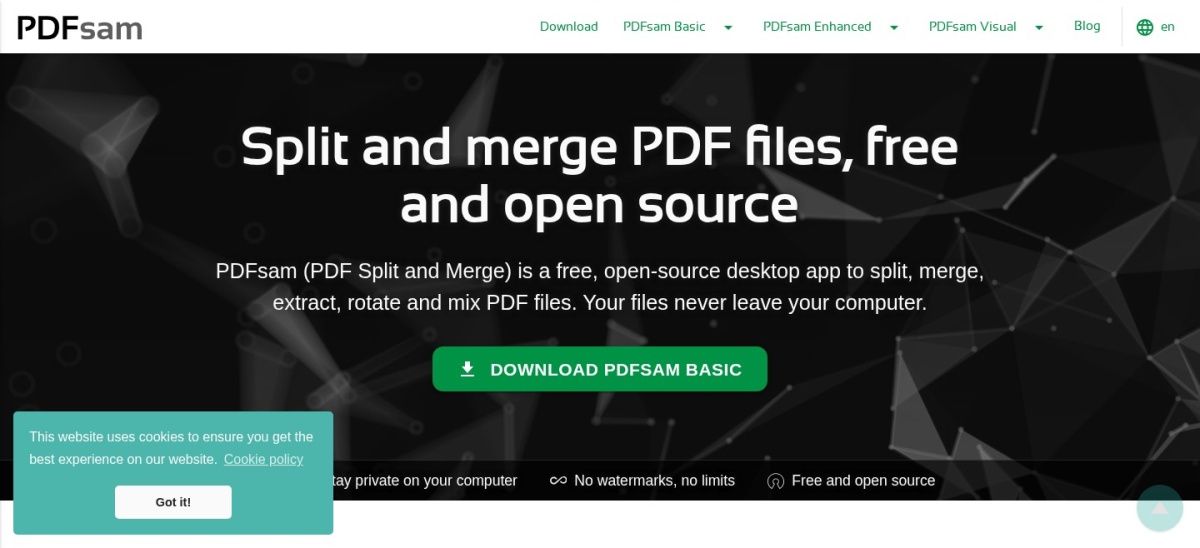
PDFsam Basic is a free, open-source desktop app for Windows, macOS and Linux that splits, merges, extracts, rotates and mixes PDF pages. There are no watermarks, no file limits and no account, and splitting runs fully offline on your own computer.
The trade off is scope. PDFsam Basic only reorganises pages, so it cannot edit text inside a PDF, and its plain interface looks dated next to the browser tools. PDFsam Visual adds more than 25 page tools at $34.90 a year. It suits people who split PDFs often and want a free offline tool.
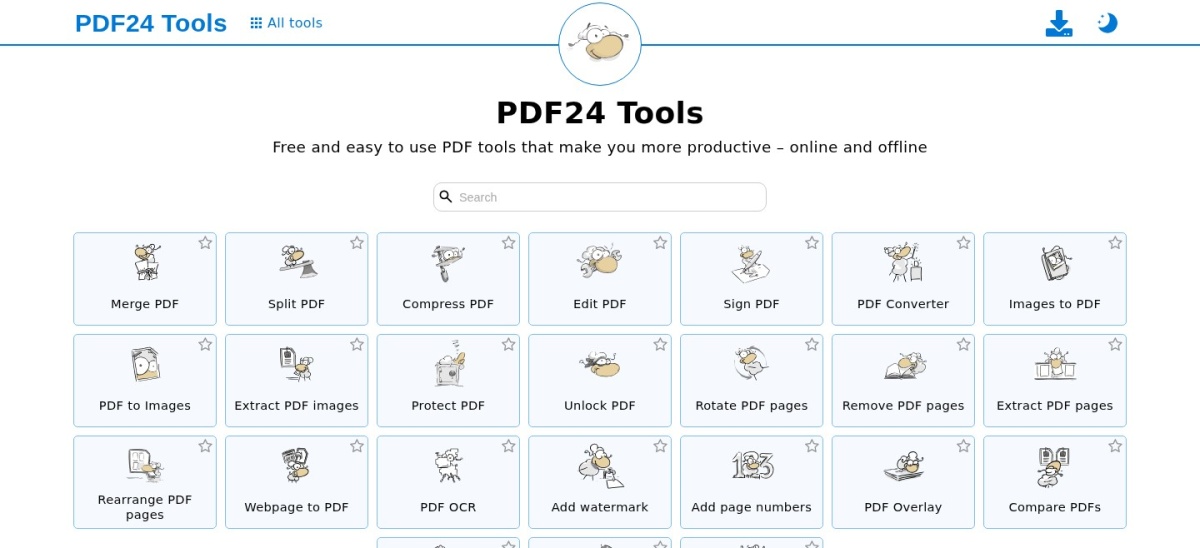
PDF24 Tools is a free set of online PDF tools from geek software in Berlin, with a Windows desktop app, PDF24 Creator, that works fully offline. Its splitter cuts by ranges, every N pages, odd or even pages, or visually, and uploaded files are deleted after one hour.
The trade off is funding. The website is ad-supported, there is no support tier to pay for, and the desktop app runs on Windows only. It suits anyone who wants to split PDFs for free, online or offline, without creating an account or entering card details.
Browser splitters upload your file to a server, split it there and delete it after a set time. iLovePDF deletes files within two hours, Smallpdf within one hour and PDF24 Tools within one hour.
Desktop splitters keep the file on your computer. Sejda Desktop, PDFsam Basic and PDF24 Creator all split without uploading anything, which fits contracts, medical records and other private files.
If the file is not private, a browser tool is faster to start. If it is private, pick a desktop app and skip the upload step entirely.
How we chose
We started from the PDF splitters with the most public reviews on G2 and Trustpilot, then kept the nine with a clear split tool and a usable free tier or a fair price.
Prices come from each vendor's pricing page, checked on 23 November 2026. Ratings and review counts come from G2 and Trustpilot on the same day. Where a vendor shows a first-year price, the list shows the regular renewal price.
This list is based on pricing, docs and reviews, not on using the tools ourselves. No vendor paid for a place in it.
How to choose a PDF splitter
Start with how often you split and how private the files are, then pick the cheapest tool that fits.
Count how often you split. Once a month fits a free plan. Daily splitting needs a paid plan or a free desktop app with no caps.
Check the split modes you need. Page ranges cover most jobs. Chapters need bookmark splits, and equal chunks need every-N-pages splits.
Decide where the file may go. Private files should stay on your computer with Sejda Desktop, PDFsam Basic or PDF24 Creator.
Compare the yearly price, not the monthly one. Annual billing cuts most of these plans by 30% or more, so a $15 monthly plan can cost $120 a year.
FAQ
What is the best reviewed PDF splitter?
iLovePDF is the best reviewed PDF splitter here, rated 4.9 out of 5 on Trustpilot from more than 14,000 reviews. Its free plan splits files up to 100 MB, and Premium costs $60 a year.
Is there a free PDF splitter with no limits?
Yes. PDF24 Tools and PDFsam Basic are both free with no paid plan needed. PDF24 Tools works online and on Windows, while PDFsam Basic is a desktop app for Windows, Mac and Linux.
Can I split a PDF without uploading it?
Yes. Sejda Desktop, PDFsam Basic and PDF24 Creator all split files on your own computer, so nothing is uploaded to a server.
What is the cheapest paid PDF splitter?
iLovePDF Premium is the cheapest paid plan here at $60 a year on annual billing. Sejda is next at $63 a year, and PDF2go Starter costs $77 a year.
Can I split a PDF by bookmarks?
Yes. Sejda, Adobe Acrobat and PDFsam Basic can all split a PDF at its bookmarks, which is useful for cutting a long document into chapters.
Does Adobe Acrobat split PDFs for free?
No. Adobe Acrobat has no free plan for splitting, only a trial. Acrobat Studio costs $14.99 a month, and splitting is one feature inside its full editor.