Best WordPress PDF Viewer Plugins in 2026: 7 Tools Compared
WLWPLegible EditorsLast verified 22 Nov 2026How we rank11 min read
★ Short answer
PDF Embedder is the best WordPress PDF viewer plugin for most sites, with 300,000+ active installs and a responsive, self-hosted viewer that supports unlimited PDFs for free. Choose DearFlip for interactive page-turning documents or PDF Poster for multiple free viewing modes and basic document analytics.
How we make this list: we compare pricing pages, product documentation and public user reviews, then re-check every price before each update. No product paid for a place. Disclosure.
PDF Embedder has 300,000+ active installs and a 4.7/5 WordPress.org rating. Its Basic upgrade costs $59/year at the regular price.
DearFlip offers free 3D and 2D flipbooks, with 200,000+ active installs and a Starter plan costing $39/year.
PDF Poster includes 3 free viewer modes and daily view counts. Its regular annual Pro price is $47.88.
Document Embedder supports PDF, Word, Excel and PowerPoint files, with Pro available at a regular $47/year.
Real3D Flipbook offers 6 viewing modes and a paid WordPress license starting at $49/year.
EmbedPress supports 250+ embedding sources, while 3D FlipBook offers a separate $44 one-time premium license.
What to look for in a WordPress PDF viewer plugin
WordPress lets you upload PDF files, but a basic file link is not always the best reading experience. A PDF viewer plugin displays the document directly inside a page, allowing visitors to read without opening another tab or downloading the file.
Start with the viewing experience. A responsive PDF viewer should fit smaller screens, offer readable zoom controls and make it easy to move between pages. Search, printing, downloads and full-screen mode can be useful for manuals, reports and long documents.
Next, consider how the PDF is delivered. Some plugins render files locally using PDF.js, while others use external document viewing services. Local rendering may be preferable when you want to keep document delivery on your own website.
Flipbook plugins are a different category of viewer. They turn a PDF into an interactive magazine with animated page turns. That presentation works well for catalogs and brochures, but a conventional scrolling viewer is often easier for instructions and reference documents.
Finally, compare the free features with regular renewal prices. Some plugins charge for text search, download controls, analytics or access restrictions. A normal PDF viewer also does not automatically prevent visitors from obtaining the underlying file.
4.7/5on WordPress.org (532 reviews, checked Nov 2026)
Paid from$59/yr
Best WordPress PDF viewer overall
PDF renderingLocally hosted viewer
Free PDF embedsUnlimited
Editor supportBlock and shortcode
Paid planBasic, 1 site
wp-pdf.com
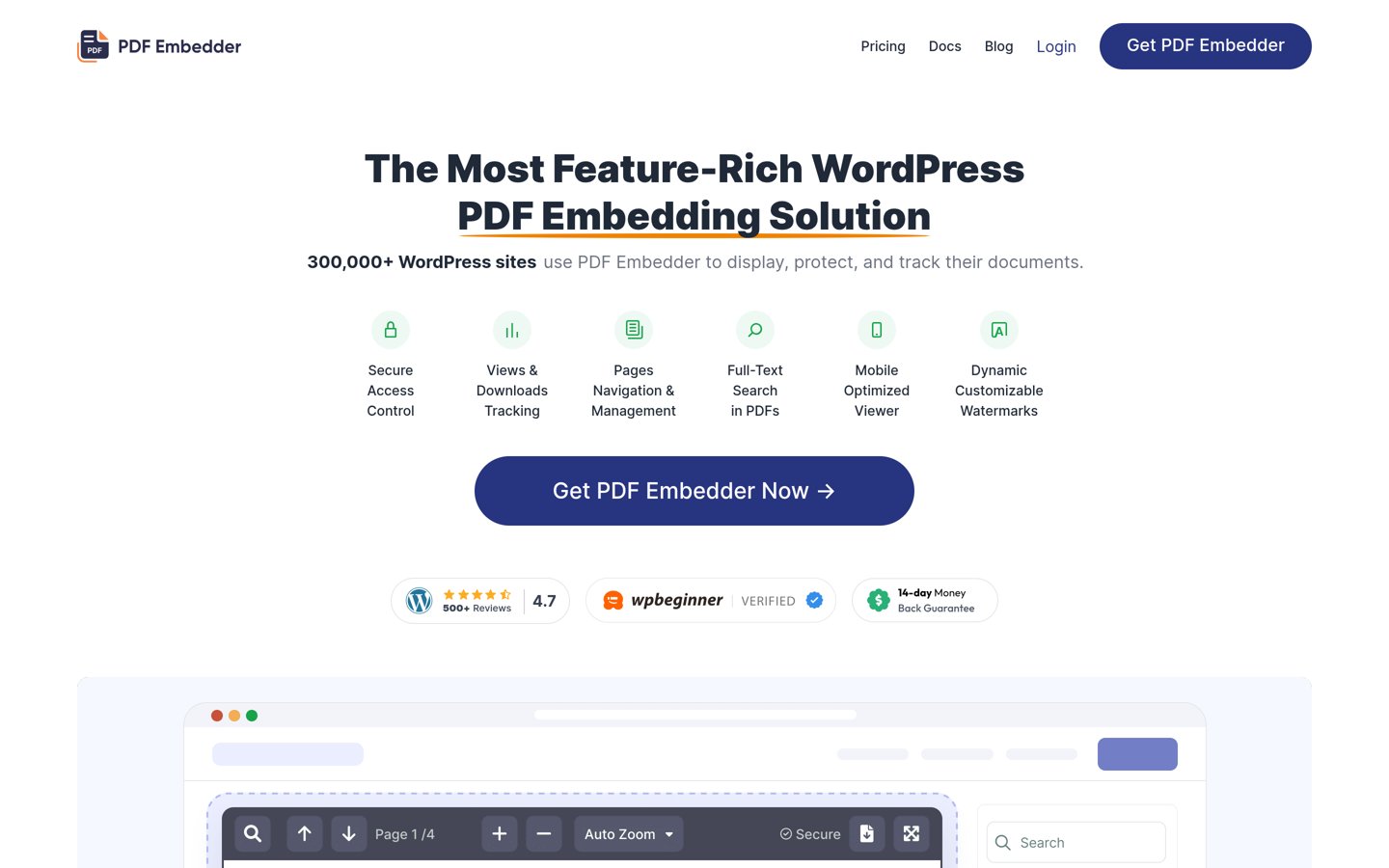
PDF Embedder homepage, captured Nov 2026.
PDF Embedder is a responsive WordPress PDF viewer with 300,000+ active installations and a 4.7/5 rating. Its free version displays unlimited PDFs directly within posts and pages, using a locally hosted viewer with automatic sizing, block-editor previews and no dependence on an external document viewing service.
The trade off is that continuous scrolling, document search, clickable PDF links and view tracking require Basic, which costs $59/year at the regular price, currently advertised at $29.50 for the introductory year. It suits blogs, businesses and documentation websites that want straightforward PDF reading without a separate platform.
What we like
Unlimited PDF embeds in the free version
Documents render through your own website
Responsive sizing and block-editor previews
300,000+ active WordPress installations
Watch out for
Text search and continuous scrolling require an upgrade
Basic does not include the advanced file protection in Pro
Introductory pricing is lower than the renewal price
Basic adds continuous scrolling, PDF search, links and document statisticsVisit wp-pdf.com
02
DearFlip
4.9/5on WordPress.org (195 reviews, checked Nov 2026)
Paid from$39/yr
Best for interactive PDF flipbooks
Free viewers3D, 2D, scroll, slider
Free flipbooksUnlimited
PDF navigationOutline and deep links
Paid planStarter, 1 site
dearflip.com
DearFlip homepage, captured Nov 2026.
DearFlip is a PDF flipbook plugin with 200,000+ active installs and a 4.9/5 WordPress.org rating. Its free Lite version supports unlimited flipbooks, 3D and 2D page turns, vertical scrolling, slider viewing, PDF outlines, lightbox displays and smart page loading.
The trade off is that PDF text search, printing, additional zoom controls and broader interface customization require Starter at $39/year for one site. It suits publishers, portfolios and businesses displaying magazines or brochures where animated page turning improves the presentation.
What we like
Free 3D and 2D flipbook viewers
Unlimited flipbooks in the Lite version
High WordPress.org rating
Multiple display modes and lightbox support
Watch out for
PDF search and printing require Starter
Advanced bookshelf and analytics features need higher plans
Page-turning effects may be unnecessary for ordinary documents
Starter adds PDF search, printing, extra zoom and interface controlsVisit dearflip.com
03
PDF Poster
4.5/5on WordPress.org (149 reviews, checked Nov 2026)
Paid from$47.88/yr
Best for free PDF viewing features
Free viewer modesPDF.js, FlipBook, Slider
Free analyticsDaily views and downloads
Display optionsLightbox and fullscreen
Paid planPro, 1 site
bplugins.com
PDF Poster homepage, captured Nov 2026.
PDF Poster is a WordPress PDF viewer with 20,000+ active installs and 3 free viewing modes: PDF.js, FlipBook and Slider. The free plugin includes responsive sizing, printing, downloads, full-screen viewing, lightbox displays, PDF cover thumbnails, text watermarks and daily view and download counts.
The trade off is that advanced document protection, additional viewer controls and historical analytics require Pro, normally $47.88/year for one site, with a 35% promotional discount shown on its pricing page. It suits publishers wanting several display styles and basic reader statistics without paying immediately.
What we like
Three viewing modes included for free
Daily document views and downloads tracked locally
Responsive controls for different screen sizes
Free lightbox, fullscreen and watermark features
Watch out for
Historical analytics and CSV exports require Pro
Advanced document protection is paid
The variety of viewer settings may take time to configure
Pro adds content protection, extra viewer controls and expanded analyticsVisit bplugins.com
04
Document Embedder
4.9/5on WordPress.org (120 reviews, checked Nov 2026)
Paid from$47/yr
Best for PDFs and other office documents
File supportPDF and Office documents
Viewer choices4 rendering modes
Document librarySearchable library
Paid planPro, 1 site
bplugins.com
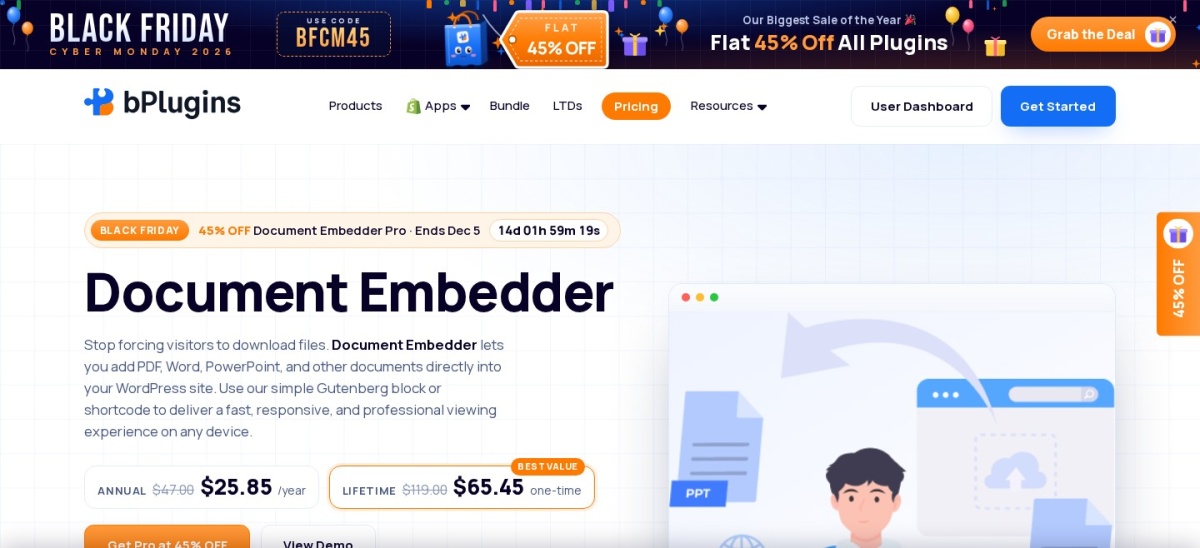
Document Embedder homepage, captured Nov 2026.
Document Embedder is a WordPress document viewer with 9,000+ active installations and a 4.9/5 rating. Its free version displays PDF, Word, Excel and PowerPoint files, provides 4 viewer choices, supports searchable document libraries and includes document engagement statistics.
The trade off is that visitor email collection, document access controls, advanced library layouts and additional export options require Pro, normally $47/year for one site, with a discounted promotional price of $30.55. It suits resource centers and businesses publishing mixed document formats rather than PDFs alone.
What we like
Supports PDFs and common office document formats
Includes a local PDF.js viewer and flipbook options
Searchable document library features
Document engagement tracking in the free version
Watch out for
Some Office files use external viewing services
Advanced access controls and lead capture require Pro
More configuration options than a basic PDF-only viewer
Pro adds lead capture, file access controls and enhanced document managementVisit bplugins.com
05
Real3D Flipbook
4.5/5on WordPress.org (11 reviews, checked Nov 2026)
Paid from$49/yr
Best for realistic catalogs and brochures
View modes6
Free flipbooksUnlimited
PDF hostingYour own server
Paid planPlugin, 1 site
real3dflipbook.com
Real3D Flipbook homepage, captured Nov 2026.
Real3D Flipbook is a WordPress PDF and flipbook viewer with 10,000+ active installs and 6 viewing modes, ranging from realistic page turns to standard scrolling. Its free version supports unlimited flipbooks, full-screen and lightbox displays, mobile gestures, live previews and locally hosted PDF files.
The trade off is that advanced commercial features and integrations require paid licensing, starting at $49/year for one site, while a separate lifetime license costs $79. It suits product catalogs, lookbooks and digital magazines that benefit from realistic page-turning effects.
What we like
Six viewing modes for different reading styles
Unlimited free flipbooks without a watermark
Locally hosted PDFs without conversion services
Responsive gestures and full-screen viewing
Watch out for
Some advanced integrations require additional paid features
Only 11 WordPress.org ratings for the free plugin
Realistic visual effects may be excessive for basic manuals
4.8/5on WordPress.org (308 reviews, checked Nov 2026)
Paid from$69/yr
Best for PDFs and other embedded media
Supported sources250+
PDF supportUpload and embed
Editor integrationBlock and page builders
Paid planIndividual, 1 site
embedpress.com
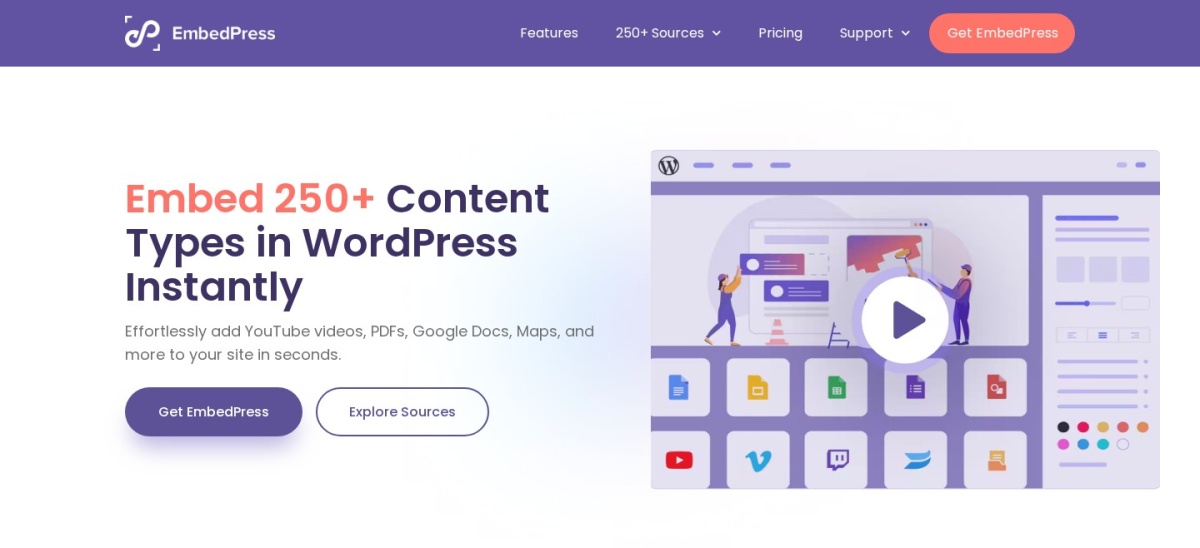
EmbedPress homepage, captured Nov 2026.
EmbedPress is a multipurpose WordPress embedding plugin with 100,000+ active installations and a 4.8/5 rating. Its free plugin supports PDF documents alongside video, social media and other embedded content, while the platform advertises support for more than 250 content sources.
The trade off is that advanced PDF customization, content visibility controls, branding and monetization features require the Individual plan at the regular $69/year price, currently advertised at $55. It suits websites that need PDF viewing alongside many other embedded content types.
What we like
Supports PDF documents and numerous media sources
Reduces the need for separate embedding plugins
Works with WordPress editors and page builders
Established plugin with 100,000+ installations
Watch out for
Advanced PDF controls require the paid version
Broader embedding functionality adds settings unrelated to PDFs
Regular renewal pricing is higher than several PDF-only alternatives
Individual adds advanced PDF embeds, branding and content visibility controlsVisit embedpress.com
07
3D FlipBook
4.8/5on WordPress.org (182 reviews, checked Nov 2026)
Paid from$44 one-time
Best for physics-based page animation
Document sourcesPDF, images and HTML
Page effectsPhysics-based 3D
Free file limitsNo stated page limit
Paid licenseCodeCanyon Regular
3dflipbook.net
3D FlipBook homepage, captured Nov 2026.
3D FlipBook is a WordPress flipbook plugin with 70,000+ active installs and a 4.8/5 rating. Its free version supports PDF, image and HTML flipbooks, physics-based page animations, different skins and PDF.js rendering without a stated page-count or file-size limit.
The trade off is that the separate premium WordPress product costs $44 as a one-time CodeCanyon Regular License, with future updates and 6 months of support included. It suits publishers who want animated flipbooks and prefer a one-time software purchase over an annual subscription.
What we like
Physics-based page-turning animations
Supports PDF, images and HTML content
70,000+ active WordPress installations
One-time premium license available
Watch out for
Premium license uses CodeCanyon purchase terms
Included premium support has a limited duration
Not the simplest choice for static PDF documents
The premium license includes future updates and 6 months of supportVisit 3dflipbook.net
Free vs paid WordPress PDF viewers: what changes?
Free WordPress PDF viewers are sufficient for many websites. PDF Embedder displays unlimited documents without a paid license, while DearFlip and PDF Poster offer additional presentation styles in their free editions.
Paid upgrades become useful when readers need document search, advanced controls, analytics or restricted access. PDF Embedder Basic adds text search and continuous scrolling. PDF Poster Pro expands analytics and document protection options, while Document Embedder Pro offers lead capture and access controls.
Look beyond the advertised first-year price. PDF Embedder Basic normally costs $59/year despite its $29.50 introductory offer. PDF Poster Pro normally costs $47.88/year rather than its promotional $31.12 price.
Lifetime and one-time licenses need separate consideration. Real3D Flipbook offers annual and lifetime licenses, while the premium 3D FlipBook CodeCanyon license is a one-time purchase. Those amounts are not equivalent to annual subscription costs.
Can a WordPress PDF viewer prevent downloads?
Hiding a download button is not the same as securing a PDF. When an ordinary PDF is publicly accessible through a file URL, visitors may still be able to retrieve the original document through their browser.
For sensitive or paid materials, look for restricted file storage, access checks and suitable delivery controls rather than relying on toolbar customization. PDF Embedder places its secure document storage and watermark controls in higher paid tiers, not its entry-level Basic plan.
Watermarks and restrictions can discourage casual redistribution, but no browser-based PDF viewer can guarantee that readable content will never be copied or captured. Protect the original file and decide who should have access before choosing a viewer.
How we chose
We started with established WordPress PDF viewers, flipbook plugins and document embedding tools listed on WordPress.org. We compared local rendering, responsive controls, available free features, document formats, editing integrations, reader navigation and upgrade options.
We opened WordPress.org listings and official vendor or authorized marketplace pricing pages on 22 November 2026. Ratings, review counts and active installs came from WordPress.org, while paid prices reflect the cheapest confirmed regular plans rather than introductory promotions. The $44 CodeCanyon purchase is identified separately as a one-time license.
We excluded outdated or closed plugins, products without a verifiable paid price, and tools without sufficient public adoption or review history. We also avoided treating a hidden download button as guaranteed document security. No vendor paid for a place, and we do not claim hands-on testing for this list.
How to choose a WordPress PDF viewer plugin
Start with the type of document you publish, then compare the viewing experience, file delivery method and long-term cost.
Choose a viewer that matches your content. For ordinary manuals, reports and guides, start with PDF Embedder or PDF Poster. For magazines, portfolios and catalogs, consider DearFlip or Real3D Flipbook. If you publish Word and Excel files alongside PDFs, Document Embedder is a better match.
Check mobile reading and navigation. Look for responsive widths, zoom, page navigation and full-screen viewing. Long documents may benefit from continuous scrolling and text search, while shorter catalogs may work better with animated page turns.
Decide how your PDF files should be delivered. Choose locally rendered PDFs when you want documents served by your own website. If documents require restricted access, confirm that the selected paid tier protects the original files rather than merely hiding download controls.
Compare regular prices and license terms. Check renewal prices, permitted installations and which features each tier unlocks. Annual subscriptions provide ongoing licensing, while marketplace purchases may include software updates but only a limited period of support.
FAQ
What is the best WordPress PDF viewer plugin?
PDF Embedder is the best general-purpose choice for most WordPress websites. It has more than 300,000 active installations, a 4.7/5 WordPress.org rating and a free responsive viewer that renders documents directly through your website. Its paid Basic plan adds search and enhanced navigation.
Can I display a PDF in WordPress without downloading it?
Yes. PDF Embedder, PDF Poster and several other plugins display PDFs within WordPress posts and pages. Visitors can scroll or navigate the document without first downloading it. However, displaying a file within a page does not automatically prevent someone from accessing or downloading the original PDF.
Which WordPress PDF viewer plugin is completely free?
PDF Embedder provides unlimited PDF embeds in its free version, while DearFlip includes free 3D and 2D flipbook viewing. PDF Poster also offers free PDF.js, FlipBook and Slider modes. Each has optional paid upgrades, so choose based on the features included without purchasing a license.
What is the best WordPress PDF flipbook plugin?
DearFlip is a strong choice for PDF flipbooks because its free version includes 3D page turns, 2D viewing, scrolling and lightbox displays. It has 200,000+ active installations and a 4.9/5 WordPress.org rating. Real3D Flipbook is another option when realistic page animation is important.
Can a WordPress PDF viewer prevent users from downloading files?
Some paid viewers offer download restrictions, protected storage and watermarking, but simply hiding the download button does not secure the original document. For private files, combine a suitable protected viewer with WordPress access controls and secure file delivery. Screenshots and other forms of copying may still be possible.
Do WordPress PDF viewer plugins work on mobile devices?
Most established PDF viewer plugins provide responsive layouts, but their controls and behavior differ. PDF Embedder automatically adapts its display width, while Real3D Flipbook supports mobile gestures and different viewing modes. Check that document text remains readable without excessive zooming or horizontal scrolling.
Can I embed Word, Excel and PowerPoint documents in WordPress?
Yes. Document Embedder supports PDF, Word, Excel and PowerPoint files, making it suitable for mixed document libraries. Some formats may use external viewer services rather than local PDF rendering. A PDF-only plugin is generally simpler when you do not need to display other office documents.
Which PDF viewer plugin is best for Elementor?
Document Embedder provides a dedicated Elementor widget, while PDF Embedder offers an Elementor widget in its paid Basic plan. EmbedPress also supports page-builder workflows. Choose based on whether you need general PDF embeds, mixed document formats or several types of media inside the same website.
How much does a premium WordPress PDF viewer plugin cost?
Regular annual entry prices in this comparison range from $39 for DearFlip Starter to $69 for EmbedPress Individual. PDF Embedder Basic costs $59/year at its regular price. The premium 3D FlipBook product also has a $44 one-time CodeCanyon license, which uses different support and licensing terms.