Best WordPress Multilingual Plugins in 2026: 7 Tools Compared
WLWPLegible EditorsLast verified 22 Nov 2026How we test7 min read
★ Short answer
Polylang is the best WordPress multilingual plugin for most sites, running on WordPress core taxonomies with 900,000+ active installs and a 4.7/5 rating. TranslatePress fits visual front-end editing, WPML suits complex stores and agencies, and Weglot handles hands-off cloud translation.
How we make this list: we compare pricing pages, product documentation and public user reviews, then re-check every price before each update. No product paid for a place. Disclosure.
Polylang has 900,000+ active installs on WordPress.org, a 4.7/5 rating from 3,010 reviews, and a free manual core plugin.
TranslatePress holds 400,000+ active installs and a 4.7/5 rating from 1,672 reviews, offering a visual front-end editor and 2,000 free AI words.
WPML skips a free tier and starts at €39/yr for Multilingual Blog or €99/yr for Multilingual CMS with WooCommerce and 22,500 AI words.
Weglot starts free for 2,000 words and 1 language on its cloud proxy, with paid plans from €15/mo ($170/yr annual equivalent).
Loco Translate reaches 1M+ active installs for theme and plugin string files rather than full multilingual post and page management.
What to look for in a WordPress multilingual plugin
Choosing a multilingual plugin starts with where translations live. Database-stored plugins like Polylang, TranslatePress, and WPML keep translated content inside your WordPress site, whereas cloud proxy services like Weglot, GTranslate, and ConveyThis process and serve translations on external servers.
Multilingual SEO depends on clean URL structures and hreflang tags so search engines index each language separately. Free tiers on some cloud widgets skip search engine indexing or restrict translated URLs and metadata to paid plans.
Watch how pricing scales as your content grows. Flat annual licenses charge per site or feature tier, while cloud services meter usage by word count, language count, or monthly page views.
Decide whether you want manual control or automated translation up front. Some tools translate full pages automatically via AI or machine engines, while others expect manual editing or require separate API keys and word quotas.
List prices in each vendor's currency, checked Nov 2026
Loco TranslateFree
WPML€39
PolylangFREE€99
TranslatePressFREE€99
GTranslateFREE$120
ConveyThisFREE$120
WeglotFREE$170
The 7 best wordpress multilingual plugin tools
01
Polylang
4.7/5on WordPress.org (3,010 reviews, checked Nov 2026)
Paid from€99/yr
Best for WordPress-native manual translation
Active installs900,000+
WordPress.org rating4.7/5 (3,010)
Free versionYes (manual)
Entry paid plan€99/yr (Polylang Pro)
polylang.pro
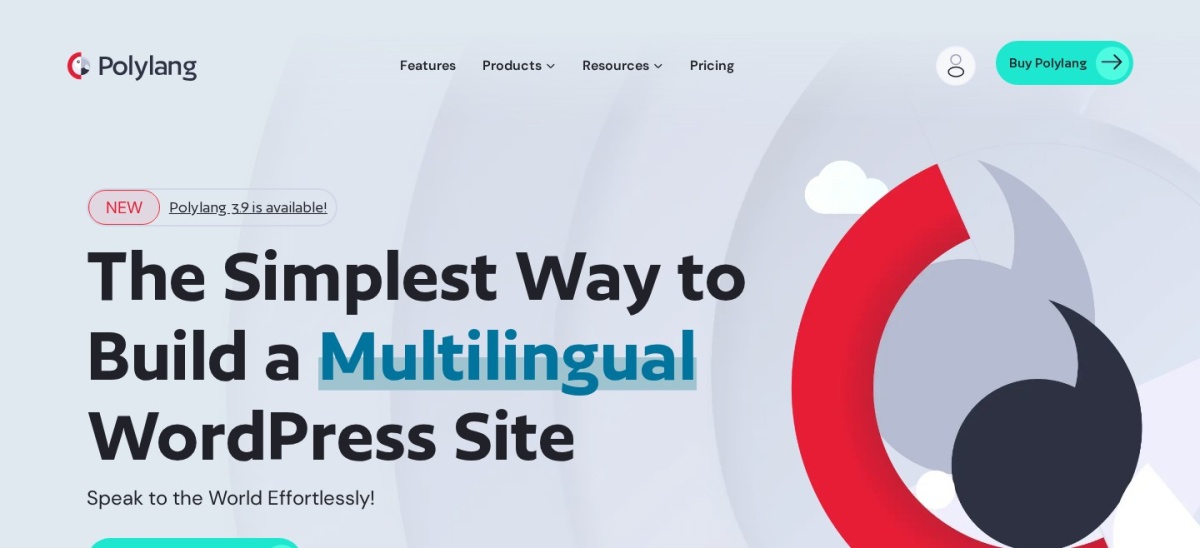
Polylang homepage, captured Nov 2026.
Polylang is a WordPress multilingual plugin built around core taxonomies to translate posts, pages, media, categories, tags, and custom post types. Its free plugin on WordPress.org holds 900,000+ active installs and a 4.7/5 rating across 3,010 reviews with no limit on languages.
The trade off is that the free plugin does not include machine translation or WooCommerce support, and Polylang Pro starts at €99/yr (ex VAT). It suits site owners who write translations manually and want lean database behavior.
What we like
Generous free plugin with unlimited languages and 900,000+ active installs
Uses built-in WordPress taxonomies without heavy extra tables
Polylang Pro adds Site Editor support, ACF Pro integration, and DeepL
50% renewal discount listed on Polylang Pro and Business Pack
Watch out for
No built-in automatic translation in the free version
WooCommerce support requires a paid add-on or Business Pack
Polylang pricing page notes DeepL integration is not compatible with Elementor
Polylang Pro (€99/yr) adds Site Editor translation, ACF Pro integration, XLIFF import/export, and DeepL support.Visit polylang.pro
02
TranslatePress
4.7/5on WordPress.org (1,672 reviews, checked Nov 2026)
Paid from€99/yr
Best for visual front-end page editing
Active installs400,000+
WordPress.org rating4.7/5 (1,672)
Free versionYes (2,000 AI words)
Entry paid plan€99/yr (Personal)
translatepress.com
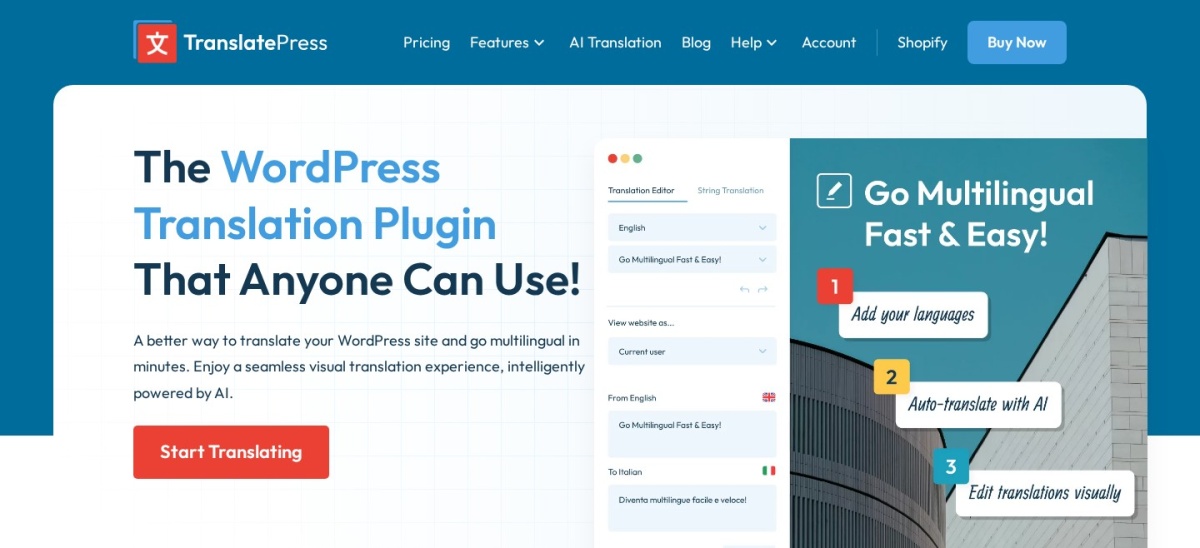
TranslatePress homepage, captured Nov 2026.
TranslatePress is a self-hosted WordPress translation plugin with a visual front-end editor that lets you translate pages directly while viewing them. It carries 400,000+ active installs and a 4.7/5 rating from 1,672 reviews, with a free tier covering 1 extra language and 2,000 AI words.
The trade off is that translating slugs, SEO metadata, and extra languages beyond one requires a paid plan starting at €99/yr for 1 site and 50,000 AI words. It suits editors who prefer clicking text on the live page over separate post screens.
What we like
Front-end visual translation editor with live page preview
Stores translations locally in your own WordPress database
Free plan includes 2,000 AI words and out-of-the-box WooCommerce compatibility
Personal plan at €99/yr includes 50,000 AI words and SEO Pack add-on
Watch out for
Free tier is limited to one additional language and 2,000 AI words
URL slug translation and SEO Pack require a paid license
AI word quotas can run out quickly on large multi-language sites
Personal (€99/yr) adds 50,000 AI words, URL slug translation, Multiple Languages, and the SEO Pack add-on.Visit translatepress.com
03
WPML
4.4/5on Trustpilot (224 reviews, checked Nov 2026)
Starts at€39/yr
Best for WooCommerce stores and agencies
Entry plan€39/yr (Blog)
CMS plan€99/yr (3 sites)
Agency plan€199/yr (Unlimited)
Free versionNo (30-day refund)
wpml.org
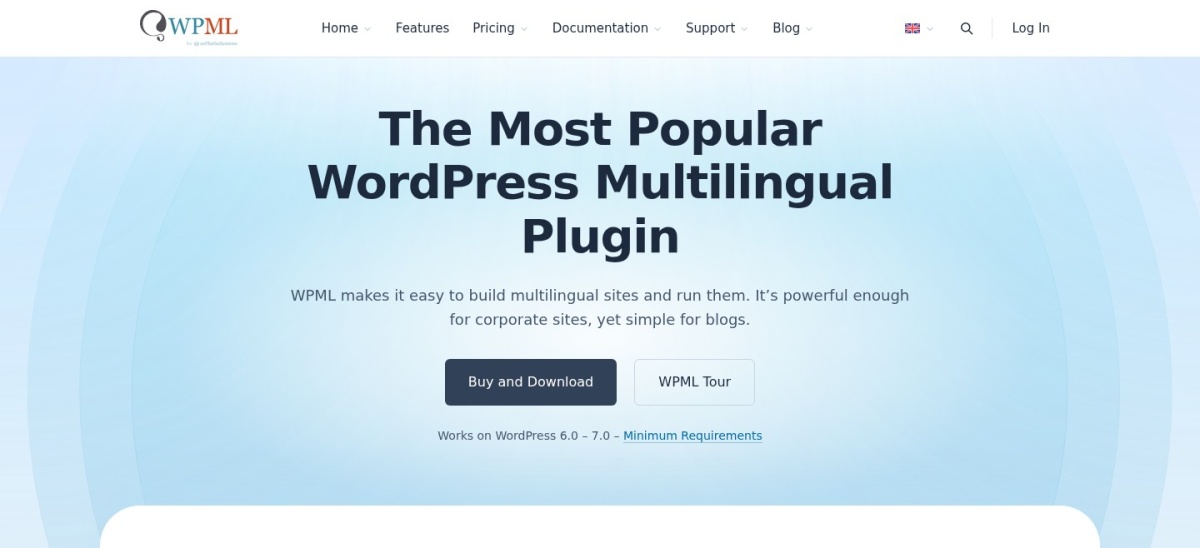
WPML homepage, captured Nov 2026.
WPML is a commercial WordPress multilingual plugin built for structured content, custom fields, page builders, and WooCommerce stores. Its entry Multilingual Blog plan costs €39/yr for 1 production site, while Multilingual CMS costs €99/yr for 3 production sites and includes 22,500 AI words.
The trade off is that there is no free tier, and the €39/yr Blog plan leaves out WooCommerce, page builders, string translation, and AI words. It suits store owners and agencies that need deep e-commerce and multi-site tooling.
What we like
Multilingual CMS (€99/yr) covers WooCommerce, page builders, and string translation
Includes 22,500 AI translation words on CMS that top up on renewal
Supports translation management workflows with teams and translation services
Backed by a 30-day money-back guarantee on plans
Watch out for
No free version to test before buying
Entry €39/yr Blog plan excludes WooCommerce, page builders, and AI words
More configuration steps than simple single-language or widget tools
Multilingual CMS (€99/yr) adds WooCommerce support, page builder translation, string translation, and 22,500 AI words.Visit wpml.org
04
GTranslate
4.9/5on WordPress.org (4,962 reviews, checked Nov 2026)
Paid from$120/yr
Best for instant cloud machine translation
Active installs900,000+
WordPress.org rating4.9/5 (4,962)
Free versionYes (non-commercial)
Entry paid plan$12/mo ($120/yr)
gtranslate.io
GTranslate homepage, captured Nov 2026.
GTranslate is a cloud-based website translation service and WordPress plugin with 900,000+ active installs and a 4.9/5 rating across 4,962 reviews. Its free widget translates pages on the fly for eligible non-commercial use without storing translations locally.
The trade off is that the free tier lacks search engine indexing and commercial use requires a paid plan starting at $12/mo or $120/yr. It suits sites wanting fast automated translation without per-word billing caps on paid plans.
What we like
High 4.9/5 rating across 4,962 reviews and 900,000+ active installs
Paid plans include machine translations without word or pageview limits
Cloud Translation Delivery Network offloads translation processing from your host
Free plan does not provide SEO-indexable language URLs and restricts commercial use
Machine translation still needs human review for brand-sensitive copy
Translations are delivered through GTranslate cloud infrastructure
Paid plans (from $12/mo or $120/yr) add search engine indexing, language URLs, inline editing, and commercial use.Visit gtranslate.io
05
ConveyThis
4.8/5on WordPress.org (145 reviews, checked Nov 2026)
Paid from$120/yr
Best for cloud AI translation across 200+ languages
Active installs1,000+
WordPress.org reviews145 total
Free versionYes (10,000 words)
Entry paid plan$10/mo ($120/yr)
conveythis.com
ConveyThis homepage, captured Nov 2026.
ConveyThis is a cloud AI website translation plugin supporting 200+ languages with automatic content detection and a visual editor. It holds 1,000+ active installs and 145 WordPress.org reviews, starting free with 10,000 words, 1 language, and 2,500 monthly page views.
The trade off is that plans meter usage by words, languages, and monthly page views, with Starter at $10/mo billed yearly ($120/yr) for 60,000 words. It suits teams that want automated cloud setup with glossary and visual editing controls.
What we like
Free tier includes 10,000 words, 1 language, and 2,500 monthly page views
Supports 200+ languages with visual editing, glossaries, and hreflang URLs
Served via ConveyThis CDN without heavy local database translation tables
Supports WooCommerce products, cart, checkout, and optional order emails
Watch out for
Word, language, and monthly pageview quotas require upgrading as sites grow
Translations live on external ConveyThis servers rather than your database
7-day refund window applies only to initial paid plan purchases
Starter ($120/yr billed annually) raises limits to 60,000 words, 15,000 monthly page views, and 1 translated language.Visit conveythis.com
06
Weglot
4.9/5on WordPress.org (1,944 reviews, checked Nov 2026)
Paid from$170/yr
Best for hands-off SaaS translation and workflow
Active installs50,000+
WordPress.org reviews1,944 total
Free versionYes (2,000 words)
Entry paid plan€15/mo ($17/mo est.)
weglot.com
Weglot homepage, captured Nov 2026.
Weglot is a hosted translation proxy that detects site text, generates automatic translations, and serves them with subdirectories and hreflang tags. Its WordPress plugin lists 50,000+ active installs and 1,944 reviews, with a free plan up to 2,000 words and 1 language.
The trade off is ongoing word-count billing that climbs quickly—Starter is €15/mo ($17/mo estimated, $170/yr) for 10,000 words and 1 language, while translated URLs require Pro. It suits teams that want turnkey cloud translation and central dashboard management.
What we like
Fast cloud setup with automatic hreflang tags and language subdirectories
Centralized dashboard with visual editor, glossary, and team roles
Free plan lets you test up to 2,000 words in one language
Pro and higher tiers add translated URLs, custom languages, and translation memory
Watch out for
Word limits are strictly metered and can get expensive on large catalogs
Translated URLs are gated behind the Pro plan rather than entry tiers
Stopping your subscription stops Weglot from serving translated pages
Starter (€15/mo or $170/yr estimated) increases allowance to 10,000 total words and 1 translated language.Visit weglot.com
07
Loco Translate
4.8/5on WordPress.org (454 reviews, checked Nov 2026)
PriceFree
Best for translating theme and plugin strings
Active installs1,000,000+
WordPress.org rating4.8/5 (454)
Free versionYes (free plugin)
Paid planNone for plugin
localise.biz
Loco Translate homepage, captured Nov 2026.
Loco Translate is a free WordPress plugin for editing theme and plugin localization files directly in the admin dashboard. It holds 1M+ active installs and 454 reviews on WordPress.org, compiling PO, MO, and JSON files with optional third-party translation APIs.
The trade off is that it translates software strings rather than creating multilingual posts, pages, or language URLs for your site content. It suits site builders who need to localize theme or plugin interface text.
What we like
1M+ active installs and 454 reviews on WordPress.org
Free plugin with no paid subscription required for the core editor
Compiles MO and JSON files and supports protected custom language directories
Integrates with external translation APIs such as DeepL, Google, and OpenAI
Watch out for
Not a full multilingual solution for translating posts, pages, or menus
Does not create language subdirectories or multilingual SEO switchers
External translation APIs require your own API keys and account billing
No paid plugin tier; optional external machine-translation APIs are billed separately by their providers.Visit localise.biz
Database vs. cloud translation
Database-stored plugins like Polylang, TranslatePress, and WPML keep your translated content inside your own WordPress installation. If you stop paying for an add-on or license, your existing translations generally stay in your database rather than disappearing from an external host.
Cloud proxy tools like Weglot, GTranslate, and ConveyThis handle translation and delivery through external servers. They reduce local setup and can translate dynamic front-end text quickly, but your ongoing cost scales with usage quotas and depends on keeping an active subscription.
Theme strings vs. site content
Many site owners confuse translating a WordPress theme or plugin with making a website multilingual. Tools like Loco Translate edit gettext PO and MO files so buttons, checkout labels, and theme messages appear in another language.
To publish articles, landing pages, and product descriptions in multiple languages with separate URLs, you need a full multilingual plugin or cloud translation service rather than a string file editor alone.
How we chose
We built this shortlist around established WordPress multilingual and localization plugins that are actively maintained and widely used across blogs, business sites, and WooCommerce stores.
Every rating, review count, active install figure, and regular entry price was checked on 22 Nov 2026 directly from WordPress.org plugin pages and official vendor pricing pages.
We excluded plugins with low adoption or stale maintenance, as well as tools whose pricing pages could not be verified directly today, and noted where plugins handle software strings rather than full site translation.
No vendor paid for a place, and we do not claim hands-on testing for this list.
How to choose a WordPress multilingual plugin
Follow four steps to match a translation plugin to your content model and budget:
Decide between manual editing and automatic translation. Manual workflows fit smaller sites or teams reviewing every line, while AI and machine translation speed up initial drafts on larger catalogs.
Check how translations and URLs are handled. Confirm whether the plugin stores data in WordPress or via a cloud proxy, and check whether your tier supports language URLs, slugs, and hreflang tags.
Verify WooCommerce and builder compatibility. If you run a store or use a specific page builder or block theme, check native support before choosing a low-cost or free entry tier.
Estimate annual renewal costs by word and site count. Compare flat yearly licenses against word-metered cloud plans so your bill stays predictable as pages and languages increase.
FAQ
Which WordPress multilingual plugin is best for beginners?
TranslatePress and Polylang are easiest to start with. TranslatePress lets you edit text visually on the front end, while Polylang offers a free plugin with unlimited languages if you translate posts manually.
Do I need a paid plugin for multilingual SEO?
Not always, but check what your free tier includes. Many free cloud widgets do not generate SEO-friendly language URLs or indexing, whereas database plugins and paid cloud plans support dedicated URLs and hreflang tags.
What happens if I stop renewing a multilingual plugin license?
Self-hosted WordPress plugins generally keep working on your site without new updates or support, while database translations remain yours. Cloud proxy services can pause new translations or stop serving translated pages when a subscription ends.
Is WPML or Polylang better for WooCommerce?
WPML includes WooCommerce support in its Multilingual CMS plan (€99/yr for 3 sites) with translation management tools. Polylang uses a separate WooCommerce add-on or Business Pack (€139/yr) and suits sites that prefer its core taxonomy approach.
Should I use Loco Translate to translate my whole website?
No, Loco Translate is built to translate theme and plugin strings in PO and MO files rather than managing multilingual posts, pages, and language switchers across your site.
Why do cloud translation tools charge by word count?
Cloud services run ongoing machine or AI translation and host translated pages on their own infrastructure. Total translated words across your target languages directly affect their compute and storage costs.