Best Comment Plugins for WordPress in 2026: 8 Tools Compared
WLWPLegible EditorsLast verified 22 Nov 2026How we test13 min read
★ Short answer
wpDiscuz is the best comment plugin for most WordPress sites, with a 4.7 out of 5 rating from 582 users and a free core that keeps comments in WordPress. Pick GraphComment for AI moderation and Thrive Comments to turn comments into sign-ups.
How we make this list: we compare pricing pages, product documentation and public user reviews, then re-check every price before each update. No product paid for a place. Disclosure.
wpDiscuz leads on WordPress.org with a 4.7 out of 5 rating from 582 reviews and more than 60,000 installs.
GraphComment's free plan covers 1 million data loads a month, with paid plans from $25 a month billed yearly.
Thrive Comments costs $99 a year for one site after a $40 first year, and renews at full price.
Disqus is free with ads, but its WordPress plugin is rated 2.7 out of 5 from 219 reviews.
Hyvor Talk, ReplyBox and FastComments all charge by volume or pageviews, from €50 a year to $6 a month.
Jetpack Comments is free inside Jetpack, which has more than 3 million active installs.
What a comment plugin should do
WordPress ships with a plain comment form. It works, but it has no voting, no live replies and no way to reward regular commenters.
A comment plugin should fix the parts your readers notice: threading, reply notifications, spam control and a form that loads fast. Our guide on moderating comments in WordPress covers the settings that matter before you add a plugin.
Where comments live matters most. wpDiscuz, Thrive Comments and Jetpack keep them in your WordPress database, so you can switch tools without losing a thread. Hosted systems such as Disqus, GraphComment, Hyvor Talk, ReplyBox and FastComments store comments on their own servers, though most sync a copy back.
Price is usually charged by traffic, not by features. Hosted plans rise with pageviews or data loads, so check the tier that matches your traffic before you commit.
List prices in each vendor's currency, checked Nov 2026
JetpackFree
Hyvor Talk€50
FastComments$72
ReplyBox$72
Thrive$99
wpDiscuzFREE$120
DisqusFREE$144
GraphCommentFREE$300
The 8 best comment plugins for WordPress
01
wpDiscuz
4.7/5on WordPress.org (582 reviews, checked Nov 2026)
Paid from$120/yr
Best comment plugin overall
Free coreYes, full commenting
Comments storedIn WordPress
Add-on bundlesBasic $120, Full $190
Paid planBasic Bundle, $120/yr
wpdiscuz.com
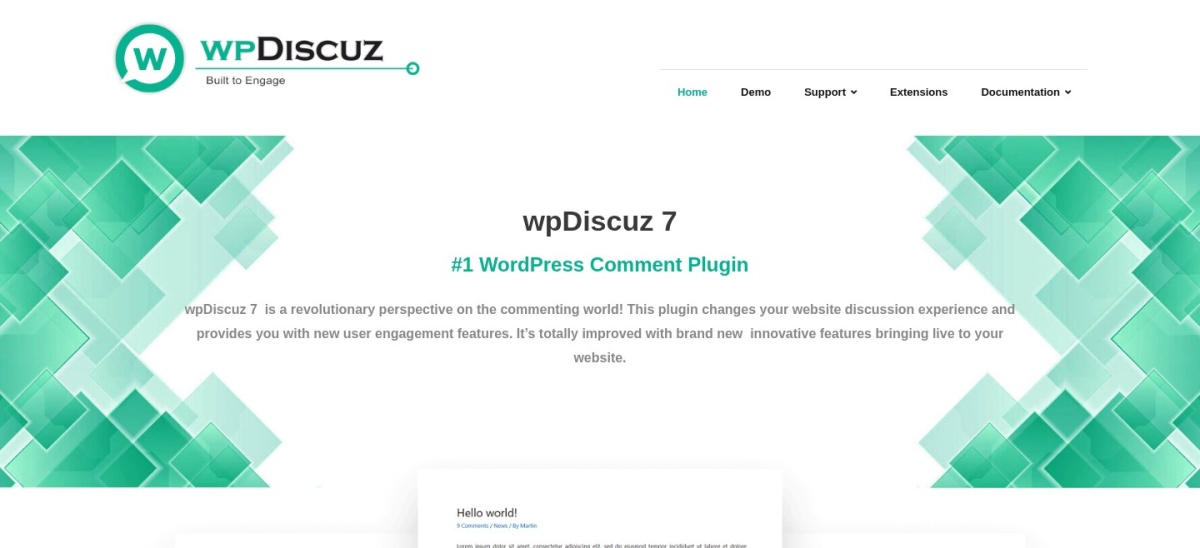
wpDiscuz homepage, captured Nov 2026.
wpDiscuz is a free plugin that replaces the plain WordPress comment form with threaded replies, voting, live updates and social login. It stores every comment in the normal WordPress database, so nothing is locked to a third party. The free core covers sorting, reply notifications, custom comment forms and star ratings on posts.
The trade off is that the extras are sold separately. Badges, media uploads, private comments and front-end moderation come through paid add-ons, with the Basic Bundle at $120 a year for 17 add-ons on unlimited sites. It suits blogs and magazines that want lively discussions without handing comments to another company.
What we like
Free core covers threading, voting and live updates
Comments stay in your own WordPress database
Largest install base of any comment-only plugin here
4.7/5on WordPress.org (30 reviews, checked Nov 2026)
Paid from$25/mo
Best hosted system with AI moderation
Free planYes, 1M loads/mo
AI moderation100 analyses/mo free
Comments storedHosted, syncs to WP
Paid planStarter, $25/mo
graphcomment.com
GraphComment homepage, captured Nov 2026.
GraphComment is a hosted comment system that replaces the WordPress form with live discussions, votes, shares and media embeds. Its free Basic plan includes every feature, with up to 1 million data loads a month and 100 AI moderation analyses. Comments sync back to your WordPress database, so you keep a local copy.
The trade off is the monthly bill once you outgrow the free plan. Starter costs $25 a month billed yearly for 1.5 million data loads and 2,000 AI analyses, and the price rises with traffic. It suits publishers who want AI help with moderation and a community feel.
What we like
Free plan includes every feature, with no ads
AI moderation analyses included on the free plan
Comments sync back to your WordPress database
Watch out for
Paid plans start at $25 a month, billed yearly
Only 400+ WordPress installs, so a smaller community
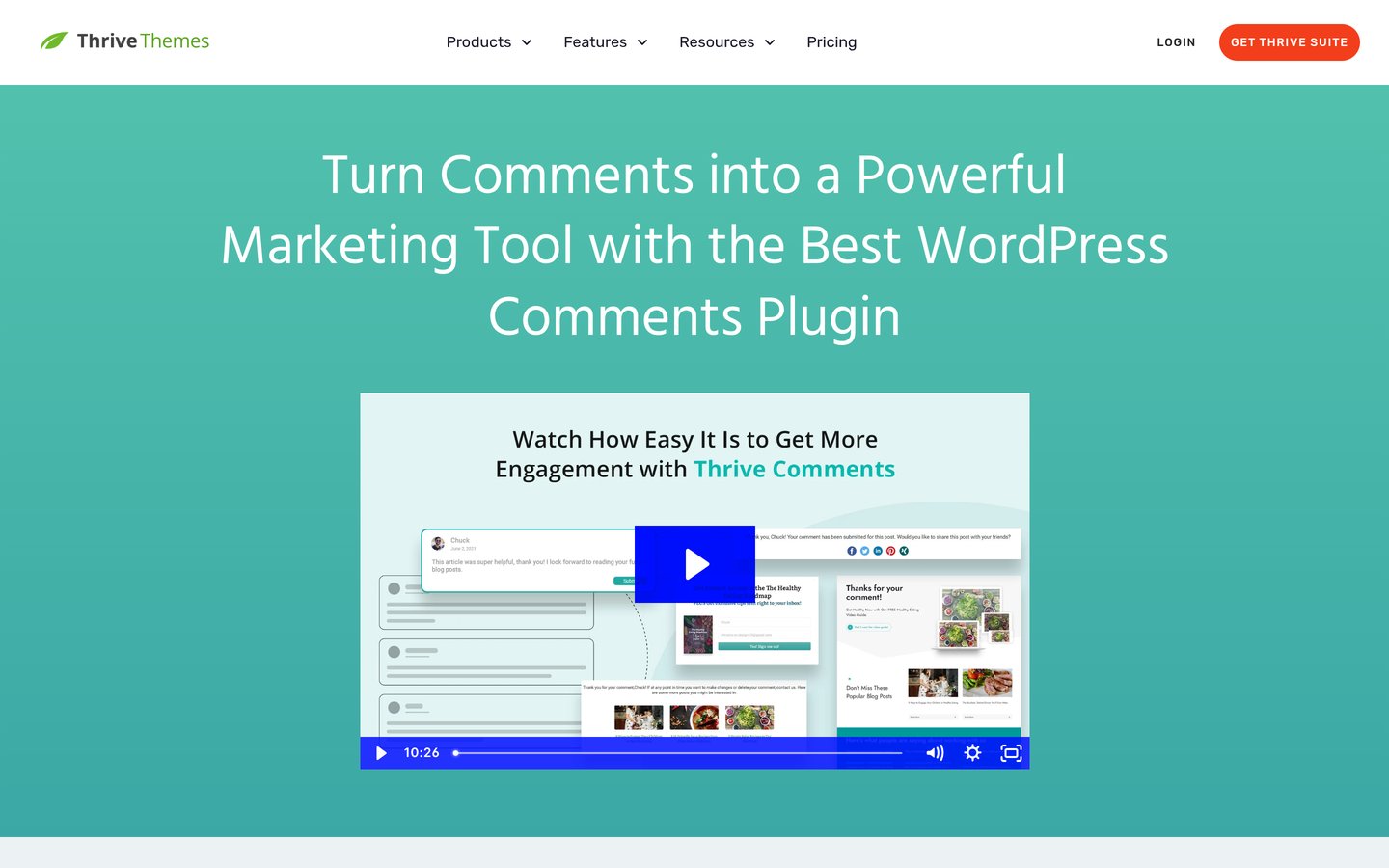
Thrive Comments is a premium plugin that turns comments into an engagement tool, with up-votes, down-votes, badges, featured comments and reports on your most active readers. It builds on native WordPress comments, so your threads stay in your own database. It holds a 4.5 out of 5 rating from 18 reviews on G2.
The trade off is the price. The standalone plugin costs $99 a year for one site, with a $40 first year on offer at the time of writing, and all renewals are at full price. It suits marketers and course creators who want a commenter to join a list or see an offer after posting.
What we like
Post-comment actions turn readers into subscribers
Badges, voting and featured comments built in
Fast moderation dashboard with keyboard shortcuts
Watch out for
No free version at all
$99 a year renews at full price after a $40 first year
Hyvor Talk is a privacy-first hosted comment system with threaded comments, reactions, 5-star ratings and moderation tools. Its Personal plan costs €5 a month billed yearly at €50, and covers 1 website, 1 moderator and 2,500 credits a month. It shows no ads on any plan and adds no third-party trackers.
The trade off is the credit system. Each comment costs 1 credit, and if you pass your limit for two months in a row, Hyvor pauses your embeds until the next month or an upgrade. It suits small blogs that want clean, ad-free comments without a big monthly bill.
What we like
No ads and no third-party trackers on any plan
Cheapest paid plan in this list at €50 a year
Ratings, reactions and memberships included
Watch out for
No free plan, only a 14-day trial
Credit limits can pause embeds if you outgrow them
2.7/5on WordPress.org (219 reviews, checked Nov 2026)
Paid from$12/mo
Best known comment network
Free planYes, Basic with ads
Sites on PlusUp to 3
Ads on PlusNone
Paid planPlus, $12/mo
disqus.com
Disqus homepage, captured Nov 2026.
Disqus is the best-known hosted comment network, with threaded replies, up-votes, rich media and login through Disqus, Google or social accounts. The free Basic plan covers the core system with ads, and it works on almost any site, not just WordPress. The WordPress plugin has more than 30,000 active installs.
The trade off is the rating and the ads. The WordPress plugin sits at 2.7 out of 5 from 219 reviews, and the free plan shows ads to your readers unless you pay. Plus starts at $12 a month for up to 3 sites and removes the ads. It suits large publishers who want a familiar comment network.
4.8/5on WordPress.org (6 reviews, checked Nov 2026)
Starts at$6/mo
Best lightweight hosted comments
Free planNo, 14-day trial
Pageviews20,000/mo from $6
SitesUnlimited
Paid planFrom $6/mo
getreplybox.com
ReplyBox homepage, captured Nov 2026.
ReplyBox is a lightweight hosted comment system that loads a small embed, with nested replies, up-votes, Markdown, email notifications and spam filtering. Its homepage reports 1,700 sites using ReplyBox and more than 258,000 comments posted. It syncs comments back into WordPress, so your dashboard stays the home of your threads.
The trade off is the thin public record. The WordPress plugin has a 4.8 out of 5 rating but only 6 reviews and 60 installs, and pricing is charged by pageviews from $6 a month for 20,000. It suits small sites that want a fast, minimal comment box with no ads.
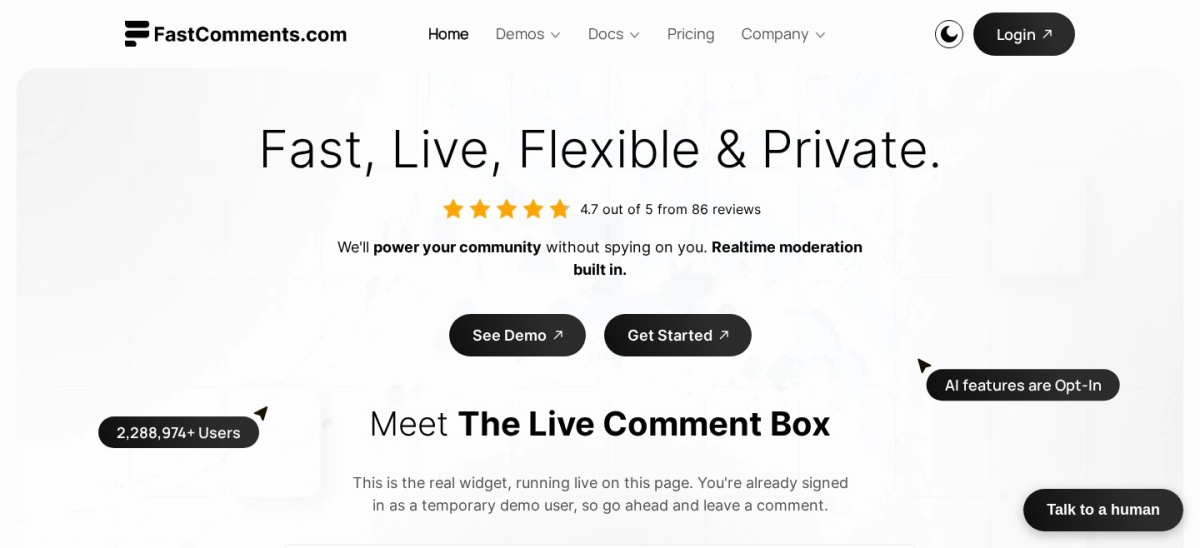
FastComments is a hosted comment system built for speed, with live comments, live chat widgets, SSO and an API for developers. Its Creators plan costs $5.99 a month for up to 3 sites, 500,000 page loads and 5,000 comments saved a month. Comment threads are indexed by search engines.
The trade off is the small footprint and the usage billing. The WordPress plugin has a 5 out of 5 rating from only 5 reviews and 30 installs, and the usage-based Flex plan adds per-site and per-volume charges on top of its base fee. It suits developers who want a fast embed they can shape with code.
3.7/5on WordPress.org (2,413 reviews, checked Nov 2026)
PriceFree
Best free upgrade to the native form
Free planYes, comments module
Sign-in optionsWordPress.com, Google
Comments storedIn WordPress
Paid bundlesPro, $348/yr
jetpack.com
Jetpack Comments homepage, captured Nov 2026.
Jetpack Comments is the comment module inside Jetpack, the Automattic plugin with more than 3 million active installs. It replaces the WordPress form with a cleaner one that lets readers sign in with a WordPress.com, Google or social account. Comments stay in your WordPress database, and the module itself is free.
The trade off is that it is deliberately simple. There is no voting, no badges and no moderation dashboard beyond the normal WordPress tools, and paid Jetpack bundles start at $348 a year. It suits blogs that want a tidier form with almost no setup.
What we like
Free, with no setup beyond turning it on
Readers can sign in with accounts they already have
Free plans cover the basics well. wpDiscuz, GraphComment, Disqus and Jetpack all run a working comment section without paying.
Paid plans mostly add moderation and volume. You get AI spam checks, more data loads, more sites and support when something breaks.
The catch is the billing model. Hosted tools charge by pageviews, data loads or credits, so a busy month can push you into a higher tier.
For a small blog, a free plan is usually enough. Pay only when your traffic or your moderation queue outgrows it.
Common mistakes when picking a comment plugin
Moving comments off your site without a copy is the biggest mistake. Check that a hosted tool syncs comments back to WordPress before you switch.
Paying for traffic you do not have is the second. A plan priced by pageviews looks cheap until your traffic doubles, so match the tier to your real numbers.
Running two comment systems at once is the third. Pick one, set it up, and only add a second tool if a real gap remains.
How we chose
We started from every comment plugin on WordPress.org with a live listing, then added the hosted systems and premium plugins that roundups and publishers name most often.
Prices come from each vendor's pricing page, checked on 22 November 2026. Ratings and install counts come from WordPress.org on the same day, except Thrive Comments, which is rated on G2. Where a vendor shows a sale, the list shows the regular price.
We left out plugins not updated in the last 12 months and tools whose main job is spam filtering, not comments. No vendor paid for a place, and we do not claim hands-on testing for this list.
How to choose a comment plugin for WordPress
Start with where you want your comments to live, then check the free version before you pay.
Decide where comments should live. If you want full control, pick a plugin that stores comments in WordPress, such as wpDiscuz, Thrive Comments or Jetpack.
Check the free plan first. wpDiscuz, GraphComment, Disqus and Jetpack all run without paying. Use one for a week before you pay for anything.
Match the price to your traffic. Hosted plans charge by pageviews, data loads or credits. Check your analytics first, then pick the tier that fits.
wpDiscuz is the best pick for most sites. It is free, rated 4.7 out of 5 by 582 users, and keeps comments in your WordPress database with threading, voting and live updates.
Is there a free comment plugin for WordPress?
Yes. wpDiscuz, GraphComment, Disqus and Jetpack Comments all have free plans. wpDiscuz and Jetpack keep comments in WordPress, while GraphComment and Disqus host them and sync a copy back.
Do comment plugins slow down WordPress?
They can. Hosted systems load a script from another server, so a heavy one can delay the page. wpDiscuz runs inside WordPress, and ReplyBox and FastComments both aim for a light embed.
Will I lose my comments if I switch plugins?
Not if they live in WordPress. wpDiscuz, Thrive Comments and Jetpack store comments in the normal database, so they stay when you switch. Hosted tools that sync a copy back are safe too.
Does Disqus show ads on my site?
Yes, on the free Basic plan, Disqus shows ads to your readers. The Plus plan starts at $12 a month and removes them, and the free plan is not open to sites that cannot run ads.
Which comment plugin is best for engagement?
Thrive Comments is built for engagement, with badges, up-votes and post-comment actions that send readers to an offer or a sign-up form. wpDiscuz covers voting and live replies for free.