Best Instagram Feed Plugins for WordPress in 2026: 9 Tools Compared
WLWPLegible EditorsLast verified 22 Nov 2026How we test13 min read
★ Short answer
Smash Balloon Instagram Feed is the best Instagram feed plugin for WordPress for most sites, with a 4.9 out of 5 rating from 4,359 users and more than 1 million installs. Pick Spotlight for the most generous free plan, Feed Them Social to mix several networks, or Elfsight if you want an embed that works on any site.
How we make this list: we compare pricing pages, product documentation and public user reviews, then re-check every price before each update. No product paid for a place. Disclosure.
Smash Balloon is the strongest pick: 4.9 out of 5 from 4,359 reviews and more than 1 million installs.
Spotlight has the most generous free plan: unlimited feeds and accounts, a lightbox and a live design preview.
Feed Them Social is the cheapest way to show several networks, with Premium at $50 a year.
WPZOOM has the cheapest paid plan at $39 a year, and Social Feed Gallery offers a $99 lifetime licence.
Embed services cost more per year: Elfsight from $60, Juicer from $180, Tagembed from $228 and Curator.io from $276.
What an Instagram feed plugin should cover
An Instagram feed keeps a WordPress site looking current without new posts on the site itself. Every new photo or Reel on Instagram can appear on the site automatically, which is why feeds are common on home pages, footers and shop pages.
WordPress plugins run inside your site, so the feed loads from your own server and follows your theme. Embed services run on the vendor's servers instead, which keeps your site light but adds a monthly view limit and a snippet to paste.
Free plans differ more than prices do. Some cap the number of feeds, some cap views, and some hold back hashtag feeds, moderation or shoppable links for paid plans. Our guide on free vs premium WordPress plugins explains when paying is worth it.
Instagram's API rules decide what any tool can show. Hashtag feeds, tagged posts and Stories usually need a business account, and a tool cannot show content Instagram does not let it fetch.
4.9/5on WordPress.org (4,359 reviews, checked Nov 2026)
Paid from$98/yr
Best Instagram feed plugin overall
Free planYes, on WordPress.org
Feed sourcesAccounts, hashtags, Reels
Shoppable feedsPro only
Paid planPro Basic, $98/yr
smashballoon.com
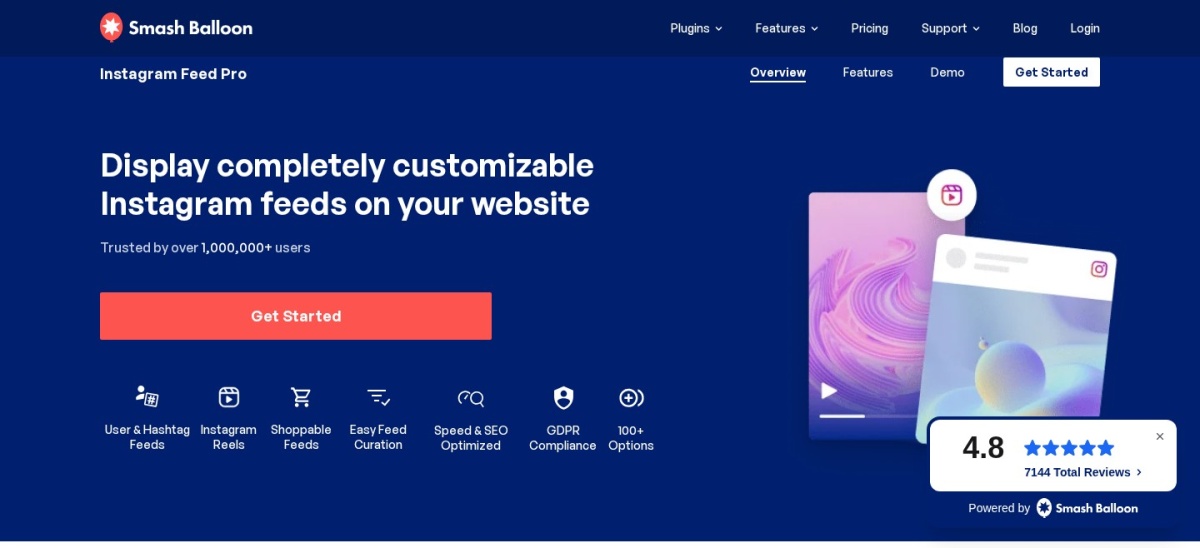
Smash Balloon Instagram Feed homepage, captured Nov 2026.
Smash Balloon Instagram Feed is the most-installed Instagram feed plugin on WordPress.org, with more than 1 million active installs and a 4.9 out of 5 rating from 4,359 reviews. The free version shows feeds from multiple Instagram accounts, with a visual customizer, a lightbox-ready layout and a follow button, and it powers Instagram oEmbeds on your site.
The trade off is the renewal price. Pro Basic costs $49 for the first year and renews at $98 a year for one site, and hashtag feeds, shoppable feeds and moderation need a paid plan. It suits blogs and businesses that want the most-used Instagram feed plugin with room to grow.
What we like
Largest user base, so answers are easy to find
Free version covers multiple accounts and a visual customizer
4.7/5on WordPress.org (171 reviews, checked Nov 2026)
Paid from$59/yr
Best free plan for Instagram-only feeds
Free planYes, unlimited feeds
Feed sourcesPosts, Reels, hashtags (Pro)
LightboxYes, free
Paid planEssentials, $59/yr
spotlightwp.com
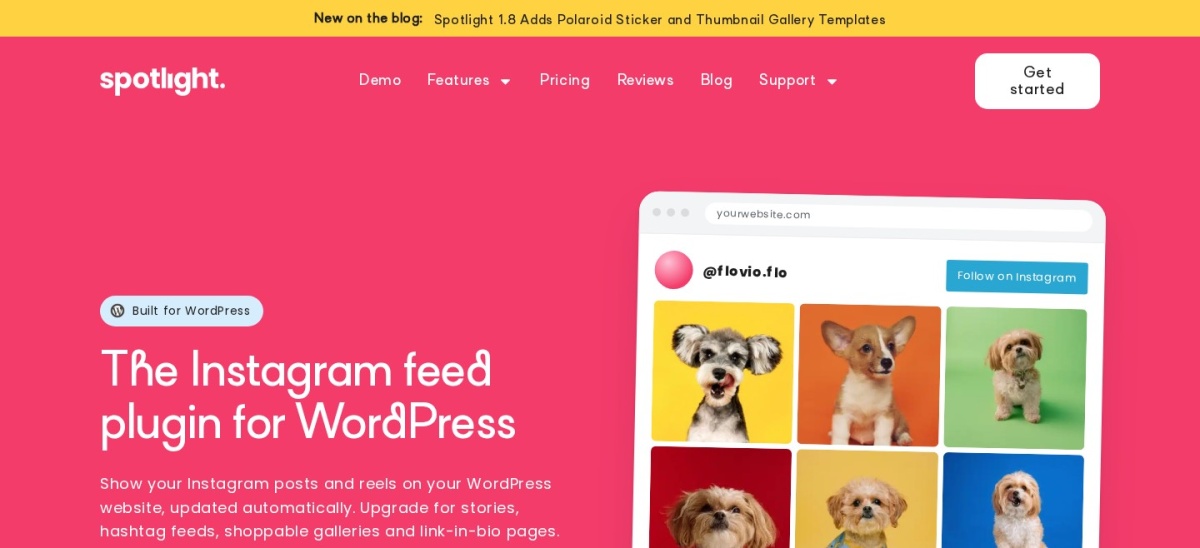
Spotlight Social Photo Feed homepage, captured Nov 2026.
Spotlight Social Photo Feed is an Instagram-only feed plugin with more than 50,000 active installs and a 4.7 out of 5 rating from 171 reviews. The free version gives you unlimited feeds and accounts, a block, shortcode and widget, a lightbox, a custom header with your avatar and bio, and full design controls with a live preview.
The trade off is that the best feed types cost extra. Hashtag feeds, tagged feeds, shoppable feeds and visual moderation all need Essentials at $59 a year or PRO at $99 a year. It suits site owners who want a feed that matches their theme exactly.
4.7/5on WordPress.org (639 reviews, checked Nov 2026)
Paid from$50/yr
Best for several networks on a budget
Free planYes, per-platform feeds
NetworksInstagram, Facebook, TikTok, YouTube
Combined feedPremium extension
Paid planPremium, $50/yr
feedthemsocial.com
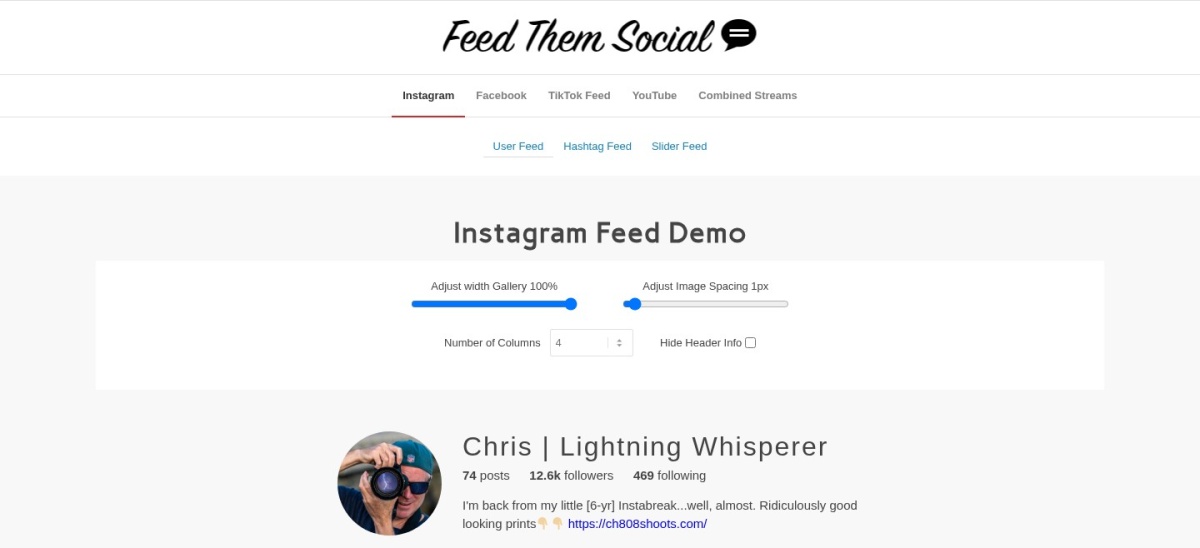
Feed Them Social homepage, captured Nov 2026.
Feed Them Social is a free multi-network feed plugin with more than 20,000 active installs and a 4.7 out of 5 rating from 639 reviews. It builds separate feeds for Instagram, Facebook, TikTok and YouTube, with a block, shortcode and widget, and it works with Elementor, Beaver Builder and the block editor.
The trade off is that the feeds stay separate unless you pay. A combined stream of several networks needs the Combined Streams extension, and the Premium extension costs $50 a year for extra layouts and no post limit. It suits sites that show more than one social network.
What we like
One plugin for four social networks
Free version works with Elementor and the block editor
4.5/5on WordPress.org (303 reviews, checked Nov 2026)
Paid from$49/yr
Best simple gallery with a lifetime option
Free planYes, Gallery and Carousel
LayoutsGallery, Carousel free
Premium layoutsMasonry, Highlight
Paid planPersonal, $49/yr
quadlayers.com
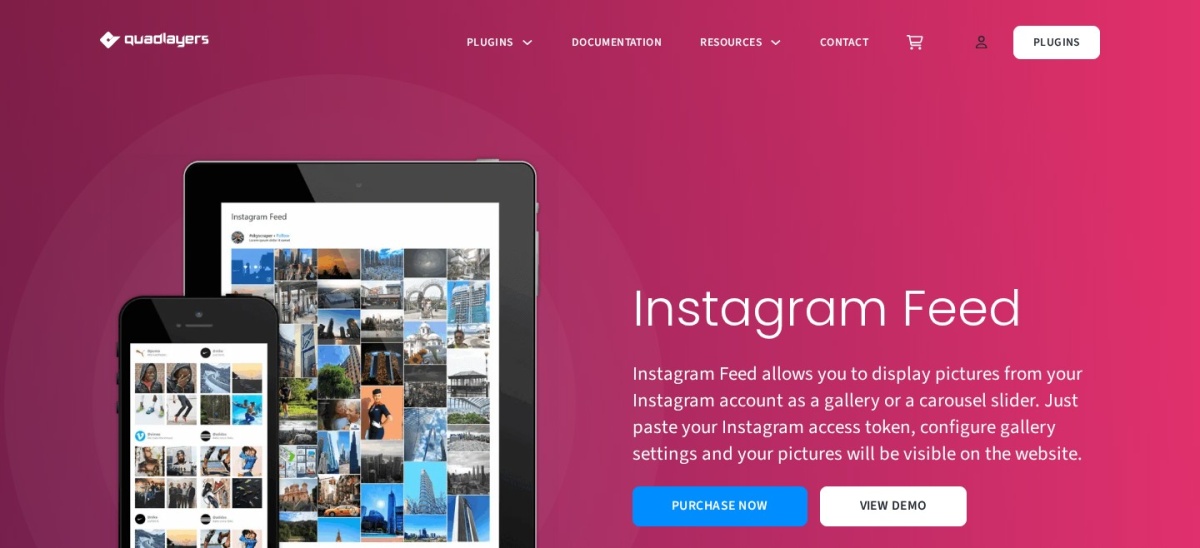
Social Feed Gallery homepage, captured Nov 2026.
Social Feed Gallery is a lightweight Instagram feed plugin from QuadLayers, with more than 80,000 active installs and a 4.5 out of 5 rating from 303 reviews. The free version covers Gallery and Carousel layouts, a Gutenberg block and an Elementor block, a lightbox, and responsive controls for each device.
The trade off is that the fancier layouts are paid. Masonry and Highlight layouts, hashtag and tagged feeds, Stories feeds and multiple accounts need Personal at $49 a year, or a $99 lifetime licence. It suits small sites that want a simple gallery at a low price.
What we like
Only tool here with a lifetime licence
Light and simple to set up
Free version includes a lightbox and per-device controls
4.3/5on WordPress.org (52 reviews, checked Nov 2026)
Paid from$39/yr
Best light free feed with a cheap upgrade
Free planYes, unlimited feeds
LayoutsGrid, full-width free
Elementor widgetYes
Paid planPro, $39/yr
wpzoom.com
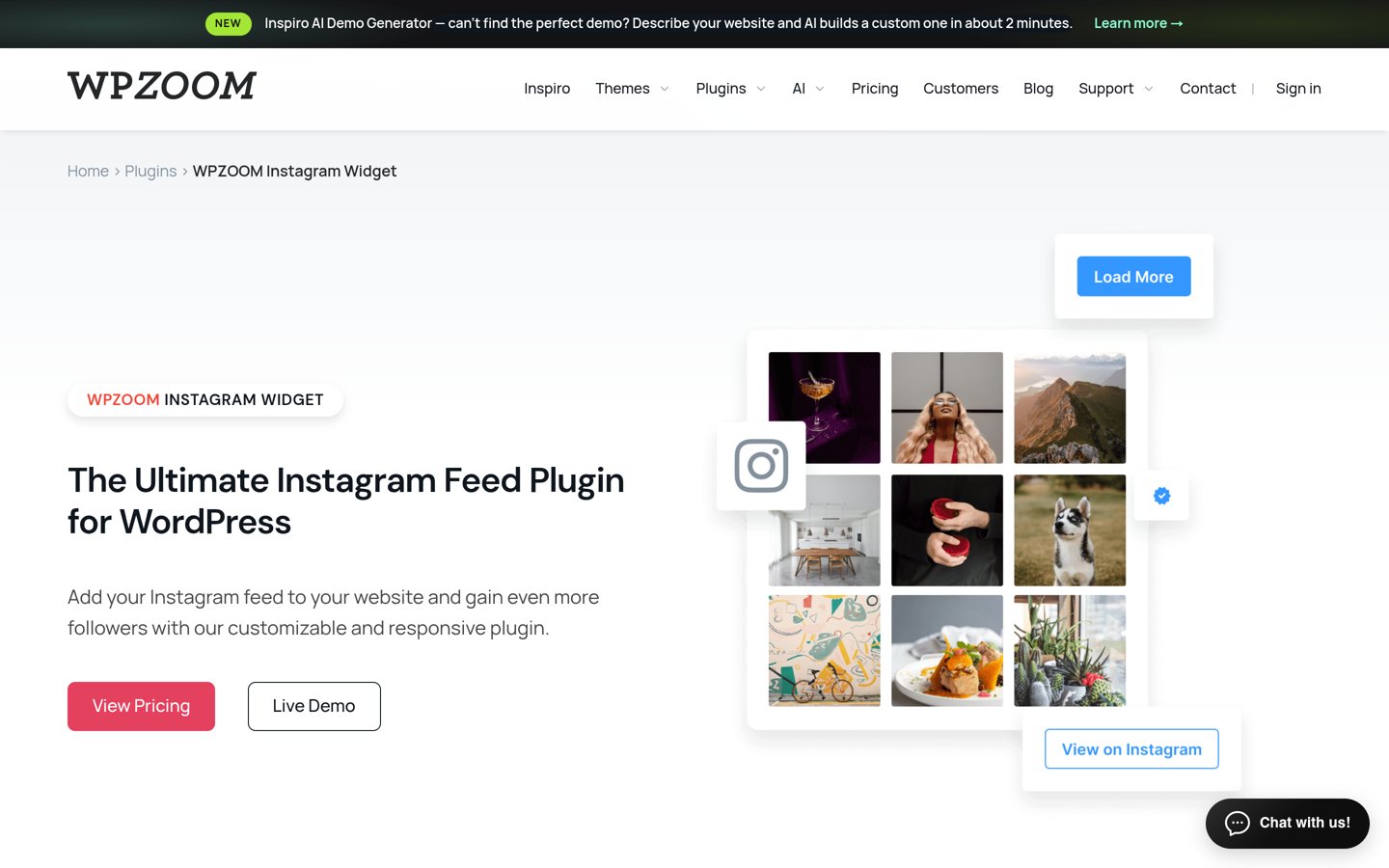
WPZOOM Social Feed Widget homepage, captured Nov 2026.
WPZOOM Social Feed Widget is a light Instagram feed plugin with more than 50,000 active installs and a 4.3 out of 5 rating from 52 reviews. The free version gives you unlimited feeds, a block for the block editor, an Elementor widget, a lightbox, lazy loading and a Stories ring on your profile picture.
The trade off is its rating. At 4.3 out of 5 from 52 reviews it is the lowest-rated plugin in this list, and multiple accounts, moderation and WooCommerce product tagging need Pro at $39 a year. It suits sites that want a light free feed with a cheap upgrade.
What we like
Cheapest paid plan in this list
Free version covers unlimited feeds and lazy loading
Block and Elementor widget included free
Watch out for
Lowest rating in this list
Only 52 reviews, so the rating is a thin sample
Pro adds multiple accounts, moderation and product taggingVisit wpzoom.com
06
Elfsight Instagram Feed
4.8/5on Trustpilot (209 reviews, checked Nov 2026)
Paid from$60/yr
Best embed for any website, not just WordPress
Free planYes, 200 views/mo
Widgets1 free, 3 on Basic
Views on Basic5,000/mo
Paid planBasic, $60/yr
elfsight.com
Elfsight Instagram Feed homepage, captured Nov 2026.
Elfsight Instagram Feed is an embeddable widget that works on WordPress and any other site, with a 4.8 out of 5 Trustpilot rating from 209 reviews. The free plan covers 1 widget and 200 views a month, and you build the feed in Elfsight's editor, then paste one snippet into any page.
The trade off is the view cap. Basic costs $60 a year and allows 5,000 views a month across 3 widgets, and the widget stops showing once the cap is hit. It suits small sites that need an Instagram feed without installing a plugin.
Tagembed is a social media aggregator that embeds Instagram feeds and reviews on any website, with a 4.7 out of 5 G2 rating from 97 reviews. The free plan covers 1 feed, 300 views a month and 100 posts, with manual updates once a day and embeds on unlimited websites.
The trade off is the monthly price. Starter costs $19 a month, or $228 a year, for 2 feeds and 10,000 views a month, and the free plan keeps Tagembed branding on the widget. It suits brands that also want reviews and user content in one feed.
What we like
Combines social feeds, reviews and UGC in one widget
Free plan embeds on unlimited websites
Strong G2 rating from 97 reviews
Watch out for
Starter is monthly billing with no yearly discount
Juicer is a social media aggregator that pulls Instagram, TikTok, Facebook, YouTube and more into one feed, with a 4.5 out of 5 G2 rating from 78 reviews. The free plan covers 1 source and 1 feed with a 24-hour refresh, and you embed it with a snippet or Juicer's WordPress plugin.
The trade off is the per-source price. Lite costs $15 a month billed yearly, or $180 a year, for 3 sources with an hourly refresh, and extra sources cost more. It suits event pages and brands that mix several networks in one wall.
What we like
Covers 15+ platforms in one feed
Moderation and custom CSS on paid plans
Free plan never expires
Watch out for
Free plan covers only 1 source
Each extra source adds to the bill
Lite adds 3 sources, hourly refresh and no brandingVisit juicer.io
09
Curator.io
4.5/5on G2 (11 reviews, checked Nov 2026)
Paid from$23/mo
Best simple aggregator with a generous free plan
Free planYes, 3 sources, 2,000 views/mo
Sources on Pro5
Refresh on ProEvery 60 minutes
Paid planPro, $276/yr
curator.io
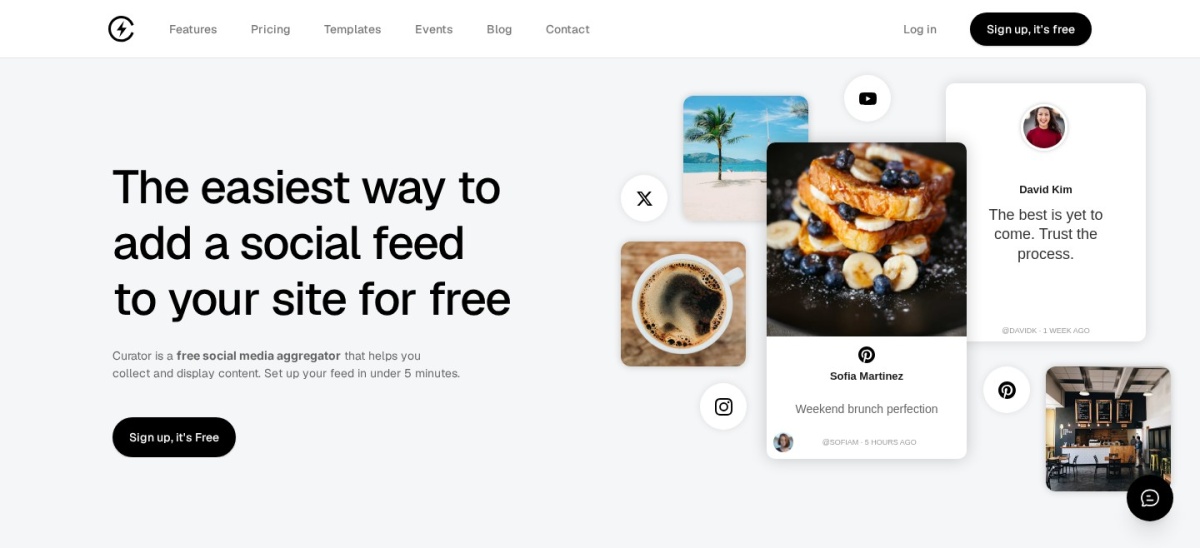
Curator.io homepage, captured Nov 2026.
Curator.io is a social media aggregator that collects Instagram, TikTok, Facebook, YouTube and more into a feed you style and embed, with a 4.5 out of 5 G2 rating from 11 reviews. The free plan covers 3 sources, 2,000 views a month and 1,000 posts, with updates every 24 hours.
The trade off is the small review base and the price. Pro costs $23 a month billed yearly, or $276 a year, for 5 sources and hourly updates, and only 11 G2 reviews back the 4.5 rating. It suits teams that want a simple aggregator with a generous free plan.
What we like
Free plan covers 3 sources and 2,000 views a month
Set up takes under 5 minutes, per Curator
No credit card needed to start
Watch out for
Only 11 G2 reviews, so the rating is a thin sample
Pro is the priciest first paid plan in this list
Pro adds hourly updates and removes the Curator linkVisit curator.io
Free vs paid: what you give up
Free plans cover a basic grid of your own posts well. Most include a block or shortcode, a lightbox and some layout choice.
Paid plans mostly add feed types and control. You get hashtag and tagged feeds, Stories, moderation, shoppable links and more sources.
Watch the renewal price. Smash Balloon costs $49 in year one and renews at $98, while Spotlight locks your price at renewal.
Social Feed Gallery is the only tool here with a lifetime licence: $99 once for one site, against $49 a year.
WordPress plugin or embed service?
A WordPress plugin is the better pick for most WordPress sites. It matches your theme, has no view cap and keeps the feed data on your own server.
An embed service fits sites that run on more than one platform, or teams that want the vendor to handle caching and updates.
If you only need Instagram, pick a plugin. If you need Instagram plus reviews, TikTok and YouTube in one wall, an aggregator such as Juicer or Tagembed is the shorter route.
How we chose
We started from every Instagram feed plugin on WordPress.org updated in the last 12 months, then added the main embed services that publish a free plan and public pricing.
Prices come from each vendor's pricing page, checked on 22 November 2026. Ratings and install counts come from WordPress.org on the same day, except Elfsight, rated on Trustpilot, and Tagembed, Juicer and Curator.io, rated on G2. Where a vendor shows a sale, the list shows the regular price.
We left out plugins not updated in the last 12 months, including 10Web Social Photo Feed, last updated in February 2023. No vendor paid for a place, and we do not claim hands-on testing for this list.
How to choose an Instagram feed plugin
Start with where the feed will live, then check what the free plan actually includes.
Decide plugin or embed service. A WordPress plugin matches your theme and has no view cap. An embed service works on any site but caps monthly views.
List the feed types you need. A plain grid of your own posts is free almost everywhere. Hashtag, tagged, Stories and shoppable feeds usually need a paid plan.
Try the free plan on one page. Connect one account, place the feed, and check it on a phone. Look for slow loading, a branding badge or a view counter.
Check the renewal price, not the first year. Smash Balloon renews at $98 after a $49 first year. Budget for year two before you commit.
FAQ
What is the best Instagram feed plugin for WordPress?
Smash Balloon Instagram Feed is the best pick for most sites. It has more than 1 million active installs and a 4.9 out of 5 rating from 4,359 users, and its free version covers multiple accounts, a visual customizer and a follow button.
Can I show an Instagram feed on WordPress for free?
Yes. Every tool in this list has a free plan, and the WordPress plugins show a basic grid of your own posts at no cost. Paid plans add hashtag feeds, moderation, shoppable links and more sources, so pay only when the free plan blocks something you need.
Do I need an Instagram business account?
Not for a basic feed of your own posts, but hashtag feeds, tagged posts and Stories usually need a business or creator account connected through Instagram's API. Check the tool's docs before you pay, because no plugin can show content Instagram does not share.
Will an Instagram feed slow down my site?
It can, if the plugin fetches fresh photos on every page load. The plugins in this list cache the feed on your server, and the embed services cache it on theirs. A cached feed adds little load, so check the caching settings after install.
What is the difference between a plugin and an embed service?
A plugin runs inside WordPress, follows your theme and has no view limit. An embed service runs on the vendor's servers and works on any website, but every plan caps monthly views and the widget can stop showing once the cap is hit.
Which Instagram feed plugin is cheapest?
WPZOOM Pro is the cheapest paid plan in this list at $39 a year, and Social Feed Gallery offers a $99 lifetime licence. For a monthly service, Elfsight Basic is cheapest at $60 a year, while Tagembed, Juicer and Curator.io start higher.