Best Research Management Software in 2026: 8 Tools Compared
WLWPLegible EditorsLast verified 23 Nov 2026How we rank10 min read
★ Short answer
Zotero is the best research management software for most researchers: free, open source, with 10,000 citation styles and the strongest plugin ecosystem. Mendeley is the best free-storage pick at 2 GB, and Paperpile is the pick for Google Docs writers.
How we make this list: we compare pricing pages, product documentation and public user reviews, then re-check every price before each update. No product paid for a place. Disclosure.
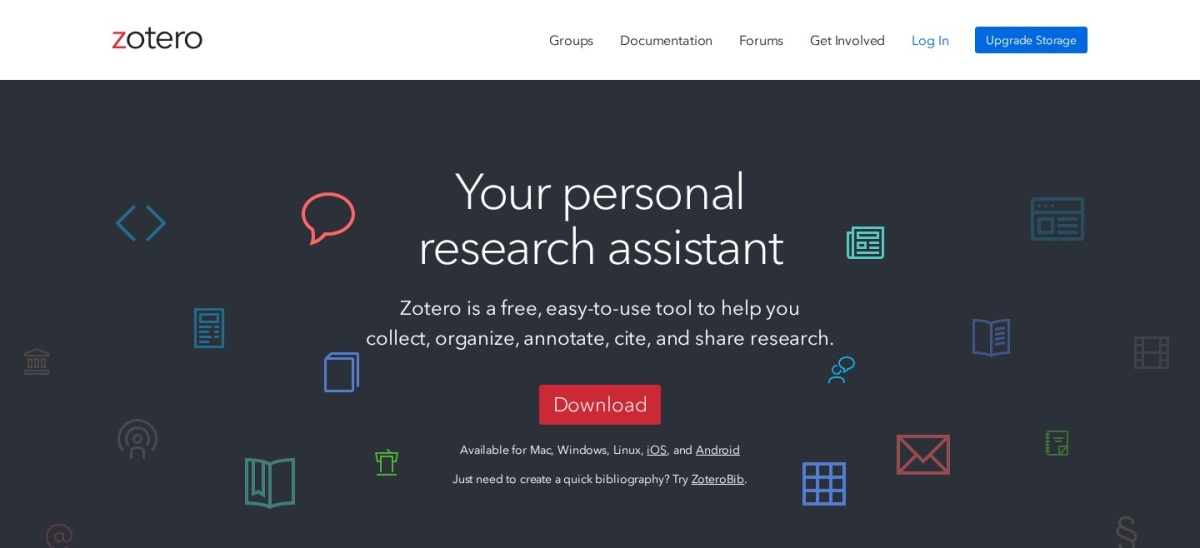
Zotero is the best free reference manager, open source, with 10,000 citation styles and optional storage from $20 a year.
Mendeley gives the most free storage at 2 GB, with Plus at $55 a year for 5 GB.
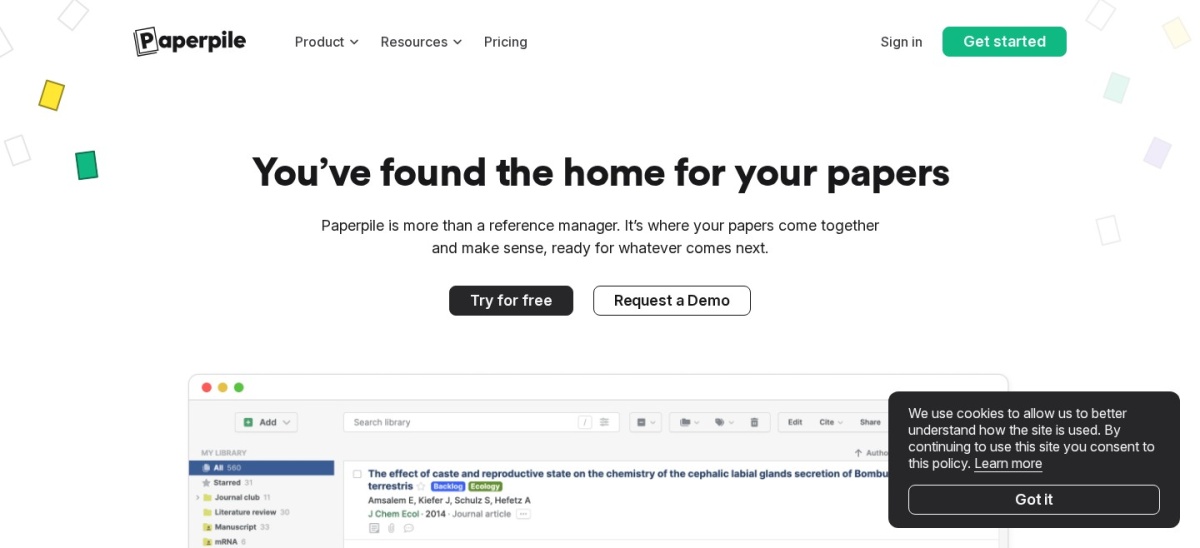
Paperpile is the best pick for Google Docs writers, at $2.99 a month for Academic.
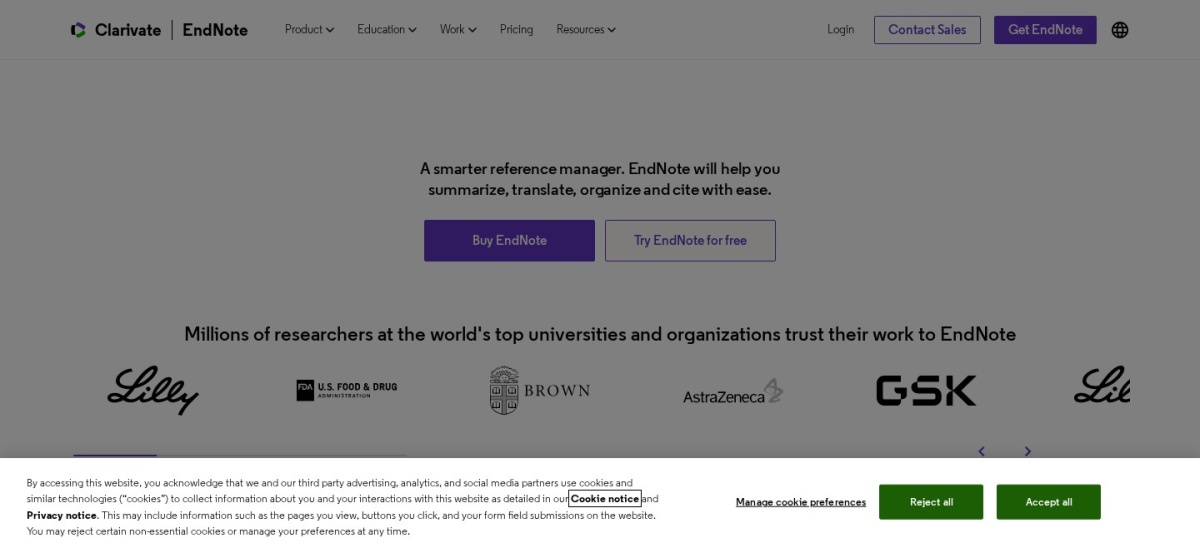
EndNote is the institution standard at $275 one-time, or $150 for students.
Benchling is free for academics and the only lab notebook here, with CRISPR and cloning tools built in.
What research management software should do
Research management splits into two jobs: the literature and the lab. Reference managers such as Zotero, Mendeley, EndNote, Paperpile, ReadCube, Citavi and JabRef store papers and build citations, while Benchling records experiments in a lab notebook.
Free plans are strong in this category. Zotero, JabRef and Benchling are free for their core use, Mendeley gives 2 GB of storage free, and EndNote Online Basic is free. Paid plans mostly buy storage, AI features or institutional licences.
Watch the storage math. Zotero gives 300 MB free and sells 2 GB for $20 a year, while Mendeley gives 2 GB free and sells 5 GB for $55 a year. A PDF-heavy library outgrows the free tier fast.
Ratings here run from 4.1 to 4.9 on G2, but the samples vary widely: Mendeley has 250 reviews, while Citavi has 18 and JabRef has 12, most of them old. Read the base, not just the score.
Zotero is the default reference manager for most researchers: free, open source and run by a nonprofit that cannot be acquired. The browser connector saves papers, PDFs and web pages in one click, items can be tagged and annotated, and citations go into Word, LibreOffice or Google Docs in more than 10,000 styles. Group libraries let a lab share a reading list.
The trade off is storage and polish. Free cloud storage is only 300 MB, so a PDF-heavy library needs a paid storage tier from $20 a year for 2 GB, or a self-hosted WebDAV server. The interface feels dated, PDF annotation is weaker than Mendeley, and there is no built-in AI screening, which comes from community plugins instead.
What we like
Free and open source, no paywall on references
10,000+ citation styles, Word and Google Docs plugins
Mendeley is Elsevier's reference manager, and its free plan is the most generous here with 2 GB of cloud storage. It extracts metadata from PDFs automatically, annotates them in a built-in reader, and cites in Word through Mendeley Cite, with shared groups for team libraries. A Reading Assistant answers questions about a paper, limited to five questions on the free plan.
The trade off is ownership and reliability. Mendeley is owned by Elsevier, which is a reason many researchers avoid it, and reviewers report sync issues, crashes and repeated logouts from the desktop app. It has no Google Docs integration, and the paid tiers mostly buy storage and AI features, since the core manager is the same on every plan.
Paperpile is the cloud reference manager for anyone who writes in Google Docs. It runs entirely in the browser, stores PDFs in your Google Drive, and inserts citations inline while you write, formatting the bibliography automatically when you finish. The Chrome extension imports papers in one click, and the iOS and Android apps keep the library in your pocket.
The trade off is price and platform. There is no free plan, only a 30-day trial, and Academic costs $2.99 a month, with Business at $9.99 a month for teams. There is no desktop app, so offline work is limited, and collaborators need Paperpile too for shared writing, which can be a hard sell in a mixed team.
EndNote is Clarivate's veteran reference manager, and it remains the standard in labs and institutions that already license it. Cite While You Write in Word is the deepest integration here, with thousands of output styles and custom style editing, and large libraries stay fast with duplicates flagged on import. EndNote 2025 adds a Research Assistant that chats with PDFs.
The trade off is cost and the learning curve. A full licence costs $275 one-time, or $150 for students, which is the most expensive entry here for a solo researcher, and the desktop-first interface is dense to learn. Sync and library sharing are less reliable than Zotero, and many universities provide it free, so check your library first.
What we like
Deepest Word integration with Cite While You Write
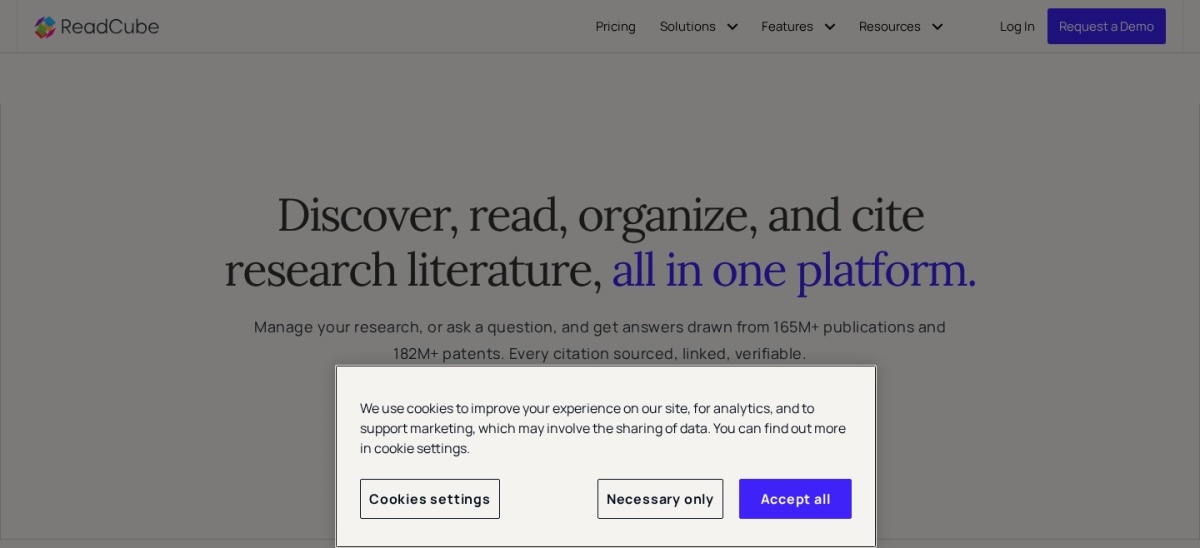
ReadCube Papers is the PDF-first reference manager for researchers who read more than they cite. It organizes papers in a clean library with highlights and notes that stay searchable, and it searches the Dimensions database of more than 150 million publications without leaving the app. An AI Assistant answers questions across a set of articles and cites where each answer came from.
The trade off is reliability and the rebuild. The new ReadCube app lost features from the older Papers 3, and reviewers report key features breaking on desktop and web, with poor PDF markup tools. Importing references without a PDF is awkward, and the Word plugin needs an extension that some institutions block.
What we like
Searches 150M+ publications without leaving the app
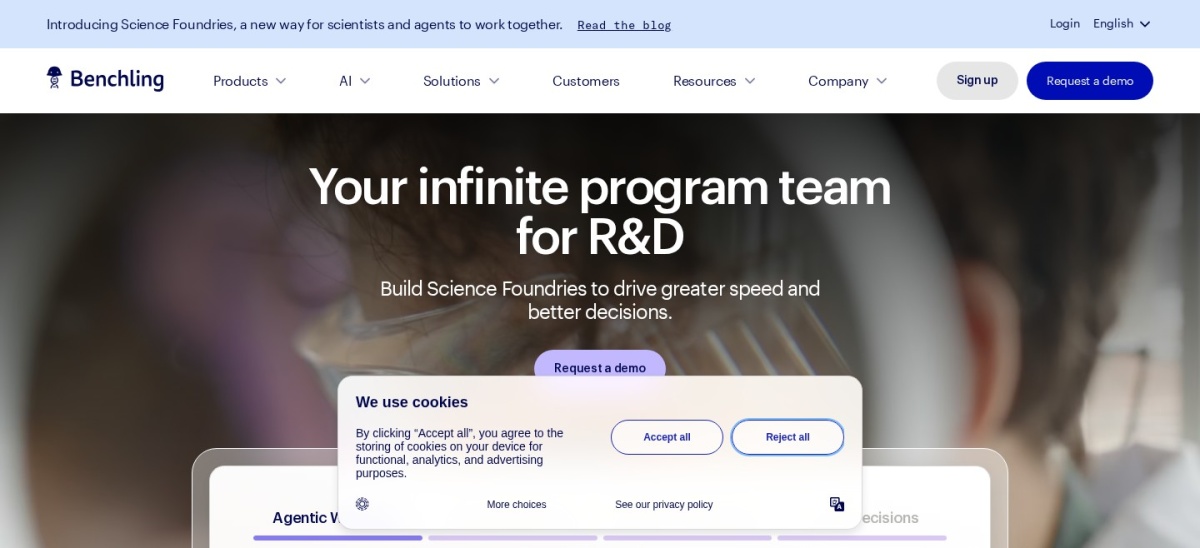
Benchling is the cloud platform for life science research, combining an electronic lab notebook with molecular biology tools in one system. Academics use it free, designing CRISPR guides, planning cloning, aligning sequences and recording experiments, then sharing notebooks and protocols with the team. It is the standard notebook for biotech R&D teams.
The trade off is the industry price and the scope. Companies need a paid plan priced by custom quote, so the free academic plan does not transfer when a lab spins out. File management can be clumsy, bulk uploads are weak, and the molecular biology focus means it fits life science labs far better than other fields.
What we like
Free for academics, including Notebook and Molecular Biology
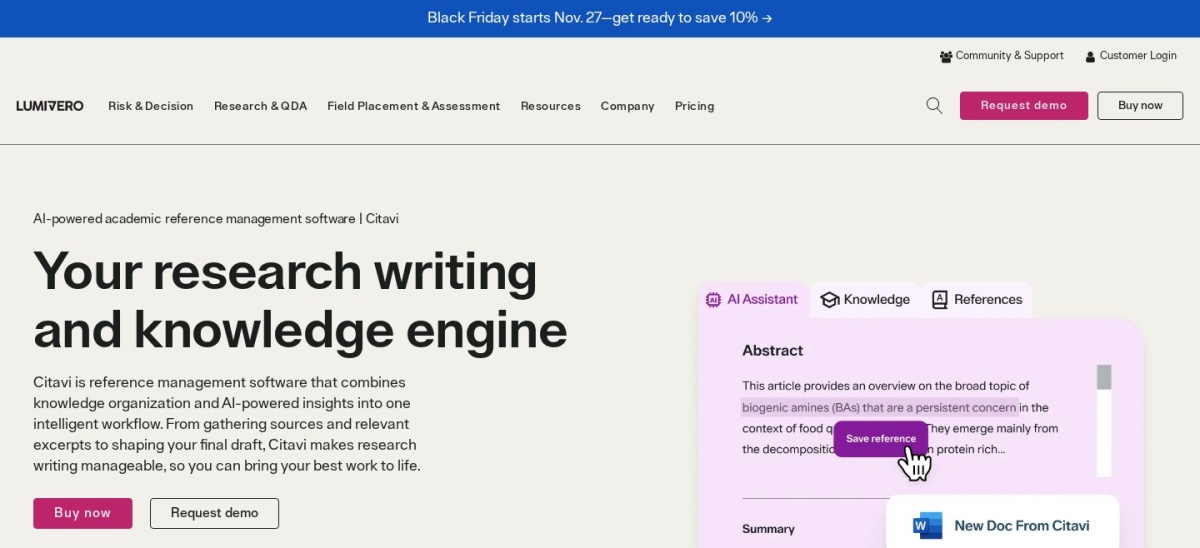
Citavi is the reference manager for researchers who organize knowledge, not just citations. It stores references, quotations, comments and thoughts in one project, organized by keywords and categories, with a task planner for milestones and a Word add-in that inserts citations and quotations as you write. Support gets strong marks from reviewers.
The trade off is price and the thin rating base. Basic costs $519 a user a year, the priciest plan in this list, and most users get Citavi through an institution rather than buying it solo. The 4.9 rating rests on only 18 G2 reviews, and the Windows-first design means Mac users rely on the web version.
What we like
Organizes quotations and notes, not just citations
Strong Word integration with Publication Assistant
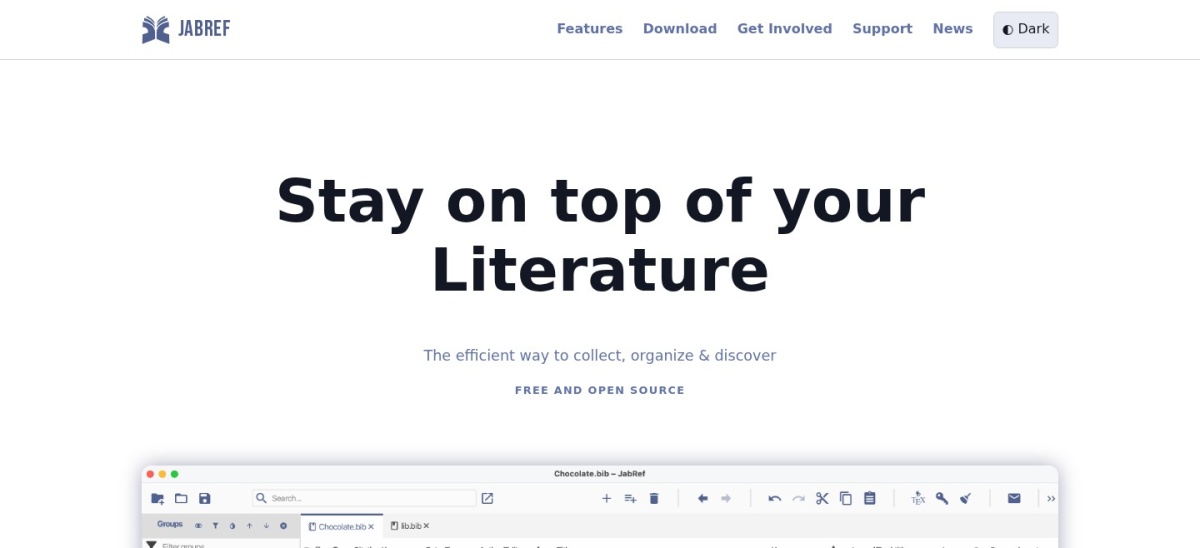
JabRef is the free, open-source reference manager for LaTeX writers, built around native BibTeX editing. Paste a BibTeX entry from Google Scholar and it lands in the library, attach the PDF, then include the .bib file in your document and the bibliography builds itself. It runs on Windows, Mac and Linux and works well with Git for version control.
The trade off is the narrow audience and the thin rating base. JabRef is built for BibTeX and LaTeX, so Word-first writers get less from it, and collaboration is limited beside Zotero or Mendeley. The 4.7 rating rests on only 12 G2 reviews, most from 2016 to 2019, and the interface is plain beside newer tools.
Free plans cover the core job. Zotero and JabRef are fully free, Mendeley gives 2 GB of storage free, and Benchling is free for academics.
Paid plans buy storage and AI. Zotero storage is $20 a year for 2 GB, Mendeley Plus is $55 a year for 5 GB, and Paperpile is $2.99 a month with no free plan.
One-time licences change the math. EndNote at $275 once beats a $55 a year Mendeley subscription after five years, if your institution does not already license it.
How we chose
We started from the research tools students and labs mention most, then kept the eight with a public rating on G2 and a published price. Tools with quote-only pricing or no usable rating were left out.
Prices come from each vendor's pricing page or a vendor comparison page, checked on 23 November 2026. Ratings and review counts come from G2 pages opened the same day. One-time licences are shown as a year-one cost, and free plans are the vendor's free tier.
We left out Rayyan, which has no G2 reviews, RefWorks, whose pricing is institutional, and Citationsy, Bookends and LabArchives, whose public ratings rest on three to six reviews. No vendor paid for a place. This list is based on pricing, docs and reviews, not on using the tools ourselves.
How to choose research management software
Start with where you write and how big your library is.
Pick the half you need first. Reference managers store papers and cite them. Lab notebooks record experiments. Benchling is the only lab notebook here; the rest manage literature.
Check your institution first. Many universities license EndNote or Citavi, and Benchling is free for academics. A licence you already have beats any list.
Count your PDFs, not your references. References sync free on Zotero, but PDFs count against 300 MB. A 2 GB library costs $20 a year on Zotero or nothing on Mendeley.
Match the writer to the tool. LaTeX writers want JabRef or Zotero with Better BibTeX. Google Docs writers want Paperpile. Word-first writers want EndNote or Mendeley.
FAQ
What is the best research management software?
Zotero is the best pick for most researchers: free, open source, with 10,000 citation styles and the strongest plugin ecosystem.
Is there free research management software?
Yes. Zotero and JabRef are free and open source, Mendeley gives 2 GB free, Benchling is free for academics, and EndNote Online Basic is free.
How much does Zotero cost?
Zotero is free, including unlimited reference sync. Optional file storage costs $20 a year for 2 GB, $60 for 6 GB or $120 for unlimited.
Is Mendeley or Zotero better?
Zotero is better for openness and plugins, while Mendeley is better for free storage at 2 GB and PDF annotation. Both are free to start.
How much does EndNote cost?
EndNote 2025 costs $275 one-time for a full licence, $150 for students and $125 to upgrade. EndNote Online Basic is free.
What is the best reference manager for Google Docs?
Paperpile is the best pick for Google Docs, with inline citations and automatic bibliographies, at $2.99 a month for Academic.