Best Records Management Software in 2026: 7 Tools Compared
WLWPLegible EditorsLast verified 22 Nov 2026How we rank13 min read
★ Short answer
Zoho WorkDrive is the best records management software for smaller teams, with configurable retention policies, activity tracking and 1 TB of shared storage starting at $2.50 per user monthly with annual billing. Microsoft SharePoint suits organizations managing structured document libraries, while Egnyte offers more advanced content governance and lifecycle management.
How we make this list: we compare pricing pages, product documentation and public user reviews, then re-check every price before each update. No product paid for a place. Disclosure.
Zoho WorkDrive starts at $2.50/user/month billed annually, with a 3-user minimum, 1 TB of shared storage and configurable data retention policies. It earns 4.6/5 from 100 Capterra reviews.
Microsoft SharePoint Plan 1 starts at $5/user/month with annual billing. Its Capterra rating is 4.4/5 from 5,462 reviews.
Egnyte Business costs $22/user/month billed annually, while Enterprise Lite adds content lifecycle management at $39/user/month. Capterra rates Egnyte 4.5/5 from 120 reviews.
Box Business Starter starts at $5/user/month billed annually, requires 3 users and includes 100 GB of storage. Its Capterra rating is 4.4/5 from 5,749 reviews.
SmartVault Business Pro starts at $65/user/month billed annually with a 3-user minimum. Dedicated retention policies are available in Accounting Unlimited at $85/user/month.
Google Workspace Starter costs $7/user/month, while Business Plus adds Vault retention and eDiscovery capabilities at $22/user/month.
What records management software should include
Records management software helps organizations organize, protect, retrieve, retain and eventually dispose of business information. Records may include contracts, employee documents, financial statements, policies, correspondence and other information that must remain accessible for defined periods.
The most important distinction is between document storage and records lifecycle management. Storage platforms hold files and support sharing, while dedicated records capabilities add retention schedules, disposition rules, legal holds, audit history and defensible deletion.
Search and classification matter because records must remain discoverable. Look for metadata, searchable document content, version history, folder controls and permissions that prevent unauthorized changes.
Compliance requirements should shape the shortlist. Some products include configurable retention policies in entry plans, while others reserve advanced governance, legal holds or eDiscovery for premium subscriptions. Do not assume a platform satisfies a regulatory requirement simply because it offers encrypted storage.
Finally, consider implementation and ongoing administration. A smaller team may need straightforward document controls, while a larger organization may require detailed governance policies, approval workflows and integration with existing productivity systems.
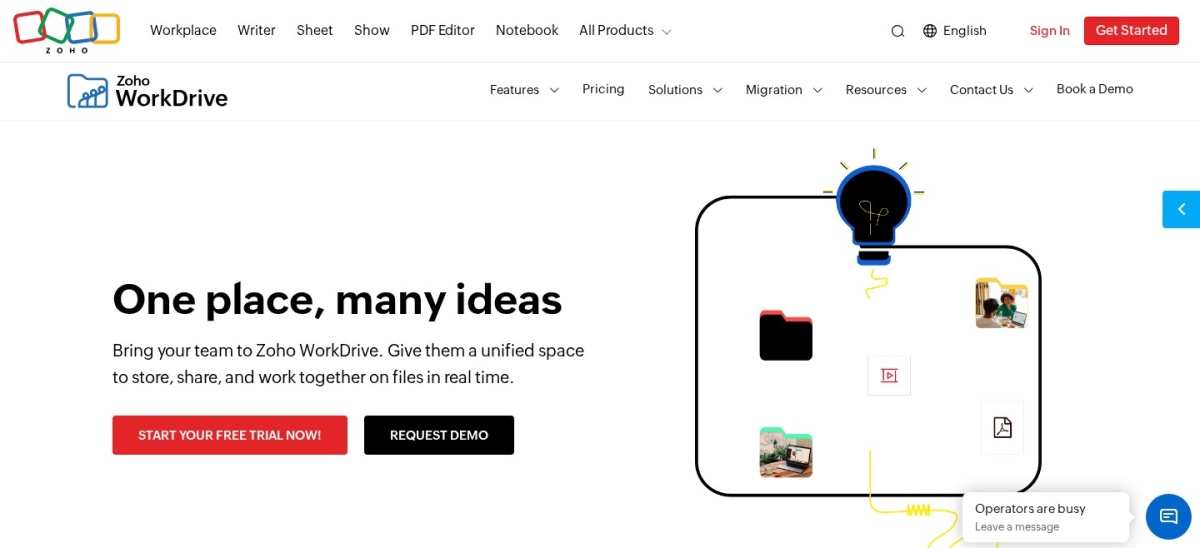
Zoho WorkDrive is a team document management platform with shared folders, granular permissions, activity tracking and configurable retention policies. Starter costs $2.50 per user monthly with annual billing and a 3-user minimum. It includes 1 TB of initial team storage, unlimited file versions, advanced search, default workflows and a 10 GB individual file upload limit.
The trade off is that the minimum subscription costs $90 annually, and advanced administration features require higher plans. WorkDrive also emphasizes collaborative document management rather than specialized enterprise records disposition. It suits smaller teams that need searchable, controlled records with retention settings at a modest price.
What we like
Configurable retention policies in the entry plan
Affordable per-user subscription
Granular access controls and activity tracking
Unlimited file versions
Shared folders and document workflows
Watch out for
Requires at least 3 paid users
Advanced administrative controls require upgrades
Not a full enterprise legal-hold system
Additional storage and client-user features may cost extra
Team adds expanded storage, file collection, access statistics and stronger administrative controls.Visit zoho.com
02
Microsoft SharePoint
4.4/5on Capterra (5,462 reviews, checked Nov 2026)
Starts at$5/mo
Best for Microsoft-based records and document libraries
Entry planSharePoint Plan 1
Starting price$5/user/month
BillingAnnual subscription
Document controlLibraries, versions, metadata
microsoft.com
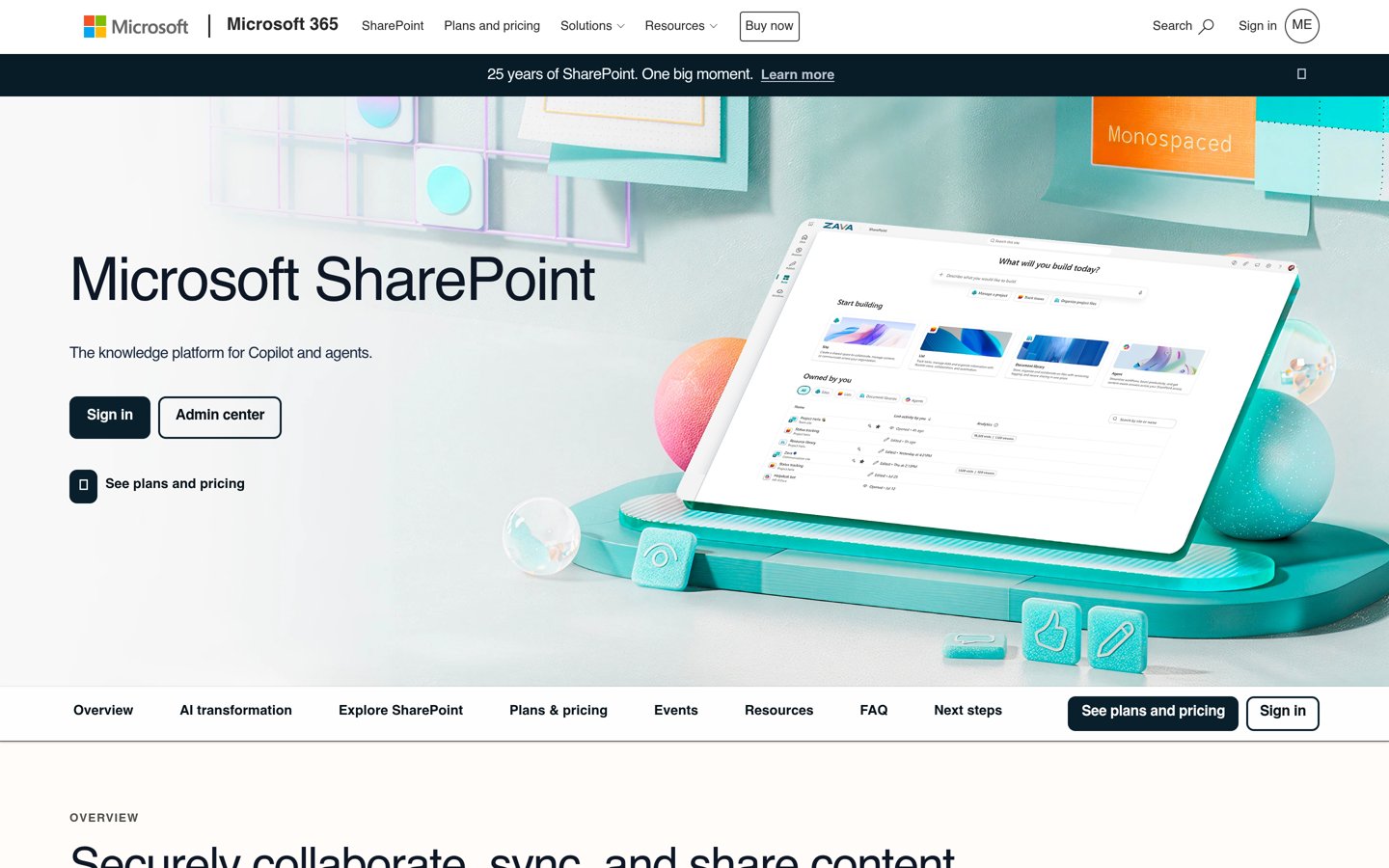
Microsoft SharePoint homepage, captured Nov 2026.
Microsoft SharePoint is a document and content management platform built around team sites, libraries, metadata, version history and permissions. SharePoint Plan 1 is listed at $5 per user monthly with annual billing. Organizations can structure files into libraries, control access, search business information and integrate document workflows with Microsoft applications.
The trade off is administration complexity and the need for appropriate Microsoft Purview licensing for certain advanced retention, records declaration and disposition functions. The standalone starting subscription equals $60 per user annually, but comprehensive compliance may cost more. It suits organizations already using Microsoft productivity and identity services.
What we like
Structured document libraries and metadata
Version history and access permissions
Integration with Microsoft applications
Flexible sites and collaboration workflows
Advanced governance available through Microsoft Purview
Watch out for
Advanced records governance depends on licensing
Permissions and configuration can be complex
Requires planning for metadata and information architecture
Not all retention features are included in Plan 1
Additional Microsoft 365 and Purview licensing enables more advanced retention, compliance and records governance.Visit microsoft.com
03
Egnyte
4.5/5on Capterra (120 reviews, checked Nov 2026)
Starts at$22/mo
Best for content governance and lifecycle controls
Entry planBusiness
Starting price$22/user/month
Lifecycle upgradeEnterprise Lite, $39/user/month
BillingAnnual
egnyte.com
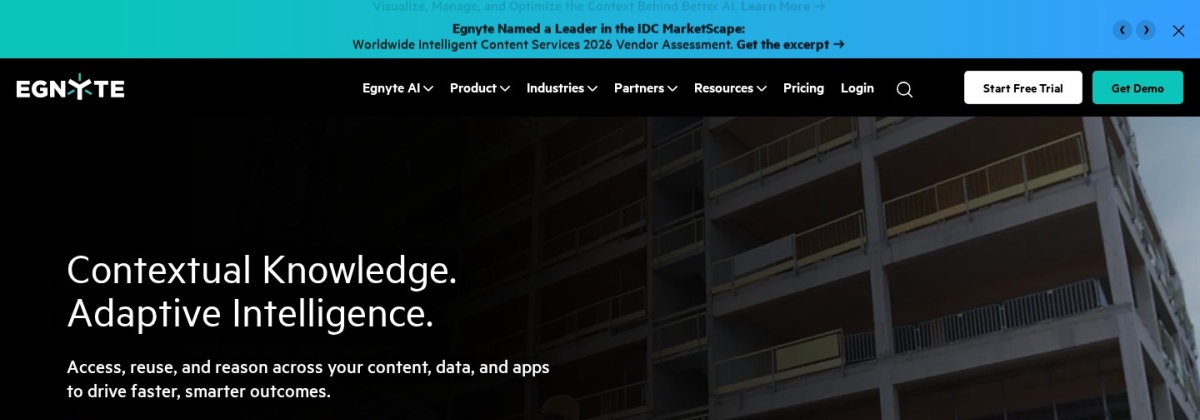
Egnyte homepage, captured Nov 2026.
Egnyte is a secure content management platform combining file collaboration, permissions, document versioning and governance capabilities. Business costs $22 per user monthly, paid annually, and includes secure collaboration, discretionary permissions, AI document questions, Microsoft 365 co-editing and Google Workspace integration.
The trade off is that content lifecycle management, advanced workflows and additional security monitoring require Enterprise Lite at $39 per user monthly. The entry subscription costs $264 per user annually before any add-ons. It suits organizations handling sensitive records that need stronger governance as their content environment grows.
What we like
Granular content access controls
Document versions and activity tracking
Advanced content lifecycle features available
Integrations with productivity applications
Security and governance upgrade options
Watch out for
Lifecycle management is not in the entry plan
Higher cost than basic document storage
Advanced compliance capabilities require upgrades
Implementation may require dedicated administrators
Enterprise Lite adds content lifecycle management, advanced workflows and additional security monitoring.Visit egnyte.com
04
Box
4.4/5on Capterra (5,749 reviews, checked Nov 2026)
Paid from$5/mo
Best for secure document sharing with governance upgrades
Entry business planBusiness Starter
Minimum users3
Team storage100 GB
Document versions25
box.com
Box homepage, captured Nov 2026.
Box is a cloud content management platform offering file storage, secure sharing, permissions, version history and electronic signatures. Business Starter is listed at $5 per user monthly with annual billing, requires 3 users and includes 100 GB of storage, 25 file versions and 10 signature requests per user monthly.
The trade off is that Business Starter is primarily a collaboration plan, not a complete records retention solution. Advanced governance, classification and retention controls require higher-tier services or additional products. The starting team commitment is $180 annually. It suits organizations beginning with centralized file controls and planning for more extensive governance.
What we like
Secure shared folders and permissions
Built-in electronic signatures
Document version history
Free individual account available
Enterprise governance upgrade path
Watch out for
Minimum 3-user business subscription
Starter storage is limited to 100 GB
Advanced retention requires additional services
Governance configuration adds complexity
Higher business tiers and Box Governance add advanced security, classification and retention functionality.Visit box.com
05
SmartVault
4.3/5on Capterra (137 reviews, checked Nov 2026)
Starts at$65/mo
Best for secure client records and document collection
Entry planBusiness Pro
Minimum users3
Cloud storageUnlimited
Retention upgradeAccounting Unlimited
smartvault.com
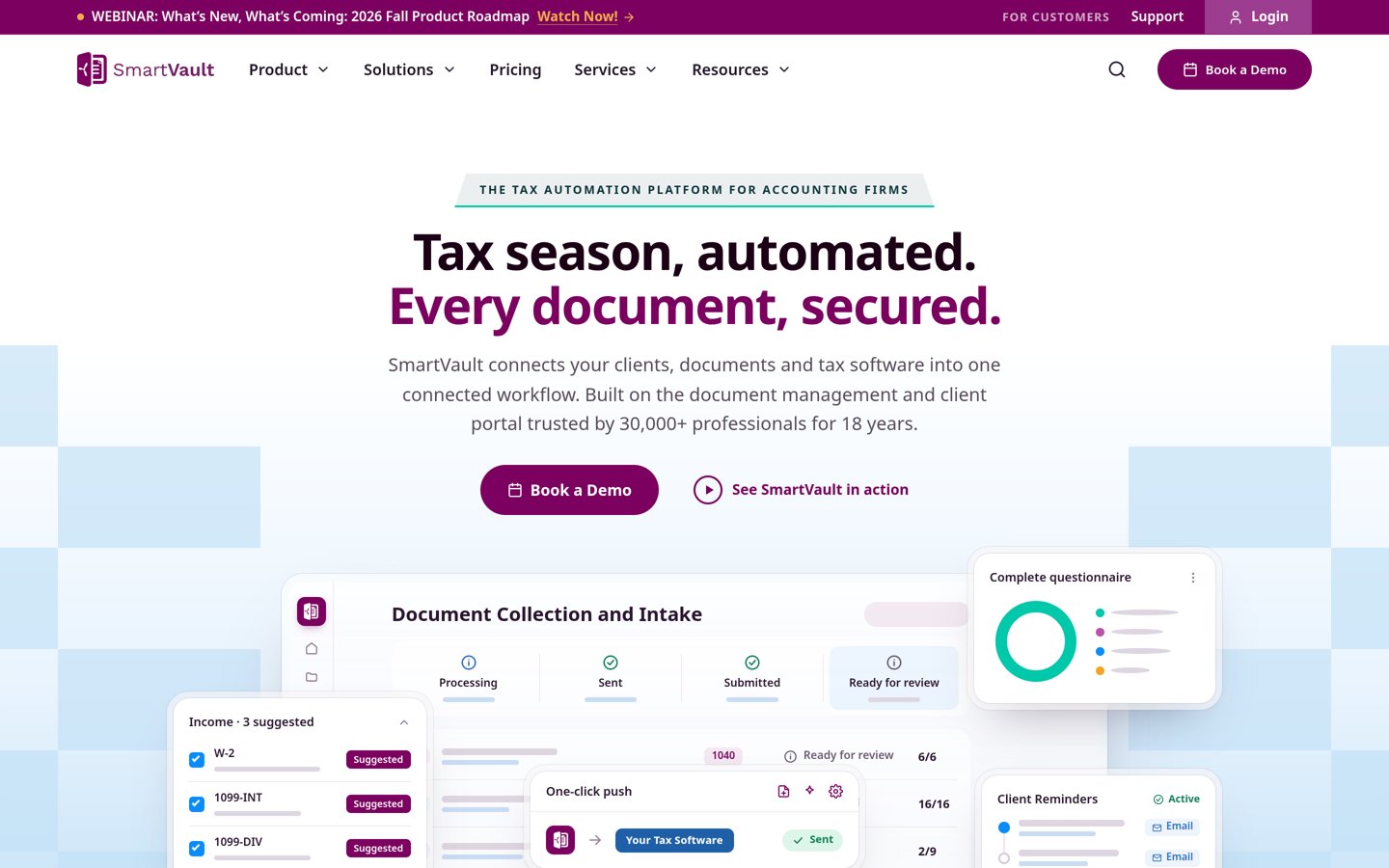
SmartVault homepage, captured Nov 2026.
SmartVault is a document management and client portal platform for collecting, storing, sharing and organizing business records. Business Pro costs $65 per user monthly with annual billing and a 3-user minimum. It includes unlimited cloud storage, branded client portals, document collection, folder templates, activity logs and external collaborators.
The trade off is cost and plan specialization. Business Pro starts at $2,340 annually for the minimum team, while scheduled file retention policies are listed under Accounting Unlimited at $85 per user monthly with a 2-user minimum. It suits firms that manage substantial client documentation and want controlled collection and access.
What we like
Unlimited cloud storage
Branded client document portals
Structured document collection workflows
Activity reporting and folder templates
Retention policies available on higher plans
Watch out for
Higher entry cost than general document platforms
Business Pro requires 3 users
Scheduled retention needs an upgraded plan
Industry-focused features may not suit every organization
4.7/5on Capterra (89,216 reviews, checked Nov 2026)
Starts at$7/mo
Best for collaborative records with Vault upgrades
Entry planBusiness Starter
Starting storage30 GB/user pooled
Retention upgradeBusiness Plus
Vault plan price$22/user/month
workspace.google.com
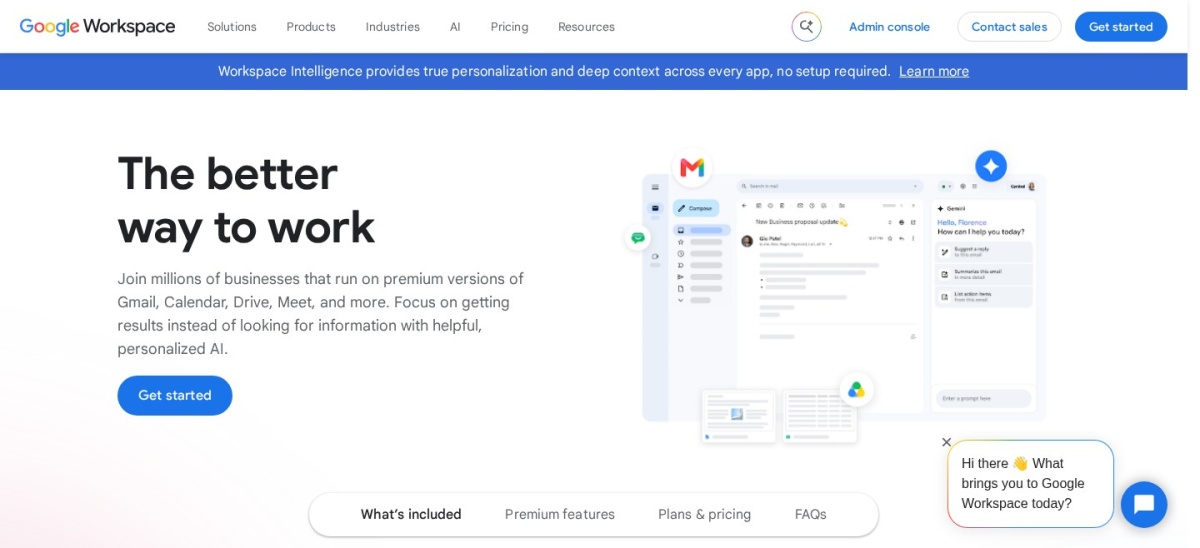
Google Workspace homepage, captured Nov 2026.
Google Workspace is a business productivity suite that organizes working documents through Google Drive and shared collaboration tools. Business Starter costs $7 per user monthly with annual commitment and includes 30 GB of pooled storage per person, business email, document editing and file sharing.
The trade off is that Starter does not include Google Vault retention and eDiscovery. Business Plus costs $22 per user monthly and adds Vault along with expanded storage and security capabilities. The $84 annual entry price therefore covers document collaboration rather than formal records governance. It suits teams already working in Google applications.
What we like
Familiar collaborative document editing
Google Drive search and sharing
Integrated email and productivity tools
Google Vault available on Business Plus
Straightforward document access across devices
Watch out for
Vault not included in Starter
Advanced retention requires higher subscription
Storage limits vary by plan
Specialized physical records management is absent
Business Plus adds Google Vault, expanded storage and additional security controls.Visit workspace.google.com
07
Dropbox
4.5/5on Capterra (21,704 reviews, checked Nov 2026)
Paid from$9.99/mo
Best for simple file records and external sharing
Cheapest paid planPlus
Plus pricing$9.99/month annually
Free storage2 GB
Business upgradeStandard
dropbox.com
Dropbox homepage, captured Nov 2026.
Dropbox is a cloud file storage and collaboration platform with desktop synchronization, shared links, version history and recovery features. Its free Basic account includes 2 GB of storage, while the individual Plus subscription starts at $9.99 per month with annual billing. Business Standard adds team administration, shared collaboration and document controls.
The trade off is that the $119.88 annual Plus price is for individual file management, not formal business records governance. Business Standard starts at $15 per user monthly with annual billing, and specialized retention and compliance needs may require additional services. It suits teams prioritizing file access and sharing over regulated records lifecycles.
What we like
Simple desktop and cloud file synchronization
Accessible version history and recovery
External file sharing
Free individual plan
Business administration upgrade available
Watch out for
Individual Plus is not a dedicated records system
Advanced governance requires additional solutions
Business subscriptions cost more
Metadata and disposition controls are limited compared with specialized tools
Standard adds team administration and shared file controls; advanced governance may require separate services.Visit dropbox.com
Records management vs. document management software
Document management focuses on creating, organizing, editing, searching and sharing files. Records management focuses on preserving evidence of business activity for defined periods and ensuring information is retained or disposed of according to approved policies.
A document may become a record when it is finalized or captured as evidence of an activity. From that point, an organization may need to restrict modifications, apply retention schedules and document any authorized disposal.
Zoho WorkDrive offers configurable data retention alongside document collaboration. Egnyte provides more extensive lifecycle functionality on higher plans, while Microsoft SharePoint can be combined with Microsoft Purview for formal records governance.
Dropbox and basic Google Workspace subscriptions are better understood as document storage and collaboration starting points. They should not be treated as complete regulatory records systems without evaluating additional capabilities.
Records retention features to verify before buying
Retention schedules define how long a record must remain available. A useful records system should support rules based on record type, dates, departments or applicable organizational requirements.
Legal holds preserve relevant information when normal deletion rules must be suspended. This is different from ordinary file version history or backup recovery, and it may require dedicated compliance licensing.
Disposition controls help organizations review, approve and document record deletion or transfer. Audit trails should identify important actions and support accountability throughout the record lifecycle.
Before purchasing, request a demonstration of your actual retention workflow. Confirm whether the quoted plan supports retention rules, record declaration, holds, approval-based disposal and exportable audit evidence.
How we chose
We selected established document and content management products that provide at least part of the business records lifecycle, including storage, access control, versioning, audit activity, configurable retention or governance upgrades. We compared vendor documentation and public customer reviews rather than presenting ordinary cloud storage as equivalent to dedicated compliance systems.
Official pricing pages and public ratings were reviewed for this November 2026 comparison using the requested November 22, 2026 reference date. The published annual figures reflect entry-level paid pricing per user, except where a minimum team size is identified. Advanced retention features are distinguished from entry-plan document storage when they require higher subscriptions.
We excluded quote-only enterprise systems whose current entry price could not be confirmed, including several dedicated records management products. This makes the list more useful for comparing published costs, but less comprehensive for specialized legal, archival and regulatory requirements. No vendor paid for a place, and we do not claim testing for this list.
How to choose records management software
Identify your record types, retention obligations and access requirements before comparing software plans.
Define your records and retention rules. List the information your organization must preserve, including contracts, financial files, correspondence and employee records. Determine how retention periods begin, when records can be disposed of and which records require additional protection.
Separate storage from records governance. Confirm whether each subscription includes configurable retention, legal holds, disposition workflows and audit evidence. A system offering shared folders or version history does not automatically provide formal records lifecycle management.
Evaluate search, permissions and integrations. Look for metadata, full-text search, controlled access, version history and integration with your existing document applications. Consider whether administrators can retrieve records efficiently without exposing restricted information.
Calculate the full implementation cost. Compare minimum user counts, annual commitments, advanced governance licensing, migration work, training and administration. Request confirmation that the selected tier supports the retention policies and compliance workflows your organization actually needs.
FAQ
What is the best records management software in 2026?
Zoho WorkDrive is our overall choice for smaller teams that need affordable document organization with configurable retention policies. Microsoft SharePoint offers flexible document libraries and an upgrade path to advanced Microsoft governance. Egnyte is worth considering when sensitive content and formal lifecycle management are priorities.
What is records management software?
Records management software organizes and controls information that an organization needs to preserve as evidence of its activities. It may provide classification, metadata, access permissions, retention schedules, legal holds, audit trails and disposal workflows. The available capabilities depend on the product and subscription.
Is records management the same as document management?
No. Document management primarily supports file creation, storage, editing, search and collaboration. Records management adds controls for preserving finalized information, enforcing retention requirements and documenting disposal. Some platforms support both, but their records management capabilities may require advanced licensing.
Can records management software automatically delete old records?
Some platforms can apply retention and disposition rules to information based on configured schedules or events. Whether deletion is automatic, requires approval or can be suspended by a legal hold depends on the system. Organizations should validate these workflows before enabling irreversible disposal.
How much does records management software cost?
Entry prices in this comparison range from $2.50 per user monthly for Zoho WorkDrive to $65 per user monthly for SmartVault Business Pro, with annual billing. However, advanced governance can cost considerably more than the basic subscription, and some products require minimum team sizes.
Can Microsoft SharePoint manage business records?
Yes. SharePoint supports structured document libraries, metadata, permissions and version management. When combined with appropriately licensed Microsoft Purview capabilities, it can support more formal retention and records governance. The availability of particular controls depends on licensing and configuration.
What is a records retention schedule?
A retention schedule defines how long categories of business records must be kept and what happens when their retention periods expire. These rules can reflect legal requirements, contractual obligations and operational needs. Software may help enforce schedules, but organizations remain responsible for defining appropriate policies.
Does Google Workspace include records retention?
Google Workspace offers document storage and collaboration through Drive. Google Vault, which supports retention and eDiscovery functions, is available through eligible higher-tier subscriptions such as Business Plus. Business Starter alone should not be assumed to include the same formal retention capabilities.
What should regulated organizations look for?
Regulated organizations should prioritize configurable retention schedules, legal holds, access restrictions, immutable or protected records where required, audit evidence and documented disposition. They should verify that the selected product and licensing satisfy their specific obligations rather than relying on general security claims.