Houzz Pro is the best project management software for most interior designers, because it pairs estimates, proposals and 3D floor plans with the Houzz marketplace. DesignFiles suits solo designers who sell through visuals, while Monday works for studios that only need task tracking.
How we make this list: we compare pricing pages, product documentation and public user reviews, then re-check every price before each update. No product paid for a place. Disclosure.
Houzz Pro leads as the all-in-one pick, with a free plan and Design at $99 a month for one user.
DesignFiles holds a 4.6 rating on Capterra across 535 reviews and starts at $55 a month for solo designers.
Mydoma Studio costs $58 a user a month billed annually and keeps accounting in QuickBooks by design.
Monday, Asana and ClickUp all offer free plans, with paid seats from $9 to $11 a user a month.
Studio Designer is the industry heavyweight for accounting, but its Capterra rating is only 3.0 across 2 reviews.
What interior designers need from project software
Interior design project management is two jobs at once: tracking tasks and deadlines, and tracking money through proposals, purchase orders and invoices. Generic task tools do the first job well and leave the second to other apps.
Design-specific platforms add procurement, trade pricing and client billing. Houzz Pro, Studio Designer and Mydoma handle sourcing and purchase orders in ways Monday, Asana and ClickUp never will.
Prices are usually per user per month, and the design-specific tools cost more than generic ones. A solo designer pays $29 to $99 a month, while a studio pays per seat for every designer on the team.
Ivy is no longer a separate product: Houzz folded it into Houzz Pro, so designers comparing the two are now shopping one platform. Our guide on project management software covers the generic tools in more depth.
The 9 best project management software for interior designers
01
Houzz Pro
4.2/5on G2 (76 reviews, checked Nov 2026)
Paid from$99/mo
Best project management software for interior designers
Entry planDesign, $99/mo for 1 user
Free planYes, 3D planner and invoicing
3D floor plansYes, included
QuickBooks syncYes
houzz.com
Houzz Pro homepage, captured Nov 2026.
Houzz Pro is the closest thing this industry has to a default. It combines project management with the business side: estimates and proposals, a product clipper for sourcing, 3D floor plans and mood boards, online payments and QuickBooks integration for the books. The Design plan costs $99 a month for one user, and the free plan covers estimates and invoicing. It holds a 4.2 out of 5 rating on G2 across 76 reviews.
The trade off is per-user pricing. Pro costs $199 a month for one user and Teams starts at $399, so the bill climbs fast for bigger studios. It suits designers and remodelers who want one business platform plus the Houzz lead marketplace.
What we like
All-in-one scope with CRM, estimates and 3D plans
Free plan covers estimates and invoicing
Houzz marketplace brings homeowner leads
Watch out for
Pro plan costs $199 a month for one user
Breadth means some features feel shallower
Extra seats cost $50 a user a month
Pro adds takeoffs and bid management at $199 a monthVisit houzz.com
02
DesignFiles
4.6/5on Capterra (535 reviews, checked Nov 2026)
Paid from$55/mo
Best for solo designers who sell through visuals
Entry plane-Design, $55/mo
Free planYes, limited account
Concept boardsYes, with sourcing
QuickBooks syncYes
designfiles.co
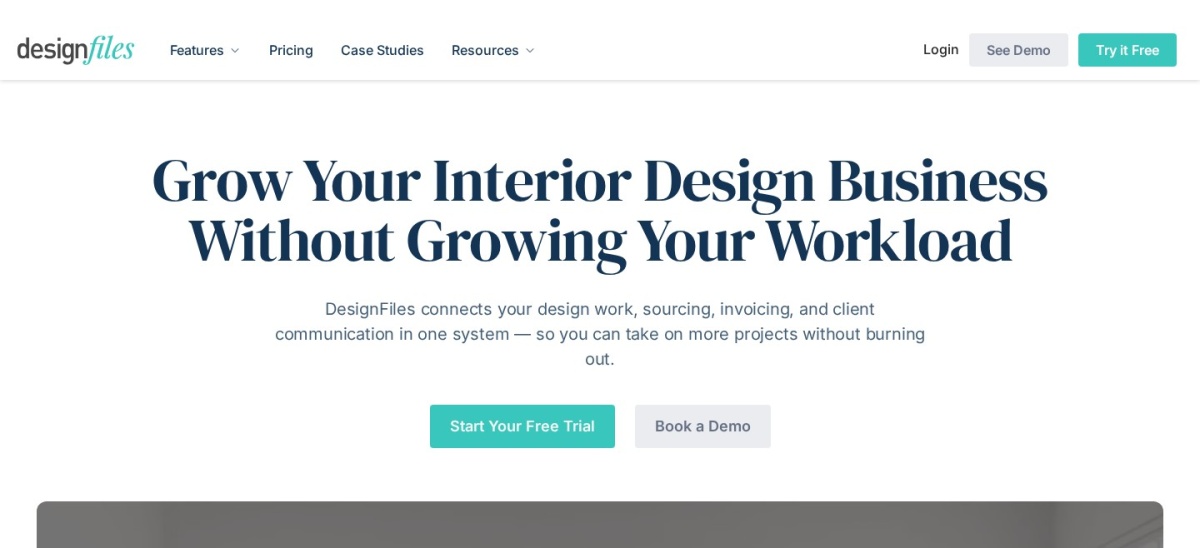
DesignFiles homepage, captured Nov 2026.
DesignFiles is an all-in-one platform for solo designers and small firms that want design, sourcing and billing in one place. It connects concept boards directly to sourcing, quotes, invoices, purchase orders and order tracking, with templates for questionnaires, contracts and proposals. E-Design costs $55 a month and Full Service costs $75, and it holds a 4.6 out of 5 rating on Capterra across 535 reviews.
The trade off is the books. DesignFiles handles invoicing and purchasing workflow, but firms that need real accounting pair it with QuickBooks or Xero. It suits solo designers who close projects through presentations and want sourcing connected to billing.
What we like
Concept boards that close projects faster
Templates for contracts and proposals
Highest Capterra review count here at 535
Watch out for
No true accounting, pairs with QuickBooks
Lighter on project accounting than Studio Designer
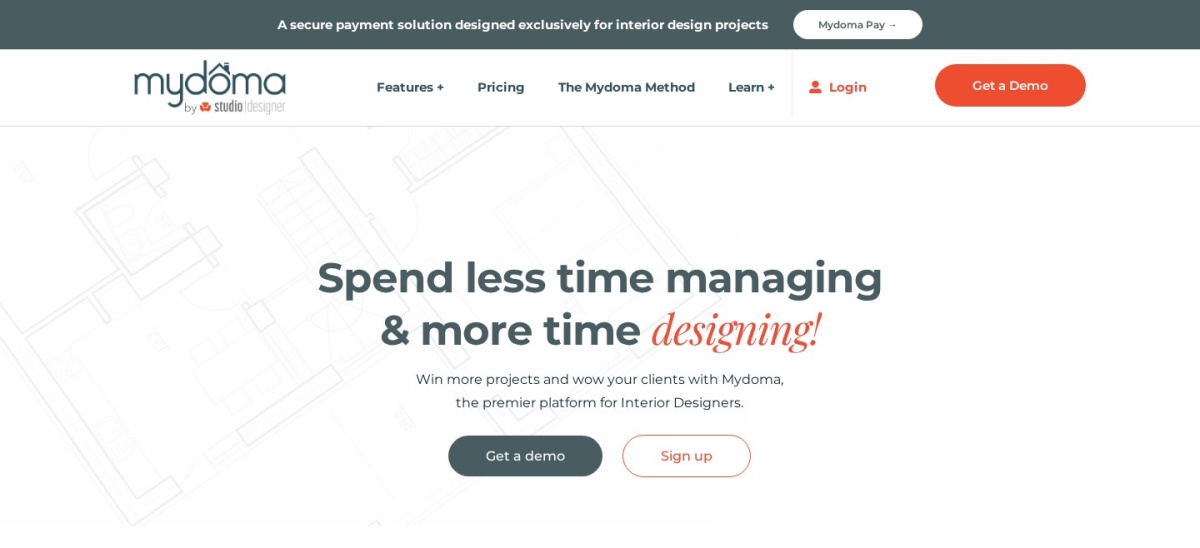
Mydoma Studio is a design business platform that keeps accounting in QuickBooks and handles the design side itself: project management, client communication, mood boards, product sourcing and proposals, while financials sync to QuickBooks. It costs $58 a user a month billed annually, or $64 billed monthly, plus a $450 one-time onboarding fee. It holds a 4.2 out of 5 rating on Capterra across 80 reviews.
The trade off is ownership. Studio Designer acquired Mydoma, so the product's long-term roadmap sits under new ownership, and pricing is quote-based on its site. It suits boutique firms and solo designers who like their bookkeeper's QuickBooks setup and do not want to migrate.
Monday.com is a flexible work management platform that design studios use to track project phases, tasks, deadlines and client deliverables. Its automations chase approvals and update statuses without manual work, and the free plan covers basic work management for a solo designer. It holds a 4.7 out of 5 rating on G2 across 17,182 reviews, the largest base in this list.
The trade off is the industry gap. Monday knows nothing about purchase orders, vendor pricing or client selections, so studios still need separate tools for proposals, invoicing and accounting. It suits studios that need flexible task tracking and nothing more.
What we like
Huge template and integration library
Genuinely usable free plan
Automations chase approvals for you
Watch out for
No design-specific features at all
3-user minimum on paid plans, so solo designers overpay
Asana is a work management platform that suits process-driven studios. Timelines with dependencies keep install weeks honest, portfolios roll up every active project for the principal, and custom fields can track budgets or phases. Starter costs $10.99 a user a month billed annually and adds the timeline views and reporting that make it worth paying for. It holds a 4.4 out of 5 rating on G2 across 13,930 reviews.
The trade off is the design edge. Like Monday, Asana stops at procurement: there is no product library, no purchase order flow and no client-facing selections tool. It suits design teams that live in timelines and want portfolios across many projects.
What we like
Best-in-class timeline and Gantt views
Portfolios across all active projects
Free Personal plan is genuinely useful
Watch out for
No procurement or product database
Useful views gated behind paid plans
Per-user pricing with no design features
Advanced adds more reporting at $24.99 a user a monthVisit asana.com
06
ClickUp
4.6/5on G2 (14,878 reviews, checked Nov 2026)
Paid from$9/user/mo
Best budget generic workspace
Entry planCore, $9/user/mo billed annually
Free planFree Forever, unlimited tasks
Docs and chatYes, included
AutomationsYes, on paid plans
clickup.com
ClickUp homepage, captured Nov 2026.
ClickUp is a workspace platform that combines tasks, docs, files and team chat in one place, so a studio can replace three subscriptions at a fraction of the cost. The Free Forever plan covers unlimited tasks, docs and collaboration, and the paid Core plan starts at $9 a user a month billed annually. It holds a 4.6 out of 5 rating on G2 across 14,878 reviews.
The trade off is setup. There are no design templates worth using, no procurement flow and no product database, so disciplined studios build everything themselves. It suits budget-conscious studios that want one workspace for tasks, notes, files and chat.
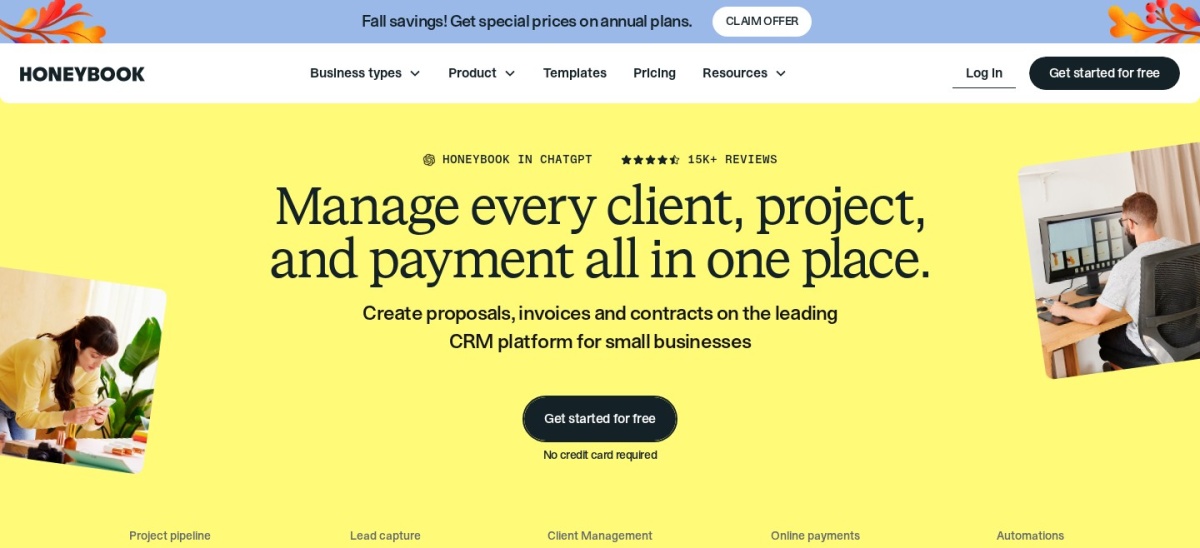
HoneyBook is a clientflow management platform for independent service businesses, including interior designers. It covers proposals, contracts, invoices and payments in one flow, so solo designers can run the client side of the business without several tools. Starter costs $29 a month billed annually, and it holds a 4.4 out of 5 rating on G2 across 247 reviews.
The trade off is design depth. HoneyBook handles the client lifecycle well but has no mood boards, product sourcing or procurement, so designers pair it with a design tool. It suits solo designers and small studios managing the client lifecycle from first call to final payment.
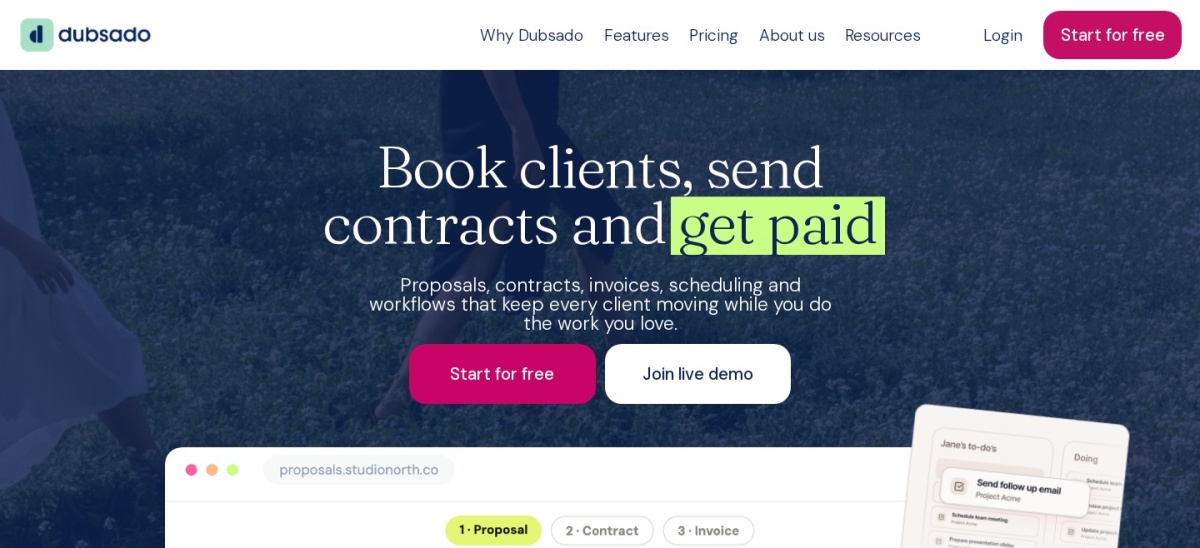
Dubsado is a business management platform for creative service firms that covers proposals, contracts, invoices, scheduling and client workflows. It suits designers who want the client side organized without paying for a full design platform, and it integrates with QuickBooks for the books. Starter costs $35 a month and Premier costs $55, and it holds a 4.2 out of 5 rating on G2 across 71 reviews.
The trade off is design depth. Like HoneyBook, Dubsado handles invoicing but routes serious bookkeeping through QuickBooks, and it has no product sourcing. It suits solo designers and small firms that want design, billing and client workflows for less than one design-hour a month.
Best for firms that want accounting inside the tool
Entry planEssentials, $69/user/mo billed annually
Monthly billing$79/user/mo
AccountingFull general ledger included
Free trialDemo available
studiodesigner.com
Studio Designer homepage, captured Nov 2026.
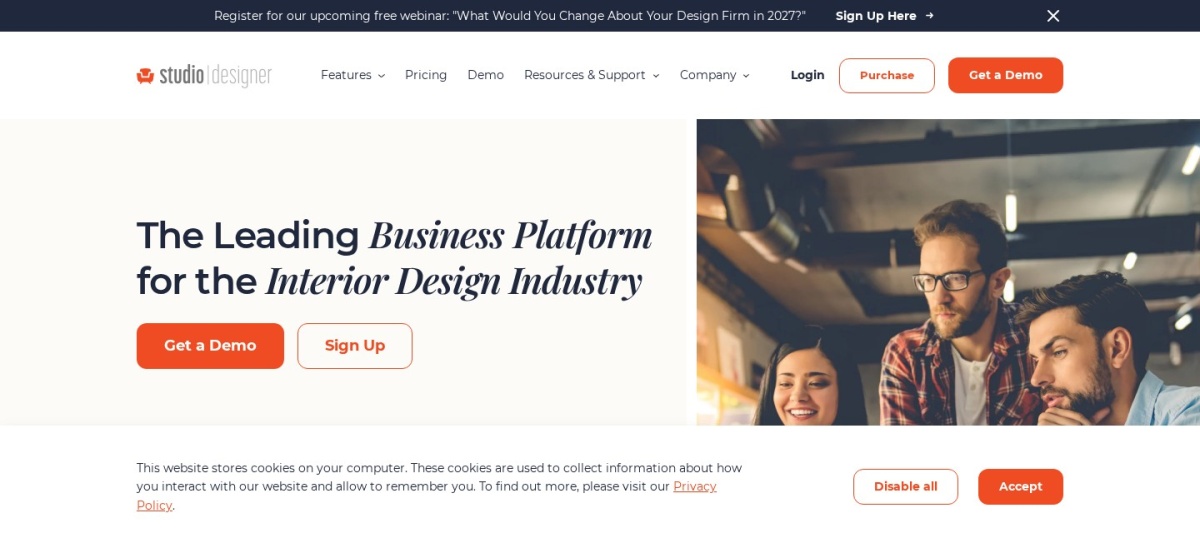
Studio Designer is the industry heavyweight for firms that have outgrown the patchwork of apps. It runs the design business end to end: sourcing with a product clipper, proposals, purchase orders, time billing, client portal, online payments and full accounting with project profitability reporting. Essentials costs $69 a user a month billed annually, and Professional costs $79.
The trade off is evidence. Studio Designer has only 2 reviews on Capterra at 3.0 out of 5, the weakest rating in this list, and it is not rated on G2, so buyers should trial it carefully. It suits established firms that want project management and accounting in one place.
Design-specific tools such as Houzz Pro, DesignFiles and Mydoma cover the whole business: estimates, proposals, product sourcing, purchase orders, client portals and payments. They cost more per seat but replace several subscriptions.
Generic tools such as Monday, Asana and ClickUp cover tasks, timelines and automations at a lower price, but they know nothing about purchase orders, vendor pricing or client selections.
Most studios end up with one of each: a design platform for the business side and a generic tool for coordination, or a design platform alone if the budget allows only one.
How we chose
We started from the project management tools most often recommended for interior designers in 2026, then kept the nine with published pricing and a verifiable rating on G2 or Capterra.
Prices come from each vendor's pricing page, checked on 26 November 2026, and show regular prices, not introductory offers. Ratings and review counts come from G2 or Capterra on the same day.
Studio Designer has only two Capterra reviews at 3.0 out of 5, which we flag plainly. No vendor paid for a place, and we do not claim hands-on testing for this list.
How to choose project management software for interior design
Start with whether you need procurement and billing, or only task tracking.
Decide design-specific or generic. Pick Houzz Pro, DesignFiles or Mydoma when procurement and billing matter, and Monday, Asana or ClickUp when only task tracking matters.
Count your seats. Design-specific tools charge $55 to $99 per user, so a five-person studio pays far more than a solo designer for the same plan.
Check the accounting fit. If the tool has no ledger, confirm it syncs with QuickBooks, since the books still have to live somewhere.
Trial with a real project. Run one live project through the trial, from proposal to purchase order to invoice, before you pay for a year.
FAQ
What is the best project management software for interior designers?
Houzz Pro is the best pick for most designers, because it combines project management with estimates, proposals, 3D floor plans and the Houzz marketplace from $99 a month. DesignFiles suits solo designers, while Monday suits studios that only need task tracking.
How much does interior design software cost?
Entry prices in this list run from free on Monday, Asana and ClickUp to $99 a month for Houzz Pro Design. Design-specific tools cost $55 to $79 a user a month, while generic tools cost $9 to $11 a user a month.
Is Houzz Pro the same as Ivy?
Not any more. Houzz acquired Ivy in 2018 and has folded its features, including proposals, purchase orders and the client portal, into Houzz Pro. Ivy is no longer offered as a separate product in 2026.
Do I need accounting inside my design software?
It depends on firm size. Established firms benefit from Studio Designer or Design Manager, which include a general ledger and project profitability reporting. Solo designers usually keep books in QuickBooks and let Mydoma or DesignFiles handle the design side.
Can I use Monday or Asana for interior design projects?
Yes, for task tracking, timelines and approvals. Both are strong coordinators, but neither handles purchase orders, trade pricing or client selections, so studios pair them with a design platform or accounting software.
What is the cheapest software for a solo interior designer?
Monday, Asana and ClickUp all offer free plans for basic task tracking. Among design-specific tools, HoneyBook starts at $29 a month billed annually and Dubsado at $35 a month, while DesignFiles starts at $55 a month.
SaaS SEO and WordPress specialist with about 8 years of experience. Rakib compares WordPress plugins, themes, hosting and software using public pricing, documentation and user reviews. See how we rank.