Best Accounting Software for Architects in 2026: 7 Tools Compared
WLWPLegible EditorsLast verified 22 Nov 2026How we rank6 min read
★ Short answer
QuickBooks Online is our top pick for architecture firms because its Plus plan tracks project profitability and up to 40 classes. Xero suits studios wanting unlimited user seats, while FreshBooks fits solo architects tracking billable hours.
How we make this list: we compare pricing pages, product documentation and public user reviews, then re-check every price before each update. No product paid for a place. Disclosure.
QuickBooks Online Plus costs $140/mo regular price and includes up to 40 classes plus project profitability tracking.
Xero charges $27/mo regular price on Early with no per-user seat fees across plans.
FreshBooks starts at $23/mo regular price on Lite for up to 5 billable clients and unlimited time tracking.
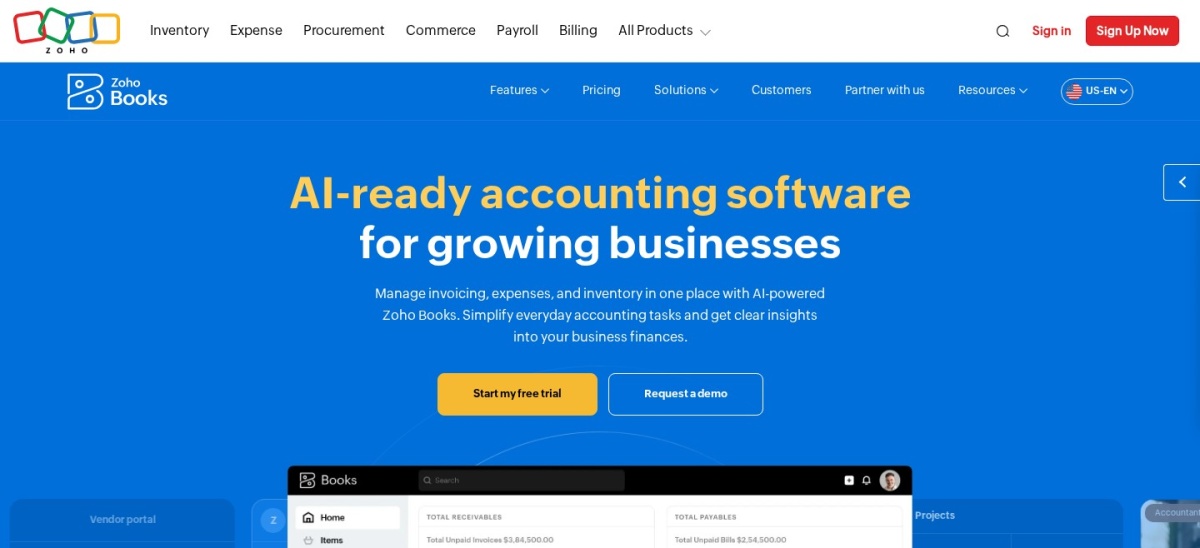
Zoho Books offers a free tier for micro businesses and a $15/mo annual Standard plan for 3 users.
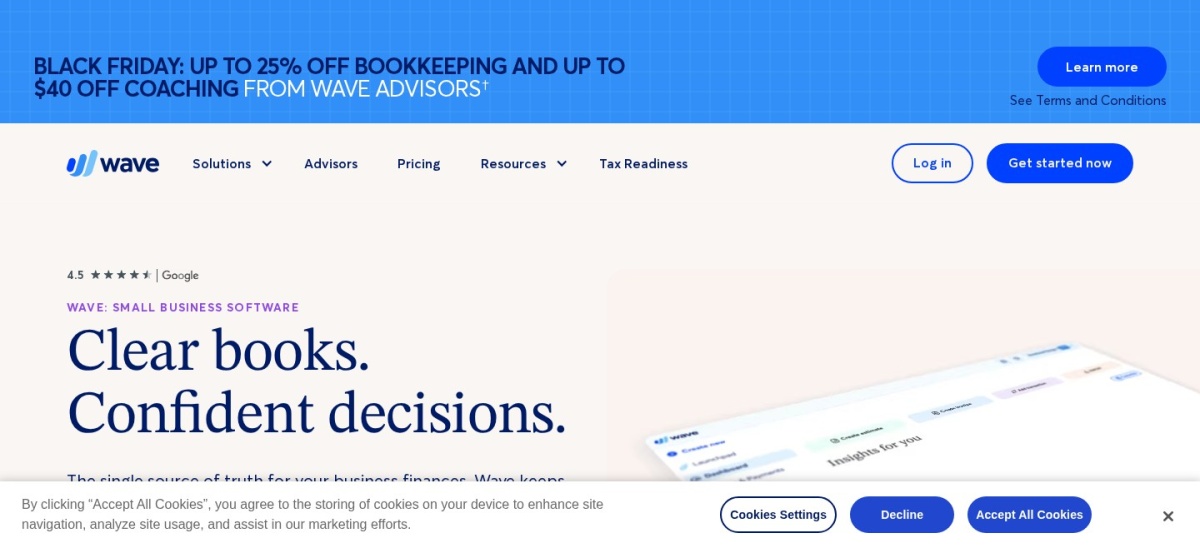
Wave provides a $0 Starter plan and a $19/mo Pro plan with automated bank feeds and receipt capture.
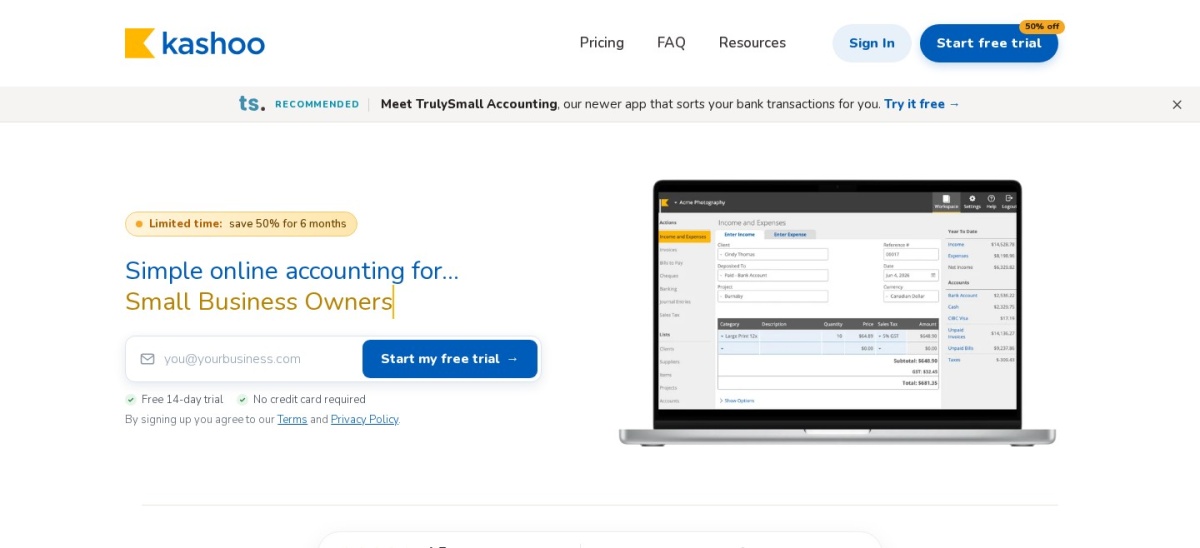
Kashoo bundles unlimited users, bank feeds, and multi-currency into one plan at $30/mo regular price.
What architecture firms need from accounting software
Architecture practices rarely bill on simple single-line invoices. A single building design often spans schematic design, design development, construction documents, and construction administration, each with distinct fee structures, consultant bills, and reimbursable expenses.
General ledger tools handle bank reconciliation, accounts payable, tax reporting, and financial statements, whereas project and phase budgeting tracks hours and expenses against each stage of work. Many small studios pair a core ledger with project management or time-tracking tools rather than forcing one app to do both.
Seat limits and add-on fees also shape total cost as a studio grows. Some platforms charge per additional team member or lock project profitability and multi-currency behind higher tiers.
Best for project tracking & accountant compatibility
Entry planSimple Start ($38/mo regular)
Project trackingPlus plan ($140/mo regular)
G2 rating4.0/5 (3,860 reviews)
Trial30-day free trial
quickbooks.intuit.com
QuickBooks Online homepage, captured Nov 2026.
QuickBooks Online is a cloud accounting platform that covers invoicing, bill tracking, bank feeds, and financial reporting. Its Simple Start plan lists at $38/mo regular price for 1 user plus accountant access, while Plus lists at $140/mo for 5 users with project profitability and up to 40 classes.
The trade off is that project profitability and class tracking require the $140/mo Plus tier rather than the $38/mo entry plan, and promotional discounts expire after the introductory period. It suits architecture studios that want wide accountant familiarity and job-level cost tracking.
What we like
Widely supported by bookkeepers and accountants
Plus tier adds project profitability and up to 40 classes
Connects with practice and time-tracking tools used by design firms
Watch out for
Entry plan lacks project tracking and multi-user seats
Higher tiers add noticeable monthly cost as teams expand
Higher plans add multi-user access, bill management, project profitability, and class tracking.Visit quickbooks.intuit.com
02
Xero
4.4/5on G2 (1,834 reviews, checked Nov 2026)
Starts at$27/mo
Best for unlimited users on every plan
Entry planEarly ($27/mo regular)
User seatsUnlimited users on US plans
G2 rating4.4/5 (1,834 reviews)
Projects add-onFrom $7/mo (or on Established)
xero.com
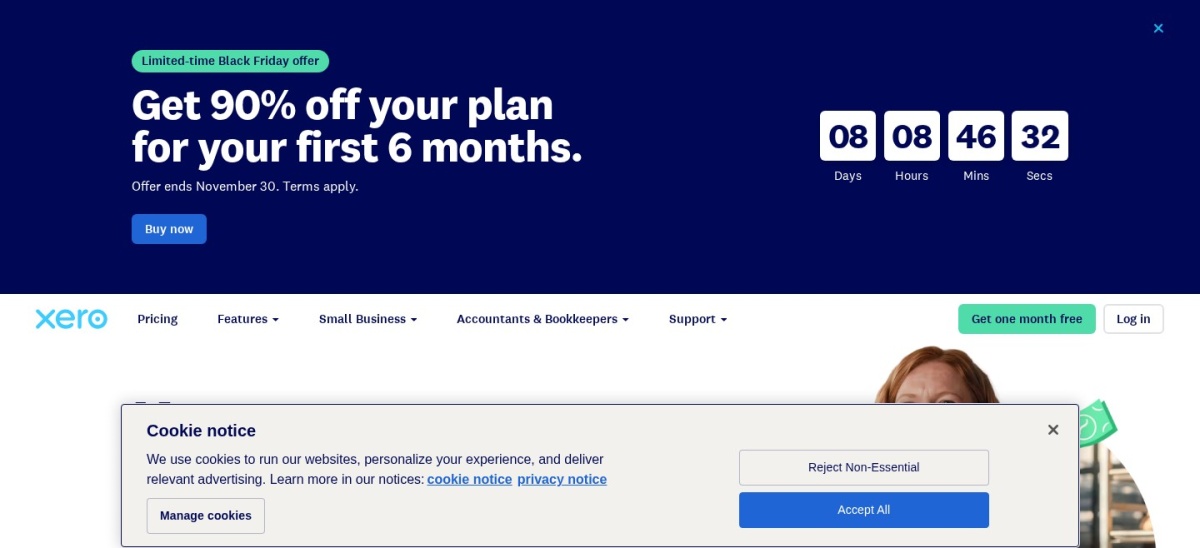
Xero homepage, captured Nov 2026.
Xero is a cloud general ledger offering bank reconciliation, invoicing, bill entry, and financial reporting with unlimited users on US plans. The Early plan lists at $27/mo regular price (with an 80% off introductory offer for the first 3 months on new US organizations) and covers up to 20 invoices and 5 bills.
The trade off is that Early caps monthly invoices at 20 and bills at 5, while projects, expenses, and multi-currency sit on Established at $97/mo regular price or optional add-ons. It suits small architecture practices that need multiple team logins without per-seat fees.
What we like
Unlimited user seats without per-user license fees
Clean bank reconciliation and financial reporting tools
Optional time and project cost tracking add-on from $7/mo
Watch out for
Early plan caps monthly invoices at 20 and bills at 5
Multi-currency and broader reporting require the $97/mo Established tier
Higher plans and add-ons unlock unlimited invoices and bills, multi-currency, and project tracking.Visit xero.com
03
FreshBooks
4.5/5on G2 (983 reviews, checked Nov 2026)
Starts at$23/mo
Best for solo architects tracking billable hours
Entry planLite ($23/mo regular)
Client cap5 billable clients on Lite
G2 rating4.5/5 (983 reviews)
Extra users$11/mo per team member
freshbooks.com
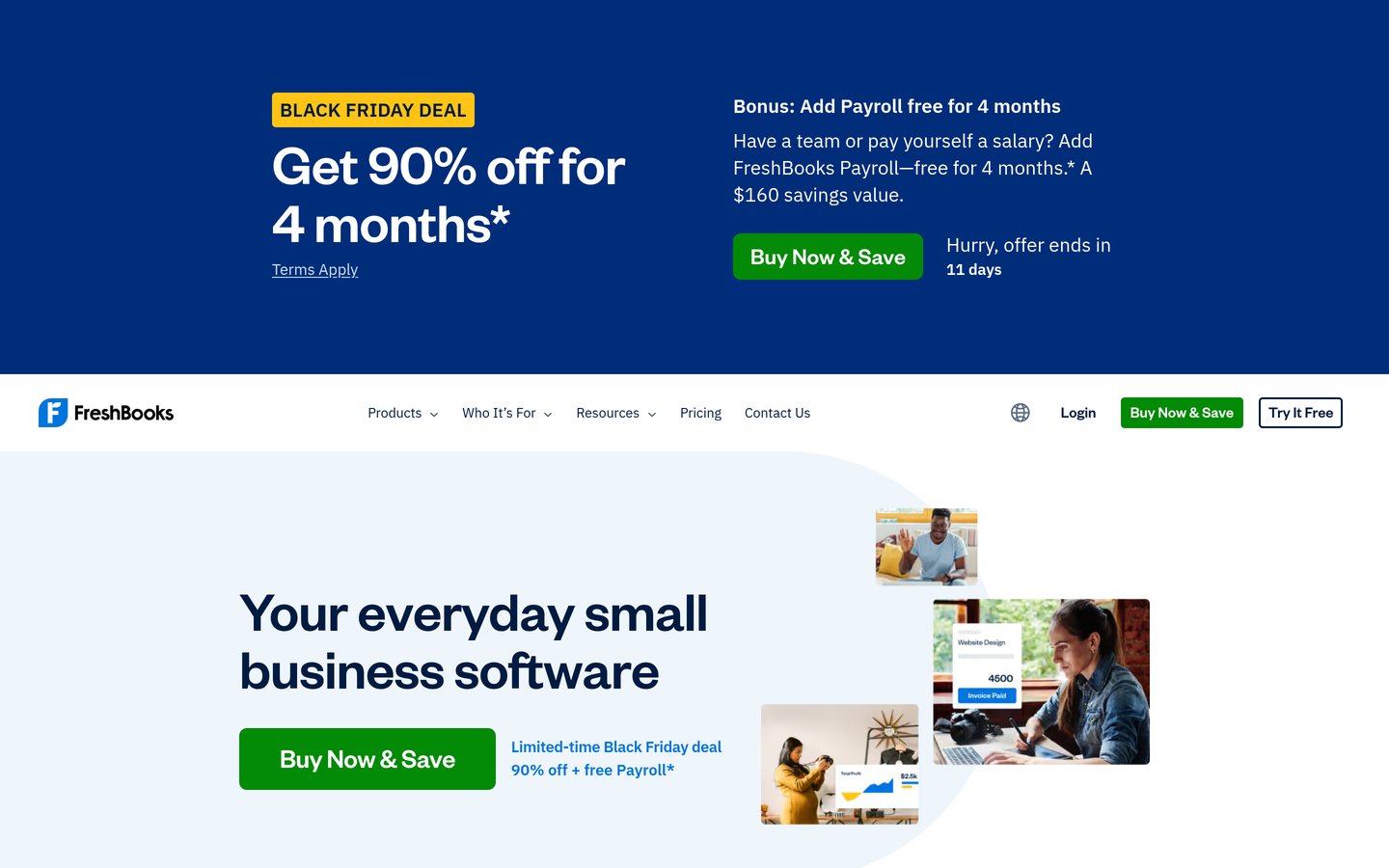
FreshBooks homepage, captured Nov 2026.
FreshBooks is a cloud invoicing and accounting tool built around time tracking, expense logging, estimates, and client billing. Lite lists at $23/mo regular price (with a 90% off introductory offer for 4 months) and includes unlimited time tracking, expenses, and invoicing for up to 5 billable clients.
The trade off is that Lite caps billable clients at 5 (including archived clients) and extra team members cost $11/mo each. It suits independent architects and micro studios billing hourly or project retainers with a small active client list.
What we like
Straightforward interface for time tracking and client invoices
Unlimited time entries and expense tracking on every tier
Plus and Premium plans support retainers, proposals, and project profitability
Watch out for
Lite plan limits billable clients to 5, including archived ones
Additional team members add $11/mo per person on paid plans
Plus ($43/mo) and Premium ($70/mo) raise client limits, add retainers, and unlock project profitability.Visit freshbooks.com
04
Zoho Books
4.4/5on G2 (333 reviews, checked Nov 2026)
Paid from$15/mo
Best budget pick with a free micro-business plan
Free plan$0/mo (1 user + 1 accountant)
Cheapest paidStandard ($15/mo annual)
G2 rating4.4/5 (333 reviews)
Trial14-day free trial
zoho.com
Zoho Books homepage, captured Nov 2026.
Zoho Books is a cloud accounting platform covering invoices, quotes, expenses, bills, and financial reports. Its Free plan costs $0/mo for 1 user and 1 accountant with up to 1,000 invoices per year, while Standard is $15/mo billed annually ($20/mo monthly) for 3 users.
The trade off is that the free tier lacks automatic bank feeds and caps annual invoices at 1,000, while project tracking sits on higher tiers. It suits cost-conscious solo architects and small teams wanting low-cost multi-user bookkeeping.
What we like
Free plan available for 1 user and 1 accountant up to 1,000 invoices/yr
Low entry paid pricing starting at $15/mo billed annually for 3 users
Integrates with broader Zoho business apps
Watch out for
Free plan does not include automatic bank feeds
Invoice and expense volume limits apply per tier
Higher plans add more users, higher invoice limits, project tracking, and custom workflows.Visit zoho.com
05
Wave
4.3/5on G2 (328 reviews, checked Nov 2026)
Paid from$19/mo
Best free ledger for simple invoicing and receipts
Free planStarter ($0/mo)
Paid planPro ($19/mo or $190/yr)
G2 rating4.3/5 (328 reviews)
Add-onsPayroll and bookkeeping extra
waveapps.com
Wave homepage, captured Nov 2026.
Wave is an accounting and invoicing platform that offers a $0 Starter plan for estimates, invoices, bills, and basic bookkeeping records. Its Pro plan lists at $19/mo ($190/yr) regular price, with a 50% off introductory promo for the first 3 months, adding automated bank feeds and receipt capture.
The trade off is that automated bank feeds require the $19/mo Pro plan and Wave lacks dedicated architectural phase budgeting. It suits sole proprietors who want straightforward invoicing and basic financial statements without heavy setup.
What we like
Starter plan is $0/mo with unlimited estimates, invoices, and bills
Pro tier at $19/mo adds automated bank feeds and receipt capture
Easy initial setup for non-accountants
Watch out for
No built-in architectural phase budgeting or WIP reporting
Payroll and in-house bookkeeping cost extra
Pro ($19/mo or $190/yr) adds bank transaction imports, auto-categorization, and receipt capture.Visit waveapps.com
06
Kashoo
4.6/5on G2 (55 reviews, checked Nov 2026)
Starts at$30/mo
Best single-plan pricing with unlimited users
Regular price$30/mo or $324/yr
User seatsUnlimited users included
G2 rating4.6/5 (55 reviews)
CurrencyMulti-currency included
kashoo.com
Kashoo homepage, captured Nov 2026.
Kashoo is a cloud bookkeeping app offering one plan at $30/mo ($324/yr) regular price with unlimited invoices, bank feeds, sales tax, and multi-currency. It includes unlimited users on that single plan rather than gating team access behind higher tiers.
The trade off is a simpler feature set with no tiered plans or specialized architectural project accounting. It suits small studios that want predictable single-plan pricing and unlimited team access.
What we like
Single plan includes unlimited users and multi-currency support
Straightforward setup for income, expenses, and tax reports
Annual billing lowers the regular rate to $324/yr
Watch out for
No free plan or lower-cost starter tier
Less specialized for multi-phase architectural project billing
All core features—unlimited users, bank feeds, invoicing, and multi-currency—are included in one plan.Visit kashoo.com
07
Sage Intacct
4.3/5on G2 (3,000+ reviews, checked Nov 2026)
PricingCustom/yr
Best for larger multi-entity architecture practices
Pricing modelCustom quote by modules & scope
AccountingMulti-entity & dimensional GL
G2 rating4.3/5 (3,000+ reviews)
Best fitMid-size to multi-office firms
sage.com
Sage Intacct homepage, captured Nov 2026.
Sage Intacct is a cloud financial management and ERP platform built for multi-entity accounting, dimensional reporting, and automated workflows. It uses modular custom quotes based on selected modules, users, and business entities rather than a flat self-serve tier.
The trade off is custom quote pricing, longer implementation, and higher complexity than small-business ledgers. It suits larger or multi-office architecture practices with complex entities and detailed reporting needs.
What we like
Strong multi-entity consolidation and dimensional reporting
Modular configuration tailored to organization size and workflows
High user satisfaction rating across 3,000+ G2 reviews
Watch out for
No public self-serve pricing; requires a custom quote
Steeper learning curve and setup time for small studios
Additional modules, entities, and user licenses are scoped into custom plans as a firm scales.Visit sage.com
General ledger vs. architectural practice tools
General accounting platforms focus on double-entry bookkeeping, bank reconciliation, accounts payable, payroll integration, and tax-ready reports. Many architecture firms pair one of these ledgers with dedicated practice or time-tracking software to manage phase budgets, staffing plans, and fee proposals.
Before paying for a complex system, check whether your studio needs phase-by-phase WIP tracking inside the ledger or only clean monthly financial statements for your CPA.
How we chose
We compiled established cloud accounting platforms commonly used by architecture firms and small professional service businesses, drawing on vendor documentation, industry guides, and G2 review listings.
All listed regular prices, introductory promo notes, and G2 ratings were checked on 22 Nov 2026 from each vendor's pricing page and public review listings.
We excluded products without verifiable current pricing or rating data on the pages opened today, as well as tools lacking general ledger accounting on their own. No vendor paid for a place, and we do not claim testing for this list.
How to choose accounting software for your firm
Follow four practical steps to match a ledger to how your studio bills and tracks costs:
Map how you bill architecture phases. Decide whether you invoice fixed phase milestones, hourly time and materials, or retainers, and whether you track project profitability in the ledger or an external tool.
Check user seats and client or invoice caps. Compare per-user add-ons against unlimited-user plans, and check caps on billable clients or monthly invoices before signing up.
Separate introductory promos from regular renewals. Many accounting tools discount the first three to four months heavily before reverting to standard monthly or annual rates.
Confirm accountant compatibility and bank feeds. Verify that your bookkeeper or CPA works comfortably with the platform and that your primary business bank accounts connect cleanly.
FAQ
Do architects need specialized accounting software or a general ledger?
Small architecture studios often start with a general ledger for bookkeeping, invoicing, and tax reports, adding project or time tools as needed. Larger or multi-office firms with complex phase billing and multiple entities often look for deeper project accounting or ERP features.
Is there free accounting software suitable for a solo architect?
Yes. Zoho Books offers a free plan for 1 user and 1 accountant up to 1,000 invoices per year, and Wave offers a $0 Starter plan for estimates, invoices, bills, and basic records.
Why do entry-level accounting plans often feel limiting for design firms?
Low-cost starter tiers frequently cap monthly invoices, bills, or billable clients, limit team logins, or leave out project profitability and multi-currency tracking.
Should I watch out for introductory discounts when comparing prices?
Yes. Several providers advertise steep discounts for the first few months before switching to regular rates, so budget around standard ongoing pricing rather than first-quarter promos.
How does per-user pricing affect a growing architecture studio?
If multiple architects, principals, and bookkeepers need access, per-seat fees or user caps can raise costs quickly. Plans with unlimited users or higher included seat counts keep multi-person access simpler.
Can I track reimbursable expenses and consultant bills in these tools?
Most cloud accounting platforms let you record bills, upload receipts, and tie expenses to clients or projects, though workflows vary in how easily they pass costs onto client invoices.