Best Accounting Software for Contractors in 2026: 8 Tools Compared
WLWPLegible EditorsLast verified 22 Nov 2026How we rank10 min read
★ Short answer
QuickBooks Online is the best overall accounting software for contractors in 2026, earning 4.3/5 across 8,546 Capterra reviews with project profitability and class tracking on its Plus tier. Xero suits growing crews needing unlimited users from $25/mo, while Wave offers free double-entry bookkeeping and invoicing for solo tradespeople.
How we make this list: we compare pricing pages, product documentation and public user reviews, then re-check every price before each update. No product paid for a place. Disclosure.
QuickBooks Online starts at $38/mo ($456/yr) for Simple Start, though project profitability requires the $140/mo Plus tier.
Xero includes unlimited users on every tier starting at $25/mo ($300/yr) for Starter, avoiding per-seat fees as crews grow.
Wave provides free double-entry accounting and unlimited invoicing on its Starter plan, with Wave Pro at $190/yr.
Zoho Books offers a free plan under $50K annual revenue and paid plans starting at $15/mo billed annually ($180/yr).
Knowify and Sage 50 serve specialized trade and commercial contractors with AIA billing and job costing from $99/mo and $117.75/mo.
What contractors need in accounting software
Contractors manage money differently than retail stores or standard offices. Instead of tracking steady monthly subscriptions, you bid on custom jobs, collect upfront deposits, buy materials per project, and pay subcontractors before final client sign-off.
Standard bookkeeping tools track income and expenses at the company level, which can hide unprofitable jobs until tax season. Look for job costing or project profitability features that assign labor, materials, and subcontractor bills directly to individual projects.
Billing flexibility also matters in the trades. Depending on your contracts, you may need progress invoicing (billing in milestones as work finishes), change order tracking, or AIA G702/G703 pay applications for commercial construction work.
Finally, check how user seats and field access are priced. Some platforms charge per login, which gets expensive once project managers, estimators, and outside accountants all need access to receipts and schedules.
For established builders needing desktop job costing
$117.75/mo
No free plan
4/5
Price ladder: cheapest paid plan per year
List prices, USD, checked Nov 2026
Zoho BooksFREE$180
WaveFREE$190
ZarMoney$240
FreshBooks$276
Xero$300
QuickBooks$456
Knowify$1,188
Sage 50$1,413
The 8 best accounting software for contractors
01
QuickBooks Online
4.3/5on Capterra (8,546 reviews, checked Nov 2026)
Starts at$38/mo
Best overall for small contractors
Entry planSimple Start ($38/mo regular)
Users included1 user + 2 accountants
Job costingIncluded on Plus ($140/mo)
Free trial30 days
quickbooks.intuit.com
QuickBooks Online homepage, captured Nov 2026.
QuickBooks Online is the most widely adopted cloud accounting suite for small contractors and construction firms. Its entry Simple Start plan ($38/mo regular price; Intuit frequently runs 70% to 90% introductory discounts for 3 to 6 months) includes automated bank feeds, invoicing, expense categorization, and access for 1 user plus 2 accountants.
The trade off is that true project profitability, purchase orders, and inventory require upgrading to the Plus tier at $140/mo ($1,680/yr). It suits contractors whose CPA already works inside QuickBooks and who want broad compatibility with field tools like Jobber and Knowify.
What we like
Supported by almost every construction CPA and bookkeeper
Native two-way sync with Jobber, Knowify, and major field apps
Project profitability, class tracking, and purchase orders on Plus
Automated bank feeds and mobile receipt capture
Watch out for
Project tracking is locked behind the $140/mo Plus plan
Regular renewal rates are higher than most cloud competitors
User seats are capped at 1 to 25 depending on tier
Essentials ($85/mo) adds bill management for 3 users; Plus ($140/mo) unlocks project profitability and 5 users.Visit quickbooks.intuit.com
02
Xero
4.4/5on Capterra (3,343 reviews, checked Nov 2026)
Starts at$25/mo
Best for growing crews needing unlimited users
Entry planEarly / Starter ($25/mo regular)
Users includedUnlimited on all plans
Project trackingIncluded on Established ($90/mo)
Free trial30 days
xero.com
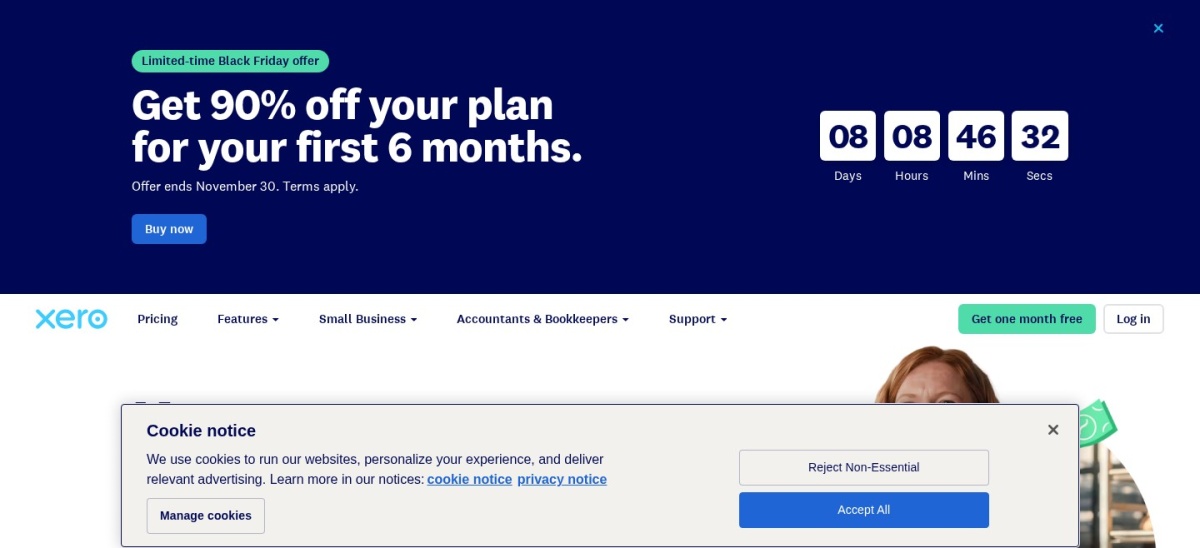
Xero homepage, captured Nov 2026.
Xero is a cloud accounting platform that includes unlimited users on every subscription tier, making it predictable for expanding contracting teams. Its entry Early plan ($25/mo regular price, with frequent 90% introductory offers for 3 months) covers bank reconciliation, Hubdoc document capture, 20 invoices, and 5 bills per month.
The trade off is that unlimited invoicing requires the Growing tier ($55/mo), and built-in project time and cost tracking sits on the Established plan ($90/mo). It suits multi-person contracting businesses that want office staff, estimators, and external bookkeepers in the ledger without seat fees.
What we like
Unlimited user logins included on every plan
Fast bank reconciliation with built-in Hubdoc receipt capture
Clean multi-currency support on higher tiers
Strong third-party app marketplace for trade businesses
Watch out for
Entry plan caps invoices at 20 and bills at 5 per month
Project cost tracking requires the $90/mo Established plan
Customer support is primarily ticket and email based
Growing ($55/mo) removes invoice and bill limits; Established ($90/mo) adds project tracking and expenses.Visit xero.com
03
Zoho Books
4.4/5on Capterra (683 reviews, checked Nov 2026)
Paid from$15/mo
Best value for budget-conscious contractors
Free planYes (under $50K annual revenue)
Cheapest paidStandard ($15/mo billed yearly)
Users included3 users on Standard ($2.50/extra)
Progress billingIncluded on Standard
zoho.com
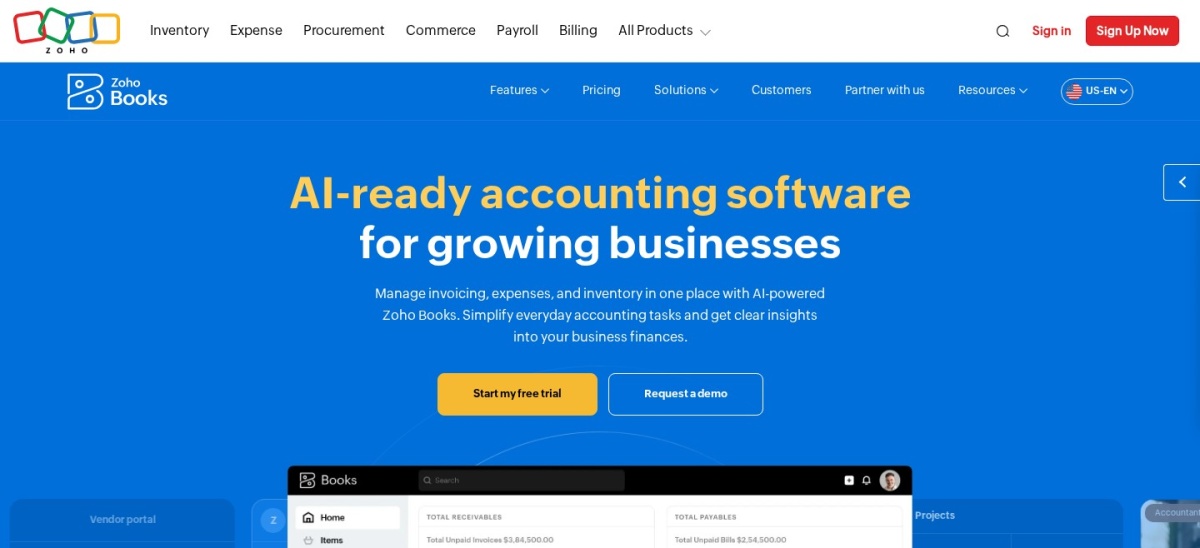
Zoho Books homepage, captured Nov 2026.
Zoho Books is an online accounting system with a genuine free tier for solo contractors earning under $50,000 per year. Stepping up to the paid Standard plan at $15/mo billed annually ($20/mo monthly) unlocks progress invoicing, bank feeds, 1099 e-filing, and 3 user seats.
The trade off is that project profitability tracking, purchase orders, and inventory require the Professional plan at $40/mo billed annually ($480/yr). It suits small contractors who want progress billing and 1099 filing at a fraction of QuickBooks pricing.
What we like
Free plan covers basic invoicing and expenses under $50K revenue
Progress invoicing and 1099 e-filing start at $15/mo annually
Additional users cost only $2.50/mo each on annual billing
Integrates tightly with Zoho CRM, Projects, and Expense
Watch out for
Free tier enforces a $50,000 annual revenue ceiling
Project profitability and purchase orders require the $40/mo tier
Lacks native AIA G702/G703 construction billing forms
Professional ($40/mo billed yearly) adds project profitability, billable timesheets, and purchase orders.Visit zoho.com
04
Wave
4.4/5on Capterra (1,726 reviews, checked Nov 2026)
Paid from$190/yr
Best free accounting for solo tradespeople
Free planStarter ($0 forever)
Cheapest paidWave Pro ($190/yr or $19/mo)
Card processing2.9% + $0.60 (Starter)
Payroll add-onFrom $25 to $40/mo
waveapps.com
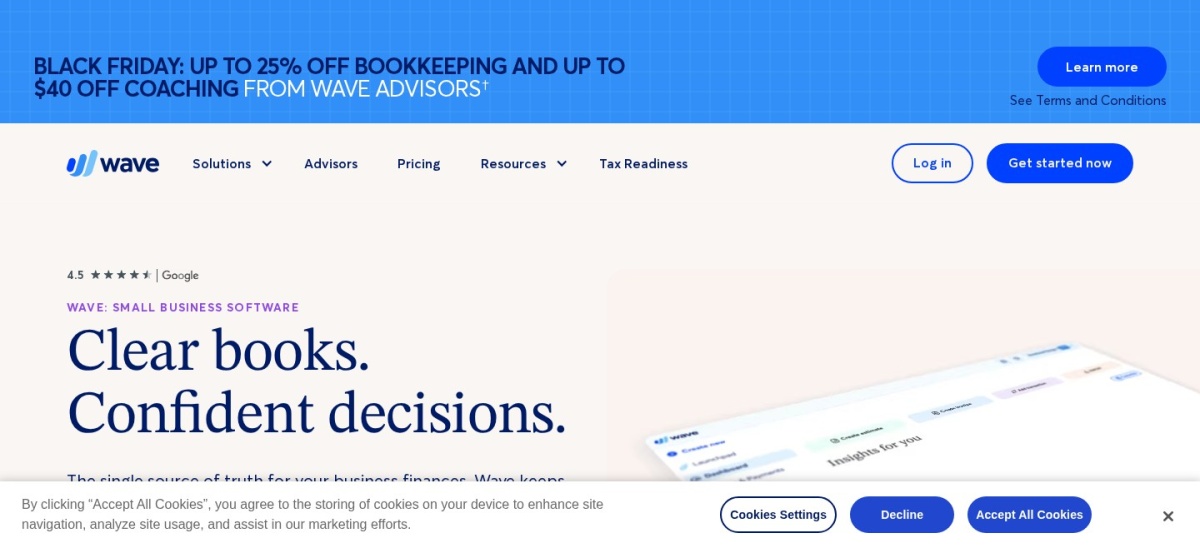
Wave homepage, captured Nov 2026.
Wave is a cloud bookkeeping and invoicing platform whose Starter plan is free with no revenue cap. Solo contractors can send unlimited estimates and invoices, track bills, run double-entry balance sheets, and accept online card or ACH payments.
The trade off is that automated bank transaction imports, auto-categorization, and unlimited digital receipt capture require Wave Pro at $190/yr ($19/mo). It suits independent handymen and solo subcontractors who want clean books without a monthly subscription.
What we like
Free Starter plan has no invoice limits or revenue caps
Full double-entry accounting reports included at no cost
Simple mobile app for sending estimates and invoices on site
Wave Pro is inexpensive at $190/yr for automated bank feeds
Watch out for
No built-in job costing, project budgets, or inventory tracking
Automated bank imports moved behind the paid Pro plan
Limited third-party integrations compared to QuickBooks or Xero
Wave Pro ($190/yr) unlocks automatic bank imports, digital receipt scanning, and automated payment reminders.Visit waveapps.com
05
FreshBooks
4.5/5on Capterra (4,527 reviews, checked Nov 2026)
Starts at$23/mo
Best for service contractors billing time and estimates
Entry planLite ($23/mo regular)
Client limit5 billable clients on Lite
Extra users$11/mo per team member
Free trial30 days
freshbooks.com
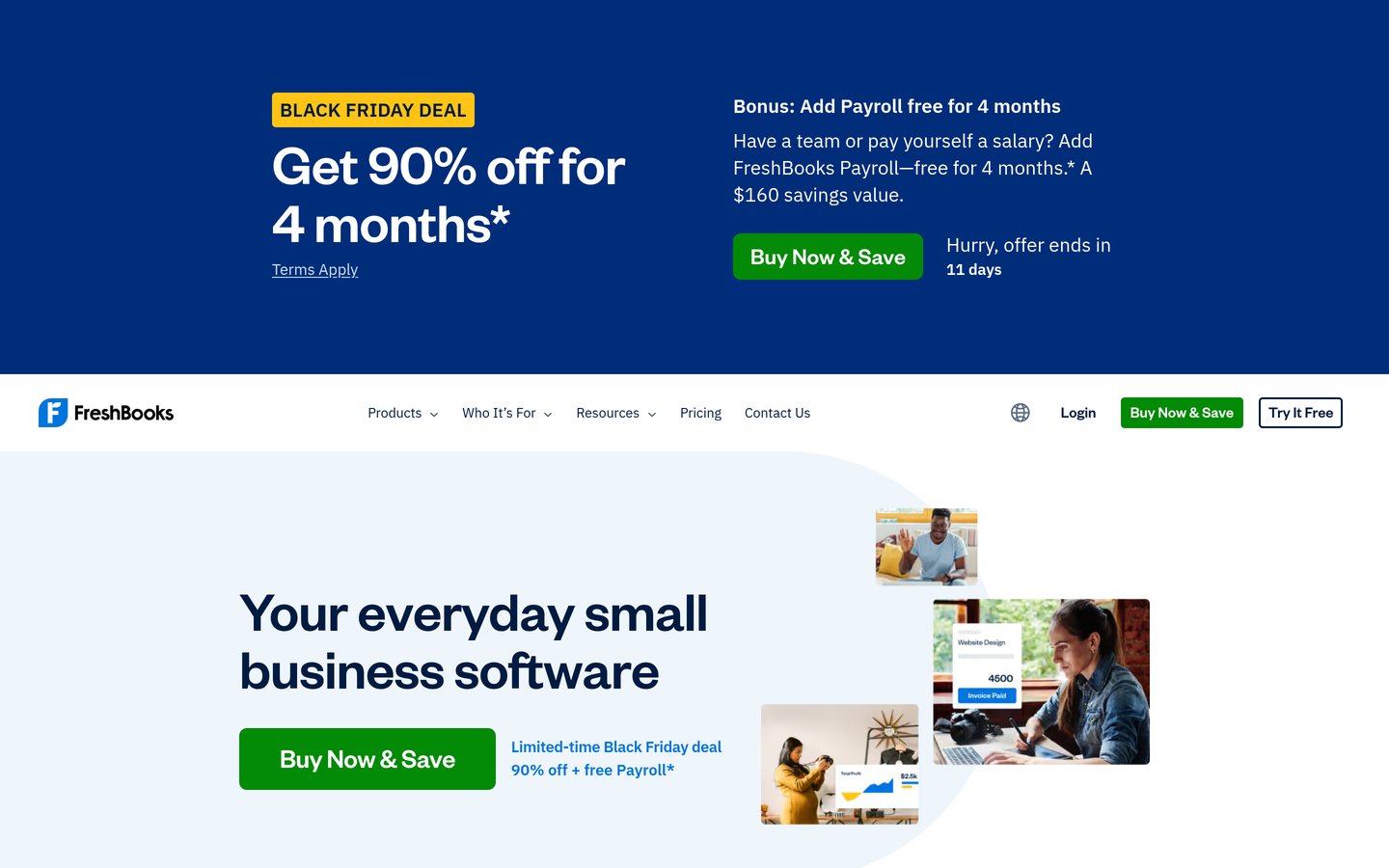
FreshBooks homepage, captured Nov 2026.
FreshBooks is client-billing and accounting software designed for service contractors who turn estimates into invoices on mobile devices. Its Lite plan ($23/mo regular price, or $20.70/mo billed annually, with frequent 90% 4-month promos) includes unlimited estimates, invoices, time tracking, and mileage logging.
The trade off is that Lite caps you at 5 active or archived billable clients and excludes bank reconciliation and accountant access. It suits solo service contractors who prioritize client portals and estimates, though most will need Plus ($43/mo) for 50 clients.
What we like
Polished estimates, client deposits, and automated late reminders
Built-in GPS mileage and mobile time tracking on every plan
Clean client portal for approving proposals and paying online
Project profitability tracking available on the Premium tier
Watch out for
Lite plan caps total billable clients at 5
Bank reconciliation and accountant access require Plus ($43/mo)
Additional team members cost $11/mo each
Plus ($43/mo) raises the cap to 50 clients and adds double-entry reports, bank reconciliation, and accountant access.Visit freshbooks.com
06
ZarMoney
4.7/5on Capterra (95 reviews, checked Nov 2026)
Starts at$20/mo
Best for contractors tracking materials and inventory
Entry planSmall Business ($20/mo)
Users included2 users ($10/mo extra)
TransactionsUnlimited
Free trial15 days
zarmoney.com
ZarMoney homepage, captured Nov 2026.
ZarMoney is cloud accounting software that bundles quotes, billing, and multi-warehouse inventory tracking into an affordable entry tier. Its Small Business plan costs $20/mo ($240/yr) for 2 users with unlimited transactions, estimates, purchase orders, and customizable financial reports.
The trade off is a smaller app ecosystem than QuickBooks and no built-in payment processor without connecting Stripe or a third-party gateway. It suits HVAC, electrical, and plumbing contractors who stock parts across trucks or warehouses.
What we like
Includes 2 users and unlimited transactions for $20/mo
Strong inventory, purchase order, and warehouse tracking
High 4.7/5 rating on Capterra with responsive US support
Custom report builder included without enterprise pricing
Watch out for
Fewer native integrations with construction field apps
Requires third-party integrations like Stripe for card payments
Additional users cost $10/mo each after the first two
Enterprise ($350/mo) scales to 30+ users with custom workflows, phone support, and a dedicated account rep.Visit zarmoney.com
07
Knowify
4.5/5on Capterra (110 reviews, checked Nov 2026)
Starts at$99/mo
Best for trade contractors needing AIA billing and WIP
Entry planCore ($99/mo billed yearly)
Users included1 user ($29/mo extra)
Construction toolsAIA G702/G703, change orders
Ledger syncTwo-way QuickBooks Online sync
knowify.com
Knowify homepage, captured Nov 2026.
Knowify is construction job costing and project management software designed to sit alongside QuickBooks Online. Its Core plan ($99/mo billed yearly, or $149/mo monthly) covers fixed-price and AIA G702/G703 progress billing, change orders, estimates, and scheduling for 1 user.
The trade off is that Knowify is not a standalone general ledger—you still need QuickBooks—and full job costing plus prevailing wage tools sit on Advanced ($329/mo yearly). It suits commercial subcontractors who have outgrown basic QuickBooks invoicing.
What we like
Generates native AIA G702/G703 pay applications and lien waivers
Real-time two-way sync with QuickBooks Online
Tracks change orders, subcontracts, and progress billing
Includes 10 users on the Advanced tier ($329/mo yearly)
Watch out for
Requires a separate QuickBooks subscription for full accounting
Granular job costing and WIP reports require the Advanced tier
Additional user logins on Core cost $29/mo each
Advanced ($329/mo billed yearly) includes 10 users, full job costing, real-time WIP reports, and prevailing wage tracking.Visit knowify.com
08
Sage 50
4/5on Capterra (634 reviews, checked Nov 2026)
Starts at$117.75/mo
Best for established builders needing desktop job costing
Entry planPro Accounting ($117.75/mo yearly)
Users included1 user (up to 40 on Quantum)
Job costingIncluded (advanced on Premium)
Contract term1-year minimum commitment
sage.com
Sage 50 homepage, captured Nov 2026.
Sage 50 is a Windows desktop accounting system with cloud remote access built for established contractors and builders. Its Pro Accounting plan ($117.75/mo billed annually, or $132.17/mo paid monthly) includes job management, purchase orders, inventory tracking, and bank reconciliation for 1 user.
The trade off is a steeper learning curve, Windows-centric deployment, and a 1-year minimum commitment across all tiers. It suits mid-sized contractors who want strict audit trails, change orders, and phase-level job costing without moving to a full enterprise ERP.
What we like
Phase- and cost-code-level job costing built directly into the ledger
Strong audit trails, purchase orders, and serialized inventory
Supports multi-company consolidation on Premium and Quantum
No reliance on third-party add-ons for core construction costing
Watch out for
High entry price ($1,413/yr) with a mandatory 1-year contract
Pro plan is limited to a single user login
Desktop-first interface feels dated compared to cloud tools
Premium ($162.25/mo billed yearly) expands to 5 users and adds change orders, advanced job costing, and audit trails.Visit sage.com
General accounting vs. construction job costing tools
Most small contractors fall into one of two camps. Service trades—like residential plumbers, landscapers, and handymen—usually run short jobs and can use general accounting tools like QuickBooks Online, Xero, or Zoho Books paired with mobile invoicing.
Commercial subcontractors and remodelers dealing with retainage, AIA progress billing, and multi-month budgets need true job costing. Pairing QuickBooks Online with a specialized layer like Knowify—or choosing Sage 50—prevents labor and material overruns from hiding inside general overhead accounts.
How we chose
We selected 8 established accounting and job-costing platforms commonly used by independent contractors, residential service trades, and commercial builders. Every product had to be actively maintained in 2026 with transparent public pricing and verified user reviews on Capterra.
All prices, user caps, and feature tiers were checked directly on official vendor pricing pages on 22 Nov 2026, using regular list prices rather than temporary introductory discounts. Ratings and review counts reflect Capterra totals verified on the same date.
We excluded enterprise construction ERPs like Procore, NetSuite, and Sage 100 Contractor because they require custom sales quotes rather than published entry pricing. No vendor paid for a place, and we do not claim testing for this list.
How to choose accounting software as a contractor
Follow four practical steps to match your crew size and billing workflow to the right accounting plan.
Confirm whether you need job-level profitability. If you only track company-wide income and expenses, entry tiers from Wave, Zoho Books, or Xero work fine. If you quote fixed-price projects and need to compare estimated vs. actual labor and material costs, budget for QuickBooks Online Plus, Knowify, or Sage 50.
Count everyone who needs a login. Office managers, estimators, and outside bookkeepers quickly push past 1-user starter limits. If 4 or more people need access, Xero's unlimited-user pricing often beats paying per-seat fees on FreshBooks or Knowify.
Check your billing format requirements. Residential service contractors mostly need simple estimates, deposit requests, and card or ACH links. Commercial subcontractors should verify support for progress invoicing, retainage tracking, and AIA G702/G703 forms before committing.
Verify integration with your field management app. If your crew already schedules jobs and captures signatures in a field app like Jobber, Housecall Pro, or ServiceTitan, pick an accounting ledger with a native two-way sync so invoices and payments do not require manual double entry.
FAQ
What is the best accounting software for self-employed contractors?
Wave and Zoho Books are the strongest starting points for solo contractors. Wave offers free double-entry accounting and unlimited invoicing with no revenue cap, while Zoho Books provides a free tier up to $50,000 in annual revenue and paid plans from $15 per month.
Which QuickBooks Online plan do contractors actually need?
Most contractors need QuickBooks Online Plus at $140 per month regular price. While Simple Start ($38 per month) handles basic invoicing and expenses, Plus is the lowest tier that includes project profitability tracking, purchase orders, and inventory.
Is Xero or QuickBooks better for construction companies?
QuickBooks Online is better if you rely on US construction add-ons like Knowify or want a ledger your CPA already uses. Xero is better for growing teams that want unlimited user logins on every plan without paying extra seat fees.
Do general accounting tools handle AIA billing and retainage?
Standard cloud ledgers like QuickBooks Online, Xero, Wave, and FreshBooks do not natively generate AIA G702 or G703 pay applications. Commercial contractors usually pair QuickBooks Online with Knowify or use dedicated construction software like Sage 50.
Can I use free accounting software for a contracting business?
Yes, solo contractors with straightforward invoicing can run on Wave's free Starter plan or Zoho Books' free tier under $50,000 in revenue. Once you hire crews, track multi-phase job costs, or manage inventory, you will need a paid plan.
Why do advertised QuickBooks and Xero prices look lower than regular rates?
QuickBooks Online, Xero, and FreshBooks frequently advertise 70% to 90% introductory discounts for the first 3 to 6 months. After that promo window ends, subscriptions automatically renew at regular monthly rates ($38, $25, and $23 per month respectively).