Monday is the best project management scheduling tool for most teams, with visual boards, timelines and the highest G2 rating in this list. Pick Float for pure resource scheduling, Smartsheet for Gantt charts and baselines, and Resource Guru if you also book rooms and equipment.
How we make this list: we compare pricing pages, product documentation and public user reviews, then re-check every price before each update. No product paid for a place. Disclosure.
monday.com leads with a 4.7 G2 rating from 17,940 reviews, but timeline and Gantt views need Standard at $12 a seat a month.
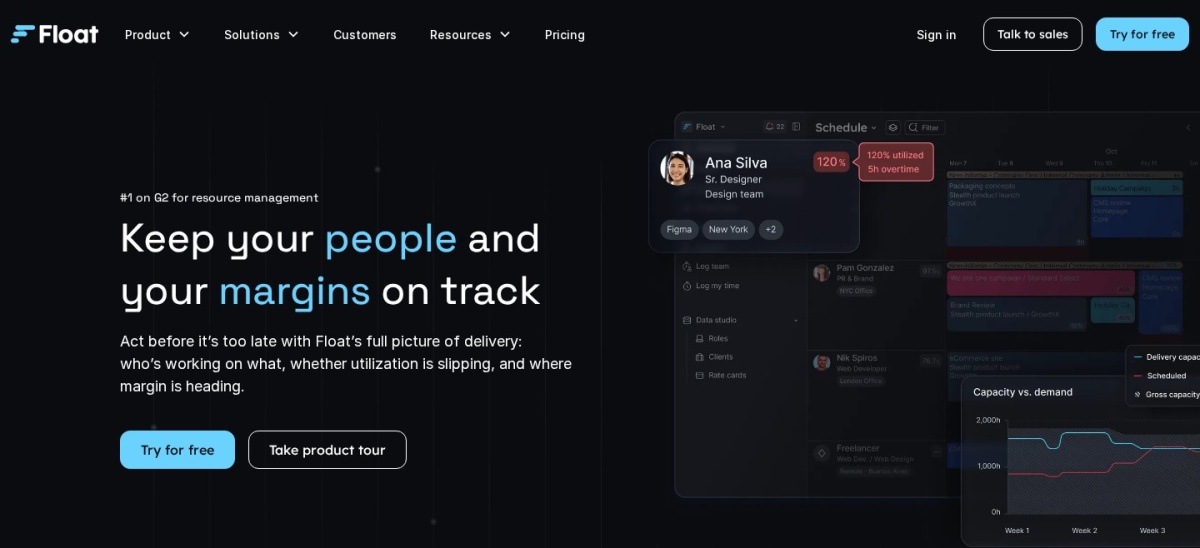
Float is the most focused scheduling tool here at $7 a scheduled person a month, with capacity planning and time-off management built in.
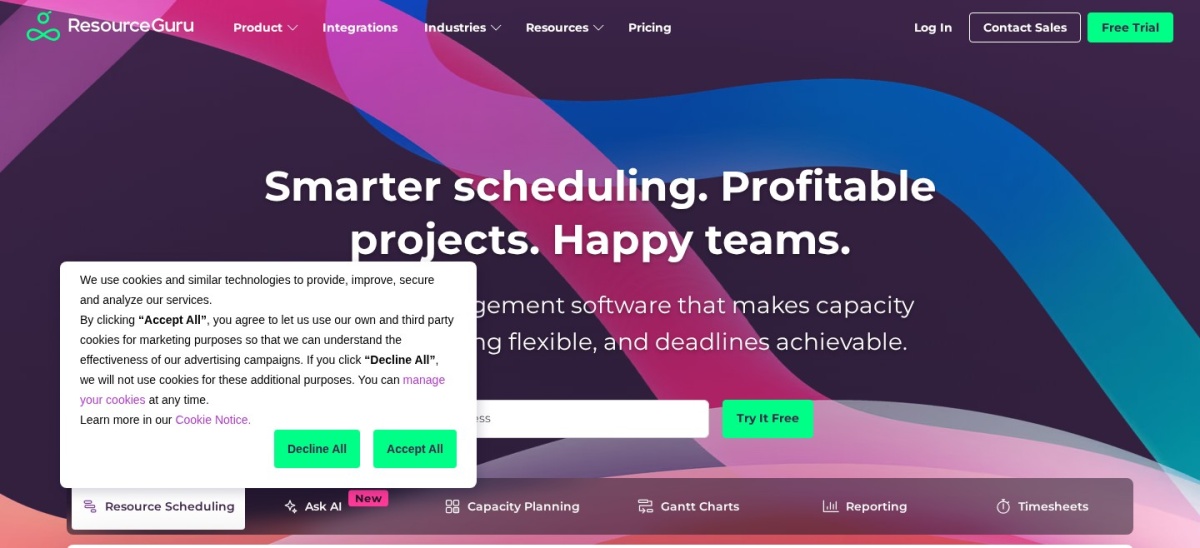
Resource Guru is the cheapest paid plan at $5 a person a month, and it books rooms and equipment beside people.
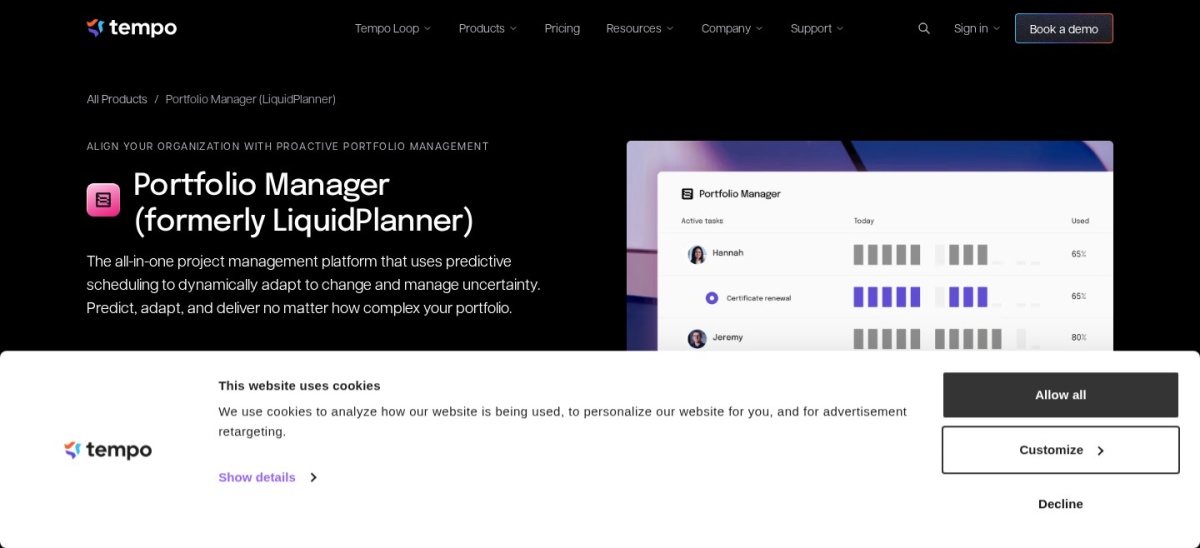
LiquidPlanner is the only predictive scheduler here, forecasting finish dates with up to 90 percent confidence at $15 a user a month.
Kantata is the only tool with no published price at all, and its contracts are aimed at larger enterprises.
What project scheduling software should do
Scheduling splits into two jobs. Project scheduling puts tasks on a timeline with dependencies, while resource scheduling puts people on that timeline with capacity limits. Most tools here do one well and the other as an add-on.
Look at which plan holds the view you need. Gantt charts, workload views and capacity planning often sit one plan above the cheapest, so read the plan page, not just the headline price. Our guide to the best project management software covers the same tools from a general planning angle.
Billing units differ here, and that changes the bill. Float and Resource Guru charge per scheduled person, so a roster of occasional contractors still costs the full per-person rate.
Free plans cover the basics well. monday.com, Asana, ClickUp and Teamwork all offer a free plan with Gantt or timeline views, but paid plans add the capacity and forecasting views that make scheduling scale.
The 9 best project management scheduling software tools
01
monday.com
4.7/5on G2 (17940 reviews, checked Nov 2026)
Paid from$9/mo
Best project management scheduling software overall
Free planUp to 2 seats, 3 boards
Paid planBasic, $9/seat/mo yearly
Timeline and GanttStandard plan and up
Templates200-plus templates
monday.com
monday.com homepage, captured Nov 2026.
monday.com is a board-based work platform that teams use to plan, schedule and track work in one view. Colour-coded status columns, automations and dashboards make the state of work obvious at a glance, the template library holds more than 200 templates, and timeline and Gantt views show how work lands across the calendar.
The trade off is that scheduling views sit above the cheapest plan. Basic at $9 per seat a month has no timeline or Gantt view and no automations, so teams that need scheduling must move to Standard at $12, and workload views need Pro. Paid plans also need at least 3 seats. It suits visual teams that want flexible boards first.
Float is a resource scheduling and capacity planning platform built around a visual timeline for teams and agencies. Its Starter plan at $7 per scheduled person per month includes capacity planning, time off management, project scoping, role suggestions and API access, with a drag-and-drop schedule that shows who is free, who is overbooked and when the next sprint has room.
The trade off is that time tracking, client rate cards, cost estimation and custom access roles require upgrading to Pro at $12 per scheduled person per month. Float is also not a full project manager, so teams that need tasks and docs beside the schedule will pair it with another tool.
Smartsheet is a spreadsheet-style work platform that teams use for project schedules, budgets and status sheets. Pro at $9 per member a month billed yearly covers 1 to 10 members with unlimited sheets, forms, Gantt charts, dashboards and 250 automations a month, plus unlimited free contributors, with critical path and baselines built in.
The trade off is access. There is no free plan for new sign-ups, only a 30-day trial, and Pro stops at 10 members, so a growing team must move to Business at $19 per member a month. It suits teams that think in rows and columns and want Gantt charts on the same sheets.
Asana is a work management platform built around tasks, owners and dates, which fits scheduling work across marketing, design and sales. The free Personal plan covers up to 2 users with unlimited tasks and projects, and Starter adds timeline and Gantt views, dashboards and unlimited automations, with more than 100 free integrations including Slack.
The trade off is that workload views sit on a higher plan. Portfolios, goals, workload and time tracking need Advanced at $24.99 per user a month, so a small team pays more to see capacity across all projects at once. It suits teams that run many projects in parallel and need clear owners and dates.
ClickUp is an all-in-one workspace that joins tasks, docs, goals, chat and time tracking under one roof. The free plan includes unlimited tasks, docs, Kanban boards and calendar views, and Core adds unlimited storage, Gantt charts, custom fields and 1,000 automations a month, with workload views and timesheets on Business.
The trade off is the price on the page. ClickUp shows Core at $9 a month, but the regular price is $12 per user a month billed yearly, so budget on the higher figure. It also packs in so many features that setup takes time. It suits small teams that want one tool to replace several.
What we like
Gantt charts and time tracking on every paid plan
Free plan has no task limit
Goals, docs and chat in the same workspace
15,312 G2 reviews at 4.6 out of 5
Watch out for
Regular Core price is $12, not the $9 shown on sale
Resource Guru is a scheduling and clash-management tool for booking staff alongside physical assets like rooms and equipment. The same calendar covers staff, test devices and meeting rooms, clash detection flags a double booking before it happens, and Grasshopper at $5 per person per month billed annually is one of the cheapest entries in this list.
The trade off is depth on the cheapest plan. Grasshopper has no timesheets, reports, rates or budgets, and those features need Blackbelt at $8 per person per month, while every scheduled person is billed whether they log in or not. It suits small teams that book more than people.
Teamwork is a project management platform built for client services teams, with time tracking in every plan, client users, budgets and retainers, and invoicing from logged time. The free plan covers up to 5 users and 5 projects with Gantt views, and Basics at $9.99 per user a month adds billable time tracking and 5,000 automations.
The trade off is the tier jump. Workload planning, retainers and time budgets need Accelerate at $24.99 per user a month, and resource scheduling, financial budgets and profitability need the custom Optimize tier. It suits agencies that schedule client work and bill by the hour.
LiquidPlanner is a dynamic project scheduling platform, now sold as Tempo Portfolio Manager, that uses predictive AI to forecast when work will realistically be completed. Its scheduling engine runs Monte Carlo simulations using team bandwidth, task priorities and ranged estimates to deliver completion forecasts with up to 90 percent confidence.
The trade off is price and caps. Essentials starts at $15 per user per month billed yearly, more than twice the entry price of Float or Resource Guru, and Essentials caps at 5,000 tasks, with custom fields, timesheet review and single sign-on needing Professional at $28. It suits teams that need forecasts, not just plans.
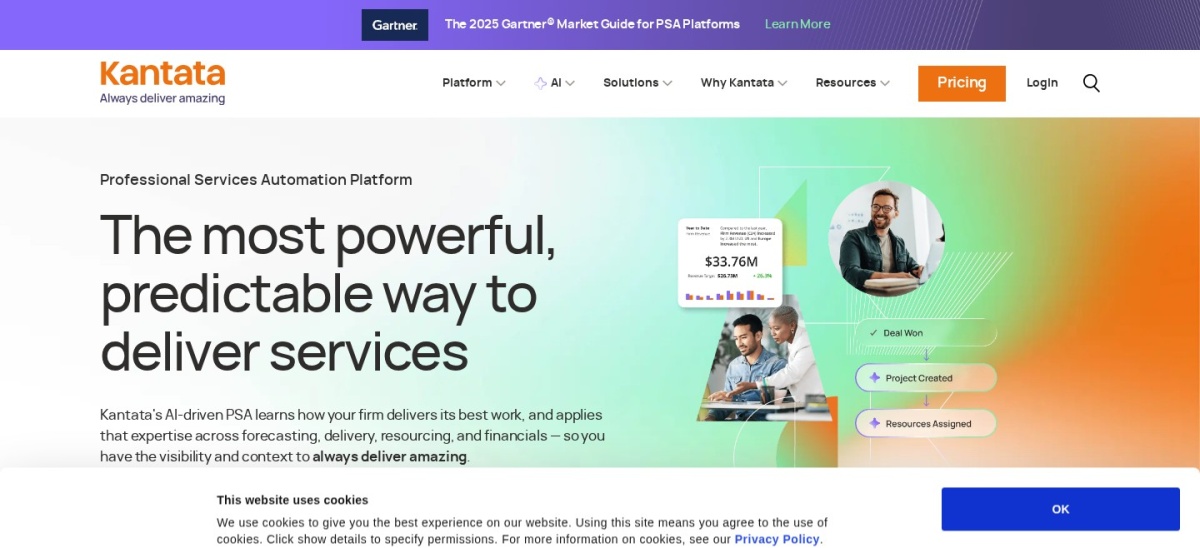
Kantata is a professional services automation platform, formerly Mavenlink, that combines resource planning with project management and financial tracking. It gives agencies a clear view of projects and overall resource allocation and availability, with smart resource forecasting, capacity planning, budgeting and financial performance insights in one system.
The trade off is pricing opacity and weight. Kantata is quote-based with no free tier or transparent entry plan, and contracts are usually aimed at larger enterprises. It suits agencies tracking billable utilisation and project profitability across many clients.
What we like
Strongest utilisation and profitability tracking here
If the question is when work lands, start with Smartsheet, monday.com, Asana or ClickUp. Their Gantt and timeline views show dependencies, critical paths and finish dates across projects.
If the question is who is free, start with Float, Resource Guru or Teamwork. Their schedules show capacity, time off and clashes, which a Gantt chart alone cannot answer.
LiquidPlanner is the bridge between the two. Its predictive engine turns ranged estimates and real progress into finish-date forecasts, so the schedule updates itself as work moves.
How we chose
We started from the project scheduling and resource management platforms with a G2 profile and a published product, then kept those with a verifiable G2 rating and review count.
Prices come from each vendor's pricing page as reported in comparisons checked in November 2026, with the regular price shown where a sale was running. Ratings and review counts come from G2 on the same day. Kantata publishes no price, so the list shows Custom.
We left out tools with no verifiable G2, Capterra or Trustpilot rating, including Hub Planner at 10 G2 reviews. No vendor paid for a place, and we do not claim hands-on testing for this list.
How to choose project scheduling software
Start with the question you ask every week, then check the billing unit before you commit.
Name the question first. If you ask when work lands, buy a Gantt tool. If you ask who is free, buy a capacity planner. Do not buy both jobs in one tool unless it does both well.
Check the billing unit. Float and Resource Guru charge per scheduled person, so count everyone on the roster, not just daily users, before you compare prices.
Check the view you need is on the plan you can afford. Gantt charts, workload views and capacity planning often sit one plan above the cheapest, so read the plan page, not just the headline price.
Try the trial with one real project. Run a single project end to end, from kickoff to delivery, and see whether the schedule stays honest without extra spreadsheets.
FAQ
What is the best project management scheduling software?
monday.com is the best pick for most teams. It scores 4.7 out of 5 on G2 from 17,940 reviews, offers more than 200 templates, and its Basic plan costs $9 per seat a month billed yearly.
What is project scheduling software?
It is software that puts project work on a timeline with dates, dependencies and owners, and shows who is available to do it. Gantt charts answer when work lands, and capacity views answer who is free.
How much does project scheduling software cost?
Cheapest paid plans in this list run from $5 to $15 a user a month. Resource Guru is $5 a person a month, Float is $7 a scheduled person a month, and LiquidPlanner Essentials is $15 a user a month.
What is the best resource scheduling software?
Float is the best pick for pure resource scheduling, with a visual timeline, capacity planning and time-off management at $7 a scheduled person a month. Resource Guru is the best pick if you also book rooms and equipment.
Is there free project scheduling software?
Yes. monday.com, Asana, ClickUp and Teamwork all have free plans with Gantt or timeline views. Float, Resource Guru, Smartsheet and LiquidPlanner offer trials instead of free plans.
What is predictive scheduling?
It forecasts finish dates from real progress, remaining work and ranged estimates instead of fixed dates. LiquidPlanner runs Monte Carlo simulations on team bandwidth and task priorities to deliver forecasts with up to 90 percent confidence.
SaaS SEO and WordPress specialist with about 8 years of experience. Rakib compares WordPress plugins, themes, hosting and software using public pricing, documentation and user reviews. See how we rank.