Scribe is the best process documentation software for most teams, with auto-captured guides and a free plan. Pick Tango for in-app walkthroughs and Whale if you want SOPs plus training tracking.
How we make this list: we compare pricing pages, product documentation and public user reviews, then re-check every price before each update. No product paid for a place. Disclosure.
Scribe auto-captures step-by-step guides from clicks, rated 4.8 out of 5 on G2.
Tango adds in-app walkthroughs that guide users inside the real application.
Whale combines SOPs with training, quizzes and an AI health score for stale procedures.
Trainual and Process Street sell by quote only, so budgeting needs a sales call.
Notion and Confluence work when documentation already lives in a wiki.
Three kinds of process documentation tools
Process documentation tools split into three kinds: capture tools that record your clicks, management platforms that assign and track SOPs, and wikis where teams write docs by hand.
Capture tools like Scribe, Tango and Guidde build the guide while someone does the work, which is fastest for software tasks. Management platforms like Trainual, Process Street, SweetProcess and Whale add assignments, quizzes and version control.
Wikis like Notion and Confluence work when the team already documents in one place, but nothing is auto-captured, so writing takes longer. Our database software guide shows a similar split between managed and do-it-yourself tools.
None of these tools knows how the work is done. Someone who knows the process has to supply the content, whether by recording it or writing it down.
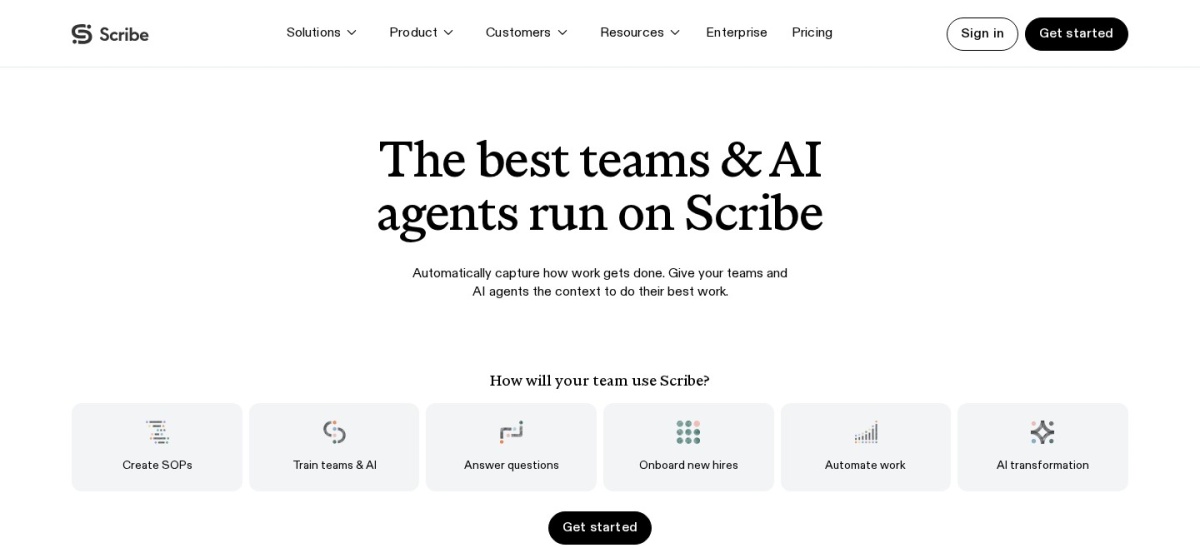
Scribe is the fastest way to document a process you already know: record in the browser extension or desktop app, do the task once, and Scribe turns your clicks into a written step-by-step guide with screenshots. The free Basic plan covers browser capture, and Pro Personal costs $25 a seat a month billed annually.
The trade off is per-seat pricing. Pro Team costs $13 a seat a month billed annually with a 5-seat minimum, so a team pays for seats it may not use. It suits teams that document browser processes by clicking through them.
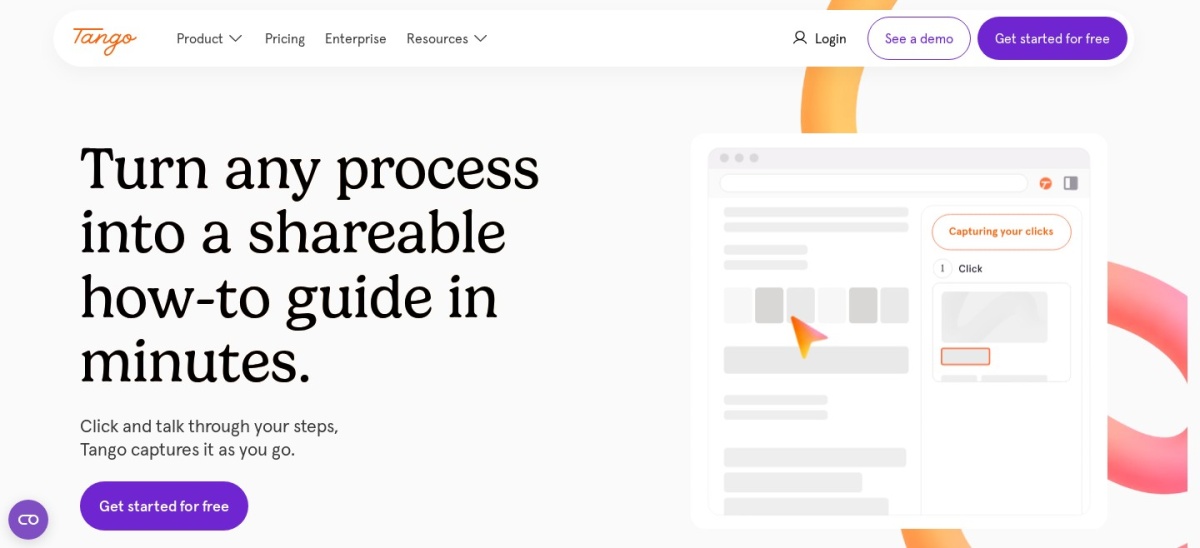
Tango is a guide tool that goes beyond static guides: its Guide Me feature walks a user through a task inside the actual application with on-screen highlights, which makes it part digital adoption platform, not just a documentation tool. The free plan covers 5 shared workflows with browser capture for up to 10 users.
The trade off is the seat minimum. Pro costs $22 a user a month for 1 to 2 users, or $15 a user billed annually for teams of 3 or more. It suits small teams that need click-by-click guides and in-app help.
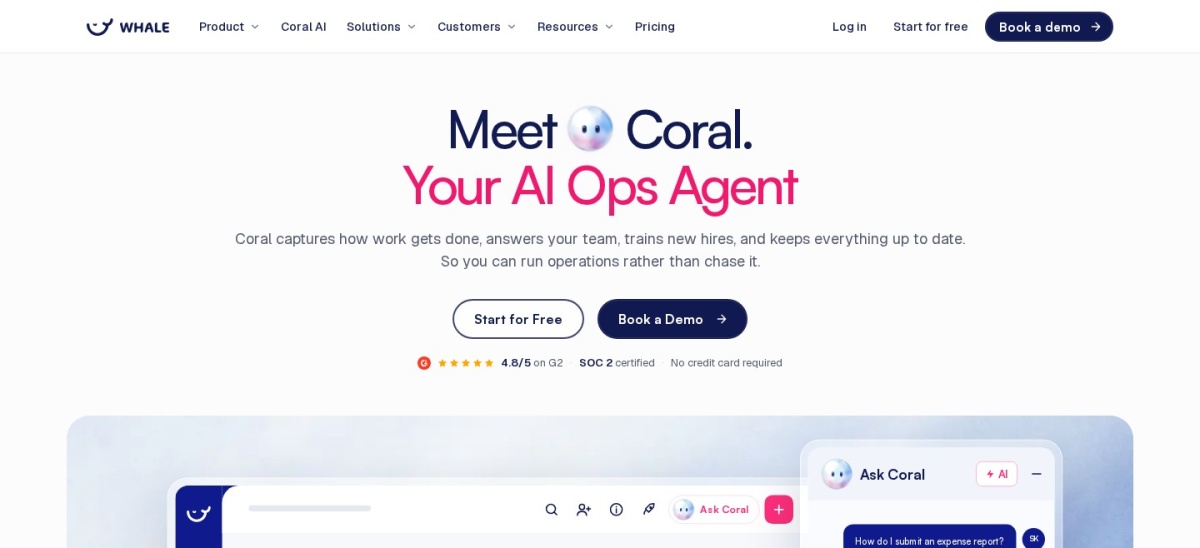
Whale is a platform that combines AI-assisted SOP creation with training assignments, quizzes, e-signatures and an AI health score that flags stale procedures. Procedures can be scanned by QR code on a factory floor, and the free plan covers 1 creator with up to 10 members.
The trade off is price. Scale costs $299 a month billed annually, and Advance costs $599, so Whale is priced for companies, not solo users. It suits teams that want SOPs people actually read, with training tracking built in.
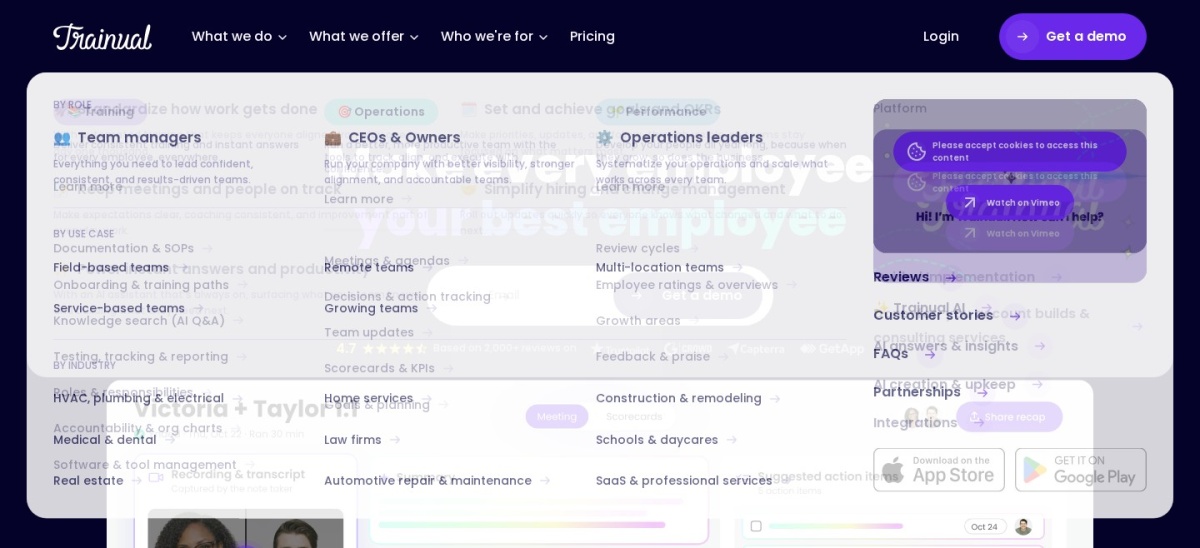
Trainual is a platform that turns SOPs into assignable training with quizzes and e-signatures, aimed at companies with 25 to 1,000 employees. Roles get their own playbooks, managers see who completed what, and an AI assistant answers questions from the documented processes.
The trade off is price transparency. Trainual quotes prices on request only, plus a one-time $1,000 implementation fee, so budgeting needs a sales call. It suits growing companies that need role-based onboarding and training.
Process Street is a platform that turns SOPs into checklists that run, with approvals, conditional logic and assignments for recurring work. Its AI agent Cora helps generate workflows, and the platform suits compliance-driven teams that need a record of every completed step.
The trade off is price transparency. Process Street now quotes prices on request only, with a 14-day Pro trial and no free plan. It suits teams whose SOPs are recurring processes that must be followed the same way every time.
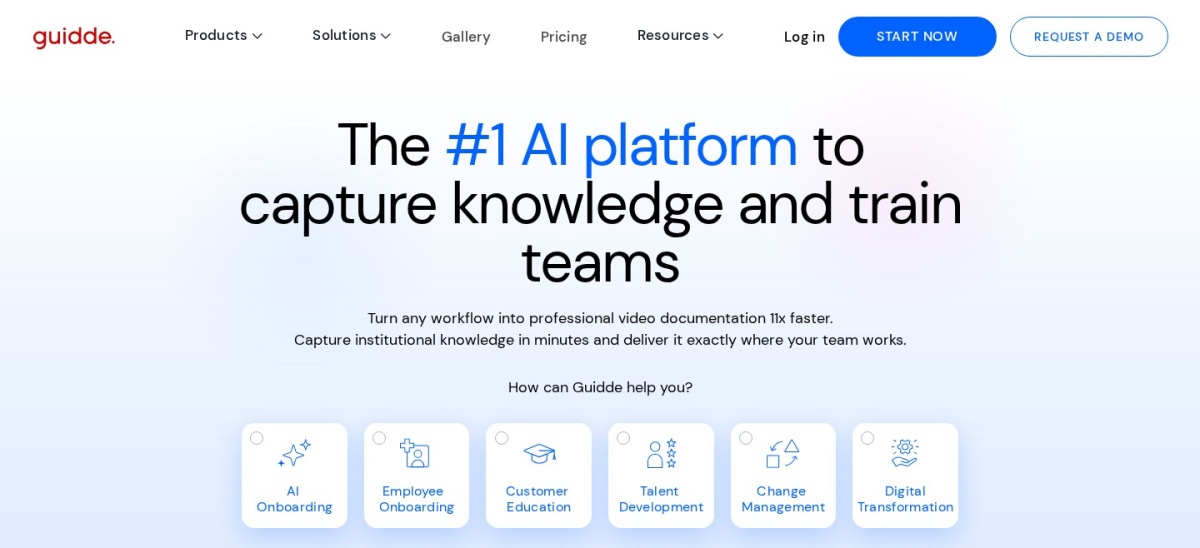
Guidde is an AI-powered video documentation platform that turns screen recordings into instructional videos with AI narration, captions and step-by-step callouts. The free plan covers up to 25 how-to videos, and Pro costs $19 a creator a month billed annually.
The trade off is the thin review base. Guidde holds a 4.8 out of 5 G2 rating from only 97 reviews, and text-to-voice and analytics need the Business plan. It suits teams that want short narrated how-to videos instead of written guides.
Notion is a collaborative workspace for creating and organising company knowledge, where teams build SOPs, process guides and internal documentation with customisable pages, databases and templates. Plus costs $10 a member a month billed annually, and the free plan covers small teams.
The trade off is structure. Notion is a blank canvas, so a team must design its own SOP layout, and nothing auto-captures a process. It suits teams whose documentation already lives in a wiki and who want flexibility.
Confluence is Atlassian's collaborative knowledge management platform for documenting team processes, technical information and internal procedures. Standard costs $5.78 a user a month, the free tier covers up to 10 users, and page history with compare and revert is included even on free.
The trade off is navigation and search. G2 reviewers rate Confluence 4.1 out of 5, the lowest here, and finding pages can be hard at scale. It suits teams already working in Jira that want a governed wiki beside their tickets.
If your SOPs are software tasks, start with a capture tool: Scribe, Tango or Guidde builds the steps while someone does the work.
If you need to assign SOPs, track who finished them and keep versions, pick a management platform such as Trainual, Process Street or Whale.
If documentation already lives in a wiki, Notion or Confluence may be enough, and you avoid paying for a second system.
How we chose
We started from the process documentation tools with a G2 rating of 4.0 or higher and a published price or free plan, then kept those a team can actually buy.
Prices come from each vendor's pricing page as quoted in price checks dated November 2026, and ratings come from G2 listings read on 26 November 2026. Where a vendor shows a sale, the list shows the regular price.
We left out tools with no published price and no free trial, and tools with fewer than 50 G2 reviews. No vendor paid for a place, and we do not claim hands-on testing for this list.
How to choose process documentation software
Start with whether your SOPs are software tasks, training or checklists, then match the tool type.
Name the job first. Software tasks point to capture tools, training points to Trainual or Whale, and recurring checklists point to Process Street, so pick by job before comparing prices.
Count the seats before you judge price. Per-seat tools like Scribe and Tango cost more as the team grows, while flat-rate tools like Whale cost the same for a larger team.
Test capture with a real process. Record one real workflow on the free plan and read the result, since capture quality differs a lot between tools.
Check who keeps docs current. SOPs go stale fast, so pick a tool with owners, review dates and a health score, not just a place to store pages.
FAQ
What is the best process documentation software?
Scribe is the best pick for most teams, with auto-captured step-by-step guides rated 4.8 out of 5 on G2 and a free Basic plan. It builds a guide while someone does the task once, with screenshots included.
What is the difference between Scribe and Tango?
Scribe turns clicks into a written guide with screenshots, while Tango adds Guide Me walkthroughs that guide a user through a task inside the real application. Both have free plans, and Tango fits teams that need in-app help.
How much does Whale cost?
Whale Scale costs $299 a month billed annually, and Advance costs $599 a month. The free plan covers 1 creator with up to 10 members, which is enough to test SOPs and training flows.
Is Trainual worth the quote-only pricing?
Trainual fits companies with 25 to 1,000 employees that need role-based onboarding with quizzes and e-signatures. Smaller teams usually do better with Scribe or Whale, which publish prices and offer free plans.
Can I use Notion for process documentation?
Yes, if your team already works in Notion. Its pages and databases fit SOPs and onboarding well, and Plus costs $10 a member a month. Notion does not auto-capture processes, so writing takes longer.
What is the cheapest process documentation software?
Notion Plus at $10 a member a month and Tango Pro at $15 a user a month billed annually are the cheapest paid plans here. Scribe, Tango, Whale, Guidde, Notion and Confluence all offer free plans.
SaaS SEO and WordPress specialist with about 8 years of experience. Rakib compares WordPress plugins, themes, hosting and software using public pricing, documentation and user reviews. See how we rank.