Best Generative AI Tools in 2026: 8 Tools Compared
WLWPLegible EditorsLast verified 22 Nov 2026How we rank6 min read
★ Short answer
ChatGPT is the top all-around generative AI tool, holding a 4.6 out of 5 rating across 5,457 G2 reviews for its broad text, research, and agentic features. For narrower workflows, Claude suits long-form writing and coding, while Perplexity focuses on cited web research.
How we make this list: we compare pricing pages, product documentation and public user reviews, then re-check every price before each update. No product paid for a place. Disclosure.
ChatGPT holds a 4.6/5 rating across 5,457 G2 reviews and covers text, research, and coding in one workspace.
Claude earns 4.7/5 across 2,223 G2 reviews and starts at $17/mo billed annually on Pro.
Perplexity pairs live web search with citations and starts at $17/mo billed annually on its individual paid plan.
Midjourney starts at $96/yr ($8/mo billed annually) for commercial image generation without a free tier.
ElevenLabs starts at $6/mo ($72/yr) on its regular Starter plan for voice synthesis and cloning.
What to look for when choosing a generative AI tool
Generative AI tools now split sharply between broad multi-purpose assistants and specialized creators for images, audio, research, or code. General assistants handle drafting, brainstorming, and analysis, whereas dedicated tools give tighter control over formats like voiceovers, slide decks, or repository edits.
Usage caps and credit meters matter just as much as headline subscription prices. Rolling windows, monthly character or GPU-minute allowances, and overage rates determine what heavy users actually pay each month.
Before committing to an annual plan, check whether the free tier lets you test your real workload and verify how outputs export into your existing documents, design files, or codebases.
ChatGPT is a general-purpose AI assistant from OpenAI for drafting text, running research, working with files, and writing code. A free tier is available, while paid plans include Plus at $20/mo and Pro tiers starting at $100/mo.
The trade off is paying $240/yr on Plus while still facing usage caps and occasional factual errors or tone drift. It suits generalists who want one daily assistant across writing, research, and coding.
What we like
High marks on G2 (4.6/5 from 5,457 reviews) for everyday versatility and speed
Free tier lets new users test basic workflows before paying
Covers text, research, file analysis, and coding in one interface
Clear tiered upgrades from $20/mo Plus to higher-capacity Pro plans
Watch out for
Can produce inaccurate answers or over-explain simple requests
Usage limits and rolling quotas can interrupt heavy sessions
Pro plans start at $100/mo and climb higher for top capacity
Paid plans add higher usage limits, expanded reasoning and research access, and dedicated capacity.Visit chatgpt.com
02
Claude
4.7/5on G2 (2,223 reviews, checked Nov 2026)
Paid from$17/mo
Best for natural writing and coding
G2 rating4.7/5 (2,223 reviews)
Free tier$0 with usage limits
Annual entry planPro at $17/mo billed yearly
Core strengthWriting tone & coding
claude.ai
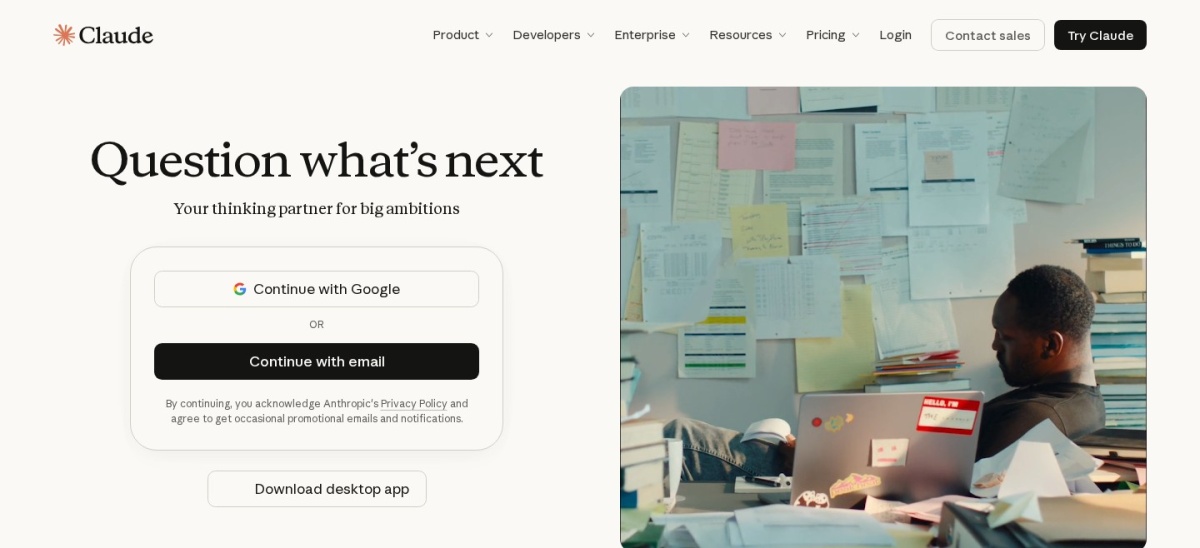
Claude homepage, captured Nov 2026.
Claude is Anthropic's AI assistant for structured writing, long-document analysis, and coding workflows including Claude Code. It offers a $0 free tier with usage limits, while Pro starts at $17/mo when billed annually ($204/yr).
The trade off is sharing usage quotas across chat and coding sessions at $204/yr on annual Pro without native image generation. It suits writers, analysts, and developers who prioritize clear prose and code assistance.
What we like
Rated 4.7/5 across 2,223 G2 reviews with strong feedback on natural writing tone
Free plan allows trying Claude before committing to a subscription
Pro includes access to Claude Code for multi-step programming tasks
Watch out for
Usage caps apply across rolling windows and shared chat/coding quotas
No native image generation built into the assistant
Higher Max tiers cost substantially more for heavy daily volume
Pro unlocks higher usage limits, Claude Code access, and expanded everyday work capacity.Visit claude.ai
03
Gemini
4.4/5on G2 (2,700 reviews, checked Nov 2026)
Paid from$19.99/mo
Best for Google Workspace workflows
G2 rating4.4/5 (2,700 reviews)
Free tier$0.00 tier available
Entry paid plan$19.99/mo flat rate
Core strengthGoogle apps & multimodal input
gemini.google.com
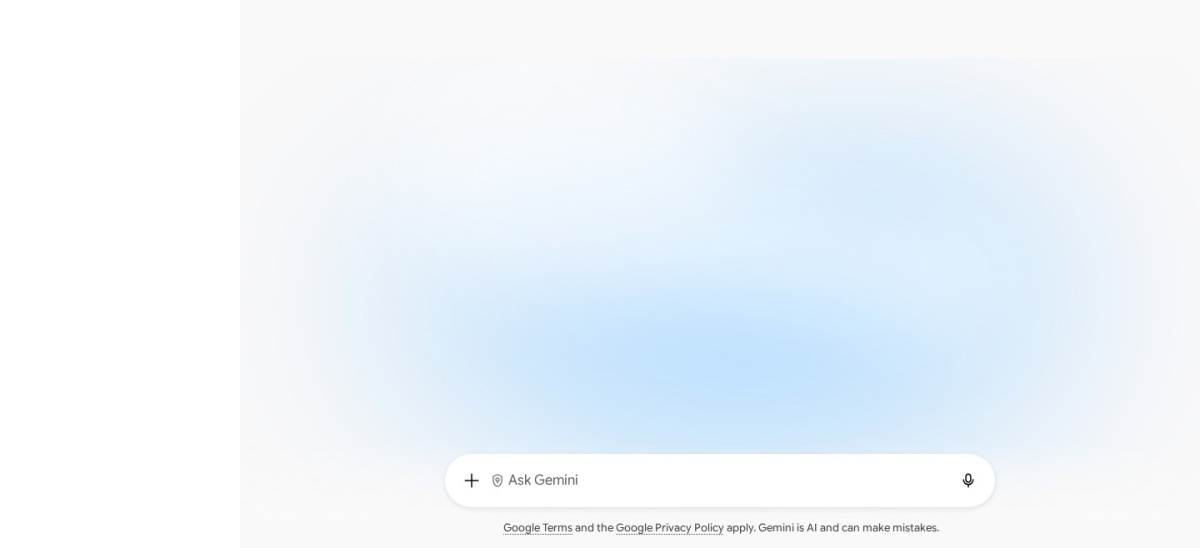
Gemini homepage, captured Nov 2026.
Gemini is Google's AI assistant that works across text, images, audio, video, and code alongside Google Workspace tools. It offers a $0.00 free tier, with paid individual access starting at $19.99/mo.
The trade off is paying about $240/yr at the $19.99/mo tier while still double-checking detailed technical or factual outputs. It suits people who already work inside Gmail, Docs, and Drive.
What we like
4.4/5 rating across 2,700 G2 reviews with strong Google app convenience
Free tier is available with no upfront subscription required
Handles mixed media inputs and everyday drafting in one workspace
Watch out for
Reviewers note occasional factual errors that require verification
Can repeat responses or lag on complex multi-step logic
Top-tier plans jump well above the entry monthly price
Paid tiers add expanded model access, higher usage limits, and deeper app integration.Visit gemini.google.com
04
Perplexity
4.5/5on G2 (500 reviews, checked Nov 2026)
Paid from$17/mo
Best for cited web research
G2 rating4.5/5 (500+ reviews)
Free tier$0/mo basic search
Annual entry plan$17/mo billed annually
Core strengthCited answers & Deep Research
perplexity.ai
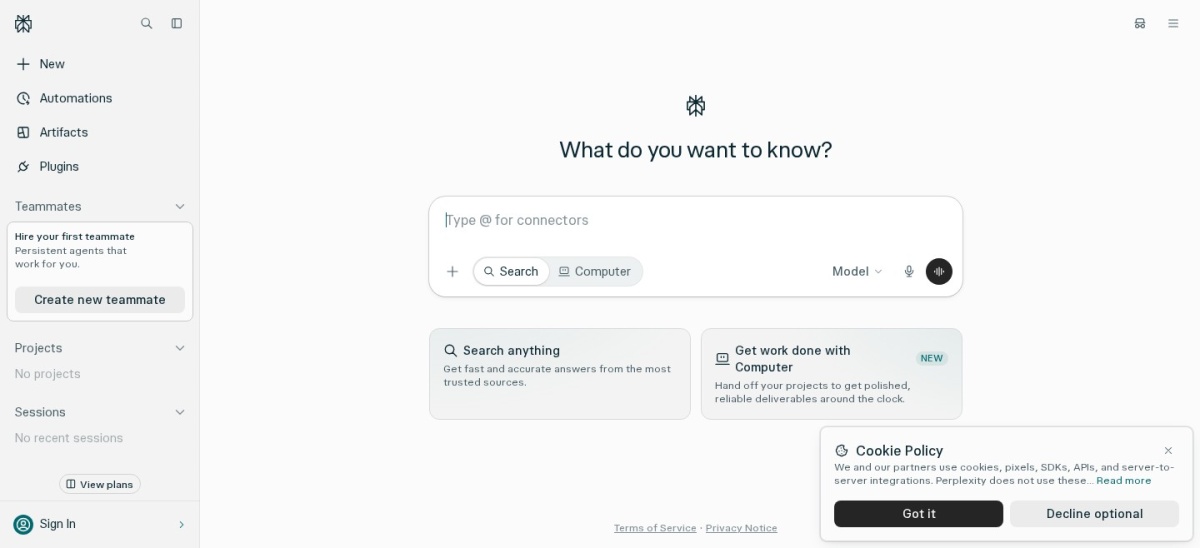
Perplexity homepage, captured Nov 2026.
Perplexity is an AI answer and research engine that pairs live web search with cited sources and Deep Research workflows. Its free plan starts at $0/mo with limited daily Pro searches, while annual paid plans start at $17/mo ($204/yr).
The trade off is spending $204/yr on annual paid access while still checking source quality yourself on sensitive topics. It suits researchers, analysts, and writers who want source links right beside answers.
Free plan lets users test basic search before upgrading
Paid plans unlock Deep Research, model selection, and higher limits
Watch out for
Free tier caps advanced search and model choices
Citation links still require human checking for source authority
Heavy research and agent modes require higher-tier plans
Paid plans add Deep Research, access to top AI models, and expanded usage limits.Visit perplexity.ai
05
Midjourney
4.2/5on G2 (306 reviews, checked Nov 2026)
Starts at$96/yr
Best for stylized image generation
G2 rating4.2/5 (306 reviews)
Free tierNone
Annual entry planBasic at $96/yr ($8/mo)
Core strengthVisual concept & art generation
midjourney.com
Midjourney homepage, captured Nov 2026.
Midjourney is a generative image platform built around GPU generation time, starting on the Basic plan at $96/yr billed annually ($8/mo) or $10/mo monthly. Basic includes 3.3 hours of Fast GPU time per month with no free tier.
The trade off is paying at least $96/yr upfront with no free tier and a limited monthly Fast GPU pool on Basic. It suits designers, illustrators, and marketers creating visual concepts and artwork.
What we like
Under $100/yr on the annual Basic plan ($96/yr, or $8/mo equivalent)
4.2/5 rating across 306 G2 reviews for visual output quality
Extra Fast GPU time can be purchased when needed
Watch out for
No free plan for testing generations
Basic tier lacks unlimited Relax mode and Stealth privacy
Exact text or layout details can take extra prompt retries
Higher tiers add more Fast GPU hours, unlimited Relax image generations, and Stealth mode.Visit midjourney.com
06
ElevenLabs
4.5/5on G2 (1,314 reviews, checked Nov 2026)
Paid from$6/mo
Best for AI voiceovers and audio
G2 rating4.5/5 (1,314 reviews)
Free tier$0 starter credits
Regular entry planStarter at $6/mo ($72/yr)
Core strengthText-to-speech & voice cloning
elevenlabs.io
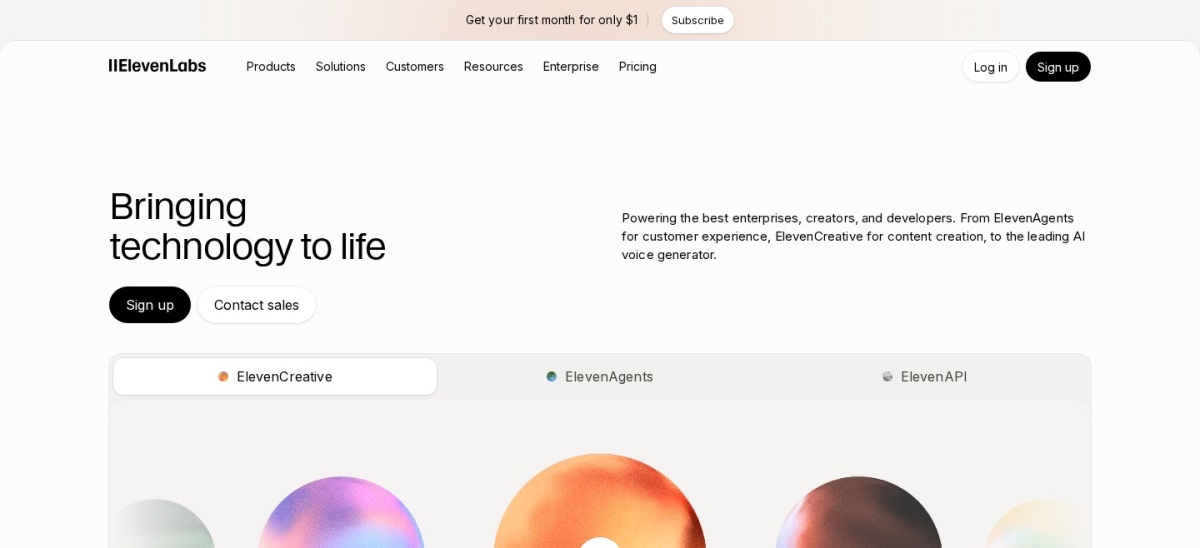
ElevenLabs homepage, captured Nov 2026.
ElevenLabs is an audio AI platform for realistic text-to-speech, voice cloning, and dubbing, offering a free plan and a regular Starter plan at $6/mo ($72/yr). Note ElevenLabs lists a Black Friday first-month offer of $1, while its regular Starter rate is $6/mo.
The trade off is credit consumption on long scripts and regenerations at $72/yr on Starter. It suits creators, podcasters, and video teams producing voiceovers and audio assets.
What we like
Budget-friendly $72/yr regular Starter plan ($6/mo) plus a free tier
4.5/5 rating across 1,314 G2 reviews for expressive voice output
Starter includes a commercial license and instant voice cloning
Watch out for
Character credit limits can run down quickly on long audio or retakes
Professional voice cloning and higher audio tiers cost significantly more
Pronunciation or pacing quirks may require extra generations
Higher plans increase monthly character credits, add professional voice cloning, and raise audio limits.Visit elevenlabs.io
07
Cursor
4.6/5on G2 (334 reviews, checked Nov 2026)
Paid from$16/mo
Best for AI-native code editing
G2 rating4.6/5 (334 reviews)
Free tierHobby plan at $0
Annual entry planPro at $16/mo ($192/yr)
Core strengthMulti-file editing & coding agents
cursor.com
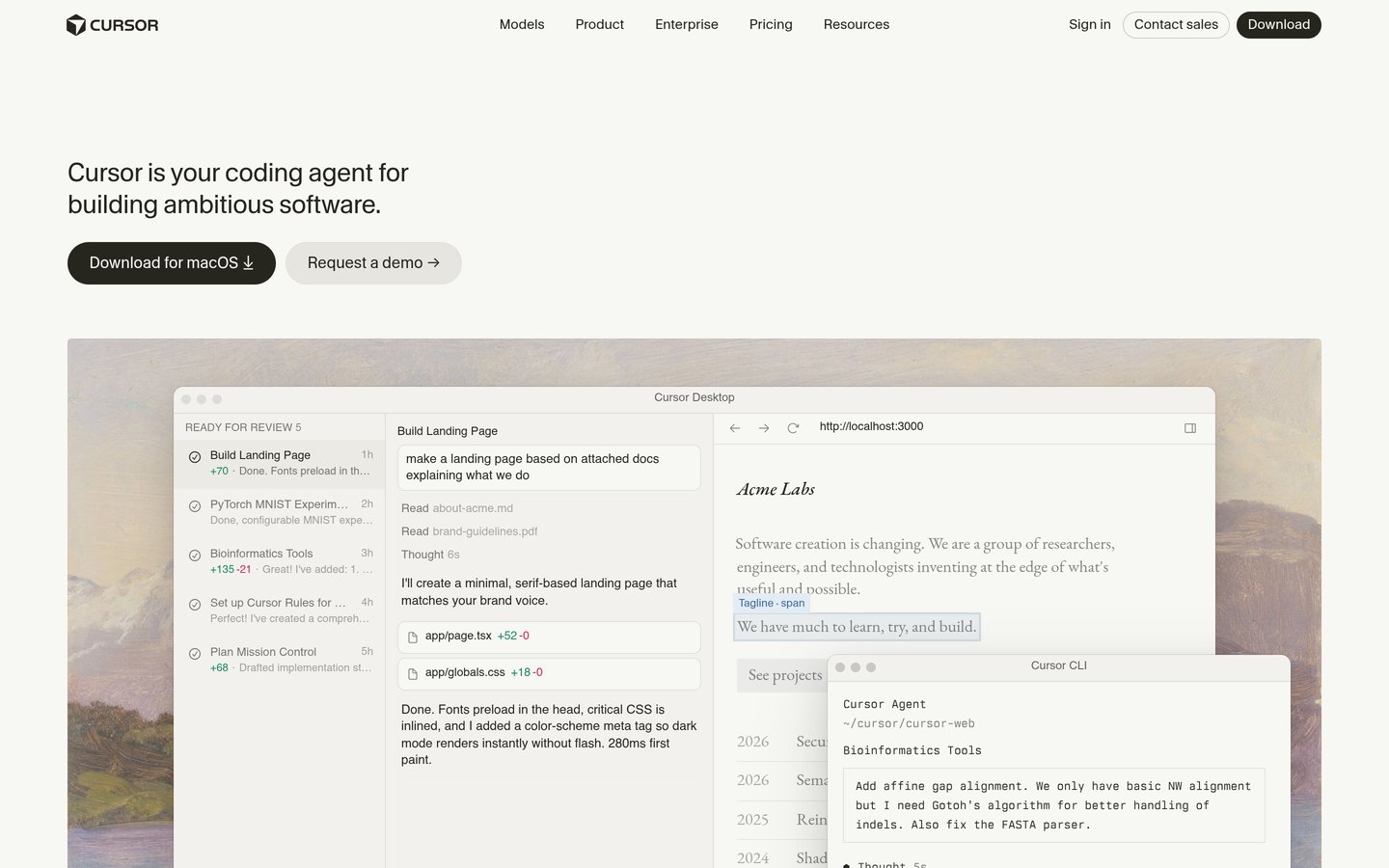
Cursor homepage, captured Nov 2026.
Cursor is an AI-native code editor built for codebase-aware autocomplete, chat, and multi-file agent edits. It offers a $0 Hobby plan and a Pro plan starting at $16/mo billed annually ($192/yr) or $20/mo monthly.
The trade off is paying $192/yr on annual Pro while watching usage overages during heavy agent runs. It suits developers who want agentic editing directly inside their code editor.
What we like
4.6/5 rating across 334 G2 reviews for multi-file editing workflows
Free Hobby tier lets developers test the editor before paying
Under $200/yr ($192/yr) when billed annually on Pro
Watch out for
Usage overages can raise monthly bills during heavy agent sessions
Requires switching to a dedicated AI code editor setup
Large or complex codebases still need careful code review
Pro and higher tiers raise usage allowances and support broader agent and model workflows.Visit cursor.com
08
Notion
4.6/5on G2 (14,020 reviews, checked Nov 2026)
Paid from$10/mo
Best for notes, docs, and team wikis
G2 rating4.6/5 (14,020 reviews)
Free tier$0 plan available
Annual entry planPlus at $10/user/mo ($120/yr)
Core strengthDocs, databases & team notes
notion.so
Notion homepage, captured Nov 2026.
Notion is a connected workspace for notes, docs, tasks, and databases with built-in AI tools and a $0 free plan. Its Plus plan starts at $10/user/mo when billed annually ($120/yr).
The trade off is paying $120/yr per user on Plus while building or maintaining structured pages and databases. It suits individuals and small teams keeping notes, wikis, and projects in one workspace.
What we like
4.6/5 score across 14,020 G2 reviews for organizing notes, docs, and tasks
Generous $0 free plan for personal notes and light projects
Affordable $120/yr annual Plus entry price per user
Watch out for
Customizing workspaces and databases takes setup time
Per-user pricing adds up as team seats grow
Large databases can feel slower or less specialized than dedicated tools
Paid plans expand collaboration, file uploads, and workspace features across teams.Visit notion.so
When free plans are enough vs. when to pay
Free tiers work well for occasional drafting, basic web lookups, or testing how an assistant handles your prompts. Most tools keep the core interface free while capping message volume, search depth, or export and commercial rights.
Upgrading makes sense once rate limits interrupt regular work or you need commercial licenses, higher quotas, or team features. Compare monthly flexibility against annual discounts before locking in a full year.
How we chose
We selected established generative AI tools across general chat, research, visual media, audio, coding, and connected workspaces using current software listings and vendor documentation.
Ratings, review counts, and regular subscription prices were checked on 22 Nov 2026 from G2 product pages and official pricing or plan documentation.
We excluded tools lacking verifiable current pricing or established review traction, and we note promotional discounts separately from regular plan rates. No vendor paid for a place, and we do not claim testing for this list.
How to pick the right generative AI tool in 4 steps
Follow these four steps to match a tool to your daily workflow without overpaying.
Start with your primary output format. Decide whether you mostly need text and analysis, cited research, images, voice audio, code editing, or team notes.
Test the free tier on real tasks first. Run typical prompts or small projects on the free plan to check output quality and where limits hit.
Check regular pricing and credit rules. Compare regular monthly or annual rates alongside usage caps, credits, and per-seat costs.
Confirm how outputs fit your workflow. Make sure exports, integrations, or commercial terms match how you publish or share work.
FAQ
What is the best generative AI tool overall?
ChatGPT is a strong overall choice with a 4.6/5 rating across 5,457 G2 reviews and broad support for writing, research, and coding. If your main focus is long-form writing or code, Claude is a close alternative.
Are there free generative AI tools worth using?
Yes, ChatGPT, Claude, Gemini, Perplexity, ElevenLabs, Cursor, and Notion all offer free tiers. Free plans usually cap daily or weekly usage, so they fit light or trial use best.
Which tool is cheapest per year among paid plans?
ElevenLabs starts at $72/yr on its regular $6/mo Starter plan, followed by Midjourney at $96/yr billed annually on Basic and Notion at $120/yr per user on annual Plus.
Why do generative AI plans have usage limits?
Compute-heavy models and media generators meter usage through rate limits, monthly credits, or GPU hours to manage capacity and pricing. Always check how quickly your workload uses allowances before paying annually.
Should I pick an all-in-one assistant or a specialized tool?
Choose an all-in-one assistant when you switch between drafting, brainstorming, and quick analysis all day. Choose a specialized tool like Midjourney, ElevenLabs, or Cursor when image quality, voice audio, or code editing is your main job.
Do annual plans always save money?
Annual billing often lowers the effective monthly price compared to paying month by month, as seen on Claude, Perplexity, Midjourney, and Notion. However, monthly billing can make more sense if your usage is seasonal or experimental.