Best AI Tool for Recoloring Images in 2026: 9 Tools Compared
WLWPLegible EditorsLast verified 22 Nov 2026How we rank13 min read
★ Short answer
Recraft is the best AI tool for recoloring images for brand and design work. It gives precise palette control, editable SVG output and custom color palettes, with a free plan and Basic at $12 a month. Pick Adobe Firefly for vector recoloring in Illustrator, and Palette.fm for colorizing black-and-white photos.
How we make this list: we compare pricing pages, product documentation and public user reviews, then re-check every price before each update. No product paid for a place. Disclosure.
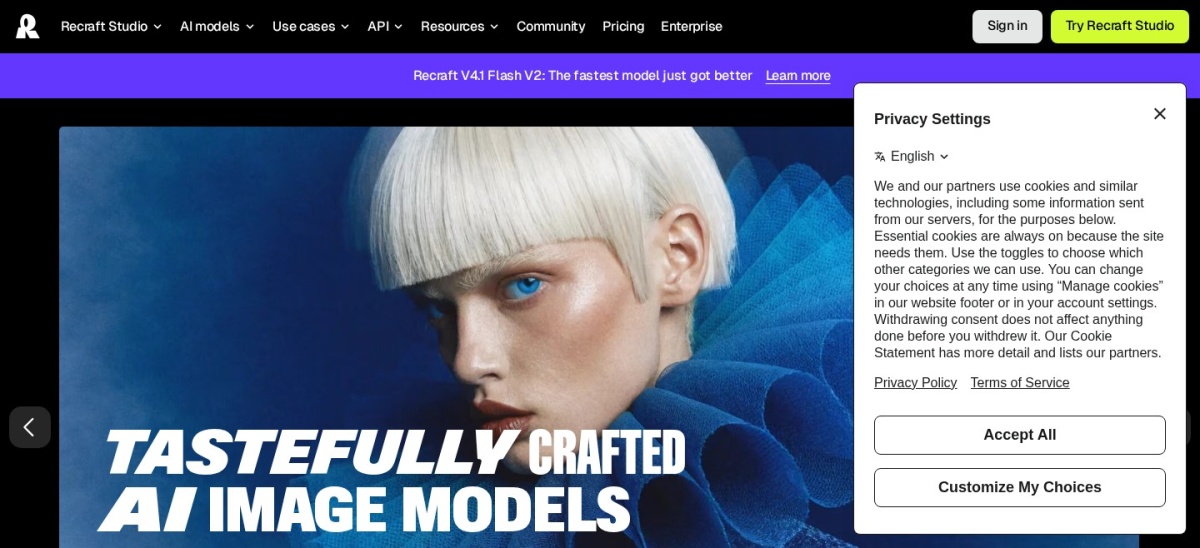
Recraft Basic costs $12 a month, or $10 a month billed yearly, for 1,000 credits, with custom color palettes and editable SVG output.
Adobe Firefly Standard costs $9.99 a month for 2,000 generative credits, and powers Generative Recolor in Illustrator.
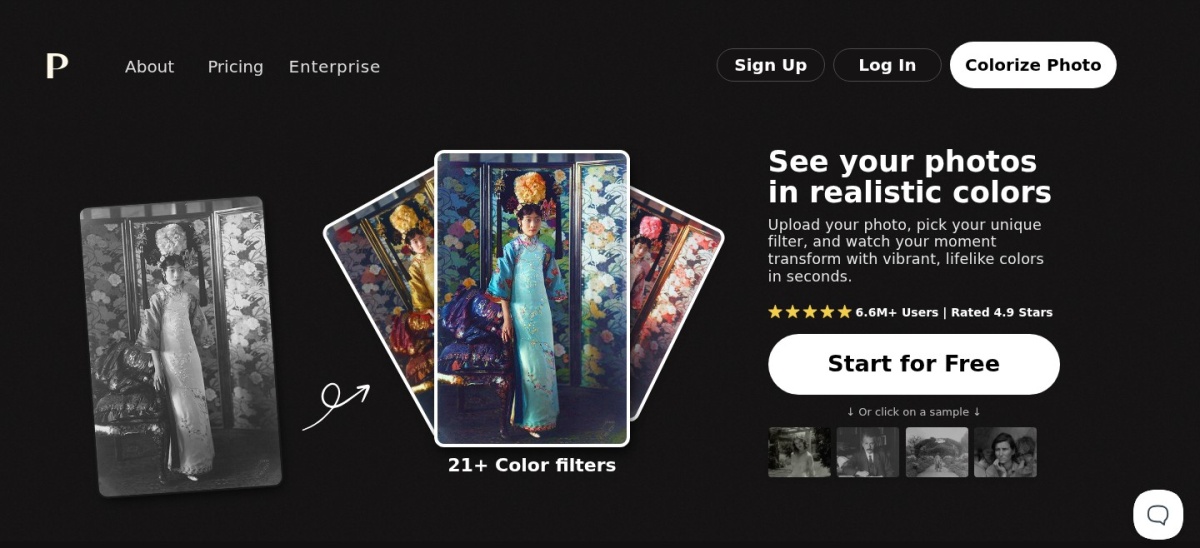
Palette.fm costs $72 a year, or $6 a month billed yearly, for colorizing black-and-white photos with 21+ filters.
Picsart holds 4.5 out of 5 on G2 from 797 reviews, and its AI Replace changes a shirt, a car or a product color in a photo.
Canva Pro costs $12 a month on annual billing and puts recoloring inside the design editor most social teams already use.
What recoloring means, and what to look for
Recoloring an image can mean three different jobs. Object recolor changes one item in a photo, colorization adds color to a black-and-white photo, and palette recolor restyles a whole image or vector to match a brand.
The tool you pick depends on the job. A photo editor suits product shots, a vector tool suits logos and icons, and a specialist colorizer suits old family photos.
Check the export terms before client work. Some free plans keep images public or limit commercial use, and some exports carry watermarks.
AI colorization invents plausible color, it does not recover the real color. Our guide on best AI tools for website design covers the wider design workflow.
Recraft is an AI image generator and canvas editor built for design work, with custom color palettes, style control and native vector output. Basic costs $12 a month, or $10 a month billed yearly, for 1,000 credits, with commercial rights and private generations.
The trade off is credits. Every generation and edit costs credits, and the allowance does not roll over. It suits designers and marketing teams who need many on-brand color variants of the same concept.
What we like
Precise palette control for brand colors
Editable SVG output for logos and icons
Rated 4.7 out of 5 on G2 from 456 reviews
Watch out for
Credit allowance does not roll over
Free plan images are public with no commercial rights
Adobe Firefly is the engine behind Generative Recolor in Illustrator, where a designer types a prompt or picks a palette and Firefly recolors vector artwork while keeping shapes and structure. Firefly Standard costs $9.99 a month for 2,000 generative credits.
The trade off is credits. Complex generations cost more per use, and the free plan has a small daily limit. It suits designers already in the Adobe ecosystem who recolor vectors for client work.
What we like
Generative Recolor inside Illustrator
Commercial-safety story from Adobe's licensed library
Adobe Photoshop is the most controlled recolor tool on this list, because selections, masks, adjustment layers and generative fill let an editor change one object while leaving the rest of a photo untouched. The single app costs $22.99 a month on an annual plan.
The trade off is price and learning curve. Photoshop is the dearest tool here, and masks take time to learn. It suits editors who need pixel-level control over edges, shadows and subtle color shifts.
What we like
Full control with masks and adjustment layers
Generative fill for changing one object cleanly
Rated 4.6 out of 5 on G2
Watch out for
Dearest tool in this list at $22.99 a month
Learning curve for masks and layers
Photography plan adds Lightroom for $19.99 a monthVisit adobe.com
04
Canva
4.7/5on G2 (7,678 reviews, checked Nov 2026)
Paid from$12/mo
Best for quick recoloring in a design
Entry planPro, $12/mo annual
Free planYes, limited AI
Magic EditYes, on Pro
Brand kitsPro only
canva.com
Canva homepage, captured Nov 2026.
Canva is a design platform that brings AI recolor to the editor most teams already use, with Magic Edit, background tools and color adjustments. The free plan covers basic design, and Pro costs $12 a month on annual billing ($144 a year), with more AI credits and brand kits.
The trade off is precision. Canva is faster than Photoshop for a simple change, but it is harder to control edges, shadows and subtle color shifts. It suits creators who need a quick recolor inside a social post or flyer.
Picsart is a photo editor that lets users recolor objects in photos with AI Replace, changing a shirt, a car or a product color while keeping lighting and texture believable. The mobile app suits quick social and seller photos, and batch tools help sellers who recolor many product shots in one session.
The trade off is precision. Free exports carry limits and watermarks on some features, and the most precise tools need the Pro plan at $15 a month. It suits social creators who recolor on a phone.
Adobe Express is a template editor with Firefly-powered generative tools for recoloring and restyling images. The free plan covers basic use, and Premium costs $9.99 a month with 250 generative credits, Adobe Stock photos and brand kits.
The trade off is depth. Express is simpler than Photoshop, so fine control over edges and texture is limited. It suits marketers who recolor a product shot into a social format in minutes.
Fotor is a browser editor that offers AI recolor and photo enhancement tools aimed at online sellers, with batch processing for product catalogs. The free tier covers basic recoloring, and Pro costs $8.99 a month, or about $3.33 a month billed yearly.
The trade off is quality on hard photos. Recolor quality varies with fabric texture and lighting, so hero images deserve a manual check. It suits sellers who want fast AI recoloring in a browser without learning Photoshop.
Palette.fm is a specialist AI colorizer that turns black-and-white and faded photos into realistic color, with 21+ filters and text prompts for control. The free tier gives watermarked previews, and the subscription costs $72 a year, or $6 a month billed yearly, for 480 credits.
The trade off is scope. Palette.fm does one job well and has no damage repair or general editing. It suits families and archivists restoring old photos.
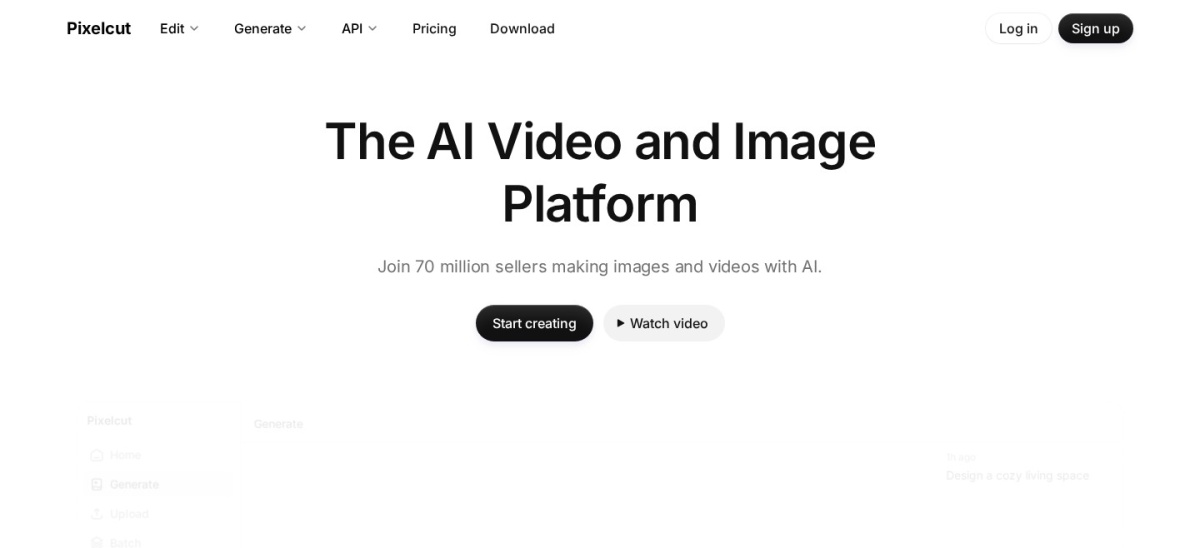
Pixelcut is an AI photo editor for product photos, with background removal, AI backgrounds, upscaling and recoloring in one app. The free tier covers basic use, and Pro costs $10 a month, or $8 a month billed yearly, for 600 AI credits and 1,000 batch exports a month.
The trade off is the review base. It is a smaller tool than Canva or Adobe, with less public rating data. It suits sellers who want a Photoroom-style workflow at a lower price.
Free plans cover a few recolors well. Recraft, Firefly, Canva, Fotor and Picsart all let you try recoloring without paying.
Paid plans mostly add credits and commercial rights. You get more generations, private images and, on Recraft, custom color palettes.
Palette.fm is the exception: its free tier gives only watermarked previews, so real use means a $72 a year subscription or a $49 credit pack.
How we chose
We started from the recoloring tools that appear most often in 2026 comparisons, then kept those with a live pricing page and a public rating.
Prices come from each vendor's pricing page as reported in October and November 2026 checks, and ratings come from G2 or Trustpilot on the same period. Where a vendor shows a sale, the list shows the regular price.
We left out tools with no clear pricing or no recolor feature. No vendor paid for a place. This list is based on pricing, docs and reviews, not on using the tools ourselves.
How to choose an AI recoloring tool
Start with the job: one object, a whole photo, a vector, or a black-and-white original.
Name the job first. Object recolor, whole-image restyle, vector recolor and black-and-white colorization need different tools. Pick by the job, not by the brand.
Try it on your own image. Run a product shot or a logo through the free plan and check edges, shadows and skin tones at full size.
Check the export terms. Some free plans keep images public or limit commercial use. Read the terms before you use a recolored image for a client.
Compare palettes, not just one color. A tool that lets you save and reuse a brand palette, such as Recraft, saves more time than one that recolors one image at a time.
FAQ
What is the best AI tool for recoloring images?
Recraft is the best pick for brand and design work, with precise palette control and editable SVG output. Adobe Firefly leads for vector recoloring in Illustrator, and Palette.fm leads for colorizing black-and-white photos.
Can AI recolor a photo for free?
Yes. Recraft, Adobe Firefly, Canva, Fotor, Picsart and Adobe Express all offer free plans, though the free allowances are small and some exports carry limits or watermarks.
How do I recolor an image with AI?
Upload the image, pick the object or area to change, and describe the new color or pick a palette. The tool generates a new version, and you can try several palettes before you download.
Can AI colorize black-and-white photos?
Yes, and Palette.fm is the specialist for that job, with 21+ color filters and paid exports up to 5,000 pixels. The color is invented, not recovered, so it is an interpretation.
Which tool recolors vectors?
Adobe Firefly powers Generative Recolor in Illustrator, and Recraft generates editable SVG files you can open and recolor in a vector editor.
How much does AI recoloring cost?
Paid plans start at $6 a month for Palette.fm and $8.99 a month for Fotor Pro. Recraft Basic costs $12 a month, Firefly Standard $9.99 a month, and Photoshop $22.99 a month.