Zapier is the best process automation tool for most teams, with thousands of app connections and a free plan for simple flows. Make is the best value pick, while n8n suits teams that want to self-host.
How we make this list: we compare pricing pages, product documentation and public user reviews, then re-check every price before each update. No product paid for a place. Disclosure.
Zapier leads on app coverage with more than 7,000 connections and a free plan.
Make is the cheapest paid option at $9 a month billed yearly.
n8n and Activepieces are the self-hosted picks, with free editions under open licences.
Power Automate is the natural choice for teams already on Microsoft 365.
Enterprise platforms start at $9,000 a year or by quote, so confirm pricing before you commit.
What process automation covers
Process automation tools connect your apps and move work between them without manual steps. A new form entry can create a task, send a message and update a spreadsheet while nobody watches.
The category spans three kinds of tool. Workflow tools like Zapier and Make connect apps, RPA platforms like UiPath and Automation Anywhere drive desktops and legacy systems, and low-code platforms like Kissflow build the process apps themselves.
Prices range from free open-source tools to $9,000 a year enterprise platforms. Most teams start with a free plan, automate one painful process, and only pay when the volume or the governance needs grow.
AI agents are the newest layer. Several tools here now let an agent decide the next step, draft a reply or summarise a case, rather than following a fixed sequence of steps.
List prices in each vendor's currency, checked Nov 2026
NintexCustom
MakeFREE$108
AutomateFREE$180
ActivepiecesFREE$192
ZapierFREE$240
n8nFREE€240
UiPathFREE$300
AutoAnywhere$9,000
Kissflow$18,000
The 9 best process automation tools
01
Zapier
4.5/5on G2 (2,169 reviews, checked Nov 2026)
Paid from$19.99/mo
Best process automation tool overall
Cheapest paidProfessional, $19.99/mo
Tasks included750 a month
Free plan100 tasks a month
AICopilot and Agents on paid plans
zapier.com
Zapier homepage, captured Nov 2026.
Zapier is a cloud automation platform that connects more than 7,000 apps with multi-step workflows called Zaps. Its Professional plan costs $19.99 a month when billed annually and includes 750 tasks a month, while the free plan covers 100 tasks a month for simple flows.
The trade off is that heavy workflows can get expensive because every action counts as a task, and complex logic is harder to build than in a visual canvas tool. It suits teams that want the widest app coverage without writing code.
What we like
Rated 4.5 out of 5 from 2,169 G2 reviews
Widest app coverage of any tool here
Free plan for simple flows
AI features included on paid plans
Watch out for
Task-based pricing grows fast
Complex logic needs workarounds
Professional costs $239.88 a year when billed annuallyVisit zapier.com
02
Make
4.6/5on G2 (512 reviews, checked Nov 2026)
Paid from$9/mo
Best value process automation tool
Cheapest paidCore, $9/mo
Operations included10,000 a month
Free plan1,000 credits a month
Monthly billing$10.59 a month
make.com
Make homepage, captured Nov 2026.
Make is a visual automation platform where you build flows by dragging modules onto a canvas and linking them with filters and routers. Its Core plan costs $9 a month when billed yearly and includes 10,000 operations a month, while the free plan covers 1,000 credits a month.
The trade off is that the visual canvas has a learning curve, and pricing is based on operations rather than tasks, so a flow with many steps can burn credits fast. It suits teams that want powerful automation at a low monthly price.
What we like
Rated 4.6 out of 5 from 512 G2 reviews
Core plan starts at $9 a month
Visual canvas with filters and routers
Free plan with 1,000 credits a month
Watch out for
Operations pricing can surprise new users
Canvas takes time to learn
Core costs $108 a year when billed yearly; monthly billing is $10.59 a monthVisit make.com
03
n8n
4.7/5on G2 (327 reviews, checked Nov 2026)
Paid from€20/mo
Best self-hosted automation tool
Cheapest paidStarter, €20/mo
Self-hostedCommunity Edition, free
Integrations400+
AINative AI agent nodes
n8n.io
n8n homepage, captured Nov 2026.
n8n is a fair-code workflow automation tool that you can self-host for free or run in the cloud. Its Starter cloud plan costs 20 euros a month when billed annually, and the self-hosted Community Edition is free with no task limits beyond your own server.
The trade off is that self-hosting means you own updates, security and uptime, and the cloud plan is priced in euros, so the dollar cost moves with the exchange rate. It suits technical teams that want full control of their data.
What we like
Rated 4.7 out of 5 from 327 G2 reviews
Free self-hosted Community Edition
400+ integrations and AI nodes
Source-available code
Watch out for
Self-hosting needs maintenance
Cloud pricing is in euros
Starter costs 240 euros a year when billed annuallyVisit n8n.io
04
Activepieces
4.8/5on G2 (142 reviews, checked Nov 2026)
Paid from$16/mo
Best open-source automation alternative
Cheapest paidPlus, $16/mo
Free cloud1,000 credits a month
Self-hostedMIT licence, free
AIAgents and tables included
activepieces.com
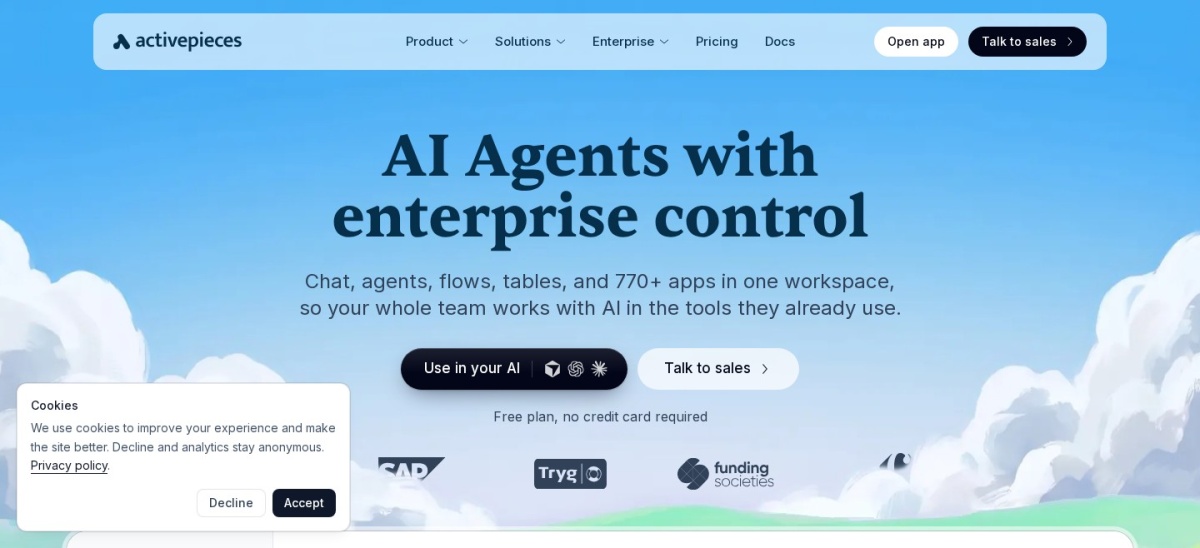
Activepieces homepage, captured Nov 2026.
Activepieces is an open-source automation platform under the MIT licence that combines workflow automation with AI agents. Its Plus cloud plan costs $16 a month when billed annually, while the free cloud plan covers 1,000 credits a month and the self-hosted edition is free.
The trade off is that it is a younger platform than Zapier or Make, so its app library is smaller and some connectors are community-built. It suits teams that want open-source automation with AI agents built in.
What we like
Rated 4.8 out of 5 from 142 G2 reviews
MIT-licensed and self-hostable
AI agents built into flows
Free cloud plan with 1,000 credits
Watch out for
Smaller app library than Zapier
Some connectors are community-built
Plus costs $192 a year when billed annually; monthly billing is $20 a monthVisit activepieces.com
05
Microsoft Power Automate
4.4/5on G2 (1,094 reviews, checked Nov 2026)
Paid from$15/mo
Best automation for Microsoft 365 teams
Cheapest paidPremium, $15/user/mo
Process plan$150 a bot a month
Free tierIncluded with some 365 plans
AIAI Builder on Premium
microsoft.com
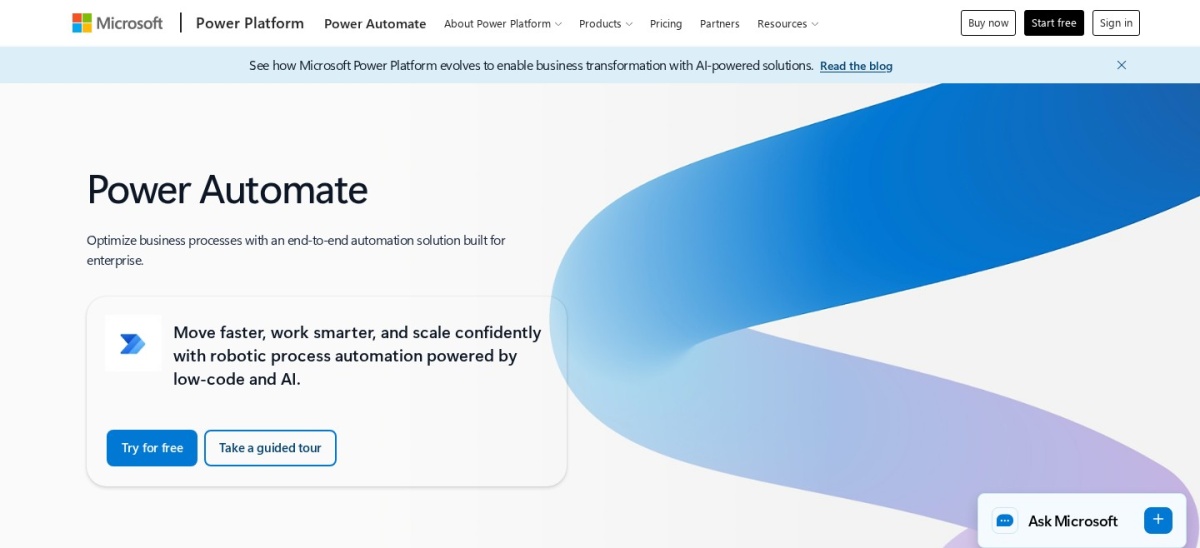
Microsoft Power Automate homepage, captured Nov 2026.
Microsoft Power Automate is the automation tool built into Microsoft 365, connecting Office apps, Teams, SharePoint and hundreds of other services. Its Premium plan costs $15 per user a month and adds AI Builder and desktop flows, while a Process plan at $150 a bot a month covers unattended runs.
The trade off is that the deepest value sits inside the Microsoft ecosystem, and licensing can get confusing when you mix per-user and per-bot plans. It suits organisations that already run on Microsoft 365.
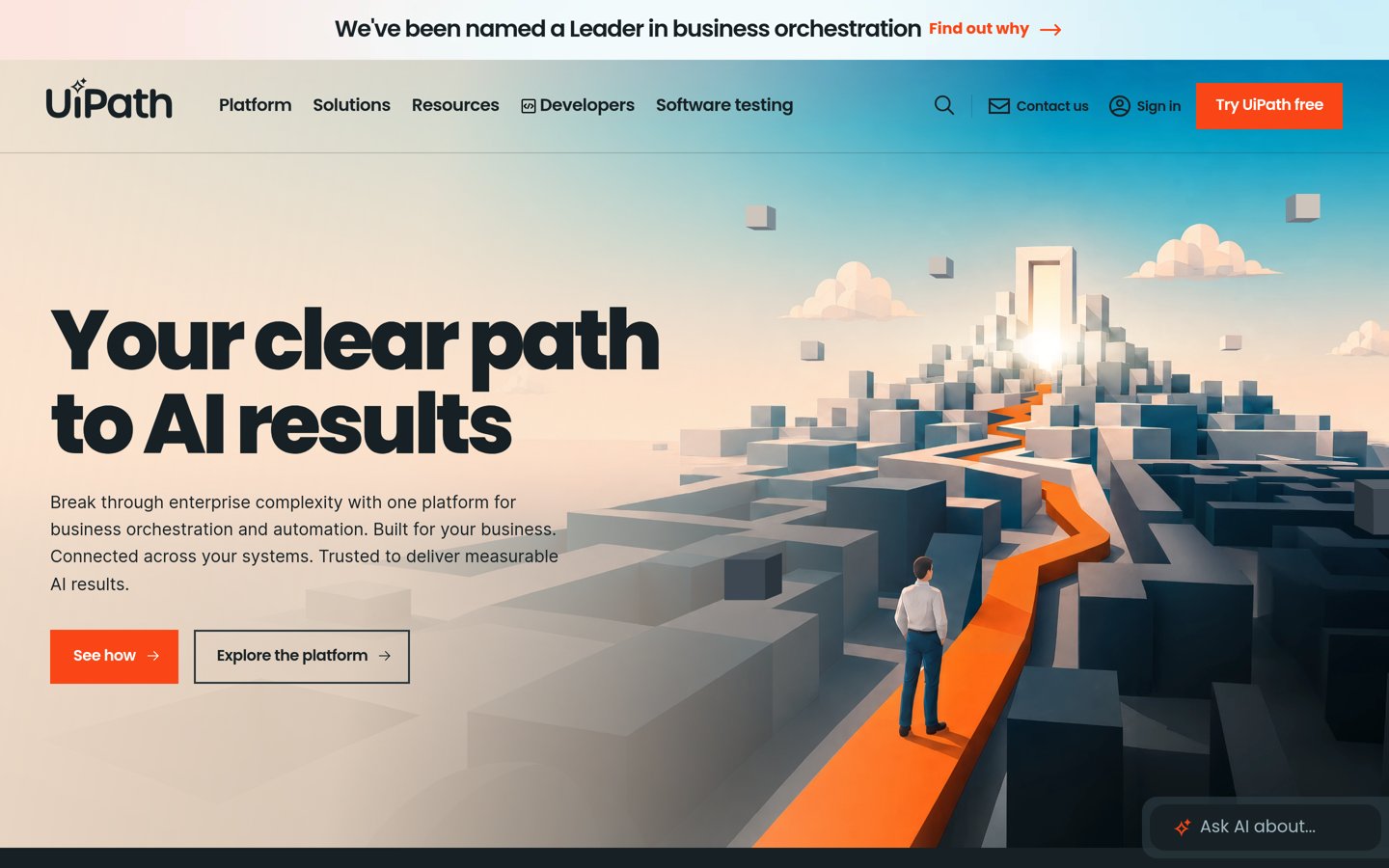
UiPath is an enterprise robotic process automation platform that runs software robots across desktops, browsers and legacy systems. Its Basic plan costs $25 a month per user, and the free Community Edition lets individuals and small teams build and run robots without paying.
The trade off is that full enterprise deployments need Orchestrator, Studio and governance setup, which is heavy for a small team. It suits large organisations automating high-volume, rule-based work.
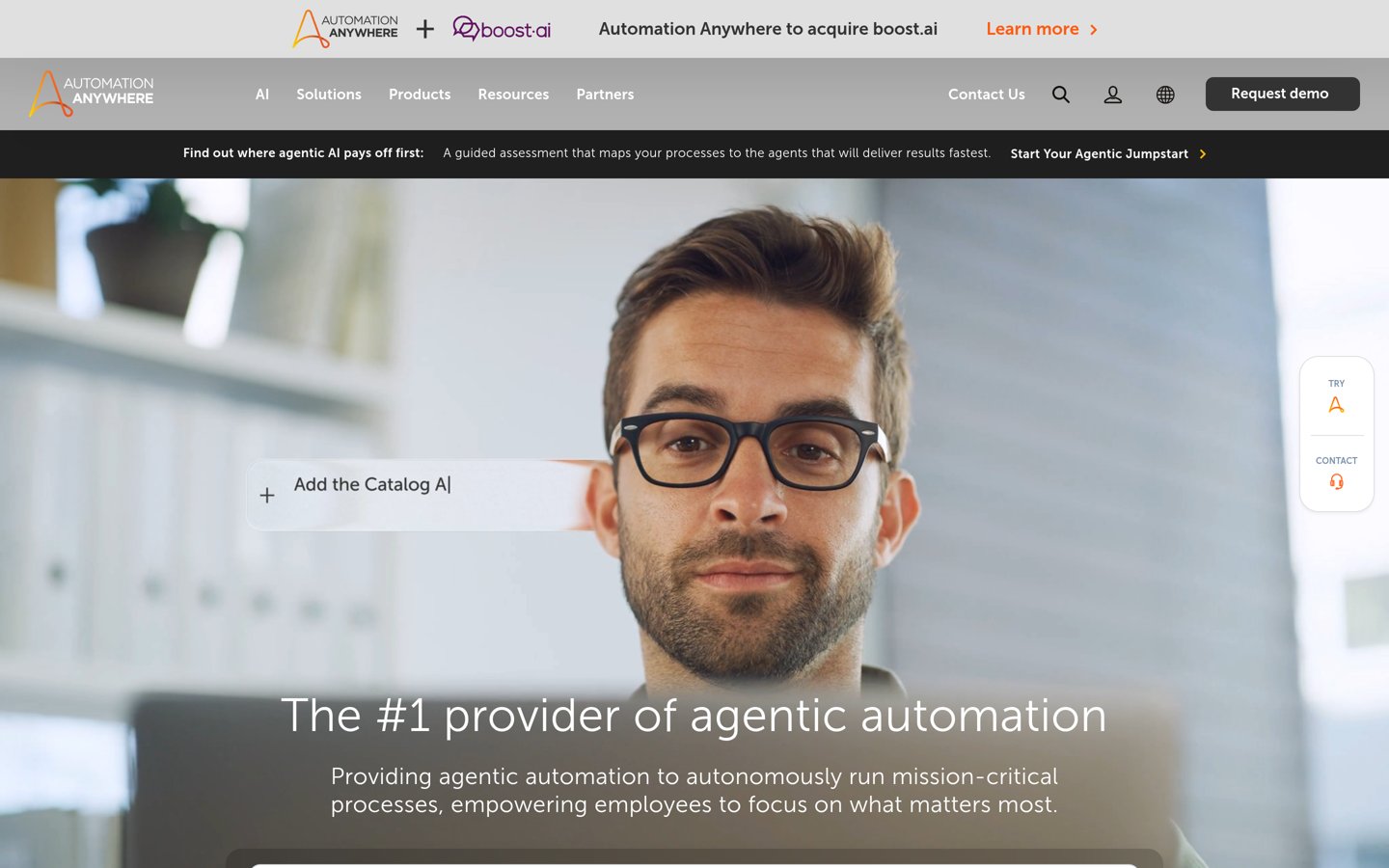
Automation Anywhere is an agentic process automation platform that pairs software robots with AI agents for end-to-end business processes. Its Basic plan costs $9,000 a year on a usage basis, and the platform targets enterprises automating finance, HR and customer operations at scale.
The trade off is that the $9,000 entry price is usage-based, so the real cost depends on how much you run, and the platform is built for enterprises rather than small teams. It suits large teams replacing manual process work with agents.
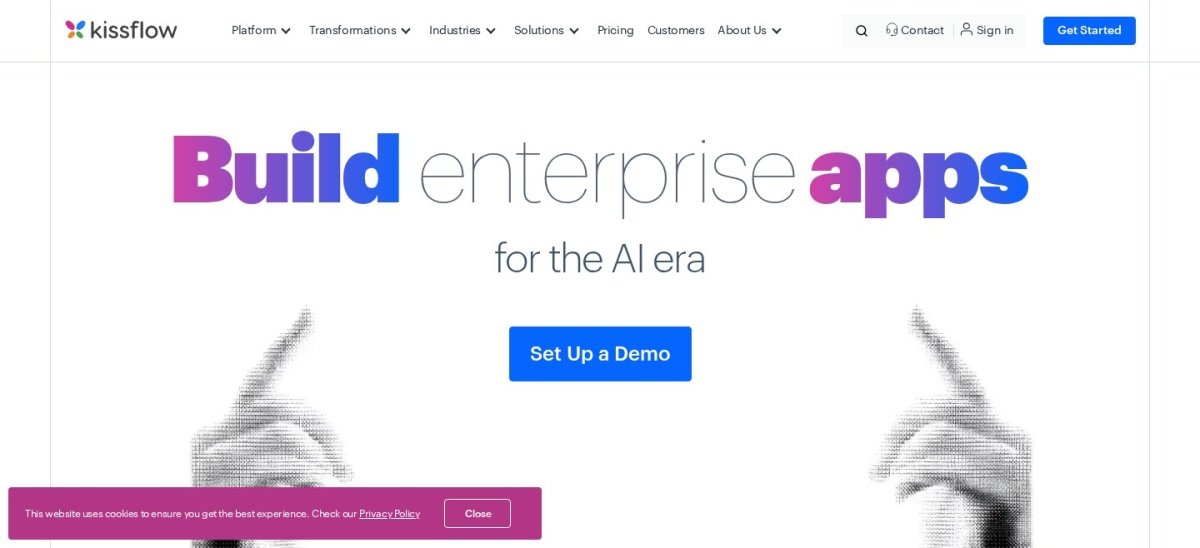
Kissflow is a low-code platform for building process apps, approvals and workflows without heavy development. Its Basic plan is listed at $1,500 a month, although one recent source reports the current pricing page shows $2,500 a month, so confirm the price before you buy.
The trade off is that the $1,500 entry price is high for small teams, and the platform is broader than pure automation, so some features go unused. It suits mid-size companies standardising approvals and internal processes.
What we like
Rated 4.3 out of 5 from 590 G2 reviews
Low-code app builder included
Strong approval workflows
Governance for mid-size teams
Watch out for
High entry price
Price reports conflict — verify first
Basic is listed at $1,500 a month; one source reports $2,500 — verify before buyingVisit kissflow.com
09
Nintex
4.2/5on G2 (1,328 reviews, checked Nov 2026)
PricingCustom/yr
Best process platform for regulated teams
Cheapest paidBy quote
SuiteWorkflow, docs, e-signatures
Free tierNone published
AIAI-assisted workflow design
nintex.com
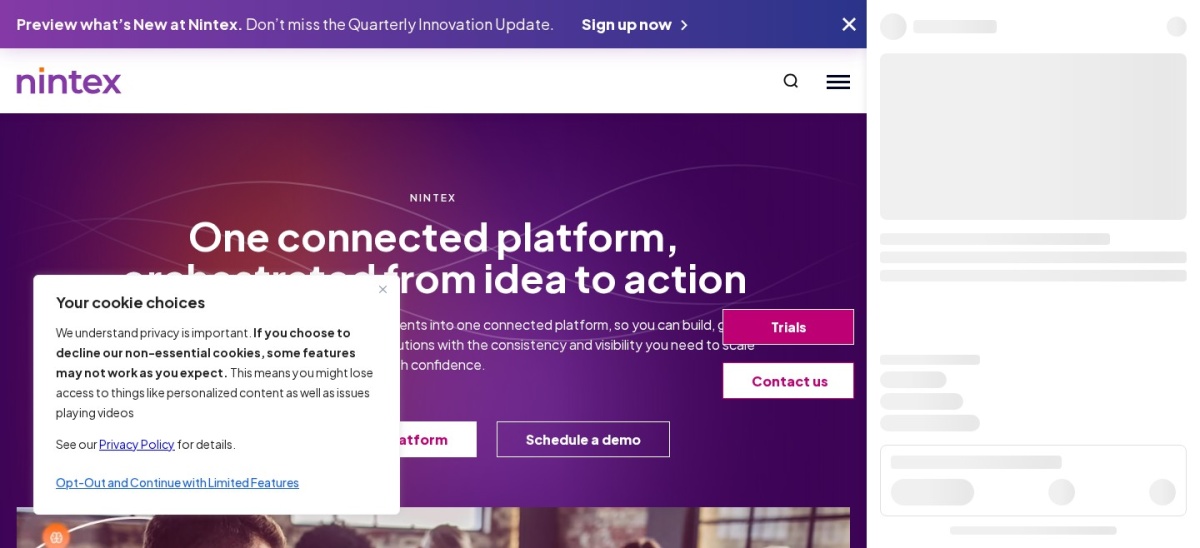
Nintex homepage, captured Nov 2026.
Nintex is a process automation platform covering workflow, document generation, e-signatures and process mapping in one suite. Pricing is by quote, so there is no published entry price, and the platform is aimed at mid-size and enterprise teams with compliance needs.
The trade off is that quote-only pricing makes budgeting hard, and the suite's breadth means a longer setup than a single-purpose tool. It suits teams that need workflow, documents and signatures together.
Six tools here offer a free plan or a free self-hosted edition: Zapier, Make, n8n, Activepieces, Power Automate and UiPath. Free plans cap monthly tasks or operations, so they suit simple flows and small teams.
Paid plans start at $9 a month for Make Core and $15 a month for Power Automate Premium. Zapier Professional costs just under $20 a month on annual billing, while n8n Starter is 20 euros a month and Activepieces Plus is $16 a month.
Enterprise platforms are a different market. Automation Anywhere Basic starts at $9,000 a year on a usage basis, Kissflow Basic is listed at $1,500 a month, and Nintex sells by quote only.
Start free, then pay for volume. Most teams only need a paid plan when flows run daily or when governance, AI features and support become worth paying for.
How we chose
We ranked tools by G2 rating and review volume, then by how much automation the cheapest paid plan actually covers. A tool with a high rating but a tiny review base ranks below one with thousands of reviews.
We checked the cheapest paid plan for every tool in the top three against the vendor's own pricing page, and cross-checked the rest against recent sources from November 2026. Prices in euros are shown in euros, and quote-only tools are marked as custom.
We favoured tools with a free plan or free self-hosted edition, and tools that cover more than one kind of automation. Enterprise-only platforms rank lower for small teams, even when their ratings are strong.
How to choose a process automation tool
Start with your most repetitive process, then check app coverage before price.
List the three most repetitive processes in your team. Pick processes that repeat weekly, involve more than one app, and follow clear rules. Approvals, data entry and status updates are the usual first wins.
Check which apps the tool connects to. Open the tool's app directory and search for your core systems. A missing connector for your CRM or finance tool is a deal-breaker.
Start on the free plan with one process. Build a single flow end to end and run it for two weeks. Measure the time saved before you pay for anything.
Watch the usage meter before you scale. Task and operation pricing grows with volume, so check your monthly usage before you add more flows or invite the whole team.
FAQ
What is the best process automation tool?
Zapier is the best process automation tool for most teams because it connects more than 7,000 apps and has a free plan for simple flows. Make is the best value pick at $9 a month, while n8n suits teams that want to self-host. The right choice depends on your apps, your volume and whether you want to write code.
Is Zapier or Make cheaper?
Make is cheaper. Its Core plan costs $9 a month when billed yearly, against about $20 a month for Zapier Professional on annual billing. Make counts operations rather than tasks, so compare your actual flow volume on both before you decide, because a flow with many steps can use more operations than tasks.
Can I automate processes for free?
Yes. Zapier, Make, n8n, Activepieces, Power Automate and UiPath all offer a free plan or a free self-hosted edition. Free plans cap the number of tasks or operations a month, so they suit simple flows and small teams rather than heavy daily volume.
What is the difference between workflow automation and RPA?
Workflow automation connects cloud apps through their APIs, moving data between systems that already talk to each other. RPA drives the user interface of desktops and legacy systems that have no API, clicking and typing like a person. Many teams use both, and several tools here now combine the two.
How much does process automation cost?
Cheapest paid plans in this list run from $9 a month for Make Core to $1,500 a month for Kissflow Basic, with most tools between $15 and $25 a month per user. Enterprise platforms such as Automation Anywhere start at $9,000 a year, and Nintex sells by quote only.
Do I need coding skills to automate a process?
No. Zapier, Make, Activepieces, Power Automate and Kissflow are built for non-developers, with drag-and-drop builders and ready-made templates. Coding helps for complex logic and custom connectors, and n8n and UiPath reward technical users, but most teams automate their first process without writing code.
SaaS SEO and WordPress specialist with about 8 years of experience. Rakib compares WordPress plugins, themes, hosting and software using public pricing, documentation and user reviews. See how we rank.