pgAdmin is the best Postgres management tool for most teams because it is free, official and covers the full admin toolkit. Pick DBeaver for mixed database estates and DataGrip when you write heavy SQL all day.
How we make this list: we compare pricing pages, product documentation and public user reviews, then re-check every price before each update. No product paid for a place. Disclosure.
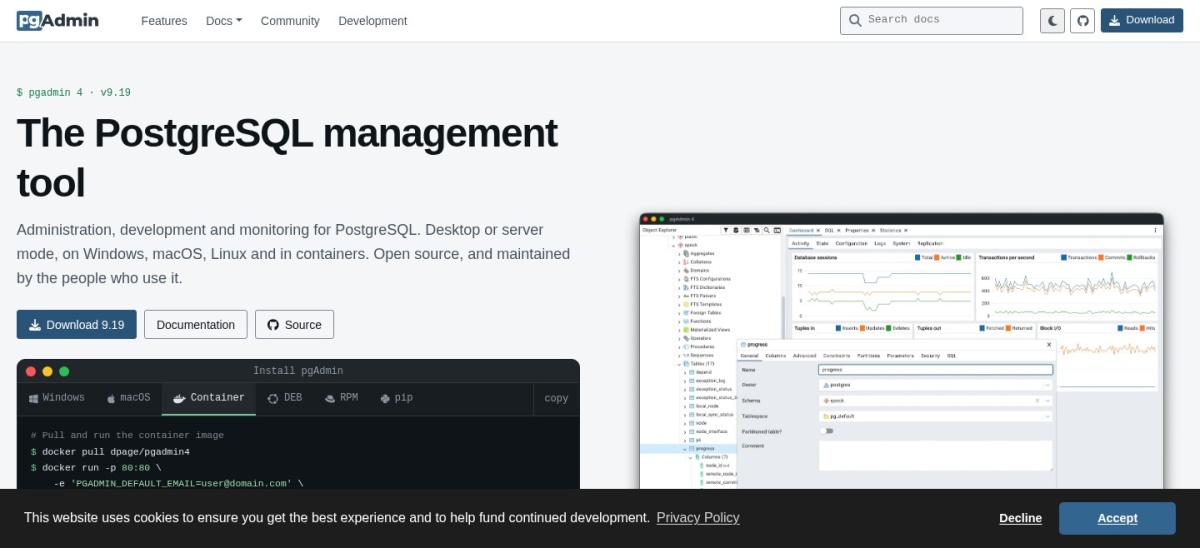
pgAdmin is free and official, and it covers server dashboards, backups, roles and a query tool with a graphical EXPLAIN view.
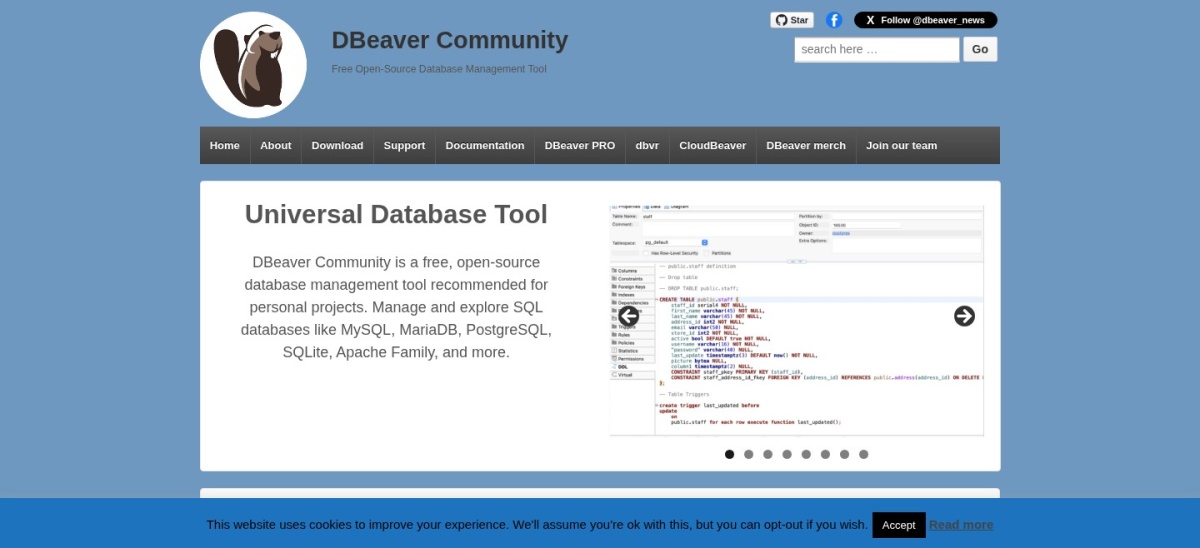
DBeaver Community is the best free option for teams that also use MySQL, SQL Server or other engines beside Postgres.
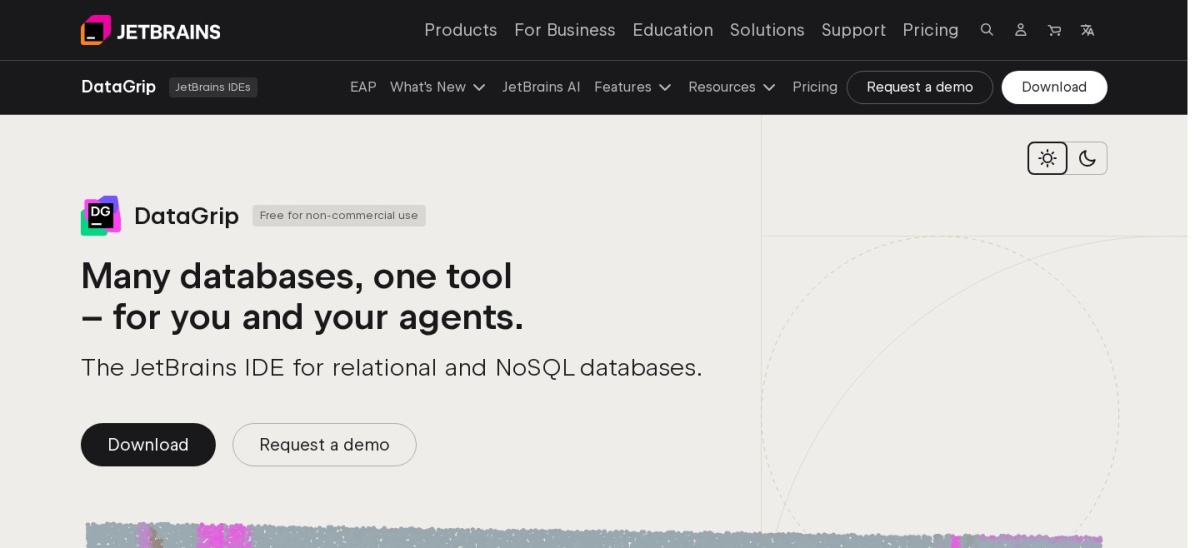
DataGrip is the strongest paid SQL editor here, free for non-commercial use and $109 a year for an individual commercial licence.
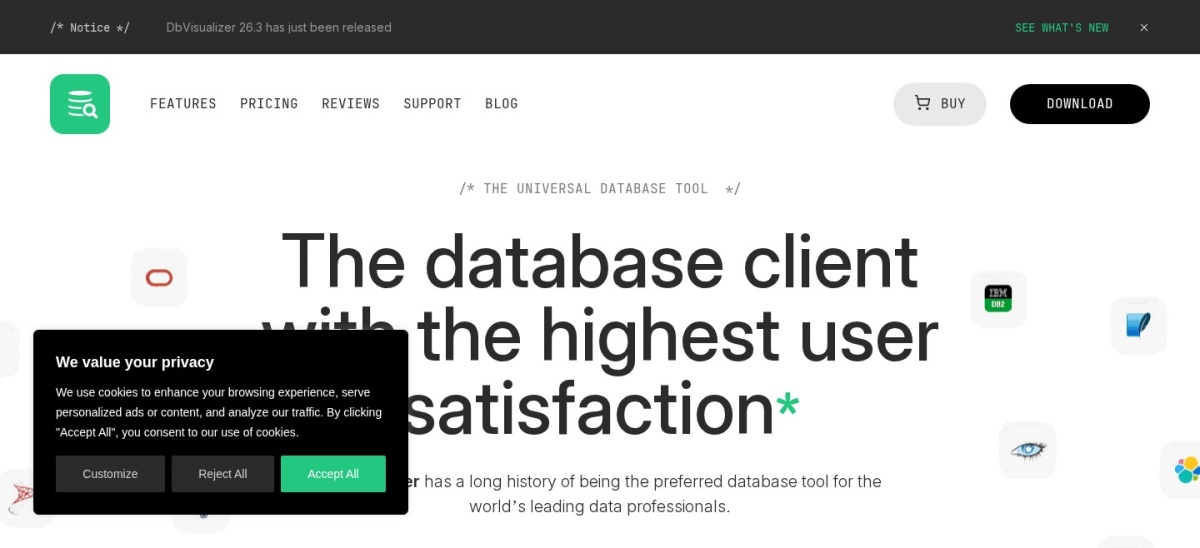
DbVisualizer Pro costs $199 for the first year and is the pick for analysts who want charts and a visual query builder.
TablePlus costs $99 once for one device and is the fastest native client in this list.
What Postgres management software should cover
Postgres management software is the tooling a team uses to run PostgreSQL day to day: creating databases and roles, watching server health, tuning slow queries, managing backups and keeping the schema in order.
The official tool covers most of it for free. Our guide on project management software shows how teams plan the work around the database, but the database tool itself is a separate choice.
A paid client earns its price when it saves DBA hours every week. A smart SQL editor helps developers who write queries all day, while a tuning advisor helps when slow queries become a weekly problem.
Platform matters too. Postico runs only on macOS, while pgAdmin, DBeaver, DataGrip, Navicat and DbVisualizer run on Windows, macOS and Linux.
pgAdmin is the official administration tool for PostgreSQL, maintained by the PostgreSQL community and free on Windows, macOS and Linux. It covers server dashboards, object management, roles and permissions, backup and restore, and a query tool with a graphical EXPLAIN view.
The trade off is polish. The interface is a web app that can feel slow beside native clients, and it has no built-in tuning advisor for slow queries. It suits Postgres-only teams that want the full admin toolkit without paying anything.
What we like
Free and open source, with no licence limits
Full admin toolkit: servers, roles, backups and monitoring
DBeaver is a free open-source SQL client that connects to PostgreSQL and more than 100 other databases, so one tool covers a mixed estate. The Community edition includes a query editor, data browsing and editing, ER diagrams, and data export to common formats.
The trade off is that the free edition lacks some admin depth for Postgres, such as advanced monitoring, and the interface is heavier than a native client. Paid Lite starts at $113 a year. It suits teams that touch several database engines every day.
What we like
Community edition is free and covers everyday work
One client for PostgreSQL, MySQL, SQL Server and more
DataGrip is the JetBrains database IDE, built for developers who write SQL all day. It offers context-aware completion, on-the-fly error checks with quick fixes, schema diffs, migration scripts, and version control integration across many database engines.
The trade off is price for commercial work. It is free for non-commercial use, while a commercial licence for an individual starts at $109 for the first year. It suits JetBrains users and heavy SQL developers who want the smartest editor.
DbVisualizer is a universal SQL client for analysts and developers who work with many engines, including PostgreSQL, Redshift and ClickHouse. The free edition covers browsing, queries and a references graph, while Pro adds a visual query builder, charts and explain plans.
The trade off is the first-year price. Pro costs $199 per user for the first year, then $89 a year to renew, which is steep beside free clients. It suits analysts who want charts and visual query building without writing every query by hand.
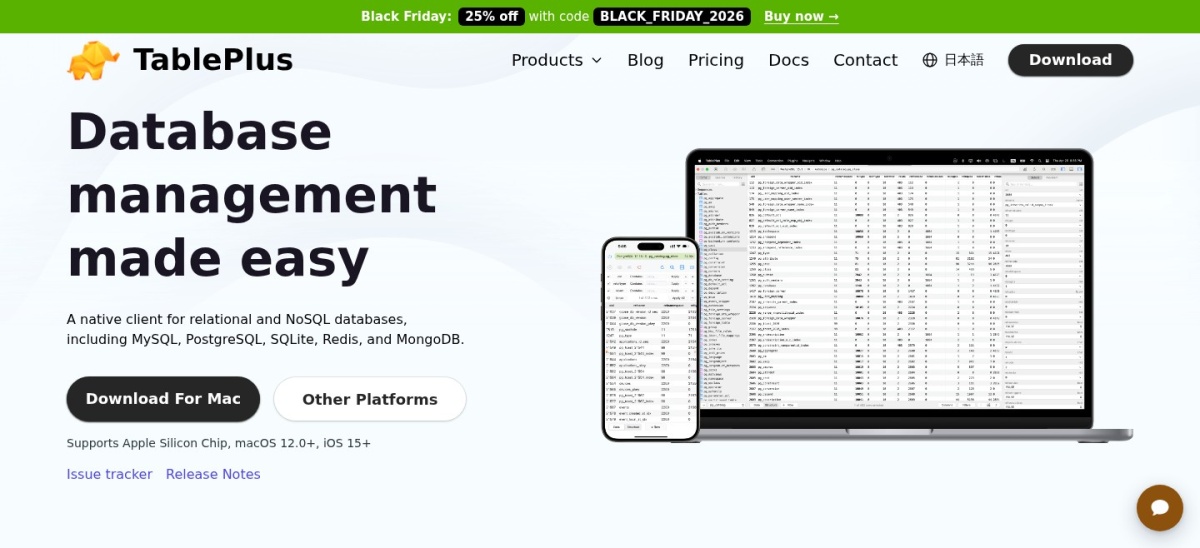
TablePlus is a fast native client for macOS, Windows and Linux that opens instantly and keeps data browsing simple. It supports PostgreSQL and other major relational databases, with inline editing, filters, safe mode for production, and SSH tunnels built in.
The trade off is scope. It covers relational databases well but is not the tool for teams that also need MongoDB or Redis, and the free tier is limited. A Basic licence costs $99 once for one device. It suits Mac-first developers who value speed.
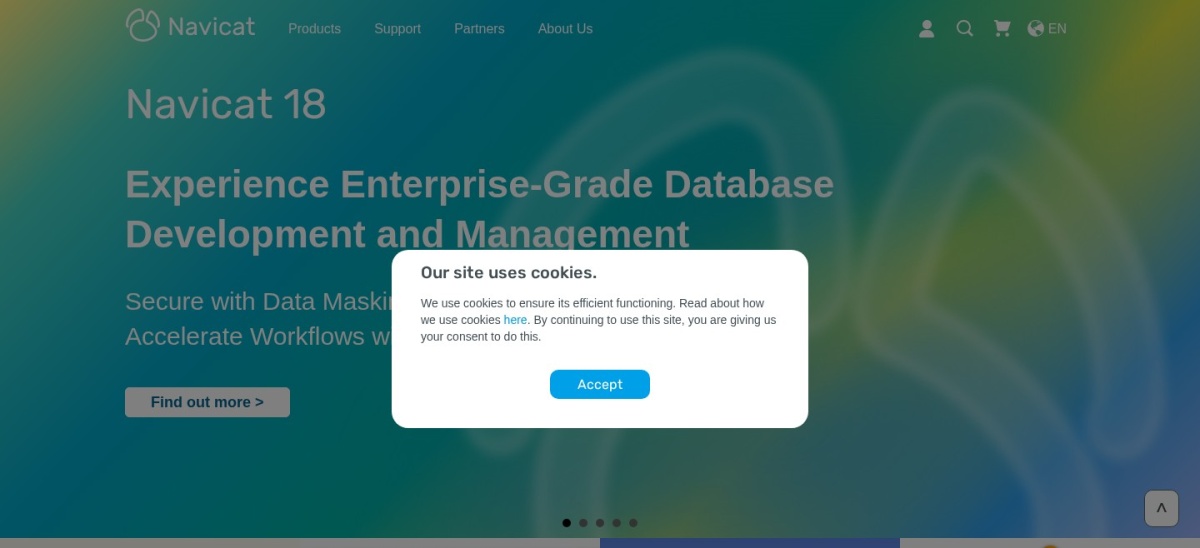
Navicat for PostgreSQL homepage, captured Nov 2026.
Navicat for PostgreSQL is a desktop client for PostgreSQL development and administration on Windows, macOS and Linux. It includes a query builder, data transfer and synchronisation, scheduled jobs, backup tools, and cloud support for major providers.
The trade off is the licence maze. Plans split across Standard and Enterprise editions, perpetual or subscription, so the real cost needs care. A subscription starts at $17.99 a month. It suits teams that want a mature commercial client with strong automation.
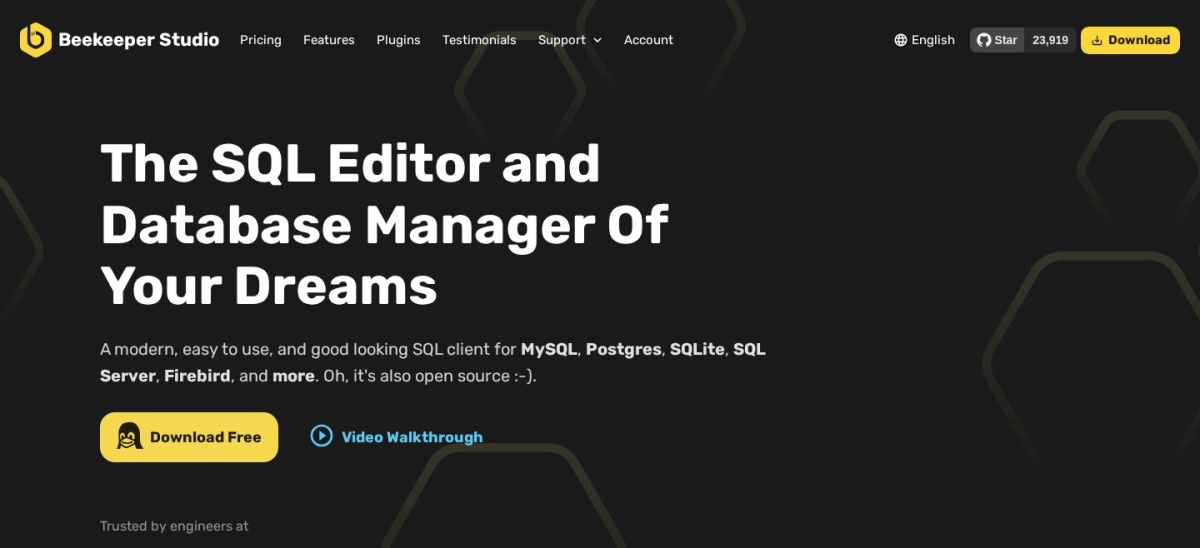
Beekeeper Studio is an open-source SQL client with a clean modern interface for PostgreSQL, MySQL, SQLite and more. The free Community edition covers table editing, schema browsing and saved queries, and it runs on Windows, macOS and Linux.
The trade off is depth. Server administration tools are thinner than pgAdmin, and some databases need a paid plan. Indie costs $9 a user a month billed annually. It suits developers who want a light, modern client for everyday query work.
We started from the established tools in this category, then kept those with a verifiable rating on G2, Capterra or Trustpilot and a published price or fee schedule.
Prices and fees come from each vendor pricing page or fee schedule, checked on 26 November 2026. Ratings and review counts come from G2, Capterra or Trustpilot on the same day. Where a vendor shows a sale, the list shows the regular price.
We left out tools with no verifiable rating and tools whose pricing is hidden behind a sales call with no published figure. No vendor paid for a place, and we do not claim hands-on testing for this list.
How to choose Postgres management software
Start with your database mix, then match the tool to the job you do most.
Count your database engines. Postgres-only teams can live on pgAdmin. Mixed estates need DBeaver, DataGrip or DbVisualizer.
Decide how much SQL you write. Heavy SQL writers gain most from DataGrip, while occasional browsers are fine with pgAdmin or Beekeeper Studio.
Check the platform. Make sure the client runs on every operating system your team uses before you commit.
Price the paid tier honestly. Compare the first year and the renewal, and check whether the licence is per user or per device.
FAQ
What is the best Postgres management tool?
pgAdmin is the best pick for most teams. It is free, official and covers server dashboards, roles, backups and a query tool with a graphical EXPLAIN view, and it runs on Windows, macOS and Linux.
Is pgAdmin really free?
Yes. pgAdmin is free and open source, maintained by the PostgreSQL community. There is no paid tier, no licence limit and no feature locked behind a subscription.
Which tool is best for teams using several databases?
DBeaver is the best free choice for mixed estates, because Community connects to more than 100 databases. DataGrip and DbVisualizer are the paid alternatives with stronger editors and visual tools.
Do I need a paid tool if I only use Postgres?
No. pgAdmin covers administration, backups and queries for free. A paid tool only earns its price when you write SQL all day, need visual query building, or want tuning advice.
What is the cheapest paid Postgres client here?
Beekeeper Studio Indie is the cheapest paid plan at $9 a user a month billed annually. TablePlus is cheaper over time at $99 once, because it is a perpetual licence.
Which Postgres tools run on Mac, Windows and Linux?
pgAdmin, DBeaver, DataGrip, DbVisualizer, Navicat and Beekeeper Studio all run on the three desktop platforms. TablePlus does too, while Postico is Mac only for Postgres work.
SaaS SEO and WordPress specialist with about 8 years of experience. Rakib compares WordPress plugins, themes, hosting and software using public pricing, documentation and user reviews. See how we rank.