Filestage is the best platform for feedback in design processes, with structured review steps, version comparison and approvals across files, video and websites. Figma covers feedback inside the design file, Pastel suits simple client markups, and the Adobe video tool suits frame-accurate review.
How we make this list: we compare pricing pages, product documentation and public user reviews, then re-check every price before each update. No product paid for a place. Disclosure.
Filestage leads for structured review, with approval steps, version comparison and support for files, video, documents and live websites.
Frame.io is the standard for video teams, with frame-accurate comments and Adobe Premiere integration from 15 dollars per user a month.
Markup.io is the simplest way to collect client feedback on live sites, images and PDFs, with unlimited users on every plan.
Figma is the best place for feedback during design itself, with comments in the file and a free plan that covers small teams.
Pastel and Ruttl are the cheapest routes to client website feedback, starting under 30 dollars a month.
What a design feedback platform should cover
Design feedback breaks down in email. Comments lose their place, versions get mixed up and nobody knows which file is final.
A good feedback platform pins every comment to the exact spot on the design, video frame or web page, then tracks the decision that follows it.
Approval steps matter as much as comments. Teams that need sign-off from legal, brand or clients should look for sequenced approvals, version comparison and an audit trail. Our guide to design feedback tools covers the same ground from the proofing angle.
Free plans differ widely here. Some cover one project, others cover small teams, so check the project and file limits before you move a live client review onto a free plan.
The 9 best platforms for feedback in design processes
01
Filestage
4.6/5on G2 (247 reviews, checked Nov 2026)
Paid from$199/mo
Best for structured review and approvals
File typesDocs, images, video, sites
Approval stepsYes, sequenced
Version compareYes, side by side
Cheapest paid planStarter, $199/mo yearly
filestage.io
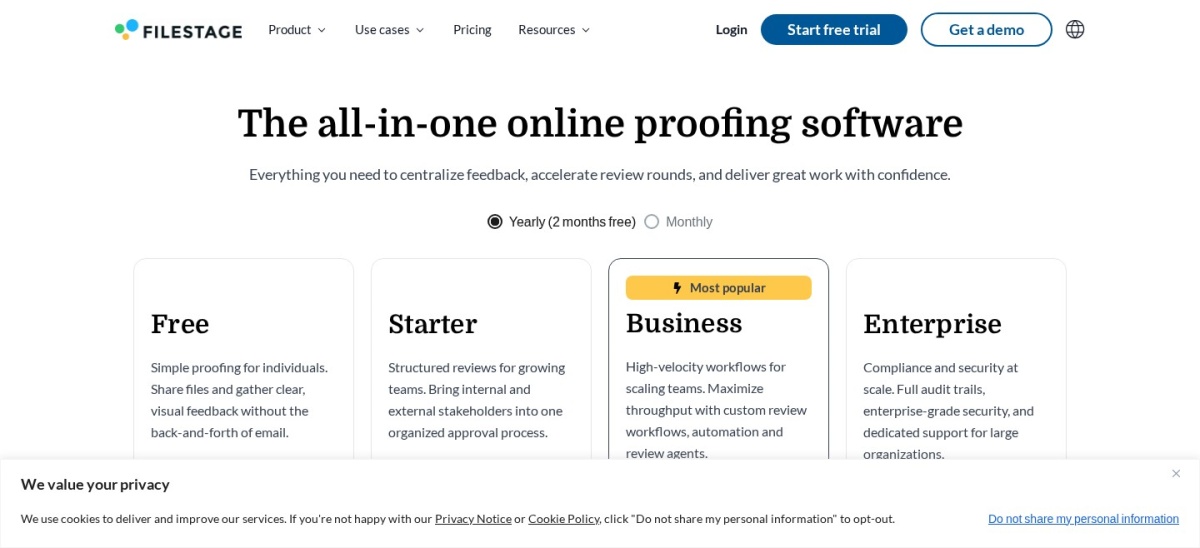
Filestage homepage, captured Nov 2026.
Filestage is an online proofing platform that organizes review into steps: upload a file, invite reviewers, collect pinpoint comments and track who approved each version. It handles documents, images, video, live websites and audio, with version stacking that keeps feedback tied to the right revision.
The trade off is price. Starter costs 199 dollars a month billed yearly, and G2 lists the same plan at 199 euros, so check the currency on the checkout page for your region. It suits agencies and marketing teams that run formal reviews with several stakeholders.
What we like
Structured approval steps with reviewer groups
Version comparison side by side with comments attached
Reviewers need no account, just a link
Watch out for
Highest starting price alongside Ziflow
Workspaces can get messy with many custom workflows
G2 lists the plan at 199 euros, not dollars
Business adds review agents, automations and advanced compareVisit filestage.io
02
Frame.io
4.5/5on G2 (273 reviews, checked Nov 2026)
Paid from$15/mo
Best for video review and approval
CommentsFrame-accurate, time-coded
IntegrationsPremiere, After Effects
Storage on Pro2TB included
Cheapest paid planPro, $15/member/mo
frame.io
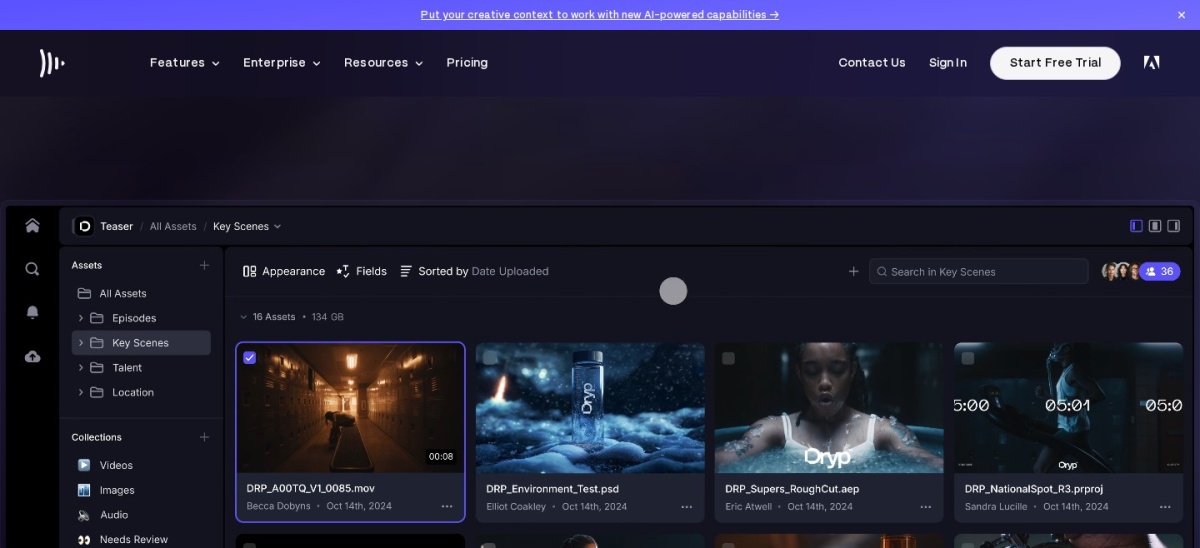
Frame.io homepage, captured Nov 2026.
Frame.io is Adobe's video review platform, built around frame-accurate comments, time-coded notes and version tracking for video and media projects. The free plan covers 2 members, 2 projects and 2GB of storage, and Pro at 15 dollars per member a month adds 2TB of storage, unlimited projects and custom-branded shares.
The trade off is that it is a video tool first. Still images, PDFs and documents work, but the workflow is built for footage, and per-seat pricing adds up fast for larger teams. It suits video teams and studios that already work in Premiere Pro.
What we like
Frame-accurate comments and time-coded notes
Deep Adobe Premiere Pro integration
Rated 4.5 out of 5 on G2 from 273 reviews
Watch out for
Built for video first, weaker for documents
Per-seat pricing adds up for larger teams
Free plan caps at 2 projects and 2GB
Team adds restricted projects and internal commentsVisit frame.io
03
Markup.io
4.7/5on G2 (20 reviews, checked Nov 2026)
Starts at$79/mo
Best for simple client markup
File types30+, incl. live sites
UsersUnlimited on all plans
Reviewers need accountNo, link only
Cheapest paid planPro, $79/mo
markup.io
Markup.io homepage, captured Nov 2026.
Markup.io is a visual commenting platform for review and approval across more than 30 file types, including live websites, images, PDFs and video. Reviewers click anywhere on the page and comment, with no account and no training, and every plan includes unlimited users.
The trade off is structure. There are no sequenced approval steps or version comparison like Filestage, and there is no free plan, only a 14-day trial. It suits creative and marketing teams that want the fastest possible round of client feedback.
What we like
Unlimited users on every plan
Works on live websites, not just screenshots
Chrome extension for markup on any page
Watch out for
No free plan, only a 14-day trial
No sequenced approval workflows
Version tracking is lighter than Filestage
Business adds branding, a vanity domain and full metricsVisit markup.io
04
Ziflow
4.5/5on G2 (953 reviews, checked Nov 2026)
Paid from$199/mo
Best for enterprise proofing workflows
Approval stagesYes, automated routing
Version compareYes, side by side
ComplianceSOC 2, audit trails
Cheapest paid planStandard, $199/mo
ziflow.com
Ziflow homepage, captured Nov 2026.
Ziflow is an online proofing platform for agencies running multi-stage review at volume, with staged workflows, automated routing, version comparison and audit trails. A free plan covers 2 users, and Standard starts at 199 dollars a month with the full proofing workflow.
The trade off is cost and complexity. It is priced for teams that proof at scale, and smaller teams will find Filestage or Markup.io simpler to run. It suits regulated and enterprise creative teams that need a defensible approval record.
What we like
Staged workflows with automated routing
Largest review base for proofing, 953 G2 reviews
SOC 2 compliance and audit trails
Watch out for
Priced for volume, not small teams
Setup takes longer than simpler tools
Free plan covers only 2 users
Higher plans add automation, SSO and advanced routingVisit ziflow.com
05
Figma
4.7/5on G2 (1,582 reviews, checked Nov 2026)
Paid from$16/mo
Best for feedback inside the design file
CommentsIn-file, threaded
Free planStarter, 3 files
Version historyYes, on paid plans
Cheapest paid planProfessional, $16/seat/mo
figma.com
Figma homepage, captured Nov 2026.
Figma is the collaborative design tool where comments live in the working file, so feedback, replies and resolved threads stay attached to the exact frame. The free Starter plan covers small teams, and Professional at 16 dollars per full seat a month billed yearly adds unlimited files, version history and shared libraries.
The trade off is scope. Figma covers design feedback well but has no formal approval steps, no video proofing and no audit trail for sign-off. It suits product and brand teams that iterate in the file and only need comments, not a proofing workflow.
What we like
Comments live in the design file itself
Largest review base here, 4.7 out of 5 on G2
Free Starter plan covers small teams
Watch out for
No formal approval or sign-off workflow
No video proofing or frame-accurate review
Paid seats add up as teams grow
Organization adds SSO, advanced security and admin controlsVisit figma.com
06
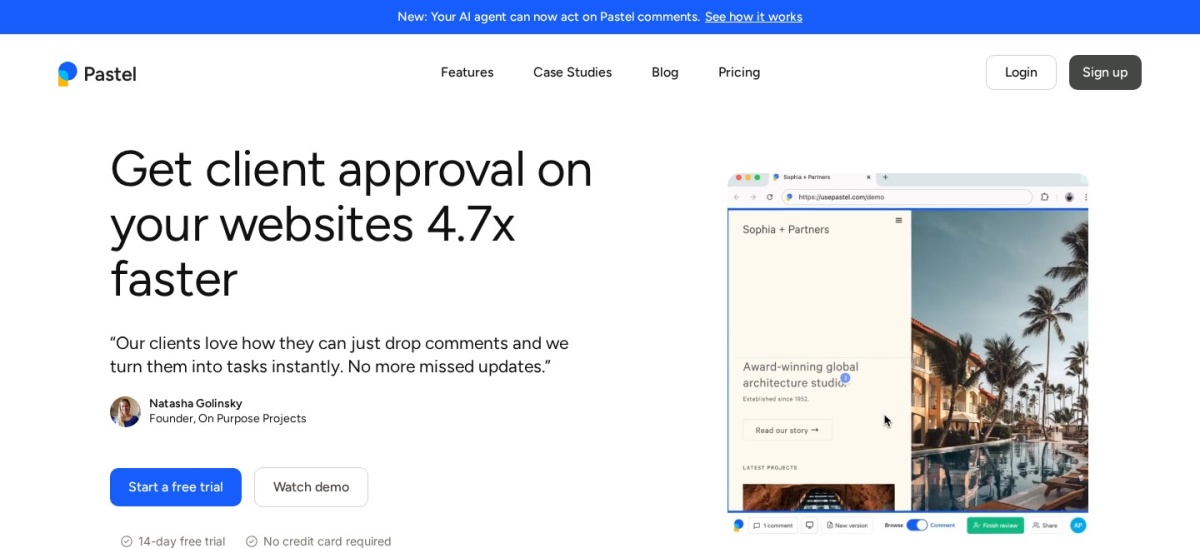
Pastel
4.5/5on Capterra (40 reviews, checked Nov 2026)
Paid from$29/mo
Best simple website annotation
CanvasLive site, image or PDF
Reviewers need accountNo, link only
Free planYes, 1 canvas
Cheapest paid planPro, $29/mo yearly
usepastel.com
Pastel homepage, captured Nov 2026.
Pastel is a website annotation tool that gives clients a link where they click on the live website, image or PDF and leave pinned comments. A free plan covers one canvas, and Pro from 29 dollars a month billed yearly adds more canvases and team features, with no account needed for reviewers.
The trade off is depth. There is no approval workflow, no version comparison and no video proofing, so it fits simple client reviews rather than formal sign-off. It suits freelancers and small agencies collecting website feedback from clients.
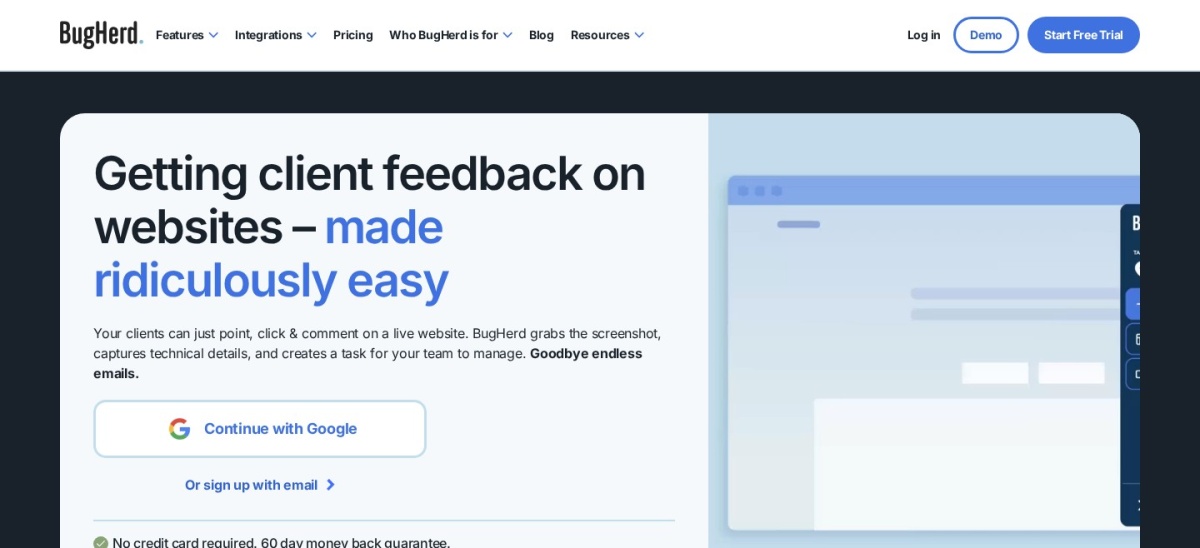
BugHerd is a visual feedback tool that turns pinned comments on live websites into tasks on a Kanban board, with a screenshot and browser, device and screen-size details attached automatically. Standard starts at 50 dollars a month for 5 members, with unlimited client reviewers on every plan.
The trade off is that there is no free plan, only a 7-day trial, and the price per member is higher than Ruttl for small teams. It suits agencies that want client feedback to land directly as developer-ready tasks.
What we like
Comments become tasks with technical data attached
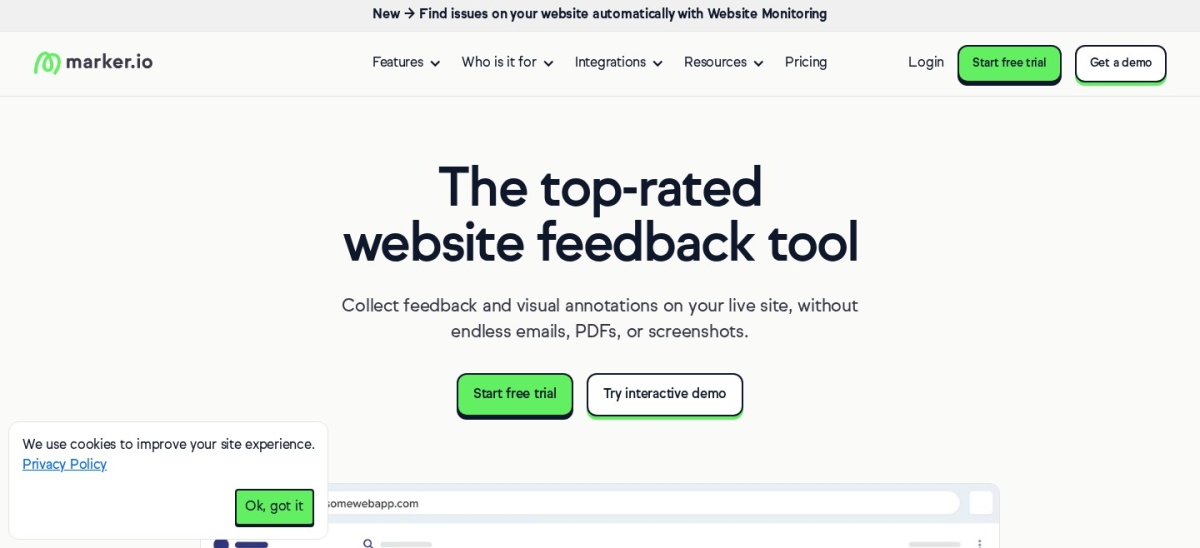
Marker.io is a visual feedback widget that turns each comment on a live website into a developer-ready issue in Jira, Trello, Asana, GitHub or ClickUp, with session replay, console logs and network logs attached. Starter starts at 39 dollars a month for 3 seats and 5 sites, with a 15-day trial.
The trade off is the small review base, 42 G2 reviews, and no free plan. It suits web teams and agencies that run QA on staging sites and need clean tickets in the tracker they already use.
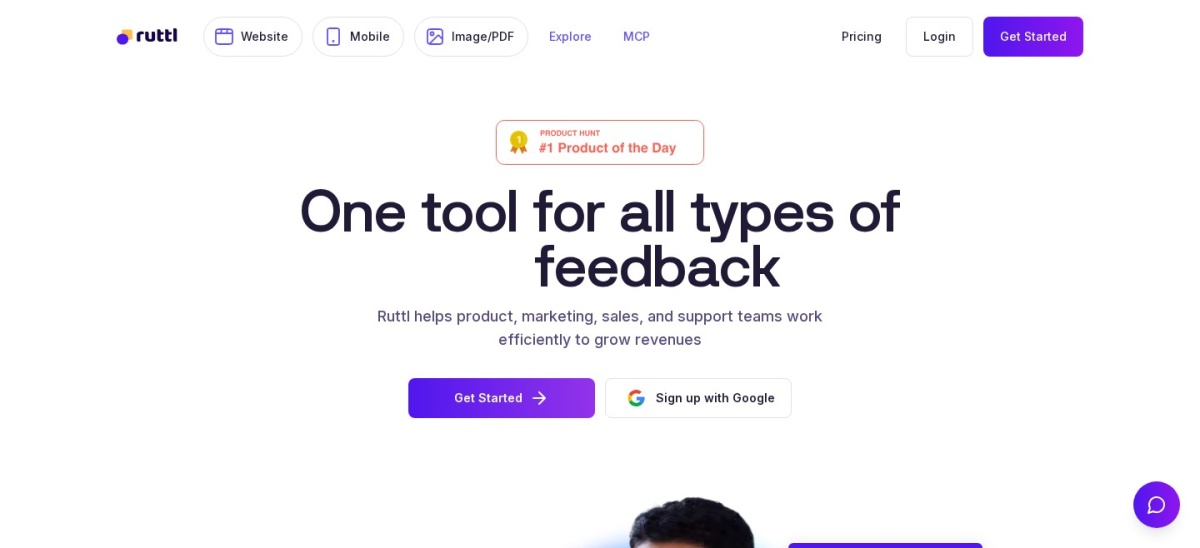
Ruttl is a budget feedback tool for live websites and design files, with pinned comments, live text and CSS editing, and version tracking. A free plan covers basic commenting, and Pro from 16 dollars a month billed yearly adds team features and more projects.
The trade off is the small review base, 21 G2 reviews, and a lighter bug tracker than Marker.io or BugHerd. It suits budget-conscious agencies that review live sites and Figma files and want clients to edit copy in place.
Free plans here are genuinely usable for small jobs. Filestage free covers one active project, Frame.io free covers two projects and Ruttl free covers basic commenting.
Paid plans mostly add volume and control: unlimited projects, more seats, version comparison, branding and approval automation.
If clients review your work, the paid plan is usually worth it for one reason alone: password-protected links and branded review pages look professional and keep drafts private.
How we chose
We started from the design feedback and proofing tools with the largest G2 or Capterra review bases, then kept the nine with a verifiable rating and a published starting price.
Prices come from each vendor pricing page, checked on 26 November 2026, except where the page did not render and a recent check of the same page is noted. Ratings and review counts come from G2 or Capterra on the same day. Where a vendor shows a sale, the list shows the regular price.
We left out tools with no verifiable rating and tools built only for surveys or analytics. No vendor paid for a place, and we do not claim hands-on testing for this list.
How to choose a design feedback platform
Start with who reviews your work, then match the tool to their patience and your approval rules.
List who reviews and who approves. If clients only comment, a simple tool works. If legal or brand must sign off in order, you need sequenced approvals.
Check the file types you actually review. Video teams need frame-accurate comments, web teams need live-page markup, and mixed teams need one tool that covers files, video and sites.
Test the guest experience. Send a review link to a colleague who has no account and see how fast they can leave a clear comment.
Price the seats you need, not the headline. Some tools charge per workspace, others per user, so cost the plan for your real team size before you commit.
FAQ
What is the best platform for feedback in design processes?
Filestage is the best overall pick. It organizes review into steps, handles files, video, documents and live websites, compares versions side by side and is rated 4.6 out of 5 on G2 from 247 reviews.
How much does design feedback software cost?
Cheapest paid plans in this list run from 15 dollars per user a month for Frame.io Pro to 199 dollars a month for Filestage Starter and Ziflow Standard. Simple tools like Pastel and Ruttl start under 30 dollars a month.
Is Figma enough for design feedback?
For early design work, yes. Comments live in the design file and the free plan is generous. For client approvals, video review or a formal sign-off trail, a dedicated proofing tool like Filestage or Ziflow fits better.
Do clients need an account to leave feedback?
On most tools here, no. Filestage, Markup.io, Pastel and Ruttl all let reviewers comment through a shared link without an account, which removes the biggest barrier to client feedback.
Which tool is best for video feedback?
Frame.io is the standard for video teams, with frame-accurate comments, time-coded notes and deep Adobe Premiere integration. Filestage is the better pick when video is only one of several file types you review.
What is the difference between proofing and annotation?
Annotation is commenting on a design or page. Proofing adds the workflow around it: versions, approval steps, due dates and a record of who approved what, which is what agencies and regulated teams need.
SaaS SEO and WordPress specialist with about 8 years of experience. Rakib compares WordPress plugins, themes, hosting and software using public pricing, documentation and user reviews. See how we rank.