Best Platforms for Content Creators in 2026: 9 Tools Compared
WLWPLegible EditorsLast verified 23 Nov 2026How we rank11 min read
★ Short answer
Patreon is the best platform for content creators who want paid memberships, with tiered subscriptions, community tools and a 4.2/5 G2 rating. Pick Substack for paid newsletters, or Kajabi if you sell courses and want everything in one place.
How we make this list: we compare pricing pages, product documentation and public user reviews, then re-check every price before each update. No product paid for a place. Disclosure.
Patreon is free to start and takes 10% of what you earn, plus payment processing.
Substack is also free to start and takes 10% of paid subscriptions, with discovery built in.
Kajabi costs $143 a month billed yearly and takes no cut of your sales.
Teachable Starter costs $29 a month billed yearly but adds a 7.5% transaction fee.
Ko-fi Gold costs $12 a month and takes 0% on tips, shop sales and memberships.
How creator platforms charge you
Creator platforms charge in two ways: a monthly fee, a cut of what you earn, or both. A free plan with a 10% cut can cost more than a $29 monthly plan once your income grows, so do the maths on your own revenue.
Memberships, newsletters, courses and digital products are different jobs. Patreon fits fan memberships, Substack fits paid newsletters, and Kajabi and Teachable fit courses. Pick the job first, then the tool.
Owning your audience matters. Some platforms keep your email list exportable and let you leave, while others keep fans inside their own app. Our guide to the best newsletter platforms covers the same question for email-first creators.
Fees stack. On top of the platform cut, card processing usually adds 2.9% plus 30 cents per payment, and Apple takes 30% of subscriptions bought inside its app on some platforms.
Patreon is the best-known membership platform for creators, with tiered subscriptions, one-time payments, community chats and podcast hosting in one place. It is free to start and takes 10% of the income you earn, plus payment processing of 2.9% plus 30 cents per pledge. Fans can pay monthly or yearly, and you keep an exportable email list.
The trade off is the fee. At 10% plus processing, Patreon takes more than Ko-fi or Buy Me a Coffee, and the flat rate means big earners pay the same share as small ones. It suits creators with an existing audience who want the lowest-friction way to turn fans into paying members.
What we like
Free to start with no monthly bill
Fans already know and trust the brand
Memberships, community and podcast hosting in one place
Watch out for
10% platform fee plus processing
Same fee share no matter how much you earn
Legacy creators on older plans keep 5%, 8% or 12% ratesVisit patreon.com
02
Substack
4.3/5on G2 (17 reviews, checked Nov 2026)
PriceFree
Best for paid newsletters
Monthly feeNone, free to publish
Platform fee10% of paid subscriptions
DiscoveryBuilt-in recommendations
Paid planNone, one 10% fee
substack.com
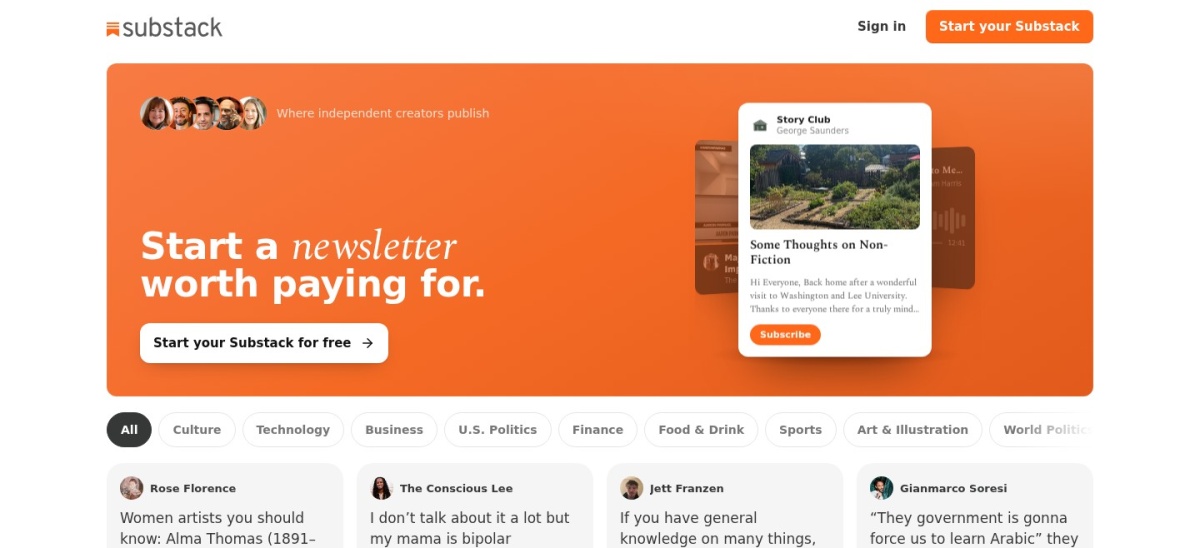
Substack homepage, captured Nov 2026.
Substack is a publishing platform for writers, with a simple editor, email newsletters, podcasts and a recommendation network that helps new readers find you. Publishing is free, and Substack takes 10% of paid subscriptions plus Stripe processing. You set the subscription price and keep the reader list.
The trade off is control. Substack is built for writing, so courses, shops and custom design are thin, and its discovery network keeps readers inside its app. It suits writers who want to publish and charge readers without building a website or a mailing list from scratch.
What we like
Free to publish, with built-in reader discovery
Simple editor and email in one place
You keep your subscriber list
Watch out for
10% fee on paid subscriptions
Thin tools beyond writing and newsletters
Substack takes 10% of paid subscriptions, plus Stripe feesVisit substack.com
03
Kajabi
4.1/5on G2 (93 reviews, checked Nov 2026)
Starts at$143/mo
Best all-in-one for courses and memberships
Monthly feeBasic, $143/mo billed yearly
Transaction fee0% on Kajabi Payments
Products on Basic5
Contacts on Basic2,500
kajabi.com
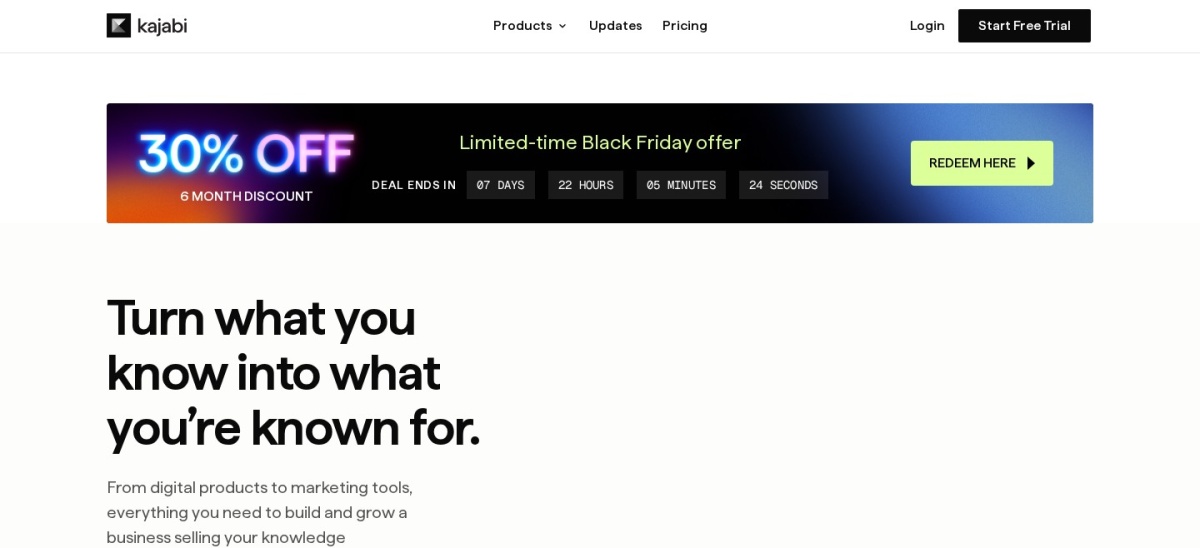
Kajabi homepage, captured Nov 2026.
Kajabi is an all-in-one platform for courses, coaching, memberships and digital downloads, with a website builder, email marketing, funnels and checkout in one subscription. Basic costs $143 a month billed yearly and covers 5 products, 2,500 contacts and unlimited email sends. Kajabi takes no cut of your sales.
The trade off is price. At $143 a month billed yearly, Kajabi costs far more than Patreon or Teachable, and Basic caps you at 5 products and 2,500 contacts. It suits creators who sell courses and want one subscription to replace a website, email tool and checkout.
What we like
Courses, email, website and checkout in one subscription
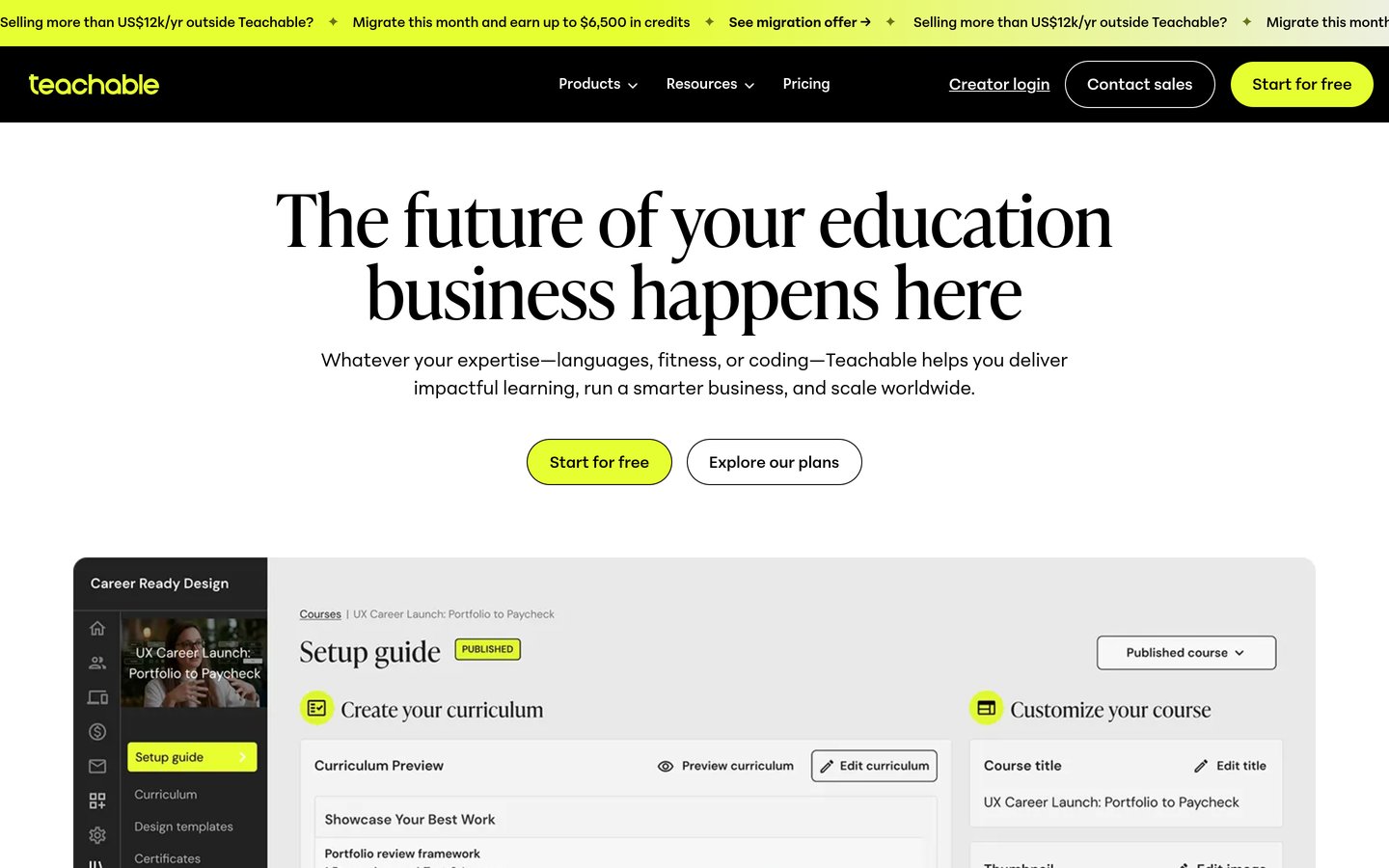
Teachable is a course platform that walks you through creating, pricing and selling a course, with student apps, tax handling and upsells built in. Starter costs $29 a month billed yearly and covers 5 products, AI course creation and a 7-day free trial. It charges a 7.5% transaction fee on Starter sales.
The trade off is the fee and the caps. Starter takes 7.5% of every sale and holds only 5 products, so you need Builder at $69 a month billed yearly for a 0% fee. It suits first-time course creators who want guided setup and are happy to pay the fee while they start.
What we like
Guided course setup for first-time sellers
Student apps and tax handling included
Cheaper entry than Kajabi
Watch out for
7.5% transaction fee on Starter
Only 5 products on Starter
Builder removes the transaction fee at $69 a month billed yearlyVisit teachable.com
05
Podia
4.6/5on G2 (285 reviews, checked Nov 2026)
Starts at$42/mo
Best for courses plus downloads in one place
Monthly feeMover, $42/mo billed yearly
Transaction fee5% on Mover
Products on Mover50
Free trial14 days
podia.com
Podia homepage, captured Nov 2026.
Podia bundles courses, digital downloads, coaching, memberships and email marketing in one dashboard, with a website builder included. Mover costs $42 a month billed yearly and covers 50 products, with a 5% transaction fee and a 14-day free trial. Payments go straight to your own Stripe or PayPal account.
The trade off is the fee on the entry plan. Mover takes 5% of every sale on top of the monthly price, so you need Shaker at $84 a month billed yearly for a 0% fee. It suits creators who sell several kinds of products and want courses, email and community under one login.
What we like
Courses, downloads, email and community in one place
Payments go to your own Stripe or PayPal
50 products on the entry plan
Watch out for
5% transaction fee on Mover
No free plan, only a 14-day trial
Shaker removes the fee at $84 a month billed yearlyVisit podia.com
06
Gumroad
4.2/5on G2 (16 reviews, checked Nov 2026)
PriceFree
Best for selling one-off digital products
Monthly feeNone, free to sell
Platform fee10% + 50¢ per sale
VAT handlingIncluded
Paid planNone, one flat fee
gumroad.com
Gumroad homepage, captured Nov 2026.
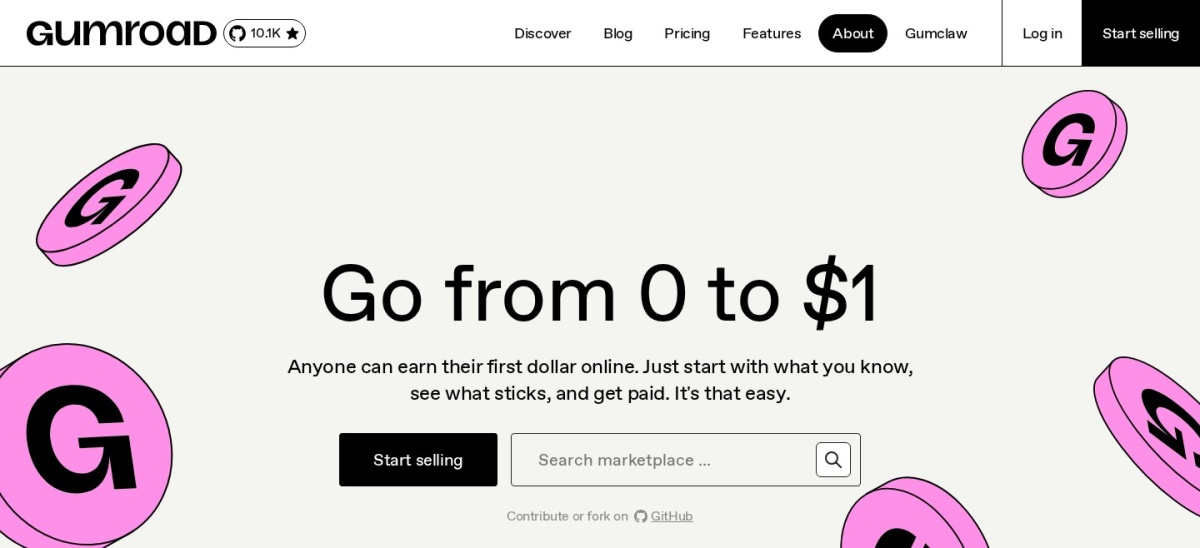
Gumroad is a simple storefront for digital products, with a checkout page, file delivery, subscriptions and a small audience tool in one place. It is free to start and charges a flat 10% plus 50 cents per sale, with VAT handling included. You can list a product and share the link in minutes.
The trade off is the flat fee. At 10% plus 50 cents, Gumroad costs more per sale than Ko-fi Gold or Memberful once your volume grows, and its marketing tools are basic. It suits creators selling one-off files, presets or ebooks who want the simplest possible checkout.
What we like
Free to start with a dead-simple checkout
VAT handling included
No monthly bill at any volume
Watch out for
10% plus 50 cents on every sale
Basic marketing and audience tools
Gumroad takes 10% plus 50 cents per sale, with no monthly feeVisit gumroad.com
07
Ko-fi
4.6/5on Trustpilot (700+ reviews, checked Nov 2026)
Paid from$12/mo
Best for tips and keeping the most of them
Monthly feeFree, Gold $12/mo
Fee on tips0%
Fee on shop sales5%, 0% with Gold
PayoutsInstant to PayPal or Stripe
ko-fi.com
Ko-fi homepage, captured Nov 2026.
Ko-fi is a creator page for one-off tips, monthly memberships, shop sales and paid commissions, with payments going straight to your own PayPal or Stripe account. One-off tips carry no Ko-fi fee at all, while shop sales and memberships cost 5% unless you pay for Gold at $12 a month. Gold removes the fee entirely.
The trade off is the feature set. Ko-fi is a tip jar first and a shop second, with simpler community and content tools than Patreon and no built-in discovery engine. It suits artists and writers whose fans already follow them and who want to keep the most of every tip.
What we like
0% fee on one-off tips
Instant payouts to your own PayPal or Stripe
Gold at $12 a month removes all fees
Watch out for
Shop and memberships cost 5% without Gold
Simpler tools than Patreon, no discovery engine
Gold costs $12 a month and drops all platform fees to 0%Visit ko-fi.com
08
Buy Me a Coffee
3.5/5on Trustpilot (1,400+ reviews, checked Nov 2026)
PriceFree
Best for the simplest support page
Monthly feeNone, free to start
Platform feeFlat 5%
FeaturesTips, memberships, shop, email
PayoutsWeekly, from $10 balance
buymeacoffee.com
Buy Me a Coffee homepage, captured Nov 2026.
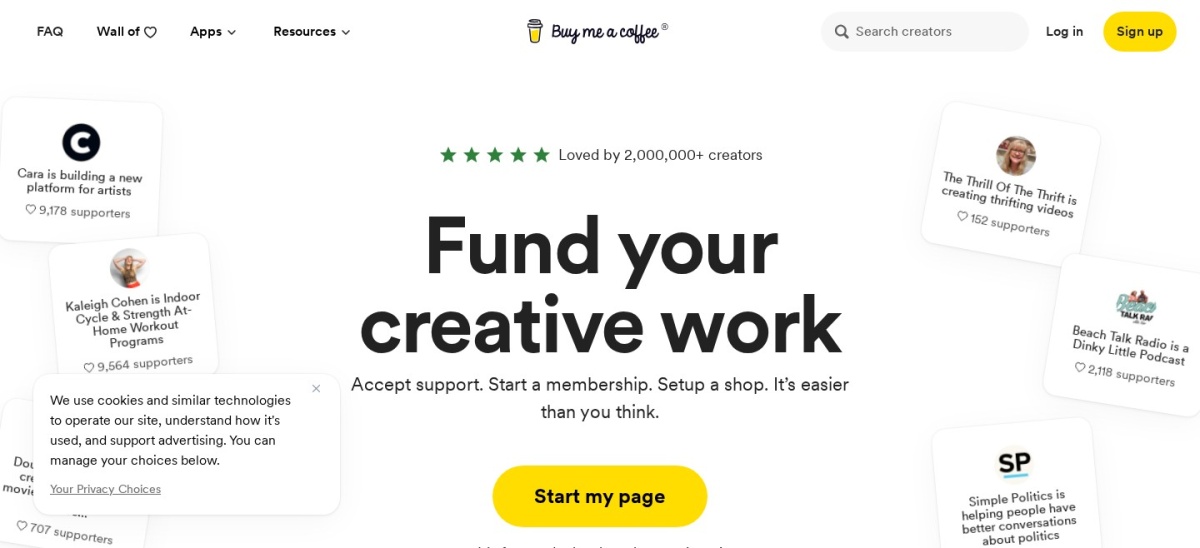
Buy Me a Coffee is a simple creator page for tips, monthly memberships, exclusive posts and a small shop, with email updates built in. It is free to start and charges a flat 5% platform fee on everything, with card processing on top. Every feature is unlocked from day one, with no paid tier to climb.
The trade off is the flat 5%. It applies to tips too, where Ko-fi takes nothing, and it costs more than Ko-fi Gold once your sales pass about $240 a month. It suits creators who want the friendliest-looking support page and one simple fee with no monthly bill.
What we like
Free to start, every feature unlocked
Polished page that converts casual supporters
No monthly bill, one flat 5% fee
Watch out for
5% applies to tips too
Costs more than Ko-fi Gold above $240 a month in sales
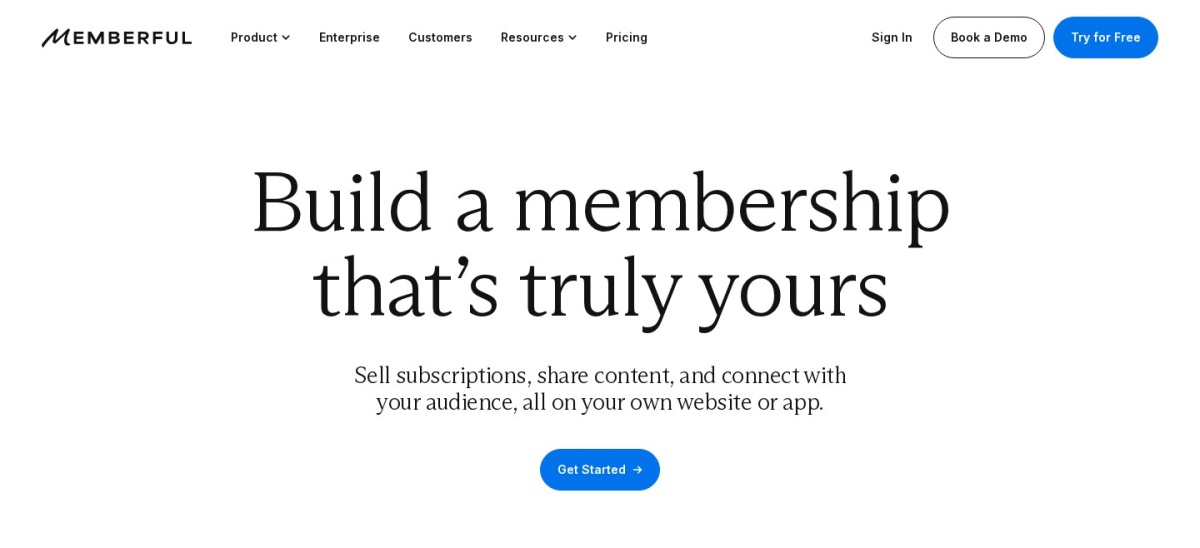
Memberful adds paid memberships to a website you already run, with subscriptions, member-only content and community tools under your own brand. Standard costs $49 a month plus a 4.9% transaction fee, and payments go through your own Stripe account. Your members stay on your domain, and you own the data.
The trade off is that you supply the website and the audience. Memberful only beats Patreon's 10% once your revenue passes roughly $960 a month, and you still need a site, email and design of your own. It suits creators who already have a website and want members inside it.
A 10% cut sounds small until your income grows. On $1,000 a month, Patreon takes $100 before processing, while Ko-fi Gold costs $12 and Memberful costs $49 plus $49 in fees.
A monthly plan wins once your revenue passes the break-even point. Ko-fi Gold beats its own 5% fee above $240 a month in sales, and Memberful beats Patreon above roughly $960 a month.
Start free if you are unsure. Patreon, Substack, Gumroad, Ko-fi and Buy Me a Coffee all let you start without a monthly bill, so you can learn what your audience pays for before you commit.
How we chose
We started from the most widely used creator platforms, then kept nine that cover memberships, newsletters, courses, digital products and tips, with public ratings to check.
Prices and fees come from each vendor's pricing page, checked on 23 November 2026. Ratings and review counts come from G2 or Trustpilot on the same day. Where a vendor shows a sale or an intro offer, the list shows the regular price.
We left out platforms with custom-only pricing and tools without enough public reviews. No vendor paid for a place. This list is based on pricing, docs and reviews, not on using the tools ourselves.
How to choose a platform for content creators
Start with what you sell, then match the fee model to your income.
Name what you sell. Memberships, newsletters, courses and digital products are different jobs. Pick the job first, then the tool built for it.
Do the fee maths on your own revenue. A 10% cut on $1,000 a month is $100. Compare that with the monthly plan before you pick a side.
Check who owns the audience. Make sure you can export your email list and take your members with you if you leave.
Start free, then pay when it pays off. Begin on a free plan, learn what your audience buys, and move to a monthly plan once the fee maths favors it.
FAQ
What is the best platform for content creators?
Patreon is the best platform for most content creators. It is free to start, takes 10% of what you earn, and covers memberships, community and podcast hosting in one place. It is rated 4.2 out of 5 on G2 from 75 reviews.
How much does Patreon take?
Patreon takes 10% of the income you earn if you published your page after 4 August 2025, plus payment processing of 2.9% plus 30 cents per pledge. Creators who published earlier keep legacy rates of 5%, 8% or 12% while their page stays published.
Is Substack or Patreon better for creators?
It depends on what you make. Substack fits writers who sell paid newsletters, with discovery built in. Patreon fits creators who sell tiered memberships with community, video and podcasts. Both are free to start and take 10%.
What is the cheapest platform for content creators?
Ko-fi is the cheapest for tips, taking 0% on one-off donations, and Ko-fi Gold costs $12 a month with 0% on everything. Buy Me a Coffee is free to start with a flat 5% fee, which costs more once sales pass $240 a month.
Do I need Kajabi or Teachable to sell a course?
No. Teachable Starter costs $29 a month billed yearly and covers your first 5 products, while Kajabi Basic costs $143 a month billed yearly. Podia Mover at $42 a month billed yearly sits between them and adds downloads and email.
Can I move my audience off a creator platform?
Usually, yes. Patreon, Substack and Memberful let you export your email list, so you keep the relationship if you leave. Check the export option before you build an audience on any platform, not after.