Milanote is the best platform for AI mood boards for most designers, with nested boards, polished client sharing and a useful free plan. Pick Miro for live team workshops, Canva if you already pay for a design suite, and FigJam if your boards live next to Figma files.
How we make this list: we compare pricing pages, product documentation and public user reviews, then re-check every price before each update. No product paid for a place. Disclosure.
Milanote is the only dedicated mood board tool here, with nested boards and password-protected client sharing at $9.99 a person a month.
Canva has the highest G2 rating at 4.7 out of 5, and Pro costs $120 a year, but its boards feel generic next to Milanote.
Miro is the cheapest team option at $8 a member a month, with 13,503 G2 reviews and AI credits on paid plans.
FigJam is the cheapest paid seat in the list at $3 a month, but only makes sense inside the Figma ecosystem.
Niice costs $83.25 a month and its 4.6 rating rests on only 17 reviews, so treat it as a brand-team option, not a freelancer pick.
What an AI mood board platform should do
AI in this category mostly means help on the board, not a board built for you. Miro, Canva, FigJam and Whimsical add AI generation, summaries and organisation, while Milanote and Niice stay manual and polished.
Look at sharing before you look at features. A mood board is a deliverable, so client links, password protection and clean exports matter more than a long feature list.
Free plans split the list. Milanote caps at 100 items, Miro and Mural at 3 boards, and FigJam at 3 boards, so check the cap against the size of your next project. Our guide to the best mood board software covers the same tools from a pure mood board angle.
Ratings need a second look here. Niice rests on only 17 G2 reviews and Milanote on 42, so a high score from a small sample is weaker evidence than Miro at 13,503 reviews.
List prices in each vendor's currency, checked Nov 2026
FigJamFREE$36
ConceptboardFREE€60
MiroFREE$96
MilanoteFREE$120
MuralFREE$120
CanvaFREE$120
WhimsicalFREE$120
NiiceFREE$999
The 8 best platforms for AI mood boards
01
Milanote
4.5/5on G2 (42 reviews, checked Nov 2026)
Paid from$9.99/mo
Best AI mood board platform overall
Free plan100 notes, images or links
Paid planPro, $9.99/person/mo yearly
Team plan$49/mo for up to 10 people
BoardsBoards nest inside boards
milanote.com
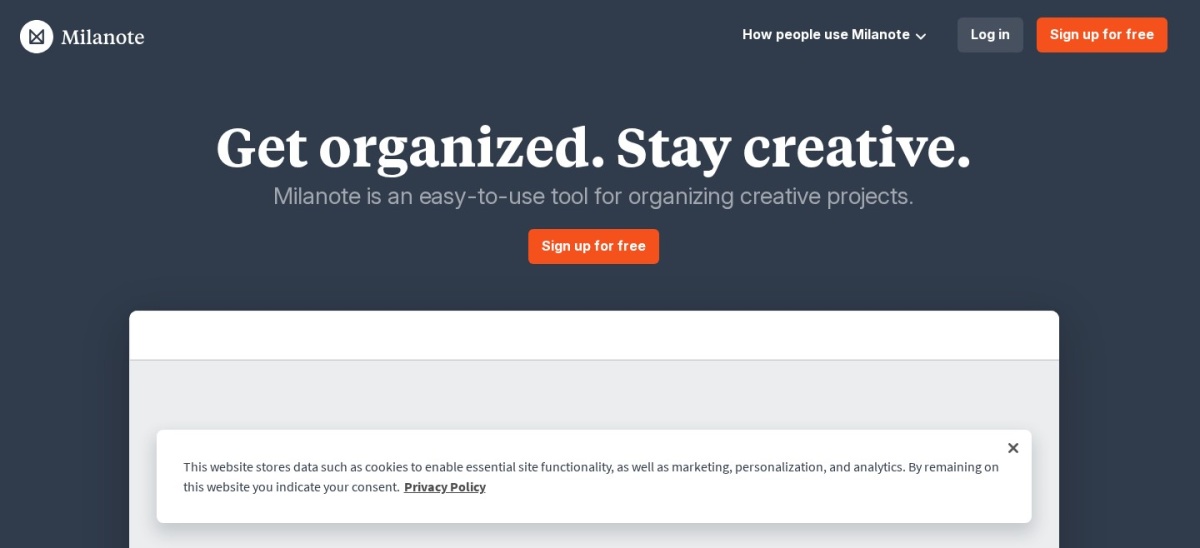
Milanote homepage, captured Nov 2026.
Milanote is a visual board app built for creative work, and it is the tool this category was named for. Images, notes, links and files drop onto a board and stay where you put them, boards nest inside boards so a big branding project splits into neat sections, and sharing is polished: invite a client to edit, comment or view, protect boards with passwords, and export to PDF, PNG, Word or Markdown.
The trade off is collaboration depth. Live co-editing lags behind Miro and FigJam, the free plan caps at 100 items, and the jump to paid is steep for a single freelancer. It suits designers, filmmakers and writers who present boards to clients rather than brainstorming live with a team.
Miro is a whiteboard first and a mood board tool second, but it does the second job well. Real-time co-editing, sticky notes, comments, voting and timers make it the strongest pick when a team builds a board together in a live session, the template library includes plenty of mood board starting points, and integrations with Slack, Google Drive and Zoom keep the board inside your existing workflow.
The trade off is focus. Miro is a general whiteboard, so boards can feel less like a crafted deliverable than a Milanote board, and the per-seat price adds up fast on a big team. It suits product and brand teams that workshop ideas live and want AI help generating and summarising board content.
What we like
Strongest live collaboration in this list
13,503 G2 reviews, the largest base here
Cheapest paid plan at $8 a member a month
AI credits included on paid plans
Watch out for
Built for workshops, not crafted deliverables
Per-seat pricing adds up on big teams
Free plan keeps only 3 boards editable
Business is $20 a member a month billed yearlyVisit miro.com
03
Canva
4.7/5on G2 (7678 reviews, checked Nov 2026)
Paid from$120/yr
Best if you already pay for a design suite
Free planFree with 5 GB storage
Paid planPro, $120/yr or $15/mo
Templates610,000-plus templates on Pro
Stock assets100M-plus on Pro
canva.com
Canva homepage, captured Nov 2026.
Canva is a visual design and publishing platform that includes a fully collaborative whiteboard. Canva Whiteboards give you an infinite canvas with sticky notes, images and templates, and the same account hands you the full design suite: background remover, Magic Resize, 610,000 templates and over 100 million stock assets on Pro, plus AI tools in Magic Studio.
The trade off is that boards feel generic next to a dedicated mood board app. There is no nested-board structure, brand controls sit on higher plans, and the Pro price has moved several times, so check the current figure before budgeting. It suits marketers and small teams that already live in Canva.
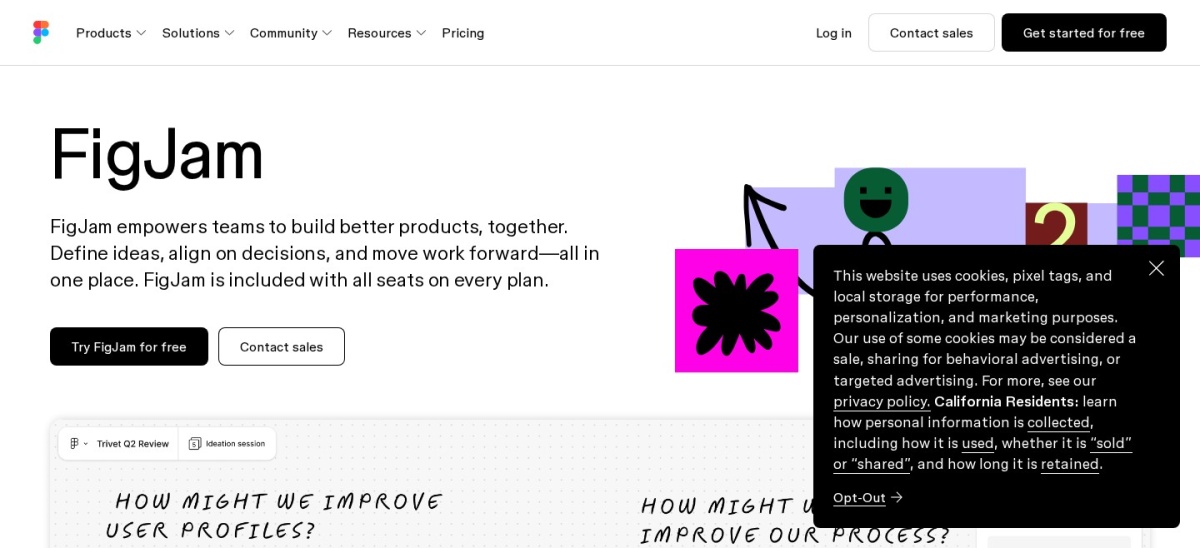
FigJam is the collaborative whiteboard built into the Figma ecosystem, designed for real-time brainstorming, diagramming, meeting facilitation and planning. It sits one tab from your design files with the same multiplayer feel, adds voting, audio conversations and AI diagram generation, and a collab seat costs $3 a month on annual billing, the cheapest paid seat in this list.
The trade off is scope. FigJam is a whiteboard, not a mood board app, so there is no client presentation layer or nested-board structure, and it only makes sense if your team already uses Figma. It suits design-led teams whose discovery work lives next to wireframes.
What we like
Cheapest paid seat here at $3 a month
Tight workflow with Figma design files
Voting, audio chat and AI diagrams built in
Free for 3 team boards
Watch out for
No client presentation layer
Only worth it inside the Figma ecosystem
Smaller template library than Miro
Full seats on Professional cost more than collab seatsVisit figjam.com
05
Whimsical
4.6/5on G2 (189 reviews, checked Nov 2026)
Paid from$10/mo
Best lightweight board with docs built in
Free plan50 board objects a month
Paid planPro, $10/editor/mo yearly
WorkspaceBoards, docs, projects, posts
AIAI-assisted flowchart and board tools
whimsical.com
Whimsical homepage, captured Nov 2026.
Whimsical is a visual workspace for flowcharts, wireframes, mind maps and docs with AI assistance, and its boards work well for mood boards too. Boards, docs and project tracking live in one place, so a mood board can sit next to the brief and the plan without a second subscription, and Pro costs $10 an editor a month billed yearly.
The trade off is that mood boards are a side use, not the core. The free plan caps board objects at 50 a month, there is no dedicated client presentation mode, and the template library is thinner than Miro or Canva. It suits small teams that want one light workspace instead of several tools.
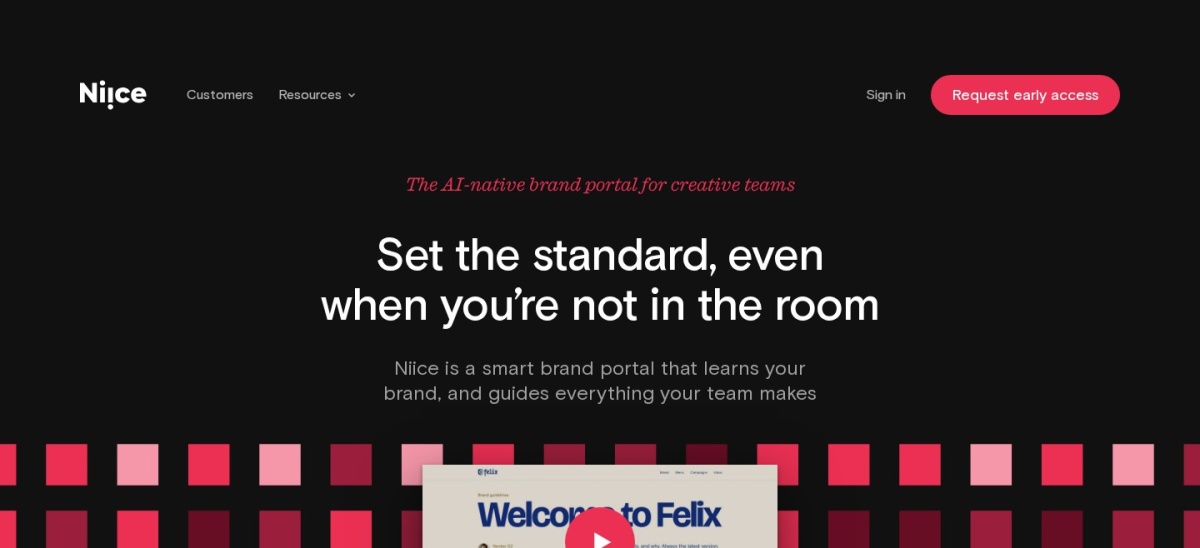
Niice is a brand hub that happens to include beautiful canvases. Remote creative teams use it to present guidelines, libraries and projects in one place, with version control, permissions and workflow automation underneath, and boards become part of a living brand system rather than a one-off file.
The trade off is price and evidence. At $83.25 a month for Basic it costs more than everything else here combined, and its 4.6 G2 rating rests on only 17 reviews, the smallest base in this list. It suits brand teams with budget, not freelancers or small studios.
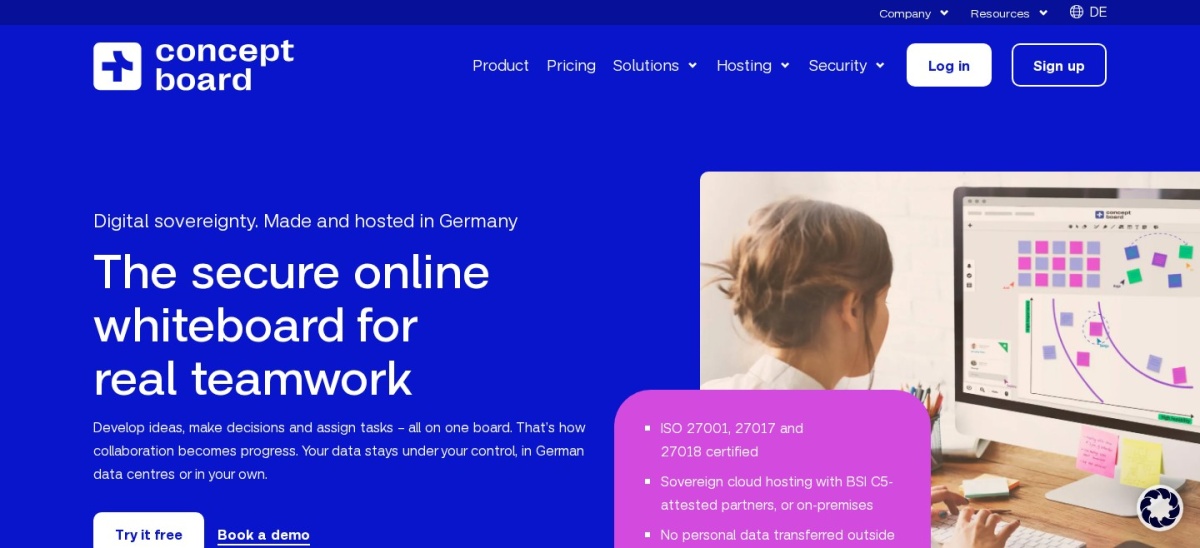
Conceptboard is a digital whiteboard that combines visual boards with task management on German servers, with data protection front and centre. Teams brainstorm, assign, prioritise and track tasks on an infinite canvas, and the Starter plan costs 5 euros a user a month, the cheapest European-hosted option in this list.
The trade off is polish and scale. Reviewers praise the intuitive design but note the interface can feel cluttered on large boards, and the user base is far smaller than Miro or Canva, so templates and integrations are thinner. It suits European teams that need GDPR-friendly hosting.
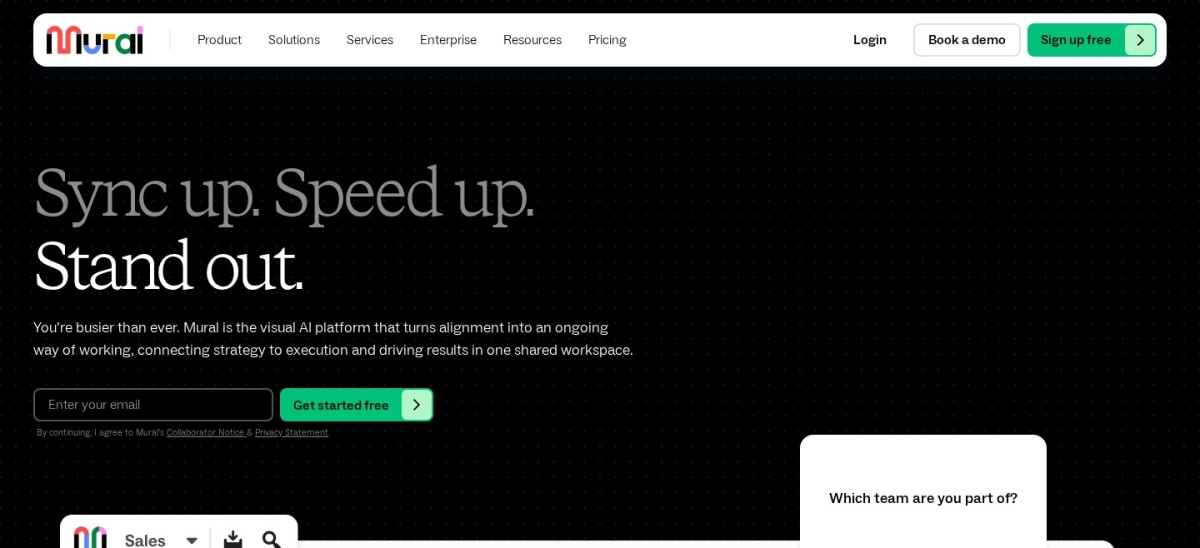
Mural is a visual collaboration platform built around facilitated workshops, and its board templates carry detailed instructions on how long prep takes, how long collaboration takes and how many people to include. Facilitation features like a laser pointer and participant summoning sit front and centre, and navigation toggles cleanly between trackpad and mouse mode.
The trade off is price and fit. Team+ costs $9.99 a member a month billed yearly, more than Miro Starter, and Mural is built for structured workshops rather than free-form mood boards. It suits enterprise innovation, design and consulting teams that run frequent facilitated sessions.
What we like
Best facilitation tools in this list
Templates with built-in session guidance
1,474 G2 reviews at 4.6 out of 5
Free plan with 3 editable murals
Watch out for
Costs more than Miro Starter per member
Built for workshops, not free-form boards
Private rooms and SSO need paid tiers
Business is $17.99 a member a month billed yearlyVisit mural.co
AI features vs manual boards: what the AI actually does
The AI here is an assistant, not a designer. Miro generates diagrams and summaries from board content, Canva Magic Studio removes backgrounds and resizes assets, and FigJam turns a prompt into a diagram. None of them builds a finished client board on its own.
Manual tools still win on craft. Milanote and Niice give you exact control over placement, nesting and presentation, which is what a client judges. AI speed matters when the board is a working document, not a deliverable.
Pick by output. If the board is the deliverable, choose Milanote or Niice. If the board is a step toward a workshop or a design file, choose Miro, FigJam or Canva and let the AI do the rough work.
How we chose
We started from the mood board and whiteboard platforms with a G2 profile and a published product, then kept those with a verifiable G2 rating and review count.
Prices come from each vendor's pricing page or corroborating sources checked on 26 November 2026, with Milanote at $9.99 a person a month, Miro at $8 a member a month and Canva Pro at $120 a year. Ratings come from G2 on the same day. Conceptboard is priced in euros at 5 per user a month.
We left out tools with no verifiable G2, Capterra or Trustpilot rating, including Morpholio Board and Sampleboard. No vendor paid for a place, and we do not claim hands-on testing for this list.
How to choose an AI mood board platform
Start with who sees the board, then check the free-plan cap before you commit.
Name the audience first. If a client sees the board, buy Milanote or Niice. If only your team sees it, Miro, FigJam or Whimsical will do.
Check the free-plan cap. Milanote caps at 100 items and Miro at 3 boards. A cap that fits a test project may break on a real one.
Decide how much AI you need. Miro, Canva and FigJam add AI generation and summaries. Milanote and Niice stay manual, which suits craft-led work.
Price the team, not the seat. Miro at $8 a member and Niice at $83.25 flat look nothing alike on a team of ten. Multiply before you shortlist.
FAQ
What is the best platform for AI mood boards?
Milanote is the best pick for most designers. It has nested boards, polished client sharing and a useful free plan, with a 4.5 out of 5 rating from 42 G2 reviews. Miro is the better pick for live team workshops.
What is an AI mood board?
It is a visual board where AI helps generate, organise or summarise images, notes and references. Most tools here use AI for diagrams, background removal and summaries rather than building a finished board on their own.
How much do AI mood board platforms cost?
Paid plans run from $3 a month for a FigJam collab seat to $83.25 a month for Niice Basic. Miro Starter is $8 a member a month, Milanote Pro is $9.99 a person a month, and Canva Pro is $120 a year.
Is there a free AI mood board platform?
Yes. Milanote, Miro, Canva, FigJam, Whimsical, Niice, Conceptboard and Mural all offer a free plan, but caps differ: Milanote allows 100 items, while Miro, Mural and FigJam each allow 3 boards.
Is Milanote or Miro better for mood boards?
Milanote is better for client-facing mood boards, with nested boards and password-protected sharing. Miro is better for live team workshops, with real-time collaboration, voting and timers.
Does Canva have AI mood boards?
Canva Whiteboards include AI tools through Magic Studio, including background removal and Magic Resize, plus over 610,000 templates on Pro. The boards themselves are manual, so Canva suits quick concepts more than crafted client presentations.
SaaS SEO and WordPress specialist with about 8 years of experience. Rakib compares WordPress plugins, themes, hosting and software using public pricing, documentation and user reviews. See how we rank.