Behance is the best platform for a UX portfolio for most designers because it is free and puts case studies in front of hiring managers. Pick Squarespace for a polished owned site and Webflow when you need full design control.
How we make this list: we compare pricing pages, product documentation and public user reviews, then re-check every price before each update. No product paid for a place. Disclosure.
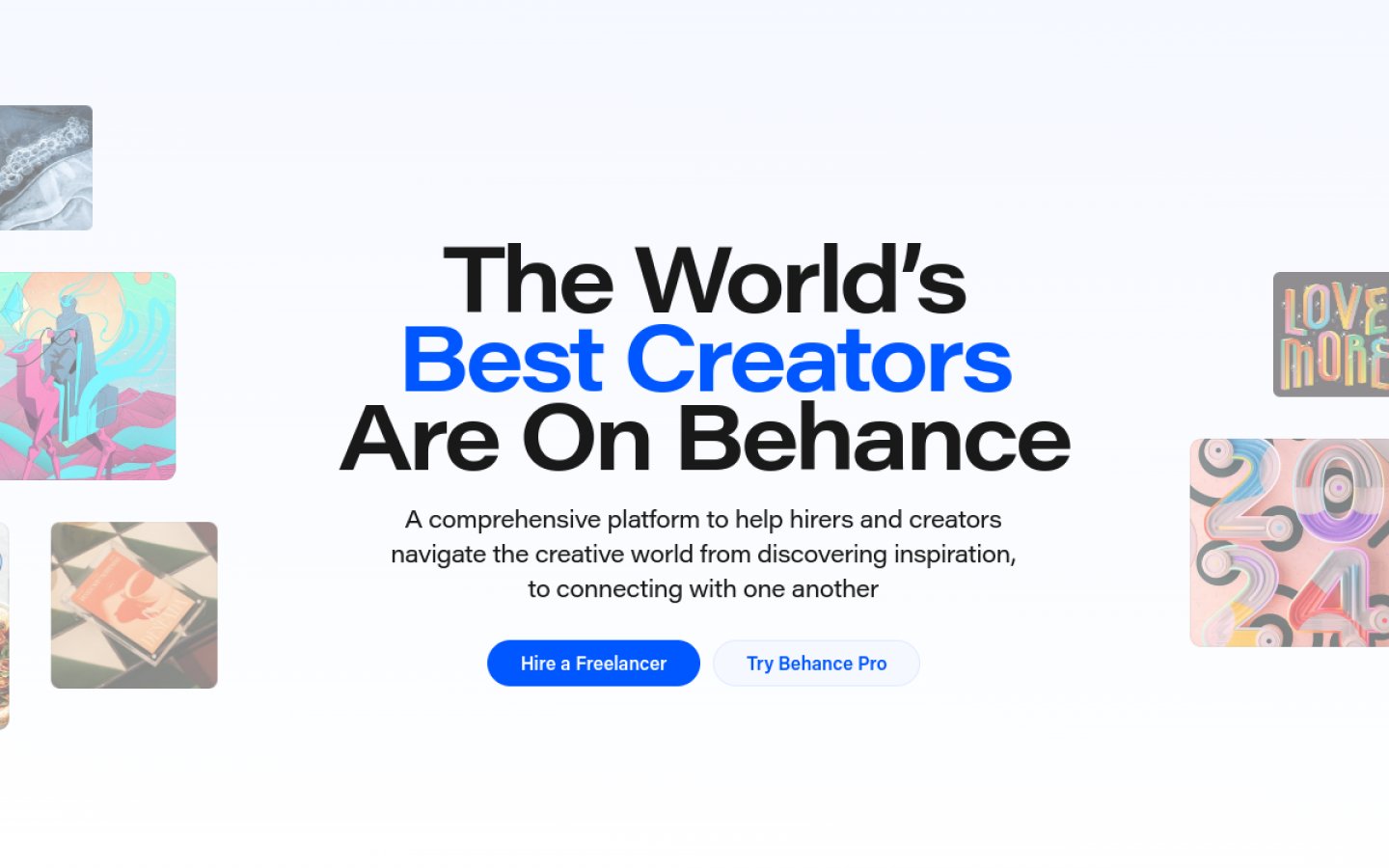
Behance is free and is the best place for discovery, with hiring managers already browsing its design community.
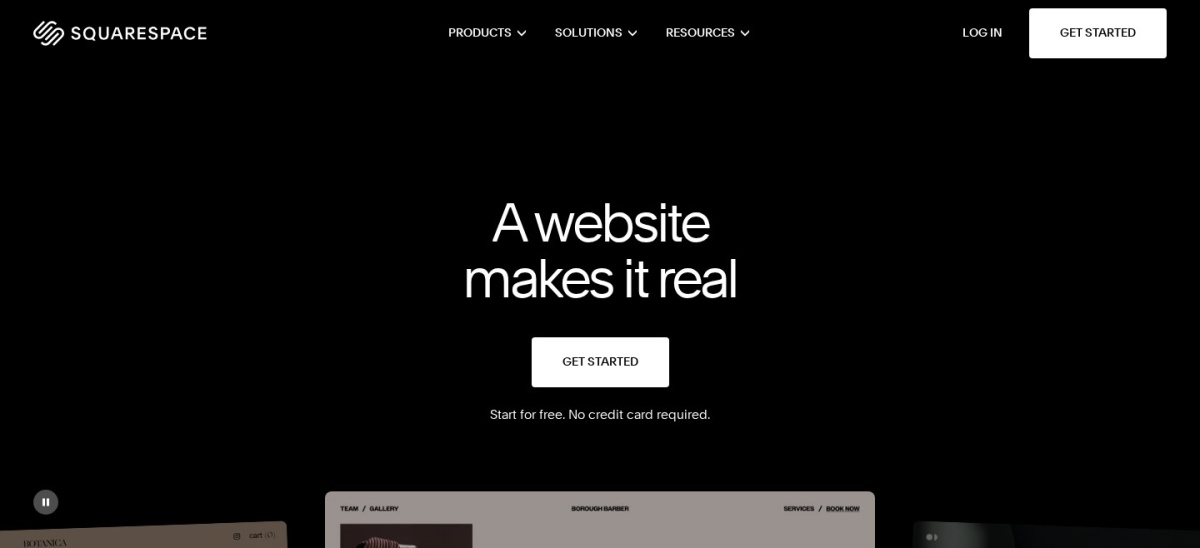
Squarespace at $19 a month has the most polished portfolio templates and needs the least design effort.
Webflow at $14 a month gives the most design control, with a real CMS for long case studies.
Framer at $5 a month is the cheapest paid builder here and the best for motion-led portfolios.
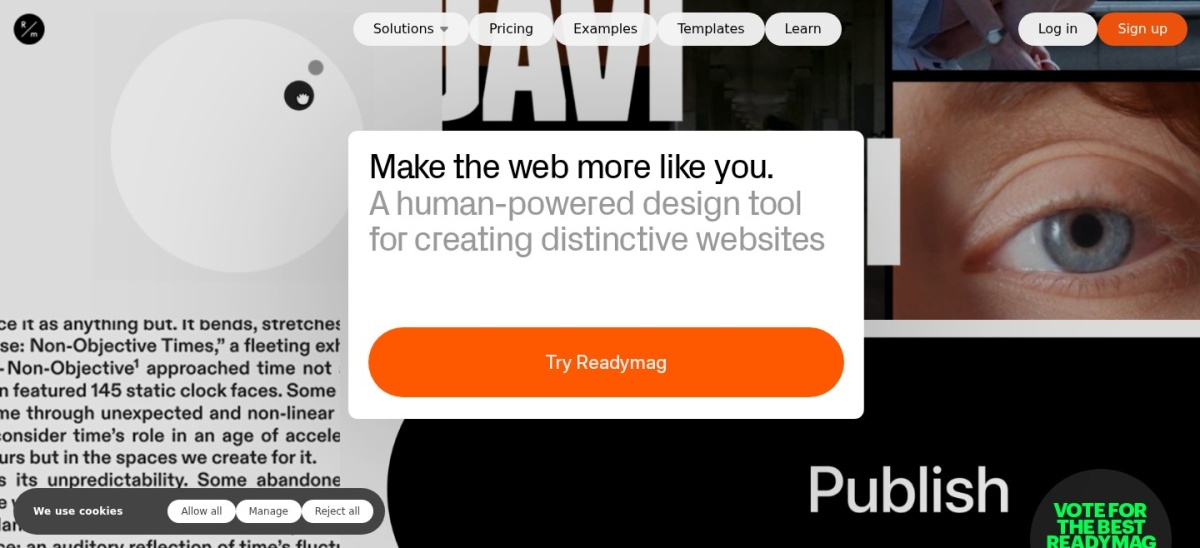
Readymag at $14 a month suits editorial storytelling, but its free plan caps views at 10,000 a month.
What a UX portfolio platform should do
A UX portfolio is a case-study platform first and a gallery second. Hiring managers want to read the problem, the process and the outcome, so the tool has to handle long written case studies as well as images.
Discovery and ownership pull in opposite directions. Behance and Dribbble put your work in front of people who hire, while Squarespace, Webflow and Framer give you your own domain and full control. Most designers need one of each.
Cost is mostly a monthly subscription. Paid plans here run from $5 to $19 a month, and Adobe Portfolio is free only if you already pay for Creative Cloud. See our project management software guide for the tools that run the work behind the portfolio.
Custom domains, templates and case-study layout decide the shortlist. A platform that caps pages or views on its cheapest plan will cost more once the portfolio grows.
Behance is the free portfolio platform inside the Adobe design community, where hiring managers already browse work. A profile holds unlimited projects with vertical-scroll case-study modules, and it costs nothing to publish or be discovered.
The trade off is control. There is no custom domain, layout control is limited, and your work sits beside everyone else under Adobe branding. It suits every UX designer as a free home for case studies, beside an owned site.
Squarespace is a website builder with the strongest portfolio templates in this list: clean, image-forward designs that look finished with little effort. Basic costs $19 a month billed annually and includes hosting, SSL and a free custom domain for the first year.
The trade off is price and sameness. At $19 a month it is the most expensive builder here, and sites built on it can look alike. It suits designers who want a finished-looking portfolio without a designer helping them.
Webflow is a visual website builder that gives designers production-grade control, with CSS-level layout, a real CMS for long case studies and full customisation. Basic costs $14 a month billed annually, and the free Starter plan covers two pages on a Webflow subdomain.
The trade off is the learning curve. It is the most powerful builder here and the slowest to learn, and there is no code export to self-host. It suits studios that want a portfolio to scale into dozens of written case studies.
Framer is a design-led website builder that turns Figma-style design into a live site with animation and interaction built in, no code needed. The Mini plan costs $5 a month, the cheapest paid plan here, and the free plan covers two pages with 1 GB of bandwidth.
The trade off is scale. The Mini plan is one page, the free plan caps bandwidth, and commerce is limited. It suits designers who want an interactive, motion-led portfolio built fast.
Readymag is a design tool for editorial storytelling, with freeform layouts that suit long, magazine-style case studies. Personal costs $14 a month billed annually, and the free plan lets you publish before paying.
The trade off is the view cap. Personal caps monthly views at 10,000, and the G2 review base is small at 26 reviews. It suits designers whose case studies read like editorial features.
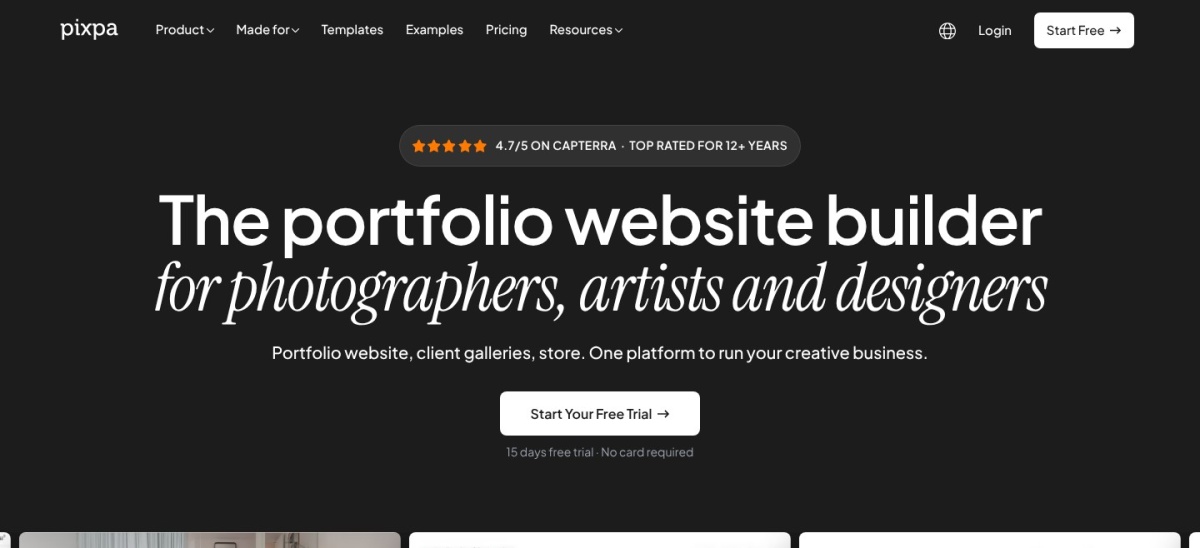
Pixpa is an all-in-one platform for creatives, with portfolio templates, a store with 0% commission, a blog and client galleries in one plan. Basic costs $5.40 a month billed annually, with a 15-day free trial and no card required.
The trade off is polish. Its templates are solid but less refined than Squarespace, and there is no free plan. It suits photographers and designers who also sell work and share client galleries.
Dribbble is the social platform for shot-style UI and brand work, where studios search for designers and send inbound leads. A free account covers a public profile and shots, while Pro Standard costs $8 a month billed annually and adds search visibility.
The trade off is format. Shots suit visual work, not long UX case studies, and hiring features are paid. It suits UI designers who want visibility and inbound leads beside a longer case-study site.
Format is a portfolio builder for photographers and visual artists, with client proofing and a built-in print shop on higher plans. Basic costs $10 a month billed annually, with a 14-day trial before a plan is required.
The trade off is the review base. G2 shows only 24 reviews, and proofing needs the Pro plan at $24 a month. It suits photographers who need client proofing and a print shop beside the portfolio.
Notion is a flexible page builder that suits UX designers who write long case studies, with easy publishing and pages that link together. The free plan covers publishing, and Plus costs $10 a member a month billed annually with a custom domain.
The trade off is visual control. Layout options are basic beside a real builder, and a Notion portfolio looks like Notion. It suits case-study writers who value words and structure over visual polish.
We started from the established tools in this category, then kept those with a verifiable rating on G2, Capterra or Trustpilot and a published price or fee schedule.
Prices and fees come from each vendor pricing page or fee schedule, checked on 26 November 2026. Ratings and review counts come from G2, Capterra or Trustpilot on the same day. Where a vendor shows a sale, the list shows the regular price.
We left out tools with no verifiable rating and tools whose pricing is hidden behind a sales call with no published figure. No vendor paid for a place, and we do not claim hands-on testing for this list.
How to choose a platform for your UX portfolio
Start with how hiring managers will read your work, then pick the platform that fits that reading.
Write one full case study first. Problem, process and outcome matter more than the platform, so draft the story before choosing a tool.
Decide discovery or ownership. Behance and Dribbble bring readers, while Squarespace, Webflow and Framer give you your own domain.
Check the case-study format. Make sure the platform handles long written cases, not just image grids, before you commit.
Price the plan you will actually need. Check page limits, view caps and custom-domain rules on the cheapest plan, not the headline price.
FAQ
What is the best platform for a UX portfolio?
Behance is the best free start for most designers, because it is free and hiring managers already browse it. Squarespace is the best owned site for a polished portfolio, and Webflow gives the most design control.
Is Behance free for a UX portfolio?
Yes. Behance is free, with unlimited projects and case-study modules. The limits are no custom domain and limited layout control, so many designers pair it with an owned site.
Do I need my own website for a UX portfolio?
It helps. Behance and Dribbble bring discovery, but an owned site on Squarespace, Webflow or Framer gives you a custom domain and full control over how case studies read.
Which portfolio platform is cheapest?
Behance and Notion are free. The cheapest paid builder is Framer at $5 a month for Mini, followed by Pixpa at $5.40 a month billed annually.
Can I build a UX portfolio on Notion?
Yes. Notion suits long written case studies and is free to publish, with a custom domain on Plus at $10 a month. Visual control is basic, so it suits writers more than visual designers.
What is the best portfolio platform for motion design?
Framer is the best pick for motion-led portfolios, with animation and interaction built in and no code needed. Its Mini plan costs $5 a month.
SaaS SEO and WordPress specialist with about 8 years of experience. Rakib compares WordPress plugins, themes, hosting and software using public pricing, documentation and user reviews. See how we rank.