Photoshop is the best photo stacking software for most photographers, with Auto-Align and Auto-Blend Layers for full control. Affinity is the best free option, with Focus Merge built into a free app.
How we make this list: we compare pricing pages, product documentation and public user reviews, then re-check every price before each update. No product paid for a place. Disclosure.
Photoshop leads for layered finishing, with a 4.6 G2 rating from 13,426 reviews and Auto-Align plus Auto-Blend Layers.
Affinity is free since October 2025 and includes Focus Merge, making it the best free stacking option.
Luminar Neo stacks up to 100 frames, but Focus Stacking is a paid extension, not part of the base app.
Zoner Studio added native focus stacking in its Summer 2026 update, at $5.99 a month.
The two dedicated stackers, Helicon Focus and Zerene Stacker, have no public review rating, so they are not in this list.
What photo stacking software should do
Photo stacking software blends several frames shot at different focus points into one image that is sharp from front to back. It matters most for macro, product and landscape work, where one frame cannot hold the whole subject.
The tools here split into two groups. Photoshop, Affinity, ON1, ACDSee and Zoner stack inside the editor, while Luminar Neo stacks through a paid extension and Capture One hands the frames to Helicon Focus.
The two dedicated stackers, Helicon Focus and Zerene Stacker, are the specialist choice for difficult stacks, but neither has a G2, Capterra or Trustpilot rating, so they do not appear in this list.
Price models vary widely. Affinity is free, Photoshop and Zoner are subscriptions, and Luminar Neo, ON1 and ACDSee sell one-time licences, so the cheapest route depends on how long you keep the tool.
Adobe Photoshop is the reference editor for focus stacking, because it stacks with Auto-Align and Auto-Blend Layers and then lets you finish the result in the same app. Load the bracket as layers, align them, blend the sharp areas, and mask any halos by hand. It holds the largest review base in this list.
The trade off is the subscription. The Photoshop plan costs $22.99 a month on an annual plan billed monthly, or $263.88 a year prepaid, and there is no one-time licence. It suits photographers who already edit in Photoshop.
Affinity Photo is the free photo editor that Canva relaunched in October 2025, folding Photo, Designer and Publisher into one free app for Mac and Windows. Focus Merge stacks a focus bracket into one sharp image, and the full professional toolset costs nothing beyond a free Canva account.
The trade off is the AI paywall. Generative Fill, Generative Expand and background removal need a paid Canva plan, and the iPad version arrived later than the desktop app. It suits photographers who want stacking without a subscription.
Luminar Neo is the easiest automated stacking workflow here. Its Focus Stacking extension stacks up to 100 photos, aligns them, crops the result and corrects lens and chromatic aberration, all from one button. Skylum renamed the app to Luminar in August 2026, and the desktop licence is a one-time purchase.
The trade off is that stacking is not in the base app. Focus Stacking is a paid extension on top of the licence, and the headline $99 price is a Black Friday sale price, with the regular list higher. It suits photographers who want one-click stacks.
4.1/5on Trustpilot (3,228 reviews, checked Nov 2026)
Starts at$99.99 (one-time)
Best all-in-one stacking workflow
Free planNo, trial
Entry plan$99.99 one-time
StackingFocus Stacking dialog
G2 ratingTrustpilot 4.1/5, 3,228 reviews
on1.com
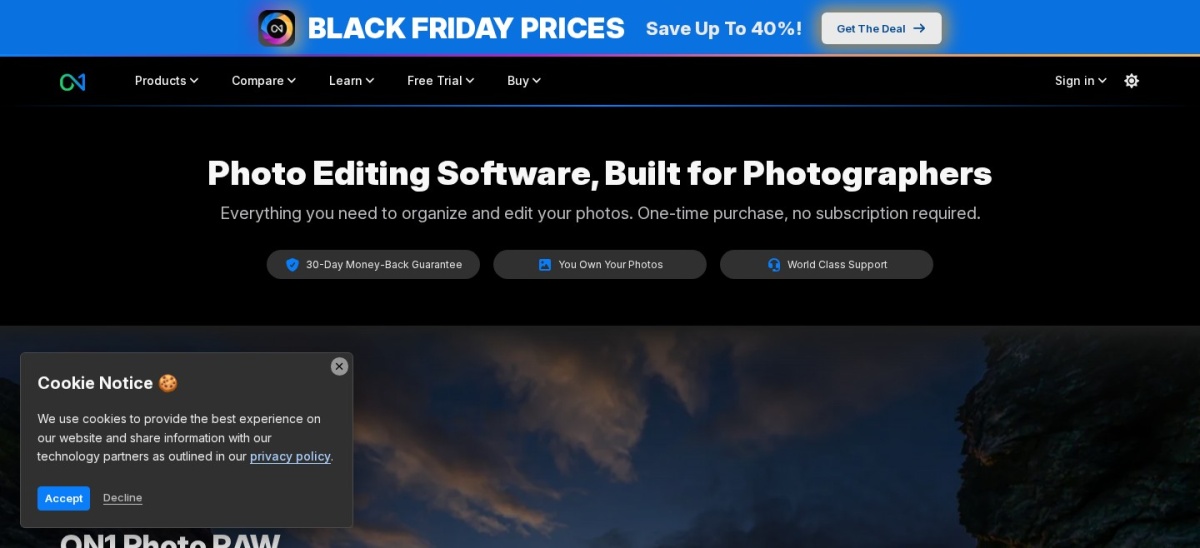
ON1 Photo RAW homepage, captured Nov 2026.
ON1 Photo RAW is an all-in-one photo studio that lists Focus Stacking among its features, with a dedicated dialog that aligns the bracket and blends the sharp areas. Browsing, RAW development, layers, effects and export all live in the one desktop app, and the licence is a one-time purchase of $99.99.
The trade off is the rating source. The 4.1 out of 5 figure is a Trustpilot company rating from 3,228 reviews, not a product rating on G2. It suits photographers who want stacking inside a full workflow app.
ACDSee Photo Studio is a Windows photo editor with focus stacking built into Manage mode, where you select the bracket in order and the app merges it automatically. It also covers RAW development, cataloguing and layered editing in one subscription-free app, with the Ultimate edition at $149.99 one time.
The trade off is platform and price. ACDSee runs on Windows only, and focus stacking sits in the Ultimate edition, so the cheaper editions do not include it. It suits Windows photographers who want to own the app outright.
Zoner Photo Studio X is a Windows photo editor that added native focus stacking in its Summer 2026 update, with Autostack and Detect Stack grouping the bracket automatically. It is the cheapest subscription here at $5.99 a month or $59 a year, and it also covers panorama, exposure bracketing and long exposure.
The trade off is platform and proof. Zoner runs on Windows only, and its G2 base is thin at 12 reviews with a 3.8 rating, the lowest here. It suits Windows photographers who want the cheapest stacking subscription.
Capture One is the RAW-first studio editor in this list, and it handles stacking by handing the bracket to Helicon Focus through a plugin, then bringing the result back into the session. Its colour tools, tethering and cataloguing are among the best in any editor, which is why studios keep it.
The trade off is that stacking is not native. Capture One has no focus stacking engine of its own, so you pay for Helicon Focus as well, and Pro costs $26.25 a month billed annually. It suits studio photographers who already live in Capture One.
Why Helicon Focus and Zerene Stacker are not listed
Helicon Focus and Zerene Stacker are the two dedicated focus stacking programs, and both do the job better than any general editor for difficult high-magnification stacks. Helicon Focus Lite costs $30 a year or $115 for a lifetime licence, and Pro costs $55 a year or $200 for life.
Zerene Stacker Personal costs $89 one time, Prosumer $189, Professional $289 and Student $39. Both tools are widely recommended in stacking guides, and Capture One's own support page sends users to Helicon Focus for stacking.
Neither tool has a G2, Capterra or Trustpilot rating, so neither meets the rating rule used for every tool in this list. If you stack macro subjects every week, try Helicon Focus or Zerene Stacker first, then keep one of the editors below for the rest of the work.
How we chose
We started from the photo stacking tools photographers recommend most, then kept the seven with a verifiable G2 or Trustpilot rating and a real stacking feature, whether built in, as an extension or through a supported round-trip.
Prices come from each vendor's pricing page or from pricing pages read in November 2026, checked on 26 November 2026. Ratings come from G2 or Trustpilot on the same day. Where a vendor shows a sale, the list shows the regular price.
We left out the dedicated stackers Helicon Focus and Zerene Stacker because neither has a public review rating. No vendor paid for a place, and we do not claim hands-on testing for this list.
How to choose photo stacking software
Start with how often you stack, then match the tool to the rest of your editing.
Decide how often you stack. Weekly macro work justifies Helicon Focus or Zerene Stacker, while occasional stacks fit inside Photoshop, Affinity or ON1.
Check whether stacking is built in. Affinity, ON1, ACDSee and Zoner stack in the app, Luminar Neo needs its paid extension, and Capture One round-trips to Helicon Focus.
Match the price model to your habits. Affinity is free, Photoshop and Zoner are subscriptions, and Luminar Neo, ON1 and ACDSee are one-time licences.
Shoot a test bracket first. Take a focus bracket on a tripod, run it through the trial, and check the edges for halos before you pay.
FAQ
What is the best photo stacking software?
Photoshop is the strongest all-round pick, with Auto-Align and Auto-Blend Layers and a 4.6 out of 5 G2 rating from 13,426 reviews. Affinity is the best free option, with Focus Merge built into a free app.
Is there free photo stacking software?
Yes. Affinity is free since October 2025 and includes Focus Merge for stacking focus brackets. Picolay is also free for non-commercial use, but it has no public review rating, so it is not in this list.
What is the difference between Helicon Focus and Photoshop for stacking?
Helicon Focus is a dedicated stacker built only for merging focus brackets, and it handles difficult high-magnification stacks better. Photoshop stacks with Auto-Align and Auto-Blend Layers and then lets you finish the image in the same app.
Does Luminar Neo do focus stacking?
Yes, through a paid Focus Stacking extension that stacks up to 100 photos, aligns them and corrects lens and chromatic aberration. The extension is not part of the base app, so budget for it on top of the licence.
Does Capture One do focus stacking?
Capture One has no focus stacking engine of its own. Its support page tells users to select the bracket and export it to Helicon Focus, which has a plugin for a round-trip workflow back into Capture One.
How many photos can you stack at once?
Luminar Neo stacks up to 100 photos in one run. Photoshop, Affinity, ON1, ACDSee and Zoner publish no hard limit, so the practical limit is your computer's memory and patience.
SaaS SEO and WordPress specialist with about 8 years of experience. Rakib compares WordPress plugins, themes, hosting and software using public pricing, documentation and user reviews. See how we rank.