Canva is the best photo slideshow software for most people, with a free plan, thousands of templates and Pro from 12 dollars a month. Choose Animoto for fast social video slideshows, Adobe Express for branded designs, and SmartSHOW 3D for deep desktop animation.
How we make this list: we compare pricing pages, product documentation and public user reviews, then re-check every price before each update. No product paid for a place. Disclosure.
Canva is the best pick for most people, with a free plan and Pro from $12 a month.
Animoto is the fastest route to a social video slideshow, from $9 a month billed annually.
SmartSHOW 3D is the strongest desktop pick, at $39.90 one-time with no subscription.
Smilebox is the cheapest paid plan here at $7.99 a month, built for personal occasions.
Movavi holds the lowest rating in this list at 3.5 out of 5 on Trustpilot, despite a friendly wizard.
What photo slideshow software should cover
Photo slideshow software turns photos into a video or a live presentation, with transitions, music and text. Browser tools are fastest for social sharing, while desktop tools give deeper animation control.
Free plans exist on most browser tools, but watermark-free HD or 4K export almost always needs paying. Desktop tools often cost once, which works out cheaper over two or three years.
Prices in this list are monthly rates on annual billing unless stated otherwise. One-time desktop licences are shown as a single payment, with the renewal cost noted where it applies.
Pick by output first. If you need an editable slide deck to present live, Canva and Adobe Express fit better than a video-only maker. If you need a video file to share or play at an event, Animoto, Movavi and SmartSHOW 3D fit better.
Canva is a visual design platform that covers photo slideshows beside social posts, presentations and videos, with thousands of templates and a huge stock library. The free plan covers simple slideshows, and Pro costs $12 a month billed annually with premium templates and 100 GB of storage.
The trade off is video depth. Canva is a design tool first, so timeline control and animation are lighter than a dedicated slideshow maker. It suits most people who want slideshows plus general design in one place.
What we like
Largest template and stock library in this list
Free plan covers simple slideshows
Rated 4.7 out of 5 on G2 from 6,617 reviews
Watch out for
Lighter timeline control than dedicated makers
Pro needed for premium templates and 100 GB storage
Pro at $12 a month adds premium templates and brand kitsVisit canva.com
02
Animoto
4.3/5on G2 (94 reviews, checked Nov 2026)
Paid from$9/mo
Best for fast social video slideshows
Basic price$9 per month, yearly
Free planYes, 720p with branding
Stock libraryGetty images on Pro
MusicLicensed tracks included
animoto.com
Animoto homepage, captured Nov 2026.
Animoto is a browser slideshow maker that turns photos and short clips into video slideshows with licensed music and a guided storyboard. The free plan makes unlimited videos at 720p with branding, and Basic costs $9 a month billed annually with watermark-free 1080p export.
The trade off is control. Templates pace cuts to the music automatically, so fine timeline edits are limited. It suits marketers, realtors and teachers who need a finished slideshow video fast.
Adobe Express is a quick design app for social posts, flyers and video slideshows, with Adobe stock photos and Firefly generative AI built in. The free plan covers basic slideshows, and Premium costs $9.99 a month with the full stock library.
The trade off is depth. Adobe Express is built for speed, not for detailed animation or timeline editing. It suits teams that want branded slideshows with Adobe stock in one tool.
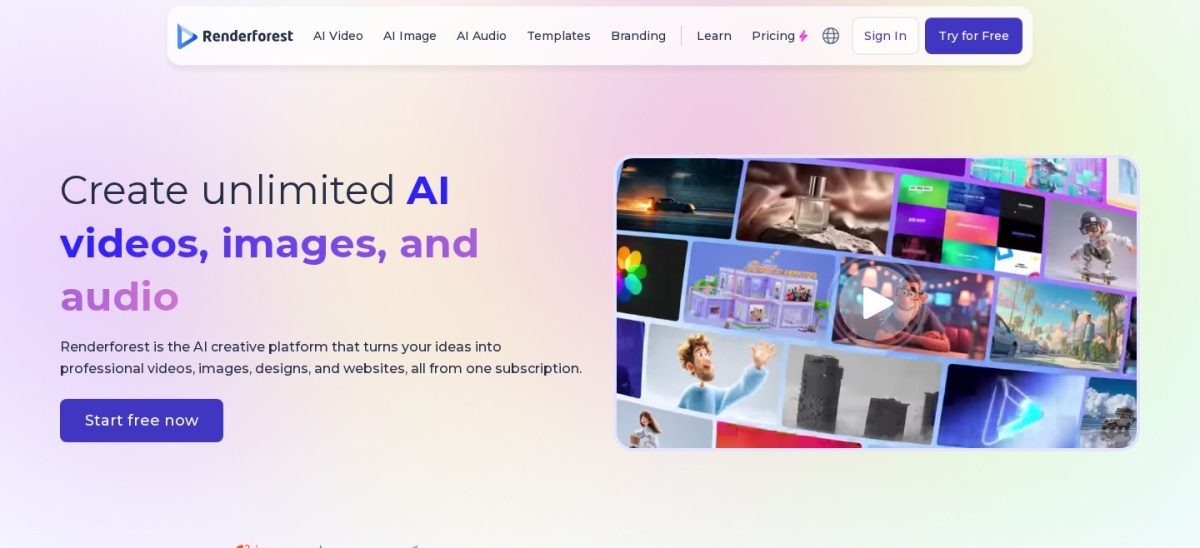
Renderforest is an all-in-one branding platform for videos, logos, mockups and websites, with slideshow templates that turn photos into broadcast-style videos. The free plan lets you test templates, and Lite costs $9.99 a month with HD exports.
The trade off is Trustpilot feedback. Renderforest holds 4.7 out of 5 on G2 from 447 reviews but only 4.0 on Trustpilot, with complaints about auto-renewal. It suits creators who want video, logo and web tools in one account.
4.6/5on Trustpilot (1,923 reviews, checked Nov 2026)
Paid from$9.99/mo
Best easy video maker
Basic price$9.99 per month
Free planYes
ExportsHD on paid plans
Stock mediaRoyalty-free library
flexclip.com
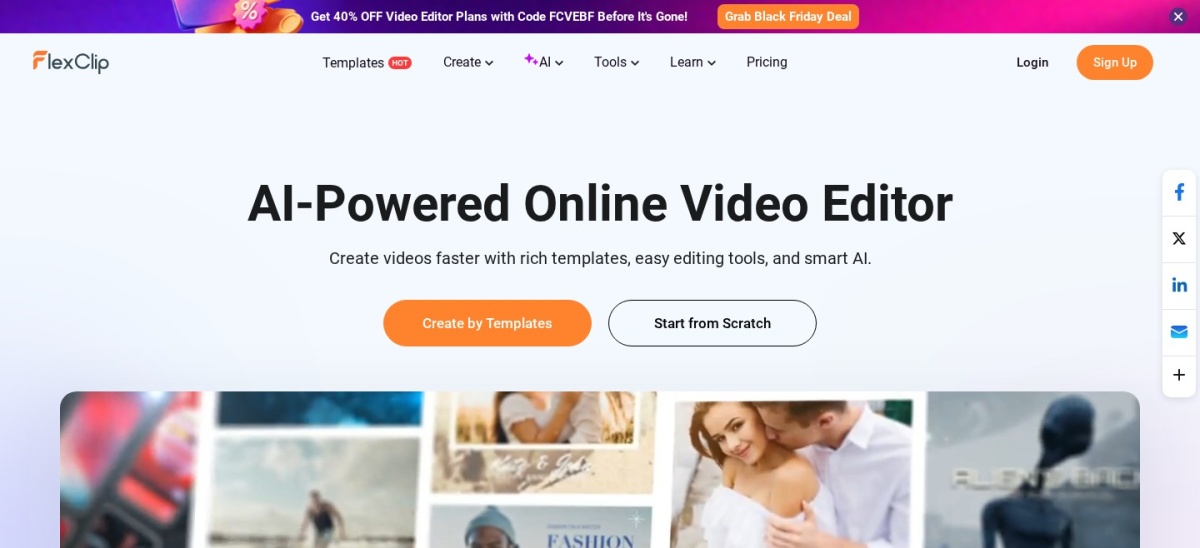
FlexClip homepage, captured Nov 2026.
FlexClip is an online video maker for slideshows, with templates, royalty-free media and a simple timeline that beginners learn fast. The free plan covers basic exports, and Basic costs $9.99 a month with HD video and more stock media.
The trade off is advanced editing. FlexClip suits straightforward slideshows, but teams with deeper editing needs will find it limiting. It suits beginners who want a clean video slideshow without learning an editor.
What we like
Simple timeline beginners learn fast
Royalty-free media library included
Rated 4.6 out of 5 on Trustpilot from 1,923 reviews
4.4/5on Trustpilot (573 reviews, checked Nov 2026)
Starts at$39.90 (one-time)
Best desktop animation
Standard price$39.90 one-time
PlatformWindows only
AnimationKeyframes and 3D effects
SubscriptionNone
smartshow-software.com
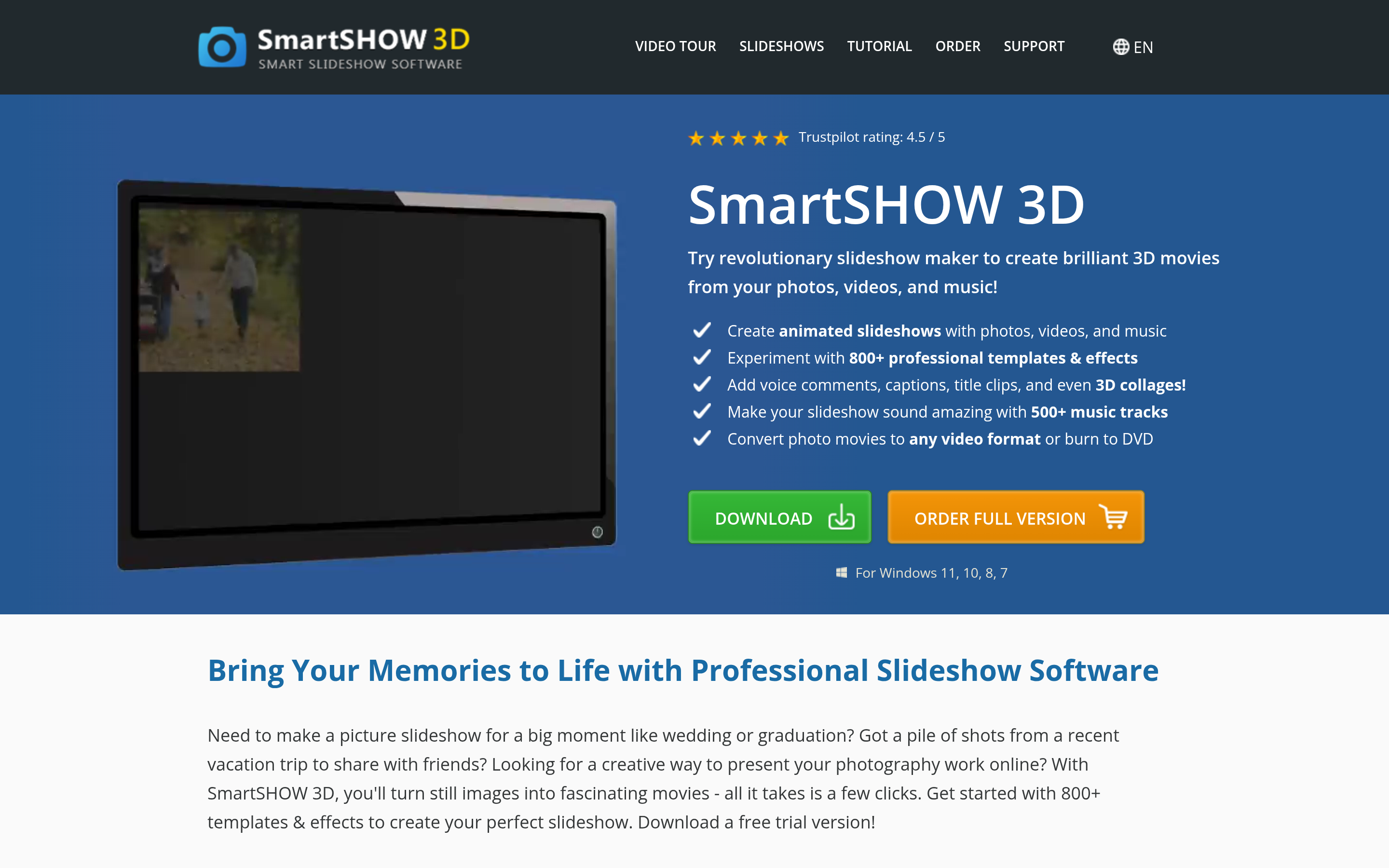
SmartSHOW 3D homepage, captured Nov 2026.
SmartSHOW 3D is a Windows desktop slideshow maker for deep animation control without a subscription, with keyframes, multi-layer slides and 3D effects. The Standard licence costs $39.90 one-time, and it is rated 4.4 out of 5 on Trustpilot from 573 reviews.
The trade off is platform and polish. SmartSHOW 3D runs on Windows only, and one-time tools can lag on new templates and online sharing. It suits photographers who want cinematic animation on the desktop.
4.1/5on Trustpilot (4,082 reviews, checked Nov 2026)
Paid from$7.99/mo
Best for personal occasions
Premium price$7.99 per month
Free planYes
TemplatesInvitations and greetings
DownloadsFull on Premium
smilebox.com
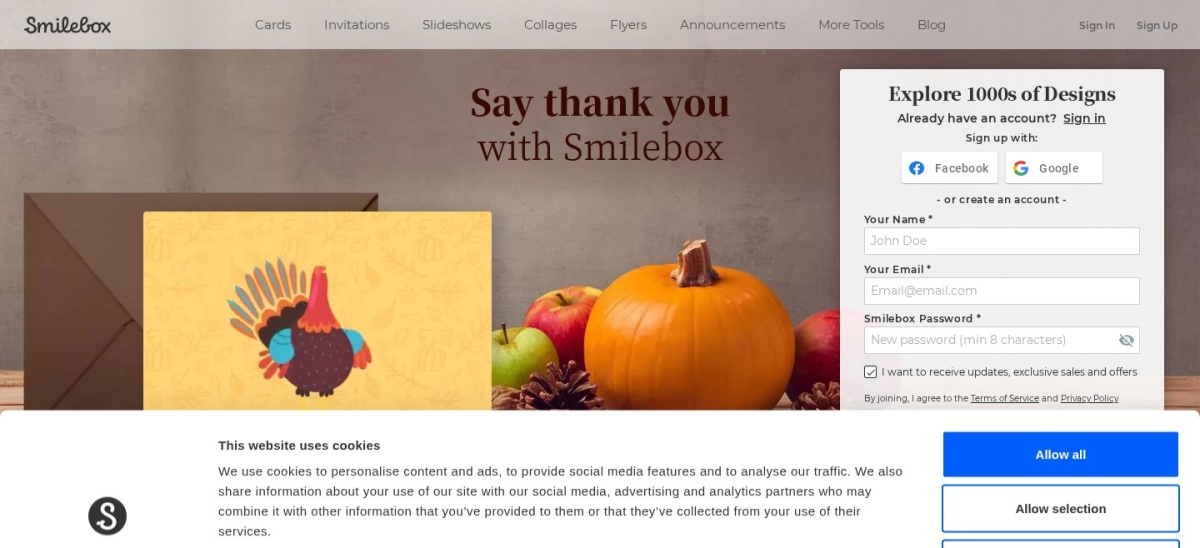
Smilebox homepage, captured Nov 2026.
Smilebox is a slideshow and ecard maker for personal occasions, with templates for invitations, greetings and family slideshows. The free plan covers basic designs, and Premium costs $7.99 a month with full templates and downloads.
The trade off is business use. Smilebox is built for personal occasions, not marketing, and some Trustpilot reviews were posted to the wrong company profile. It suits families making slideshows for events and holidays.
What we like
Cheapest paid plan in this list
Huge template library for occasions
Rated 4.1 out of 5 on Trustpilot from 4,082 reviews
3.5/5on Trustpilot (22,132 reviews, checked Nov 2026)
Starts at$44.95/yr
Best guided desktop wizard
Licence$44.95 for one year
Trial7 days, watermarked
PlatformWindows and Mac
WizardYes, guided
movavi.com
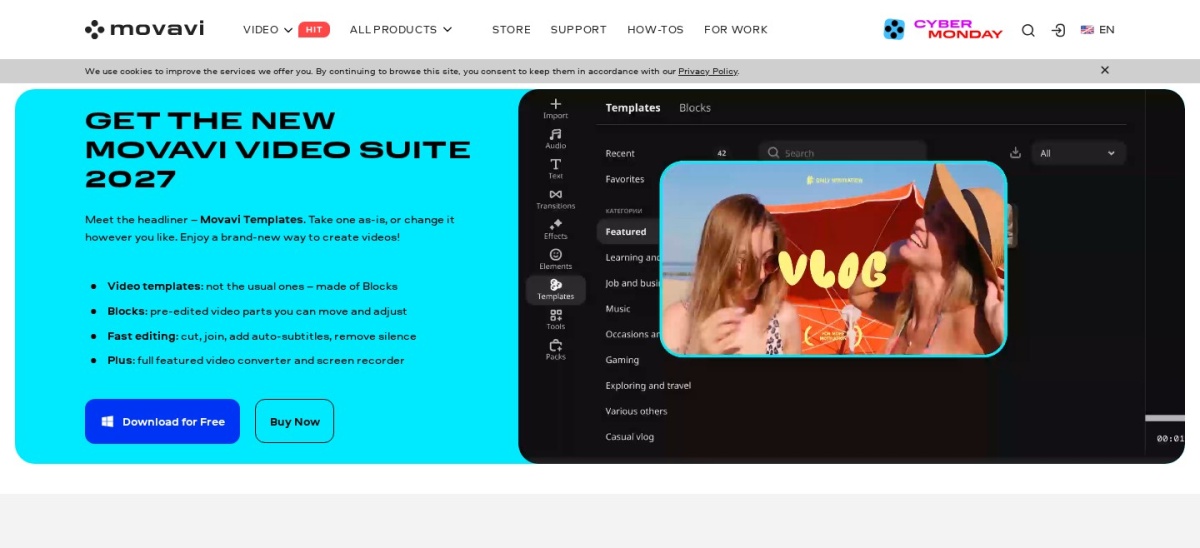
Movavi Slideshow Maker homepage, captured Nov 2026.
Movavi Slideshow Maker is a desktop slideshow tool for Windows and Mac that guides you from photos to a finished video with a wizard, themed templates and music synced to the beat. A one-year licence costs $44.95, with a 7-day trial that watermarks exports.
The trade off is the trial and the rating. Trial exports carry a watermark and save only half the audio length, and Movavi holds 3.5 out of 5 on Trustpilot from 22,132 reviews. It suits beginners who want a guided desktop workflow.
Browser tools such as Canva, Animoto and Adobe Express run anywhere and share by link. They suit social posts, listings and quick event videos.
Desktop tools such as SmartSHOW 3D and Movavi run offline and give deeper timeline and animation control. They suit photographers and studios that present on a big screen.
One-time desktop licences cost less over two or three years than a monthly subscription, but they can lag on new templates and online sharing features.
How we chose
We started from the slideshow tools people actually search for and buy, then kept those with a verifiable G2, Capterra or Trustpilot rating and a working free plan or trial. Tools without a review profile were left out.
Prices come from each vendor's pricing page, checked on 26 November 2026, with Canva, Animoto, Adobe Express, Renderforest, FlexClip, Smilebox and Movavi prices cross-checked against November 2026 roundups, because vendor pages render as calculators or stale crawls. Ratings and review counts come from G2 and Trustpilot on the same day.
We left out tools with no verifiable rating and phone-only apps without a desktop or browser version. No vendor paid for a place, and we do not claim hands-on testing for this list.
How to choose photo slideshow software
Start with where the slideshow will be shown, then check the export quality.
Decide the output first. A video file suits social sharing and events, while an editable deck suits live presenting. Pick the tool that exports what you need.
Try the free plan. Make a full slideshow on the free plan before you pay. Check the watermark, the export resolution and whether music is included.
Check the export quality. Free exports often cap at 720p with a watermark. Paid plans in this list raise exports to 1080p or 4K without branding.
Count the long-term cost. A $12 monthly subscription costs $288 over two years, while a $39.90 one-time licence costs the same total once. Desktop tools win for occasional use.
FAQ
What is the best photo slideshow software?
Canva is the best photo slideshow software for most people, with a free plan, thousands of templates and Pro from $12 a month. Animoto is best for fast video slideshows, and SmartSHOW 3D is best for deep desktop animation.
Is there a free photo slideshow maker?
Yes. Canva, Animoto, Adobe Express, Renderforest, FlexClip and Smilebox all have free plans. Free exports usually carry a watermark or cap at 720p, so a paid plan is needed for clean HD output.
How much does slideshow software cost?
Browser tools cost from $7.99 to $12 a month on annual billing. Desktop tools cost once: SmartSHOW 3D is $39.90 one-time and Movavi Slideshow Maker is $44.95 for a one-year licence.
Which slideshow maker is best for beginners?
Movavi Slideshow Maker is the friendliest desktop pick, with a wizard that builds a slideshow in a few clicks. Canva is the friendliest browser pick, with templates that need no editing skill.
Can I make a slideshow on my phone?
Yes. Canva, Adobe Express and Animoto all have mobile apps, so you can start on a laptop and finish on a phone. Desktop tools such as SmartSHOW 3D and Movavi need a computer.
What is the best slideshow software for Mac?
Canva and Adobe Express run in the browser on Mac, and Movavi Slideshow Maker has a Mac version. FotoMagico is the Mac-native option for photographers who present live, though it is not in this list.
SaaS SEO and WordPress specialist with about 8 years of experience. Rakib compares WordPress plugins, themes, hosting and software using public pricing, documentation and user reviews. See how we rank.