Topaz Photo is the best photo sharpening software for quality, with denoise, sharpen and upscale models at $39 a month. Remini is the best free pick for old portraits, while LetsEnhance is the strongest free web choice at $9 a month.
How we make this list: we compare pricing pages, product documentation and public user reviews, then re-check every price before each update. No product paid for a place. Disclosure.
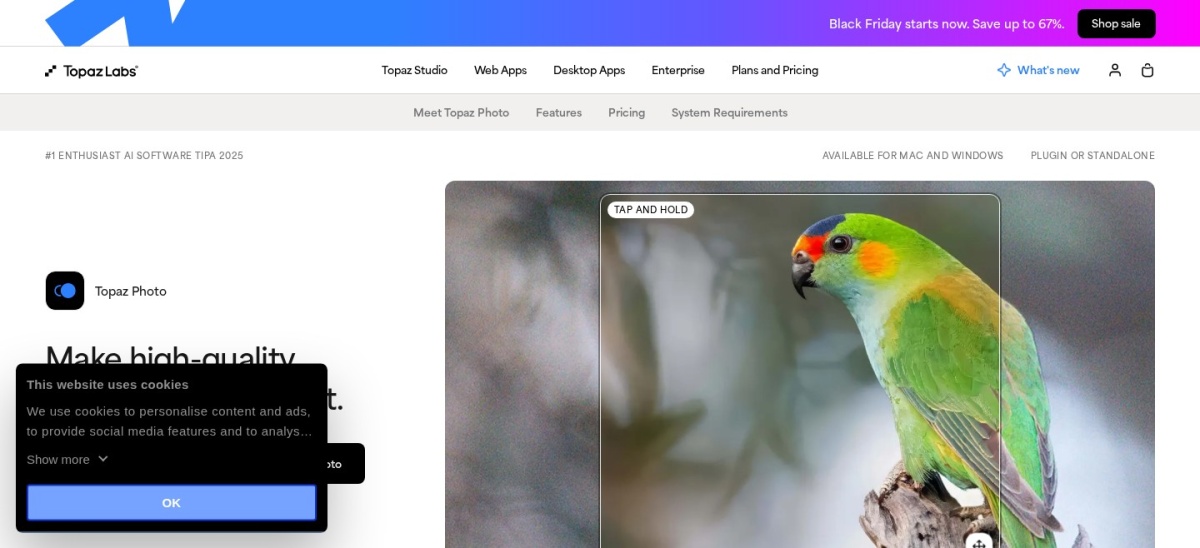
Topaz Photo is the quality king for sharpening, denoise and upscale, at $39 a month.
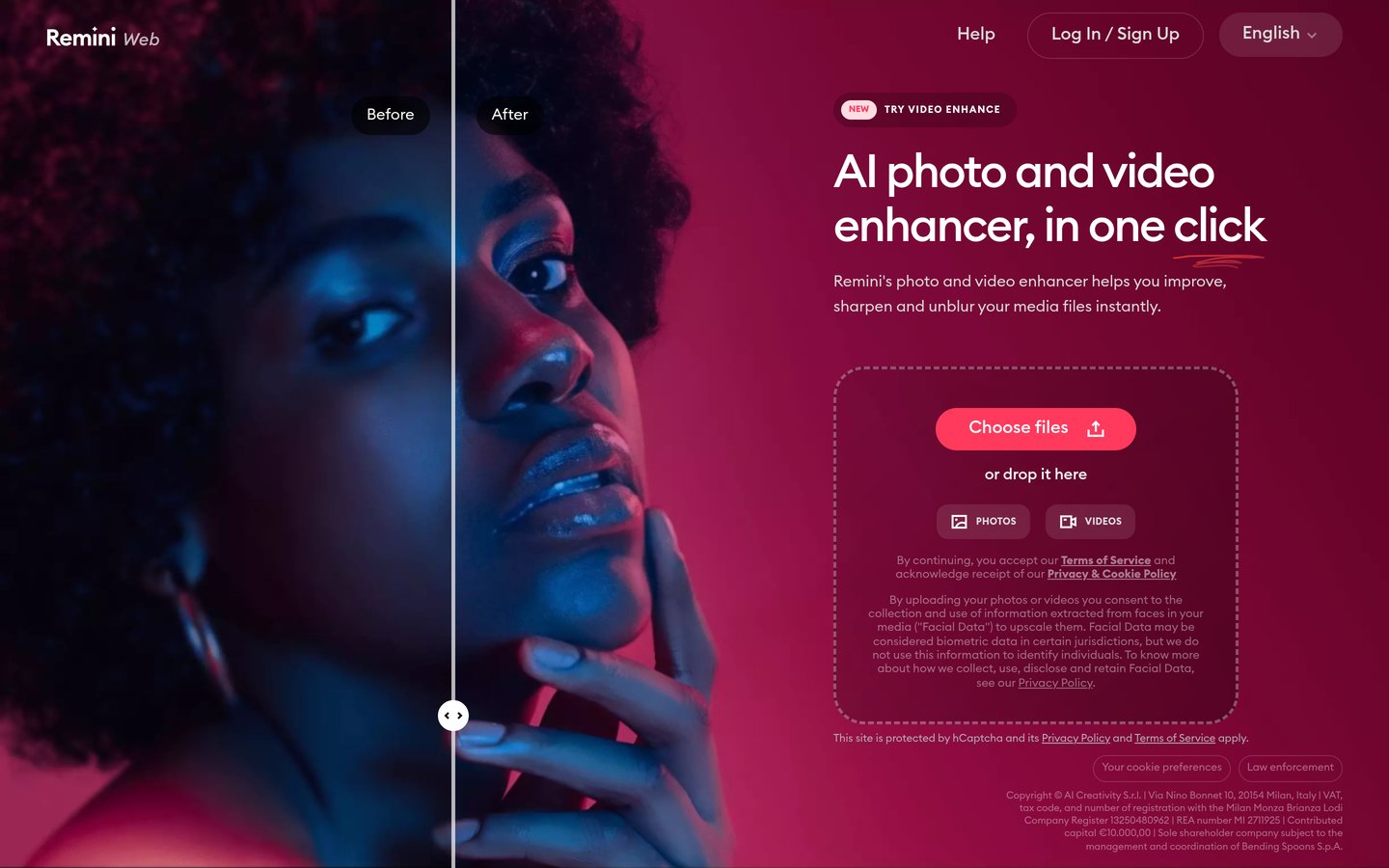
Remini rebuilds faces best on mobile, with a free tier and a $6.99 weekly Personal plan.
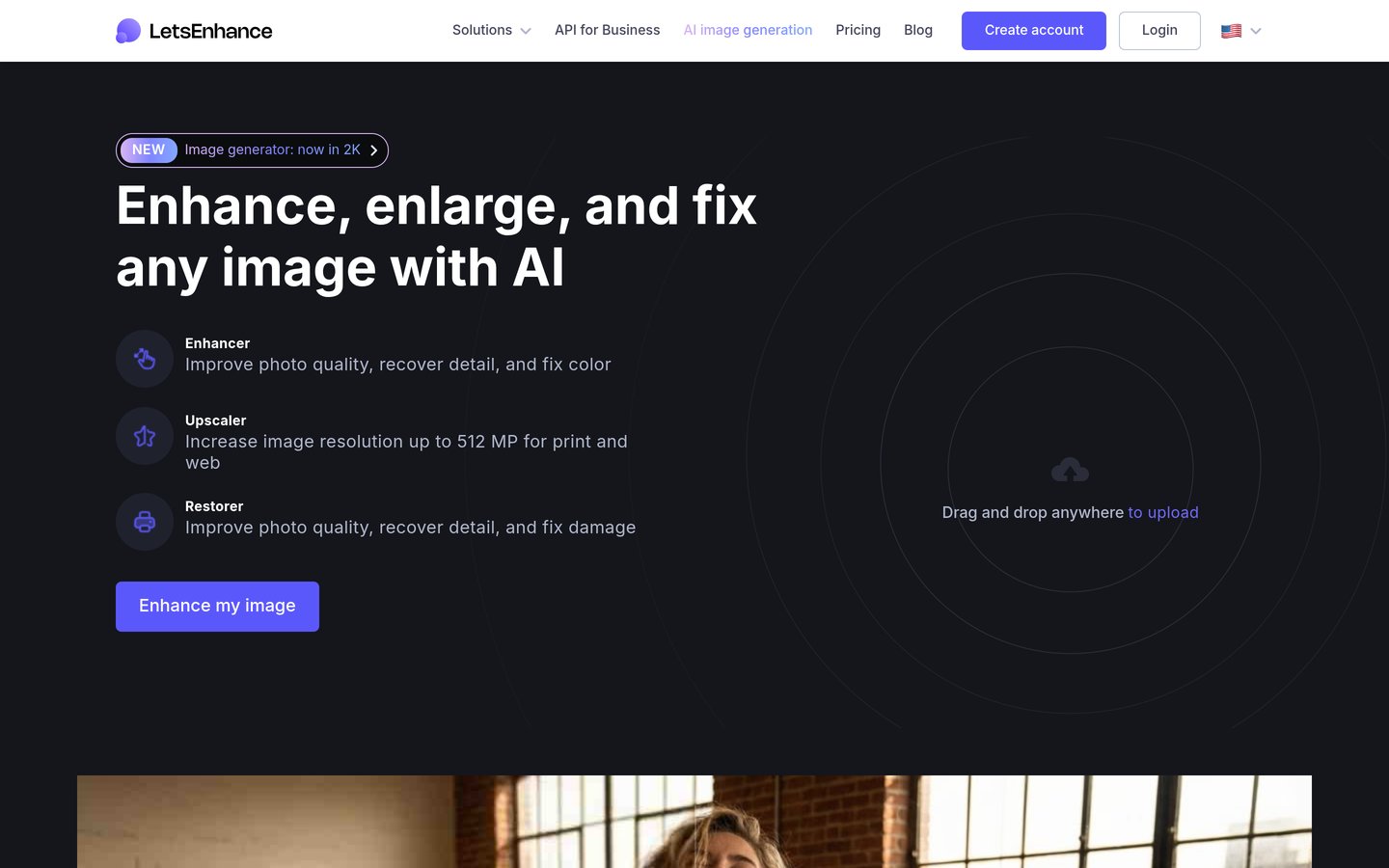
LetsEnhance is the strongest free web choice, with 10 free credits and a $9 monthly Starter plan.
Six of the nine tools have a free tier, but free plans cap credits, resolution or exports.
Desktop tools keep photos on your computer, while web tools upload them to servers.
What photo sharpening software should cover
Photo sharpening software recovers detail from blurry, noisy or low-resolution photos. AI models guess the missing detail, so mild blur improves a lot while a badly out-of-focus photo stays soft.
The tools in this list split into desktop and web. Desktop tools such as Topaz Photo and Photoshop process locally, which suits sensitive photos. Web tools such as LetsEnhance and VanceAI need uploads but run in a browser.
Free matters here because the keyword is free sharpening. Six tools offer a free tier, usually with daily limits, watermarks or resolution caps, and paid plans start from $1.99 a month.
Ratings come from G2, checked in November 2026. Topaz Photo rests on only 2 reviews and LetsEnhance on 6, so treat those scores with care beside the larger samples for Photoshop and Pixlr.
Topaz Photo is the desktop tool photographers reach for when a photo is technically flawed: noise at high ISO, motion blur, soft focus or too-small resolution. Its sharpen, denoise and upscale models rank best in the category, and it works standalone or as a Lightroom plugin. Reviewers rate Topaz Photo 4.3 out of 5 on G2.
The trade off is price and the thin review base. Topaz Photo costs $39 a month, with only 2 G2 reviews behind the score, and processing is slow on older machines. It suits photographers who want the best desktop quality and local processing.
Remini is the fastest fix for old or blurry portraits, rebuilding faces in seconds on mobile and web. Its face enhancement sharpens eyes, skin texture and hair with a quality general sharpeners cannot match. Reviewers rate Remini 4.6 out of 5 on G2.
The trade off is weekly billing. The Personal web plan costs $6.99 a week for 20 enhancements, with monthly and yearly options cheaper, and the free tier has ads, daily limits and watermarks. It suits anyone restoring a single damaged family photo fast.
LetsEnhance is the strongest web choice for general deblurring, with different models for different photo types. A portrait, a scenery shot and a product photo each get a suitable model, and the browser workflow needs no GPU or desktop app. Reviewers rate LetsEnhance 4.8 out of 5 on G2.
The trade off is the thin review base and the credit limits. Only 6 G2 reviews cover LetsEnhance, the Starter plan costs $9 a month for 100 credits, and free plans cap resolution. It suits web users who want strong deblurring without installing software.
VanceAI Photo Restorer homepage, captured Nov 2026.
VanceAI Photo Restorer is a browser tool built for old photos, handling fading, scratches, noise and blur in bulk. The Starter plan costs $9 a month billed annually with 200 credits a month, and a free tier lets you test before paying. Reviewers rate VanceAI 4.5 out of 5 on G2.
The trade off is that photos upload to servers, so prefer local tools for sensitive images, and credit limits push regular users to a paid plan quickly. It suits family archive projects with many photos to restore in a browser.
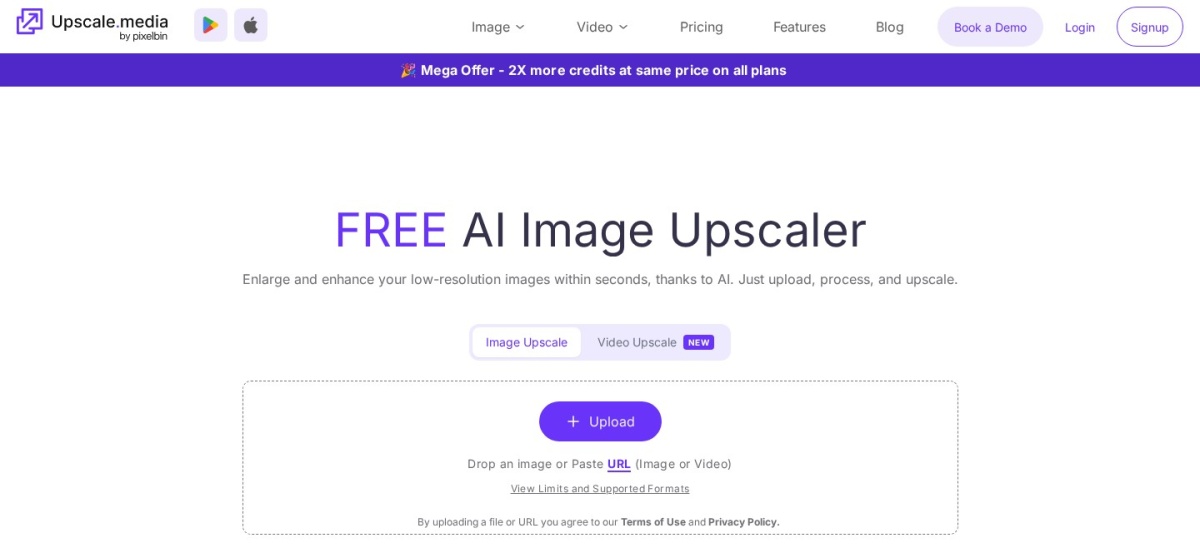
Upscale.media is a web upscaler that sharpens and enlarges images in a browser, with a free tier for testing. It suits quick jobs where installing software is too much effort for one photo. Reviewers rate Upscale.media 4.6 out of 5 on G2.
The trade off is depth. Upscale.media is a single-purpose web tool, so it cannot match Topaz on severe blur or Photoshop on control, and the paid plan costs $11.99 a month. It suits casual users who want one quick upscale.
Photoshop is the most capable AI photo editor, with Generative Fill, Remove and Expand alongside manual repair tools. A photo torn in half or missing a large area needs manual reconstruction, where you control the repair rather than an AI guess. Reviewers rate Photoshop 4.6 out of 5 on G2.
The trade off is that Photoshop is overkill for a single blurry snapshot, with a steep learning curve and a $22.99 monthly subscription. It suits photographers and editors who already use Adobe apps and need full creative control.
Lightroom is the photo library and RAW editor for photographers who manage thousands of images. Its denoise and sharpen tools sit inside the library workflow, and it hosts Topaz as a plugin for harder jobs. Reviewers rate Lightroom 4.6 out of 5 on G2.
The trade off is that Lightroom alone is weaker than Topaz for severe blur, and the catalog workflow suits photographers rather than casual users. It suits photographers whose library already lives in Lightroom and who want sharpening beside their catalog.
Pixlr is a browser-based photo editor with AI sharpening, enhancement and generation tools in one free account. Its free tier covers quick edits with ads, while paid plans remove limits and add AI credits. Reviewers rate Pixlr 4.4 out of 5 on G2.
The trade off is that Pixlr is a general editor, so its sharpening is less specialized than Topaz or Remini, and the free tier shows ads. It suits casual users who want one free browser tool for edits, sharpening and quick design.
Fotor is an online photo editor with AI enhancement, sharpening and design templates in one account. Its free Basic plan covers basic edits, while Pro at $8.99 a month adds AI tools and removes limits. Reviewers rate Fotor 4.2 out of 5 on G2.
The trade off is that Fotor is a general editor, so its sharpening cannot match Topaz, and reviewers note paywalls on the free tier. It suits casual users who want editing, templates and AI enhancement in one free account.
We started from every photo sharpening tool with a G2 listing, then kept the nine that sharpen, denoise or upscale rather than general editors. Tools without a sharpening workflow were left out.
Prices come from each vendor's pricing page or a November 2026 read of that page. Topaz Photo and LetsEnhance were opened on 26 November 2026; the rest rest on vendor-page reads from October and November 2026.
Ratings and review counts come from G2, checked in November 2026. No vendor paid for a place, and we do not claim hands-on testing for this list.
How to choose photo sharpening software
Start with the original file, then try the free tier before you pay.
Keep the original file. AI sharpening guesses at detail, so save the original before you enhance anything.
Try the free tier first. Free credits show whether the tool handles your photos before you pay for a plan.
Check faces at full size. Face tools can invent eyes, teeth and skin texture, so zoom in before you publish.
Prefer local tools for private photos. Desktop tools keep photos on your computer, while web tools upload them to servers.
FAQ
What is the best photo sharpening software?
Topaz Photo is the best photo sharpening software for quality. It combines denoise, sharpen and upscale models with local processing, costs $39 a month, and is the tool photographers reach for when a photo is technically flawed.
Can I sharpen photos for free?
Yes, within limits. Remini, LetsEnhance, VanceAI, Upscale.media, Pixlr and Fotor all offer free tiers with daily limits, watermarks or resolution caps. For a small archive, free credits plus one month of a paid plan usually finish the job.
Is Topaz Photo or Remini better?
Topaz Photo is better for overall quality, with denoise, sharpen and upscale in one desktop app. Remini is better for old portraits on a phone, with face enhancement that rebuilds eyes and skin, but it can invent facial features, so check results at full size.
Does AI sharpening really work?
It works well for mild to moderate blur, where the model guesses missing detail convincingly. It cannot recover detail that was never captured, so a badly out-of-focus photo stays soft no matter which tool you use.
Is it safe to upload family photos to sharpening websites?
Web tools process photos on their servers, which is how the AI works. Desktop tools such as Topaz Photo and Photoshop keep everything on your computer. Read the privacy policy first, and prefer local processing for anything private.
Which free photo sharpener is best for old portraits?
Remini is the fastest free pick for old portraits, with face enhancement that rebuilds faded faces in seconds. VanceAI handles fading, scratches and blur in bulk in a browser, while Topaz Photo gives the highest quality on badly damaged originals.
SaaS SEO and WordPress specialist with about 8 years of experience. Rakib compares WordPress plugins, themes, hosting and software using public pricing, documentation and user reviews. See how we rank.