Best PDF Combining Tool With No Ads in 2026: 7 Tools Compared
WLWPLegible EditorsLast verified 23 Nov 2026How we rank12 min read
★ Short answer
PDFsam Basic is the best PDF combining tool with no ads for most people: it is free, open source and merges PDFs on your desktop with no ads, no sign-up and no uploads. Sejda is the best browser option on its free plan, and Foxit PDF Editor is the strongest paid pick.
How we make this list: we compare pricing pages, product documentation and public user reviews, then re-check every price before each update. No product paid for a place. Disclosure.
PDFsam Basic merges PDFs for free on your desktop, with no ads, no sign-up and no file uploads.
Foxit PDF Editor is the strongest paid pick, with merging, editing, OCR and forms for $10.99 a month.
Sejda is the best browser option: its free plan merges files with no ads, capped at 3 tasks an hour.
iLovePDF and Smallpdf show ads on their free plans; their paid plans remove ads and raise limits.
Desktop tools keep your files on your own computer, which matters for sensitive documents.
What 'no ads' really means for PDF tools
Many free PDF mergers pay for themselves with ads, pop-ups and banners that sit beside your files.
A tool counts as ad-free here if its free version shows no ads at all, or if a paid plan removes ads completely. Desktop tools are usually ad-free by design.
Free browser tools often cap how many files you can merge per hour. Our guide on the best PDF software for small business compares more PDF tools by price and features.
If you merge sensitive files, a desktop tool keeps them off other people's servers. Browser tools delete uploads after a short time, but the file still travels.
4.2/5on WordPress.org (48 reviews, checked Nov 2026)
PriceFree
Best free PDF combining tool
Free mergingYes, unlimited
AdsNone
PlatformsWindows, Mac, Linux
Merge by page rangeYes
pdfsam.org
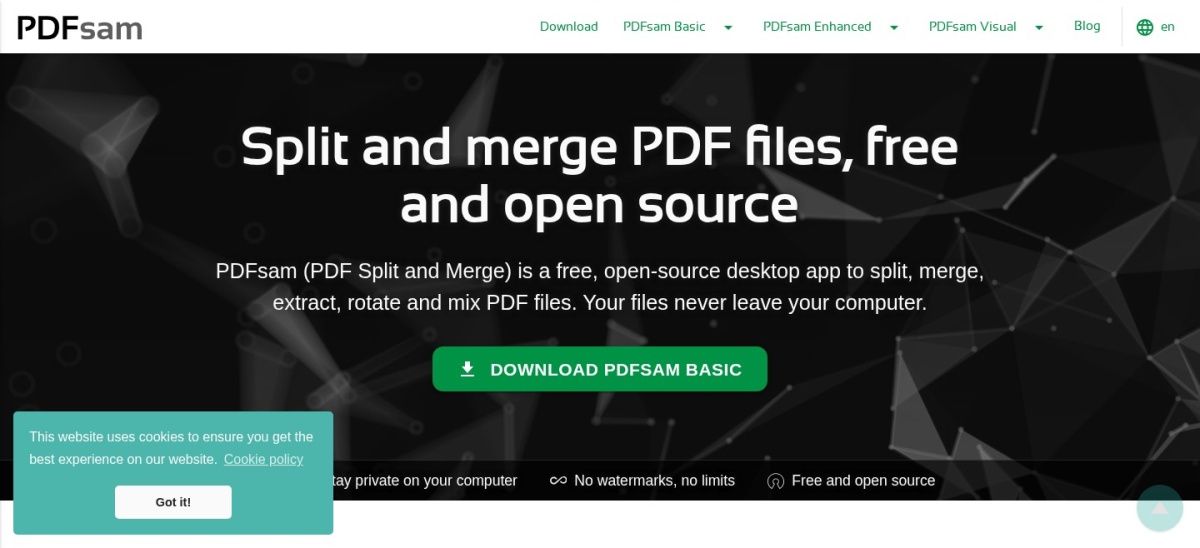
PDFsam Basic homepage, captured Nov 2026.
PDFsam Basic is a free, open source desktop app that merges PDF files without ads, accounts or uploads. It runs on Windows, Mac and Linux, lets you reorder pages, split files and merge by page range or bookmarks, and keeps every file on your own computer.
The trade off is that it only works on your desktop, so there is no browser version for a quick merge on a shared computer. The interface is plain and built for function over looks, and advanced editing needs the paid Enhanced version. It suits people who merge PDFs often and want a free tool that never shows an ad.
4.6/5on WordPress.org (3,706 reviews, checked Nov 2026)
Starts at$10.99/user/mo
Best paid PDF combining tool
Free versionReader only
Merge PDFsYes
OCRYes
Paid planEditor, $10.99/user/mo
foxit.com
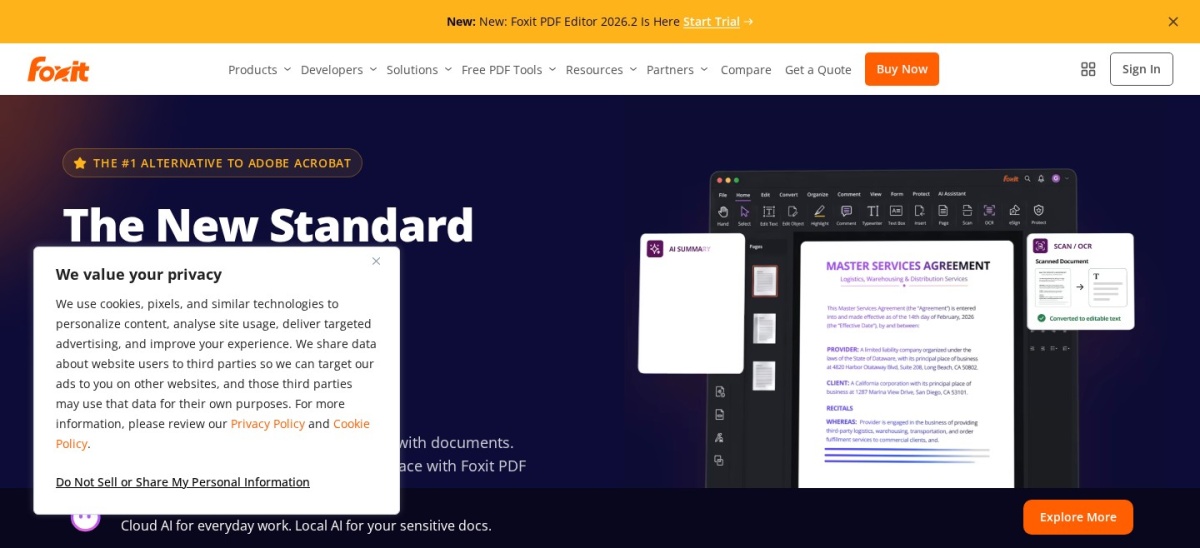
Foxit PDF Editor homepage, captured Nov 2026.
Foxit PDF Editor is a desktop PDF editor that merges, splits, edits and signs PDF files in one app. It includes OCR, form creation, redaction and e-signing, and it costs $10.99 per user a month billed yearly, which undercuts Adobe Acrobat by a wide margin.
The trade off is that the free version is only a reader, so merging needs the paid plan. The interface packs in many tools and can feel crowded at first, and some features work best on Windows. It suits people who merge and edit PDFs every day and want a cheaper Acrobat alternative.
4.5/5on WordPress.org (42 reviews, checked Nov 2026)
Paid from$7.50/mo
Best browser tool for merging PDFs
Free merging3 tasks per hour
AdsNone on free plan
Desktop appPaid plan
Paid planWeb Monthly, $7.50/mo
sejda.com
Sejda homepage, captured Nov 2026.
Sejda is a browser PDF tool that merges, splits, edits and compresses PDFs with a clean interface and no ads. Its free plan covers 3 tasks an hour, files up to 50 MB and documents up to 200 pages, and uploads are deleted automatically after two hours.
The trade off is the free cap. Heavy users hit the hourly task limit fast, and desktop access needs the $63 a year Desktop+Web plan. Large or scanned files may need OCR, which is capped at 100 pages on paid web plans. It suits occasional merging in the browser without installing anything.
4.6/5on WordPress.org (151 reviews, checked Nov 2026)
Starts at$62/one-time
Best one-time purchase PDF tool
Free versionBasic features
Merge PDFsYes, in Plus
OCRPaid
Paid planEditor Plus, $62 one-time
tracker-software.com
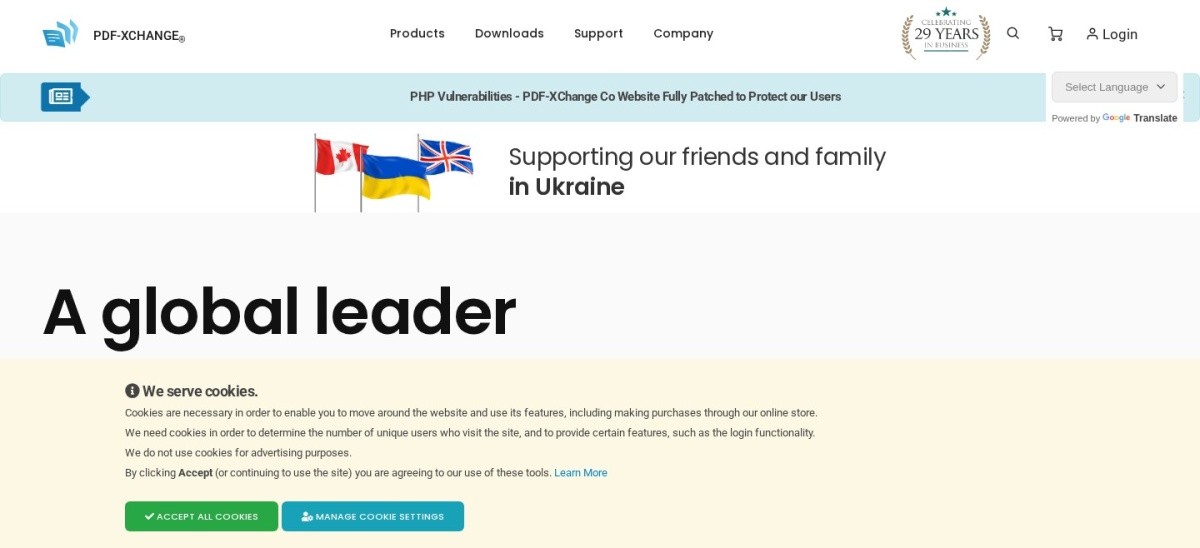
PDF-XChange Editor homepage, captured Nov 2026.
PDF-XChange Editor is a Windows PDF editor that merges, annotates and edits PDFs for a one-time fee of $62, with no monthly subscription. It opens large files fast, adds comments, stamps and measurement tools, and it is a popular pick for engineers and office users.
The trade off is that it is Windows only, with no Mac or browser version. The free version is limited, so full merging and OCR need the paid Plus licence, and the menus hide many tools in small icons. It suits Windows users who want to pay once and keep the tool.
4.6/5on WordPress.org (583 reviews, checked Nov 2026)
Paid from$5/mo
Best low-cost browser PDF suite
Free mergingYes, with limits
AdsFree plan shows ads
Paid planPremium, $5/mo billed yearly
File size limit100 MB per merge
ilovepdf.com
iLovePDF homepage, captured Nov 2026.
iLovePDF is a browser suite of more than 20 PDF tools that merges, splits, compresses and converts files in a few clicks. It has desktop and mobile apps too, and Premium costs $5 a month billed yearly, which removes ads and raises file and task limits.
The trade off is ads on the free plan, which is the main reason to pay. Free merges are capped by file size and task count, and files are processed on iLovePDF servers, so sensitive documents need care. It suits people who want many PDF tools in one place for a low monthly price.
4.5/5on WordPress.org (310 reviews, checked Nov 2026)
Paid from$9/mo
Best polished browser PDF suite
Free mergingYes, 2 tasks a day
AdsFree plan shows ads
Paid planPro, $9/mo billed yearly
AI toolsSummary and chat with PDF
smallpdf.com
Smallpdf homepage, captured Nov 2026.
Smallpdf is a polished browser PDF suite that merges, compresses, converts, signs and edits PDFs from one clean workspace. Its Pro plan costs $9 a month billed yearly and adds AI summary and chat tools, batch processing and more storage.
The trade off is the free plan, which allows only two tasks a day and shows ads. Pro costs more than iLovePDF for similar tools, and heavy files upload to Smallpdf servers, so sensitive documents need care. It suits teams that want a tidy all-in-one PDF workspace.
4.5/5on WordPress.org (5,335 reviews, checked Nov 2026)
Starts at$19.99/mo
Best full-featured PDF editor
Free versionReader only
Merge PDFsYes, in Pro
Paid planPro, $19.99/mo billed yearly
Sign and formsYes
adobe.com
Adobe Acrobat homepage, captured Nov 2026.
Adobe Acrobat is the industry standard PDF editor, with merging, editing, signing, forms and cloud storage in one app. Pro costs $19.99 a month billed yearly and works on desktop, web and mobile, with files that sync through Adobe cloud.
The trade off is price: it is the most expensive tool in this list, and the free Reader cannot merge files. Acrobat is also heavy on older computers, and some features need a constant internet connection. It suits people who already work in Adobe apps and need the full feature set.
For sensitive files, a desktop tool such as PDFsam Basic or Foxit PDF Editor keeps files off other people's servers.
How we chose
We started from the best-known PDF tools with a merge feature, then kept those with a free plan or a low paid price.
Prices come from each vendor's pricing page and G2, checked on 23 November 2026. Ratings come from G2 on the same day. Where a vendor shows a sale, the list shows the regular price.
We left out tools that show ads with no way to remove them, and tools with no rating on G2 or Capterra. No vendor paid for a place, and this list is based on pricing, docs and reviews, not on using the tools ourselves.
How to choose a PDF combining tool with no ads
Start with where you merge files, then pick free or paid.
Pick desktop or browser. Desktop tools keep files on your computer and never show ads. Browser tools work anywhere but may cap tasks per hour.
Check the free limits. Sejda allows 3 tasks an hour and Smallpdf allows 2 tasks a day. If you merge more often, a paid plan pays for itself.
Decide if you need editing too. If you only merge files, PDFsam Basic is enough. If you also edit, sign and fill forms, Foxit or Acrobat fits better.
Watch the ads. iLovePDF and Smallpdf show ads on free plans. If ads bother you, PDFsam Basic, Sejda or a paid plan removes them.
FAQ
What is the best PDF combining tool with no ads?
PDFsam Basic is the best free pick. It merges PDFs on your desktop with no ads, no sign-up and no file uploads, and it is open source. For browser merging, Sejda is the best free option with no ads.
Is there a free PDF merger with no ads?
Yes. PDFsam Basic is completely free with no ads, and Sejda merges files in the browser with no ads on its free plan. Both keep merging free, though Sejda caps free use at 3 tasks an hour.
Does iLovePDF have ads?
Yes, the free plan of iLovePDF shows ads. Premium costs $5 a month billed yearly and removes ads, raises file size limits and unlocks more tasks. If ads bother you, PDFsam Basic and Sejda show none.
Can I merge PDFs offline?
Yes. PDFsam Basic, Foxit PDF Editor and PDF-XChange Editor all merge PDFs on your desktop without an internet connection. Offline merging also keeps sensitive files off other people's servers.
What is the cheapest paid PDF combiner?
iLovePDF Premium is the cheapest paid plan in this list at $5 a month billed yearly. It removes ads and raises limits. PDF-XChange Editor costs $62 once, which is cheaper over two years.
Does Adobe Acrobat merge PDFs without ads?
Yes. Adobe Acrobat Pro merges PDFs with no ads, but it costs $19.99 a month billed yearly and the free Reader cannot merge files. Foxit PDF Editor merges PDFs for $10.99 a month.