Adobe Acrobat leads for full document markup and compliance across devices, backed by a 4.5 rating across 5,754 G2 reviews. For budget-minded annotation, Goodnotes starts at $11.99/yr for digital notebooks while Drawboard PDF starts at $50.32/yr billed annually for pen-first markups.
How we make this list: we compare pricing pages, product documentation and public user reviews, then re-check every price before each update. No product paid for a place. Disclosure.
Adobe Acrobat starts at $14.99/mo billed monthly ($179.88/yr) for Acrobat Standard, holding 4.5/5 across 5,754 G2 reviews.
Goodnotes offers a free tier and starts at $11.99/yr on Essential, with a 4.7/5 rating from 152 G2 reviews.
Xodo Web starts at $7.99/mo billed yearly ($95.88/yr), while Xodo PDF Studio is $9.99/mo billed yearly ($119.88/yr) or $240 perpetual.
PDF Expert starts at $79.99/yr across Apple devices or $139.99 one-time for Mac, rated 4.7/5 on G2 (32 reviews).
Drawboard PDF starts at $50.32/yr billed annually on Pro Lite ($4.19/mo) with a free Basic tier and 4.3/5 across 40 G2 reviews.
What to look for in a PDF annotation app
Choosing a PDF annotation app comes down to how you mark up files—typed comments and stamps for document reviews versus stylus handwriting and pressure-sensitive ink for notes and plans. Some tools focus on fast markup and commenting, while others bundle OCR, page management, e-signatures, or AI assistants.
Platform support is a frequent bottleneck. Several popular apps run only on Apple hardware or Windows, whereas web and cross-platform suites let you start a review on a tablet and finish on desktop.
Pricing models also vary widely between monthly subscriptions, annual plans, and one-time licenses. Always check whether core markup tools sit behind a paid tier or if an AI add-on costs extra on top of the base plan.
Best for full PDF workflows and cross-platform reviews
Entry planAcrobat Standard ($14.99/mo)
PlatformsWindows, macOS, Web, iOS, Android
Free optionAcrobat Reader for viewing & basic markup
AI add-onOptional AI Assistant / Acrobat Studio
adobe.com
Adobe Acrobat homepage, captured Nov 2026.
Adobe Acrobat is a widely used PDF suite for commenting, editing, converting, and signing documents across desktop, web, and mobile. Its free Acrobat Reader handles basic viewing and commenting, while paid tiers expand editing and document workflows.
The trade off is ongoing subscription cost, starting at $14.99/mo billed monthly ($179.88/yr) for Acrobat Standard on annual commitment. It suits teams and professionals who need broad OS support and standard PDF review tools.
What we like
Works across Windows, macOS, web, iOS, and Android
Broad feature set covering markup, conversion, and e-signatures
High review volume on G2 (4.5/5 across 5,754 reviews)
Watch out for
Recurring annual subscription commitment on paid tiers
Advanced tools and AI features cost more on higher plans or add-ons
Acrobat Standard adds editing and conversion tools beyond free Reader.Visit adobe.com
02
Goodnotes
4.7/5on G2 (152 reviews, checked Nov 2026)
Paid from$11.99/yr
Best for budget digital notebooks and handwriting
Entry planEssential ($11.99/yr)
Free optionFree tier with feature limits
AI add-onAI Pass available as monthly add-on
EducationFree for K-12 schools on Apple devices
goodnotes.com
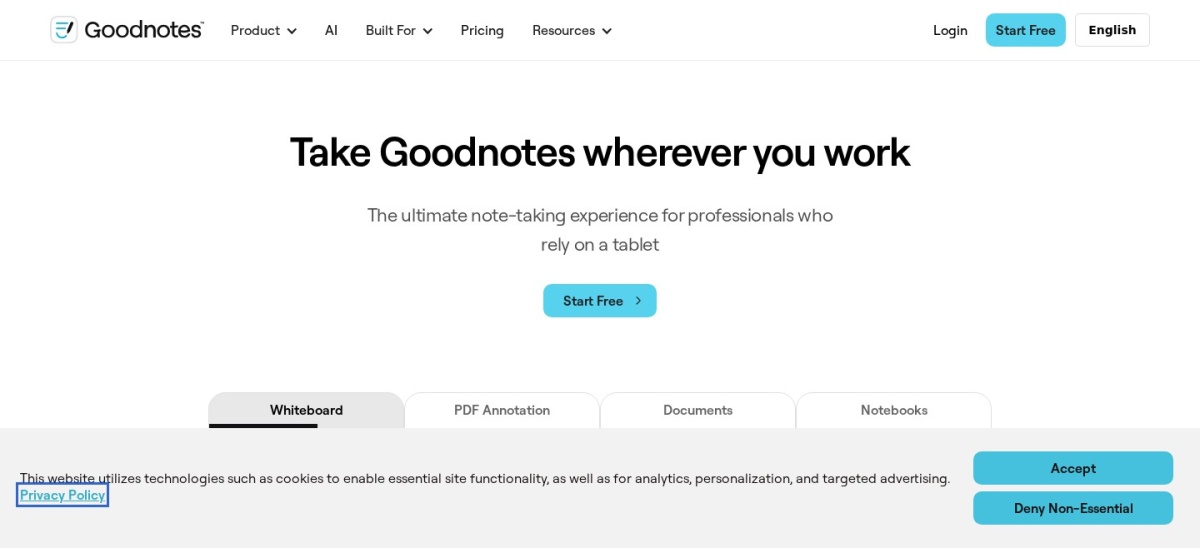
Goodnotes homepage, captured Nov 2026.
Goodnotes is a digital note-taking and PDF annotation app built around stylus handwriting, notebooks, and study workflows. It offers a free tier with feature limits and an Essential plan starting at $11.99/yr.
The trade off is that full AI features require higher tiers or a separate $9.99/mo AI Pass add-on. It suits students and note-takers who want low-cost annual pricing for handwritten markup.
What we like
Low entry price at $11.99/yr on Essential
Includes a free tier to test core note-taking and markup
Strong G2 rating of 4.7/5 across 152 reviews
Watch out for
Expanded AI features require higher tiers or an extra monthly add-on
Free plan restricts certain features and monthly AI credits
Essential unlocks core individual features and higher monthly AI credits than the free tier.Visit goodnotes.com
03
Xodo
4.4/5on G2 (37 reviews, checked Nov 2026)
Paid from$7.99/mo
Best for browser and cross-platform PDF tools
Entry planXodo Web ($7.99/mo billed yearly)
Desktop planXodo PDF Studio ($9.99/mo billed yearly)
Perpetual option$240 one-time for PDF Studio
Free optionFree Xodo PDF Reader & limited web use
xodo.com
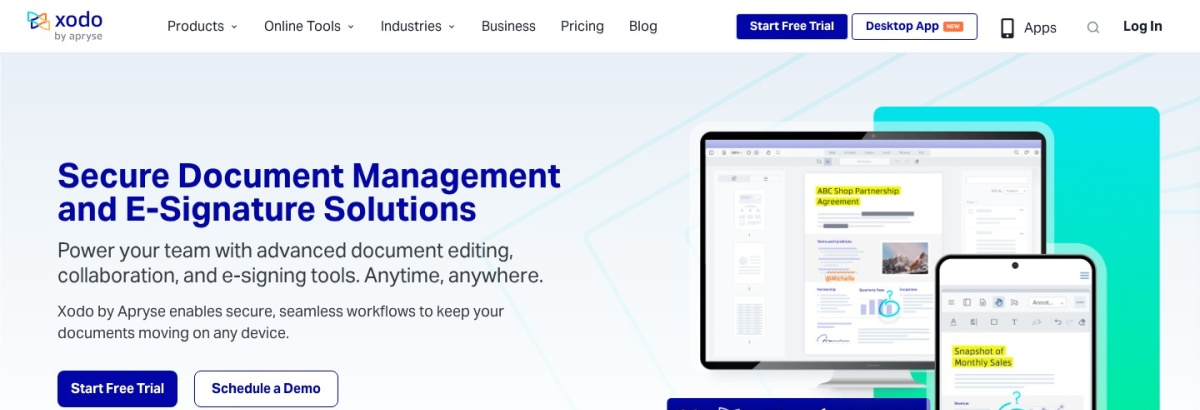
Xodo homepage, captured Nov 2026.
Xodo provides browser-based tools, desktop software, and mobile apps for viewing, annotating, editing, and converting PDFs. It offers a free Xodo PDF Reader and limited free web usage alongside paid subscriptions.
The trade off is that Xodo Web starts at $7.99/mo billed yearly ($95.88/yr), while offline PDF Studio costs $9.99/mo billed yearly ($119.88/yr) or $240 one-time. It suits users who want flexible web and cross-platform PDF options.
What we like
Offers web, desktop (PDF Studio), and mobile options
Includes a free desktop reader and entry web pricing under $100/yr
Offers a $240 perpetual license option for PDF Studio
Watch out for
Free web access has daily usage limits and watermarks on restricted tools
Separate plans exist for web, desktop, and the full Document Suite
Xodo Web unlocks unlimited use of 40+ online tools without software installation.Visit xodo.com
04
PDF Expert
4.7/5on G2 (32 reviews, checked Nov 2026)
Paid from$79.99/yr
Best for Apple users wanting fast PDF markup
Entry planPremium ($79.99/yr billed annually)
One-time option$139.99 one-time for Mac only
PlatformsiPhone, iPad, and Mac
Free optionFree download with 7-day trial
pdfexpert.com
PDF Expert homepage, captured Nov 2026.
PDF Expert is a PDF reading, annotation, and editing app built for iPhone, iPad, and Mac. Its free download covers basic viewing and light markup, while Premium adds full editing, OCR, and conversion.
The trade off is $79.99/yr for cross-device Apple access, or $139.99 one-time limited to Mac. It suits Apple-focused professionals who want responsive document handling and Apple Pencil support.
What we like
Single subscription covers iPhone, iPad, and Mac
Offers a $139.99 one-time Mac purchase option
Rates 4.7/5 across 32 reviews on G2
Watch out for
Limited to Apple platforms rather than Windows or Linux
One-time Mac purchase does not cover iOS devices
Premium unlocks unlimited text changes, OCR, file conversion, and PDF Copilot.Visit pdfexpert.com
05
Drawboard PDF
4.3/5on G2 (40 reviews, checked Nov 2026)
Paid from$4.19/mo
Best for stylus drawing and touch-screen markup
Entry planPro Lite ($4.19/mo, $50.32 billed yearly)
Drawboard PDF focuses on pen-and-touch annotation, drawing tools, and structured markup reviews. It includes a free Basic plan for personal use alongside paid Pro tiers.
The trade off is that Pro Lite costs $50.32/yr billed annually ($4.19/mo), with larger file limits and live sync gated to higher plans. It suits stylus and touch-screen users marking up plans and documents.
What we like
Affordable annual entry price at $50.32/yr on Pro Lite
Free Basic tier available for personal use
Built around pressure-sensitive ink and markup workflows
Watch out for
Pro Lite caps document conversion at 40 MB and omits live sync
Lower G2 rating (4.3/5 across 40 reviews) than several peers
Pro Lite adds pressure-sensitive ink tools, document conversion, and review exports.Visit drawboard.com
06
UPDF
4.6/5on Capterra (20 reviews, checked Nov 2026)
Paid from$79.00/yr
Best for bundled AI tools and multi-device use
Entry planYearly / AI Yearly Plan ($79.00/yr)
Lifetime optionAvailable on UPDF plans
Key toolsAnnotate, edit, OCR, chat with PDF, mind maps
Free optionFree download available
updf.com
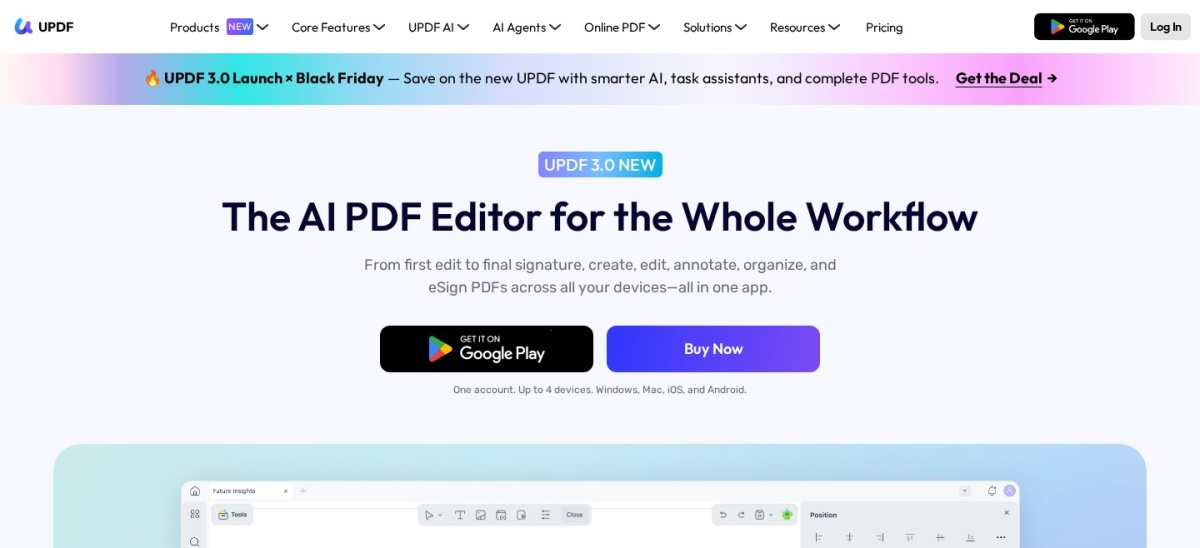
UPDF homepage, captured Nov 2026.
UPDF combines PDF annotation, text and image editing, OCR, and AI document tools in a single app. You can download UPDF for free before choosing an annual or lifetime plan.
The trade off is $79.00/yr on its listed yearly plans, with separate renewals or limits depending on AI add-ons and device counts. It suits users who want built-in PDF summaries, translation, and annotation under $100/yr.
What we like
Entry yearly plan sits under $100/yr at $79.00/yr
Includes annotation alongside OCR, conversion, and AI document tools
Holds a 4.6/5 rating across 20 Capterra reviews
Watch out for
AI Assistant and cloud storage limits vary across tiers and add-ons
Smaller public review count (20 reviews on Capterra) than older suites
Paid plans unlock full editing, OCR, batch processing, and AI document features.Visit updf.com
07
Notability
4.6/5on G2 (45 reviews, checked Nov 2026)
Paid from$11.99/yr
Best for audio-synced notes and PDF markup
Entry planLite ($11.99/yr)
Free optionStarter free plan (up to 5 free notes)
Standout featureAudio recording synced with notes
Higher tiersPlus ($15.99/yr) and Pro ($79.99/yr)
notability.com
Notability homepage, captured Nov 2026.
Notability is a note-taking app that lets you import PDFs, annotate pages, and record audio synced to your notes. Its free Starter plan allows up to 5 free notes, while Lite starts at $11.99/yr.
The trade off is a 5-note cap on the free tier and usage limits on AI study tools unless you upgrade to Plus or Pro. It suits students and meeting attendees who pair PDF markup with audio playback.
What we like
Low entry pricing at $11.99/yr for Lite
Syncs audio recordings with written notes and annotations
Rates 4.6/5 across 45 reviews on G2
Watch out for
Free Starter plan limits you to 5 free notes
AI transcription, summaries, and quizzes are capped or require higher tiers
Lite removes the 5-note limit and adds third-party backups on iOS.Visit notability.com
How we chose
This list focuses on standalone PDF annotation and note-taking apps that support marking up PDFs with highlights, comments, or ink across desktop, web, or mobile. We prioritized established tools with active updates and public user review profiles.
All prices, plan tiers, and review ratings were checked on 22 Nov 2026 against vendor pricing pages and G2 or Capterra listings. Where promotional discounts appeared on vendor pages, we recorded the standard or non-discounted pricing where stated.
We excluded WordPress plugins, browser-only converters without dedicated markup workflows, and tools lacking confirmed public pricing or review data on the pages we opened. No vendor paid for a place, and we do not claim testing for this list.
How to choose the right PDF annotation app
Follow four practical checks before committing to a subscription or license:
**Match the app to your daily devices.** Check whether the tool runs on your primary desktop and mobile operating systems so you do not get locked out of files mid-project.
**Decide between typed reviews and stylus handwriting.** Pick a document review suite if you rely on comments, stamps, and form fields, or a note-taking app if you write with a stylus.
**Check free tier limits before paying.** Confirm whether the free plan restricts file counts, daily tasks, or exports so you know when you will hit a paywall.
**Factor in AI and storage add-ons.** Look closely at whether OCR, cloud sync, or AI summaries are included in the base plan or billed separately.
FAQ
What is the best PDF annotation app overall?
Adobe Acrobat is a strong all-around choice if you need commenting, editing, file conversion, and e-signatures across multiple operating systems. It holds a 4.5/5 rating across 5,754 G2 reviews, with paid plans starting at $14.99/mo billed monthly.
Which PDF annotation app has the lowest paid entry price?
Both Goodnotes and Notability list entry plans at $11.99/yr on their pricing pages. Goodnotes focuses on digital notebooks and handwriting, while Notability pairs PDF markup with audio recording.
Do any of these PDF annotation apps offer a free version?
Yes, every app on this list has a free tier or free reader download to start with. Free tiers vary from basic viewing and light markup to note or daily usage caps.
Are one-time licenses still available for PDF annotation apps?
Some vendors still offer one-time purchases alongside subscriptions, including Xodo PDF Studio at $240 and PDF Expert at $139.99 for Mac. Always check whether future major upgrades or add-ons cost extra.
Which app works best if I annotate with a stylus?
Drawboard PDF, Goodnotes, and Notability are built around stylus and touch input for writing or drawing directly on pages. Drawboard PDF starts at $50.32/yr billed annually on Pro Lite, while Goodnotes and Notability start at $11.99/yr.
Do I need a paid plan for OCR and AI features?
Often yes, because optical character recognition, document conversion, and AI assistants are frequently gated to paid plans or add-ons. Check the plan comparison table for each tool if searching scanned PDFs or summarizing files matters to you.
SaaS SEO and WordPress specialist with about 8 years of experience. Rakib compares WordPress plugins, themes, hosting and software using public pricing, documentation and user reviews. See how we rank.