OnPay is the best payroll software for small businesses, offering unlimited payroll runs and automated tax filing for $49 per month plus $6 per worker. Choose Gusto for integrated payroll and employee benefits, or Square Payroll for businesses that already use Square to manage sales and employee shifts.
How we make this list: we compare pricing pages, product documentation and public user reviews, then re-check every price before each update. No product paid for a place. Disclosure.
OnPay includes unlimited payroll runs from $49 per month plus $6 per worker.
Gusto starts at $49 per month plus $6 per person and has a 4.6/5 G2 rating.
Square Payroll charges $35 per month plus $6 per worker for employee payroll.
SurePayroll offers self-managed tax filing from $29 per month plus $4 per employee.
Roll by ADP provides mobile payroll for $59 per month plus $7 per employee.
Rippling has a 4.7/5 G2 rating and offers customized payroll and workforce management packages.
What small businesses need from payroll software
Payroll software should calculate wages, deductions and taxes accurately while maintaining organized payment records. Automated processing reduces repetitive administrative work and helps employers meet payment deadlines.
Look for full-service payroll if you want the provider to handle tax calculations, payments and filings. Basic payroll plans can cost less, but they leave more compliance responsibilities with the employer.
Most payroll providers charge a monthly subscription fee plus a fee for each worker. Compare the total cost at your current headcount rather than relying exclusively on advertised starting prices.
Employee self-service, accounting integrations and automatic payroll scheduling are particularly useful for businesses without dedicated payroll departments. Check whether time tracking, benefits administration and HR support require separate subscriptions.
The 7 best payroll software tools for small business
01
OnPay
4.8/5on G2 (424 reviews, checked Nov 2026)
Starts at$49/mo
Best for small business payroll overall
Entry planPayroll Essentials
Worker fee$6/mo
Payroll runsUnlimited
Tax filingIncluded
onpay.com
OnPay homepage, captured Nov 2026.
OnPay is a cloud payroll platform combining employee payments, tax management and hiring administration. Its Payroll Essentials plan costs $49 per month plus $6 per worker and includes unlimited payroll processing, employee self-service and automated tax filings.
The trade off is that advanced HR services and time tracking require additional subscriptions beyond the $49 monthly base price. It suits small businesses that prioritize comprehensive payroll processing without paying for unnecessary workforce management features.
What we like
Unlimited payroll processing
Automated payroll tax administration
Assisted migration from existing providers
Employee and contractor payments
Watch out for
No permanent free plan
Advanced HR features cost extra
Native time tracking requires an add-on
Payroll Essentials includes payroll, tax filing and hiring basics.Visit onpay.com
02
Gusto
4.6/5on G2 (14,264 reviews, checked Nov 2026)
Starts at$49/mo
Best for payroll and employee benefits
Entry planSimple
Worker fee$6/mo
Payroll runsUnlimited
Benefits administrationAvailable
gusto.com
Gusto homepage, captured Nov 2026.
Gusto is a payroll and HR platform designed for businesses that want to manage employee compensation and benefits together. Its Simple plan starts at $49 per month plus $6 per person, covering payroll processing, tax administration and basic paid time off policies.
The trade off is that integrated time tracking, faster payments and more complex payroll arrangements require higher subscription tiers, starting with Plus at $80 per month plus $12 per person. It suits growing businesses that want payroll and HR functions in a shared workspace.
What we like
Payroll and benefits management
Automatic tax filing
Employee onboarding capabilities
Large public review base
Watch out for
Advanced time tracking costs extra
Higher tiers increase per-worker costs
No permanent free payroll plan
Simple adds full payroll processing and basic employee administration.Visit gusto.com
03
Square Payroll
4.2/5on G2 (31 reviews, checked Nov 2026)
Starts at$35/mo
Best for retail and hospitality businesses
Entry planFull-service payroll
Worker fee$6/mo
Contractor-only plan$6/person/mo
POS integrationSquare
squareup.com
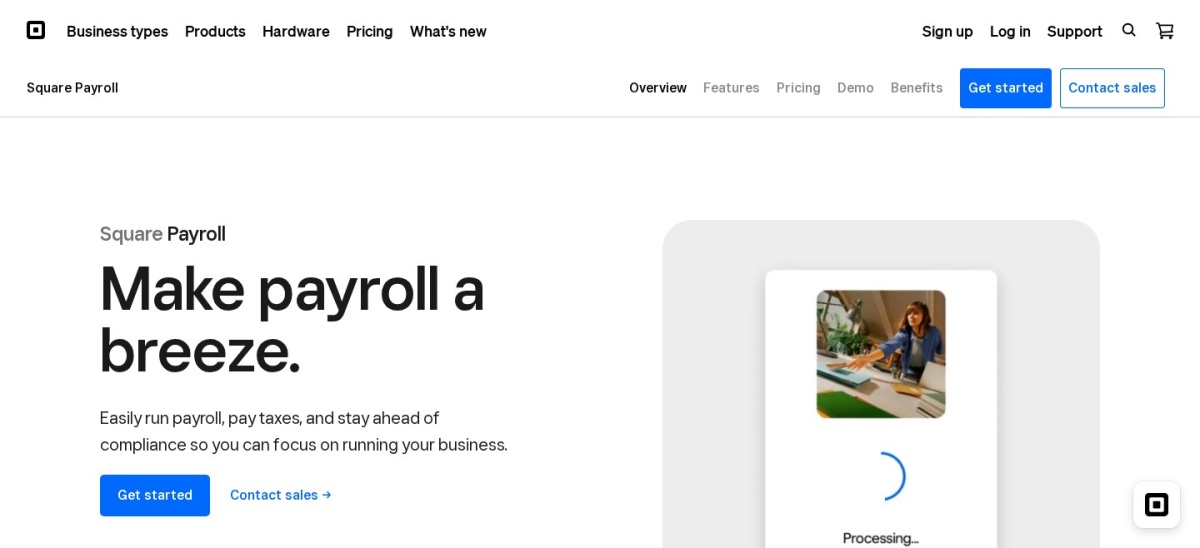
Square Payroll homepage, captured Nov 2026.
Square Payroll is an online payroll service designed for businesses managing hourly employees, contractors and shift-based workforces. Full-service payroll costs $35 per month plus $6 per person paid, with automatic payroll, tax filing and unlimited payment runs.
The trade off is that Square Payroll offers fewer advanced HR capabilities than dedicated workforce management platforms. Its $35 monthly employee payroll plan is particularly suitable for restaurants, retailers and service businesses already using Square for sales and employee timekeeping.
What we like
Integration with Square business tools
Supports hourly workers and contractors
Unlimited payroll runs
Contractor-only pricing available
Watch out for
Limited advanced HR functionality
Some payment speeds depend on eligibility
Contractor-only payroll costs $6 per person monthly without a base fee.Visit squareup.com
04
SurePayroll
4.3/5on G2 (546 reviews, checked Nov 2026)
Starts at$29/mo
Best for budget-conscious small employers
Entry planNo Tax Filing
Worker fee$4/mo
Full Service plan$39/mo + $7/worker
Automatic payrollAvailable
surepayroll.com
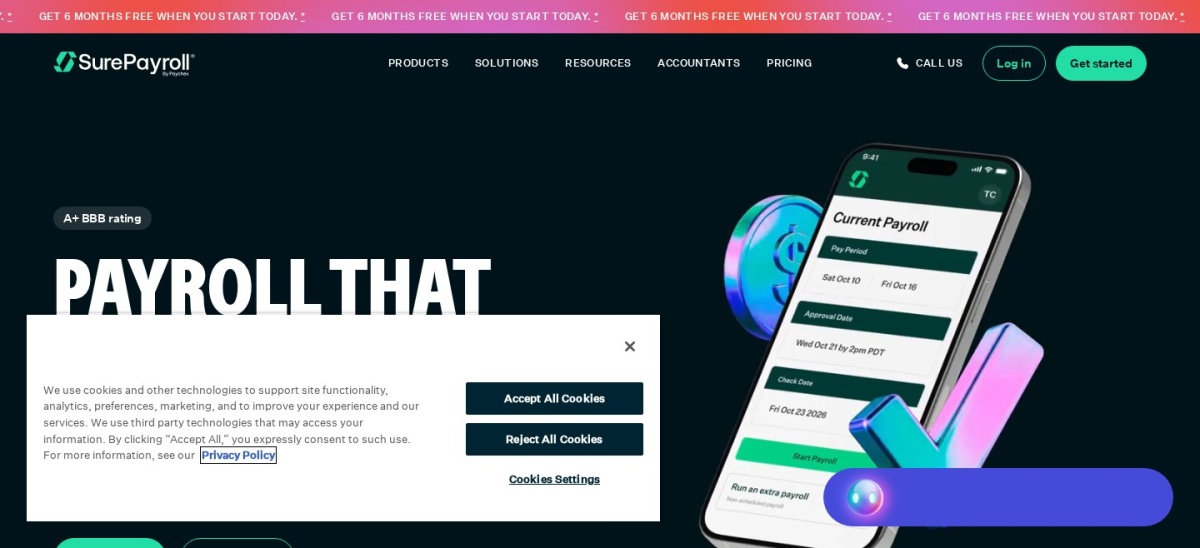
SurePayroll homepage, captured Nov 2026.
SurePayroll is an online payroll service focused on small employers that need straightforward wage processing. Its No Tax Filing plan lists at $29 per month plus $4 per employee and provides payroll processing without transferring tax filing responsibilities to the provider.
The trade off is that employers using the $29 plan must manage their own payroll tax deposits and filings. Full Service lists at $39 per month plus $7 per employee, making it suitable for owners who prefer automated tax administration. Promotional pricing may reduce initial subscription costs.
Rippling is a workforce management platform that connects payroll with employee records, benefits, attendance and business workflows. Its modular subscription structure lets employers select the payroll and HR services they need while maintaining shared employee information.
The trade off is custom pricing, which depends on employee headcount and selected modules. It suits expanding businesses that want to connect payroll with onboarding, reporting and broader administrative processes instead of managing separate applications.
What we like
Connected employee records
Configurable administrative workflows
Payroll and HR integration
Modular product selection
Watch out for
Requires a personalized pricing quote
More configuration than basic payroll tools
Additional modules increase overall costs
Paid packages combine selected payroll and workforce management modules.Visit rippling.com
06
Roll by ADP
4.6/5on G2 (22 reviews, checked Nov 2026)
Starts at$59/mo
Best for mobile payroll processing
Entry planStandard payroll
Worker fee$7/mo
Payroll runsUnlimited
InterfaceMobile and chat-based
rollbyadp.com
Roll by ADP homepage, captured Nov 2026.
Roll by ADP is a mobile-focused payroll service that helps business owners process wages through a conversational interface. Its regular subscription costs $59 per month plus $7 per employee and includes unlimited payroll, tax payments and employee self-service.
The trade off is that its $59 monthly base fee is higher than several conventional payroll platforms, despite offering fewer advanced HR tools. It suits owners who prefer managing payroll from mobile devices. A three-month introductory promotion is available subject to terms.
What we like
Mobile-first payroll processing
Unlimited payment runs
Automated tax calculations and payments
Live chat support
Watch out for
Higher starting fee than several alternatives
Limited advanced HR functionality
Relatively small public review sample
The subscription includes mobile payroll and automated tax administration.Visit rollbyadp.com
07
Paychex Flex
4.1/5on G2 (1,767 reviews, checked Nov 2026)
PricingCustom pricing
Best for payroll with specialist support
Pricing modelCustomized packages
Payroll processingAvailable
Tax administrationAvailable
HR supportPackage dependent
paychex.com
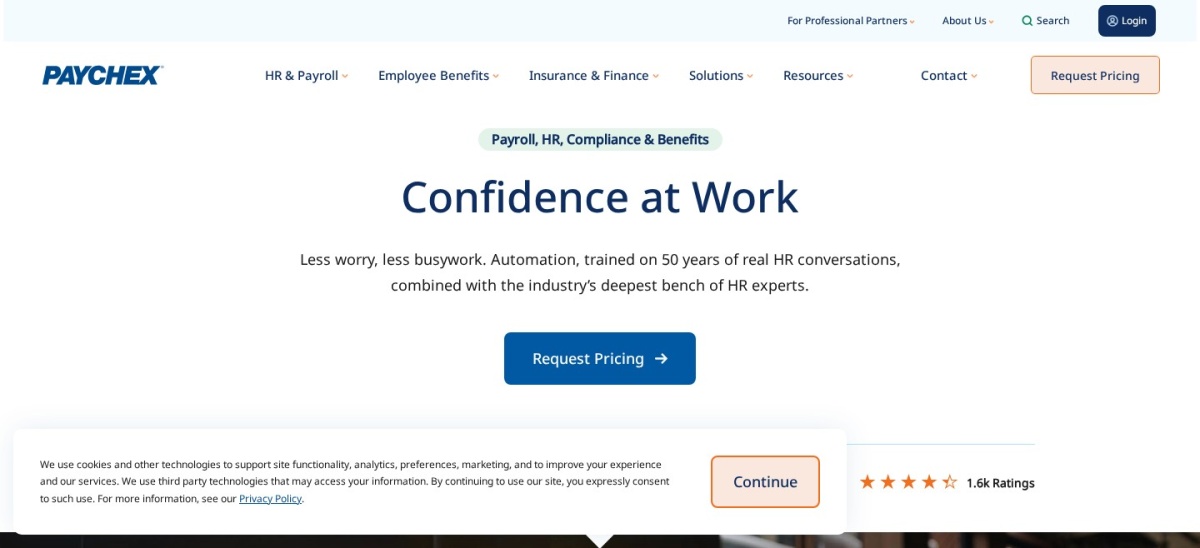
Paychex Flex homepage, captured Nov 2026.
Paychex Flex is a payroll and workforce administration platform that combines wage processing, tax management and employee services. Employers can select packages with payroll support, employee self-service, reporting and additional HR capabilities.
The trade off is custom pricing and package-dependent features, which make direct cost comparisons less straightforward. It suits businesses that value access to payroll specialists and want additional administrative support as their workforce grows.
What we like
Payroll and tax administration services
Access to specialist support
Employee self-service tools
Expandable HR capabilities
Watch out for
No public fixed subscription price
Some services require additional fees
Package comparisons require sales consultation
Paid packages provide payroll processing with optional HR and compliance services.Visit paychex.com
How much does small business payroll software cost?
Public employee payroll plans in this comparison have regular monthly base fees ranging from $29 to $59, excluding worker charges. Providers typically add recurring fees according to the number of people being paid.
OnPay and Gusto each cost $79 per month for five workers on their entry employee payroll plans. Square Payroll costs $65 per month for the same headcount. These calculations exclude optional services and temporary discounts.
The annual price ladder compares regular base subscription fees before worker charges. Contractor-only subscriptions are listed separately from employee payroll plans. Custom-priced packages use a zero value for the price ladder and are not free services.
Full-service payroll vs. basic payroll software
Basic payroll software calculates wages, deductions and tax obligations while leaving some administrative responsibilities with the employer. This approach can work for businesses whose accountants already handle payroll compliance.
Full-service payroll transfers more routine tax administration to the provider. Businesses without dedicated payroll staff should compare the additional subscription cost against the time and administrative work involved in managing filings independently.
How we chose
We selected established payroll platforms that serve small employers and provide employee payment processing, payroll reporting and administrative tools. We compared subscription structures, tax administration, employee self-service and available HR integrations.
Official subscription prices and G2 ratings were checked on 25 Nov 2026. Annual prices represent regular monthly base subscription fees multiplied by twelve, excluding worker charges, promotional discounts and optional services.
We excluded discontinued products, providers without sufficient public review history and tools that focus exclusively on invoicing or contractor payments rather than employee payroll. No vendor paid for a place, and we do not claim testing for this list.
How to choose payroll software for your small business
Compare payroll providers using your workforce size, compliance responsibilities, existing accounting tools and expected business growth.
Calculate your complete monthly cost. Add the subscription base fee, employee charges and any required add-ons. Compare regular prices rather than introductory discounts.
Decide who will handle payroll taxes. Choose full-service payroll if you need automated tax deposits and filings. Basic payroll may suit businesses with dedicated accounting support.
Check integration requirements. Confirm compatibility with your accounting platform, time tracking software, sales systems and existing employee management tools.
Review support and migration options. Ask how employee records, historical wages and tax information will transfer. Check support availability and cancellation conditions before subscribing.
FAQ
What is the best payroll software for a small business?
OnPay is our top pick because it combines unlimited payroll processing, automated tax filing and transparent pricing. Gusto is another suitable option for businesses that want employee benefits and HR administration alongside payroll.
What is the cheapest payroll software for small businesses?
SurePayroll has a regular base subscription of $29 per month plus $4 per employee for its No Tax Filing plan. Square Payroll offers full-service employee payroll for $35 per month plus $6 per worker.
Can payroll software automatically file payroll taxes?
Yes. Full-service providers such as OnPay, Gusto and Square Payroll include automated tax administration. Always confirm which tax obligations are covered, whether additional filing fees apply and what responsibilities remain with your business.
Is payroll software worth it for a business with one employee?
Payroll software can be worthwhile even for businesses with one employee because it helps maintain payment records, calculate deductions and organize tax obligations. Compare the subscription expense with the administrative time and accounting costs it could reduce.
Is there free payroll software for small businesses?
Some providers offer free trials, payroll calculators or limited accounting features, but these are not equivalent to ongoing full-service payroll. Employers should distinguish temporary promotions from permanent free subscriptions and verify which tax services are included.
Can payroll software pay employees and independent contractors?
Yes. OnPay, Gusto, Square Payroll and several other providers support both employees and independent contractors. Employers should confirm available payment methods, reporting capabilities and worker-specific subscription fees before choosing a provider.
What is the difference between payroll software and accounting software?
Payroll software manages employee wages, deductions, payments and related tax obligations. Accounting software manages broader financial activities, including revenue, expenses and financial statements. Integrating the two helps reduce duplicate data entry and simplify reconciliation.
SaaS SEO and WordPress specialist with about 8 years of experience. Rakib compares WordPress plugins, themes, hosting and software using public pricing, documentation and user reviews. See how we rank.